Antigravity vs Cursor: Which AI Code Editor Wins in 2026?

AI Infrastructure Lead

🎯 Key Takeaways
- Cursor is the best-in-class AI editor — legendary Tab completion, Agent mode, Composer, and codebase context. Proven at scale (over half the Fortune 500), priced from $20/month.
- Google Antigravity is an agent-first platform with a Manager surface for orchestrating multiple agents at once, and it's free in public preview.
- Both support Claude, GPT, and Gemini. Cursor is GUI-first and polished; Antigravity is built around autonomous, parallel agents and verifiable Artifacts.
- Pick Cursor for day-to-day editing and maturity. Pick Antigravity for multi-agent orchestration and a free start.
Cursor won the AI-editor era — it's the tool "all the best builders" reached for, now trusted by more than half the Fortune 500. Then Google shipped Antigravity, a free, agent-first platform that treats orchestrating a fleet of agents as the main event. So is the newcomer a real threat, or a different tool for a different job? Here's the head-to-head.
At a Glance
| Dimension | Antigravity | Cursor |
|---|---|---|
| Core idea | Agent-first orchestration | AI-first code editor |
| Interface | Editor + Manager surface | Polished GUI IDE |
| Multi-agent | ✓ Native fleet | Background/Cloud agents |
| Tab completion | Yes | Best-in-class |
| Models | Gemini 3 Pro, Claude, GPT | Claude, GPT, Gemini, Grok |
| Pricing | Free (preview) | $0 / $20 / $60 / $200 |
| Maturity | Public preview | Mature, Fortune 500 |
Philosophy: fleet of agents vs the perfect editor
Cursor's bet is that the editor is still where work happens. It's a beautifully AI-native IDE: Tab predicts your next edit with uncanny accuracy, Agent mode makes autonomous multi-file changes, Composer plans multi-step tasks, and semantic codebase indexing gives the AI real context. It feels like the editor you already know, sped up 10x.

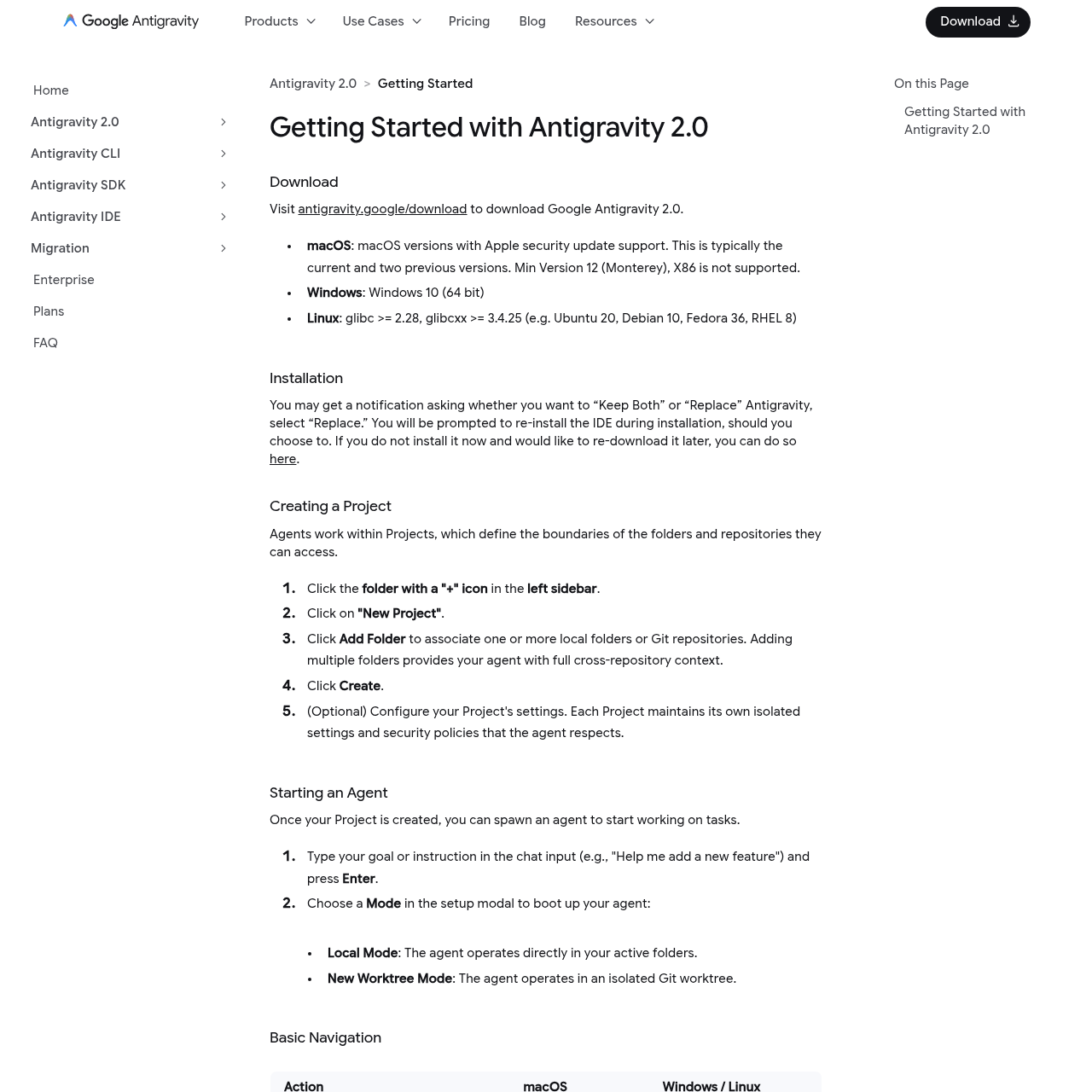
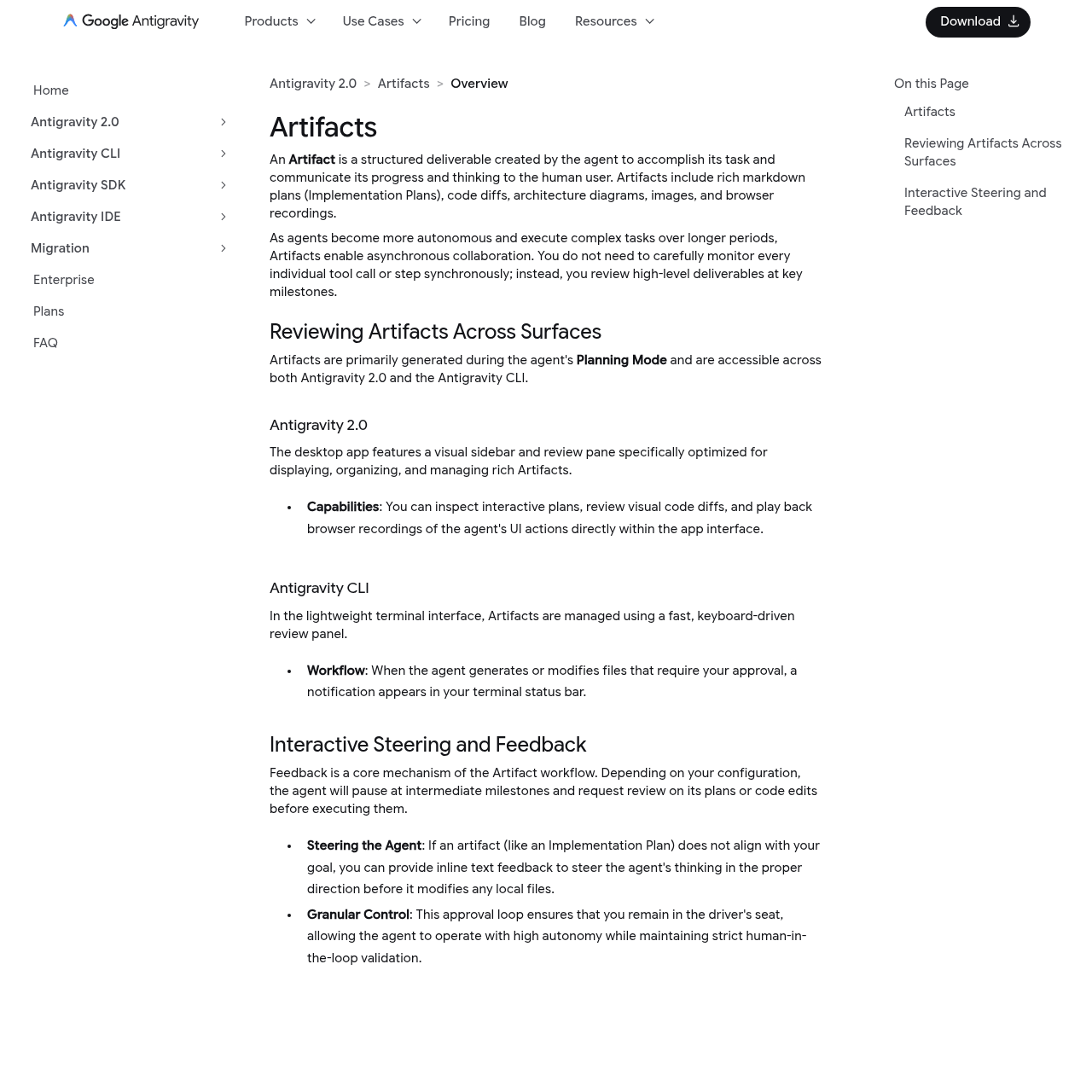
Antigravity's bet is that the future is orchestration. It keeps a familiar editor (the Editor View) but centers the experience on the Manager surface — a command center where you spawn, direct, and observe many agents running asynchronously across workspaces. Agents hand back verifiable Artifacts (plans, screenshots, browser recordings), so you review outcomes rather than babysit keystrokes.
Features: where each pulls ahead
Cursor wins on editor craft. Nothing beats its Tab completion, and the day-to-day loop — edit, accept, iterate — is the smoothest in the category. Add Background Agents, Cloud Agents, a CLI, Slack, GitHub PR review, and an iOS app, and it's a complete, mature ecosystem you can drop a whole team into.

Antigravity wins on scale and autonomy. If your workflow is "kick off five tasks and check back," its Manager surface and Artifacts are purpose-built for that in a way Cursor's Background Agents only approximate. New Worktree Mode also lets an agent build in an isolated Git worktree without touching your branch — a clean safety model for autonomous work.
On models, it's close: both let you use Claude, GPT, and Gemini. Cursor adds Grok and its own models; Antigravity leans on Gemini 3 Pro with generous limits. Neither locks you in.
Pricing: free preview vs credit-based plans
Antigravity is free for individuals in public preview — the full editor and Manager, with usage on Google's AI credits and paid tiers only if you need more. Cursor has a free Hobby tier, but its real plans are paid and credit-based: Pro at $20/month, Pro+ at $60, and Ultra at $200, where each plan's monthly credit pool depletes based on which premium models you run (Auto mode is unlimited).

For cost alone, Antigravity's free preview is unbeatable right now. But "free preview" carries the usual caveats — shifting limits and evolving features — while Cursor's paid plans buy you stability and a proven track record.
Which should you choose?
Choose Antigravity if…
- ✓ You want to orchestrate many agents at once
- ✓ You prefer reviewing outcomes over keystrokes
- ✓ You want it free while it's in preview
- ✓ You like worktree-isolated autonomous agents
- ✓ You're comfortable on the bleeding edge
Choose Cursor if…
- ✓ You want the best editor and Tab completion
- ✓ You value maturity and stability
- ✓ You need a proven team/enterprise tool
- ✓ You want the deepest integrations
- ✓ Day-to-day editing is your main loop
Honestly? Since Antigravity is free, run both. Keep Cursor as your daily editor and use Antigravity when you want to fan out a fleet of agents on a big task. If you're weighing terminal-native agents too, see our OpenCode vs Claude Code comparison and the full Antigravity review.
Frequently Asked Questions
Recommended AI Tools
played.fm
Sell your music and keep 100%: played.fm is a direct-to-fan store + sync marketplace with 0% commission, no gatekeepers, and no bans — a strong fit for AI musicians.
View Review →OpenCode
The open-source AI coding agent: terminal-first TUI, 75+ model providers, LSP context, subagents, and privacy-first design. Free software, ~180K GitHub stars.
View Review →Exa
The neural web search API for AI agents: embeddings-based retrieval, cited highlights, sub-180ms latency, and an MCP server. 20,000 free requests/month.
View Review →Google Antigravity
Google's agent-first IDE: run a fleet of AI agents from a Manager surface, on Gemini 3 Pro, Claude Sonnet 4.5, or OpenAI models. Free in public preview.
View Review →