Best AI Note-Taking App 2026: 8 Tools Tested (AI-Native vs Bolted-On)

Head of AI Research
Key Takeaways
- AI-native (Granola, Mem, Tana) vs AI bolted-on (Notion AI, Obsidian, Otter) — the 2026 split that matters.
- Best overall: Granola ($14/user/mo) — AI-native meeting capture, no bot joins your call.
- Best free: Fathom — unlimited recording + AI summaries forever, $0.
- Best second brain: Mem AI ($12/mo) — AI auto-links notes; no folders.
- Most private: Apple Notes + Apple Intelligence — on-device + Private Cloud Compute.
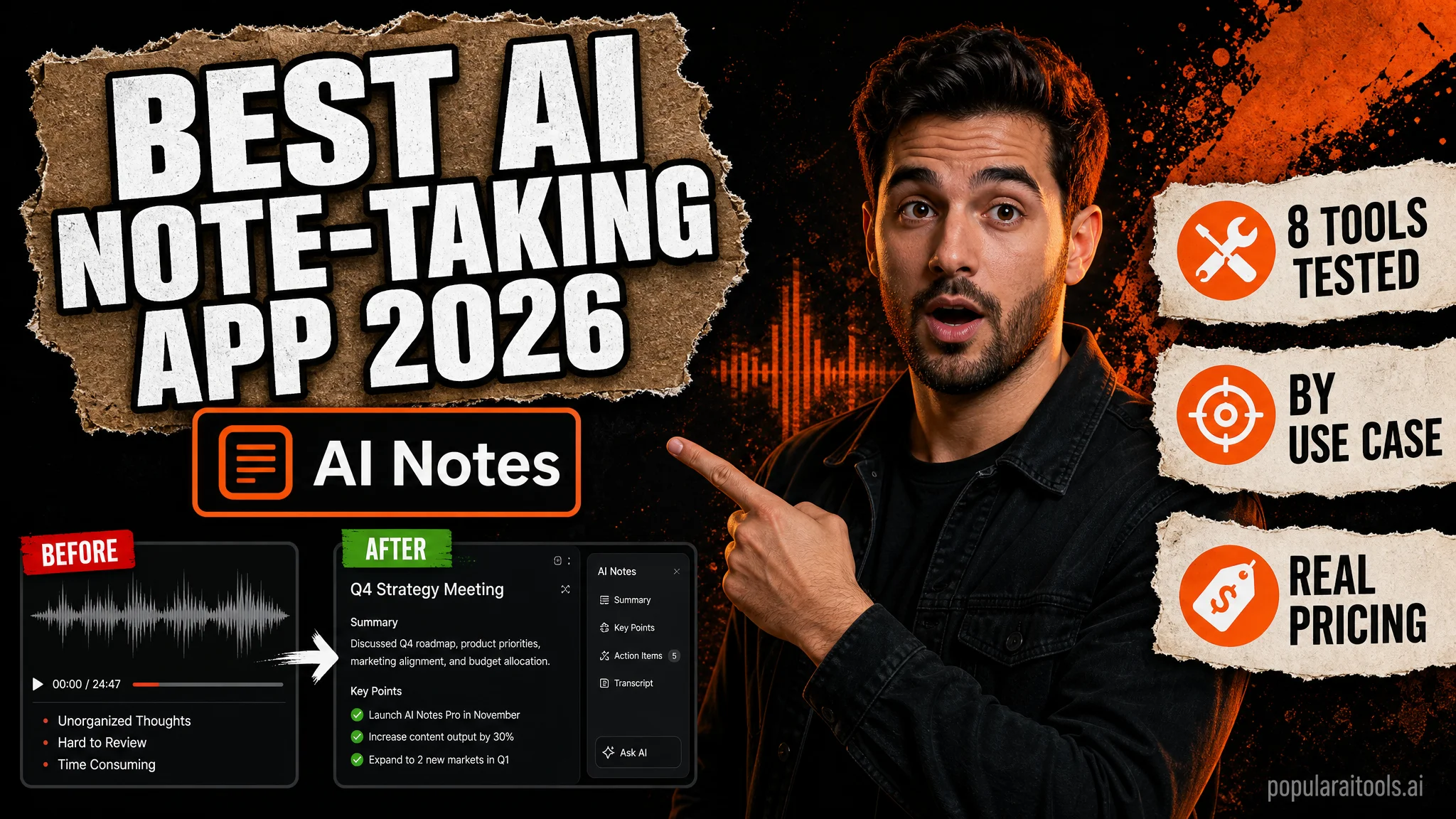
Most "AI note-taking apps" in 2026 are a 2019 notes app with Claude or GPT bolted onto the sidebar. Useful, but the seams show — the AI is a separate panel, you copy text into it, it copies suggestions back, and the rest of the app pretends nothing changed. A second category exists and most listicles miss it: AI-native note-taking apps that were rebuilt around the LLM rather than around a sidebar widget. Granola's meeting screen IS the AI — your bullet points become the prompt. Mem 2.0 auto-links your notes via embeddings and there are no folders to organize. Tana's supertags turn unstructured text into queryable structure that the AI commands operate on natively. Everything else is "Notes + AI."
This article splits the 2026 landscape into AI-native and bolted-on, then ranks 8 tools across seven use cases (best overall, best free, best for meetings, best for voice, best for second brain, best for Mac, best for cross-platform). Real pricing pulled from vendor /pricing pages on May 24, 2026 — the Mem AI price dropped from $14.99 to $12 in late 2025, Otter's free tier capped harder than most listicles report, and Reflect's pricing page has been intermittently 404'ing (worth checking before committing). Plus three "do NOT use for" warnings that protect you from common mistakes like buying Notion AI for note-taking when you don't actually live in Notion.
AI-native vs AI bolted-on — the 2026 split
The structural test for "AI-native": would this app still exist as-is if you removed the LLM? Notion would. Obsidian would. Apple Notes would. Granola wouldn't — its entire UX is the bullet-to-prompt loop. Mem 2.0 wouldn't — auto-linking depends on embedding similarity. Tana wouldn't — its supertag-driven AI commands assume a working LLM as part of the data model.
30-second pick by use case
Granola — best overall

Granola redefined what AI meeting notes can look like. There's no bot in your Zoom/Teams/Meet — Granola listens to your Mac's audio directly while you type messy bullet points during the conversation. After the meeting, those bullets become the prompt for the AI summary: the model rewrites them into structured notes grounded in the actual transcript. The result is notes that match how YOU were thinking about the meeting, not a generic "the speakers discussed X, Y, Z" summary that every other tool produces.
Pricing: Free with capped meeting history, Business at $14/user/month, Enterprise custom. Mac + iOS native, Web access for everything else. Privacy: SOC 2 + HIPAA compliant; free-tier users can opt out of model training, Enterprise gets org-wide opt-out. A real Reddit user verdict captured the headline: "the best AI note taker I've used" — with the caveat that pricing is "steep" and the AI lacks "full workspace context" beyond the current meeting.
Granola's structural limitation: no native Windows client. Mac plus iOS plus Web. If your team is split across Mac and Windows, you'll have Windows users on the Web app which is less integrated than the native Mac experience. For Mac-first teams (and most modern startups), this isn't a problem; for enterprise-mixed shops, it can be.
Mem AI — best second brain

Mem 2.0 (October 2025) rebuilt the app around an agentic AI layer. You drop notes in. The AI auto-links them via embedding similarity. There are no folders to organize. When you search, the AI surfaces related context — meetings you forgot, related ideas from months ago, the half-finished essay that pairs with the new note. The mental shift from filing-based to associative-based note-taking is the whole pitch, and for users who think in connections rather than hierarchies, it's a transformative shift.
Pricing: Free tier capped at 25 notes/month, Pro at $12/month (verified against get.mem.ai/pricing May 2026 — down from $14.99 in 2024). Web + iOS + Google Workspace integration. A user paraphrased in Supernormal's 2026 second-brain roundup captured why it works: "Mem was the only tool where they felt relieved after taking a note, because they didn't have to think about where it lived or how they'd find it again." That's the emotional benefit of removing the filing layer — the friction of "where does this note go?" disappears entirely.
Fathom — best free

Fathom is the genuine outlier in the free-tier landscape. Unlimited recording. Unlimited transcription. Unlimited AI summaries. Unlimited action item extraction. No monthly cap. No time limit. Forever free for the core product. Premium at $16/month annual adds 15+ expert summary templates and a meeting assistant, but most users never need to upgrade.
From an independent 2026 review aggregating 7 tested AI meeting notetakers: "Fathom has the most generous free tier of any AI meeting notetaker: unlimited recording, transcription, and AI summaries with no time limit." The catch — Fathom is bolted-on, not AI-native. It joins your meeting as a bot (visible to other participants), runs full transcription, then runs LLM summarization as a post-process. The AI is an additive layer rather than the core UX. But for the price (zero), the trade-off is acceptable for most use cases.
When to use Fathom over Granola: if cost is a factor, if you're fine with a bot joining the call, or if you need full transcripts (not just AI-summarized notes). When to use Granola over Fathom: if bot-in-meeting is a deal-breaker for your participants, if you take live notes anyway and want them to become the prompt, or if you want a Mac-native experience.
The bolted-on tier: Notion AI, Otter, Obsidian
Three tools that aren't AI-native but solve specific use cases well enough to make the shortlist.
1. Notion AI — best for existing Notion users ($10/user/mo)
If your work already lives in Notion, Notion AI at $10/user/month adds workspace-wide chat plus database autofill plus document Q&A. The pitch is real — Claude integrated into the workspace where your docs and tasks already are saves a context-switch tax. But for pure note-taking, Mem at $12 or Granola at $14 deliver cleaner UX without forcing you to rebuild your notes inside Notion's database model. Meeting Notes, Research Mode, and Enterprise Search features are Business-tier only at $20/user/month — note this if comparing entry-level Notion AI against full-stack alternatives.

2. Otter.ai — established but slipping ($8.33/mo Pro)
Otter was the original AI meeting transcription player and still has the best brand recognition. Free tier gives 300 minutes/month with a 20-query AI Chat cap. Pro at $8.33/month annual unlocks higher limits. The 2025-2026 Reddit pattern is concerning: "transcription accuracy slipping" and billing complaints have piled up on r/Otterai and Trustpilot. If you're choosing fresh in 2026 and don't have a legacy Otter setup, Fathom at $0 or Fireflies at $10 are both worth evaluating first. Otter still works — it's just no longer the obvious choice it was three years ago.
3. Obsidian + Smart Connections — best local-first (free + AI plugin)
Obsidian is local-first markdown notes — your vault lives as plain .md files on your disk. Free for personal use. The Smart Connections community plugin adds RAG chat over your local vault using Claude, GPT, Gemini, or local models via Ollama. For users who want maximum privacy (only the AI API calls leave your machine, not your notes) and don't mind wiring it up themselves, Obsidian plus Smart Connections plus a Claude API key is structurally the most private serious AI note-taking setup available. The tradeoff is configuration friction — this isn't a one-click experience like Granola or Mem.
All 8 at a glance
3 "do NOT use for" warnings
1. Don't use AudioPen for meetings
15-minute hard cap per recording. No native mobile app — Web/Chrome only on free, PWA on paid. AudioPen is a voice-thought-capture tool for solo idea recording, not a transcription service. Use Fathom (free) or Otter for actual meetings.
2. Don't pay for Otter Pro if you're not in heavy meetings
Free tier is 300 minutes/month with a 20-query AI Chat cap. Reddit users in 2025-2026 report "billing complaints" and "transcription accuracy slipping." If your meeting volume is under 300 minutes/month, Fathom free does the job better. If you need more capacity, the Otter Pro at $8.33 is fine — but evaluate Fathom Premium ($16) first.
3. Don't buy Notion AI for note-taking if you're not already in Notion
Notion AI is excellent inside the Notion workspace ecosystem. As a standalone note-taking choice, you'll fight Notion's database model for simple notes. Use Mem ($12) for second-brain note-taking or Granola ($14) for meeting notes — both deliver cleaner UX without the Notion buy-in tax.
FAQ
Best AI note-taking app in 2026?
Granola ($14/user/mo) overall. Fathom (free) best free. Mem AI ($12/mo) best second brain. Voicenotes ($14.99/mo) best cross-platform voice. Apple Notes + Apple Intelligence (free) best Apple ecosystem.
What does AI-native mean?
The app was rebuilt around the LLM, not bolted onto an existing notes app. AI-native: Granola, Mem, Tana. Bolted-on: Notion AI, Apple Notes, Obsidian + plugins.
How much do AI note-taking apps cost?
Free tiers for most. Paid tiers cluster $8-15/mo. Fathom is free forever. Otter Pro $8.33, Reflect $10, Fireflies $10, Mem $12, Granola $14, Voicenotes $14.99, Tana $20.
Granola vs Otter — which?
Granola if you don't want a bot visible to participants and take live notes. Otter if you need accurate full transcripts and use mixed conferencing platforms. Fathom (free) beats both on cost.
Is Notion AI worth $10/user/mo?
Only if you already live in Notion. For pure note-taking, Mem ($12) or Granola ($14) win.
Most private AI note-taking app?
Apple Notes + Apple Intelligence (on-device + Private Cloud Compute). Obsidian local-first is second. Tana ships SOC 2 + HIPAA. Granola SOC 2 + HIPAA with training opt-out.
Recommended AI Tools
played.fm
Sell your music and keep 100%: played.fm is a direct-to-fan store + sync marketplace with 0% commission, no gatekeepers, and no bans — a strong fit for AI musicians.
View Review →OpenCode
The open-source AI coding agent: terminal-first TUI, 75+ model providers, LSP context, subagents, and privacy-first design. Free software, ~180K GitHub stars.
View Review →Exa
The neural web search API for AI agents: embeddings-based retrieval, cited highlights, sub-180ms latency, and an MCP server. 20,000 free requests/month.
View Review →Google Antigravity
Google's agent-first IDE: run a fleet of AI agents from a Manager surface, on Gemini 3 Pro, Claude Sonnet 4.5, or OpenAI models. Free in public preview.
View Review →