Best AI Tools for Freelancers 2026: 10 Tools That Actually Save Time and Money

Senior AI Tools Analyst

Key Takeaways
- Taskade ($8/mo) and ClickUp (free) are the two best AI-powered workspace tools for freelancers — Taskade for speed, ClickUp for depth.
- A complete freelancer AI stack costs $40-80/month, replacing hours of manual research, writing, editing, and project management.
- Frase ($39/mo) is the secret weapon for freelance writers — it combines SERP analysis, content briefs, and AI writing in one tool that clients never see.
- Freelancers using AI tools earn more per hour — not by charging more, but by delivering the same quality work in half the time.
- Every tool on this list has a free tier or trial, so you can test the full stack before spending a dollar.
- Why Freelancers Need AI Tools in 2026
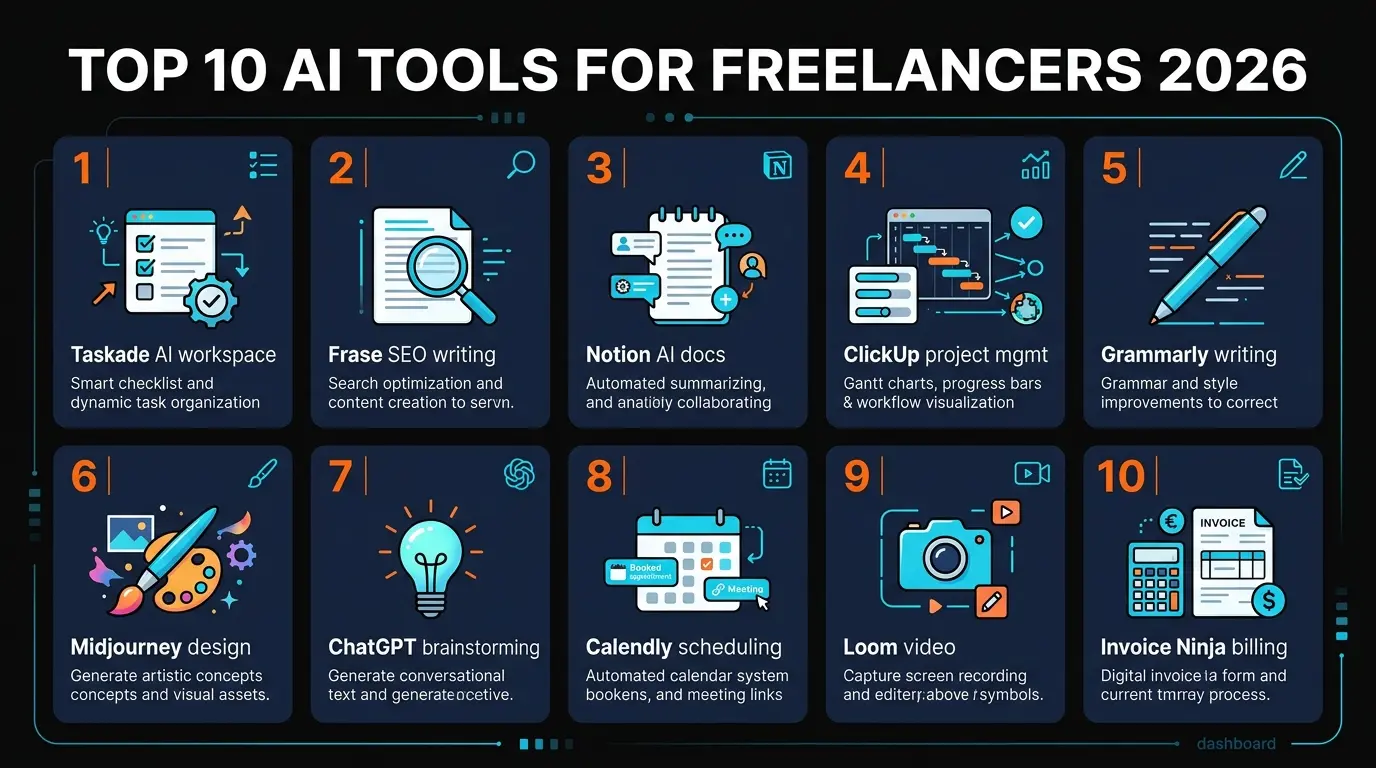
- 1. Taskade — AI Workspace with Agents
- 2. Frase — AI SEO Content Optimization
- 3. Notion AI — The Second Brain for Freelancers
- 4. ClickUp — AI Project Management
- 5. Grammarly — AI Writing Assistant
- 6. Midjourney — AI Art for Client Work
- 7. ChatGPT — The General-Purpose AI Assistant
- 8. QuillBot — Paraphrasing and Rewriting
- 9. Descript — AI Video and Podcast Editing
- 10. Semrush — The Full SEO Suite
- Side-by-Side Pricing Comparison
- Recommended Freelancer Stacks by Budget
- FAQ

Why Freelancers Need AI Tools in 2026
Freelancing in 2026 is a different game than it was even two years ago. The clients who used to give you a week now expect three days. The proposals that used to take an afternoon now compete against freelancers who can deliver a first draft before your estimate lands in their inbox.
The difference is not talent. It is tooling. Freelancers who use AI tools effectively earn more per hour — not because they charge premium rates, but because they deliver the same quality work in half the time. When you can write a 2,000-word SEO article in 90 minutes instead of four hours, your effective hourly rate doubles without asking the client for a raise.
We spent eight weeks testing over 40 AI tools through the lens of a working freelancer. Most were overhyped. Some solved problems freelancers do not actually have. These 10 are the ones that survived real-world use — the tools that saved measurable time, improved deliverable quality, or let us take on more clients without burning out.
The full stack ranges from $40 to $275/month depending on your freelance specialty. But you do not need all 10. Most freelancers will get 80% of the benefit from 3-4 tools matched to their specific workflow.
1. Taskade — The AI Workspace That Runs Itself
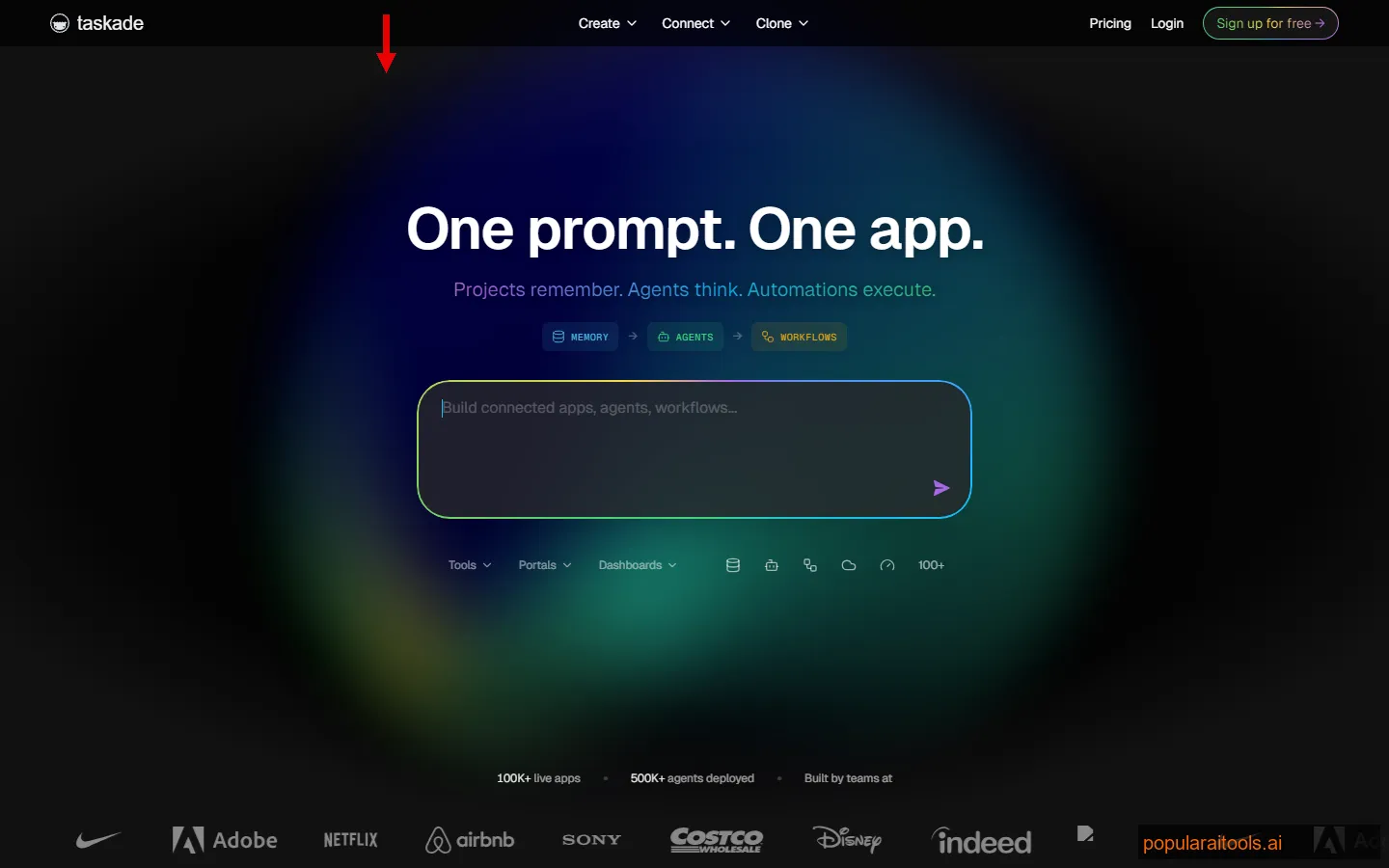
Taskade is not just another project management tool. It is an AI-native workspace where you describe what you want and the system builds it. Need a client onboarding workflow? Type a prompt, and Taskade generates the project board, task list, timelines, and even the follow-up email templates. What used to take 45 minutes of manual setup takes about 30 seconds.
The AI agents are what set Taskade apart from ClickUp, Notion, or Asana. You can create custom agents that automate repetitive workflows — a research agent that compiles competitor analysis, a writing agent that drafts meeting summaries, or a scheduling agent that organizes your week based on deadlines and priorities. These agents run in the background and deliver results to your workspace.
For freelancers juggling multiple clients, Taskade's speed is the killer feature. Every view — board, list, mind map, org chart, calendar — is generated instantly. You can switch between visualizations without rebuilding anything. Client A gets a Kanban board, Client B prefers a Gantt chart, and you manage both from the same workspace.
Pricing
Free tier: Limited projects and AI credits. Taskade Pro: $8/month (billed annually) — unlimited projects, AI agents, custom automations, all views, 20GB storage.
Best for: Solo freelancers and small teams who need a fast, AI-first workspace. If you are tired of configuring project management tools manually, Taskade is refreshingly instant.
2. Frase — SEO Content That Ranks Without Guesswork
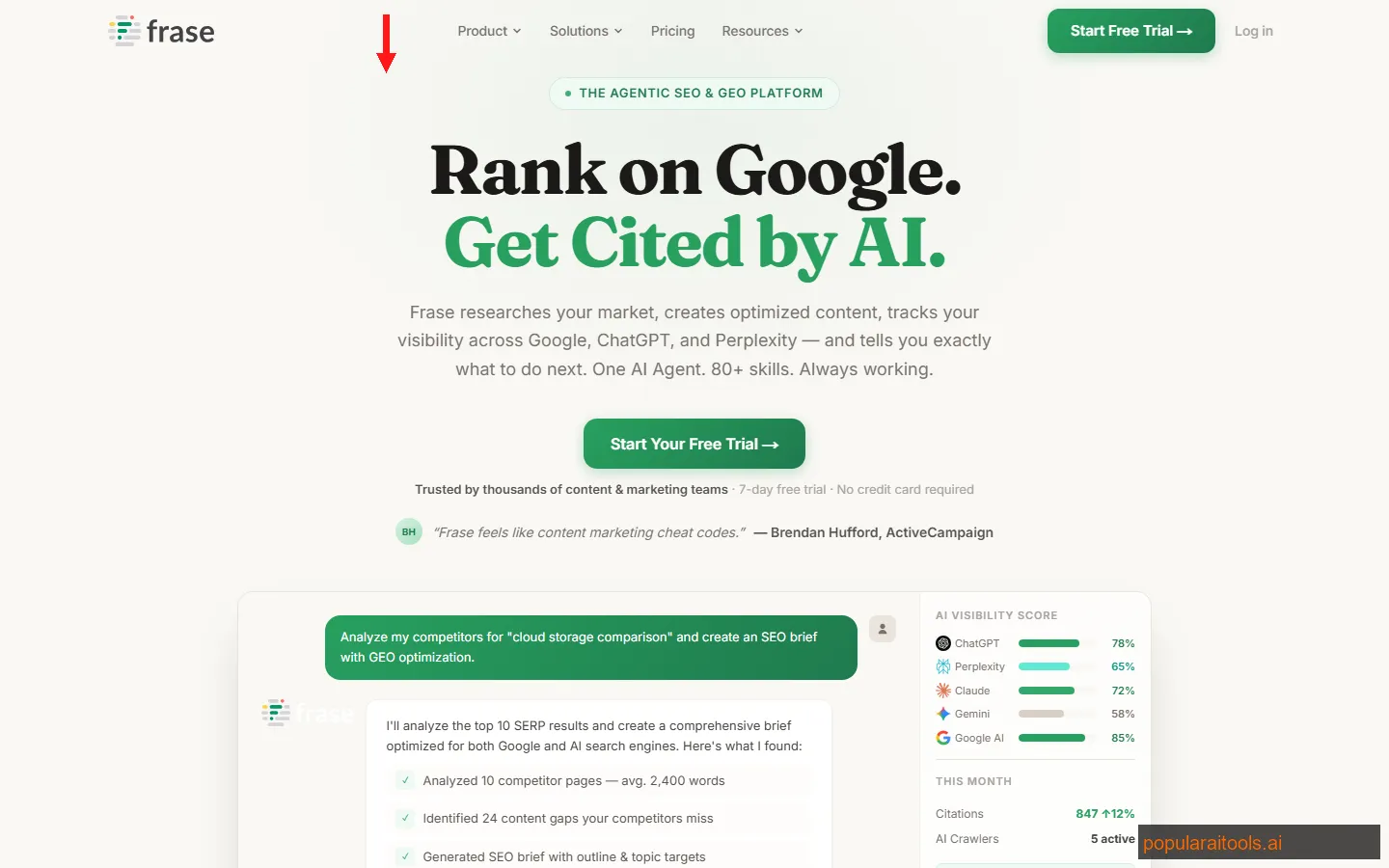
If you write content for clients and charge per article, Frase is the tool that makes you significantly faster without anyone knowing. It analyzes the top 20 Google results for any keyword, extracts the topics they cover, the questions they answer, and the headers they use — then hands you a content brief that tells you exactly what to write to compete.
The topic score is what makes Frase addictive. As you write, it shows a real-time score comparing your coverage against the top-ranking pages. You can see which subtopics you have missed, which terms you should include more often, and how your content stacks up against the competition before you hit publish. We went from guessing at SEO to having a clear, quantified target for every article.
The AI writer generates section drafts based on the SERP analysis. It is not good enough to use raw — no AI writer is — but as a starting point that you rewrite with your voice and expertise, it cuts first-draft time by 40-50%. Combined with the content brief, you go from keyword to polished article in a fraction of the time.
For freelance writers who bill per deliverable rather than per hour, Frase is pure profit. Same quality output, half the production time, and the SEO performance data to prove it to clients.
Pricing
Solo: $15/month — 4 articles/month, SERP analysis, AI writer. Basic: $39/month — 30 articles/month, full content briefs, topic scoring. Team: $99/month — unlimited articles, collaboration features, API access.
Best for: Freelance writers, content marketers, and SEO consultants who produce blog content for clients. If you write more than 4 articles per month, the Basic plan at $39/month is a no-brainer.
3. Notion AI — The Second Brain Every Freelancer Needs
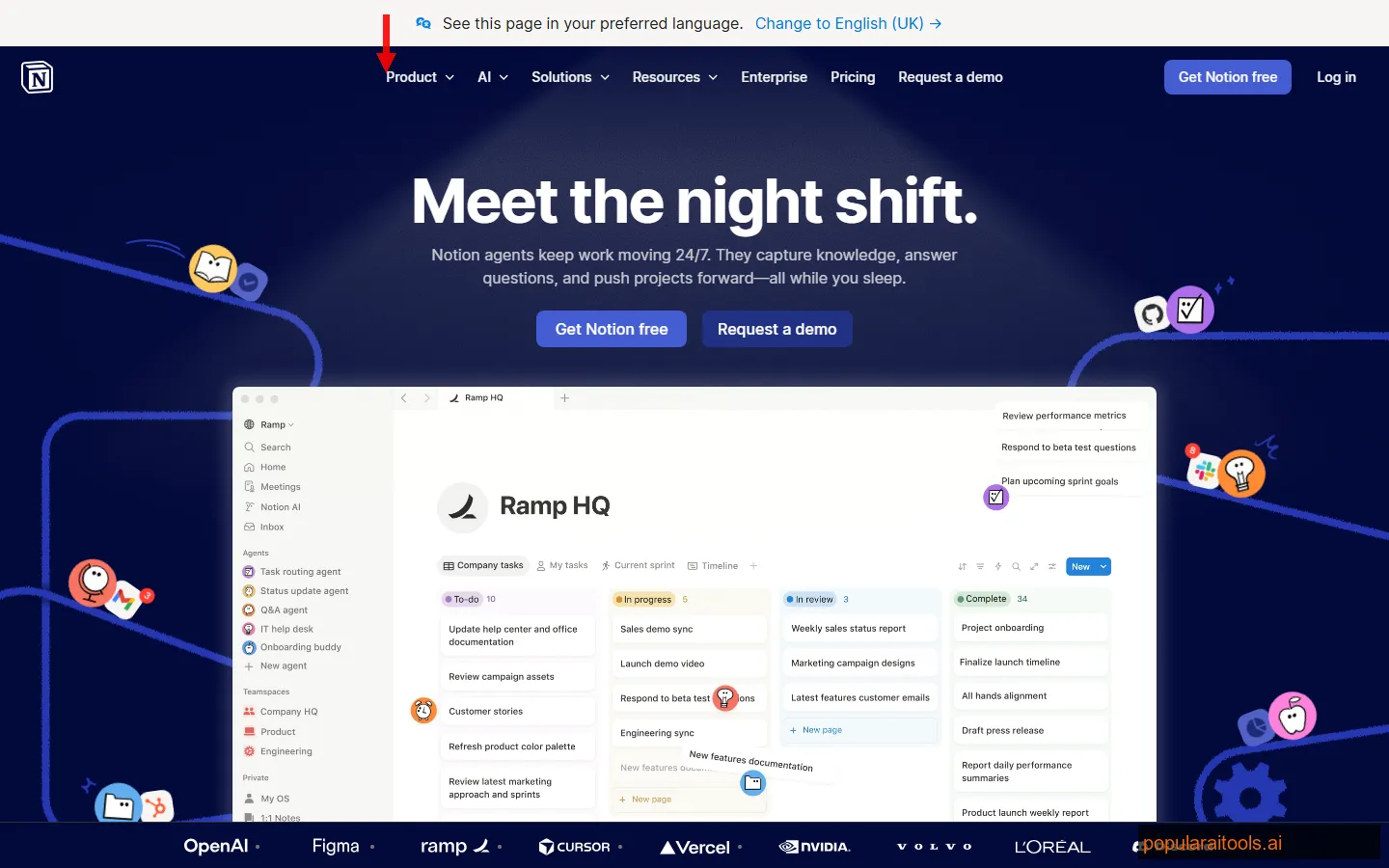
Notion was already the default knowledge management tool for freelancers. The AI add-on transforms it from a documentation tool into an active assistant that can search across every page, database, and document in your workspace to answer questions, summarize meetings, draft proposals, and extract action items.
The Q&A feature is where Notion AI earns its subscription. Ask "What did Client X say about the Q2 campaign budget?" and Notion AI searches your meeting notes, project docs, and messages to give you a cited answer. For freelancers managing multiple clients with overlapping projects, this eliminates the constant context-switching and document hunting that eats hours every week.
AI agents in Notion can now automate recurring tasks — generate weekly client reports from your project databases, create meeting prep docs from calendar entries, or draft invoices from time-tracking data. The automations are not as sophisticated as Taskade's custom agents, but they integrate deeply with Notion's existing database system, which most freelancers already have built out.
For drafting, Notion AI handles summaries, translations, tone adjustments, and expansions inline — highlight text, pick an action, and the AI modifies it in place. We use it most for turning rough meeting notes into polished client summaries.
Pricing
Free: Personal plan with limited AI uses. Plus: $10/month — unlimited blocks, 30-day page history. AI Add-on: $10/month per member — unlimited AI usage, Q&A, agents, autofill. Total with AI: $20/month.
Best for: Freelancers who already use Notion for documentation, CRM, or project tracking. The AI add-on makes your existing workspace dramatically more useful. If you do not use Notion yet, consider Taskade instead for a more AI-native experience.
4. ClickUp — AI Project Management That Scales With You
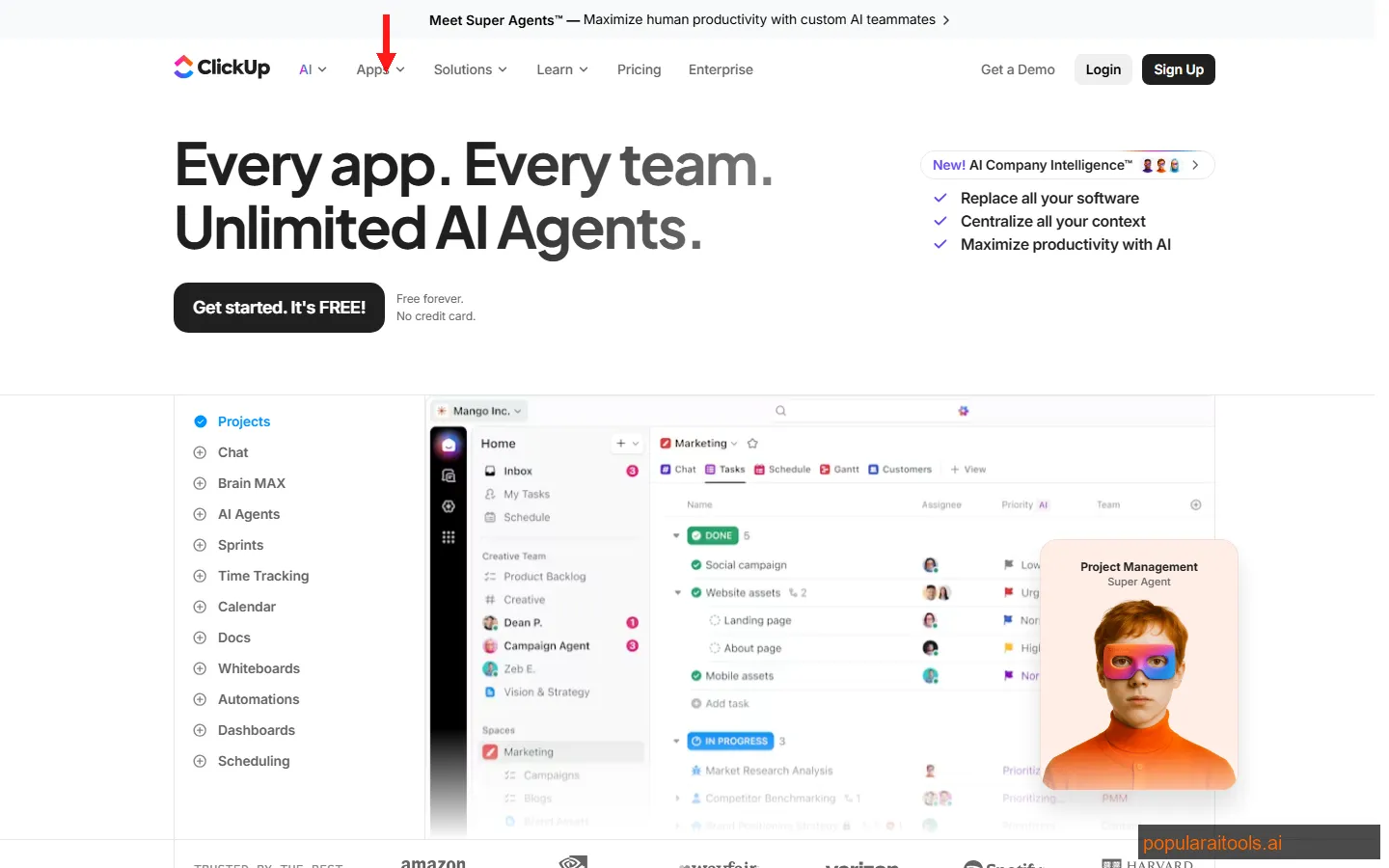
ClickUp is the Swiss Army knife of project management, and its AI features turn it into a command center for freelancers managing complex, multi-client workloads. Where Taskade wins on speed and simplicity, ClickUp wins on depth — native time tracking, goals, docs, whiteboards, and an integration ecosystem that connects to basically everything.
ClickUp Brain is their AI layer, and it works across every feature. Ask it to summarize a project's status, draft a task description, generate a standup report, or create meeting action items from a doc. The AI understands your workspace context — it knows your tasks, docs, and comments — so the outputs are immediately relevant rather than generic.
For freelancers, the free forever plan is genuinely generous. You get unlimited tasks, members, and docs with basic AI features. The Unlimited plan at $7/month adds integrations, dashboards, and advanced AI. For a freelancer handling 5-10 active clients, ClickUp can replace Trello, Asana, Google Docs, and a time tracker — all in one tool.
The learning curve is real. ClickUp has so many features that initial setup takes longer than simpler tools. But once configured, the daily time savings from having everything in one place are substantial.
Pricing
Free Forever: Unlimited tasks, basic AI, 100MB storage. Unlimited: $7/month — unlimited storage, integrations, dashboards, advanced AI. Business: $12/month — advanced automations, time tracking in goals, workload management.
Best for: Freelancers managing multiple clients with complex projects who want everything — tasks, docs, time tracking, goals — in one platform. If you value depth over speed, ClickUp beats every alternative.
5. Grammarly — The Writing Safety Net You Cannot Skip
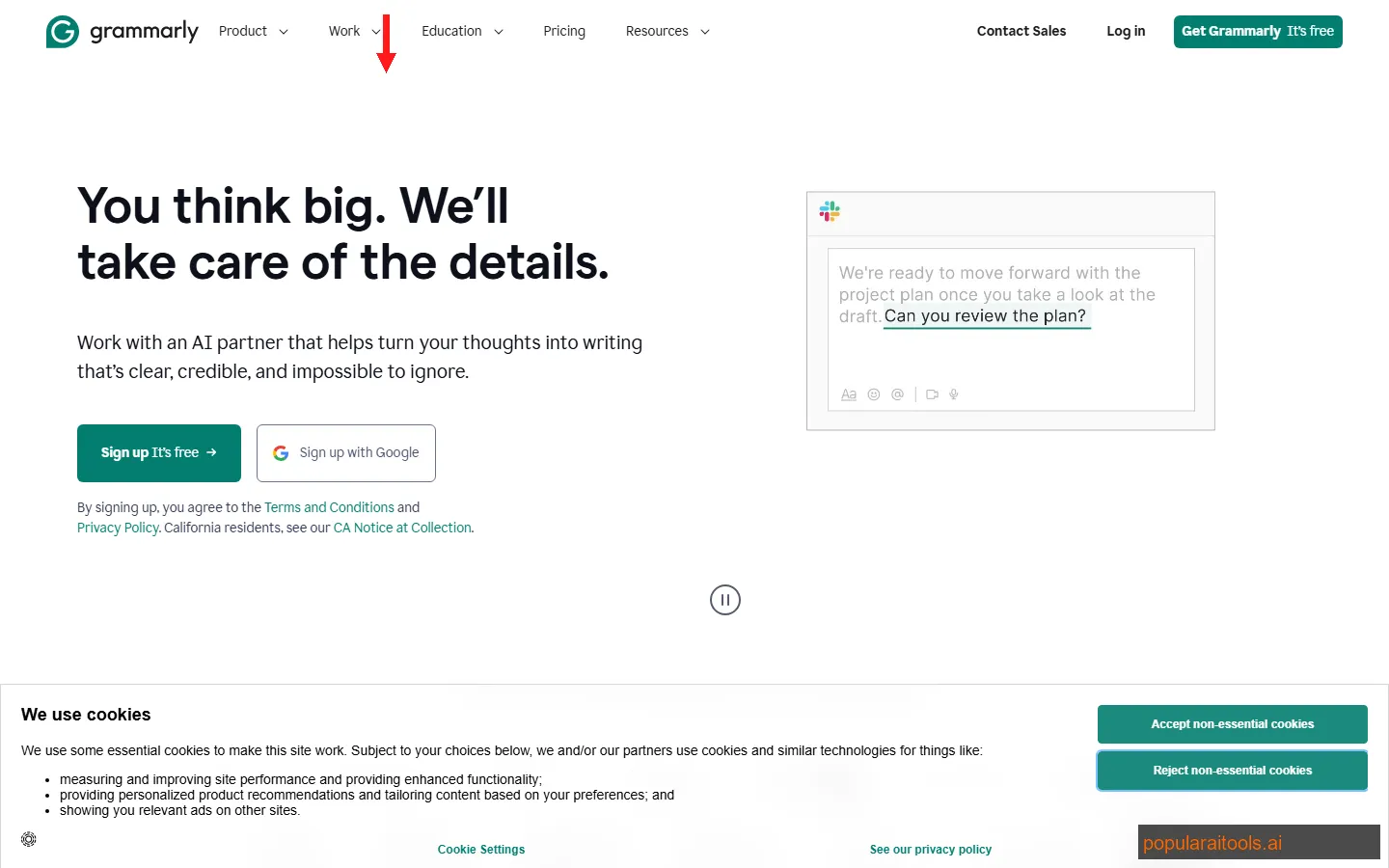
Grammarly is the one tool on this list that every freelancer needs regardless of their specialty. Every email you send, every proposal you submit, every deliverable you hand off — Grammarly catches the typos, grammar issues, and awkward phrasing that make you look unprofessional. It works in Gmail, Google Docs, Slack, Notion, and basically every text input on the web.
The AI rewriting features in the Premium plan go beyond grammar. Highlight a paragraph and ask Grammarly to adjust the tone (more formal, more casual, more confident), improve clarity, or shorten it. For client communications where tone matters — proposal emails, difficult conversations, scope changes — having an AI tone checker before you hit send is worth the subscription alone.
GrammarlyGO is their generative AI feature. It drafts replies, expands bullet points into paragraphs, and generates text from prompts — similar to what ChatGPT does, but embedded directly in your workflow. It is not a replacement for ChatGPT, but the convenience of having AI writing assistance right where you type, without switching tabs, is a real productivity gain.
The free tier catches basic grammar and spelling. Premium adds clarity, tone, and AI rewriting. For freelancers, Premium is worth it — one typo in a client proposal can cost you a contract worth hundreds of times the monthly fee.
Pricing
Free: Basic grammar and spelling, limited AI suggestions. Premium: $12/month — full clarity, tone, style checks, AI rewriting, plagiarism detection. Business: $15/month per user — brand tones, style guides, analytics.
Best for: Every freelancer. If you communicate in writing with clients (and you do), Grammarly prevents the small mistakes that erode trust. The free tier is fine for basics; Premium is worth the upgrade for anyone who writes professionally.
6. Midjourney — AI Art That Wins Client Approvals
Midjourney remains the gold standard for AI-generated imagery, and for freelancers in design, marketing, or content creation, it is a creative superpower that replaces hours of stock photo hunting and basic design work. Need a hero image for a client blog post? A concept mockup for a pitch deck? Social media graphics with a specific aesthetic? Midjourney delivers in seconds what would take a graphic designer hours.
The V6 model understands complex compositional prompts with remarkable accuracy. We prompted "split-screen comparison of messy desk with papers versus clean digital workspace, warm lighting left side, cool blue right side, isometric flat lay" — and got exactly that. For client presentations and mood boards, this level of prompt control means you can visualize ideas before investing real design time.
Freelance designers are using Midjourney not to replace their skills, but to accelerate the ideation phase. Generate 20 concept variations in 10 minutes, pick the best direction, then refine it manually in Figma or Photoshop. The client sees more options faster, and you spend your skilled hours on execution rather than brainstorming.
The limitations: no API for automated workflows, the Discord-based interface is clunky (though a web UI exists now), and it struggles with text rendering in images. For high-volume social media graphics, a tool like Canva AI is more practical.
Pricing
Basic: $10/month — ~200 images, limited fast GPU time. Standard: $30/month — unlimited relaxed generations, 15 hours fast GPU. Pro: $60/month — 30 hours fast GPU, stealth mode for client confidentiality. No free tier.
Best for: Freelance designers, marketers, and content creators who need high-quality visuals for client work. The Basic plan at $10/month pays for itself the first time you skip a stock photo subscription or save an hour of design time.
7. ChatGPT — The Swiss Army Knife for Freelancers
ChatGPT needs no introduction, but how freelancers should use it in 2026 is more nuanced than "ask it to write things." The biggest productivity gains come from using ChatGPT as a thinking partner rather than a content machine. Brainstorm angles for a client proposal, outline a complex project scope, generate interview questions for research, stress-test your pricing strategy, or simulate a client conversation before a difficult meeting.
Custom GPTs are where the Plus subscription earns its money for freelancers. We built custom GPTs for: (1) a client proposal generator trained on our winning proposals, (2) a scope-of-work drafter that asks the right questions and outputs a structured document, and (3) a research assistant that compiles and summarizes information from pasted URLs and docs. Each one saves 30-60 minutes per use.
For code-related freelance work, ChatGPT Plus with GPT-4o handles debugging, code review, regex generation, API integration help, and documentation writing. For non-technical freelancers, it drafts emails, creates spreadsheet formulas, explains complex topics in simple terms, and generates first-draft copy for any format.
The free tier is sufficient for casual use. Plus at $20/month is worth it for any freelancer who uses ChatGPT more than 5 times per day — higher usage limits, GPT-4o access, custom GPTs, image generation, and advanced data analysis make the paid version meaningfully better for professional workflows.
Pricing
Free: GPT-4o mini, basic capabilities, limited usage. Plus: $20/month — GPT-4o, custom GPTs, DALL-E, Advanced Data Analysis, 80 messages/3 hours. Team: $30/month per user — higher limits, workspace, admin controls.
Best for: Every freelancer. It is the most versatile tool on this list. Whether you write, design, code, market, or consult, ChatGPT accelerates some part of your workflow.
8. QuillBot — The Rewriting Tool That Polishes Rough Drafts
QuillBot fills a specific niche that ChatGPT and Grammarly do not cover well: intelligent paraphrasing and rewriting. When you need to rephrase a paragraph without changing the meaning, simplify complex language for a different audience, or rewrite AI-generated text to sound more human, QuillBot handles it with more precision than general-purpose AI tools.
The paraphrasing modes are what make QuillBot useful for professional work. Standard mode rephrases for clarity. Fluency mode smooths out awkward phrasing. Formal mode adjusts tone for business communication. Creative mode generates more varied alternatives. Academic mode maintains scholarly tone. For freelancers who write across different tones and audiences — blog posts for one client, executive summaries for another, product descriptions for a third — switching modes instantly is a real time saver.
The summarizer condenses long documents into key points — useful when you need to extract the essentials from a 30-page client brief or a research paper. The grammar checker overlaps with Grammarly but includes it in the subscription at no extra cost.
QuillBot also offers a plagiarism checker and translator (supporting 45+ languages), which matter for freelancers handling content localization or academic writing. The Chrome extension and Word plugin mean you can use QuillBot wherever you write.
Pricing
Free: Basic paraphrasing with limited modes, 125-word limit. Premium: $10/month — all paraphrasing modes, unlimited words, plagiarism checker, summarizer, translator.
Best for: Freelance writers, copywriters, and translators who need to rephrase, simplify, or adjust tone across multiple client projects. Especially valuable if you frequently adapt content for different audiences or localize copy.
9. Descript — Edit Video Like You Edit a Document
Descript changed how freelancers approach video and podcast editing. Instead of dragging clips on a timeline, you edit a transcript — delete a sentence from the text, and the corresponding video segment disappears. It sounds like a gimmick until you use it on a 30-minute client interview and realize you just saved two hours of traditional editing.
The AI transcription is near-perfect in English, and the filler word removal is automatic. We ran a 45-minute client podcast through Descript and it removed 127 filler words — every "um," "uh," "like," and "you know" — without touching a single meaningful word. For freelancers producing client podcasts or video content, this feature alone justifies the subscription.
Overdub lets you create a voice clone from 10 minutes of audio. Misspoke during a recording? Type the correct sentence and Overdub generates it in your voice. For freelancers who record explainer videos, tutorials, or training content, this means you never need to re-record because of a single flubbed line.
Screen recording, clip generation, audiogram creation, and multitrack editing are all built in. For freelancers offering video or podcast production services, Descript can replace Premiere Pro, Audacity, and a transcription service — all for $24/month.
Pricing
Free: 1 hour transcription/month, basic editing. Hobbyist: $24/month — 10 hours transcription, filler word removal, screen recording. Business: $33/month — unlimited transcription, Overdub voice cloning, team features.
Best for: Freelancers who produce podcasts, video content, or training materials for clients. If you edit talking-head or interview content regularly, Descript pays for itself on the first project.
10. Semrush — The Full SEO Arsenal for Serious Freelancers
Semrush is the most expensive tool on this list, and it is worth every dollar if SEO or digital marketing is part of your freelance services. It is not one tool — it is a complete platform that replaces 5-6 separate subscriptions: keyword research (replacing Ahrefs), site auditing (replacing Screaming Frog for basics), backlink analysis, rank tracking, competitive intelligence, and content optimization.
The keyword research suite is where most freelancers start. Enter a topic, and Semrush shows you keyword difficulty, search volume, CPC data, SERP features, and related keywords with commercial intent. For freelance SEO consultants, this data powers every recommendation you make to clients. For freelance writers, it tells you exactly which keywords to target for maximum traffic.
Site Audit crawls a client's website and flags technical SEO issues — broken links, slow pages, missing meta tags, thin content, crawl errors. Running a site audit and presenting the results is often the first deliverable that wins a client's trust. Semrush makes that audit a one-click operation.
The competitive analysis features let you see any competitor's top-ranking keywords, traffic estimates, backlink profile, and paid advertising spend. For freelance marketers pitching new clients, showing them exactly what their competitors are doing (and what they are missing) is the most persuasive sales tool available.
The AI writing assistant within Semrush is decent for generating SEO-optimized content outlines, but Frase handles the actual content creation workflow better. Where Semrush excels is the data and intelligence layer that informs everything else you do.
Pricing
Pro: $130/month — 500 keywords to track, 10,000 results per report, 5 projects. Guru: $250/month — 1,500 keywords, content marketing toolkit, historical data. Business: $500/month — 5,000 keywords, API access, extended limits. 7-day free trial available.
Best for: Freelance SEO consultants, digital marketers, and content strategists who need comprehensive competitive data. If you have 2+ clients paying for SEO services, Semrush pays for itself immediately. If SEO is not your primary service, skip it — Frase covers the writing-specific SEO needs at a fraction of the price.
Side-by-Side Pricing Comparison
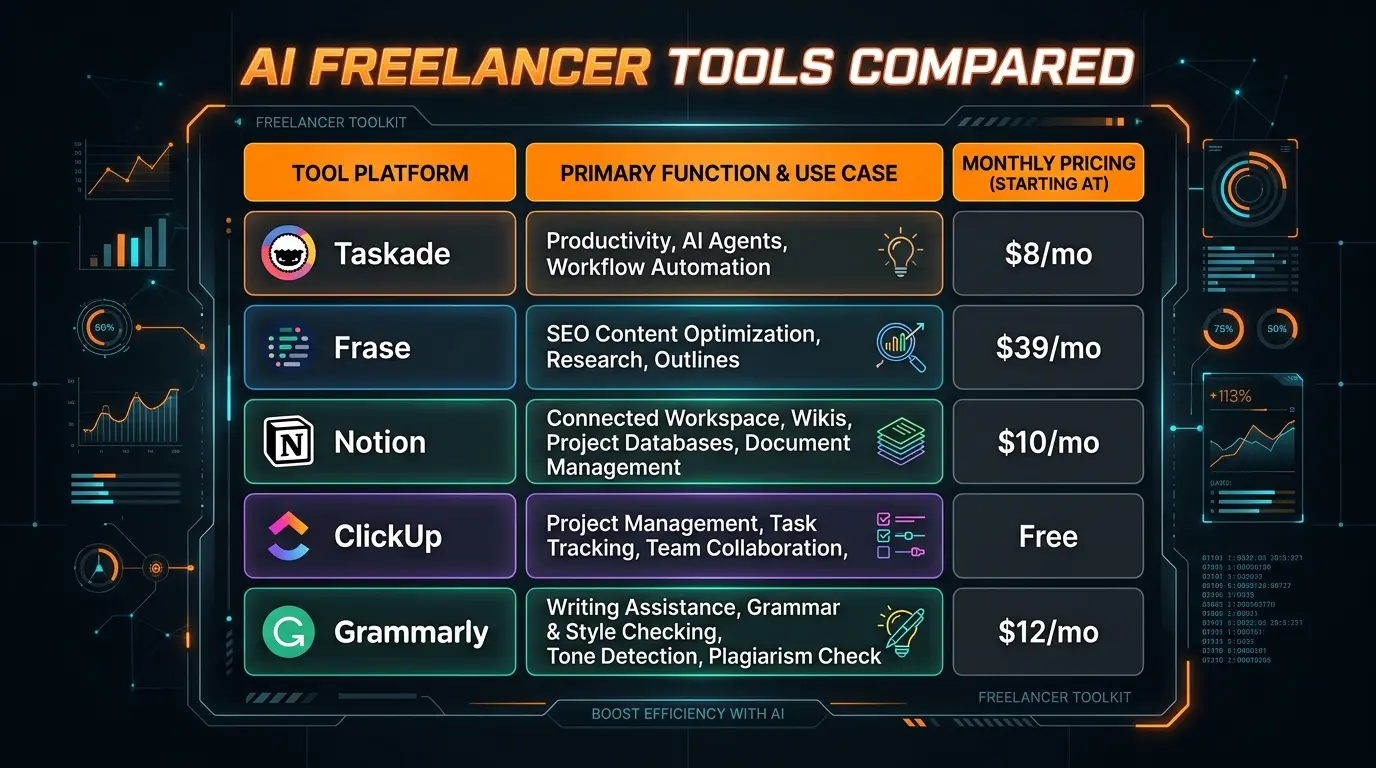
Here is every tool, its starting paid price, free tier availability, and primary category — so you can build your freelancer stack based on budget and specialty.
Recommended Freelancer Stacks by Budget
You do not need all 10 tools. Here are three stacks matched to different freelance specialties and budgets.
Starter Stack
$40/month
- Taskade — $8/mo (workspace + AI agents)
- Grammarly — $12/mo (writing quality)
- ChatGPT Plus — $20/mo (general AI assistant)
Covers: project management, writing, and AI assistance. Enough for any solo freelancer managing 3-5 clients.
Writer / Content Stack
$79/month
- Everything in Starter, plus:
- Frase — $39/mo (SEO content optimization)
The freelance writer's complete toolkit. Research, write, optimize, and proof — all AI-assisted.
Marketing / SEO Stack
$275/month
- Everything in Writer, plus:
- Semrush — $130/mo (full SEO suite)
- Descript — $24/mo (video + podcast)
- Midjourney — $10/mo (client visuals)
- QuillBot — $10/mo (rewriting)
The full arsenal for freelance digital marketers and SEO consultants. Pays for itself with 2 clients.
Frequently Asked Questions
The Bottom Line
The freelance landscape in 2026 has split into two camps: those who use AI tools and those who are gradually losing work to those who do. That sounds dramatic, but the productivity gap is real. A freelancer with Taskade, Frase, and ChatGPT can deliver in a day what used to take three.
If you take one thing from this article: start with Taskade ($8/mo) and ChatGPT ($20/mo). Those two tools at $28/month cover workspace management, writing, brainstorming, and general AI assistance. Add Grammarly ($12/mo) for writing quality, and you have a complete starter stack at $40/month that handles 80% of freelance workflows.
For writers, add Frase. For SEO consultants, add Semrush. For video producers, add Descript. Build your stack around your specialty and expand as client revenue justifies it.
Every tool on this list has a free tier or trial. The only cost of testing them is your time — and given what they can do, that time investment pays back within your first week of use.
We update this list quarterly as the AI tool landscape continues to evolve. For individual tool deep-dives, check our AI tool reviews where we go hands-on with each product.
Build an AI Tool? Get It in Front of the Right Audience
PopularAiTools.ai reaches thousands of qualified AI buyers every month.
Submit Your AI Tool →Recommended AI Tools
played.fm
Sell your music and keep 100%: played.fm is a direct-to-fan store + sync marketplace with 0% commission, no gatekeepers, and no bans — a strong fit for AI musicians.
View Review →OpenCode
The open-source AI coding agent: terminal-first TUI, 75+ model providers, LSP context, subagents, and privacy-first design. Free software, ~180K GitHub stars.
View Review →Exa
The neural web search API for AI agents: embeddings-based retrieval, cited highlights, sub-180ms latency, and an MCP server. 20,000 free requests/month.
View Review →Google Antigravity
Google's agent-first IDE: run a fleet of AI agents from a Manager surface, on Gemini 3 Pro, Claude Sonnet 4.5, or OpenAI models. Free in public preview.
View Review →