Claude Cowork Scheduled Tasks: How to Put Your AI Assistant on Autopilot

AI Infrastructure Lead
Claude Cowork Scheduled Tasks: How to Put Your AI Assistant on Autopilot
We set up Claude Cowork scheduled tasks to automate daily emails, weekly reports, and metric pulls. Here's exactly how the /schedule feature works and what it can handle.
Key Takeaways
- The /schedule command automates recurring tasks for Max subscribers (Pro rolling out soon).
- Tasks run locally on your machine while Claude Desktop is open — cloud-independent automation.
- Perfect for daily email summaries, weekly metrics, morning briefings, and report generation.
- Combines with /loop and Dispatch for extended automation and mobile monitoring.
- Delivers finished outputs: reports, briefings, file updates, email summaries.
Table of Contents
- What Is /schedule?
- Getting Started with Scheduled Tasks
- Real-World Automation Examples
- Features That Make It Work
- vs. Zapier, n8n, and Apple Shortcuts
- Limitations and What to Know
- Advanced Patterns and Combinations
- Frequently Asked Questions
What Is /schedule?
Claude Cowork's /schedule command lets you automate tasks without learning cron syntax, API keys, or complicated workflow builders. You describe what you want done, how often, and Claude handles it.
Launched for Max subscribers on March 17, 2026, scheduled tasks are purpose-built for work that repeats: pulling daily metrics, generating morning briefings, summarizing weekly emails, or running analysis on a fixed cadence.
Unlike cloud-based automation tools, scheduled tasks run locally on your machine. Claude Desktop must be open, but your automations don't depend on third-party services or complicated integrations.
Getting Started with Scheduled Tasks
Setting up your first task takes 60 seconds. Open any Claude Cowork conversation and type /schedule.
Claude prompts you to describe the task, then asks when and how often to run it. You can say "every morning at 9am," "every Friday at 5pm," or define a custom cron expression if you prefer.
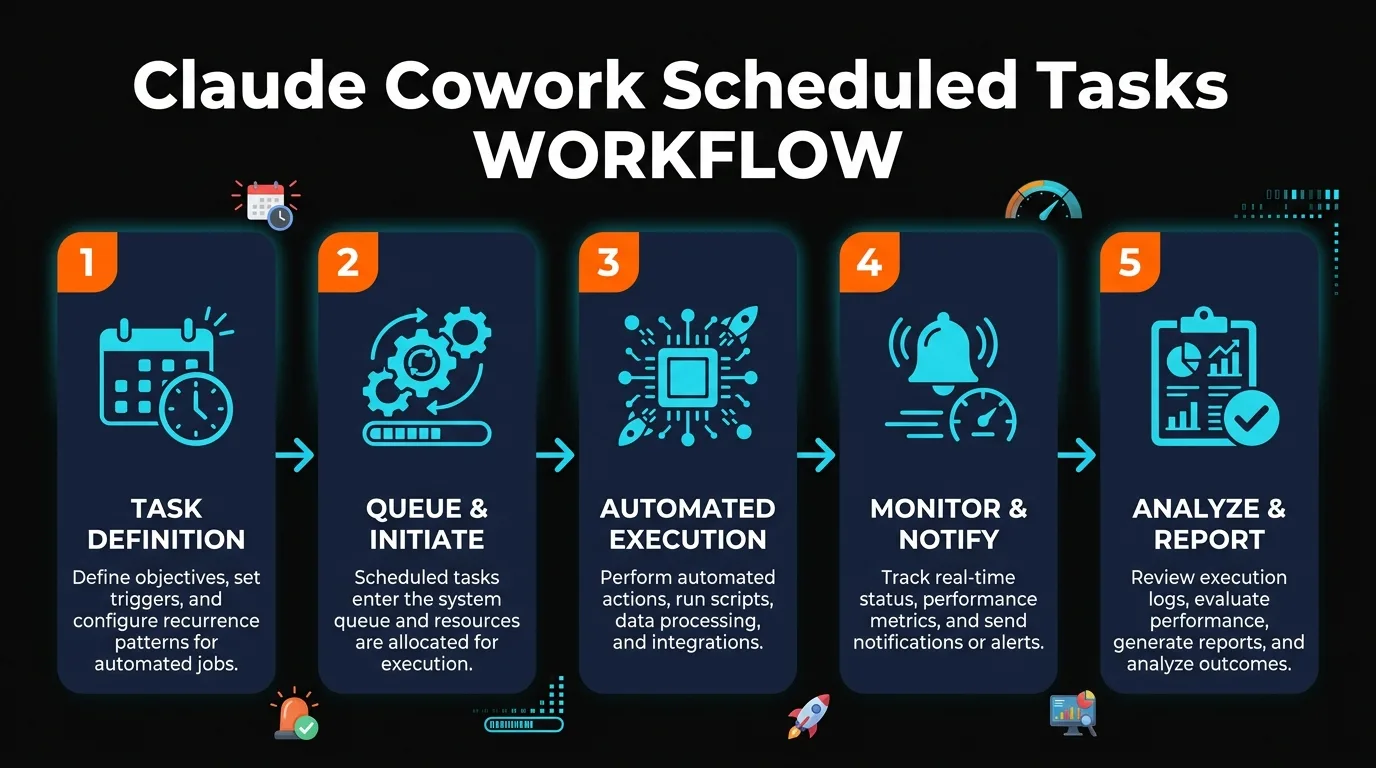
Once configured, Claude runs your task automatically. You'll see results in the Scheduled sidebar in Claude Desktop, where you can view logs, pause tasks, or edit the schedule anytime.
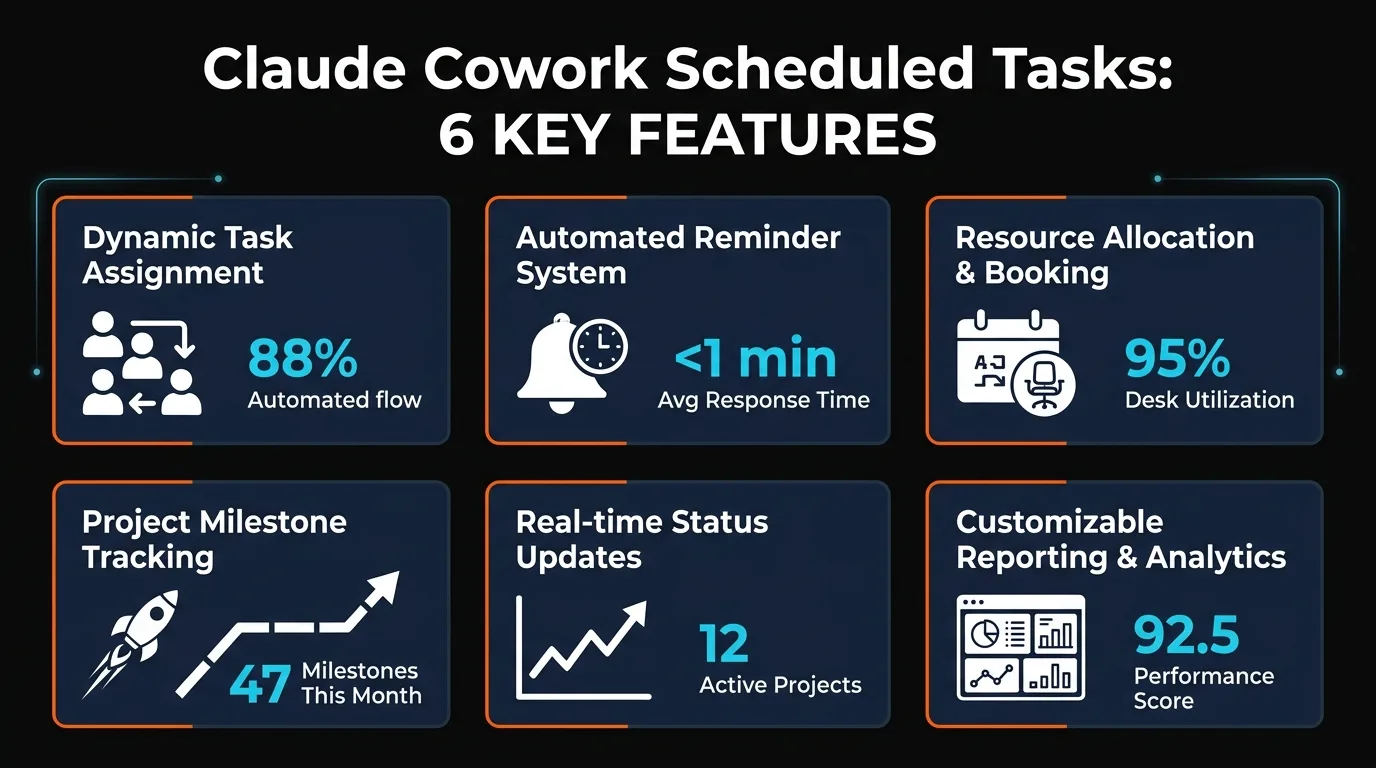
Real-World Automation Examples
Daily Email Summary
Every morning at 8am, Claude pulls your unread emails and generates a one-page summary highlighting action items. You wake up, open Claude, and your inbox is already triage'd.
Weekly Metrics Dashboard
Every Friday at 4pm, Claude queries your analytics API, compiles weekly growth, churn, and revenue metrics into a formatted report, and saves it as a PDF. No manual data pulling required.
Monday Morning Briefing
Every Monday at 7am, Claude summarizes your calendar, upcoming deadlines, and priority tasks for the week ahead. It's like having an executive assistant deliver your briefing automatically.
Daily News Digest
Claude aggregates your saved news sources, industry feeds, and competitor announcements into a digest delivered every evening. You stay informed without Reddit or Twitter scrolling.
Features That Make It Work
Flexible Scheduling
Set daily, weekly, or custom schedules. No cron expertise required — natural language like "every Tuesday at 2pm" works.
Local Execution
Tasks run on your machine while Claude Desktop is open. Your data stays local, no cloud dependency.
API Integration
Scheduled tasks pull from APIs, databases, and file systems. Build complex multi-step workflows easily.
Formatted Outputs
Generate PDFs, emails, Slack messages, or file updates automatically. Results are polished and ready to use.
Execution Logs
View task history, see what ran, check for errors. Full visibility into automated workflows.
Easy Pause/Edit
Pause, resume, or modify any task from the Scheduled sidebar. No redeploy or restart needed.
vs. Zapier, n8n, and Apple Shortcuts
| Feature | Claude Cowork | Zapier | n8n | Apple Shortcuts |
|---|---|---|---|---|
| Setup Time | 60 seconds | 5+ minutes | 10+ minutes | 5 minutes |
| Learning Curve | Very Low | Moderate | Steep | Moderate |
| AI-Powered Analysis | Yes (Built-in) | Add-on | Add-on | No |
| Local Execution | Yes | Cloud | Self-Hosted Option | Local Only |
| Report Generation | Excellent | Good | Good | Limited |
| Integration Count | API-Flexible | 3000+ | 400+ | 50+ |
| Cost | Claude Subscription | Per-Task Pricing | Free (Self-Hosted) | Free (Apple Devices) |
Limitations and What to Know
Computer Must Be Awake
Scheduled tasks only run while your computer is awake and Claude Desktop is open. If your machine sleeps during the scheduled time, the task runs when you wake up.
No Mobile Trigger
Tasks can't be triggered from mobile. However, you can use Dispatch to monitor scheduled task results on your phone after they run on your desktop.
Rate Limiting
If you schedule many tasks to run simultaneously, they queue and execute sequentially. Plan spacing to avoid bottlenecks.
Claude Max / Pro Only
Available now for Max subscribers; rolling out to Pro soon. Not available on free tier.
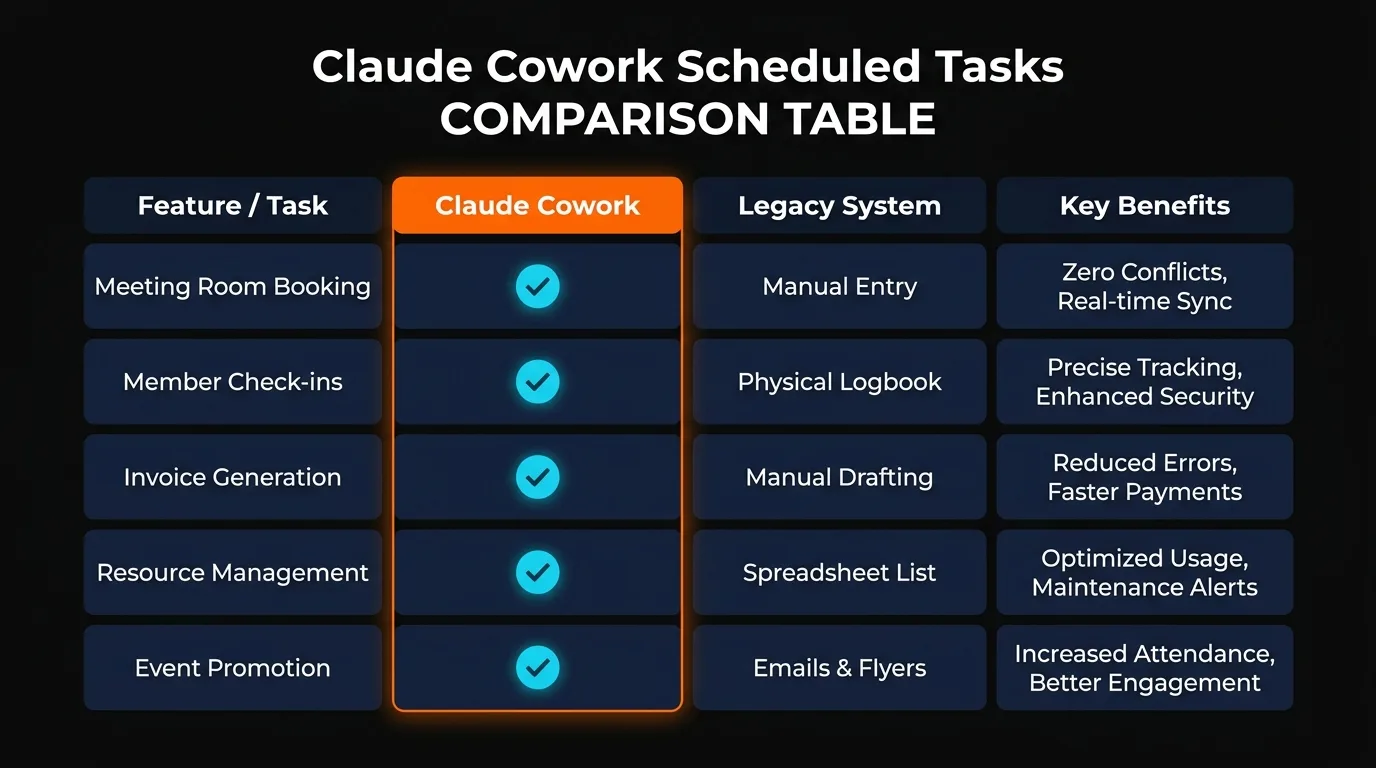
Advanced Patterns and Combinations
Combining /schedule with /loop
The /loop command in Claude Code runs background tasks with more granular control. You can use /schedule for high-level recurring work and /loop for continuous monitoring or batch processing.
Dispatch for Mobile Monitoring
Schedule a task on your desktop, then monitor results via Dispatch on your phone. Perfect for dashboards or briefings you want to check throughout the day.
Stacked Automations
Run one scheduled task that triggers others. For example, your 8am email summary could automatically kick off a metrics task that depends on cleaned email data.
Frequently Asked Questions
Can I schedule a task to run every 5 minutes?
Yes, but keep computer sleep in mind. For high-frequency tasks, /loop in Claude Code offers more granular control without requiring your machine to stay fully awake.
What if my scheduled task fails?
You'll see error logs in the Scheduled sidebar. Claude will retry tasks automatically. Check logs regularly to catch persistent failures.
Can scheduled tasks send emails directly?
Yes, if you authenticate with your email provider's API or SMTP credentials. Claude will compose and send emails as part of the automated workflow.
Do scheduled tasks count against my API rate limits?
Scheduled tasks use your Claude subscription allowance. If they call external APIs (Stripe, GitHub, etc.), they count against those services' rate limits.
Can I export or backup scheduled tasks?
Claude saves task configurations locally. You can view task history in the Scheduled sidebar and edit prompts anytime.
What's the max number of scheduled tasks?
No hard limit, but practical performance depends on your machine. Most users run 5–20 tasks comfortably. Test before deploying 100+.
Can I use scheduled tasks without touching code?
Absolutely. Describe your task in plain English, and Claude sets it up. No coding, no config files, no technical knowledge required.
Final Takeaways
Claude Cowork scheduled tasks eliminate repetitive work. You describe a task once, Claude runs it reliably on your schedule — no APIs to manage, no third-party dependencies, no learning curve.
For teams and solo makers who need daily summaries, weekly reports, or recurring analysis, /schedule is one of the fastest ways to put automation to work. Set it up in under a minute, and let Claude handle the rest.
Ready to Automate?
Open Claude Desktop, type /schedule, and describe your first automated task.
Need Max or Pro access? Upgrade your Claude subscription to start automating.
Recommended AI Tools
played.fm
Sell your music and keep 100%: played.fm is a direct-to-fan store + sync marketplace with 0% commission, no gatekeepers, and no bans — a strong fit for AI musicians.
View Review →OpenCode
The open-source AI coding agent: terminal-first TUI, 75+ model providers, LSP context, subagents, and privacy-first design. Free software, ~180K GitHub stars.
View Review →Exa
The neural web search API for AI agents: embeddings-based retrieval, cited highlights, sub-180ms latency, and an MCP server. 20,000 free requests/month.
View Review →Google Antigravity
Google's agent-first IDE: run a fleet of AI agents from a Manager surface, on Gemini 3 Pro, Claude Sonnet 4.5, or OpenAI models. Free in public preview.
View Review →