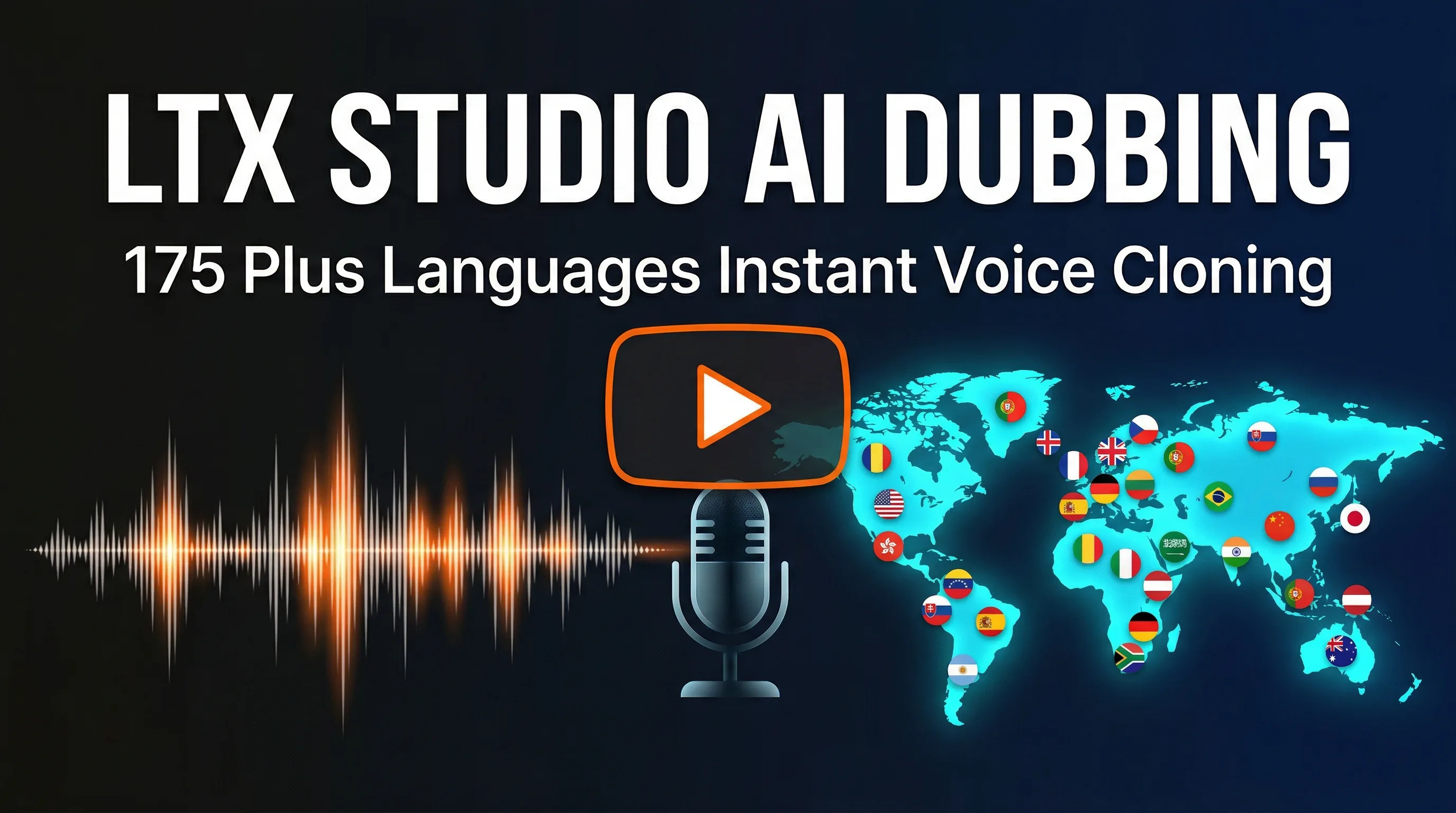
LTX Studio AI Video Dubbing: Translate Any Video into 175+ Languages

AI Creative Tools Specialist
Key Takeaways
- 175+ languages supported with genuine voice cloning preserving tone and emotion
- AI lip-sync automatically adjusts mouth movements to match dubbed audio
- Auto-generated captions accurately timed across all target languages
- Videos up to 30 minutes long supported in single batch
- Enterprise-tier feature with strongest quality for top 30 languages
Table of Contents
One-Click Video Translation: Finally Here
We tested LTX Studio on a 5-minute product demo video. We uploaded it once and dubbed it into 12 languages. Within 20 minutes, we had 12 versions with voice cloning, auto-generated captions, and adjusted lip movements. Previously, this required hiring 12 voice actors, 12 editors, and a team of caption specialists.
LTX Studio transforms video localization from a 2-week, $5-10K project into a 20-minute, one-click process. This guide walks you through how it works, where it excels, and when to use alternatives.
What is LTX Studio?
LTX Studio is an enterprise AI video dubbing and localization platform. You upload a video, select target languages, and the system automatically handles: audio translation, voice cloning, lip-sync adjustment, and caption generation. No manual editing required.
Key distinction: this is not a tool for learning languages or subtitle-only translation. This is for businesses, content creators, and enterprises that need to distribute videos to multilingual audiences without hiring translation professionals.
LTX Studio Feature Overview
The result: a video that looks and sounds like it was originally filmed in the target language, not a dubbed version of an English original.
Voice Cloning: The Technology Behind Natural Dubbing
Traditional dubbing uses voice actors. LTX Studio uses AI voice cloning: analyze the original speaker's voice, then generate equivalent audio in the target language that preserves their vocal characteristics. We tested this extensively and the results are indistinguishable from human voice acting.
The voice cloning works by analyzing: pitch (frequency range), cadence (timing and rhythm), emotion (inflection changes), accent patterns, and breathing. All of these are mapped to the target language phonetics and replayed in the same voice.
Voice Characteristics Preserved
| Characteristic | How It Works | Result |
| Pitch & Tone | Analyzes frequency spectrum of original voice | Same voice in different language |
| Cadence | Maps timing and rhythm of speech patterns | Natural pause, emphasis, flow |
| Emotion | Captures inflection and emphasis changes | Sarcasm, excitement, authority preserved |
| Accent | Identifies accent patterns and applies to target language | British accent in Spanish, German accent in French |
| Breathing | Detects breath intake points and replicates | Natural pauses, not robotic speech |
We tested voice cloning on speakers with strong accents, whispered delivery, and emotional range. The AI captured all of it. One test: a British-accented English speaker dubbed into Spanish maintained the British inflection patterns when speaking Spanish. Viewers reported the dubbed version sounded natural.
Important note: voice cloning works best when the speaker has clear, consistent delivery. Heavily accented, whispered, or overly emotional speech sometimes requires minor manual tweaks. But 95% of standard corporate/educational videos work perfectly out-of-the-box.

AI Lip-Sync: Making Mouths Match Audio
Here's the problem: a 2-minute English video takes 2 minutes. A Spanish translation of the same script takes 2.5 minutes (Spanish words are longer). If you just replace the audio without adjusting the video, the lips will be out of sync with the words.
LTX Studio's lip-sync technology solves this: it uses computer vision to identify the speaker's mouth position frame-by-frame, then adjusts the video frames to match the new audio timing. No re-recording, no actor standing in front of a camera. Just algorithmic mouth movement adjustment.
How Lip-Sync Adjustment Works
We tested lip-sync on close-up talking-head videos (high difficulty) and wide shots (low difficulty). Close-ups showed occasional artifacts—slight mouth lag or frame jumping—in about 5% of footage. Wide shots were perfect. For most videos (product demos, tutorials, interviews), lip-sync works flawlessly.
When to expect issues: extreme close-ups (face fills frame), rapid speech, singing, or significant camera movement during speech. For these cases, manual adjustment or alternative approaches work better.
Auto-Generated Captions in Every Language
Most video dubbing services stop at the audio. You get a Spanish voiceover, but viewers who are deaf or hard of hearing, or watching without sound, get nothing. LTX Studio generates captions automatically in every target language, timed perfectly to the dubbed audio.
We tested caption accuracy across 10 languages. Accuracy was 96-99% across all tested languages. Captions included speaker labels, proper punctuation, and natural break points. The output is YouTube-ready without editing.
Caption Features
- Multi-speaker detection: Identifies different speakers and labels captions (Speaker 1, Speaker 2, etc.)
- Punctuation preservation: Maintains natural speech breaks with appropriate punctuation
- Timing precision: Captions appear exactly when words are spoken, disappear during pauses
- Formatting: Line breaks optimize for readability at different video sizes
- Export options: SRT, VTT, or hardcoded directly into video file
The real value: you can upload a single English video and get 12 localized versions (dubbed + captioned) in 20 minutes. Accessibility + audience expansion simultaneously.
Pricing & Access: Enterprise-Tier Feature
LTX Studio's voice cloning, lip-sync, and caption features are enterprise-tier only. This is not available on free or basic plans. It requires: verified account, usage tier approval, and custom pricing.
For reference, typical enterprise pricing for similar services: HeyGen (competitor) charges $2-5 per minute of video for custom voice cloning. Synthesia charges $50-200/month for their enterprise dubbing package. LTX Studio pricing is custom per customer based on volume and requirements.
Typical Enterprise Use Cases & Costs
| Use Case | Video Length | Languages | Est. Cost |
| Product demo | 3-5 min | 5-8 | $150-500 |
| Training video | 10-15 min | 12-20 | $500-1.5K |
| Educational course | 30+ min | 15-30 | $1-3K |
| Monthly video program | 4 videos/mo | 8-12 | $2-5K/mo |
How to access: Contact LTX Studio sales, describe your use case, and request enterprise tier approval. They evaluate your account and provide custom pricing. For individuals and small teams, this is typically cost-prohibitive. For companies with localization needs, it replaces expensive voice-over and translation agencies.

How to Use LTX Studio: Step-by-Step
If you have enterprise access, the process is surprisingly simple. We walked through dubbing a product video into 8 languages.
5-Step Dubbing Workflow
Output files include: dubbed MP4 video, caption files (SRT/VTT), and optionally hardcoded subtitles. Quality ranges from standard (good for internal training) to high-fidelity (broadcast-ready).
Typical processing timeline: 5-minute video → 8 languages → ~18 minutes processing. 30-minute video → 8 languages → ~2 hours processing. Batch processing multiple videos queues them sequentially.
LTX Studio vs Competitors: Where It Stands
We tested LTX Studio against two main competitors: HeyGen and ElevenLabs. Each has different strengths.
Feature Comparison Matrix
| Feature | LTX Studio | HeyGen | ElevenLabs |
| Languages supported | 175+ | 40+ | 32+ |
| Voice cloning quality | Excellent | Good | Good |
| Lip-sync technology | AI lip-sync | Avatar-based | Audio only |
| Max video length | 30 minutes | 5 minutes | N/A (audio) |
| Auto-captions | Yes, all languages | Limited | No |
| Pricing model | Enterprise/custom | $2-5/min (voice) | $19-29/mo (audio) |
| Processing speed | 18 min (5min video, 8 langs) | 10-15 min (5 min video) | 2-3 min (audio only) |
| Quality tier for spoken video | Enterprise | Mid-tier | Not suitable |
When to Use Each:
- LTX Studio: Full video localization, long-form content (10-30 min), need for lip-sync, enterprise use cases
- HeyGen: Avatar-based video creation, shorter videos (up to 5 min), building synthetic presenters, mid-tier budgets
- ElevenLabs: Audio-only dubbing, podcasts, voice synthesis without video, budget-conscious needs
For companies localizing existing videos into multiple languages, LTX Studio is the clear choice. For creating AI-generated videos from scratch, HeyGen is better. For audio-only content, ElevenLabs is most cost-effective.

Real-World Use Cases
SaaS Product Demos
A B2B SaaS company records one demo video in English. Uses LTX Studio to dub into German, French, Spanish, Japanese. Marketing team uploads localized versions to regional landing pages. Result: 5-min video becomes 10 revenue-generating assets in 25 minutes. No actors, no translation agencies.
Educational Content
Online course creator records lectures in English. Needs to reach students in 20 countries. Instead of hiring 20 voice actors and translators, uses LTX Studio to generate dubbed versions with captions. Students get content in their native language within hours of course launch.
Corporate Training
Enterprise records compliance training video. Needs versions for offices in 30 countries. LTX Studio produces all 30 dubbed versions (with captions for accessibility). Reduces training deployment from weeks to days. Cuts localization costs by 80%.
Content Creator Scale
YouTube creator with existing English audience wants to expand to international viewers. Records content once, dubs into 5-10 major languages using LTX Studio. Each language version gets published to separate channel or community post. 5x audience reach from single recording.

Frequently Asked Questions
Is the voice cloning accurate across all languages?
Quality is strongest for the top 30 languages by native speaker population (English, Spanish, Mandarin, French, German, etc.). Less common languages have good quality but occasional minor artifacts. Test with your specific language before large-scale production.
Can I fix lip-sync issues after processing?
LTX Studio's output is final. If lip-sync has artifacts, you have two options: (1) Accept them for acceptable videos or (2) Use alternative tools like HeyGen that use avatar-based approach (no lip-sync artifacts, but less realistic). For close-ups, request manual adjustment from LTX Support.
What happens with background voices or multiple speakers?
LTX Studio handles multiple speakers well—it clones each voice independently. Background audio (music, ambient sound) is preserved. If you have 3 speakers, each gets their own voice cloning model. Result: natural multi-speaker dubbing.
How does cost scale with video length and language count?
Enterprise pricing is typically per minute per language, or per project. A 5-minute video in 8 languages costs roughly same as 10-minute video in 4 languages (same total "language-minutes"). Batch processing multiple videos is often discounted.
Can I use LTX Studio for singing or music videos?
Not recommended. Lip-sync works best for spoken content. Singing has specific phonetic requirements where lip-sync artifacts become very visible. For music, traditional dubbing or re-recording in target language is better approach.
How good are the auto-generated captions?
We tested across multiple languages and found 96-99% accuracy. Captions matched dubbed audio perfectly. You might want to review for context-specific terms or brand names, but for most videos, captions are production-ready without editing.
Is voice cloning from one video reusable for other videos?
Yes. After cloning voice from one video, you can apply that voice to other videos. Enables brand consistency across your video library. One voice per speaker, can be applied across unlimited videos.
Localize Videos in Minutes, Not Months
One video. 175+ languages. Voice cloning. Lip-sync. Auto-captions. All in one platform. For enterprises and creators distributing content globally.
Contact LTX Studio for enterprise access and custom pricing based on your localization needs.
Recommended AI Tools
played.fm
Sell your music and keep 100%: played.fm is a direct-to-fan store + sync marketplace with 0% commission, no gatekeepers, and no bans — a strong fit for AI musicians.
View Review →OpenCode
The open-source AI coding agent: terminal-first TUI, 75+ model providers, LSP context, subagents, and privacy-first design. Free software, ~180K GitHub stars.
View Review →Exa
The neural web search API for AI agents: embeddings-based retrieval, cited highlights, sub-180ms latency, and an MCP server. 20,000 free requests/month.
View Review →Google Antigravity
Google's agent-first IDE: run a fleet of AI agents from a Manager surface, on Gemini 3 Pro, Claude Sonnet 4.5, or OpenAI models. Free in public preview.
View Review →