Windsurf AI Review 2026: The Cascade IDE That Challenges Cursor

Head of AI Research

AI Coding Tool Review
Windsurf AI Review 2026: The Cascade IDE That Challenges Cursor
TL;DR
Windsurf (formerly Codeium) is a standalone AI IDE that brings genuine innovation with its Cascade flow-aware agent and proprietary SWE-1.5 model. After three months of daily use, we rate it 4.2/5 — it excels at greenfield projects and rapid prototyping, but Cursor still has the edge for navigating massive existing codebases.
Best For
Full-stack devs who want an all-in-one AI IDE with agentic capabilities
Price
Free / $20 Pro / $200 Max / $40 Teams
Verdict
Strong Cursor alternative with a unique agentic workflow
Table of Contents
What is Windsurf AI?
Windsurf is a standalone AI-powered IDE built by the team formerly known as Codeium. If you used Codeium's autocomplete extension back in 2024, forget what you remember — Windsurf is a fundamentally different product. It is a full integrated development environment designed from the ground up around an agentic AI assistant called Cascade.
The pitch is straightforward: instead of bolting AI onto an existing editor (like GitHub Copilot does with VS Code) or forking one (like Cursor does with VS Code's codebase), Windsurf builds the IDE experience around the AI. Cascade is not a chatbot sitting in a sidebar. It is a flow-aware agent that understands your codebase structure, tracks your editing context across files, and can autonomously plan and execute multi-step coding tasks.
What caught our attention is the SWE-1.5 model — Windsurf's proprietary coding model that powers Cascade's planning and execution capabilities. It is specifically trained for software engineering workflows, and it shows. We have been using Windsurf daily for about three months now, primarily for building Next.js applications and Python tooling, and the difference between SWE-1.5 and generic models is noticeable in how it handles cross-file refactoring.
With over 1 million users and 4,000+ enterprise customers (including FedRAMP High authorization), Windsurf has moved well beyond the scrappy startup phase. They ship updates at a relentless pace — 14 "Wave" releases throughout 2025 and into 2026, each adding substantial features like Arena Mode, parallel agents, browser integration, and voice commands.
Key Features
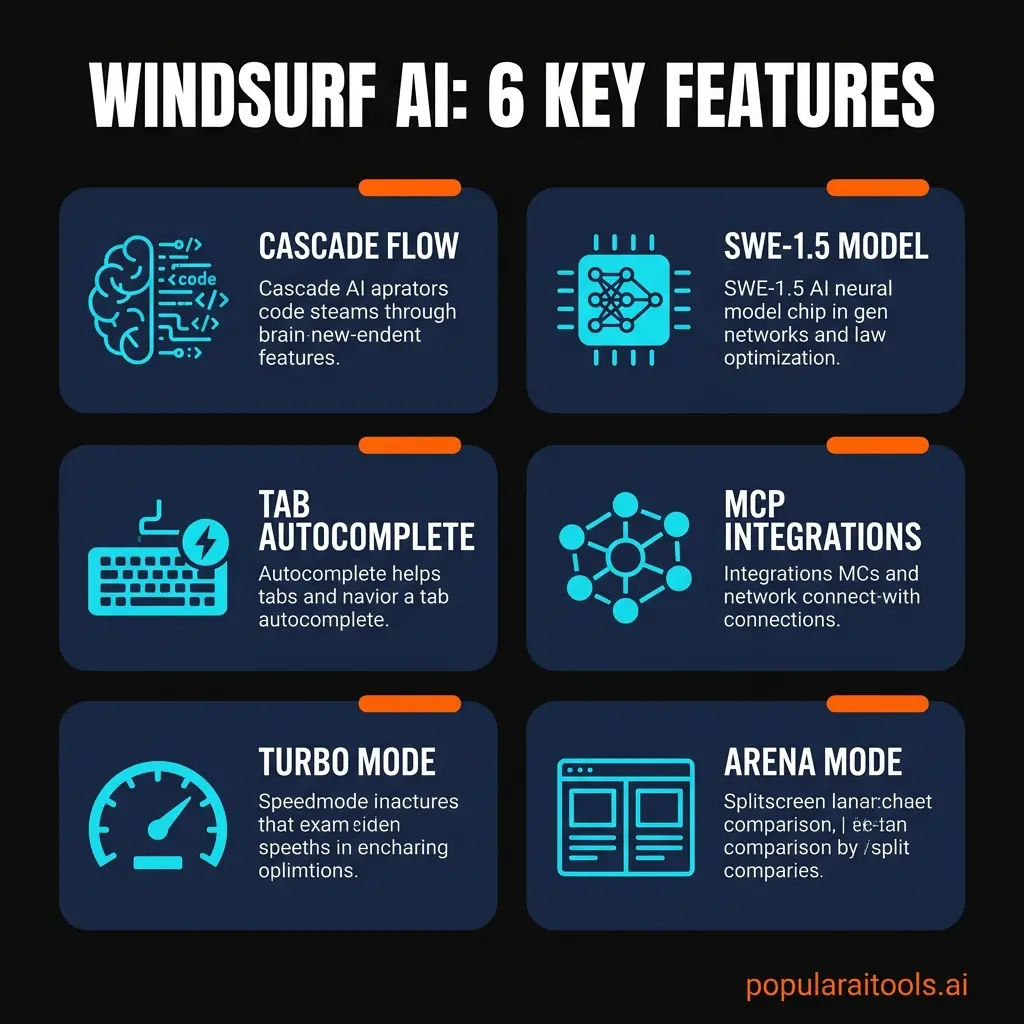
We have spent enough time with Windsurf to separate the genuinely useful features from the marketing fluff. Here are the six capabilities that actually matter in day-to-day development:
🚀 Cascade Flow-Aware Agent
Cascade is the centerpiece. It remembers your codebase context, tracks what you have been working on, and can autonomously execute multi-step tasks. Unlike basic chat assistants, it plans before it acts — proposing a strategy, then executing coordinated edits across multiple files. It also auto-detects and fixes lint errors it introduces, which saves a surprising amount of back-and-forth.
🧠 SWE-1.5 Proprietary Model
Windsurf's in-house coding model is purpose-built for software engineering. It handles planning, code generation, and debugging differently than general-purpose LLMs. Available on Pro plans and above, SWE-1.5 is what gives Cascade its edge in multi-file refactoring and architectural understanding. You can also use external models like GPT-5.2 and Claude Opus 4.6.
✍️ Tab v2 Autocomplete
Windsurf's Tab completion was retrained with "Variable Aggression" — it adapts how much code it suggests based on your context. The result is 25-75% more accepted completions compared to v1. It handles multi-line suggestions and inline edits well, and it is unlimited on every plan including Free.
🔗 MCP Integrations
Model Context Protocol support means Cascade can interact with external tools. Figma, Slack, Stripe, PostgreSQL, Playwright — one-click setup connects these services so the AI can query your database, check your designs, or run browser tests without you leaving the IDE. This is where the "agentic" part becomes genuinely powerful.
⚡ Turbo Mode
Turbo Mode lets Cascade execute terminal commands automatically without asking for permission each time. For tasks like running test suites, installing packages, or executing build scripts, it removes the constant approve/deny friction. You can toggle it on when you trust the AI's judgment and off when you want more control.
🏆 Arena Mode
Introduced in Wave 14, Arena Mode lets you run two models side-by-side on the same prompt and compare outputs directly in the IDE. This is genuinely useful for evaluating whether GPT-5.2, Claude Opus 4.6, or SWE-1.5 handles a particular task better. No other IDE offers this natively.
How to Use Windsurf
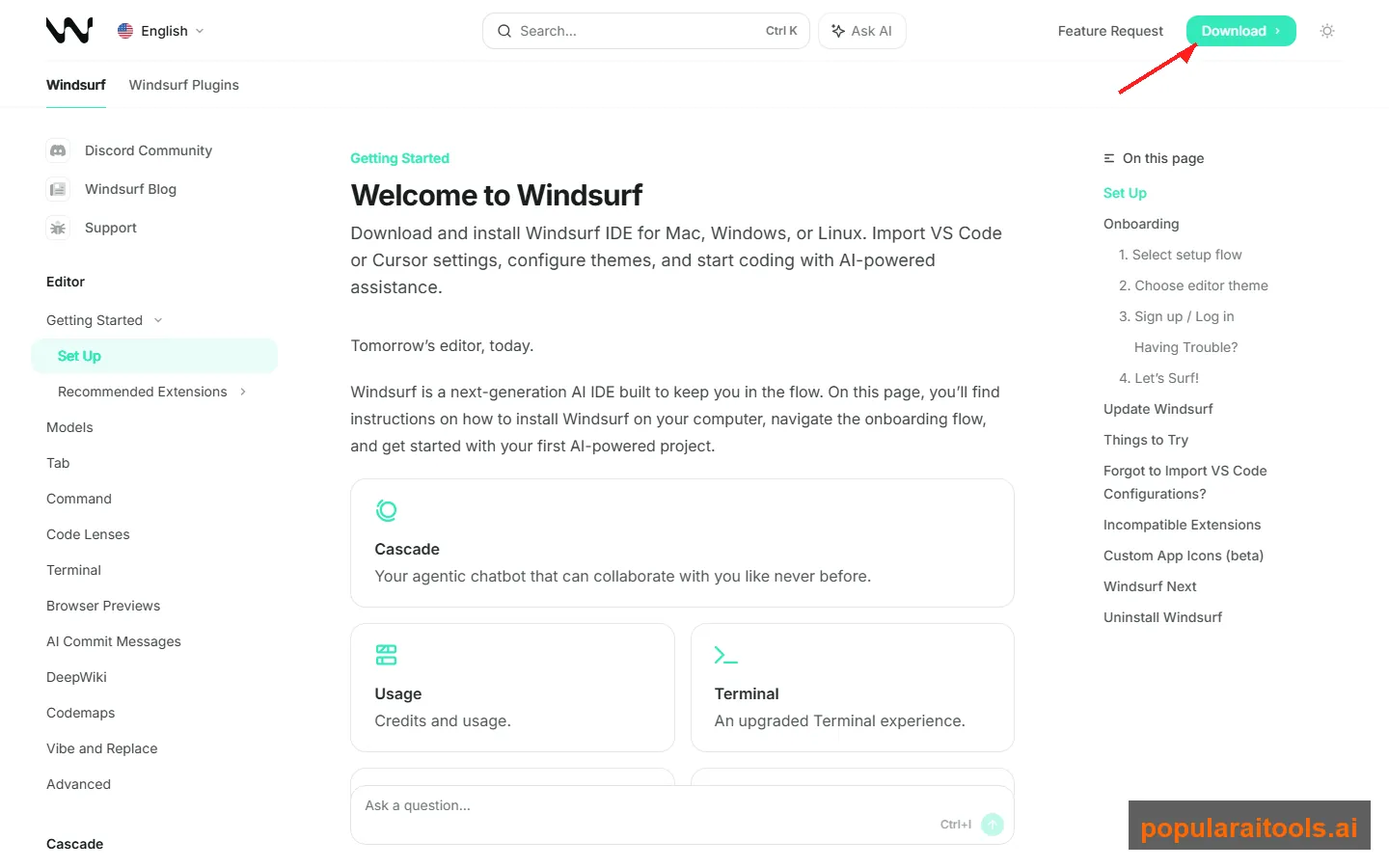
Getting started with Windsurf is painless. The onboarding is one of the better ones we have seen in the AI IDE space — it takes about three minutes from download to writing your first AI-assisted code. Here is the typical workflow:
Download and Install
Grab Windsurf from windsurf.com. Available for macOS, Windows, and Linux. During setup, you can import your VS Code or Cursor settings — keybindings, themes, and extensions carry over. Create a free account to get started.
Open Your Project
Open any folder or clone a repo. Windsurf immediately indexes your codebase for context awareness. For large projects, this takes 15-30 seconds. Once indexed, Cascade understands your file structure, dependencies, and code patterns.
Describe Your Task to Cascade
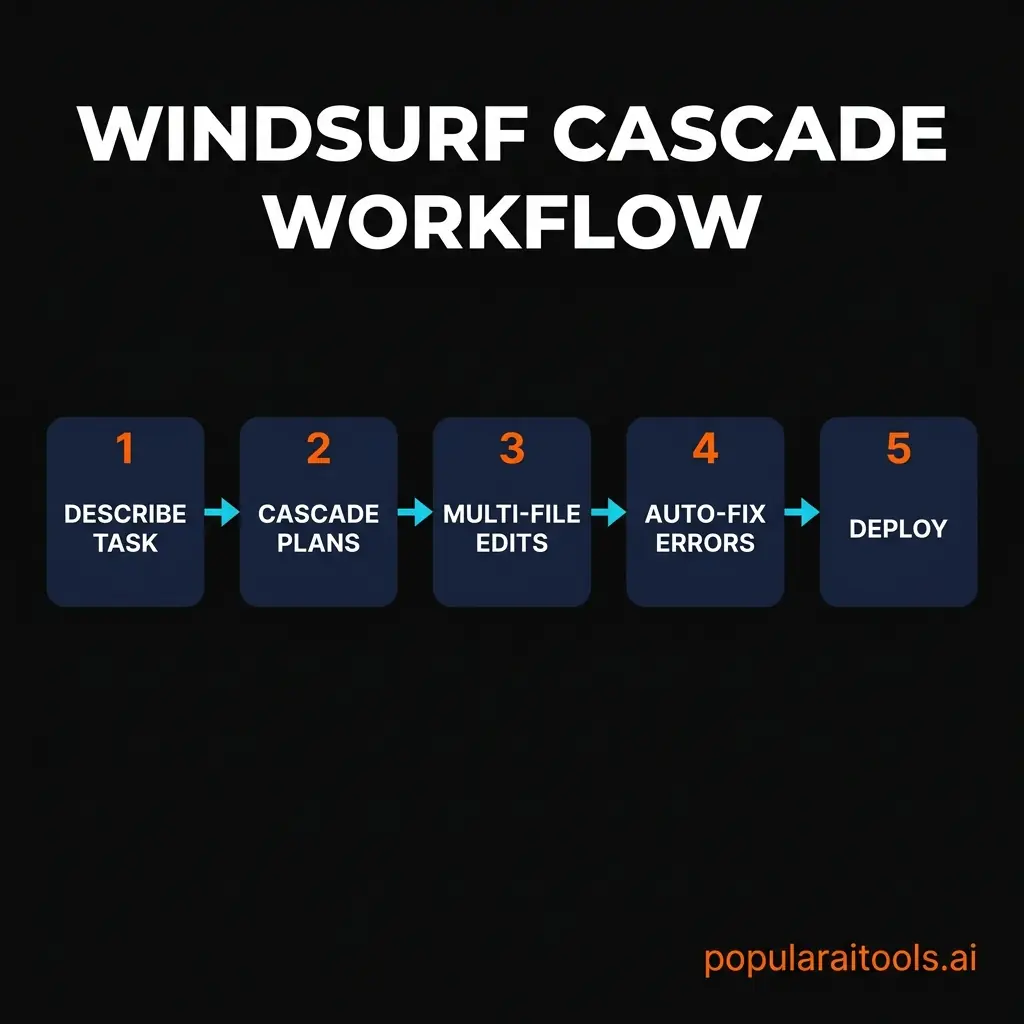
Open the Cascade panel and describe what you need in natural language. "Add a dark mode toggle to the settings page" or "Refactor the auth module to use JWT tokens." Cascade analyzes your request against the codebase context and proposes a plan.
Review and Accept Changes
Cascade shows you exactly what it plans to change across your files. You can accept all changes, accept selectively, or ask it to revise. It automatically detects lint errors in its own output and offers fixes before you even notice.
Deploy
Windsurf includes one-click deployment capabilities. With Turbo Mode enabled, Cascade can handle the full cycle: run tests, fix failures, build, and deploy — all within the IDE. For teams, the centralized dashboard tracks who deployed what and when.
Pricing Plans
Windsurf revamped their pricing in March 2026, moving away from the confusing credit system to straightforward usage-based tiers. Here is what each plan includes:
Free
$0
per month
- ✓ Light usage allowance
- ✓ Unlimited Tab completions
- ✓ Unlimited inline edits
- ✓ Limited model selection
Pro
$20
per month
- ✓ Standard daily/weekly quota
- ✓ All premium models
- ✓ SWE-1.5 model access
- ✓ Fast Context
- ✓ Deploys
- ✓ Extra usage at API pricing
Max
$200
per month
- ✓ Heavy daily/weekly quota
- ✓ All premium models
- ✓ SWE-1.5 model access
- ✓ Unlimited features
- ✓ Extra usage at API pricing
Teams
$40
per user / month
- ✓ Standard usage per seat
- ✓ Admin dashboard
- ✓ SSO + RBAC
- ✓ Centralized billing
- ✓ Priority support
- ✓ Volume discounts
The move away from credits was the right call. The old system made it genuinely difficult to predict monthly costs. Now, usage refreshes daily and weekly, and most developers will not exhaust their Pro tier quota unless they are running Cascade non-stop for eight hours a day. If you do exceed your allowance, overages are charged at API pricing — which is fair.

Pros and Cons
✓ Pros
- 🟢 Cascade is genuinely agentic — plans multi-step tasks, edits across files, fixes its own errors
- 🟢 SWE-1.5 outperforms generic models on refactoring and architectural tasks
- 🟢 Generous free tier with unlimited Tab completions and inline edits
- 🟢 Arena Mode lets you compare models side-by-side — no other IDE does this
- 🟢 MCP integrations connect Figma, Slack, databases directly to the AI
- 🟢 Rapid release cadence — 14 Wave updates show serious investment
✗ Cons
- 🔴 Extension ecosystem is smaller than VS Code/Cursor — some niche extensions missing
- 🔴 Large codebase indexing can be slow for monorepos (50K+ files)
- 🔴 $200/month Max tier is steep — hard to justify unless you are burning through heavy daily usage
- 🔴 Cascade occasionally over-plans — sometimes makes unnecessary changes in adjacent files
- 🔴 No native mobile or web version — desktop only
- 🔴 JetBrains plugin lags behind the standalone IDE in feature parity
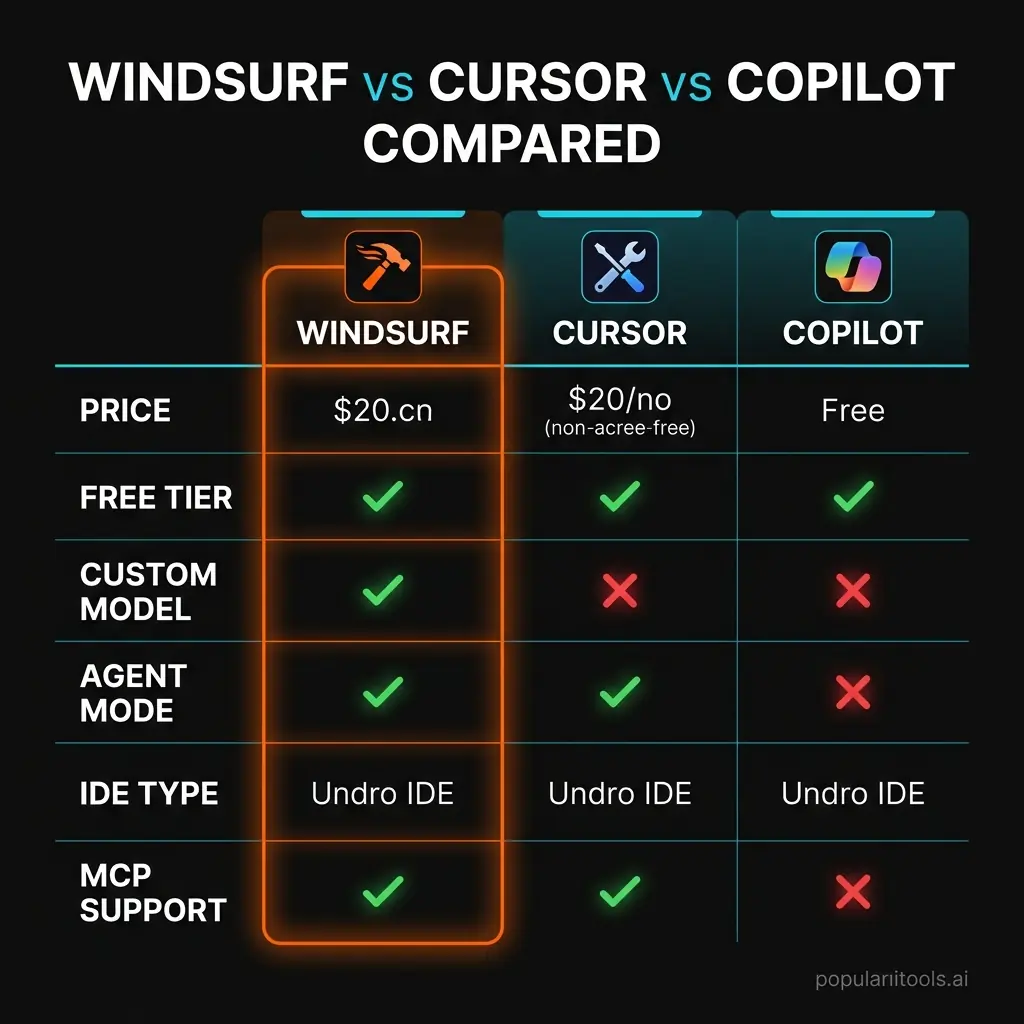
Windsurf vs Cursor vs Copilot
This is the comparison everyone wants. We have used all three extensively, so here is an honest breakdown:
Our take: Windsurf and Cursor are closer competitors than either is to Copilot. Copilot remains the budget choice at $10/month and works well as a passive assistant, but it lacks the agentic depth of the other two. Between Windsurf and Cursor, the choice comes down to your workflow. If you are starting new projects frequently and want the AI to handle multi-step tasks autonomously, Windsurf's Cascade is the better agent. If you are working in large existing codebases and value mature codebase understanding with a proven VS Code extension ecosystem, Cursor is the safer bet.
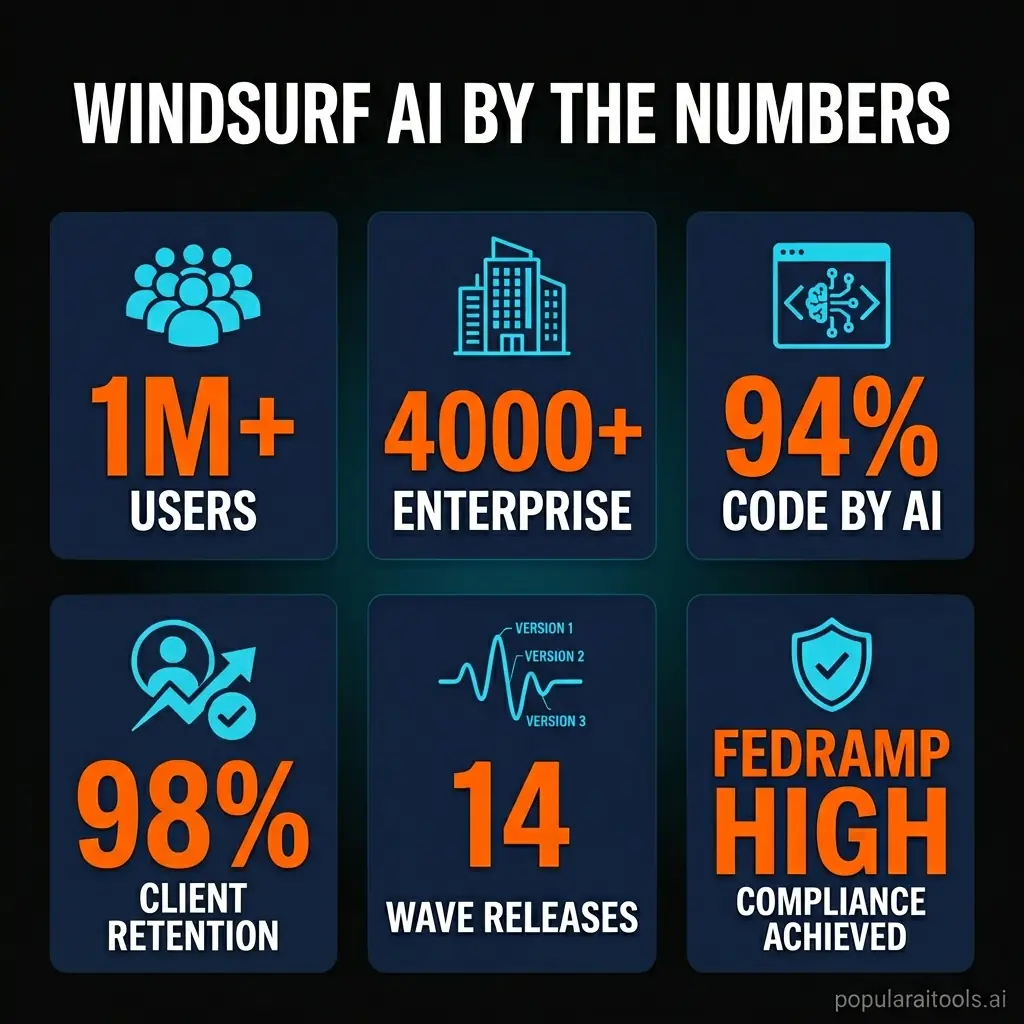
Windsurf by the Numbers
Here are the key metrics that tell the story of where Windsurf stands in the market:
1M+
Global Users
4,000+
Enterprise Customers
94%
Code Written by AI
14
Wave Releases
25-75%
More Tab Accepts (v2)
FedRAMP
High Authorization

Final Verdict
A Strong Cursor Alternative with Real Innovation
Recommended for developers who want agentic AI, not just autocomplete
Windsurf is not just another AI code editor. Cascade represents a genuinely different approach to AI-assisted development — one where the AI plans, executes, and self-corrects across your entire project. The SWE-1.5 model gives it capabilities that tools relying purely on third-party models cannot match, particularly for multi-file refactoring and architectural tasks.
That said, it is not perfect. The extension ecosystem is still catching up, the $200 Max tier feels overpriced for most individual developers, and Cascade can occasionally be overzealous with changes. For developers embedded in large existing codebases, Cursor's more mature VS Code foundation might still be the pragmatic choice.
Bottom line: If you are building new projects, prototyping rapidly, or want the most advanced agentic coding experience available today, Windsurf earns its spot as a top-tier AI IDE. The free tier is generous enough to find out if it fits your workflow before committing $20/month.
Have You Tried Windsurf AI?
Share Your Experience
Used Windsurf for your projects? We want to hear about it. Submit your review and help other developers make informed decisions about AI coding tools.
Submit Your Review →Frequently Asked Questions
This review reflects our experience using Windsurf AI from January through March 2026. Pricing and features are accurate as of March 30, 2026. We are not affiliated with Windsurf or Cognition, Inc. — this is an independent review.
Disclosure: PopularAiTools.ai may earn a commission if you sign up through links on this page. This does not influence our ratings or review content.
Recommended AI Tools
played.fm
Sell your music and keep 100%: played.fm is a direct-to-fan store + sync marketplace with 0% commission, no gatekeepers, and no bans — a strong fit for AI musicians.
View Review →OpenCode
The open-source AI coding agent: terminal-first TUI, 75+ model providers, LSP context, subagents, and privacy-first design. Free software, ~180K GitHub stars.
View Review →Exa
The neural web search API for AI agents: embeddings-based retrieval, cited highlights, sub-180ms latency, and an MCP server. 20,000 free requests/month.
View Review →Google Antigravity
Google's agent-first IDE: run a fleet of AI agents from a Manager surface, on Gemini 3 Pro, Claude Sonnet 4.5, or OpenAI models. Free in public preview.
View Review →