
PostEverywhere Review March 2026: Features, Pricing, Pros & Cons
Updated March 2026 · 10 min read · By PopularAiTools.ai
TL;DR
PostEverywhere is a social media cross-posting tool that publishes content across multiple platforms simultaneously. The platform supports major social networks and handles platform-specific formatting, character limits, and media requirements automatically. PostEverywhere helps individuals and small businesses maintain consistent social presence without managing each platform individually. Pricing model: Freemium. Rating: 3.6/5
What is PostEverywhere?
PostEverywhere is a social media cross-posting tool that publishes content across multiple platforms simultaneously. The platform supports major social networks and handles platform-specific formatting, character limits, and media requirements automatically. PostEverywhere helps individuals and small businesses maintain consistent social presence without managing each platform individually.
Who Should Use PostEverywhere?
- Solo entrepreneurs maintaining social media presence
- Small businesses posting across platforms efficiently
- Freelancers managing social media for clients
- Anyone wanting consistent social posting with minimal effort
Key Features
1. Multi-Platform Publishing
Post to multiple social networks simultaneously from a single interface.
2. Platform Formatting
Automatic adaptation of content for each platform's specific requirements.
3. Scheduling
Schedule posts for optimal times on each platform.
4. Media Management
Handle different image and video requirements per platform automatically.
5. Analytics
Track engagement across all platforms in one dashboard.
6. Content Calendar
Visual calendar for planning social media content.

How to Use PostEverywhere
Step 1: Sign Up or Install
Visit the official PostEverywhere website and create your account or download the application. Most plans offer a free trial or free tier so you can explore the platform before committing.
Step 2: Configure Your Workspace
Set up your workspace according to your needs. PostEverywhere provides onboarding guides or tutorials to help you get started quickly with the core features.
Step 3: Explore Core Features
Start using the main capabilities of PostEverywhere. Take advantage of any templates, presets, or quick-start options to accelerate your workflow and see results faster.
Step 4: Integrate with Your Stack
Connect PostEverywhere with your existing tools and workflows. Check for available integrations with popular platforms and APIs to maximize productivity.
Step 5: Scale and Optimize
As you become more familiar with PostEverywhere, explore advanced features and settings. Monitor your usage and results to optimize your workflow and determine if upgrading makes sense.
Pricing Plans
Free tier with basic cross-posting. Premium plans provide scheduling, analytics, and more platforms.

Pros and Cons
Pros
- ✓ Saves time versus posting on each platform individually
- ✓ Free tier covers basic needs
- ✓ Platform-specific formatting automatic
- ✓ Scheduling optimizes engagement
- ✓ Unified analytics dashboard
- ✓ Simple to set up and use
Cons
- ✗ Cross-posted content can feel less authentic
- ✗ Free tier has platform limits
- ✗ Less feature-rich than enterprise tools
- ✗ Platform API changes affect functionality
- ✗ Limited content creation features
Best PostEverywhere Alternatives

Final Verdict: Is PostEverywhere Worth It?
PostEverywhere provides practical value for individuals and small businesses maintaining social presence across multiple platforms. The automatic formatting ensures cross-posted content fits each platform. Best used alongside some platform-native content for the most effective social media strategy.
Our Rating: 3.6 / 5
Build an AI Tool? Get It in Front of the Right Audience
PopularAiTools.ai reaches thousands of qualified AI buyers monthly.
Submit Your AI Tool →Frequently Asked Questions
Is PostEverywhere free?
Yes, a free tier covers basic cross-posting.
What platforms are supported?
Major social networks. Check the current list on the website.
Does it format posts automatically?
Yes, content adapts to each platform's requirements.
Can I schedule posts?
Yes, premium plans include scheduling.
Does it provide analytics?
Yes, track engagement across all platforms in one dashboard.
Do I need premium for more platforms?
Free tier covers a limited number. Premium adds more.
Is cross-posting effective?
It saves time but some platform-native content is recommended alongside.
Can I use it for a business?
Yes, suitable for small businesses and individuals.

Get Premium AI Tool Insights
Subscribe to get weekly curated AI tool recommendations, exclusive deals, and early access to new tool reviews.
Related Tools
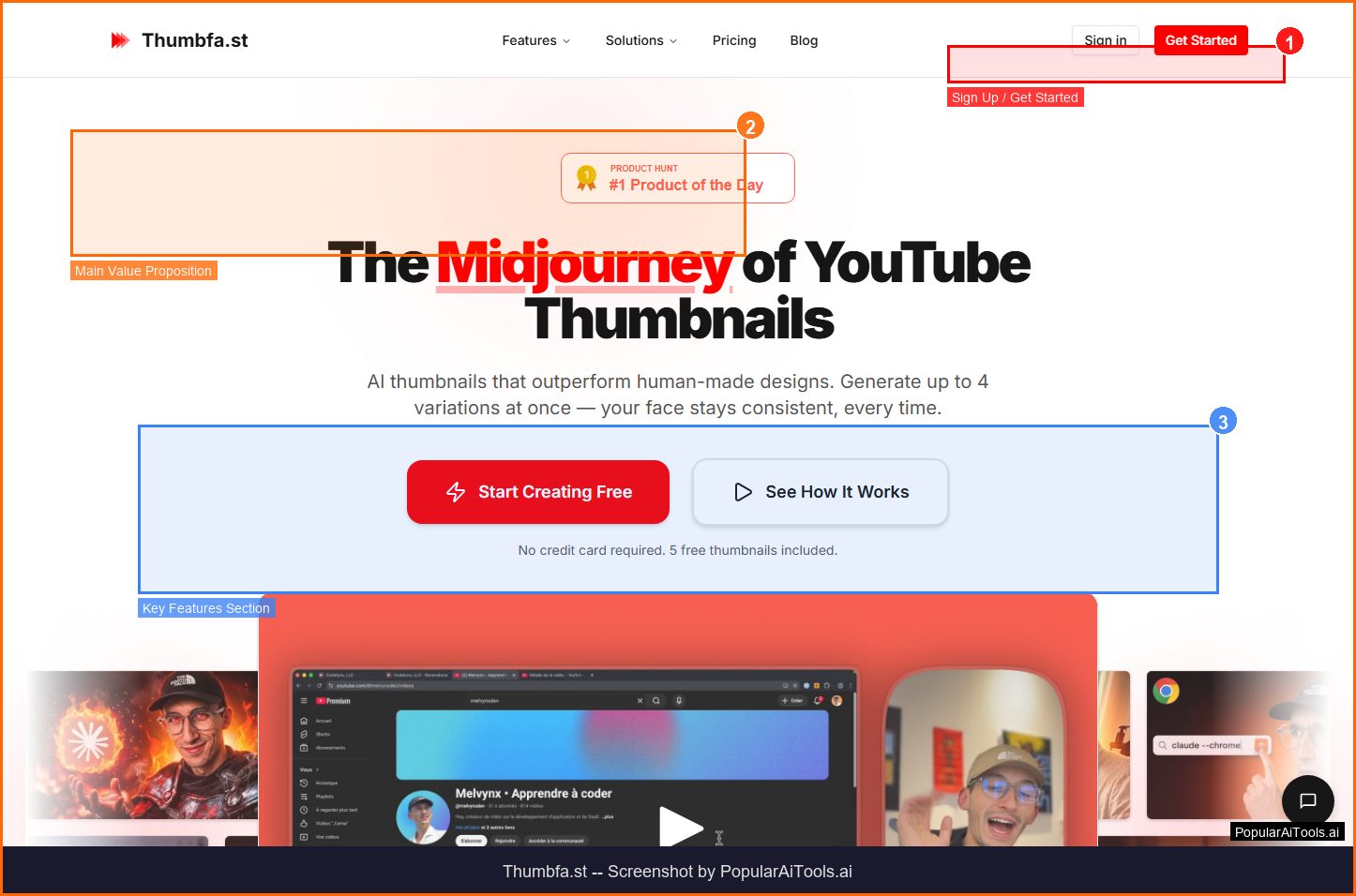
Thumbfa.st
ai-social
A tool to generate YouTube thumbnails from references.

Lensmor
ai-social
A platform that monitors competitor activities across websites and social media to deliver alerts and action plans.
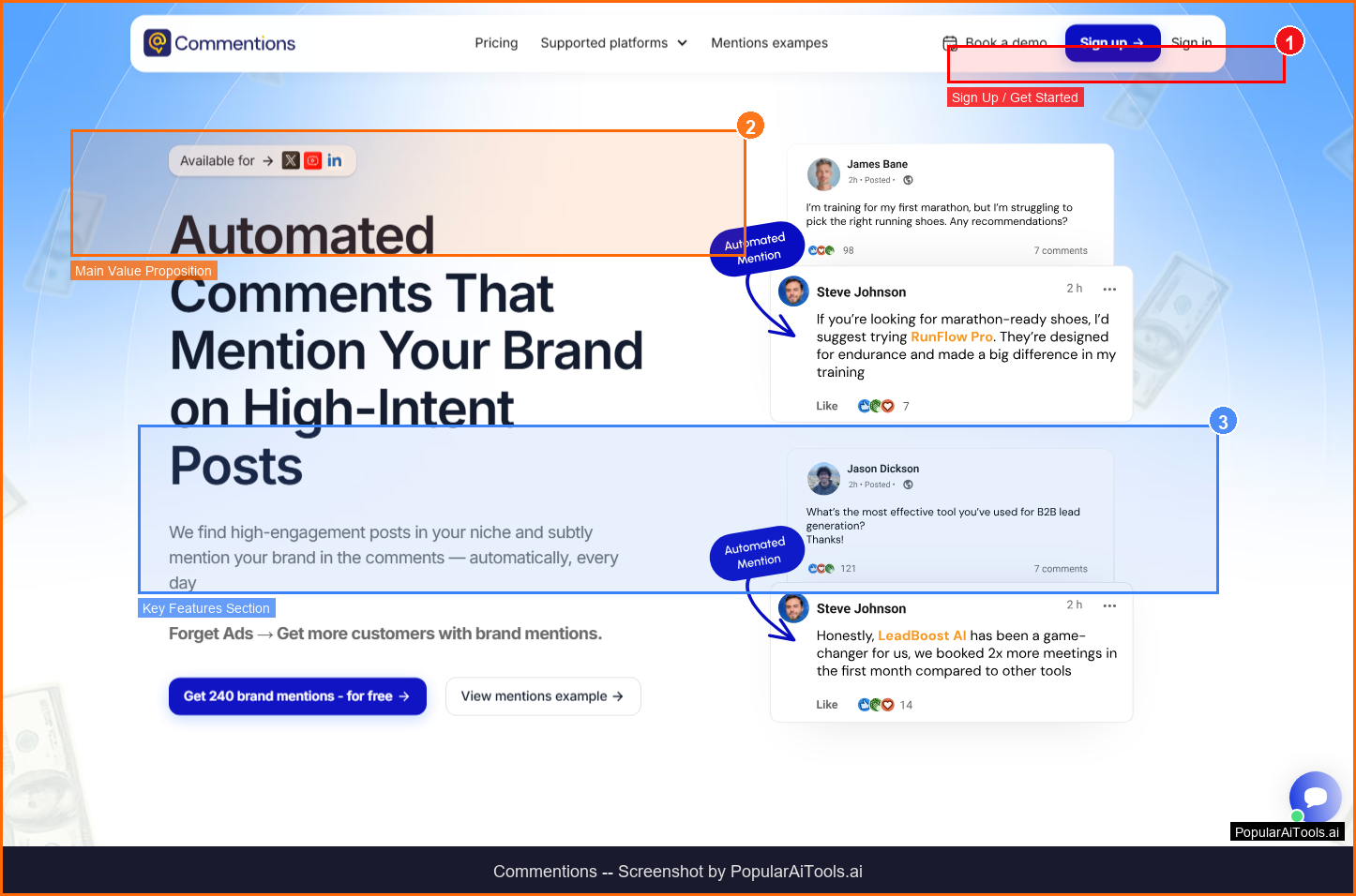
Commentions
ai-social
A tool that posts contextual, comments on X, LinkedIn, and YouTube to mention your brand and drive traffic.
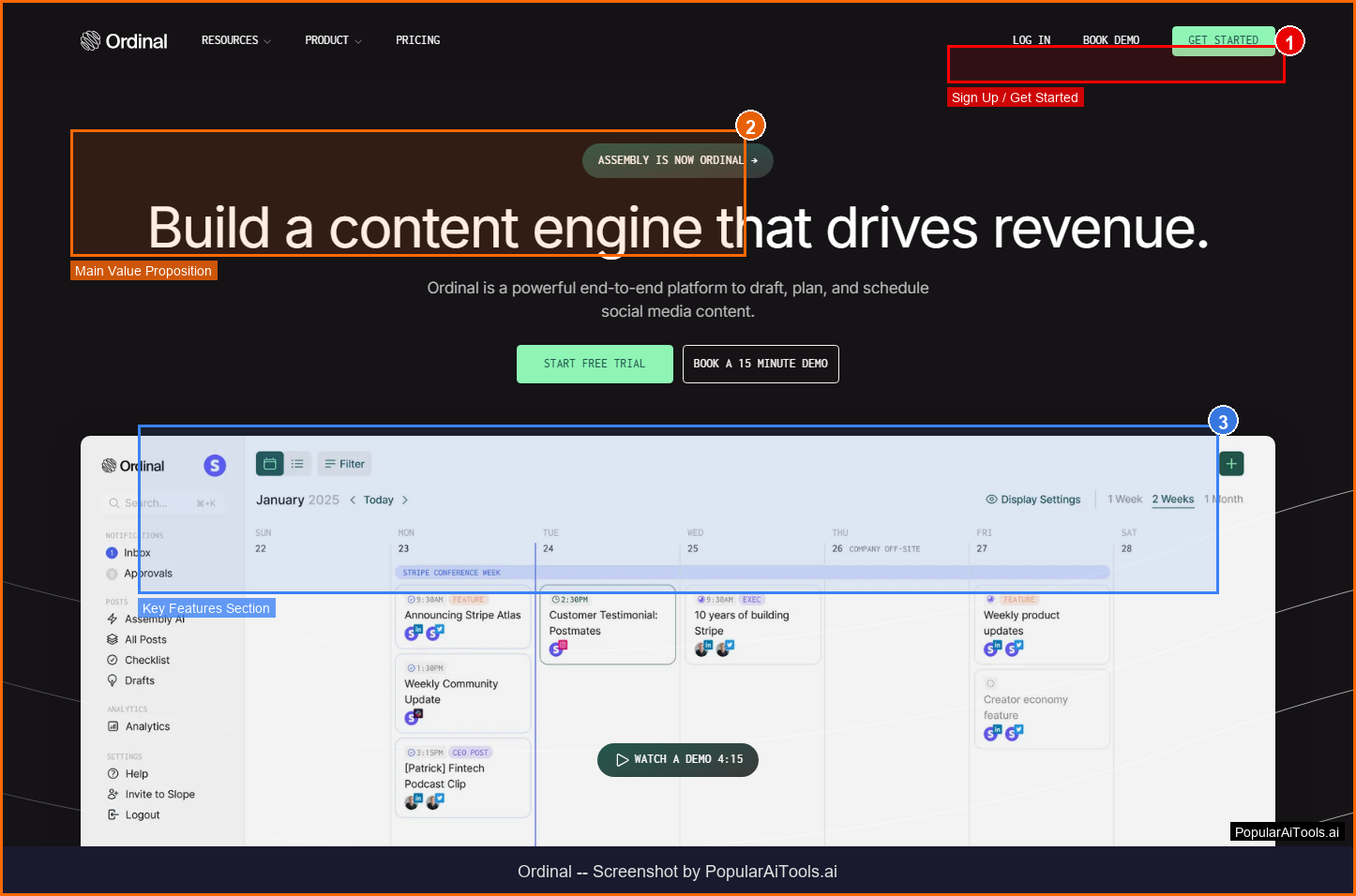
ordinal
ai-social
A tool to draft, plan, and schedule social media content.
Related Articles
Best AI Email Writer 2026: 8 Tools Tested by Use Case (Cold, Marketing, In-Client)
Honest 2026 picks for the best AI email writer — Lavender, Instantly, Smartlead, Lemlist, Apollo, Grammarly, HubSpot, Mailchimp ranked by use case with current pricing and the Mailchimp Free downgrade nobody else has caught.
AI Rapper Voice Generator (2026): Legal Tools, Real Pricing, and Which Will Get You Sued
Honest 2026 guide to AI rapper voice generators — Kits.AI, ElevenLabs, Typecast, Lalals, Jammable compared on price, quality, and the legal exposure that nobody else is writing about after the UMG/Warner settlements.
Canva AI Logo Generator Review: The Free Download Yes, Trademark No Verdict (2026)
Honest 2026 Canva AI Logo Generator review covering the three different logo flows (Dream Lab, template library, Magic Studio), real pricing, the trademark restriction Canva won't put on the marketing page, and the Looka comparison.