Best Free AI Voice Generators 2026: 9 Tools We Actually Tested

AI Creative Tools Specialist
Key Takeaways
- ElevenLabs is the best free AI voice generator in 2026 — 10 minutes per month on the free tier, with voice quality that is audibly ahead of every competitor. Voice cloning included free.
- You do not need to pay for professional-quality voiceover. Between ElevenLabs (10 min/mo), LOVO (free tier), Play.ht (trial), and Speechify (free plan), there is a free tool for every use case from YouTube to e-learning.
- Multilingual support is now standard. LOVO covers 100+ languages with 500+ voices, Verbatik offers 600+ voices across 142 languages, and ElevenLabs handles 29 languages — all with natural-sounding output.
- Fish Audio’s free tier includes voice cloning, SFX generation, and STT — more audio production tools than most other free plans on this list. Cross-lingual cloning across 80+ languages is available from the start. Plus is $11/month (200 minutes).
- The $5/mo tier is the sweet spot. ElevenLabs Starter at $5/month gives you 30 minutes of the best AI voice quality available. That is enough for 2-3 YouTube videos per month.
Table of Contents
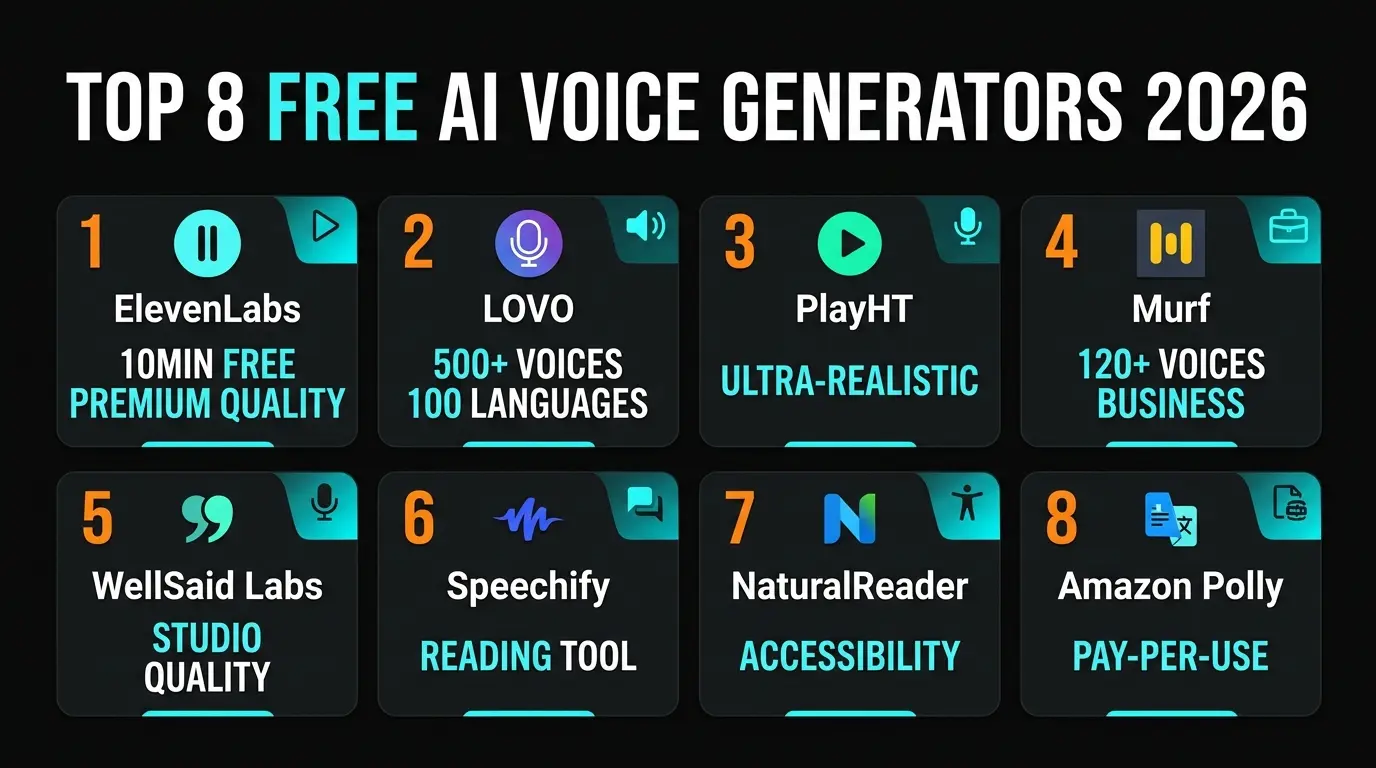
- Best Free AI Voice Generators at a Glance
- 1. Fish Audio — Best for Voice Cloning and Audio Production
- 2. ElevenLabs — Best Overall Quality
- 3. LOVO / Genny — Best for Multilingual Content
- 4. Play.ht — Best for Developers
- 5. Murf AI — Best for Business Teams
- 6. WellSaid Labs — Best for Enterprise
- 7. Speechify — Best for Reading and Accessibility
- 8. NaturalReader — Best for Education
- 9. Verbatik — Best Voice Library
- How to Choose the Right AI Voice Generator
- Full Comparison Table
- Submit Your AI Tool
- Frequently Asked Questions
AI voice generation has crossed the uncanny valley. The best tools in 2026 produce speech that is genuinely difficult to distinguish from a human recording — natural pauses, emotional inflection, breathing patterns, even subtle imperfections that make the output feel alive. And several of these tools offer free tiers that are legitimately usable for real projects.
We tested 9 of the most popular free AI voice generators over three weeks, generating voiceovers for YouTube scripts, podcast intros, e-learning modules, and marketing explainers. We compared voice quality, free tier limits, language support, voice cloning capabilities, and how natural each tool sounds when you actually listen to the output. No vague summaries — we put every single one through real production workflows.
If you are also building content with AI, check out our guide to the best AI tools for content creators in 2026 for a broader look at the landscape.
Best Free AI Voice Generators at a Glance
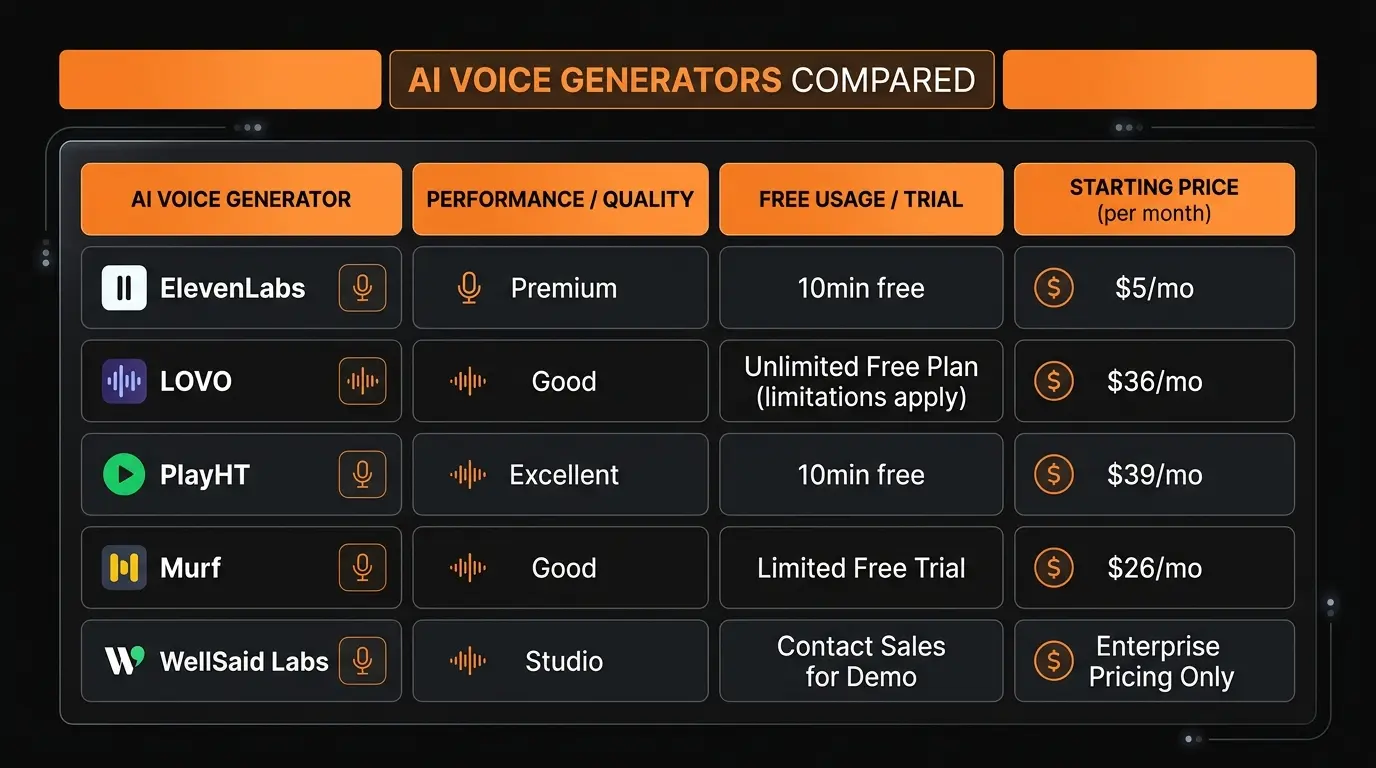
Before the deep dives, here is a quick snapshot. This table covers what actually matters when choosing a free AI voice tool: how much generation you get, voice quality, language support, and whether voice cloning is included.
| Tool | Free Tier | Best For | Quality |
|---|---|---|---|
| Fish Audio | 7 min/month | Voice cloning, audio production | ★★★★½ |
| ElevenLabs | 10 min/month | Voiceover, voice cloning | ★★★★★ |
| LOVO / Genny | Free tier (limited) | Multilingual, video editor | ★★★★½ |
| Play.ht | Free trial | Developers, API access | ★★★★½ |
| Murf AI | Free trial (10 min) | Business presentations | ★★★★ |
| WellSaid Labs | Demo / trial | Enterprise, studio quality | ★★★★½ |
| Speechify | Free plan | Reading, accessibility | ★★★★ |
| NaturalReader | Free tier (20 min/day) | Education, documents | ★★★½ |
| Verbatik | Free trial | Language coverage, voice variety | ★★★★ |
1. Fish Audio — Best for Voice Cloning and Audio Production
Fish Audio is the most self-contained free option for creators who need voice cloning alongside other audio production tools. Seven minutes per month gives you access to the full platform: voice cloning from 15-second samples, STT, SFX generation from text prompts, and a library of over 2 million community voice models, all without paying anything upfront.
The S2 model’s cloning quality is the main reason it stands out. We ran a test using a 15-second audio sample and the output preserved the source voice’s character noticeably well. The cross-lingual workflow (train on one language, generate in another) worked cleanly across 80+ languages. For creators producing multilingual content with a consistent voice identity across episodes or markets, this is the workflow that makes Fish Audio worth considering.

The inline emotion tag system ([excited], [whispering], [sad]) is the other thing worth flagging. You embed the tags directly in your script at the points where you want the tone to shift. We tested it on a script with two distinct emotional registers and the transitions felt natural rather than abrupt. It is the kind of control you miss when it is not available.
Seven minutes per month is enough to evaluate the platform and run real tests, but not enough for regular production. The Plus plan at $11/month (200 minutes) is where the tool becomes practically usable for ongoing content work. Developers can access the API at approximately $15/1M characters with 200ms time-to-first-audio. The S2 model is open-weights on GitHub and HuggingFace; commercial use requires a paid license.

Strengths: Voice cloning from 15-second samples. Cross-lingual support across 80+ languages. Inline emotion tags for word-level delivery control. STT, SFX generation, and vocal removal included. Open-weights S2 model. 2M+ community voices.
Weaknesses: Only 7 min/month on free tier. Commercial use of the open-weights model requires a paid license. No built-in video editor.

2. ElevenLabs — Best Overall AI Voice Quality
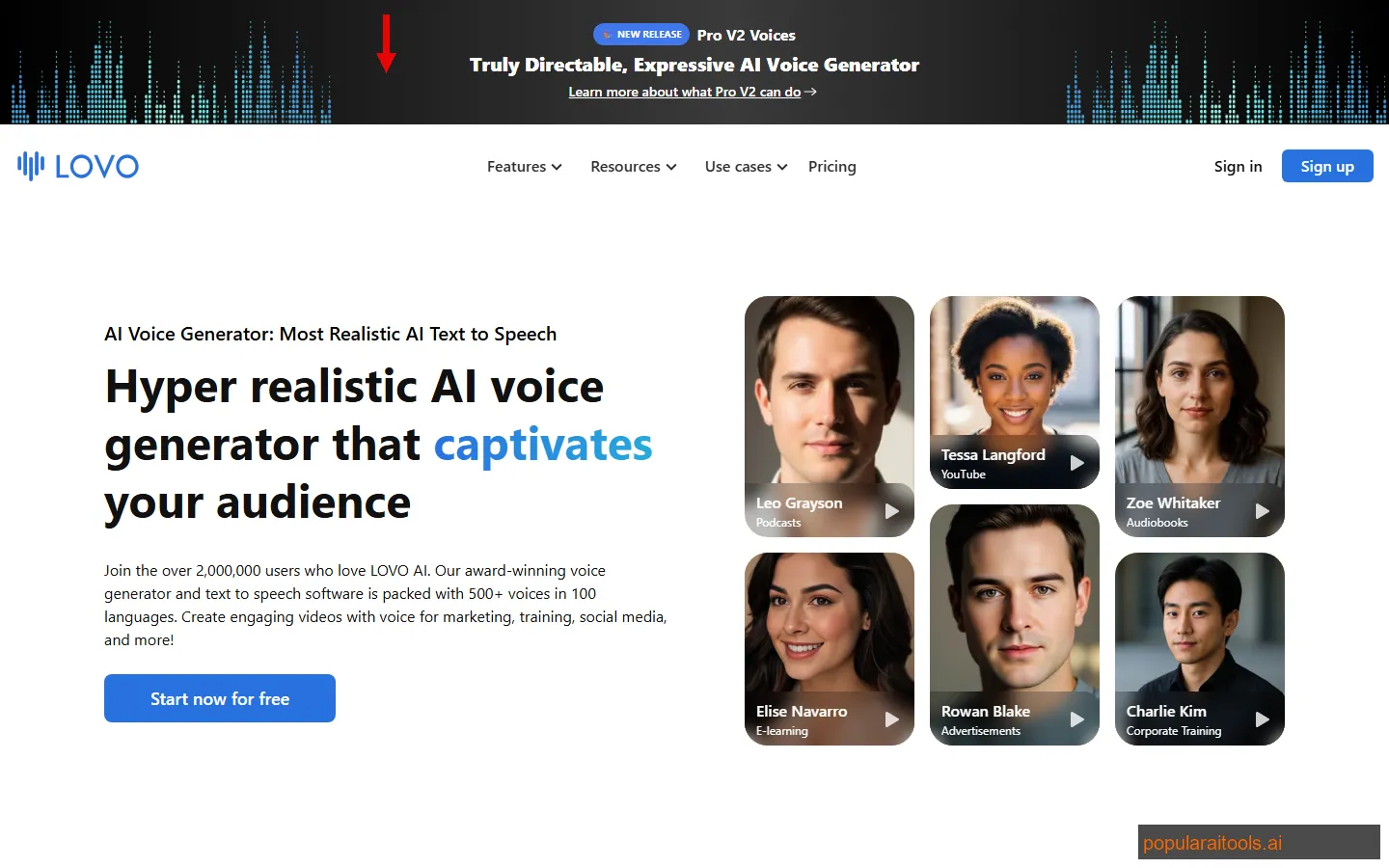
ElevenLabs is the AI voice generator we reach for first, every time. The gap between ElevenLabs and the next-best tool is smaller than it was a year ago, but it is still audible. The output does not sound like AI. It sounds like a professional voice actor who recorded the exact script you wrote, with natural pauses, breathing, and emotional inflection that adapts to the content.
The free tier gives you 10 minutes of voice generation per month and 10,000 characters. You get access to their full voice library — dozens of pre-built voices spanning male, female, different ages, accents, and speaking styles. The voice cloning feature is available on the free tier too: upload a short audio sample, and ElevenLabs creates a synthetic version of that voice. We cloned a voice using a 60-second sample and the output was remarkably close to the original.
Where ElevenLabs excels is in the subtleties. Read a paragraph about a product launch and the voice sounds enthusiastic. Read a paragraph about a data breach and the tone shifts to serious. This contextual awareness is something competitors still struggle with. The multilingual model handles 29 languages without switching voices, which means you can produce content in Spanish, German, or Japanese using the same voice profile.
The catch? Ten minutes per month is tight for anything beyond light use. If you are producing YouTube videos or podcast content regularly, you will burn through the free tier in a single session. The Starter plan at $5/month bumps you to 30 minutes and is genuinely the best value in AI voice — but the free tier is enough to evaluate quality and build a workflow before committing.
Strengths: Best voice quality on the market. Voice cloning on free tier. 29 languages. Contextual emotional awareness. API access.
Weaknesses: Only 10 min/month free. Commercial use requires paid plan. Voice cloning limited to 1 voice on free.
3. LOVO / Genny — Best for Multilingual Content and Video
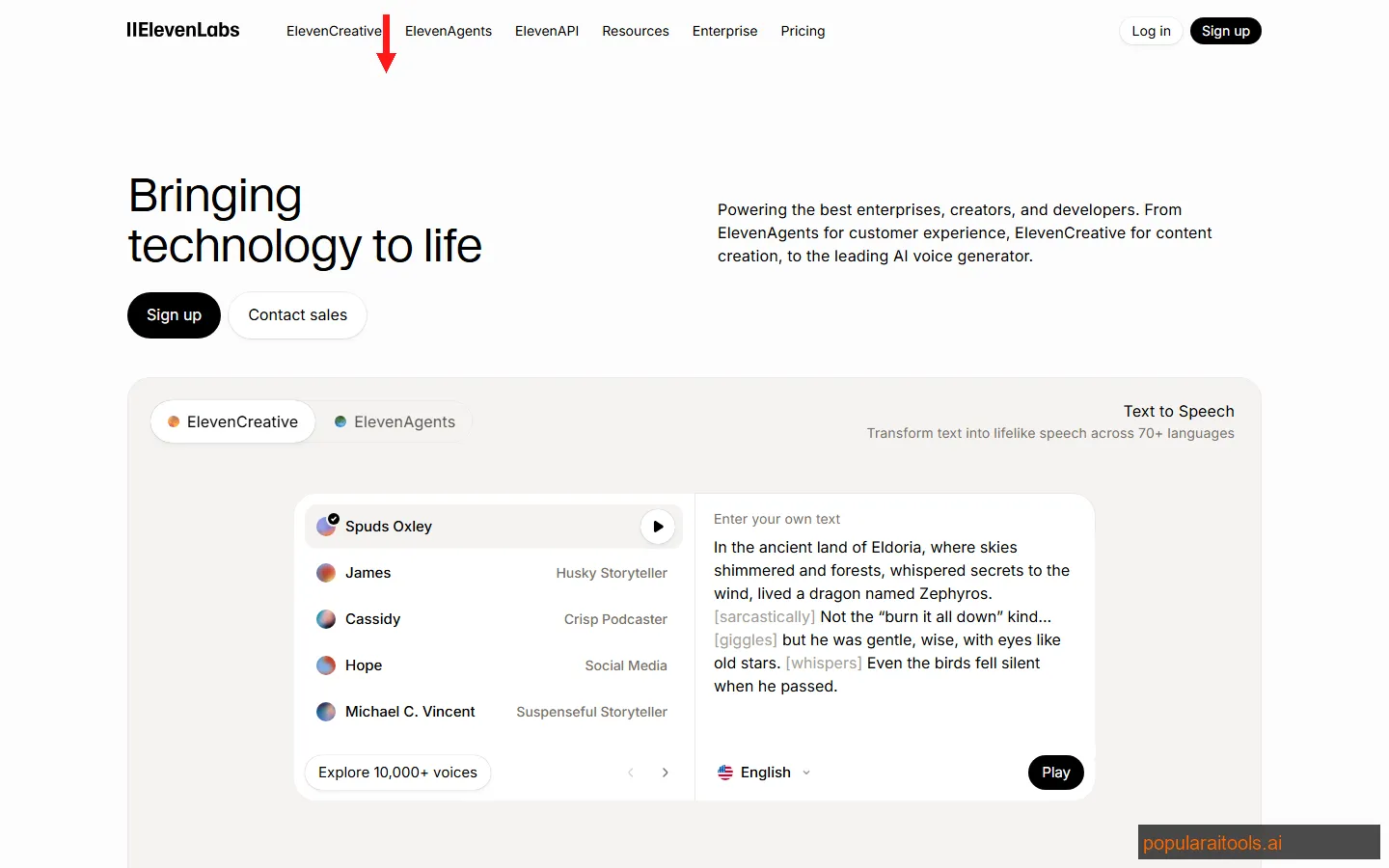
LOVO's Genny platform is the most feature-complete AI voice tool we tested. Where ElevenLabs focuses on voice quality above all else, LOVO wraps voice generation inside a full video editing workspace. You get 500+ AI voices across 100+ languages, a timeline-based editor, background music, and the ability to produce a finished video — not just an audio file.
The free tier is functional but limited. You get a handful of voice generations to evaluate the platform. The real value becomes clear when you start using the Genny editor: paste a script, select a voice, and LOVO automatically generates audio segments that sync to a visual timeline. You can add stock footage, images, subtitles, and transitions without leaving the platform. For YouTube creators and course builders, this eliminates an entire editing step.
Voice quality is excellent — not quite at ElevenLabs' level for English, but LOVO's advantage is breadth. Need a voiceover in Korean, Portuguese, Arabic, or Hindi? LOVO has natural-sounding voices for all of them. The 100+ language library is not just a list of robot voices — the output in non-English languages is genuinely good. We tested Spanish, Mandarin, and German voiceovers and all sounded natural to native-speaking colleagues who reviewed them.
The limitation is that the free tier exists mainly as a trial. Serious production requires the paid plans starting at $24/month. But the integrated video editor and language coverage make LOVO uniquely valuable for creators who produce multilingual content or want an all-in-one voice-to-video workflow.
Strengths: 500+ voices in 100+ languages. Built-in video editor. Script-to-video workflow. Excellent non-English quality.
Weaknesses: Free tier is limited. Paid plans are pricier than ElevenLabs for voice-only use. Interface has a learning curve.
4. Play.ht — Best for Developers and API Integration
Play.ht stands out for one reason most tools ignore: a developer-first approach. While other voice generators focus on their web interface, Play.ht offers a robust API that lets you embed voice generation directly into your own applications, websites, and workflows.
The free tier gives you a trial allocation to test the platform and API. Play.ht's voice engine — PlayHT 2.0 — is one of the most realistic we have heard. It uses a generative AI approach (similar to how image generators work) rather than traditional concatenative synthesis, which gives the output a more organic, less predictable quality. Voices breathe, pause, and emphasize words in ways that older TTS systems simply cannot replicate.
The API is clean and well-documented. You can generate audio with a single POST request, stream audio in real-time for conversational AI applications, and create custom voice clones programmatically. We integrated it into a content pipeline that automatically generates audio versions of blog posts — the entire workflow took about 20 lines of code. For teams building products that need voice generation as a feature (chatbots, accessibility tools, e-learning platforms), Play.ht's API is the strongest option.
The web-based editor is solid but not as polished as LOVO's. You get basic text-to-speech controls, voice selection, and SSML support for fine-tuning pronunciation. The voice library is smaller than LOVO's but quality is consistently high across the available options.
Strengths: Excellent API. Ultra-realistic generative voice engine. Real-time streaming. Voice cloning. Developer-friendly.
Weaknesses: Free tier is a trial. Web editor is basic compared to LOVO. Smaller voice library.
5. Murf AI — Best for Business Presentations and Training
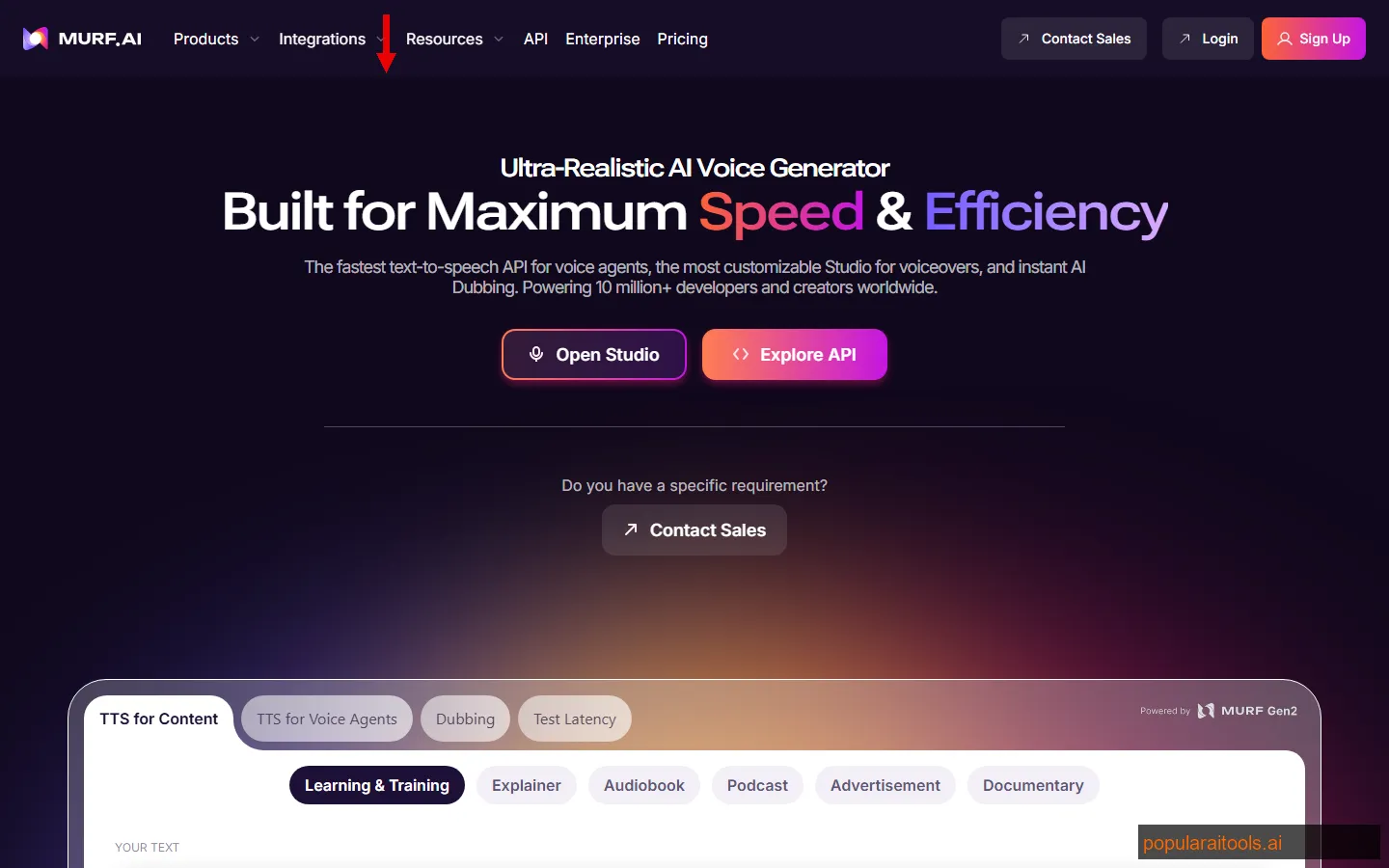
Murf AI is built for business teams who need professional voiceovers without hiring a voice actor. The platform offers 120+ AI voices across 20+ languages, with a built-in studio that lets you sync voice to video, add background music, and export in multiple formats.
The free trial gives you approximately 10 minutes of generation time to evaluate the platform. Murf's voice quality sits in a comfortable middle ground — not quite ElevenLabs' naturalness, but noticeably more professional than budget tools. The voices sound polished, clear, and well-suited for corporate use cases: training videos, product demos, investor presentations, and customer onboarding content.
What makes Murf different is the built-in video editor with voice sync. Upload a video or slide deck, paste your script, select a voice, and Murf automatically aligns the voiceover to your visual content. You can adjust timing, add emphasis markers, change pitch and speed per sentence, and insert pauses. This is particularly valuable for L&D teams producing training modules — the entire workflow from script to finished video with professional voiceover happens inside one tool.
The AI voice changer feature is worth noting: record yourself speaking and Murf transforms it into a different AI voice while preserving your pacing and emphasis. This gives you more natural delivery than typing text, since the AI voice follows your actual speaking rhythm rather than generating timing from scratch.
Strengths: 120+ voices. Video editor with voice sync. AI voice changer. Clean business-oriented UI. Good for teams.
Weaknesses: Free trial is limited. Paid plans start at $23/month. Less natural than ElevenLabs for conversational tone.
6. WellSaid Labs — Best for Enterprise and Studio-Grade Output
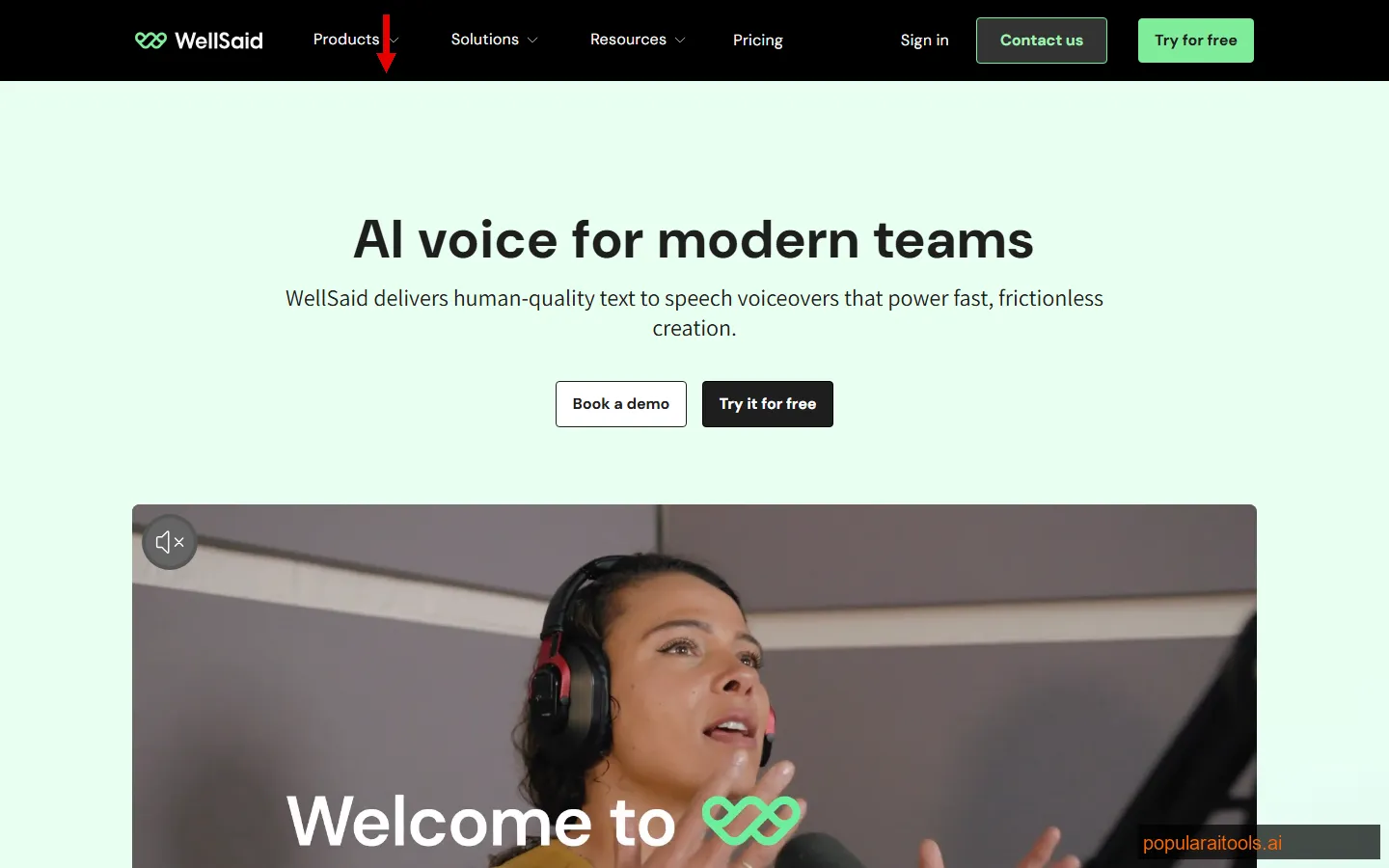
WellSaid Labs targets a specific audience: enterprise teams that need broadcast-quality AI voices at scale. The voices are among the most natural-sounding we tested — WellSaid records professional voice actors in their own studios and trains custom AI models from those recordings, which gives the output a consistency and professionalism that purely synthetic approaches cannot match.
The free offering is limited to a demo or trial period rather than an ongoing free tier. This is not a tool for individual creators on a budget — it is built for companies producing hundreds of hours of training content, marketing videos, and product documentation. But if you are evaluating enterprise voice tools, the trial gives you enough to hear the quality difference.
Each WellSaid voice is called an "Avatar," and they sound distinctly human. There is no uncanny robot quality, no odd pronunciation artifacts, no unnatural rhythm. We compared WellSaid output to ElevenLabs on the same script, and while ElevenLabs had a slight edge in emotional range, WellSaid was more consistent — every take sounded professional without needing to regenerate.
The platform includes team collaboration features, project management, brand voice guidelines, and usage analytics — features that matter at the enterprise level but are overkill for solo creators. Pricing is custom and starts significantly higher than consumer tools.
Strengths: Studio-quality voices recorded from real actors. Extremely consistent output. Team collaboration. Enterprise features.
Weaknesses: No ongoing free tier. Enterprise pricing. Smaller voice library than consumer tools. Overkill for individuals.
7. Speechify — Best for Reading and Everyday Accessibility
Speechify approaches AI voice from a different angle: it is primarily a reading tool. Instead of generating voiceovers for production content, Speechify converts any text — articles, PDFs, emails, documents, web pages — into natural-sounding speech that you listen to on the go. Think of it as an AI-powered audiobook engine for everything you read.
The free plan gives you access to the basic voice library and the browser extension. Highlight text on any web page, click the Speechify button, and it reads aloud with surprisingly natural voice quality. The Chrome extension alone makes this tool worth trying — it turns any article or documentation page into a podcast-style listening experience. The mobile app does the same for PDFs, ebooks, and documents.
Voice quality on the free tier is good but not at the level of ElevenLabs or WellSaid. The premium voices (available on paid plans) are significantly better — more natural pacing, better pronunciation, and smoother transitions between sentences. But even the free voices are pleasant enough for extended listening sessions, which is the primary use case.
Speechify is not the right tool if you need to generate audio files for production — it is designed for personal listening, not content creation. But for anyone who wants to consume written content as audio, whether for accessibility, productivity, or preference, the free tier is genuinely useful. The speed controls (up to 4.5x) are particularly good for skimming through long documents.
Strengths: Excellent browser extension. Reads any text aloud. Great for accessibility. Speed controls up to 4.5x. Mobile app.
Weaknesses: Not designed for production voiceover. Best voices require paid plan. Audio export limited on free tier.
8. NaturalReader — Best for Education and Document Reading
NaturalReader has been in the text-to-speech space longer than most competitors on this list. Originally launched as a desktop application for accessibility, it has evolved into a capable AI voice platform with a generous free tier: 20 minutes of AI voice generation per day for personal use.
The strength here is simplicity and reliability. Upload a PDF, Word document, or ebook, and NaturalReader converts it to audio with minimal fuss. The web-based reader supports multiple file formats including EPUB, TXT, and scanned documents (via OCR). For students, researchers, and anyone who processes large volumes of written content, this is a practical everyday tool.
Voice quality is solid but a step behind the leaders. NaturalReader uses a mix of AI voices and traditional TTS engines. The AI voices (labeled as "Premium" in the interface) sound natural and are included in the free tier for listening purposes. The traditional voices are recognizably synthetic. For the free tier, you want to stick with the AI voice options.
The education focus is genuine — NaturalReader partners with schools and universities, and the platform includes features like text highlighting that follows along as the voice reads, adjustable reading speed, and pronunciation customization. These are small features but they matter enormously for accessibility and learning use cases. Commercial use and audio downloads require a paid plan starting at $10/month.
Strengths: 20 min/day free for personal use. Handles PDFs, EPUB, and scanned documents via OCR. Education-focused features. Simple interface.
Weaknesses: Voice quality below top-tier competitors. Commercial use requires paid plan. Limited voice selection on free tier. No voice cloning.
9. Verbatik — Best Voice Library and Language Coverage
Verbatik's headline number is hard to ignore: 600+ AI voices across 142 languages. That is the largest voice library of any tool on this list, and it is not just a vanity metric — the breadth of languages and voice styles makes Verbatik uniquely useful for global content teams.
The free trial gives you enough generation credits to test the platform across multiple voices and languages. Verbatik uses neural network-based TTS engines from Google, Amazon, Microsoft, and IBM under the hood, which means you get access to the best voices from each provider in a single unified interface. The quality varies by voice — the neural voices sound natural and expressive, while some of the standard voices are noticeably more robotic.
For content that needs to reach audiences across dozens of markets — think international e-learning, localized marketing videos, or global customer support audio — Verbatik's coverage is unmatched. We generated the same script in 8 different languages and the quality was consistently good across all of them. The SSML support lets you fine-tune pronunciation, emphasis, and pacing for each language.
The interface is straightforward: paste text, select a voice, adjust settings, and generate. There is no video editor or collaboration features — Verbatik focuses on doing voice generation well rather than trying to be an all-in-one platform. Pricing is competitive, with per-character billing that can be more cost-effective than monthly subscriptions for variable workloads.
Strengths: 600+ voices across 142 languages. Multi-provider voice engines. SSML support. Per-character pricing option.
Weaknesses: Quality varies by voice. No video editing. Free trial is limited. Interface is functional but basic.
How to Choose the Right AI Voice Generator
With 9 tools to pick from, here is how we think about it. The right choice depends entirely on your use case, volume needs, and budget.
Need voice cloning with fine-grained delivery control?
Fish Audio clones voices from 15-second samples across 80+ languages with cross-lingual support. The inline emotion tag system lets you direct the voice at specific points in a script rather than applying a single global tone. It also bundles STT, SFX generation, and vocal removal in one platform.
Need the best voice quality?
ElevenLabs is the clear winner. The voice quality is audibly ahead of every competitor, with natural emotional range and voice cloning on the free tier.
Need multilingual content?
LOVO covers 100+ languages with natural-sounding voices, plus a built-in video editor. Verbatik offers the widest coverage at 142 languages with 600+ voices.
Building an app with voice?
Play.ht has the best API — clean documentation, real-time streaming, and a generative voice engine that produces ultra-realistic output programmatically.
Business presentations and training?
Murf AI is purpose-built for corporate use cases with a video editor that syncs voice to slides and video content automatically.
Enterprise scale?
WellSaid Labs records real actors and trains custom models. Studio-grade consistency with team collaboration and brand voice management.
Just want to listen to articles?
Speechify (browser extension, reads any web page) or NaturalReader (20 min/day free, handles PDFs and documents). Both are free and work instantly.
Full Comparison: All 9 Free AI Voice Generators
Here is the complete side-by-side breakdown. We have included every detail that matters: free tier limits, voice count, language support, key features, starting price, and our quality rating after hands-on testing.
| Tool | Free Tier | Voices | Languages | Key Feature | Paid From | Quality |
|---|---|---|---|---|---|---|
| Fish Audio | 7 min/mo | 2M+ community | 80+ | Voice cloning, emotion tags | $11/mo | 9.0/10 |
| ElevenLabs | 10 min/mo | Full library | 29 | Voice cloning, emotional AI | $5/mo | 9.5/10 |
| LOVO / Genny | Limited free | 500+ | 100+ | Video editor, multilingual | $24/mo | 9.0/10 |
| Play.ht | Free trial | 100+ | 60+ | API, real-time streaming | $29/mo | 9.0/10 |
| Murf AI | 10 min trial | 120+ | 20+ | Video sync, voice changer | $23/mo | 8.5/10 |
| WellSaid Labs | Demo/trial | 50+ | English | Studio actors, enterprise | Custom | 9.0/10 |
| Speechify | Free plan | 30+ | 15+ | Browser extension, reading | $11/mo | 8.0/10 |
| NaturalReader | 20 min/day | 50+ | 20+ | PDF/document reading, OCR | $10/mo | 7.5/10 |
| Verbatik | Free trial | 600+ | 142 | Largest voice library, SSML | Per-char | 8.0/10 |
Build an AI Voice Tool? Get It in Front of the Right Audience
PopularAiTools.ai reaches thousands of qualified AI buyers actively searching for voice generation tools.
Submit Your AI Tool →Frequently Asked Questions
The AI voice generation space is evolving fast. Tools that sounded noticeably robotic a year ago are now producing output that passes casual listening tests. Free tiers change frequently as companies adjust their business models, so we will update this article throughout 2026 as features and pricing shift.
For more on the broader AI content creation landscape, check out our guide to AI tools for content creators in 2026. If you are building with AI voice in a product, Play.ht's API and ElevenLabs are the two we recommend starting with. If we missed a tool you think deserves a spot, let us know.
Recommended AI Tools
played.fm
Sell your music and keep 100%: played.fm is a direct-to-fan store + sync marketplace with 0% commission, no gatekeepers, and no bans — a strong fit for AI musicians.
View Review →OpenCode
The open-source AI coding agent: terminal-first TUI, 75+ model providers, LSP context, subagents, and privacy-first design. Free software, ~180K GitHub stars.
View Review →Exa
The neural web search API for AI agents: embeddings-based retrieval, cited highlights, sub-180ms latency, and an MCP server. 20,000 free requests/month.
View Review →Google Antigravity
Google's agent-first IDE: run a fleet of AI agents from a Manager surface, on Gemini 3 Pro, Claude Sonnet 4.5, or OpenAI models. Free in public preview.
View Review →