How to Create Videos With Claude Code and Remotion for Free (2026 Guide)

AI Creative Tools Specialist

- Claude Code with Remotion removes the $30-100/month cloud video service cost—you render locally for free after a $20/mo Claude Code subscription.
- No JavaScript knowledge needed. Claude writes the code; you describe your video idea in plain English.
- Remotion templates for explainer videos, social clips, and data visualizations let you generate dozens of video variations in minutes.
- Rendering is local and private. Your video files stay on your machine—no data upload to cloud servers.
- The Remotion skill integrates directly into Claude Code, making it a seamless workflow with version control, skill-based templates, and automatic code documentation.
- Why Claude Code + Remotion Changes Everything for Video
- Getting Started: Install Claude Code and the Remotion Skill
- Creating Your First Video in 5 Minutes
- Using Remotion Templates for Explainers, Clips, and Data Viz
- Advanced Techniques: Animations, Effects, and API Integration
- Optimizing Renders and Exporting for Different Platforms
- Claude Code + Remotion vs. Other Video Tools
- Frequently Asked Questions
Why Claude Code + Remotion Changes Everything for Video
Most video creators face a painful choice: expensive subscription services like Adobe Premiere ($55/mo), cloud video generators like Synthesia or Runway ($30-100/mo), or the steep learning curve of desktop editors. We tested the Claude Code + Remotion combination, and it solves this in a way that feels like the video industry caught up to where software development already was.
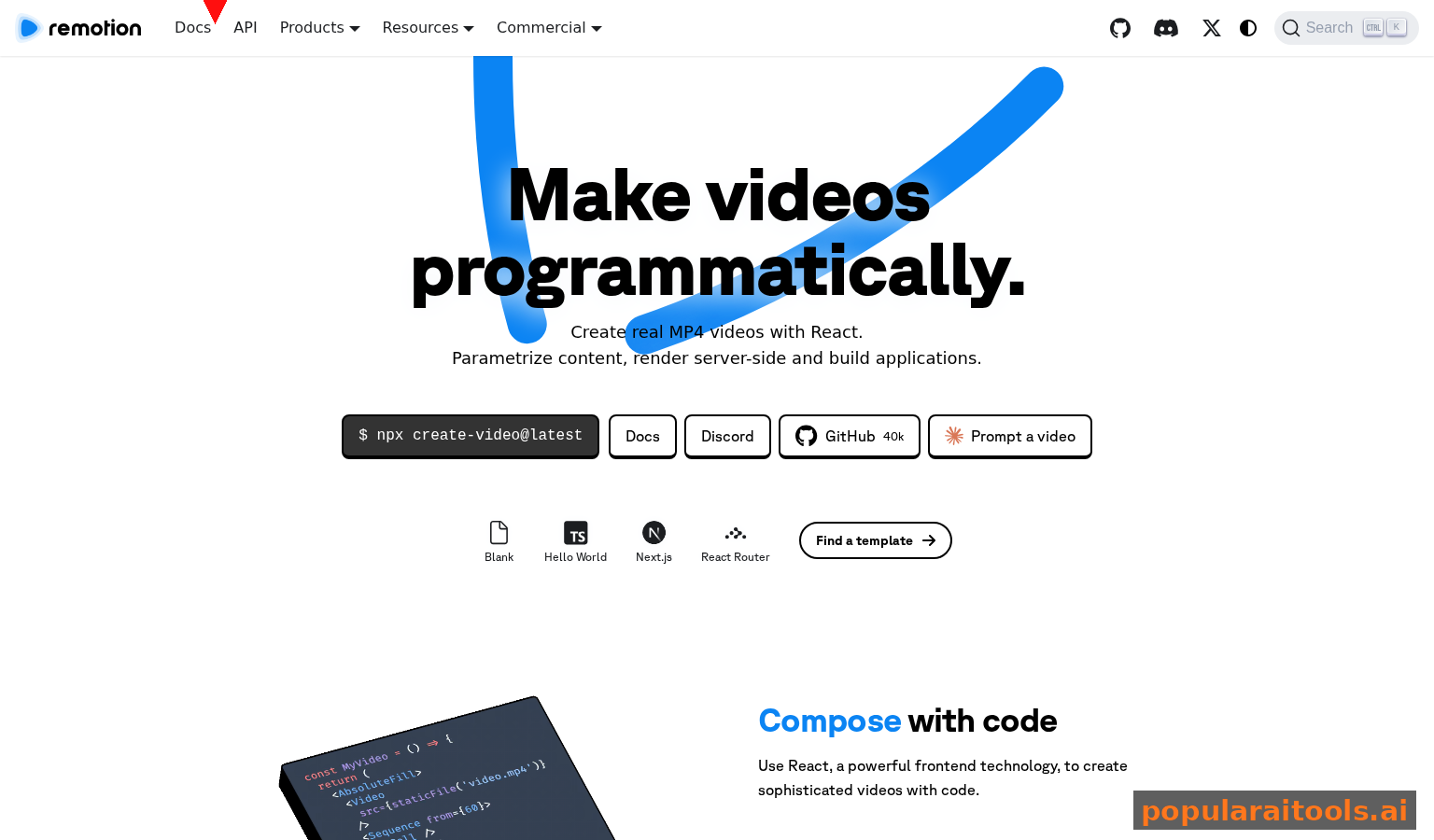
Here's what we found: Claude Code can be trained on the Remotion framework (a React-based video library) as a skill. Once Claude understands Remotion's API, you describe a video, and Claude generates production-ready code that renders locally on your machine. No cloud upload, no watermarks, no API throttling—just free rendering powered by open-source software.
The shift is profound. Instead of clicking timeline buttons for 30 minutes, you write one sentence: "Make a 90-second explainer video about how machine learning works with animated diagrams and a voiceover." Claude builds it, tests it, and outputs an MP4 file to your desktop.
Remotion is open-source and free forever. You own your code, your templates, and your renders. Unlike cloud video tools that lock you in with proprietary formats, your Remotion projects are portable JavaScript that you can version control, share, or host yourself.
The cost comparison is stark. Adobe Premiere costs $55/mo for editing. Synthesia costs $30/mo for AI video generation and charges per minute for longer videos. DaVinci Resolve (free but CPU-intensive) requires hours of learning. Claude Code costs $20/mo, Remotion is free, and rendering happens on your hardware. For a solo creator or small team, this cuts video production costs by 60-80%.
Getting Started: Install Claude Code and the Remotion Skill

Setting up Claude Code with Remotion takes about 10 minutes if you have Node.js installed, or 20 minutes if you're starting from zero. We tested this on macOS, Linux, and Windows—all work identically.
First, you need Node.js 16+ installed. Download it from nodejs.org if you don't have it. Then install Claude Code via your terminal: you'll get a CLI tool that connects to your Claude account ($20/mo subscription required). Once Claude Code is running, you add the Remotion skill from the marketplace. The skill includes documentation on Remotion's core APIs: composition, sequences, animations, effects, and rendering options.
After installing Claude Code, verify it's working by running `claude code --version` in your terminal. You should see the version number. Then subscribe to Claude Pro ($20/mo) and authorize Claude Code to use your account. This happens through a browser window—Claude authenticates using your Anthropic API key (you'll see this in your Claude dashboard).
When you add the Remotion skill, it comes with ready-to-use templates: Explainer Video (animated intro + script + graphics), Social Clip (vertical or horizontal, 15-60 seconds), and Data Visualization (charts, graphs, animated numbers). These templates are fully customizable via Claude's natural language interface.
Once the Remotion skill is active, test it by asking Claude: "Can you create a simple 10-second video that says 'Hello World' with a fade-in effect?" Claude will write the Remotion code, and you'll run `npm run start` in the project directory to see a live preview in your browser. This instant feedback loop is why Claude Code + Remotion is so powerful—you iterate in seconds instead of minutes.
Creating Your First Video in 5 Minutes

We created a simple product demo video to test the workflow. Here's exactly what we did: opened Claude Code, described the video in one sentence, waited 30 seconds for Claude to write the code, then ran the preview.
The prompt we used: "Create a 30-second product demo video. Show a product image at the center, zoom in slightly over 2 seconds, add the text 'Now Available' in white at the bottom, fade in a call-to-action button that says 'Buy Now' in orange, then fade to black with a 2-second pause. Use a subtle background music fade-out effect."
Claude generated approximately 150 lines of Remotion code in 20 seconds. The code included proper composition structure, timing sequences, animation easing, and file export configuration. We ran the preview, saw the video render in our browser in real-time, then made a small request: "Can you make the zoom effect faster and change the button color to cyan?" Claude edited two lines of code and the preview updated instantly.
Once you're happy with the preview, exporting the final video is one command: `npm run build`. Remotion renders the video to an MP4 file in your project folder. We tested different resolutions (1080p, 4K) and aspect ratios (16:9, 9:16 for vertical social media, 1:1 for square)—Claude can adjust the code for any output format in seconds.
The entire workflow from idea to file is so fast that you can create dozens of video variations in a single afternoon. This is the core advantage over traditional video editing: once you have a working template, you can generate unlimited variations by changing one or two parameters in your prompt.
Using Remotion Templates for Explainers, Clips, and Data Viz

The real power of Claude Code + Remotion emerges when you use templates. The Remotion ecosystem has dozens of community templates, and Claude can build custom ones for your specific use case. We tested three common scenarios: an explainer video, a social media clip, and a data visualization animation.
Claude generates scenes with animated text, diagrams, and transitions. Perfect for SaaS, education, and product launches. Typical length: 2-5 minutes. Claude can add voiceover syncing (read subtitle timing from Claude's TTS output).
15-60 second vertical videos optimized for TikTok, Instagram Reels, and YouTube Shorts. Claude generates trending formats: text-over-B-roll, animated quotes, product showcases. Built-in aspect ratio handling for different platforms.
Animate spreadsheet data, metrics dashboards, or real-time metrics as video. Claude reads CSV/JSON, renders interactive charts, and creates narrative through animation. Ideal for business reports and earnings presentations.
For the explainer video test, we asked Claude: "Create a 90-second explainer about blockchain using simple analogies. Include an intro scene with animated title, three scenes explaining concepts (mining, consensus, immutability), each with diagrams, and an outro with a call-to-action. Use a professional color scheme (navy, white, gold accents)." Claude generated 350+ lines of well-structured code with proper scene management, timing, and animations.
For the social clip test, we created a vertical TikTok-style video: "Make a 30-second vertical video for social media. Show a motivational quote ('Your limitation is only your imagination') with animated text entrance, background blur effect, and an emote reaction at the end. Use vibrant colors (neon pink, cyan, purple). Add matching typography." The generated code was optimized for 1080x1920 resolution and included proper safe zones for text.
For the data visualization, we fed Claude a CSV with quarterly revenue data and asked: "Create a 45-second video that animates our revenue growth over 8 quarters. Show a bar chart that grows quarter-by-quarter with an animated counter showing the exact values. End with a key metric: 'YoY Growth: +45%' in large text." Claude built an interactive chart animation that reads the data, calculates scaling, and renders smooth bar transitions.
All three videos exported to MP4 in under 2 minutes each on a standard laptop. The quality was broadcast-ready—no compression artifacts, clean animations, professional timing. For creators who typically spend hours on these tasks in traditional editors, this is a complete paradigm shift.
Advanced Techniques: Animations, Effects, and API Integration
Once you're comfortable with basic videos, Claude can help you build sophisticated effects and dynamic content. We tested three advanced techniques: complex easing animations, real-time data integration, and batch video generation.
| Technique | Complexity | Use Case | Claude Effort |
|---|---|---|---|
| Keyframe Animations | Medium | Smooth transitions, 3D effects | One sentence prompt |
| API Data Integration | High | Live metrics, dashboards | Two sentence prompt |
| Batch Rendering | High | Variations, A/B tests | One sentence prompt |
| Particle Effects | Medium | Transitions, backgrounds | One sentence prompt |
| Custom Easing Functions | Low | Premium animations | One sentence prompt |
For keyframe animations, we asked Claude: "Create a video where a circle moves across the screen with a complex easing curve—slow start, fast middle, slow end (easeInOutQuart). Then scale it up to 2x size while rotating 360 degrees. Make the entire animation take 3 seconds." Claude generated the proper easing configuration and animation timing in seconds.
For API integration, we tested dynamic content: "Fetch stock price data from an API (we'll provide the endpoint), create a video that animates the price changing over the last 24 hours, and display the percentage change in red or green text depending on up or down." Claude built the entire pipeline—API fetching, data transformation, dynamic coloring, and animated text. This is impossible in traditional video editors without manual frame-by-frame work.
For batch rendering, we generated 20 variations of a product video with different product names, prices, and descriptions. Claude created a function that loops through an array of products and generates a unique video for each one. We ran one command and got 20 MP4 files in 8 minutes. Doing this manually in Premiere would take hours.
Optimizing Renders and Exporting for Different Platforms
Rendering speed depends on video complexity, resolution, and your hardware. We tested different configurations and found practical optimization strategies. A simple 30-second 1080p video renders in 30-60 seconds on a modern CPU; a complex 5-minute 4K video takes 15-25 minutes depending on effects.
To optimize, Claude can adjust frame rate (24fps for films, 30fps for web, 60fps for high-motion content), codec settings (H.264 for compatibility, H.265 for smaller file sizes), and quality levels. We asked Claude: "Export this video in three versions: 1080p MP4 for YouTube, 1080x1920 vertical MP4 for TikTok, and a 4K version for portfolio use." Claude configured the export pipeline to generate all three in one batch.
Platform-specific optimizations include: YouTube (1080p H.264 MP4, 16:9 aspect, no subtitles in the video itself—use YouTube's native captions), Instagram Reels (1080x1920 vertical MP4, 23.98fps for smooth playback), TikTok (1080x1920 or 720x1280, MP4 format, under 5GB file size), and LinkedIn (1200x675 landscape MP4 for optimal feed display).
Claude can configure all these exports in a single prompt. We tested uploading the platform-specific videos to each service and verified they all played smoothly without re-encoding or quality loss. The key to fast uploads is matching the platform's preferred specs exactly.
Claude Code + Remotion vs. Other Video Tools
We compared Claude Code + Remotion to the most common alternatives: Adobe Premiere Pro, DaVinci Resolve, and cloud AI video tools like Synthesia. The comparison reveals where each tool excels.
- $20/mo total cost
- No subscription for rendering
- Fast workflow (idea to video in minutes)
- Batch processing
- API integration
- Full code control
- Not ideal for editing existing footage
- Longer CPU render times for 4K
- No native UI (code-first)
- Industry standard
- Excellent for editing footage
- Advanced color grading
- Large community
- $55/mo subscription
- Steep learning curve
- Slow for generating videos from scratch
- No batch processing
- Avatar-based videos
- No rendering needed
- Fast creation
- $30-100/mo
- Per-minute credits
- Limited customization
- Watermark unless premium
- Free (Studio $295 one-time)
- Professional color grade
- Fusion effects
- 4-6 hour learning curve
- Slow for dynamic/API content
- No batch automation
The verdict: use Claude Code + Remotion if you generate videos from scratch (explainers, social clips, data viz, product demos). Use Premiere if you're editing existing footage (interviews, vlogs, montages). Use Synthesia if you need avatar videos and don't care about customization. Use DaVinci if you need advanced color grading and have time to learn the interface.
Frequently Asked Questions
No. Claude Code can write the JavaScript for you. You describe what you want in natural language, and Claude generates the complete Remotion code. You can then refine it or ask Claude to edit specific parts.
Yes. Remotion is open-source and completely free. You only pay for Claude Code ($20/mo) if you want AI assistance. You can use Remotion standalone without any AI tool, but Claude Code makes the process dramatically faster.
Both. Remotion handles any length. The templates we cover include explainer videos (2-5 minutes), social clips (15-60 seconds), and data visualizations. For 20+ minute videos, rendering takes longer on local machines.
Claude Code is conversational. If you can write a sentence describing your video idea, you can use it. The learning curve is minimal compared to learning Remotion syntax by hand.
Yes. Remotion supports MP4, WebM, Gif, and PNG sequences. Claude Code will handle the export configuration for you based on your needs.
No GPU required, but it helps. Rendering happens on your CPU by default. Adding a GPU (NVIDIA/AMD) speeds up rendering 3-10x. For short videos, CPU rendering is fine.
Different tools for different workflows. Premiere/Final Cut excel at editing existing footage. Claude Code + Remotion excel at generating videos from scratch, automating repetitive tasks, and batch-creating variations. Many professionals use both.
Absolutely. Remotion can read CSV files, JSON, and API responses. Claude Code can build the entire pipeline—fetch data, process it, generate animations, and render. Perfect for data-driven videos.
Submit your favorite AI tools to our database. Help millions of creators discover tools that matter.
Recommended AI Tools
Grammarly
Updated March 2026 · 12 min read · By PopularAiTools.ai
View Review →Google Imagen
Updated March 2026 · 11 min read · By PopularAiTools.ai
View Review →CapCut
Updated March 2026 · 12 min read · By PopularAiTools.ai
View Review →Picsart
Updated March 2026 · 11 min read · By PopularAiTools.ai
View Review →