NotebookLM to App: Build a Live AI Research Product With Claude Code (2026)

AI Infrastructure Lead
Key Takeaways
- NotebookLM has two gaps — no computation layer and no clean export. Claude Code fixes both.
- A single skill or MCP gives Claude Code full programmatic control — create notebooks, bulk-add sources, download transcripts.
- Pinecone holds the text; Supabase holds the numbers. That split mirrors NotebookLM's weakness.
- Lovable + GitHub + OpenRouter is the fastest way to wrap the whole thing in a shareable app.
- Around $5/month of model spend covers a personal-scale dashboard querying your own research.
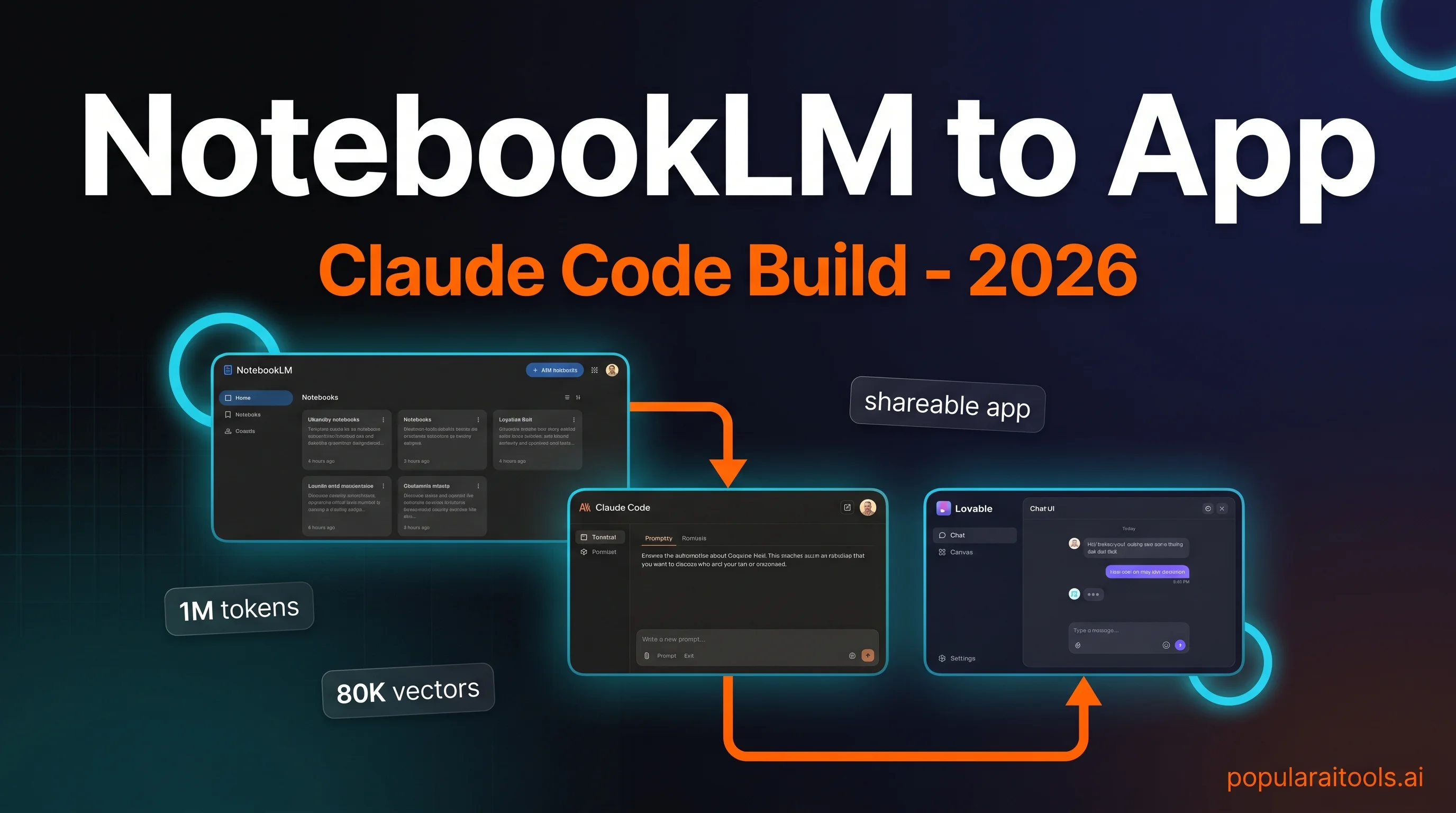
NotebookLM is, depending on how you count, either the best research tool we have in 2026 or one of the most frustrating. A one-million-token context window, free unlimited indexing, instant podcasts and video overviews, and a conversational interface that actually cites its sources. That's the good half. The bad half is simpler: your knowledge goes in and never comes out, and the product can't do math. We kept hitting both walls on real projects and finally sat down to fix them. This is how we connected NotebookLM to Claude Code, freed the data, and shipped a live app anyone on the team could use. It took a weekend. It now runs every day.

Why NotebookLM alone isn't enough
NotebookLM is what happens when Google takes retrieval-augmented generation seriously and builds a product around it. You drop PDFs, YouTube links, Google Docs, Slides, CSVs, and raw URLs into a notebook. The model indexes them, cites them, and answers questions exclusively from your sources. For anything research-shaped — literature review, competitor analysis, onboarding a new domain — it's the most useful single tool we've used this year.
But run it on a real project and two walls show up fast. The first is computation. NotebookLM predicts answers; it doesn't compute them. Ask it to sum a column, calculate a growth rate, or join two tables and it will produce something confident-looking that turns out to be wrong on inspection. The second is export. Nothing leaves the building. There's no consumer API, no bulk download button, no way to cross-reference one notebook from another. Your research goes in clean and stays trapped.


The fix is obvious once you see it: put a layer in front that can do the math and own the export. That layer is Claude Code. Everything below is the workflow we actually use.

Step 1 — Install the Claude Code skill
Two open-source projects currently give Claude Code a way in. The first is PleasePrompto/notebooklm-skill — a Claude Code skill that uses browser automation to drive the NotebookLM web UI. Persistent authentication, library management, and citation-backed answers routed through Gemini. The second is teng-lin/notebooklm-py — a Python CLI and skill combo that exposes most of the web features and more, including some the UI doesn't expose. Either works. We've been running the PleasePrompto skill for day-to-day Claude Code usage and the notebooklm-py CLI for batch scripts.

~/.claude/skills/ and Claude Code auto-discovers it.Installation is a three-step process. Clone the skill into Claude Code's skills folder. Run any connect command shipped with the skill; it opens a Chromium window where you sign into Google normally. Your session is cached on disk and re-used on every subsequent Claude Code run. No OAuth tokens to rotate, no API keys to leak.

After install, smoke-test with something harmless: "Using the NotebookLM skill, list the last three notebooks I created." If Claude Code returns titles, you're wired up. If it complains about authentication, re-run the connect step and watch for the browser popup — it sometimes gets minimized on Windows.

Step 2 — Bulk-ingest your sources

The first real benefit shows up on your second prompt. Instead of clicking Add source forty times, you describe what you want and Claude Code does the work.
Create a new NotebookLM notebook called "Storytelling Research".
Add:
  - my last 10 YouTube videos from channel @myhandle
  - every video from the "Film Booth" channel in the last 12 months
  - 20 top-rated articles on narrative hooks for short-form video
Then tell me what you added so I can spot anything missing.
Claude Code resolves the channel, paginates the video list, opens each URL in the NotebookLM UI through the skill, and adds them one by one. A notebook that would take forty-five minutes of clicking lands in about two. The useful twist is that Claude Code already knows context about you — other projects in the working directory, your CLAUDE.md preferences, prior conversations — so it can make better decisions about what to include than a one-shot API call could.

Bring in YouTube content at scale with the YouTube-to-NotebookLM Chrome extension as a backup path. It adds single videos or a whole channel's feed into any notebook you pick from the toolbar. We use it for "I found one good video, add it now" moments. Claude Code handles the batched cases.

Step 3 — Feed Claude Code the missing numeric data
Text is half the picture. The other half — YouTube analytics, financial records, product metrics, ad spend — is what NotebookLM cannot reason about even when the raw numbers sit in a CSV source. Claude Code can. So we feed it the data directly, separately from the notebook.
For our YouTube walkthrough the data layer is the YouTube Data API v3. Create a Google Cloud project, enable the API, generate a key, and paste it into Claude Code with a query shape:
For my last 30 videos, fetch via YouTube Data API v3:
  - view count, watch time, average view duration
  - likes, comments, shares
  - subscribers gained per video
  - publish date and tags

Then compute:
  - like-to-view ratio per video
  - 4-week rolling growth rate of subscribers
  - correlation between title length and retention

Store the raw table in ./data/youtube-metrics.csv.
This is the moment the project stops feeling like a chatbot trick and starts feeling like analysis infrastructure. Claude Code can join the numeric result to the notebook's text results on demand. "Which of my last 30 videos over-performed on retention, and what do the top three have in common in terms of hook style?" becomes a single prompt. The numeric answer comes from the CSV; the thematic answer comes from the notebook; Claude Code stitches them together.
Close the loop with a one-liner: "Turn this whole workflow into a reusable skill so I can ask the same class of questions without re-pasting the API key." Claude Code saves a new skill into ~/.claude/skills/ and every future session picks it up automatically.

Step 4 — Export transcripts and vectorize to Pinecone
At this point everything still lives on your laptop. To make the research queryable from anywhere — by a colleague, an app, a scheduled job — you need two things: every transcript on disk, and a vector store that can answer semantic questions when the laptop is off.
Export first. A single Claude Code prompt downloads every source from the notebook into a local folder:
Download the full transcript for every source in my "Storytelling Research"
notebook into ./notebooks/storytelling/.

Use the -O full flag so nothing is truncated.
Name each file after the source title, slugified.
Report any source that fails (e.g. private YouTube videos) so I can drop them.
One caveat from actually shipping this: without the full-content flag, exports sometimes return only a third of the transcript. You'll see the file with a "... more characters available, pass -O to get the full content" marker at the bottom. Always spot-check the first file after a batch.

With the transcripts on disk, push them into Pinecone. The path we use is the Pipedream connector, which exposes Pinecone as a set of Claude Code tools without any custom glue:
- Create a free Pinecone account at pinecone.io and generate an API key.
- Add the Pipedream MCP connector in Claude Code, point it at the Pinecone server, paste your key.
- Tell Claude Code: "Take every transcript in ./notebooks/storytelling/ and upsert it into a Pinecone index called storytelling-v1. Chunk at 1,000 tokens, store the source title and URL as metadata."
- Verify in the Pinecone dashboard that the index count climbs into the tens of thousands.
Numeric data goes to Supabase, not Pinecone. A YouTube metrics table doesn't benefit from vector search — you want exact filters and aggregations. The split is always: Pinecone handles the text half (where NotebookLM was strong but export-hostile), Supabase handles the numeric half (where NotebookLM was weak). Together they reconstitute a complete searchable backend.

Claude Code has a first-class Supabase connector. Add it the same way as Pinecone, then one prompt sets up the schema: "Create a video_metrics table in Supabase, insert the rows from youtube-metrics.csv, index on publish_date and on video_id."

Step 5 — Ship a live app with Lovable + OpenRouter
The terminal works for you. It doesn't work for your team, your clients, or the version of yourself who's on a plane without the laptop. To hand the system to anyone else, wrap it in a small app.
Use Lovable for the UI. Describing "a two-column chat interface with a saved-notes panel and an ideas panel" takes about a minute of typing and produces a deployable React app. Attach a reference screenshot from Dribbble if you want a specific look. Keep it shallow — Lovable shines at design, gets expensive on deep logic. Explicitly tell it not to wire Supabase or Pinecone integrations; those come in later from Claude Code where tokens are cheaper.


Sync Lovable to GitHub — it's one click in the top-right — then clone the repo locally. Claude Code takes over from here. Ask it to open the project in localhost, wire two chatbot tools (one that queries Supabase for numeric answers, one that queries Pinecone for semantic ones), and use OpenRouter as the model gateway.

Two OpenRouter details that save money. First, set an explicit budget on the key — we default to $10/month per project, which is plenty for a personal dashboard. Second, set the expiry to one year, never infinite; if you lose the key it bounds the damage. For the routing itself, Claude Sonnet 4.6 hits the sweet spot of quality and price for chat-style queries; drop to Haiku 4.5 for the simplest retrievals. Opus is rarely worth it for this workload.

Deploy the app straight from Lovable with the publish button, or push the repo to Vercel for more control. Either path gets you a shareable URL. The whole pipeline — NotebookLM notebook → Claude Code skill → Pinecone + Supabase → Lovable UI → OpenRouter model → live app — took us a working weekend the first time. Subsequent projects take a few hours because the skills you built in Steps 1–4 are reusable.
Watch the full walkthrough
If you want the build in moving pictures — every Claude Code prompt, every skill install, every Pinecone index growing past 80,000 vectors in real time — the video version covers the whole pipeline end-to-end.
Frequently asked questions
The bottom line
NotebookLM is a great librarian. Claude Code is a great analyst. Put them on the same desk and you get something neither one could produce alone — a research system that ingests at volume, computes real answers, exports in full, and ships as a product. The five-step build above is the minimum viable version. We run a slightly more elaborate version in production; the scaffolding is identical.
If you build your version, two pieces of advice from shipping ours. One: audit the first transcript you export — the -O full flag matters more than you'd expect. Two: don't let Lovable wire the integrations. Let it design the UI, then hand the hardening to Claude Code where the tokens are cheaper and the context is longer. Everything else is details. Go build.
Recommended AI Tools
played.fm
Sell your music and keep 100%: played.fm is a direct-to-fan store + sync marketplace with 0% commission, no gatekeepers, and no bans — a strong fit for AI musicians.
View Review →OpenCode
The open-source AI coding agent: terminal-first TUI, 75+ model providers, LSP context, subagents, and privacy-first design. Free software, ~180K GitHub stars.
View Review →Exa
The neural web search API for AI agents: embeddings-based retrieval, cited highlights, sub-180ms latency, and an MCP server. 20,000 free requests/month.
View Review →Google Antigravity
Google's agent-first IDE: run a fleet of AI agents from a Manager surface, on Gemini 3 Pro, Claude Sonnet 4.5, or OpenAI models. Free in public preview.
View Review →