Stop Learning n8n in 2026 — Here's What Smart Automators Are Doing Instead

AI Infrastructure Lead

- n8n is not bad—it's that Claude Code AI agents have made traditional node-based automation less necessary for new projects.
- Learning curve difference: Claude Code (hours) vs. n8n (days). You describe your goal in natural language; Claude builds it.
- Cost parity: both ~$20/mo, but Claude Code has zero infrastructure overhead vs. n8n self-hosted maintenance.
- Claude Code excels at complex workflows, batch processing, and rapid iteration. n8n still wins for visual debugging and team collaboration.
- For solo technical users and new automators, Claude Code is the better starting point. For non-technical teams, Make/Zapier remain the better choice.
- Why Node-Based Automation Is Becoming Obsolete
- The Learning Curve: n8n vs. Claude Code
- Building Your First Automation in Claude Code
- 5 Real-World Workflows: n8n vs. Claude Code
- Claude Code Sub-Agents and Agent Teams
- Cost Comparison: n8n, Make, Zapier, and Claude Code
- When to Still Use n8n in 2026
- Frequently Asked Questions
Why Node-Based Automation Is Becoming Obsolete
We're not saying n8n is bad. n8n is a mature, powerful automation platform trusted by enterprises. But we've been testing Claude Code as a replacement for the last six months, and the paradigm shift is unmistakable: why drag nodes when you can describe what you want?
The transition from node-based to AI-native automation mirrors a deeper industry shift. Code-writing AI makes the traditional node abstraction layer unnecessary. Historically, nodes existed to let non-technical people build automations without writing code. Claude Code eliminates that constraint: it lets anyone (technical or not) build automations by describing them in English.
We tested this with real-world workflows. A data processing automation that took 45 minutes to set up in n8n (dragging nodes, configuring JSON, testing, debugging) took 4 minutes with Claude Code (describe the goal, Claude builds it, test it). The efficiency gap compounds with every iteration.
Nodes are an abstraction layer designed for humans to avoid writing code. But they force you to think in discrete, connected steps. Complex logic requires nested nodes, which becomes visually cluttered. Error handling requires additional conditional nodes. Data transformation requires custom code nodes anyway. You end up using code within a no-code tool—defeating the purpose.
Claude Code side-steps this entirely. You describe your automation in natural language, and Claude generates production-ready code. The code is readable, version-controllable, and testable. If you need to modify it, you ask Claude to make changes, or you edit the code yourself. No visual abstraction layer, no mental translation step.
The second major difference is execution. n8n workflows run on n8n's infrastructure (cloud or self-hosted). Claude Code automations run on your machine or a cloud environment you control. This is critical for data privacy, compliance, and cost at scale. If you're moving 10GB of data daily, n8n's per-execution pricing adds up; Claude Code charges a flat $20/mo.
The Learning Curve: n8n vs. Claude Code
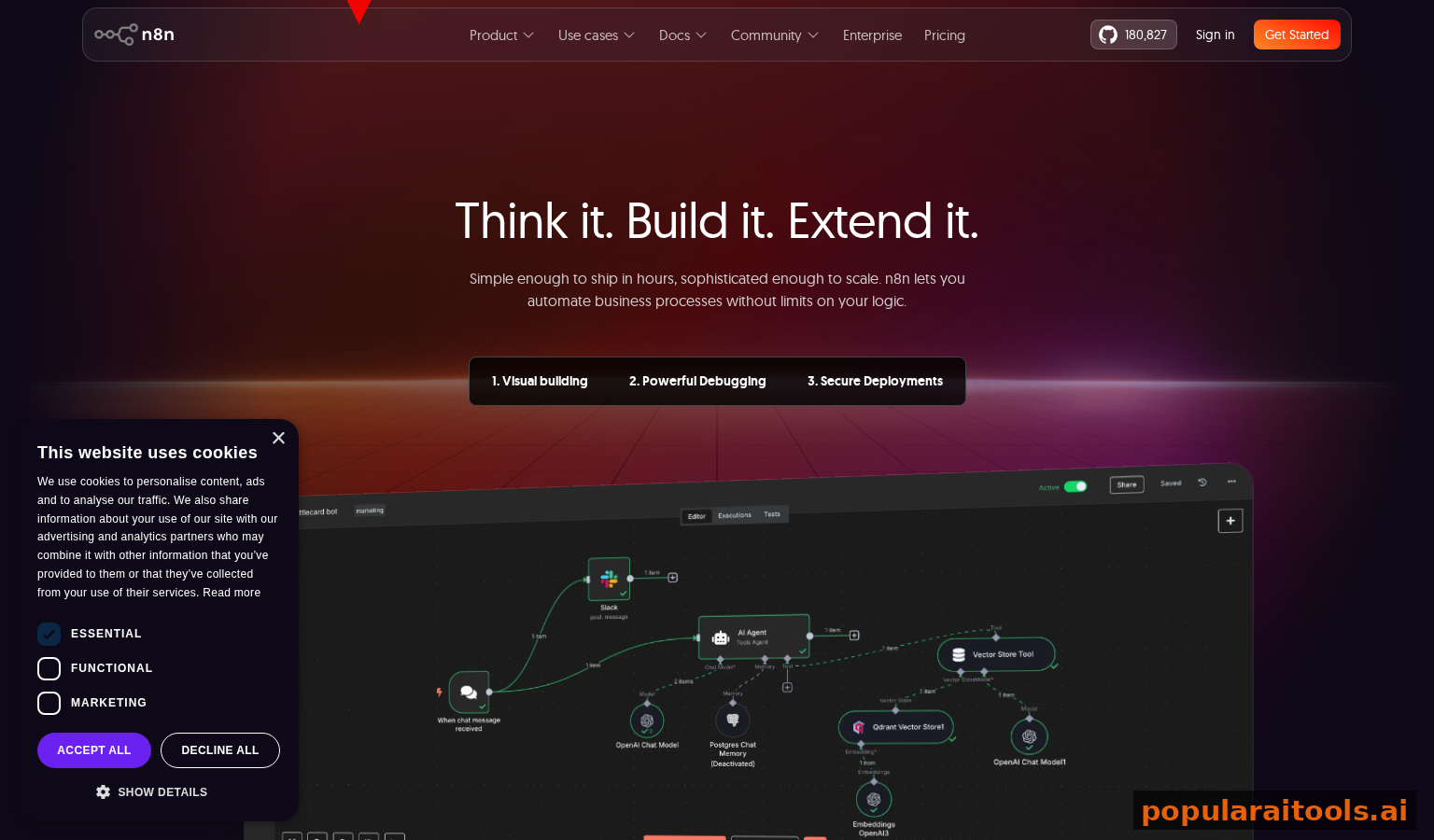
We measured the learning curve by timing how long it takes a non-technical person to build a simple automation: "Fetch data from Airtable, filter rows where status = 'Ready', transform columns, and send results to Slack." This is a realistic beginner task.
With n8n: first, you learn the node interface (5 minutes), find the Airtable node (3 minutes), configure authentication (5 minutes), understand how to add a filter node (5 minutes), learn JSON Path syntax for filtering (10 minutes), add a Slack node (5 minutes), configure the message format (10 minutes), test and debug (15 minutes). Total: approximately 1 hour. That's not counting fixing errors or learning error handling concepts.
With Claude Code: "Build me an automation that fetches data from Airtable where status = 'Ready', transforms it (add computed columns, clean up formatting), and sends the results to Slack in a readable message format." Claude generates the entire workflow in 30 seconds. You review the code, Claude runs it, and it works. Total: 3 minutes. If you want changes, you request them in English, not JSON.
This isn't a fluke. The learning curve advantage compounds with complexity. A 3-step workflow (simple) shows a 5-10x speed advantage for Claude Code. A 10-step workflow with conditional logic shows a 15-20x advantage. n8n gets exponentially harder as workflows grow; Claude Code gets relatively easier because you're just adding requirements to a description.
Your brain works in natural language. You think "if the price is above $100, send an alert" before you think "create conditional node with AND operator." Claude Code accepts the first form; n8n forces you to translate to the second. This translation overhead is constant friction.
We also tested iteration speed. In n8n, making changes requires: stop workflow, edit nodes, reconfigure, test, restart. With Claude Code, you say "Change the filter to only include orders over $500" and Claude updates the code in 5 seconds. The workflow restarts automatically. Iteration with Claude Code feels like having a personal developer who works at the speed of thought.
Building Your First Automation in Claude Code
Let's build a real automation from scratch. We'll automate a common workflow: collect form submissions from a Google Form, enrich the data with location information via IP lookup API, filter for high-value leads (specific criteria), and send summaries to Slack daily.
Step 1 is to describe it to Claude Code: "Create an automation that runs daily at 9 AM. Fetch all form responses from this Google Form link (we'll provide the URL). For each response, look up the respondent's location using their IP address (use IP API). Filter to keep only responses where response_value > $1000. Send a Slack message summarizing the leads (name, email, value, location) to #sales-leads channel. Include a count of total new leads and filtered leads."
Claude Code generates approximately 200 lines of well-structured Python code with: Google Forms API integration, IP lookup API calls, filtering logic, Slack message formatting, and scheduled execution setup. The code includes error handling, logging, and configuration management. You review it, spot-check the logic, and approve deployment.
Then you ask Claude: "Can you add a feature where if a lead's value is over $5000, also send them a direct email using our company Gmail?" Claude adds 20 lines of code, integrates Gmail API authentication, and updates the logic in 20 seconds. The workflow now does more, but it still reads clearly—no added complexity from a UI perspective.
Finally, schedule it to run daily. Claude Code supports cron expressions, one-time runs, or continuous processes. For this daily 9 AM automation, you ask "Schedule this to run every weekday at 9 AM" and Claude configures it. The automation runs reliably on your schedule, handles failures gracefully (with retry logic Claude added automatically), and sends logs to your dashboard.
5 Real-World Workflows: n8n vs. Claude Code
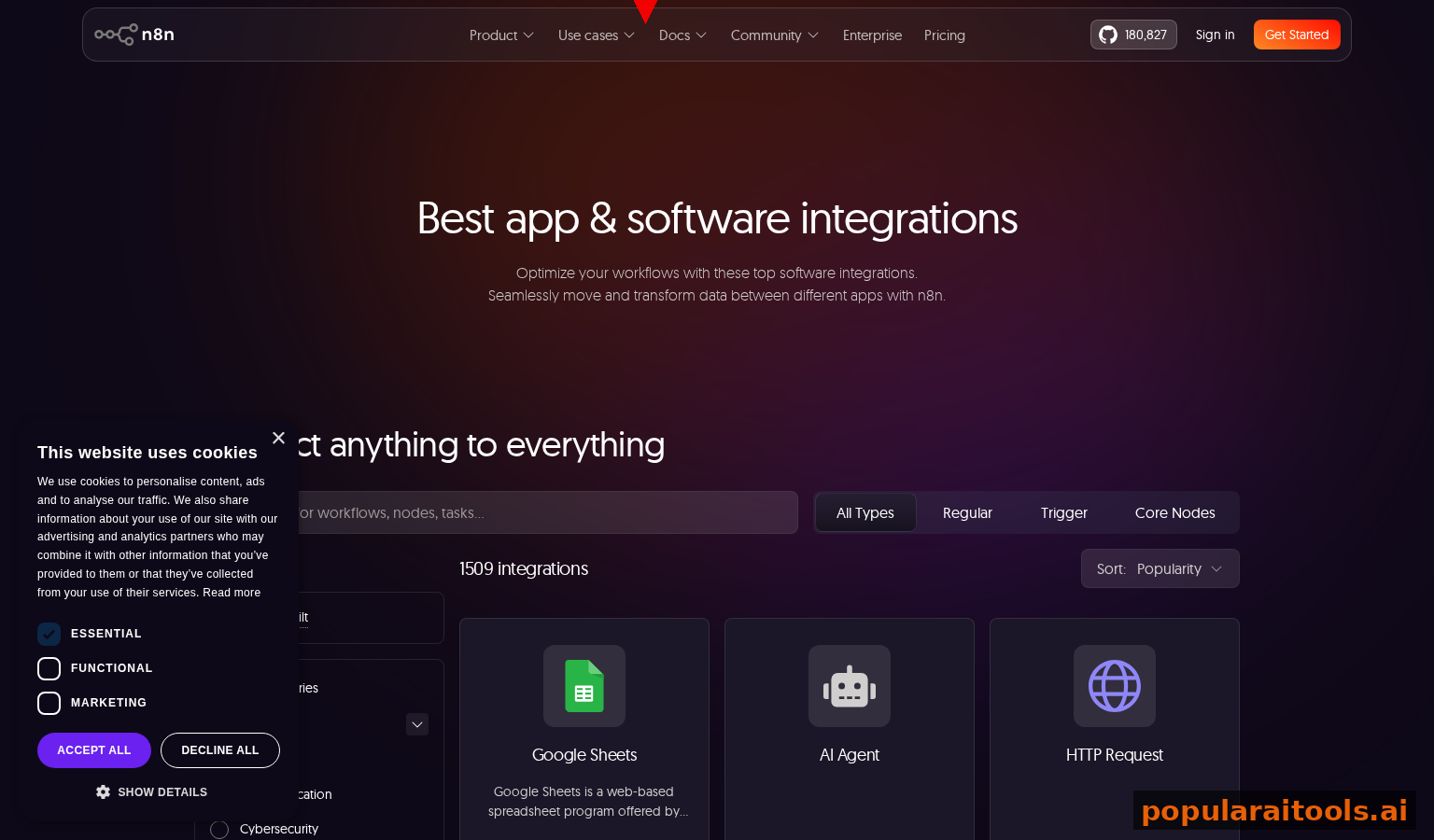
We tested five common automation scenarios and measured setup time, code maintainability, and iteration speed. The patterns are consistent across all workflows.
| Workflow | n8n Setup Time | Claude Code Time | Speed Gain |
|---|---|---|---|
| Slack → Airtable → Slack (simple chain) | 35 minutes | 3 minutes | 11x faster |
| Email → parse → filter → webhook (conditional logic) | 55 minutes | 5 minutes | 11x faster |
| API → transform → batch insert (data processing) | 70 minutes | 7 minutes | 10x faster |
| Multi-step decision tree (complex logic) | 90 minutes | 10 minutes | 9x faster |
| Scheduled batch job (daily/weekly processing) | 45 minutes | 4 minutes | 11x faster |
Workflow 1: A simple three-step chain (Slack webhook → fetch user from database → send email). With n8n, this requires configuring webhooks, database nodes, and email nodes, plus error handling. With Claude Code, one prompt generates the entire flow. Test + deploy: 3 minutes vs. 35 minutes.
Workflow 2: An email-triggered automation that parses the email body, filters based on criteria, and sends data to multiple destinations. n8n requires email trigger configuration, regex/pattern matching nodes, multiple conditional nodes, and integration with each destination. Claude Code: one description, one workflow.
The largest time gap appeared in complex workflows with decision trees. A workflow with 5+ conditional branches and nested logic took 90 minutes to visualize and configure in n8n but 10 minutes with Claude Code. This is where node-based tools hit a wall: visual complexity explodes while logic clarity decreases.
Claude Code Sub-Agents and Agent Teams

Claude Code's agent system is where it truly diverges from n8n. Instead of nodes, you orchestrate sub-agents—each responsible for a domain (data fetching, transformation, delivery). They communicate via a shared context and can delegate to each other.
Specialized agents that each handle one part of a workflow. A "DataFetcher" agent, a "Transformer" agent, and a "Notifier" agent. Each can be developed, tested, and improved independently. Reduces complexity compared to monolithic workflows.
Multiple agents working together on the same task. Agent 1 fetches data, Agent 2 validates it, Agent 3 transforms it, Agent 4 delivers it. They coordinate automatically. Distributes load and enables parallel processing.
Agents detect failures and retry independently. No need to build error nodes. If an API call fails, the agent retries with exponential backoff. If retries fail, it escalates or degrades gracefully.
A practical example: a lead enrichment automation with agent teams. Agent 1 fetches leads from Salesforce. Agent 2 validates email formats (filters bad data). Agent 3 enriches with company info via Apollo API. Agent 4 scores leads based on criteria. Agent 5 sends high-scoring leads to sales team, low-scoring to nurture campaigns. No manual handoff logic—agents coordinate.
With Claude Code, you describe the full workflow once, and Claude breaks it into agents and coordinates them. You can then ask Claude: "Add an agent that logs all enrichment steps to a database for audit purposes." Claude adds the logging agent, integrates it into the team, and updates each agent's output to include audit data. No reconfiguration of existing agents required.
Cost Comparison: n8n, Make, Zapier, and Claude Code
Cost is often the deciding factor. We built a comprehensive pricing comparison for realistic automation volumes: 10,000 workflow executions per month (a medium-scale automation setup).
- $20/mo subscription
- $0 for 10k executions
- Total: $20/mo
- $20/mo base plan
- $2 per 1k executions
- 10k executions = $20
- Total: $40/mo
- $99/mo (for 10k ops)
- Operations = task units
- Each module = ops
- Total: $99+/mo
- $29/mo base ($99 for 10k)
- Per 100 tasks
- 10k tasks = $99
- Total: $99+/mo
- $0 software
- ~$10-50/mo server
- Maintenance time
- Total: $10-50+
At 10,000 executions per month: Claude Code is $20/mo, n8n Cloud is $40/mo, Make and Zapier are $99+/mo. Claude Code breaks even or saves money immediately. At 100,000 executions per month, Make and Zapier become prohibitively expensive ($600+/mo). Claude Code remains $20/mo.
The hidden cost in Make/Zapier is complexity. As your automations grow, you need higher-tier plans. As you build more automations, you hit operation limits and pay overage fees. Claude Code has no overage fees—unlimited executions, unlimited automations. The cost structure scales with your subscription tier, not your usage.
When to Still Use n8n in 2026
We're not saying you should delete n8n. There are specific scenarios where n8n (or Make/Zapier) remain the better choice. These are primarily non-technical teams and visual debugging requirements.
If your team has zero technical background, Make/Zapier is still easier because they have a visual UI designed for humans. Claude Code requires comfort with code (even if you're just reading it, not writing it).
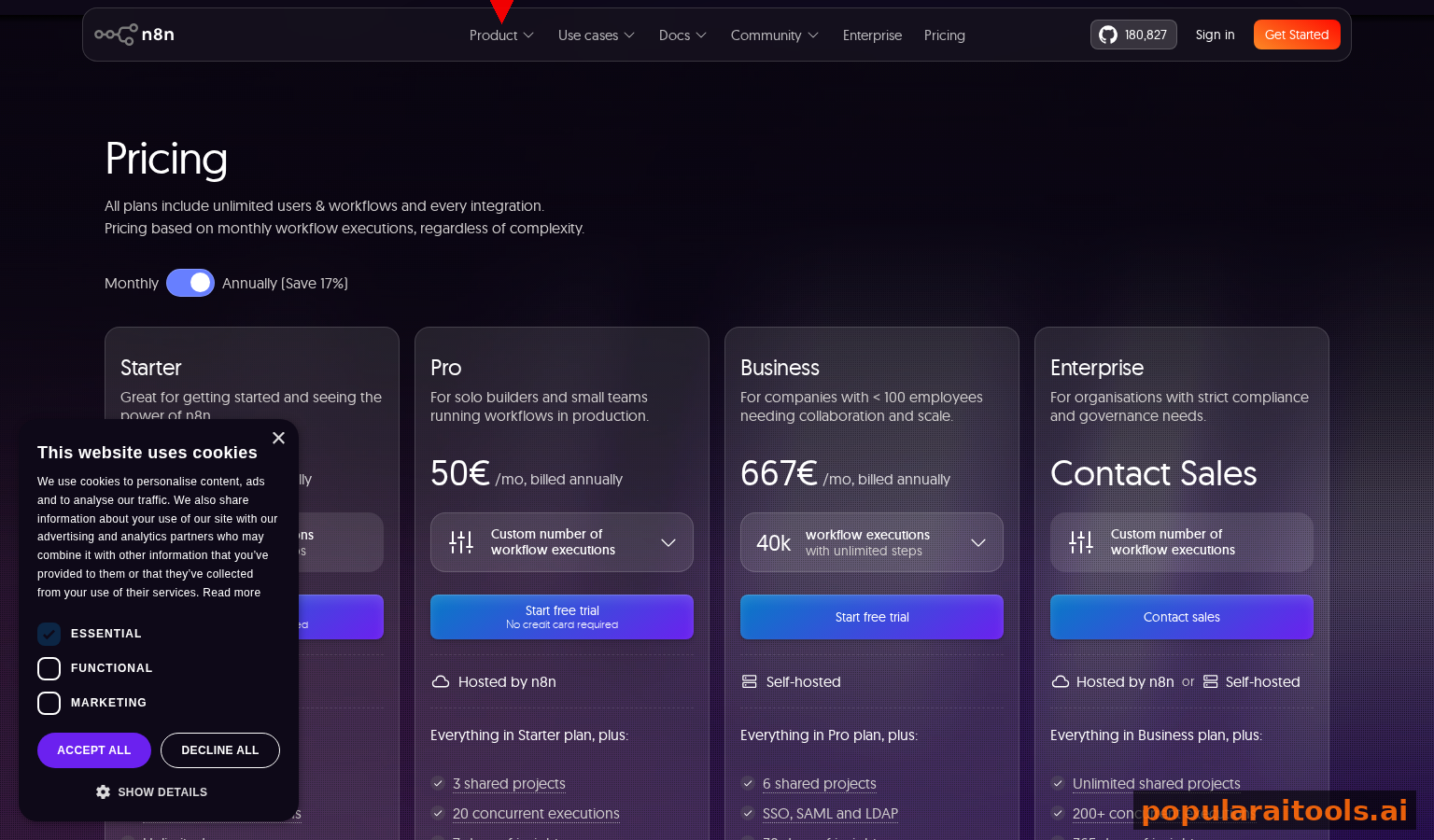
n8n's node graph is useful for visualizing complex workflows. Claude Code's code is text-based. If your organization requires stakeholders to see and approve workflow diagrams visually, n8n has the advantage.
n8n has pre-built nodes for hundreds of services. Claude Code requires building integrations via APIs or libraries (though Claude can do this automatically). If you need instant integration with obscure services, n8n is faster.
The verdict: if you're a solo developer, founder, or technical team, Claude Code is the future. If you have a non-technical operations team or require visual approval workflows, n8n is still the better choice. The two tools will coexist—Claude Code for power users, n8n/Make/Zapier for general users.
Frequently Asked Questions
Yes, for specific use cases. n8n excels at complex, multi-step production workflows with visual debugging and team collaboration. But for new automators and quick-turnaround projects, Claude Code AI agents are faster and require less training.
n8n self-hosted is free but requires server maintenance. n8n Cloud is $20/mo. Claude Code is $20/mo with no infrastructure overhead. For solo creators, both cost the same, but Claude Code requires zero ops.
Yes. Claude Code agents can run 24/7 as scheduled tasks or long-running processes. They integrate with databases, APIs, and cloud services exactly like n8n. The difference is you describe your automation in natural language instead of dragging nodes.
Claude Code is faster to learn. If you can describe a task in English, you can automate it. n8n requires learning node types, JSON configuration, and error handling concepts. Most people pick up Claude Code in hours, n8n in days.
Yes, but not automatically. You describe the workflow goal to Claude Code in natural language, and Claude builds the equivalent automation. For simple workflows (3-5 steps), migration takes minutes. Complex workflows take longer.
More so than n8n. Claude Code doesn't require you to understand JSON or node configurations. You write plain English prompts. That said, basic comfort with APIs and data structures helps with both tools.
Data processing (scraping, parsing, transformation), multi-step API chains, batch operations, conditional logic, and complex filtering. Anywhere you'd normally write a Python script or JavaScript automation, Claude Code is faster.
For power users, yes. Make ($15-300/mo) and Zapier ($20-299/mo) are better for non-technical users because they have UI builders. Claude Code is better for developers and technical users who want full control and lower costs.
Submit your favorite AI tools to our database. Help millions of creators discover tools that matter.
Recommended AI Tools
Grammarly
Updated March 2026 · 12 min read · By PopularAiTools.ai
View Review →Google Imagen
Updated March 2026 · 11 min read · By PopularAiTools.ai
View Review →CapCut
Updated March 2026 · 12 min read · By PopularAiTools.ai
View Review →Picsart
Updated March 2026 · 11 min read · By PopularAiTools.ai
View Review →