Suno Sounds: Sample Workflow (2026)

AI Creative Tools Specialist

Key takeaways
- Suno Sounds creates short audio material through One Shot and Loop workflows, with optional musical direction.
- Describe one useful sound or role before asking for a complex arrangement.
- Check the actual attack, tail, tempo and loop boundary instead of trusting the prompt or filename.
- Keep samples and finished songs as separate production assets, with clear notes about how each was made and used.
In this article
- Understand what Suno Sounds creates
- Write a prompt around one audible job
- Review the attack and the tail of a one-shot
- Measure a loop before repeating it
- Separate model experiments from sample decisions
- Pair sample work with a WaveQuake song workflow
- Budget for useful decisions rather than raw output
- Build a sample library you can understand later
- Frequently asked questions
Suno Sounds is useful when a project needs a small piece of audio rather than another complete song. That might be a percussion accent, a transition texture or a repeating musical idea. The important shift is to define the sample's job before writing the prompt.
This guide explains the documented Sounds workflow and a practical method for evaluating the result. It also shows how sample experiments can sit alongside a Suno V6 or WaveQuake song project without confusing a short audio asset with a finished arrangement.
Understand what Suno Sounds creates
The official Suno Sounds guide describes One Shot and Loop options, with optional BPM and key direction. It notes that a loop request can produce a fuller arrangement and that a requested duration is not guaranteed. Treat the returned audio as material to inspect and edit.
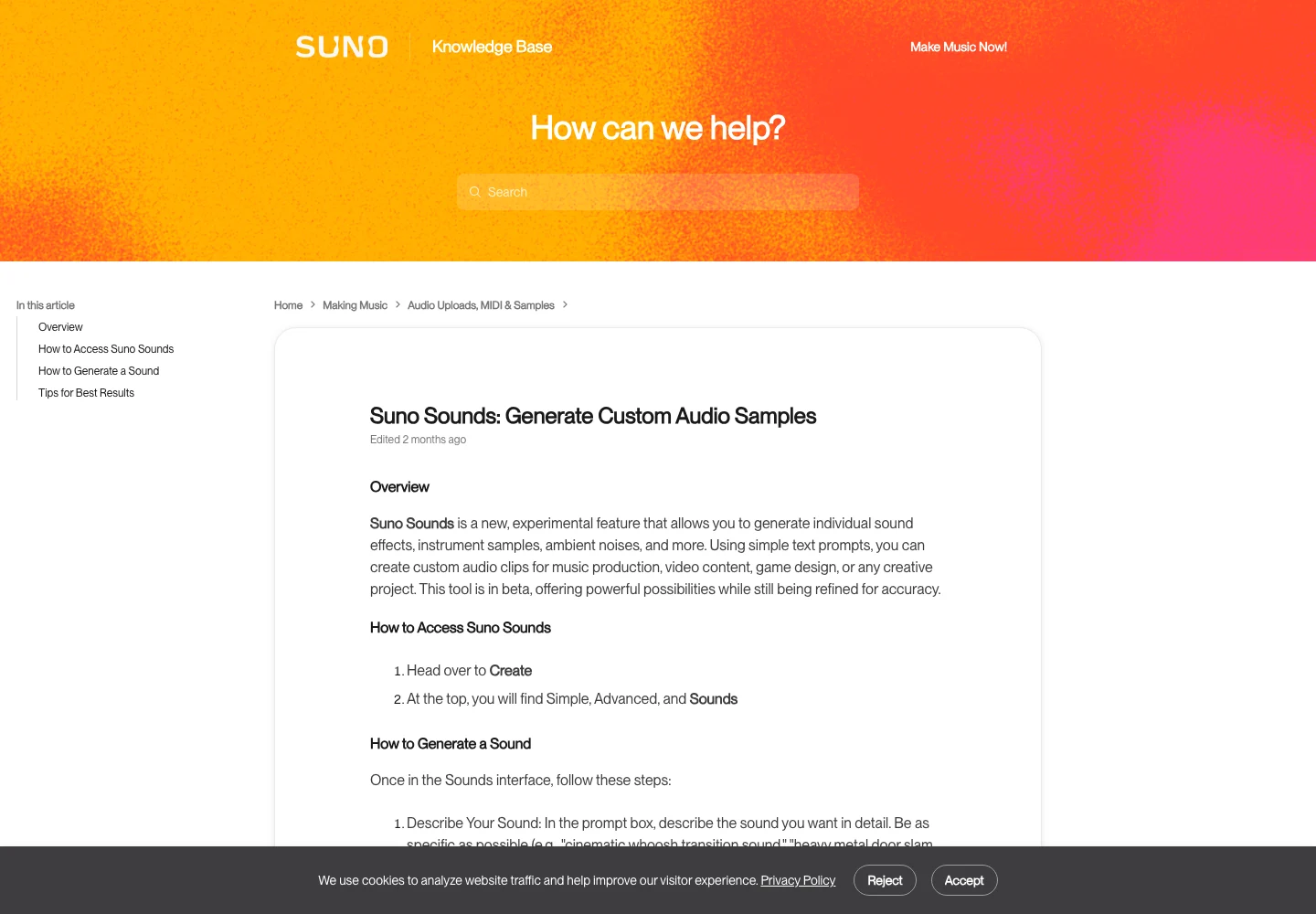
Choose One Shot for a discrete event with a beginning and decay. Choose Loop when you want repeated material. The distinction helps define the task, but it does not remove the need to check the actual boundaries and musical content.
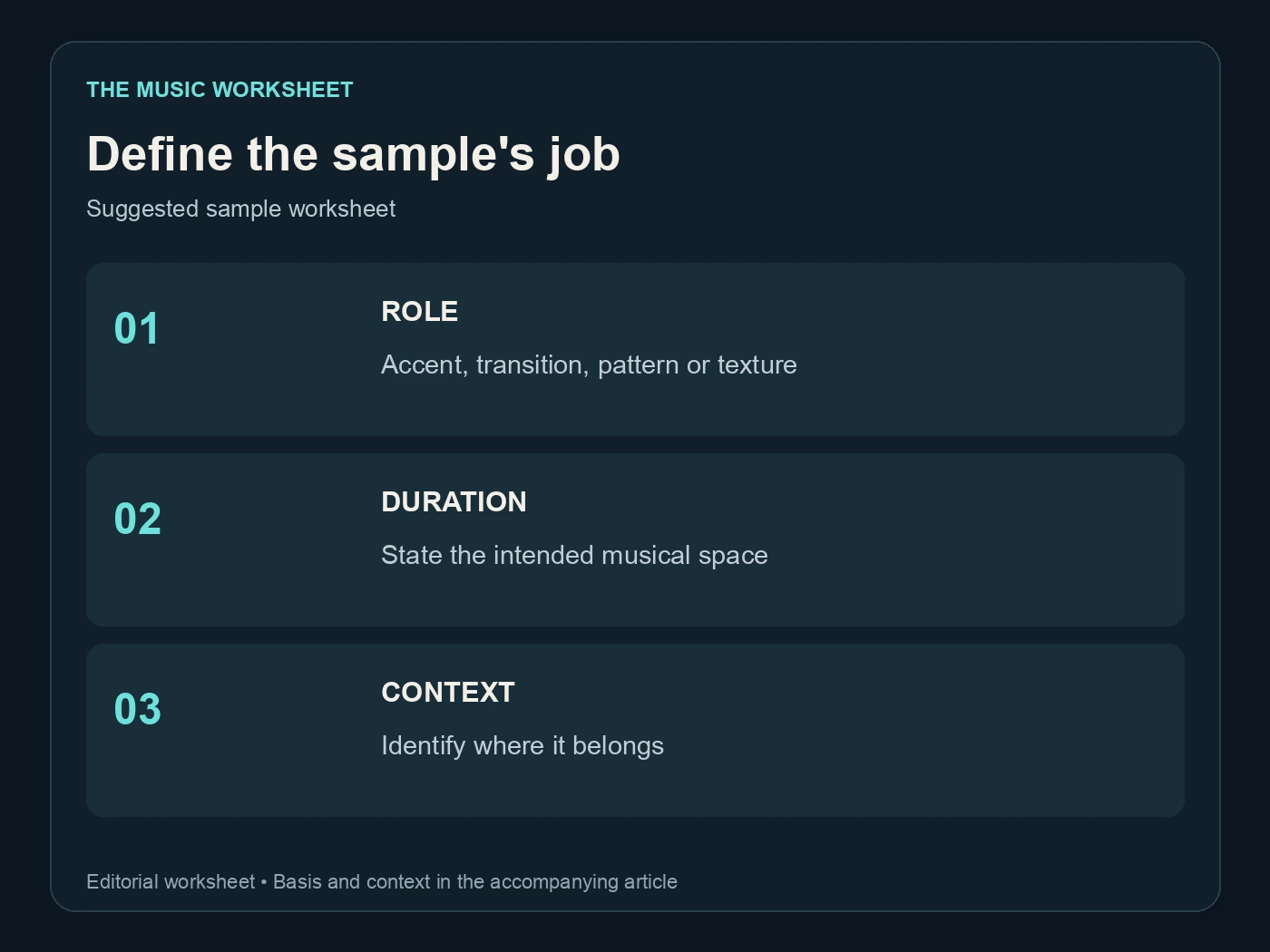
The suggested planning worksheet has three fields: role, duration intention and context. “A short dry percussion accent before the chorus” is more useful than “an amazing cinematic sound” because it gives you a concrete place to test the result.
Our Suno prompt guide covers descriptive direction more broadly. For samples, reduce the scope: ask for the smallest useful musical event before trying to create every part of a transition in one request.
Write a prompt around one audible job
Describe the sound source, character and intended movement. A one-shot brief might be “a single soft wooden percussion hit, close and dry, with a short natural decay.” A loop brief might describe a restrained rhythmic pattern and the space it should leave for other parts.
Avoid contradictory instructions such as asking for a completely dry sound and a huge lingering reverberation. If you want both, decide whether they should be separate candidates or whether the wet tail is genuinely part of the asset.
| Suggested sample brief | Main event count | Review focus |
|---|---|---|
| Percussion accent | 1 | Clear attack and usable decay |
| Transition swell | 1 | Direction and endpoint |
| Repeating rhythmic idea | 1 pattern | Boundary and pulse |
| Background texture | 1 layer | Consistency and unwanted foreground events |
These counts define an illustrative brief, not a generation limit. A result may contain additional events. Listen for whether those additions help the task before deciding to keep or trim them.
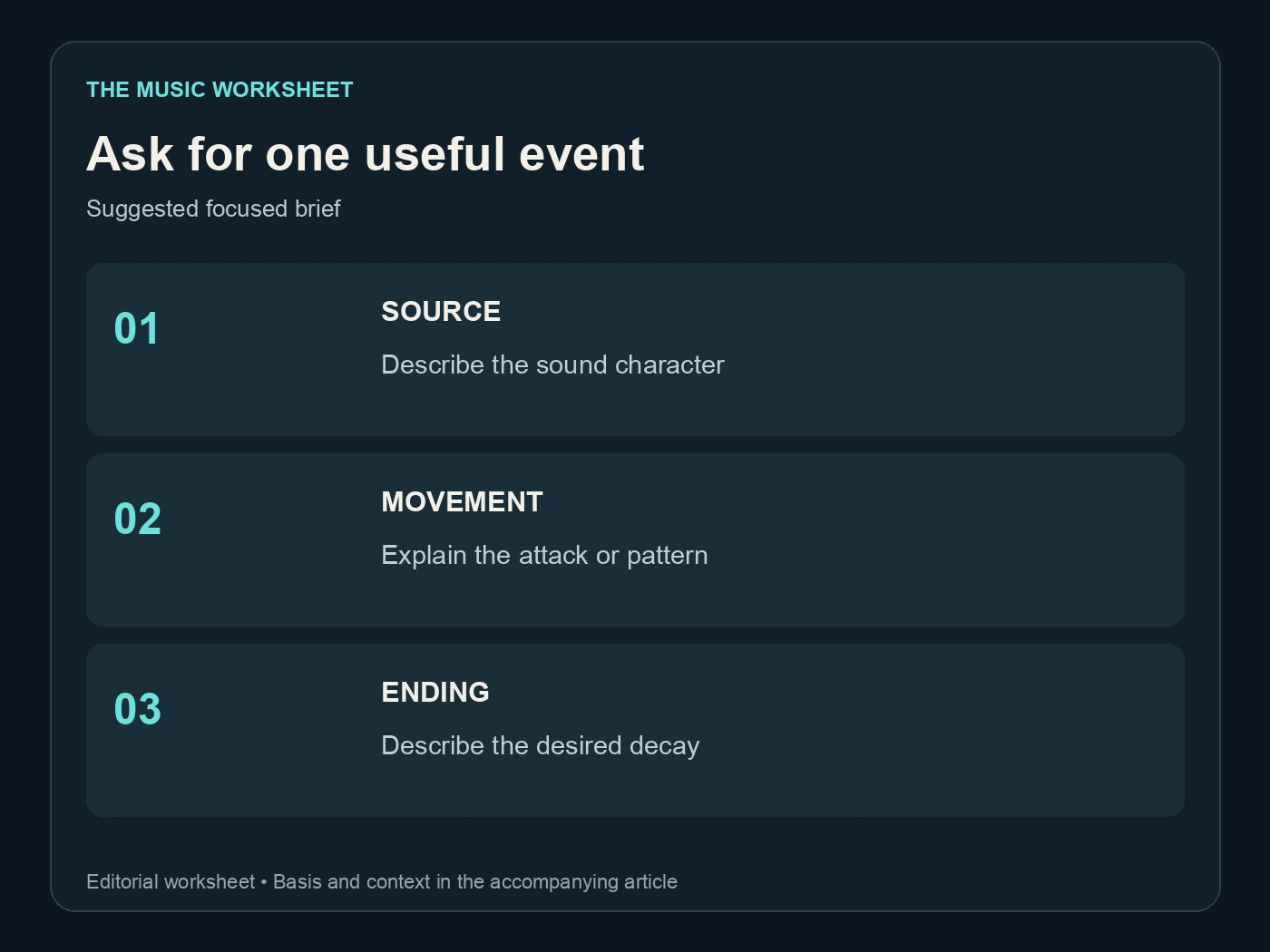
Save the prompt with a short note about the intended use. A folder of “interesting sounds” becomes difficult to search; a sample identified as “quiet transition into second verse” has an immediate production purpose.
Review the attack and the tail of a one-shot
Listen from before the sound begins. Check whether the attack arrives cleanly or includes a tiny unwanted pre-event. Then listen past the apparent ending for a lingering tail, an extra hit or a sudden cut.
Do not trim so tightly that you remove the transient or natural decay that made the sample useful. Conversely, a long empty region can make placement awkward. Work on a copy and keep the original available while deciding the useful boundaries.
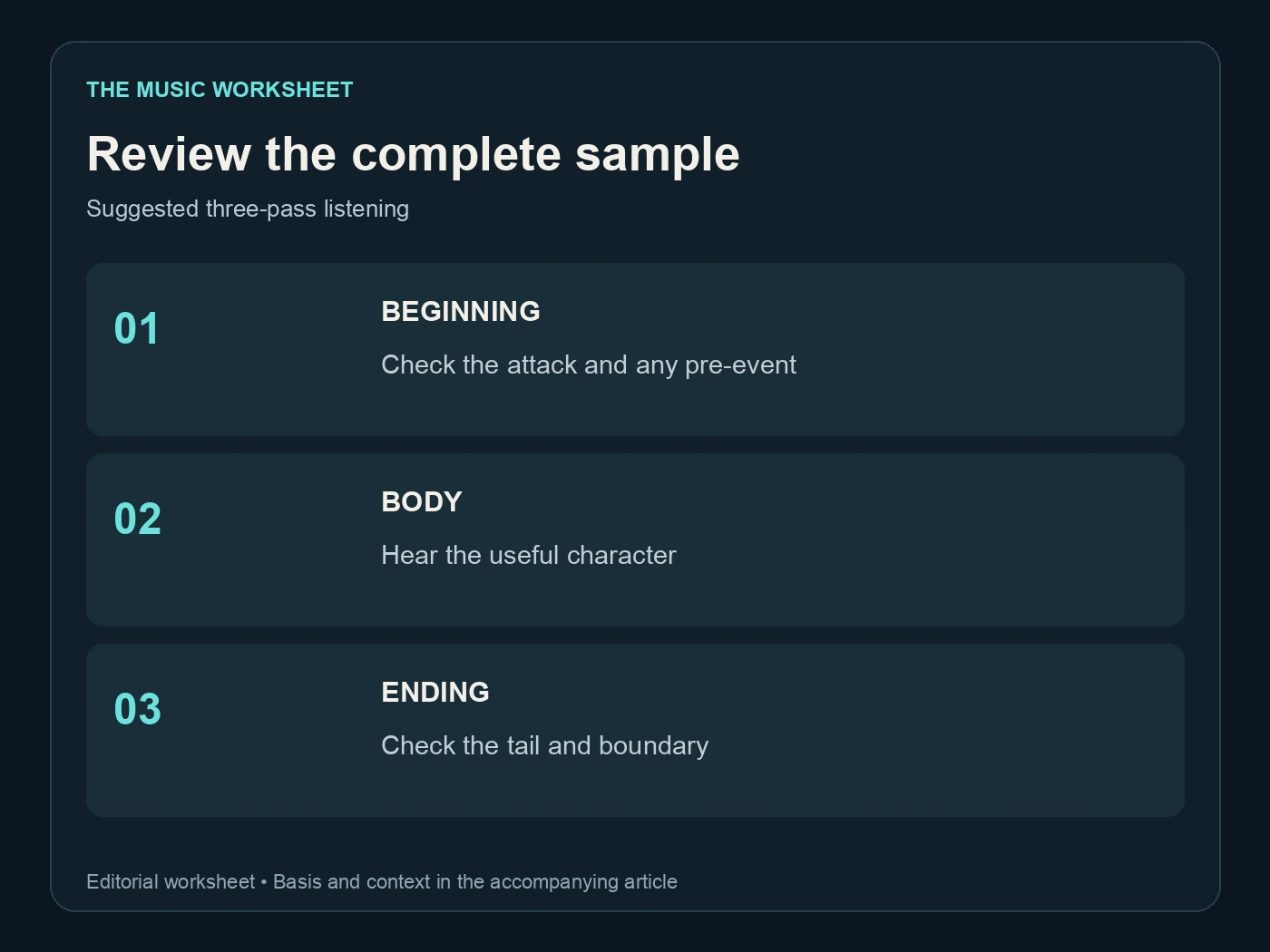
Use three passes: beginning, body and ending. The beginning establishes timing, the body carries the character and the ending determines how the sound joins the next event. A strong middle does not compensate for an awkward attack in a tightly timed edit.
Play the sample in the actual project before approving it. A bright accent that sounds exciting alone may conflict with a vocal consonant or snare hit. Move it, soften it or choose a different sound according to the musical context.
If several candidates are similar, name them by an audible difference rather than a vague quality score. “Short dry hit” and “long ringing hit” remain useful descriptions after the files leave the generation interface.
Measure a loop before repeating it
A loop needs more than a pleasing phrase. Its timing and boundary must work when the file repeats. Place several copies in an editor and listen across the joins, checking for clicks, doubled attacks, dropped beats and drifting emphasis.
For steady 4/4 music, a bar lasts 240 divided by BPM seconds. The following calculated examples show the duration of a four-bar region; they do not certify the tempo of any generated sample.
| Steady tempo | Bars | Calculated region length |
|---|---|---|
| 80 BPM | 4 | 12 seconds |
| 100 BPM | 4 | 9.6 seconds |
| 120 BPM | 4 | 8 seconds |
| 128 BPM | 4 | 7.5 seconds |
Measure the performance you received. If it does not match the requested pulse, decide whether to edit, time-adjust or choose another candidate. Do not label an unmeasured file with a precise tempo merely because that number appeared in the prompt.
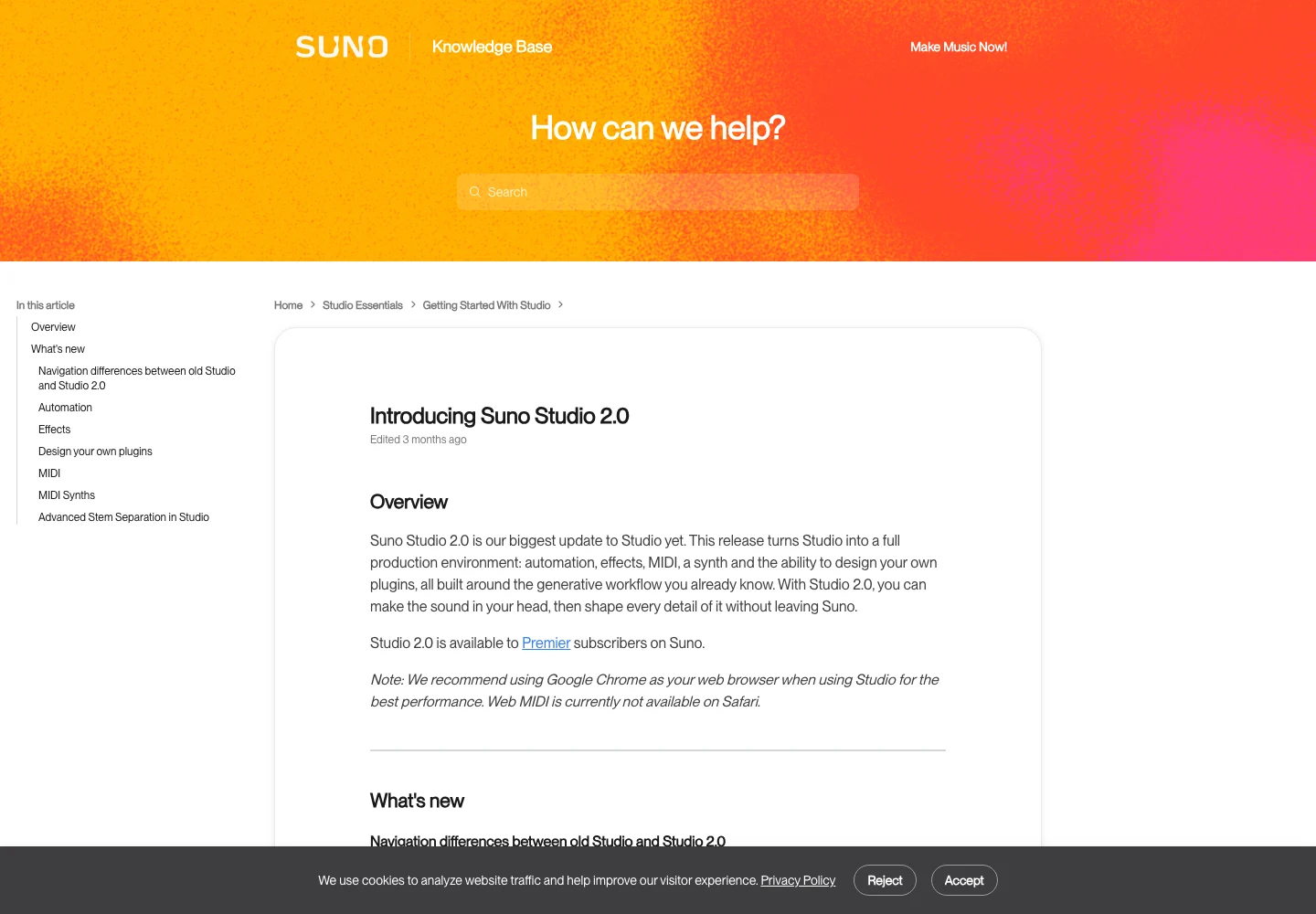
Suno's Studio 2.0 guide describes its multitrack editing environment. Use an appropriate editor to test the sample against the song, including any tail that extends beyond the nominal repeat region.
Separate model experiments from sample decisions
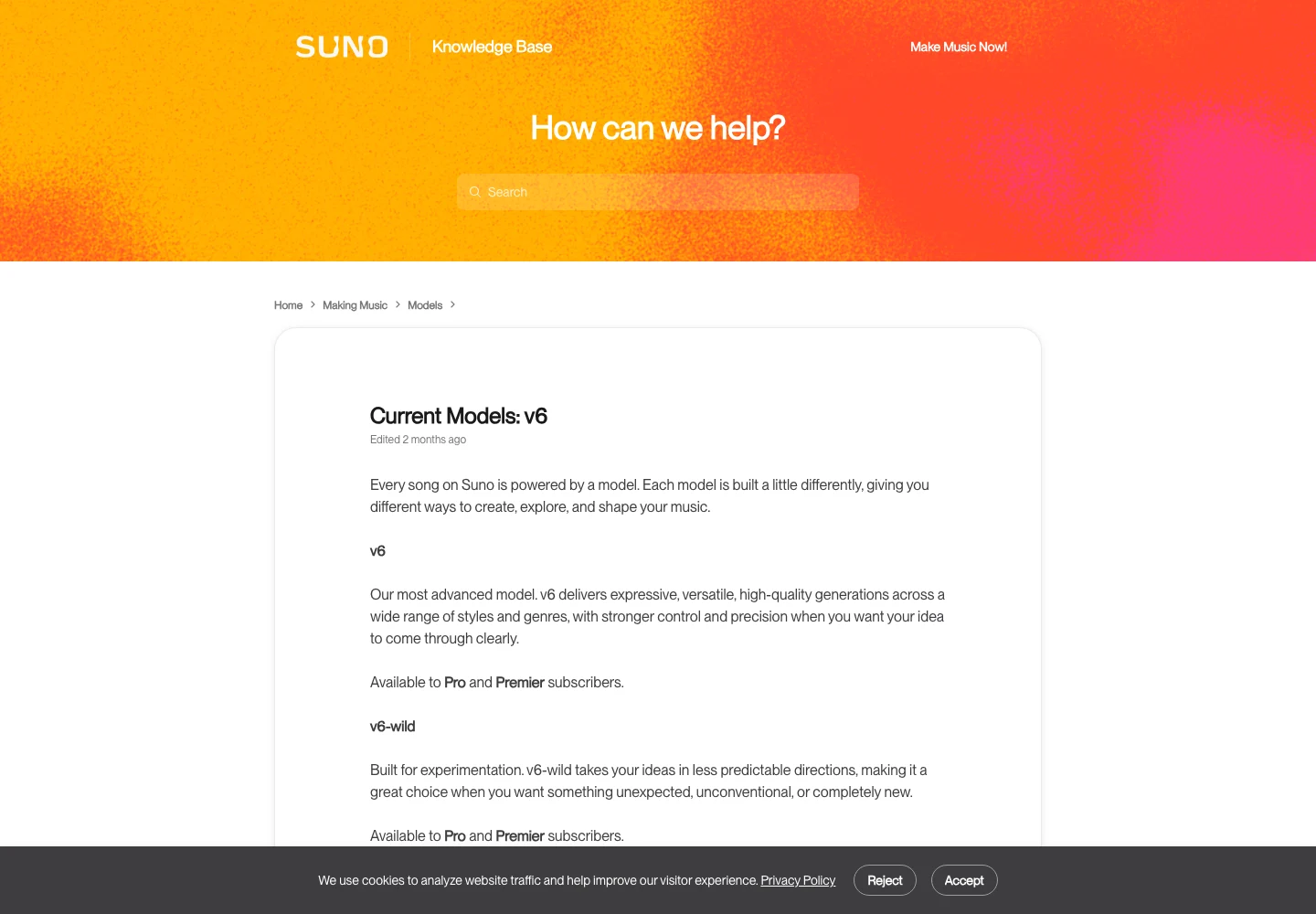
A Suno V6 song project and a Sounds request are different creative tasks. Record which workflow produced each asset. The current model guide is the reference for the V6 family; do not assume every model description automatically applies to every Sounds control.
Our V6 comparison guide and style-control guide provide context for full-song exploration. For the sample decision, keep the evaluation narrower: does this sound fill the gap you identified?
A useful sample can be imperfect in isolation. A texture may have a rough edge that suits the song. Another technically clean result may feel generic or draw attention away from the lead. Judge the asset at its intended level in the mix.
Avoid changing the full arrangement every time you compare a sample. Hold the surrounding section steady so you can hear the effect of the new material. Once you choose the sound, revisit the whole passage to confirm that the local improvement still serves the song.
Pair sample work with a WaveQuake song workflow
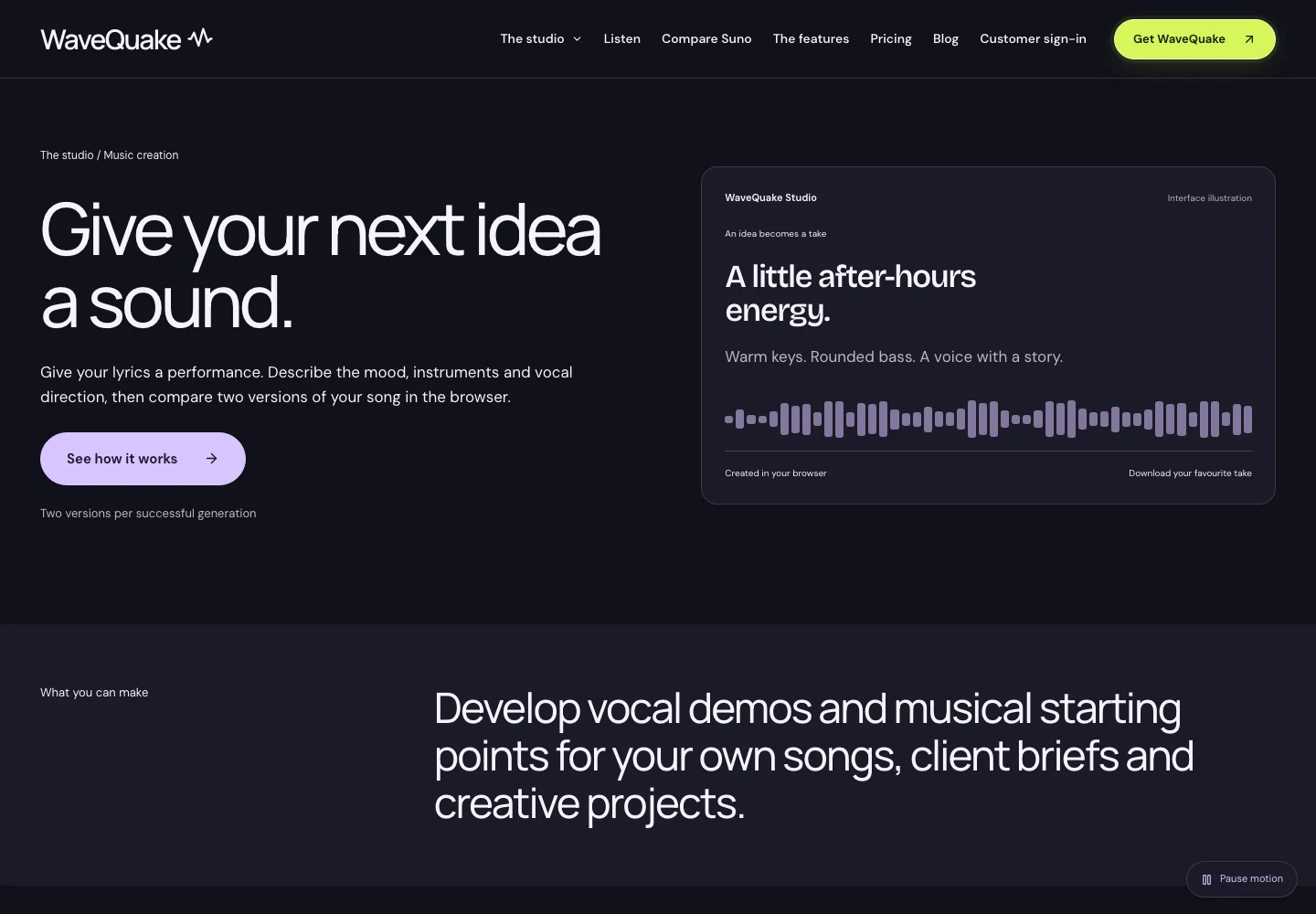
WaveQuake can provide the vocal-song development stage of a project. Its music creation page describes working from lyrics and musical direction. Develop and choose the song, then use an audio editor to audition additional material where it serves the arrangement.
This is a production sequence, not a claim of an automatic connection between WaveQuake and Suno Sounds. Keep exported files and version notes clear when moving between tools. The song and the sample each need their own review.
If your starting point is an existing musical idea, the WaveQuake audio-to-song guide explains another route to explore. The Soundprint guide discusses turning musical observations into a brief. Use references and supplied material only where you have the necessary rights.
A sample should earn its place. Try the section with and without it at a comparable playback level. If it does not add a useful accent, transition or texture, leaving it out can make the song clearer. More generated material does not automatically create a more finished production.
Budget for useful decisions rather than raw output
Before a session, define the problem and how you will judge a candidate. A short percussion search needs a different stopping rule from an exploratory sound-design session. Once a sample performs the intended role, save it and return to the song.
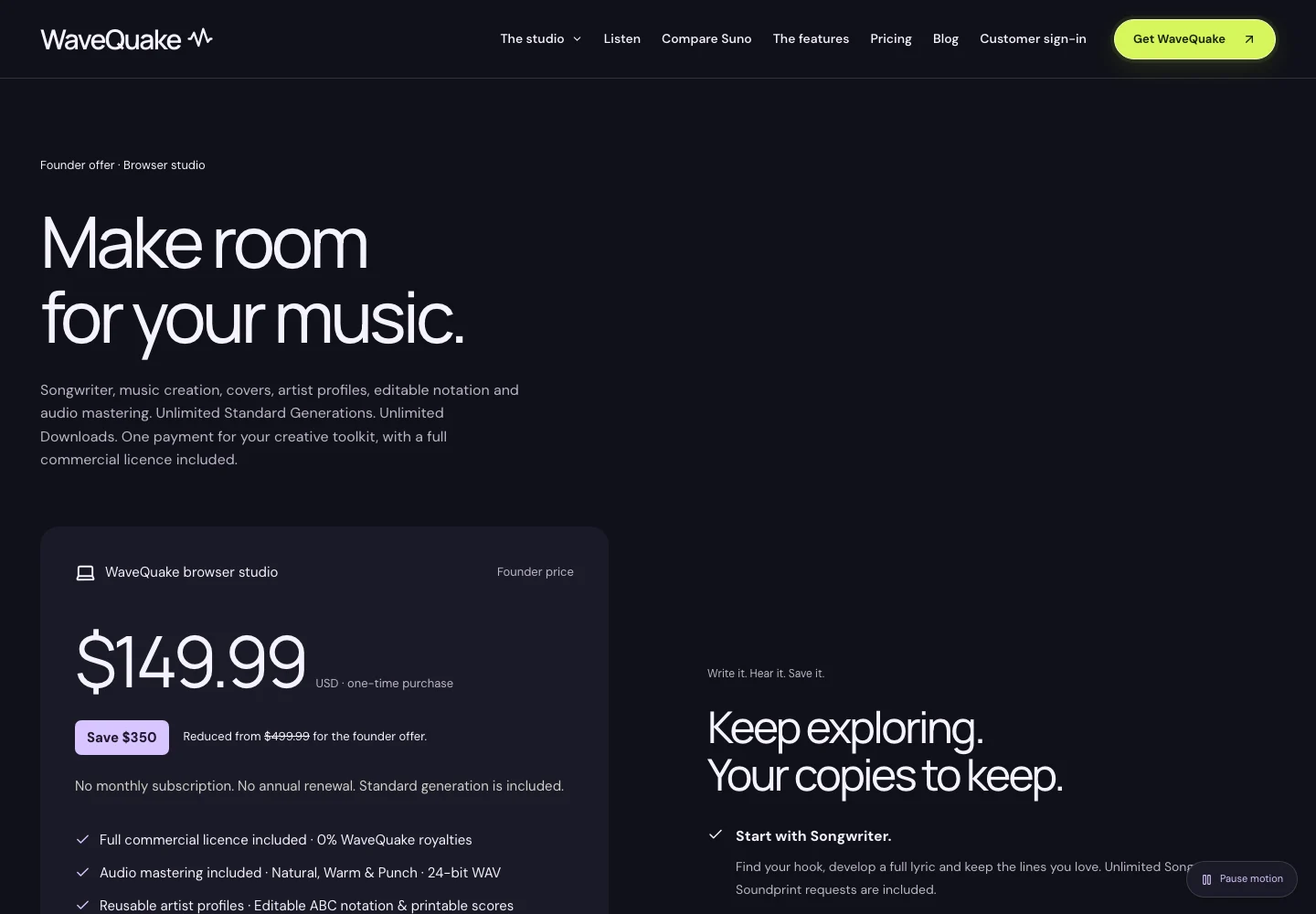
Check current pricing and account requirements directly in the products you use. WaveQuake's pricing page describes its own offer; Suno's Sounds and model documentation describe different workflows. Do not combine their allowances into a single assumed entitlement.
Keep a small candidate set that you can actually compare. A suggested first pass is to choose one promising direction, identify one weakness and request or edit one alternative. That process gives the next action a reason instead of accumulating files without a decision.
If the chosen song contains AI artifacts, evaluate Undetectr during the finishing stage on a preserved copy. Listen to any added sample and the surrounding transition afterwards. A processing change can alter how the accent sits in the mix even when the arrangement remains unchanged.
Build a sample library you can understand later
Store the original, edited sample and a brief usage note together. Include the measured tempo or key only when you have checked it, and distinguish those observations from the original request. Note whether the file includes a tail beyond the intended loop boundary.
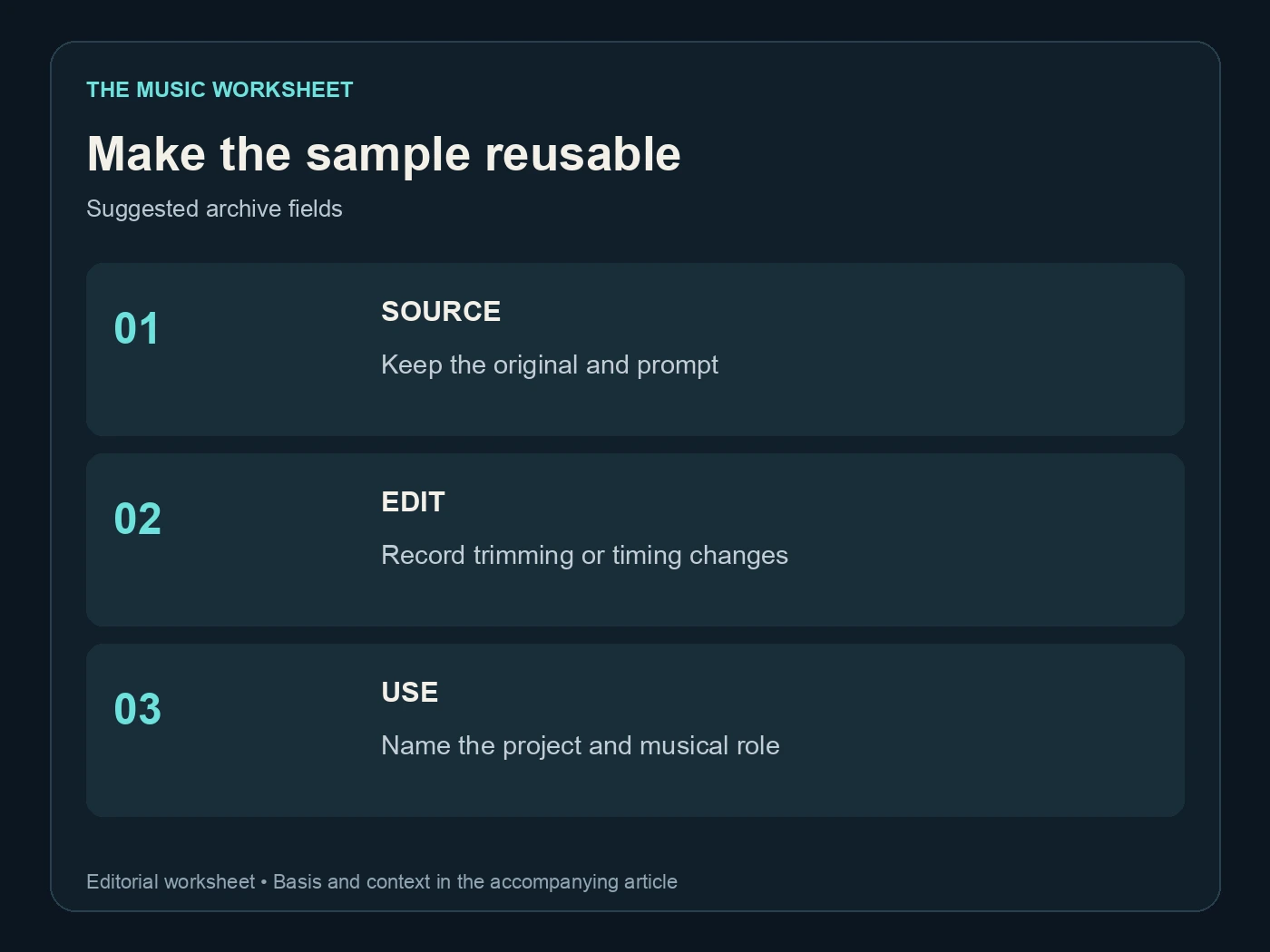
The suggested archive has three fields: source, edit and use. The source identifies where the material came from. The edit records trimming or timing changes. The use explains the project and musical role it was approved for.
WaveQuake's help centre is a useful reference for its own saved tracks and downloads when your song project uses that studio. Keep the exported sample library independently accessible so an expired session or a changed interface does not erase the context.
Before delivering a project, reopen it and check that every sample resolves to the intended file. Listen through the transitions and ending once more. A successful sample workflow ends with a usable musical decision and an understandable archive, not simply a large folder of generated audio.
Related reading
- Suno V6 comparison
- Suno AI prompt guide
- V6 style and variety controls
- WaveQuake audio-to-song workflow
- WaveQuake Soundprint guide
Frequently asked questions
What is Suno Sounds?
It is Suno's documented workflow for generating short audio material through One Shot and Loop options. Use it with a specific sample role in mind, then inspect the result's content and boundaries before treating it as a finished production asset.
What is the difference between a one-shot and a loop?
A one-shot is intended as a discrete event with an attack and ending. A loop is intended to repeat. The returned audio still needs checking: a loop can have an awkward boundary, and a one-shot can include more material than requested.
Does a requested BPM guarantee an exact loop tempo?
No prompt value should replace measuring the delivered performance. Place the sample in an editor, check its pulse and review repeated copies. Label a tempo as measured only after verification, and keep the original request in separate notes.
Can I use Sounds to add effects to a WaveQuake song?
You can evaluate exported audio assets together in a suitable editing workflow, subject to the rights and terms that apply. This guide does not describe an automatic product integration. Keep the approved song and sample versions clear when moving between tools.
How do I know when a sample is good enough?
Test it at the intended point and level in the actual project. Check the attack, body, tail and transitions, then compare the passage without it. A useful sample supports the song's purpose rather than merely sounding impressive alone.
What information should I save with generated samples?
Keep the source workflow, prompt, original file, edited version and intended use. Add measured tempo or key when verified and note loop boundaries or tails. Clear records make future revisions easier and reduce accidental use of the wrong candidate.
Recommended AI Tools
played.fm
Sell your music and keep 100%: played.fm is a direct-to-fan store + sync marketplace with 0% commission, no gatekeepers, and no bans — a strong fit for AI musicians.
View Review →OpenCode
The open-source AI coding agent: terminal-first TUI, 75+ model providers, LSP context, subagents, and privacy-first design. Free software, ~180K GitHub stars.
View Review →Exa
The neural web search API for AI agents: embeddings-based retrieval, cited highlights, sub-180ms latency, and an MCP server. 20,000 free requests/month.
View Review →Google Antigravity
Google's agent-first IDE: run a fleet of AI agents from a Manager surface, on Gemini 3 Pro, Claude Sonnet 4.5, or OpenAI models. Free in public preview.
View Review →