Undetectr Toolkit: Six-Tool Workflow (2026)

AI Creative Tools Specialist
Key takeaways
- Undetectr's Lifetime offer currently brings processing, mastering, Sound Match, prompts, the Suno downloader and an earnings calculator into one toolkit.
- Use the creative tools before selecting the source, then process and review the recording you intend to release.
- Lifetime is listed at €39 with unlimited processing; Starter is €19 for ten credits and has fewer included tools.
- Keep calculator scenarios separate from actual revenue, and follow the source platform's download rules.
In this article
- Map the six tools to the job in front of you
- Use Sound Match to describe a musical direction
- Treat the prompt vault as a starting point
- Download within the source platform's rules
- Process the selected track, then review the download
- Decide whether the mastering option finishes the job
- Use the calculator as a scenario, not a receipt
- Frequently asked questions
The Undetectr toolkit is easier to use when each tool has a clear place in the project. Six features can help with six different decisions, but opening all of them does not automatically finish a song. We checked the current public feature pages and arranged them into a practical workflow from musical direction to an approved release file.
Map the six tools to the job in front of you
Start with the stage of your project. If you are still deciding what the song should feel like, a prompt tool is relevant. If you have chosen the recording, processing and mastering are the next consideration. If you are planning the business side, the calculator is a separate modelling tool.
| Toolkit item | Position in this suggested workflow | Main job |
|---|---|---|
| Sound Match | 1 | Develop a musical direction |
| Prompt vault | 2 | Build or refine the generation brief |
| Suno downloader | 3 | Obtain the permitted source exports |
| Audio processing | 4 | Prepare the selected recording |
| Mastering | 5 | Review a finishing option |
| Earnings calculator | 6 | Explore assumptions separately from results |
The numbers describe our suggested workflow, not a required sequence enforced by the app. You can enter at the stage you need. An artist with a finished source may begin with processing; someone exploring a new project may start with the creative tools.
Keep one project note through the workflow. Record the musical brief, chosen take, source export and approved delivery version. That gives the tools a shared purpose and prevents a library of unrelated experiments from becoming a confusing release folder.
Our Undetectr review covers the broader recommendation. This guide maps the current toolkit around that recommendation without adding a new score or a new acceptance experiment.
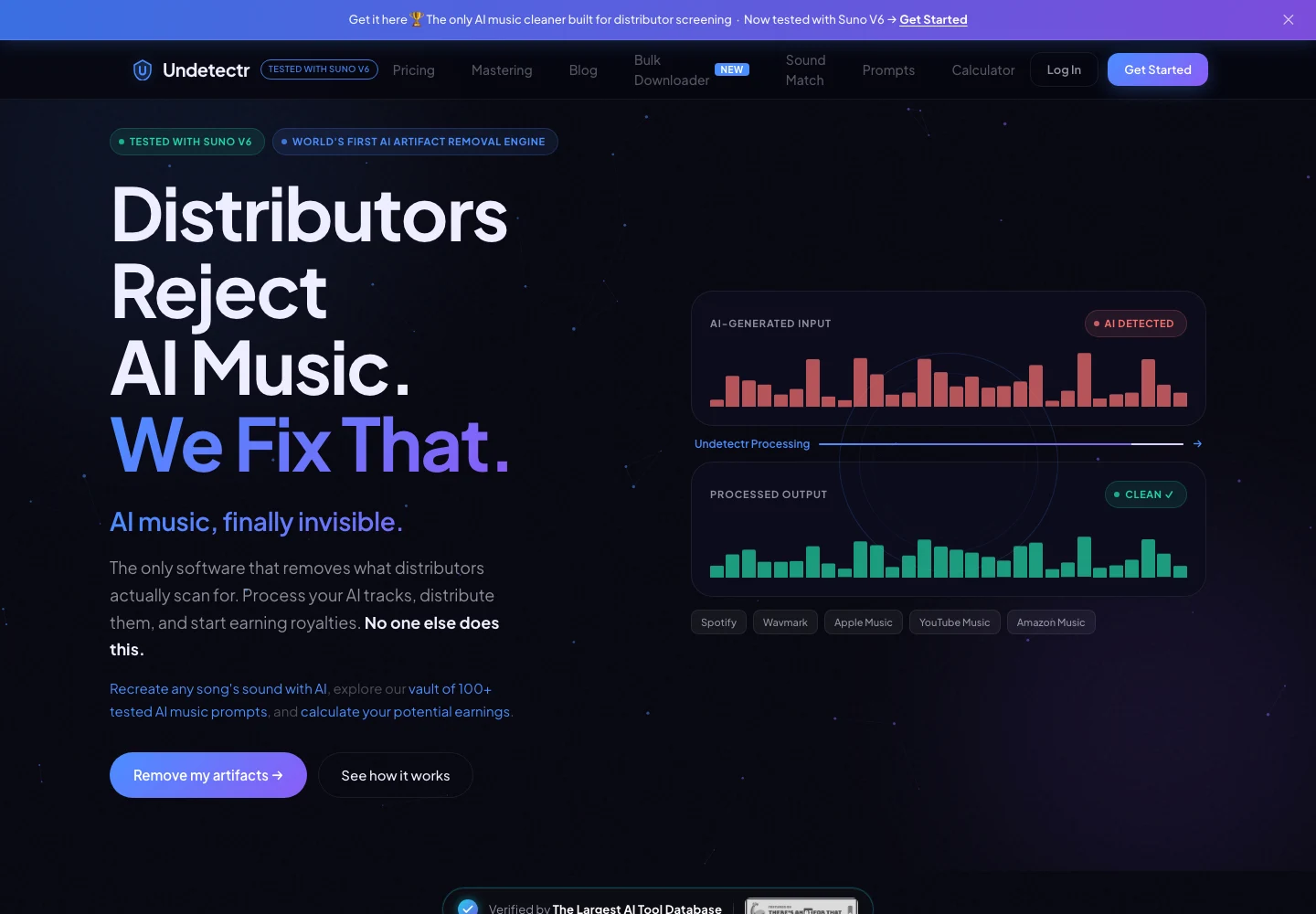
Undetectr’s public product page, captured 13 November 2026. The page describes the audio-preparation service. Source.
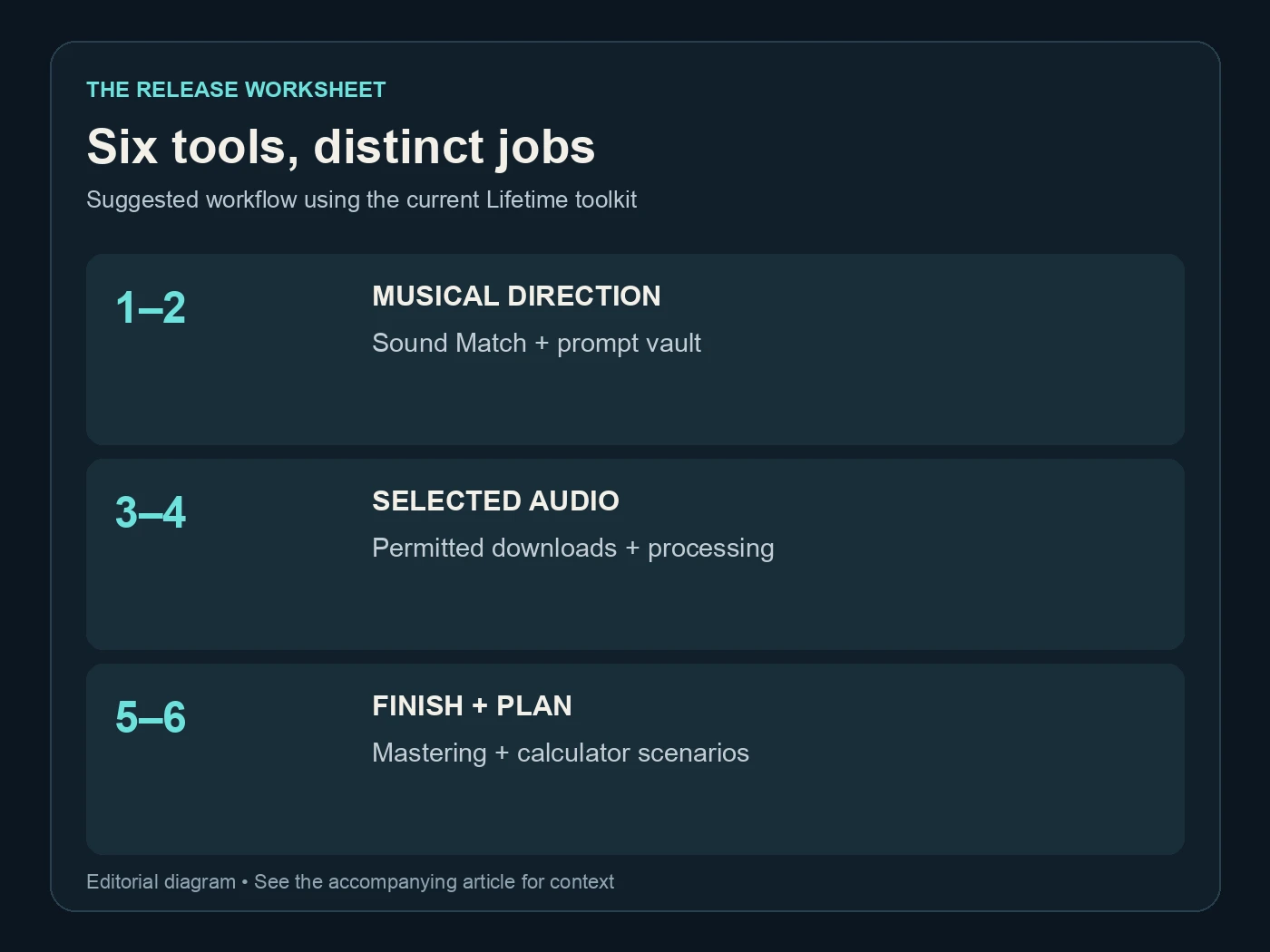
Six tools, distinct jobs. Suggested workflow using the current Lifetime toolkit. Editorial diagram; details are explained above.
Use Sound Match to describe a musical direction
Sound Match starts from a song and artist reference and describes musical attributes for a prompt. Its public page identifies elements such as genre, tempo, mood, instrumentation and production style. Use that output as a brief to evaluate, rather than a command to reproduce an existing recording.
Decide what you like about the reference. It might be the contrast between a restrained verse and a larger chorus, a dry drum sound or a particular instrumentation. Those observations are more useful than simply asking for another song to be copied.
Translate the direction into your own project. Write original lyrics or use material you have permission to use, choose the arrangement you want, and avoid promising an exact artist voice. A style reference is not a licence to reuse another person's protected material or identity.
Keep the brief short enough to understand. If the result contains several directions that conflict, choose the ones that matter most. A vocal close to the listener and a distant atmospheric instrumental can coexist, but a long list of contradictory production requests makes selection harder.
Save the brief with the project, then move to the prompt stage. The value of this step is a clearer musical intention. The final recording still needs your judgment when the generator returns its alternatives.
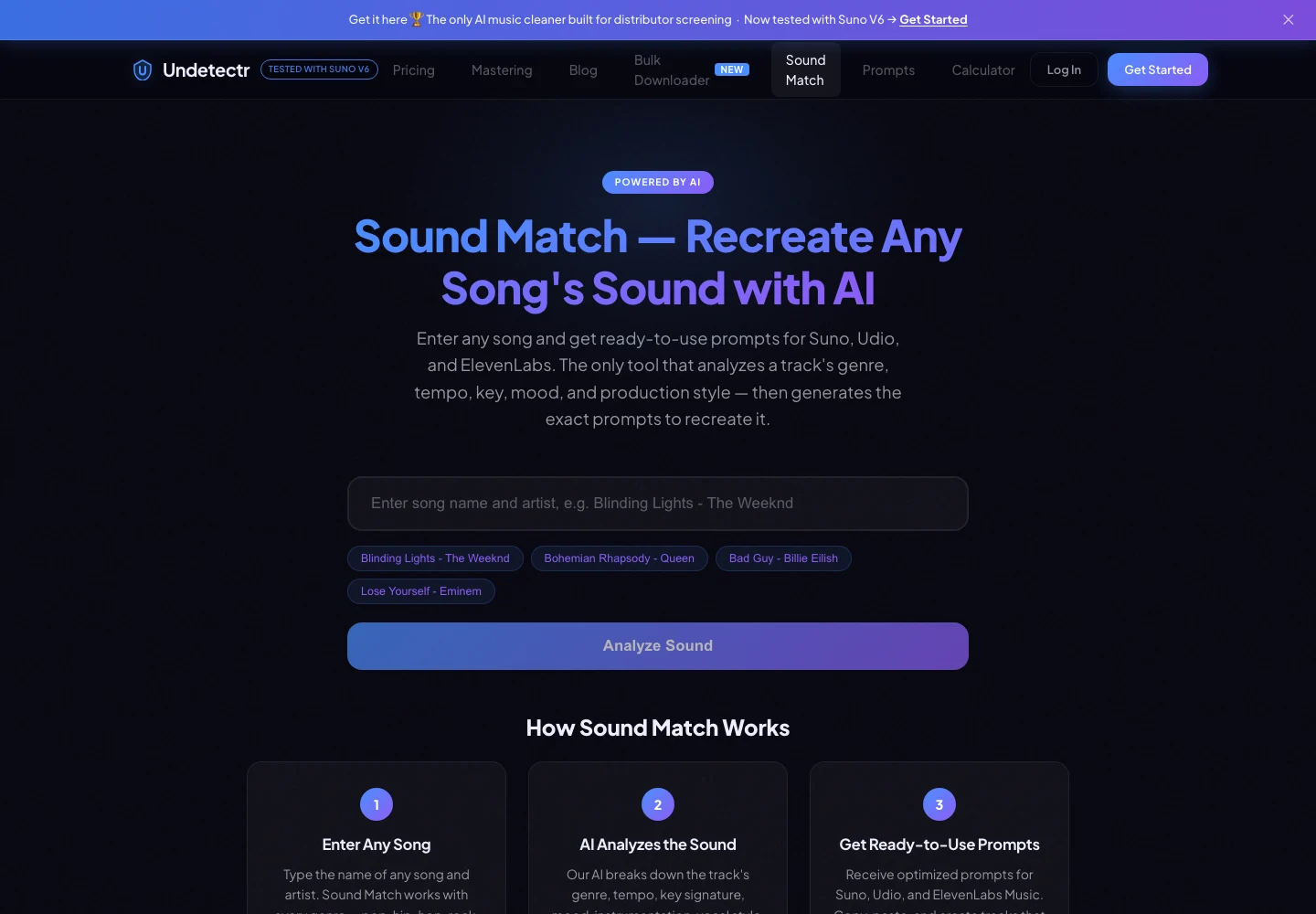
Sound Match’s public reference-song input and prompt workflow, captured 13 November 2026. Source.
Treat the prompt vault as a starting point
The current prompt vault presents more than 100 prompts and includes Suno V6 production-oriented material. Browse for a starting point that fits the project, then adapt the musical direction deliberately. Copying a long prompt without understanding it makes later revisions difficult to explain.
Keep the first version of the prompt in your notes. When you revise it, change one meaningful element at a time: the vocal delivery, the arrangement contrast or an instrument's role. That is a practical comparison method, not a guarantee that a generator will respond identically on each run.
Choose between outputs by listening. A prompt can describe a strong ending while the returned take still ends poorly. It can ask for clear vocals while the chosen lyric remains hard to understand. The text is a brief; the recording is the thing you need to judge.
Do not carry every experimental output into the finishing stage. Mark the selected take and preserve its creation context. That makes the later processing comparison useful because you know exactly which performance you wanted to retain.
Our guide to setting up an AI music label covers organising a larger project. The same principle works for one song: keep the creative brief and selected recording connected before adding a finishing tool.
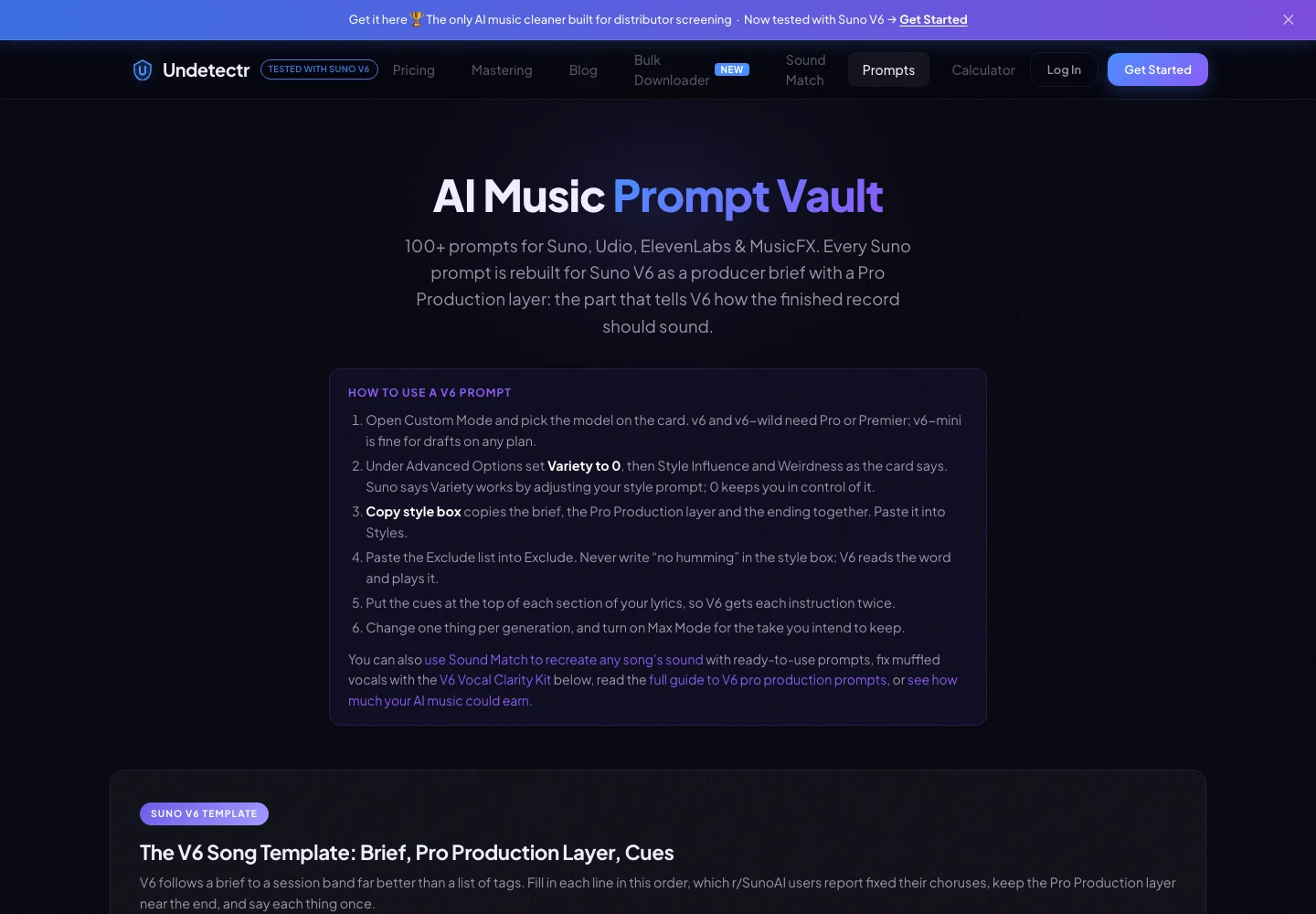
Undetectr’s prompt vault and Suno V6 production brief, captured 13 November 2026. Source.
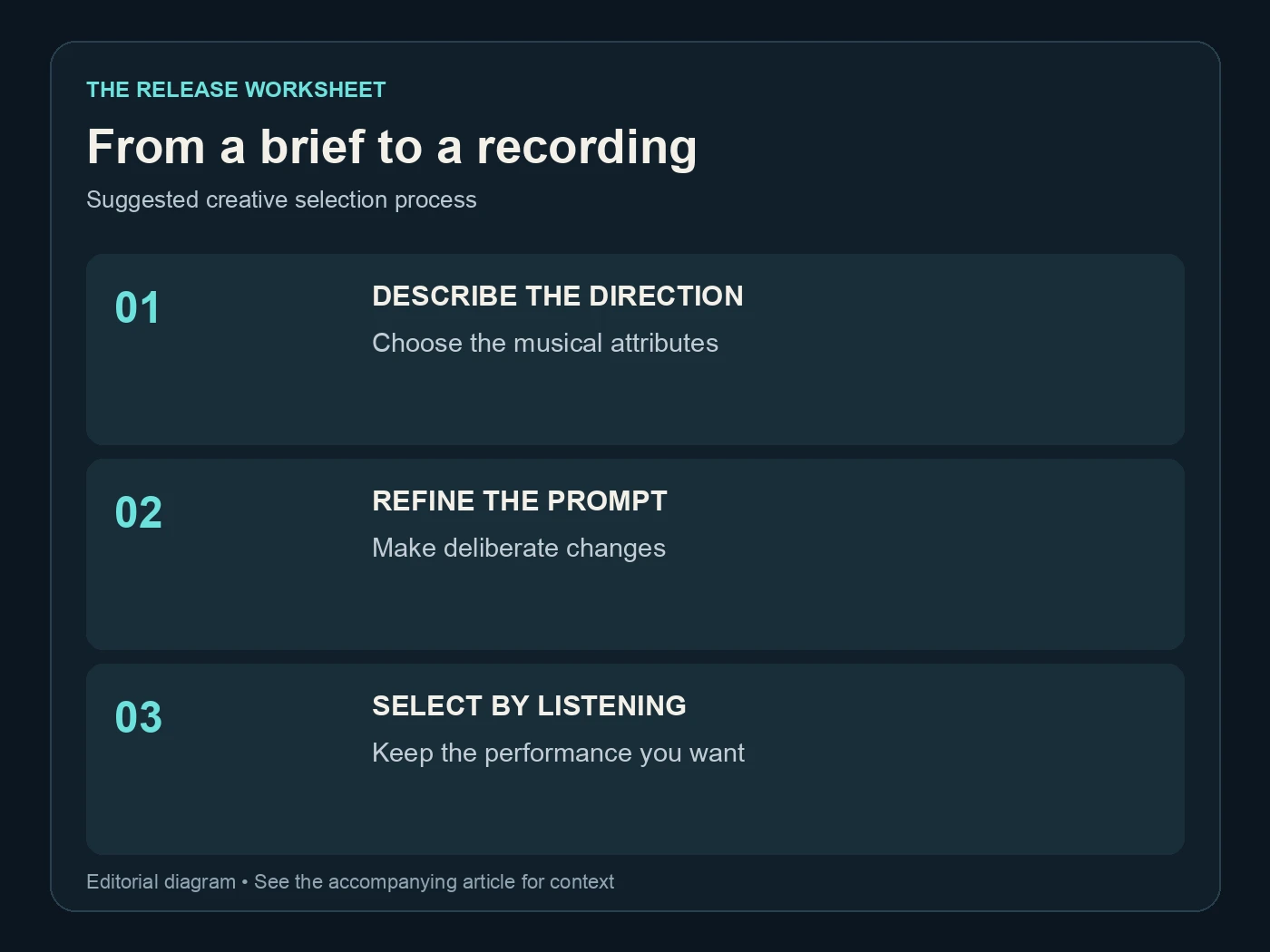
From a brief to a recording. Suggested creative selection process. Editorial diagram; details are explained above.
Download within the source platform's rules
The Suno downloader is listed among the Lifetime extras. Use it for exports you are entitled to download through the source platform's permitted route. A convenience tool does not expand the rights or allowances attached to the account where the music was made.
Check Suno's current download policy and the options shown in your own account before planning a large export. Avoid treating the word “bulk” as a promise that every plan has unlimited downloads. The relevant allowance belongs to the source platform.
Once the files are saved, verify the selected recording. Check the opening lyric or lead phrase and the ending against the take you intended to keep. Give the file a useful name and retain its source reference, export date and relevant creation records.
Suno's credentials page explains metadata attached to its downloads. Preserve an untouched original in your archive even if the next steps include processing or a format change. Your private source record should remain understandable throughout the project.
The processing stage becomes simpler when the input is settled. One selected source is a better starting point than an unexplained folder of alternate takes. You can return to the experiments later without confusing them with the recording being prepared for release.
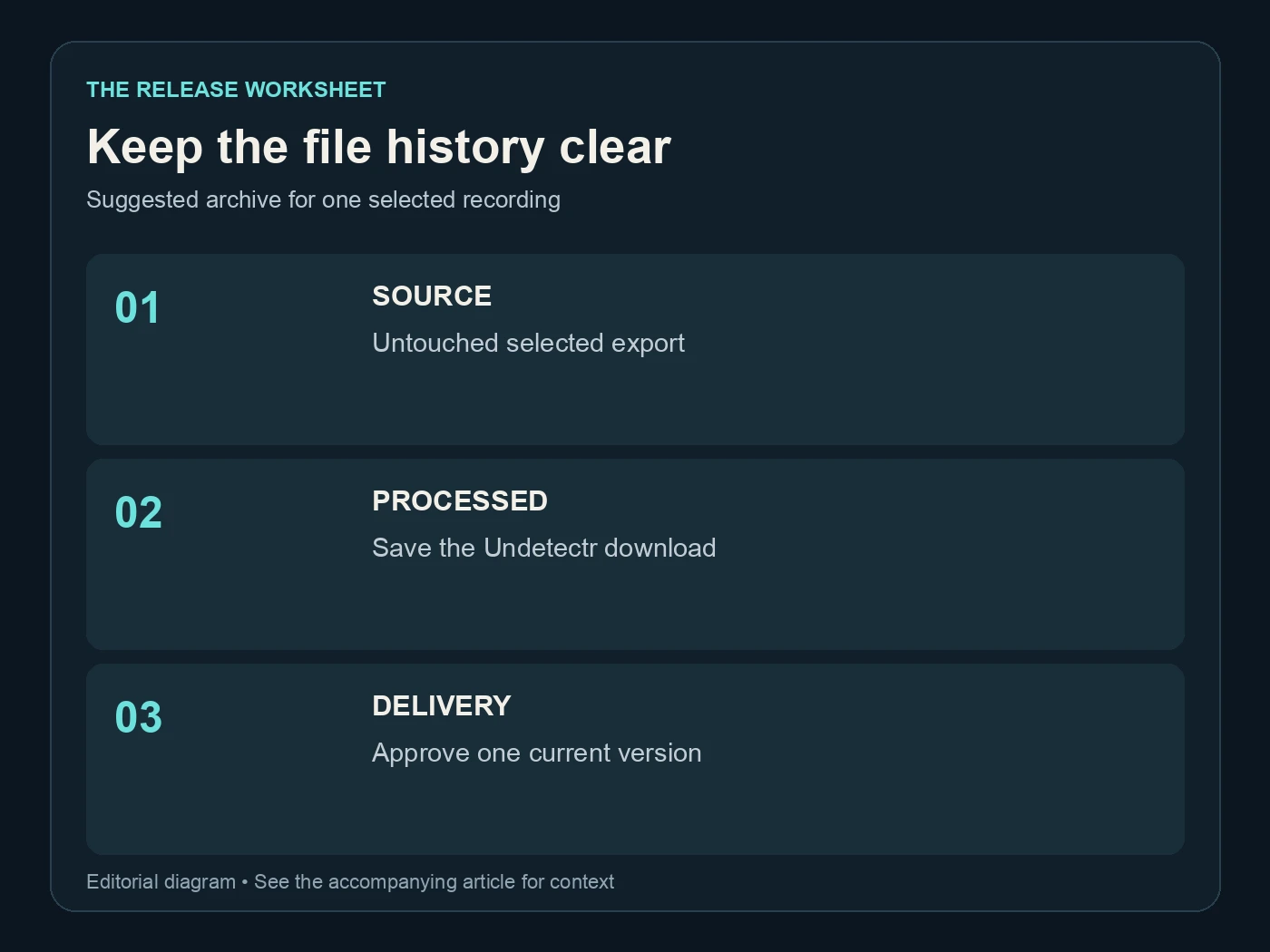
Keep the file history clear. Suggested archive for one selected recording. Editorial diagram; details are explained above.
Process the selected track, then review the download
Undetectr's central workflow is upload, process and download. The current public pages list MP3, WAV and FLAC support and describe artifact and metadata processing. Save the downloaded result separately from the source so you can compare the exact pair.
We recommend the preparation workflow discussed in our six-month follow-up. That published study records 98 acceptances from the shared 100-track catalogue. The result remains tied to that study; this toolkit guide does not invent a new testing period or a fresh success rate.
Review the output at comparable listening volume. Start with the opening, an exposed vocal or instrument, the busiest section and the ending, then hear the complete file. Keep a note of any issue and compare the same timestamp in the source before deciding what caused it.
If you need a delivery conversion, choose it deliberately. Audacity's quality preferences distinguish sample-rate conversion from sample-format conversion. A larger exported file is not automatically a better recording, and repeated format changes are not a substitute for listening.
Keep one approved delivery version after the review. The source, processing output and delivery version have different jobs, even when the last two contain the same audio. That record helps you hand the file to a distributor, editor or collaborator without asking them to guess which version is current.
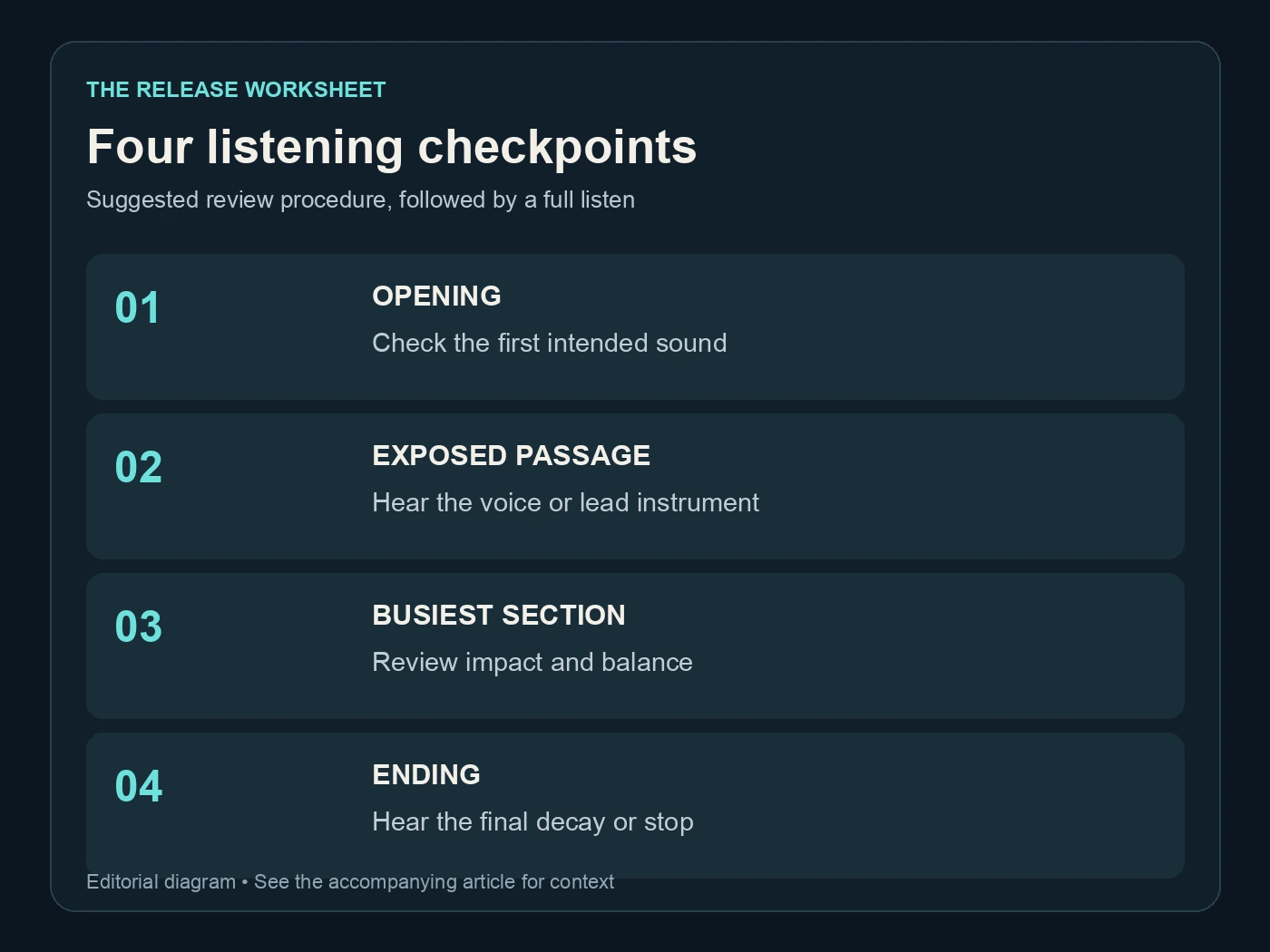
Four listening checkpoints. Suggested review procedure, followed by a full listen. Editorial diagram; details are explained above.
Decide whether the mastering option finishes the job
The mastering page presents platform-oriented controls and describes loudness, peak, frequency and stereo work. It is included in the current Lifetime feature list. Use it as a finishing option, then approve the musical result rather than relying only on the selected label.
If you use another mastering service or an engineer afterward, communicate what has already happened. A processed and mastered file is a different starting point from an untouched source mix. Preserve the intermediate output so another decision does not erase the history.
Spotify's loudness documentation separates playback adjustment from the uploaded master. That distinction matters when a local file sounds louder than its streaming playback. It is not, by itself, proof that the upload changed or that the file was rejected.
Listen for the qualities that made you choose the performance: vocal character, rhythmic impact, the arrangement's contrast and the ending. If a finishing choice weakens one of those, revisit the choice. More stages do not automatically make a better master.
Our AI music artifact-removal comparison covers the category around Undetectr. Keep the category decision and the song-level approval connected: choose the tool deliberately, then approve the actual file it returns.
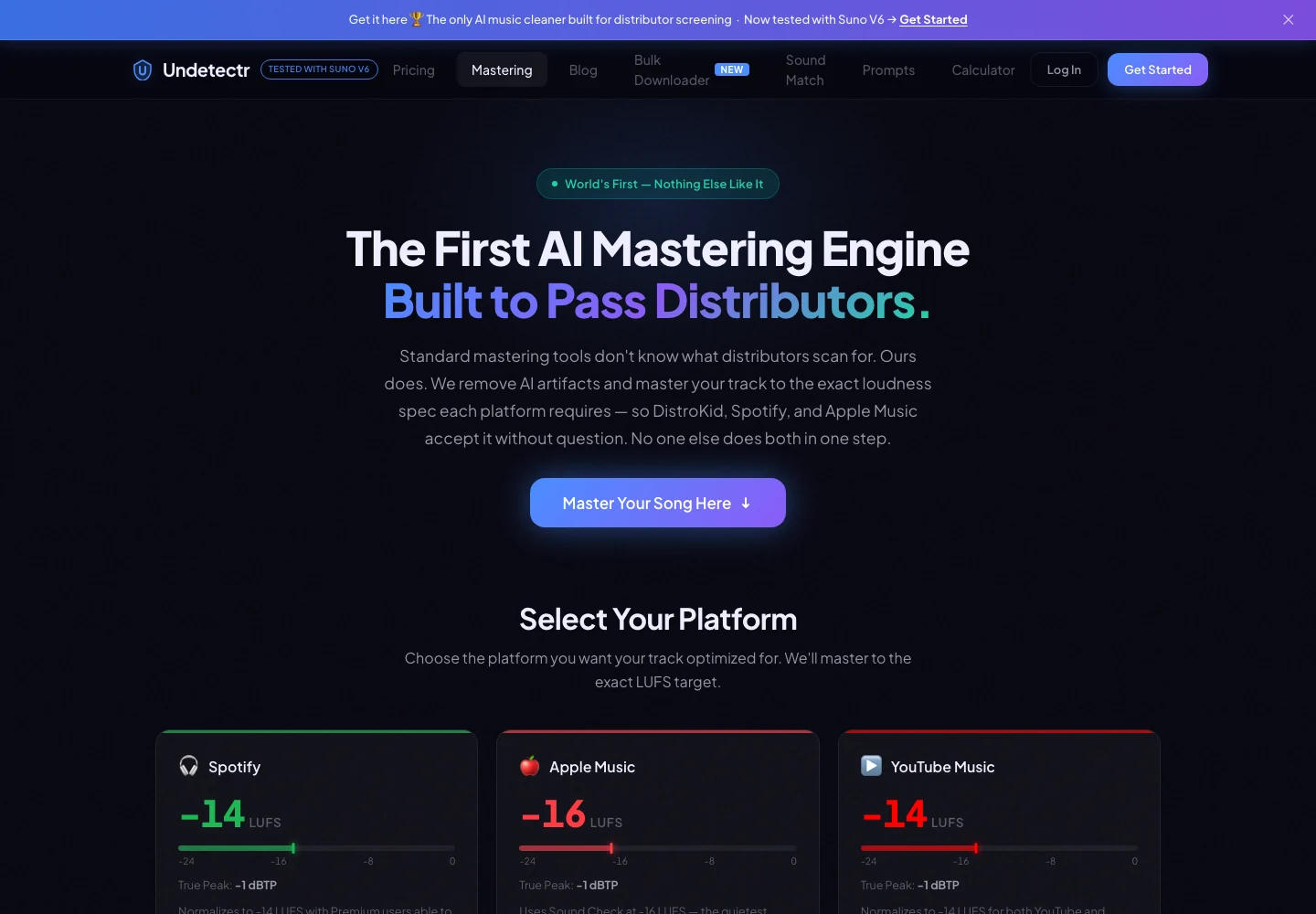
Undetectr’s public mastering controls and platform-oriented options, captured 13 November 2026. Source.
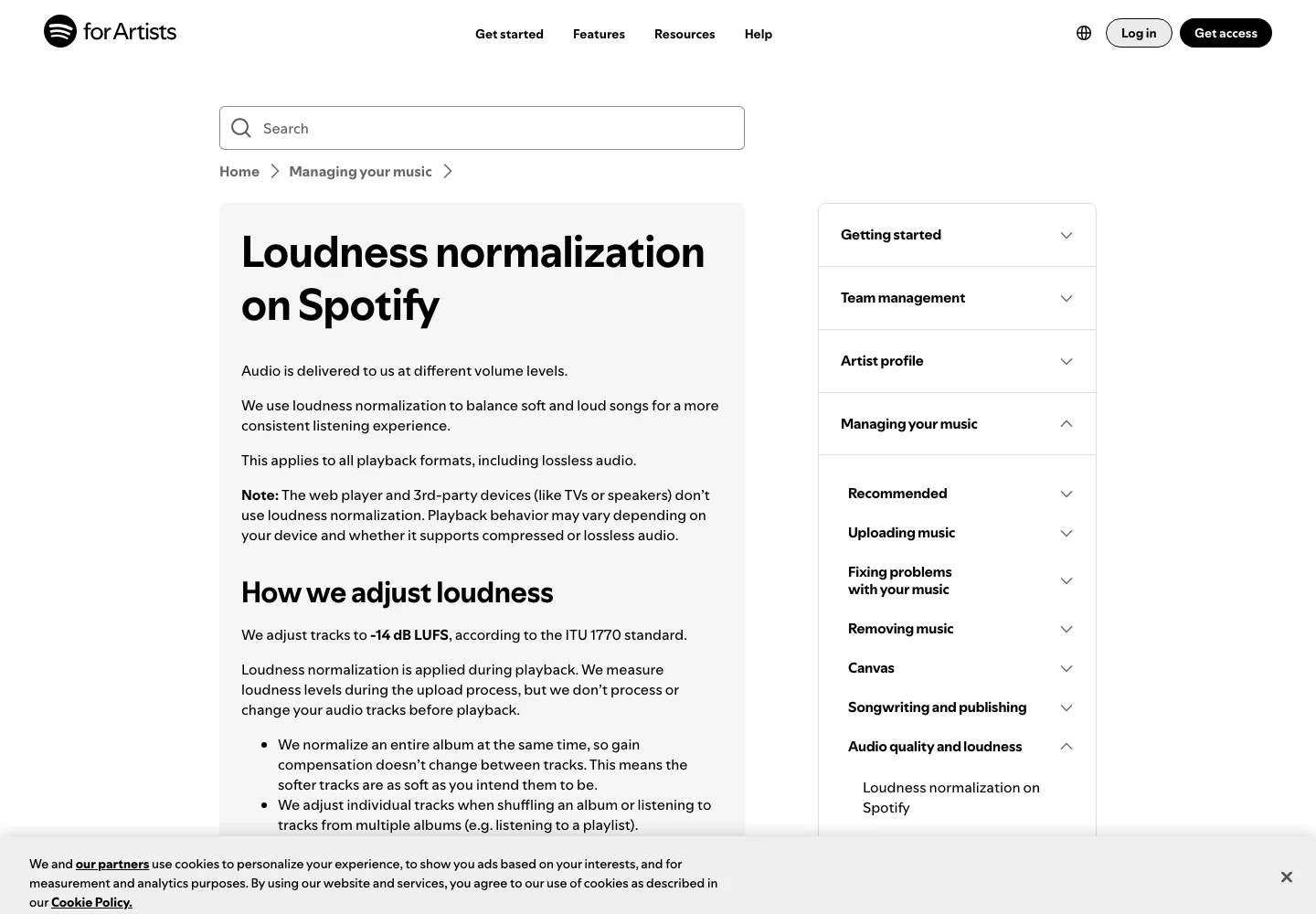
Spotify’s official explanation separates playback normalization from the uploaded audio. Captured 13 November 2026. Source.
Use the calculator as a scenario, not a receipt
The earnings calculator can help you explore how changing assumptions changes an estimate. That is a planning function. A number displayed by a calculator is not evidence that your catalogue has earned it or that a particular future audience will arrive.
Keep actual financial results in a separate record. Store the reporting period, source and payment status with the amount. A modelled scenario, a distributor statement and a payment received describe different things, so do not put them in one column without labels.
The same discipline applies to the purchase price. These are the current listed plans, checked on 13 November 2026:
| Plan | One-time price | Processing | Toolkit distinction |
|---|---|---|---|
| Starter | €19 | 10 credits | Core processing and limited prompt access |
| Lifetime | €39 | Unlimited | Mastering and the additional tools listed above |
| Upfront price difference | €20 | Arithmetic comparison only | Not an assumed upgrade-credit offer |
Check the live pricing page before purchase. Choose the plan for the work you expect to do, not a hypothetical royalty figure. Generation access, distribution and any other services still need their own budget.
For a direct-to-fan route, Played is a separate option to consider after the recording is approved. Its offer and delivery arrangements are distinct from the processing purchase. Keep the listener's preview aligned with the file you intend to provide.
Start with Undetectr at the stage that matches your project. Use the six tools selectively, keep the file history clear and finish with an approved recording. That gives the toolkit a practical role from the first musical brief to the release handoff.
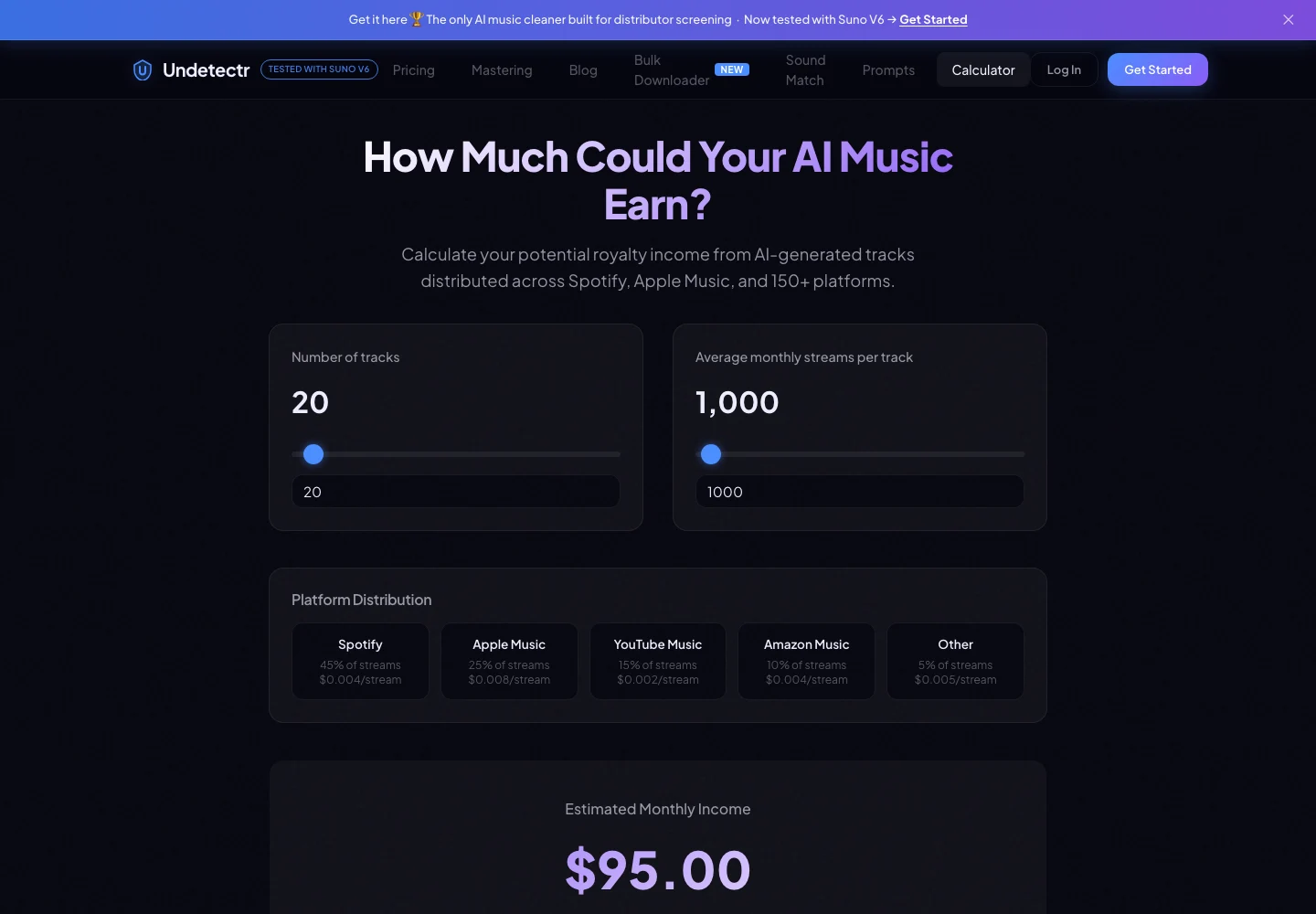
The Undetectr earnings calculator models scenarios. Its displayed figures are estimates, not verified earnings. Captured 13 November 2026. Source.
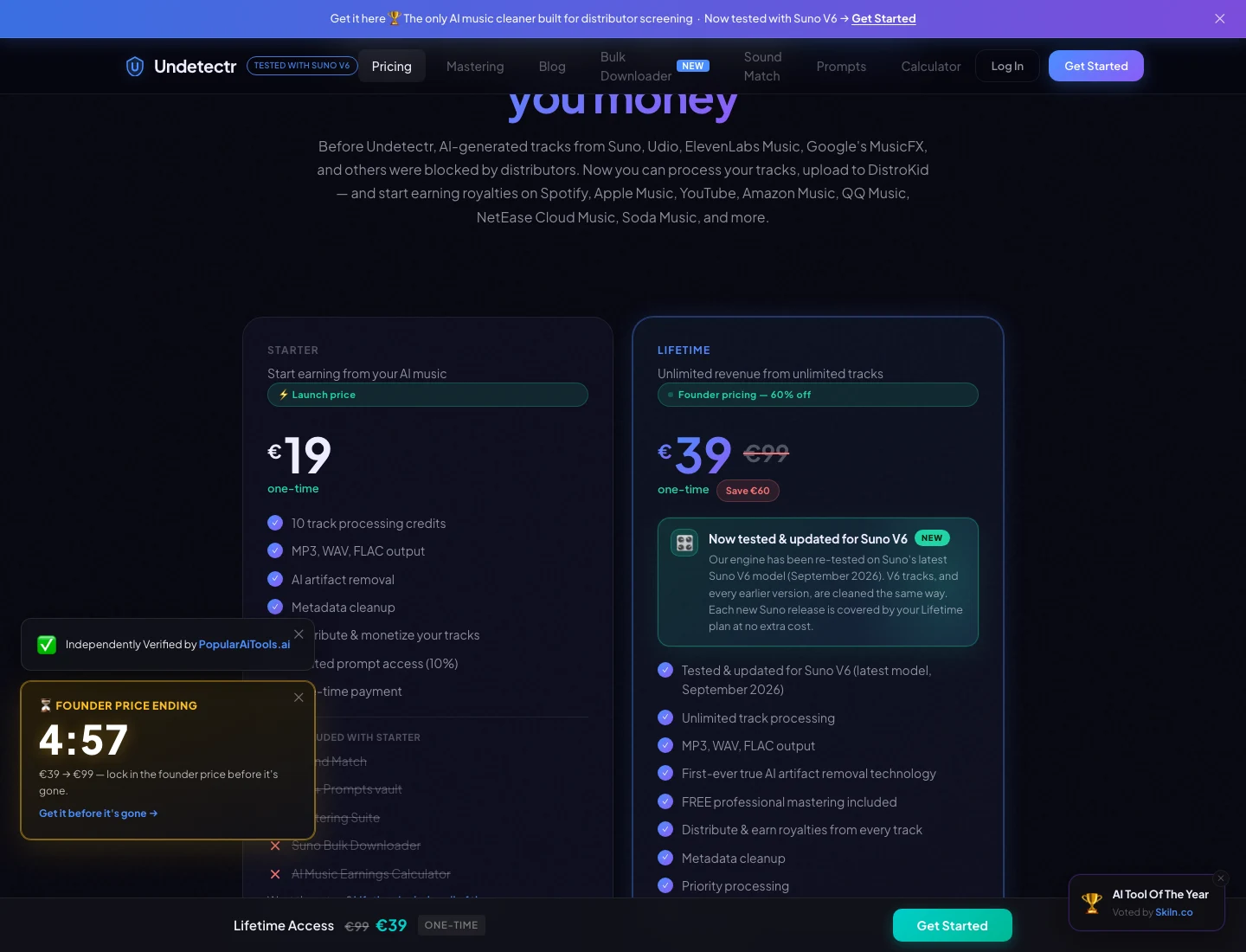
The current Undetectr plan page: €19 Starter and €39 Lifetime. Captured 13 November 2026; check the live offer before purchase. Source.
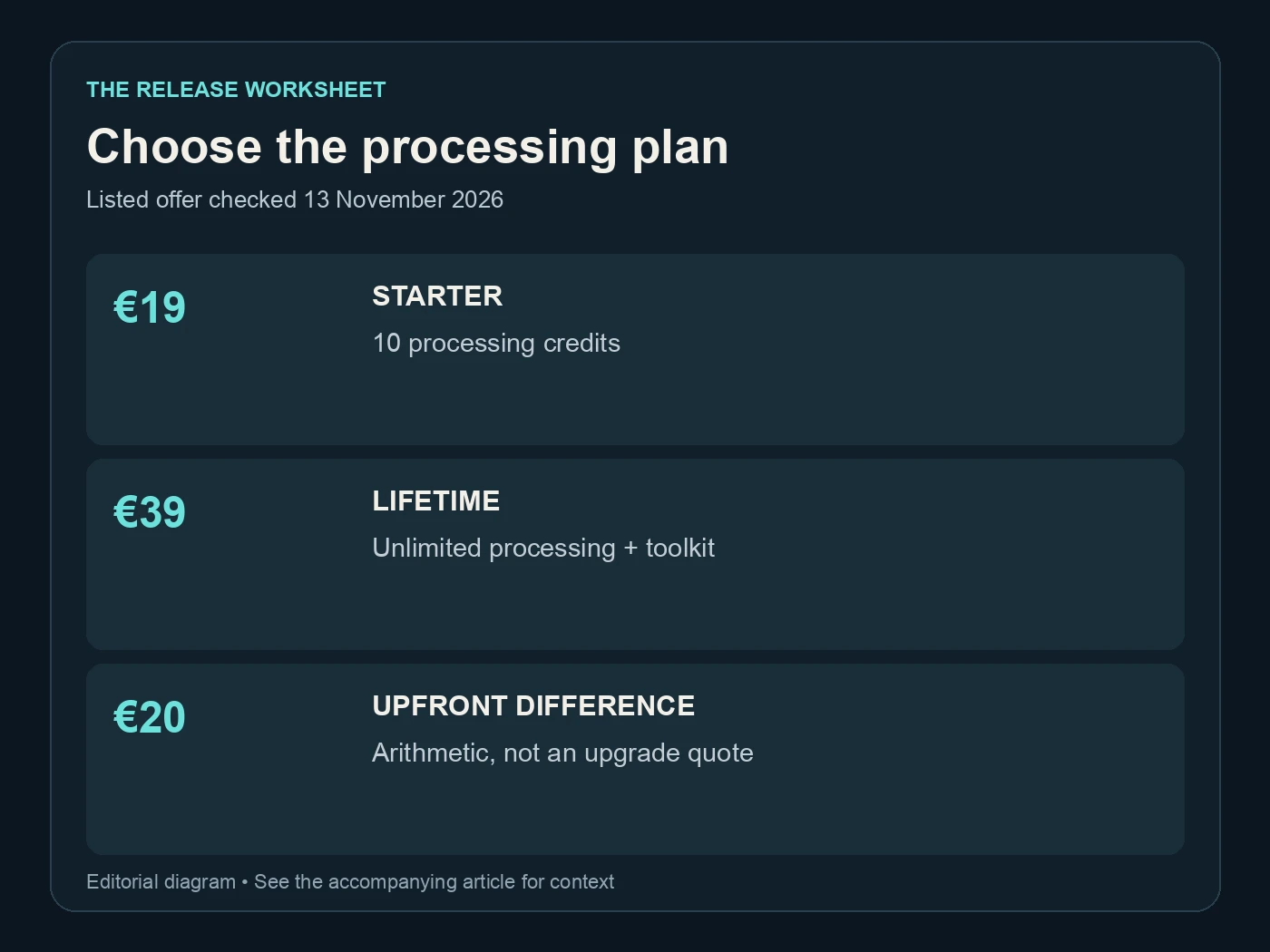
Choose the processing plan. Listed offer checked 13 November 2026. Editorial diagram; details are explained above.
Related reading
- Undetectr review
- Six-month test results
- AI music artifact-removal comparison
- Set up an AI music label
Frequently asked questions
Do I need to use all six tools on every song?
No. Start at the stage that matches the project. A finished source may only need processing and review, while a new idea may benefit from the creative tools first.
Does Sound Match make an exact copy of a reference song?
Use it to develop musical attributes and a prompt direction. Do not treat it as permission to copy a recording, lyrics or an artist's identity. Evaluate the generated music as a new creative result.
Does the downloader override Suno's allowance?
No allowance expansion is assumed here. Follow the current source-platform rules and the options available to your account. A bulk workflow is a convenience, not an exemption from those rules.
Is mastering included in Starter?
The current pricing page lists the mastering suite with Lifetime and excludes it from Starter. Check the plan details before purchase, especially if mastering is the feature driving your decision.
Are calculator figures guaranteed earnings?
No. They are scenarios based on inputs and assumptions. Keep actual reports and payments separately, and do not treat a calculator output as a result achieved by your music.
Does this guide add a new test score?
No new score or acceptance experiment is introduced. The guide links to the existing reviews and six-month study, then explains where the current toolkit features fit in a practical workflow.
Recommended AI Tools
played.fm
Sell your music and keep 100%: played.fm is a direct-to-fan store + sync marketplace with 0% commission, no gatekeepers, and no bans — a strong fit for AI musicians.
View Review →OpenCode
The open-source AI coding agent: terminal-first TUI, 75+ model providers, LSP context, subagents, and privacy-first design. Free software, ~180K GitHub stars.
View Review →Exa
The neural web search API for AI agents: embeddings-based retrieval, cited highlights, sub-180ms latency, and an MCP server. 20,000 free requests/month.
View Review →Google Antigravity
Google's agent-first IDE: run a fleet of AI agents from a Manager surface, on Gemini 3 Pro, Claude Sonnet 4.5, or OpenAI models. Free in public preview.
View Review →