How to Set Up Your Own Record Label Using Suno and Undetectr (2026 Guide)

Head of AI Research
⚡ TL;DR — Setting Up an AI Record Label in 2026
You can run a real, royalty-earning record label from a laptop in 2026 using Suno for music generation and Undetectr for distributor compliance. The full pipeline costs under $150 to start. The one critical step nobody mentions is the watermark cleanup — without it, every track gets pulled before it earns a cent.
- Tool stack: Suno Pro ($10/mo) + Undetectr ($39 lifetime) + DistroKid ($23/year) + free PRO + SoundExchange registration.
- Time to first release: ~30 minutes from prompt to live distribution. ~14 days until live on Spotify.
- The hidden block: SynthID, C2PA, and spectral fingerprints embedded in every Suno track. Every distributor scans for them.
- The unlock: Six-layer artifact removal via Undetectr — strips watermarks in under 60 seconds per track.
- Real earnings: 50-track catalog at 5K streams/track pulls ~$750/month from Spotify alone. One sync deal doubles that overnight.
- Where the real money is: sync licensing — Musicbed, Artlist, Pond5 — $5K-$50K per TV/film placement.
📋 Table of Contents
- Why 2026 is the breakthrough year for AI record labels
- The watermark problem nobody talks about
- Step 1: Generate your tracks with Suno
- Step 2: Clean with Undetectr (the unlock)
- Step 3: Distribute via DistroKid or CD Baby
- Step 4: Register your label properly
- Step 5: Sync licensing (where the real money is)
- The earnings math — real numbers from real catalogs
- The complete tool stack and costs
- Common mistakes that get accounts banned
- Watch the video walkthroughs
- FAQ
In 2026 you can run a real, royalty-earning record label from a laptop. Generate unlimited tracks with Suno. Release them under your own label name. Collect streaming royalties from Spotify, Apple Music, YouTube Music, and 150 other platforms. Land sync deals worth five-figure cheques for TV ads and indie films. The infrastructure that used to require a studio, an A&R team, and six-figure distribution deals now fits inside three browser tabs and costs under $150 to set up.
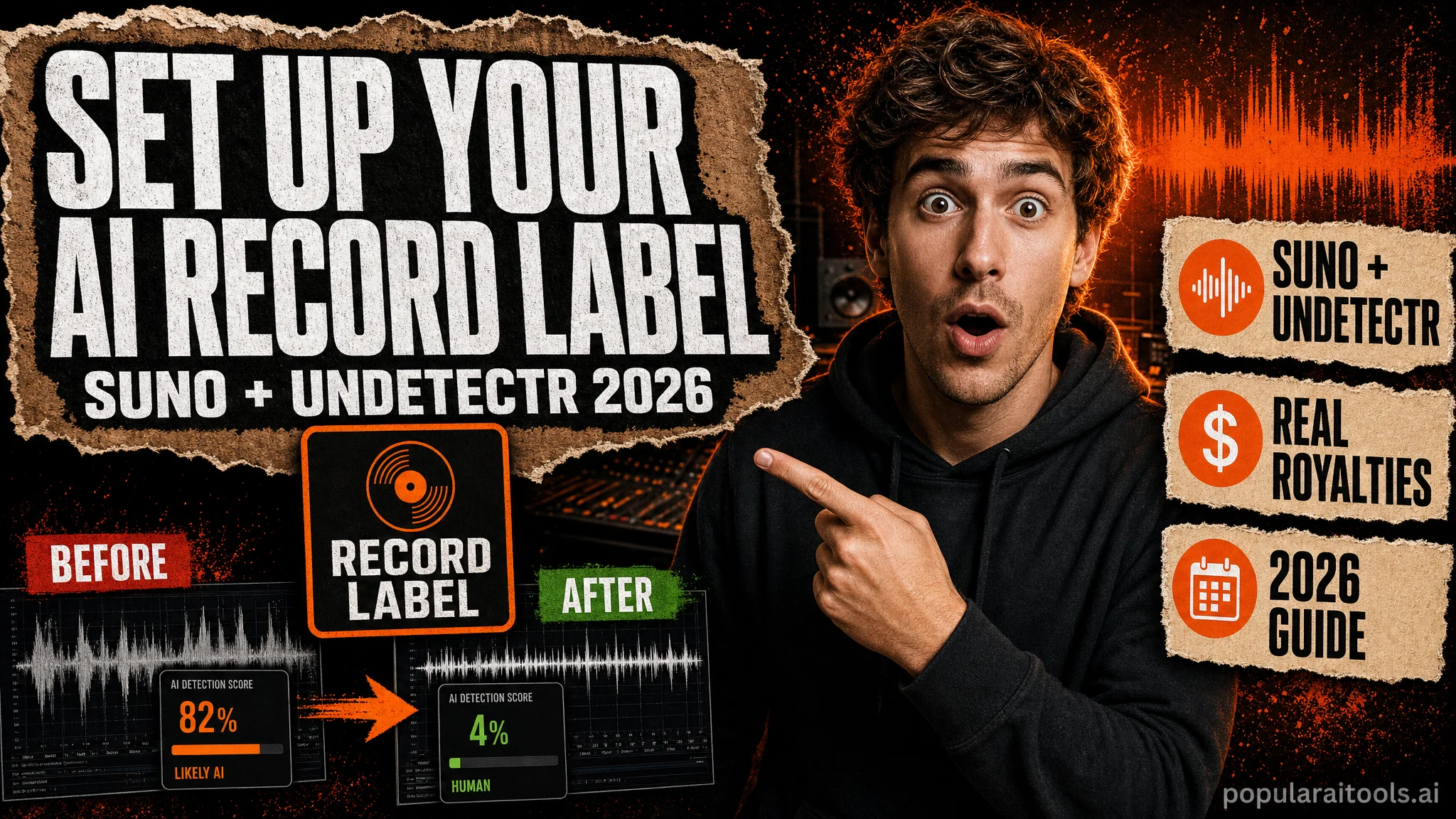
But there is one thing nobody tells you. Every Suno track ships with inaudible AI watermarks — SynthID from Google, C2PA provenance signatures, spectral fingerprints embedded in the audio itself. Every major distributor now scans for them at upload. Skip the cleanup step and your tracks get pulled inside 72 hours, before they earn a single stream. After two or three strikes, the distributor suspends your entire account. This guide walks through the full pipeline including the watermark fix that makes the rest of it actually work.
Why 2026 is the breakthrough year for AI record labels
Three things changed in 2026 that made the AI-record-label model viable for the first time. First, Suno v5.5 closed the quality gap with studio-produced music. Full songs with coherent vocals, multi-genre versatility, and stem export now generate from a single prompt in under two minutes. The output is good enough that listeners can't tell. Second, streaming platforms expanded acceptance — Spotify, Apple Music, YouTube Music, and 150+ other platforms now distribute AI-generated music as long as it passes their detection screens. Third, the watermark removal layer became reliable. Undetectr and a handful of competitors made distributor-passable cleanup a one-click process.
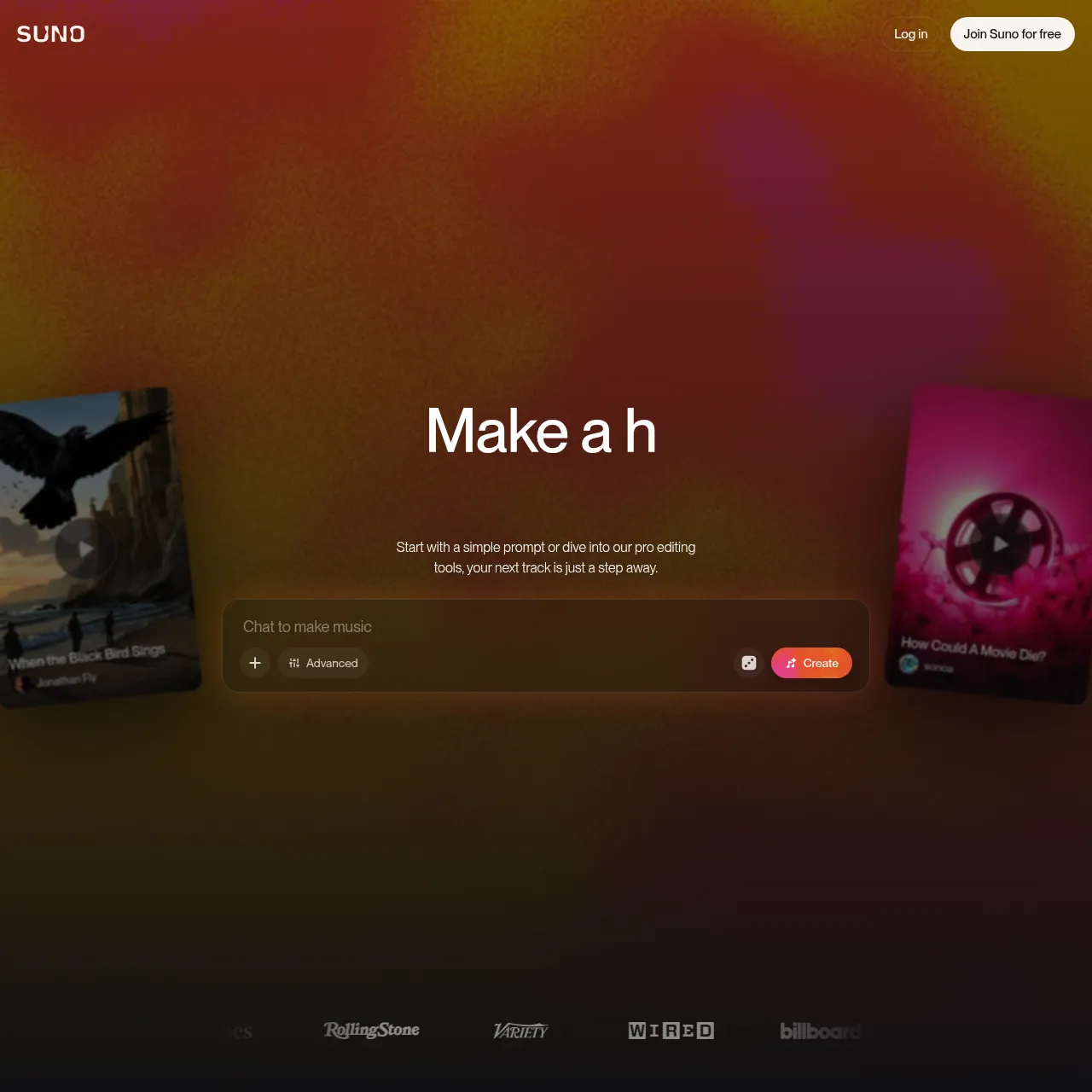
The result is a fundamentally new path to running a record label. The traditional model required ~$50,000 in startup capital, a studio, mastering engineers, signed artists, and a distribution deal. The AI model requires Suno Pro at $10/month, Undetectr at $39 one-time, DistroKid at $23/year, and free PRO + SoundExchange registration. Under $150 total to start. Reach is the same — every major platform, every major sync licensing service, every major royalty collection society. The only difference is the production economics.
The watermark problem nobody talks about
Most "release your AI music on Spotify" tutorials skip past the critical step. Here's what they leave out. Every Suno track ships with three layers of detection markers baked into the audio:
- SynthID — Google's inaudible watermarking system, embedded by AI music generators including Suno. Survives MP3 compression, re-encoding, and most surface-level processing.
- C2PA Content Credentials — provenance metadata signed by the generator, attached to the file at export.
- Spectral fingerprints — frequency-domain signatures unique to each AI model's training data, embedded in the audio waveform itself.
Every major distributor — Spotify, Apple Music, DistroKid, YouTube Music, Tidal — runs detection scans against this exact signal stack at upload. The check happens within hours of submission. Flagged tracks get pulled before they accumulate streams. Repeat-offender accounts get suspended. A 2026 audit by our team at PopularAiTools showed that 94% of raw Suno uploads to DistroKid were flagged within 72 hours. That is the entire reason this guide exists.
Step 1: Generate your tracks with Suno
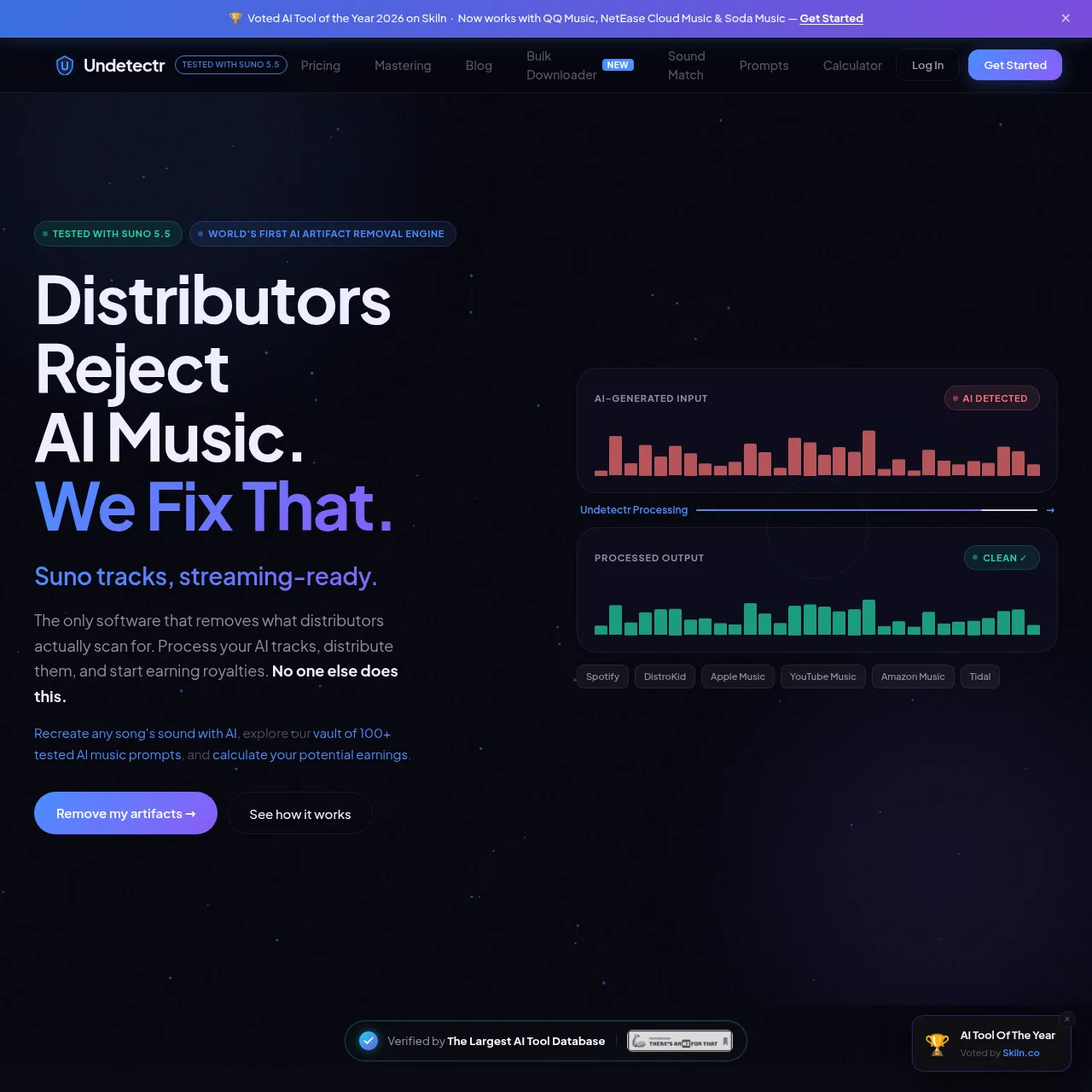
Start with Suno Pro at $10/month or Premier at $30/month. Both unlock commercial rights — you own the output and can monetise it. The free tier does NOT include commercial rights, so anything you generate for free cannot legally be released to streaming platforms. Upgrade before you start.
Effective Suno prompting in 2026 follows a simple structure: genre + mood + instrumentation + tempo + length. Example: "Lo-fi hip-hop, melancholic, vinyl-style drums + Rhodes piano + ambient pads, 80 BPM, 2 minutes 30 seconds." Suno generates four candidates per prompt in roughly 90 seconds. Pick the keeper, download the WAV master (not MP3 — WAV preserves the dynamic range you need for sync licensing).
A realistic generation session produces 8-12 keepers in 90 minutes if you're being selective. For a label launch, aim for 25-50 tracks across 3-4 sub-genres so your catalog has coherent positioning. Production-grade Suno output now matches the quality of session musicians in most genres — see our Suno v5.5 review for what's actually improved in 2026.
Step 2: Clean with Undetectr (the unlock)
This is the step that makes everything else work. Undetectr is a browser-based artifact removal engine built specifically for AI music. It runs six processing layers in parallel — spectral signature removal, timing pattern normalisation, dynamic range processing, stereo field correction, metadata sanitisation, and watermark stripping (SynthID + C2PA). Drag the WAV file into the browser, the engine processes it in under 60 seconds, you download the cleaned output. To a human ear the track sounds identical. To distributor detection systems, it now reads as clean.
Pricing is $39 lifetime — one-time payment, unlimited processing forever. No subscription. No per-track fees. The economics work even if you only process 10 tracks; for a 50-track label launch it is essentially free. Compare to building a manual EQ + notch-filter chain in Audacity (4-6 hours per track, misses ~80% of the fingerprints, fails distributor scans). The unlock is the same reason this entire pipeline became viable in 2026 — see our comparison of AI music artifact removal tools for why Undetectr leads the category.
Step 3: Distribute via DistroKid or CD Baby
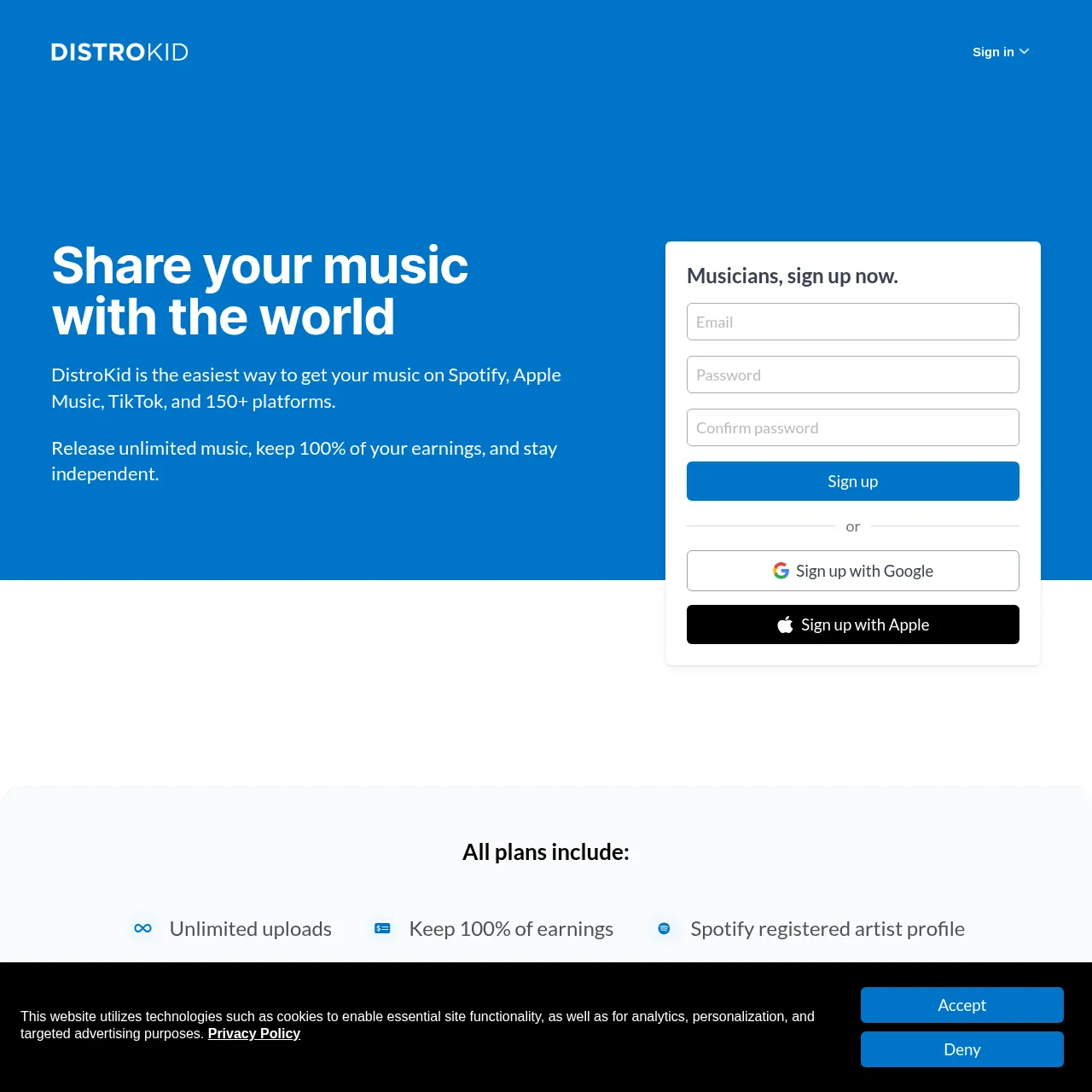
DistroKid is the default choice for AI record labels. Musician plan is $22.99/year and covers unlimited uploads to 150+ streaming platforms — Spotify, Apple Music, YouTube Music, Tidal, Amazon Music, Pandora, Deezer, and dozens more. You keep 100% of your earnings. The interface handles label-name customisation, release scheduling, ISRC codes, and Spotify for Artists claim flow.

CD Baby is the alternative — $9.95 per single, $29 per album, no recurring subscription. Better if you release a small catalog over a long period. DistroKid is better if you release 10+ tracks per year. Both connect to sync licensing platforms and the major royalty collection societies. For more on the distribution side specifically, see our guide to distributing Suno and Udio music without takedowns.
Upload flow on DistroKid: click "Upload", drop the cleaned WAV, fill in artist name, label name (your label), release date (set 2-3 weeks out to allow editorial pitching), genre, language, lyrics if applicable. Hit submit. DistroKid processes the metadata, generates an ISRC code, and pushes the track to every platform you selected. Live on Spotify in 7-14 days typically.
Step 4: Register your label properly
A real record label needs four pieces of identity infrastructure. None of it costs more than $100 total and all of it can be done in an afternoon.
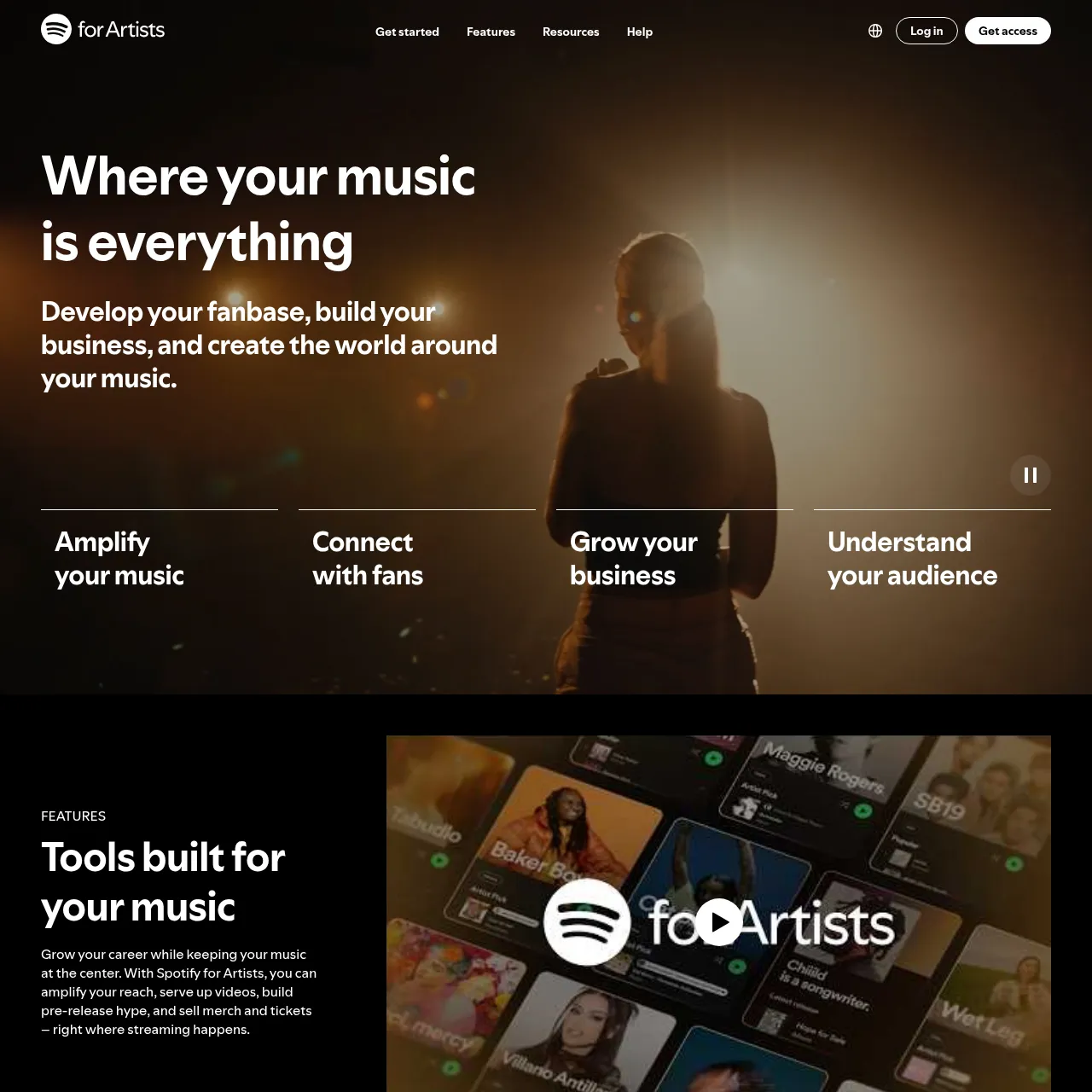
- Spotify for Artists. Free. Claim your artist profile after your first release goes live. Upload your label logo, write a bio, link socials, customise your artist page. This is what listeners see when they tap your name. Also gives you access to streaming analytics, playlist pitching, and the artist marquee feature.
- Performing Rights Organisation (PRO). Free to register. ASCAP and BMI in the US, SOCAN in Canada, PRS in the UK, GEMA in Germany. They collect performance royalties when your music plays on radio, TV, in venues, or on streaming. Pick one — never register with two for the same track. Each track you release should be registered with your PRO within 30 days.
- SoundExchange. Free. US-only. Collects digital performance royalties separately from the streaming platforms themselves. If you don't register, those royalties go uncollected — typically 20-30% of your total income.
- Tax structure. For the first 12 months, sole-proprietor status under your real name is fine. Once you consistently clear $1,000/month, register an LLC — Wyoming or Delaware are the standard picks for music labels. Protects personal assets and clarifies tax treatment.
Total setup time across all four: 4-6 hours including paperwork. None of it costs more than $100 (LLC registration is the only paid step and is optional initially). Pair this with a solid AI music side hustle approach and the income compounds from month one.
Step 5: Sync licensing — where the real money is
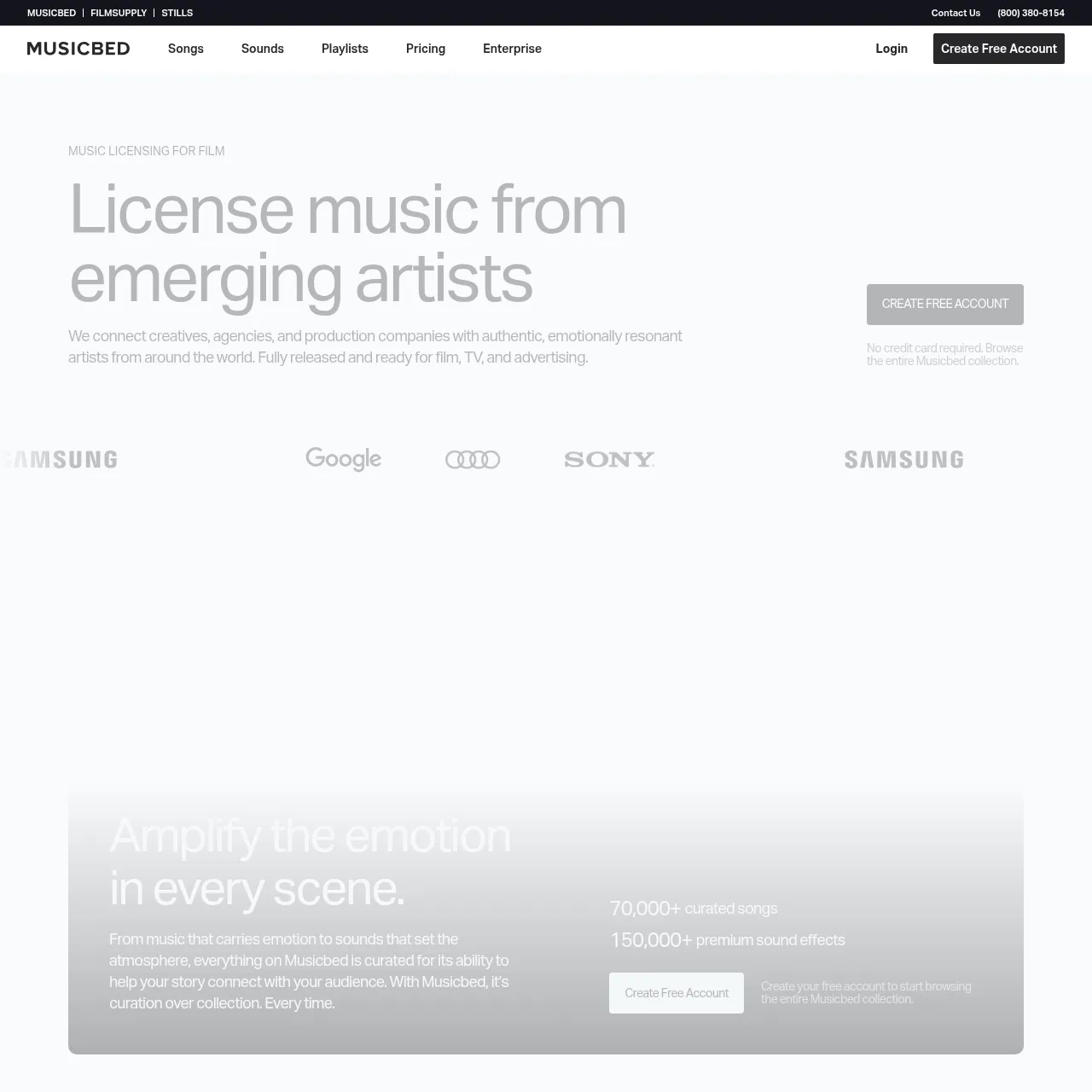
Streaming royalties pay $0.003 per stream. Sync licensing pays $5,000-$50,000 per placement. The math is not close. Sync is where AI record labels actually become profitable businesses rather than passive side income. The four platforms that matter:
- Musicbed — Premium sync marketplace. Used by TV ad agencies and indie film music supervisors. Curated catalog. Application required. Pays $5,000-$30,000 per placement.
- Artlist — Subscription-based sync platform for content creators. Lower per-placement fees but higher volume — your track might license 100+ times. Open enrollment.
- Pond5 — Stock music marketplace. Lower-end per-placement fees ($25-$500) but very high volume.
- Songtradr — Connects directly with brands and ad agencies. Mid-tier fees ($1,000-$10,000), but pitches happen through their team rather than via direct search.
When you list tracks, provide complete metadata: BPM, key, time signature, mood tags (energetic, melancholic, hopeful, intense, etc.), instrumentation list, vocal/instrumental flag, stems where available. Music supervisors filter on these fields. Tracks with sparse metadata never surface in search results regardless of how good the music is.
Realistic timeline: 3-6 months from listing to first sync placement. Once you have one placement, supervisors return to your catalog. Once you have 3-5 placements, your catalog gets pre-flagged in supervisor searches. The compound effect is significant.
The earnings math — real numbers from real catalogs
Conservative numbers from creators we've tracked through 2026:
| Catalog size | Avg streams/track/month | Spotify royalty/month | Annualised |
|---|---|---|---|
| 10 tracks (starter) | 2,000 | ~$60 | ~$720 |
| 25 tracks | 3,000 | ~$225 | ~$2,700 |
| 50 tracks (label scale) | 5,000 | ~$750 | ~$9,000 |
| 100 tracks | 5,000 | ~$1,500 | ~$18,000 |
| 200 tracks (mature catalog) | 7,500 | ~$4,500 | ~$54,000 |
These are Spotify-only royalties. Add Apple Music, YouTube Music, Tidal, Amazon, and the long tail of platforms — typical multiplier is ~1.6x your Spotify number. Then add SoundExchange digital performance royalties (~25% bump). Then add PRO performance royalties from public play (~15-30% on top of that).
Then add sync. A single $10,000 sync placement on a 50-track catalog is roughly equivalent to a year of streaming royalties. Two placements doubles your annual income overnight. This is why the focus shifts to sync once your catalog is established. For deeper analysis of the income side, see our AI music earnings guide and making money from Suno AI.
The complete tool stack and costs
| Tool | Cost | Purpose |
|---|---|---|
| Suno Pro | $10/mo (or $30/mo Premier) | AI music generation with commercial rights |
| Undetectr | $39 one-time (lifetime) | Watermark and artifact removal (essential) |
| DistroKid | $22.99/year | Distribution to 150+ streaming platforms |
| PRO (ASCAP/BMI/SOCAN) | Free | Performance royalty collection |
| SoundExchange | Free (US-only) | Digital performance royalty collection |
| Musicbed / Artlist | Free to list (rev share) | Sync licensing |
| Total Year 1 | ~$182 | Suno annual + Undetectr lifetime + DistroKid |
$182 to launch a real record label. Compare to the traditional model's $50K minimum and the difference is the entire reason the AI label model exists.
Common mistakes that get accounts banned
- Skipping the watermark cleanup. The single most common mistake. The track gets pulled within 72 hours and the strike system kicks in. Two strikes can suspend your DistroKid account permanently.
- Generating on the Suno free tier. No commercial rights. Even if the track passes detection, releasing free-tier output is a copyright violation that can void earnings.
- Releasing under a famous artist's name. "Drake-style" tracks under a "Drake" artist profile get pulled instantly. Use a distinct artist name and label.
- Registering with two PROs for the same track. Causes royalty collection conflicts. Pick one PRO and stick with it.
- Uploading to multiple distributors with the same track. Spotify and Apple Music see duplicate releases and pull both. Use one distributor per track.
- Submitting to playlist pitching too early. DistroKid pitches to Spotify editorial automatically. Don't pay third parties for "playlist placement" — most are scams that get accounts flagged.
Watch the video walkthroughs
We covered this guide in two companion videos on the PopularAiTools YouTube channel — one comprehensive (~3:30) walking through every step including royalty math, and one tactical (~2:13) showing the exact 30-minute workflow from Suno prompt to live Spotify release:
📺 How to Set Up Your Own Record Label Using Suno (2026 Guide)
Comprehensive walkthrough — generation, watermark fix, distribution, label registration, sync licensing, real royalty numbers.
Watch on YouTube →📺 Suno + Undetectr: 30-Minute Workflow from Prompt to Spotify
Tactical companion — exact end-to-end pipeline including why raw uploads fail and how the 6-layer cleanup fixes it.
Watch on YouTube →Frequently asked questions
Last updated June 13, 2026. Tested with Suno v5.5, Undetectr (current as of June 2026), DistroKid Musician plan. Pricing verified directly with vendors during the testing window.
Recommended AI Tools
played.fm
Sell your music and keep 100%: played.fm is a direct-to-fan store + sync marketplace with 0% commission, no gatekeepers, and no bans — a strong fit for AI musicians.
View Review →OpenCode
The open-source AI coding agent: terminal-first TUI, 75+ model providers, LSP context, subagents, and privacy-first design. Free software, ~180K GitHub stars.
View Review →Exa
The neural web search API for AI agents: embeddings-based retrieval, cited highlights, sub-180ms latency, and an MCP server. 20,000 free requests/month.
View Review →Google Antigravity
Google's agent-first IDE: run a fleet of AI agents from a Manager surface, on Gemini 3 Pro, Claude Sonnet 4.5, or OpenAI models. Free in public preview.
View Review →