OpenClaw Email Command Center
AI-Powered Inbox Triage in 10 Minutes
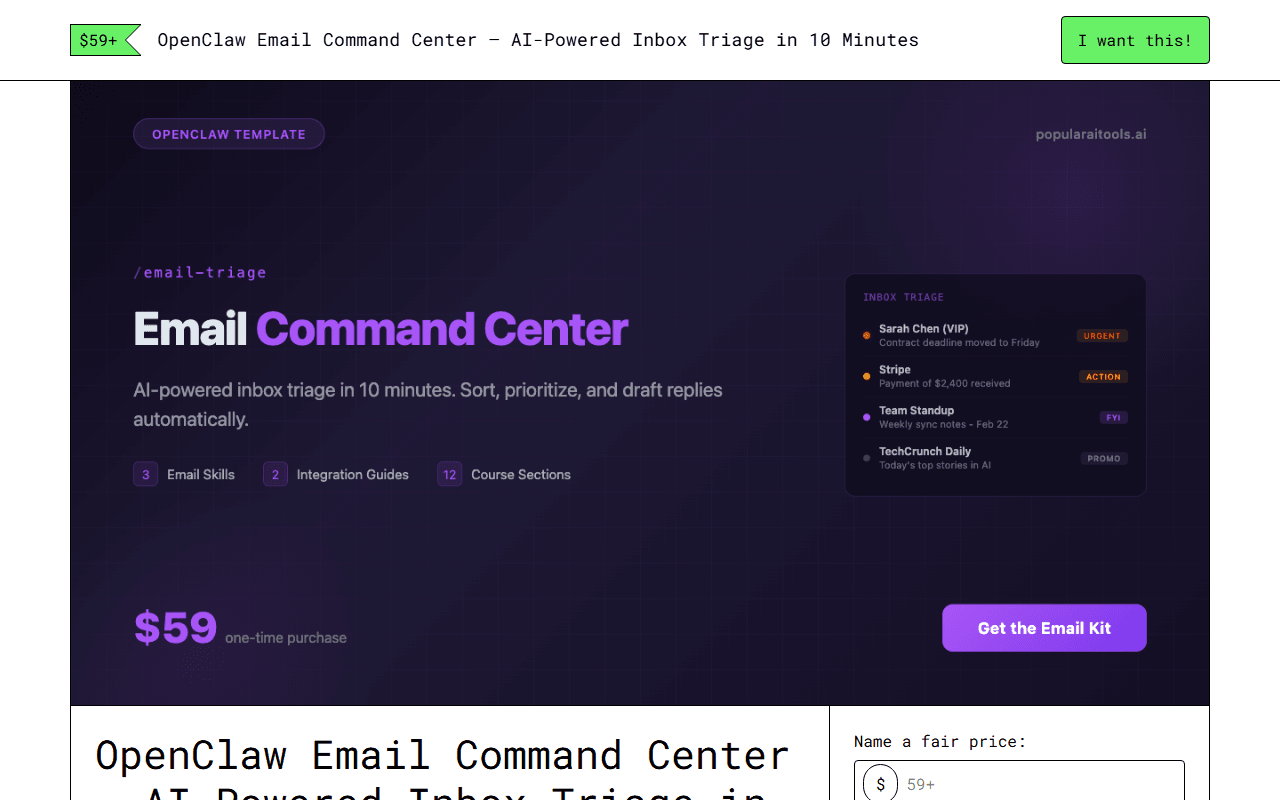
OpenClaw Email Command Center on Gumroad — what you get after purchase
About OpenClaw Email Command Center
The average professional spends 28% of their workday on email.
That's more than 11 hours a week reading, sorting, replying, and context-switching.
What if your AI assistant handled the sorting, prioritizing, and drafting for you? Not someday -- today, in about 10 minutes.
This kit gives you pre-built OpenClaw skills that connect to your inbox, triage every message by urgency, draft replies in your voice, and deliver a daily briefing so you start each morning knowing exactly what needs your attention.
This is a complete self-guided course with ready-to-use skill files.
Unzip it, follow the quick-start guide, and your AI assistant will be triaging your inbox before your next coffee break. 12-section walkthrough course -- covers everything from connecting your email provider to fine-tuning priority rules for your specific role.
What's Included
- ✓Inbox Cleanup -- identifies newsletters you never open, subscription emails you forgot about, and bulk promotional messages. Bulk-unsubscribe with a single command. Reclaim your inbox in minutes.
- ✓Gmail integration guide -- step-by-step setup for Google Workspace and personal Gmail accounts, including OAuth configuration, permissions scoping, and label syncing.
- ✓Outlook integration guide -- step-by-step setup for Microsoft 365 and Outlook.com accounts, including app registration, Graph API permissions, and folder mapping.
- ✓Rules templates -- pre-built VIP sender lists, keyword-based priority rules, category definitions, and auto-response templates. Customize them for your role in minutes.
- ✓Quick-start guide -- a 10-minute fast-track path. Connect your inbox, install the triage skill, and see your first prioritized briefing immediately.
- ✓Troubleshooting guide -- the top issues people hit during email integration, with specific symptoms, diagnosis steps, and fixes.
- ✓You spend the first hour of every morning just catching up on email, and by the time you finish, more has arrived. You never feel on top of it.
- ✓You've missed important client messages because they were buried under newsletters, notifications, and internal threads. You need a system that surfaces what matters.
- ✓You've considered hiring a virtual assistant for email management ($500-2000/month), but you're not comfortable giving a stranger access to your inbox. You want the help without the security risk.
- ✓You keep meaning to unsubscribe from dozens of lists and clean out old threads, but you never have time to sit down and do it. You want something that handles it for you in one pass.
- ✓You've tried email productivity apps and inbox-zero methods. They worked for a week, then you fell behind again. You need something that runs on autopilot, not willpower.
- ✓A prioritized inbox briefing every morning -- wake up to a clear summary of what's urgent, what needs a reply, and what can wait. No more scanning 50 messages to find the 3 that matter.


Who Is This For?
- →Professionals with overflowing inboxes
- →Executives and founders
- →Customer support managers
- →Anyone spending 2+ hours daily on email
How It Works
Install OpenClaw
Download and install the OpenClaw CLI on your machine. Takes under 5 minutes.
Add the OpenClaw Email Command Center skills
Drop the skill files into your OpenClaw skills directory. No configuration needed.
Start using natural language
Tell your AI assistant what you need in plain English. The skills handle the rest.
Pricing
- ✓ Instant download after purchase
- ✓ No subscription, no recurring fees
- ✓ 30-day money-back guarantee
- ✓ Free updates included
Frequently Asked Questions
Is OpenClaw Email Command Center a subscription?
No. It's a one-time purchase at $59+. You own it forever with no recurring fees.
Do I need technical skills to use this?
Basic familiarity with Claude Code or your AI assistant is helpful, but each product includes setup instructions written for non-developers.
What if it doesn't work for my business?
Gumroad offers a 30-day money-back guarantee. If it's not a fit, you get a full refund.
Does this work with Claude Code too?
OpenClaw skills are designed for the OpenClaw platform but many patterns transfer to Claude Code. Check each skill's documentation for compatibility.
Full Product Page Preview
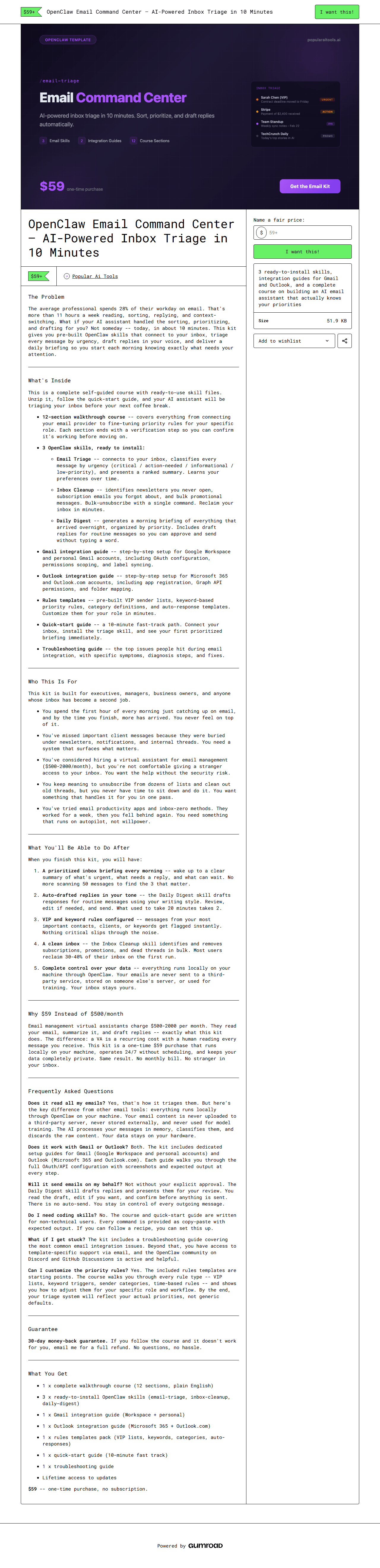
Ready to get started?
OpenClaw Email Command Center is a one-time purchase. Get instant access, set up in minutes, and start automating today.
30-day money-back guarantee. No subscriptions. No recurring fees.
Buy OpenClaw Email Command Center — $59+Related Products
OpenClaw Law Firm Suite
$49+
AI-Powered Practice Management for Attorneys
OpenClaw E-Commerce Operator
$49+
AI-Powered Store Operations for Shopify, WooCommerce, DTC
OpenClaw Medical Practice Manager
$49+
AI-Powered Operations for Medical and Dental Practices