

⚡ TL;DR — Google Antigravity Review
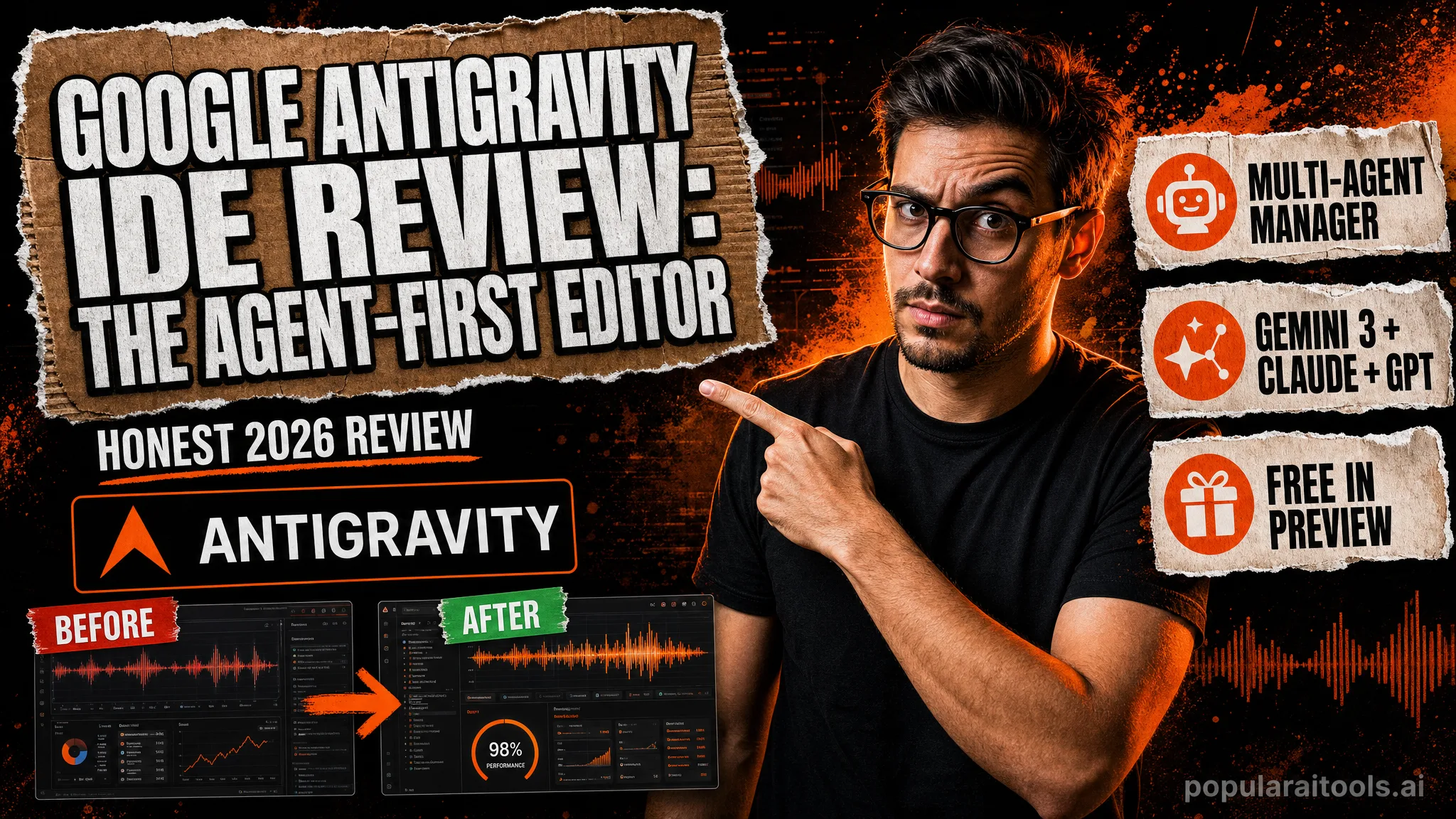
Google Antigravity is an agent-first development platform — not just an editor. You get a familiar AI-powered IDE plus a Manager surface where you spawn and orchestrate multiple agents working asynchronously across workspaces, each producing verifiable Artifacts like plans, screenshots, and browser recordings. It runs on Gemini 3 Pro, Claude Sonnet 4.5, and OpenAI models, works on Mac, Windows, and Linux, and is free for individuals in public preview. It's one of the most ambitious AI coding tools of 2026.
📋 Table of Contents
What is Google Antigravity?
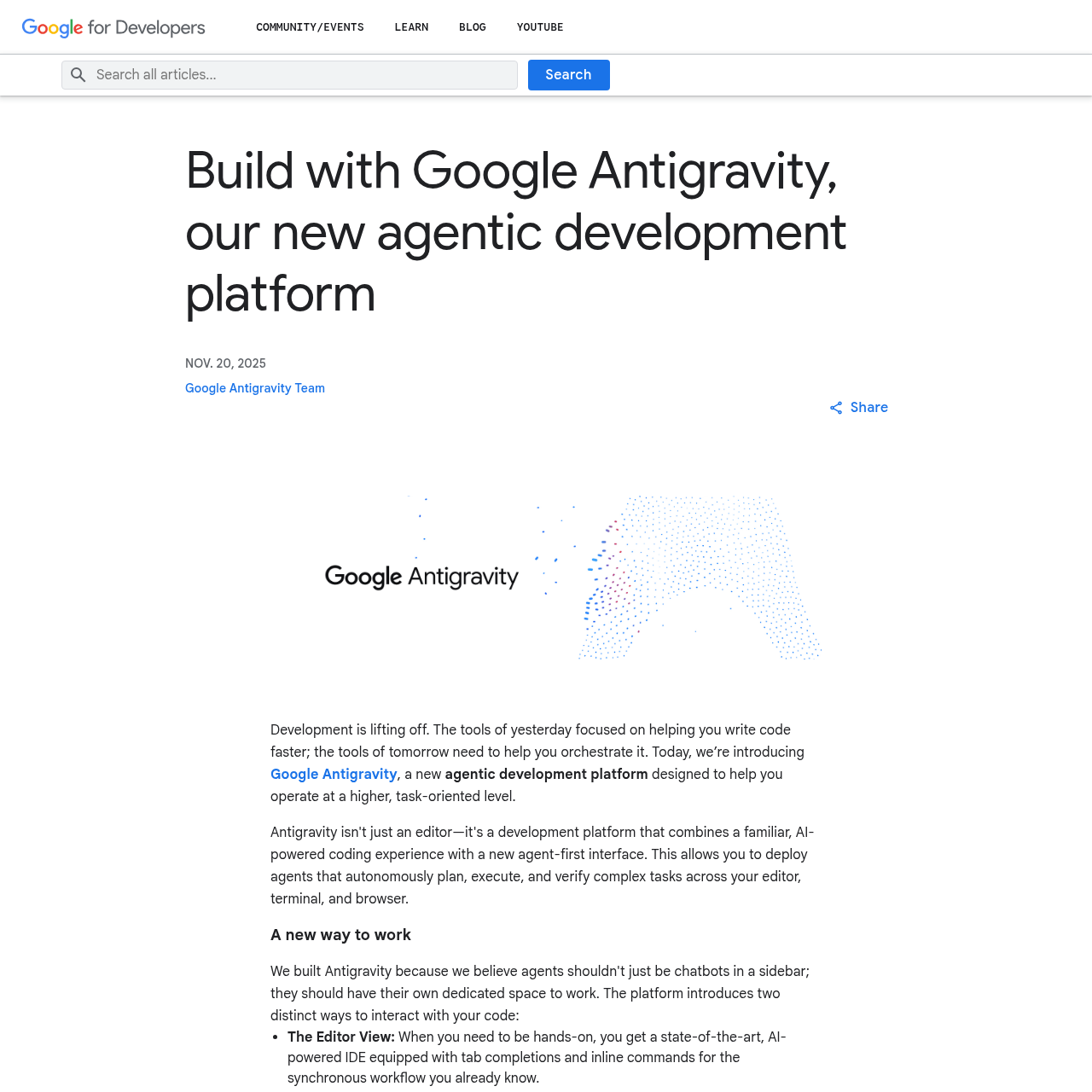
Google Antigravity is an agent-first development platform. Google's own framing is telling: it's designed to let you operate at a higher, task-oriented level rather than line-by-line. Under the hood it's a familiar, AI-powered code editor — but bolted onto it is something most IDEs don't have: a dedicated surface for running whole fleets of AI agents.
The headline idea is the split between two surfaces. The Editor View is a state-of-the-art AI IDE with tab completions and inline commands — the part that feels like a modern Cursor-style editor. The Manager Surface is where Antigravity gets ambitious: it's a command center where you spawn, orchestrate, and observe multiple agents working asynchronously across different workspaces at once. Antigravity 2.0 even ships this as a standalone desktop app that pulls editor, terminal, browser, CLI, and SDK into one place.
Key Features
🧑✈️ Manager Surface
A command center to spawn, orchestrate, and watch multiple agents run asynchronously across different workspaces — parallel agents, not one chat thread.
📝 Editor View
A modern AI-powered IDE with tab completions and inline commands for when you want to code hands-on rather than delegate.
📦 Artifacts
Agents produce tangible deliverables — task lists, implementation plans, screenshots, and browser recordings — so you can verify their logic at a glance.
🤖 Model Optionality
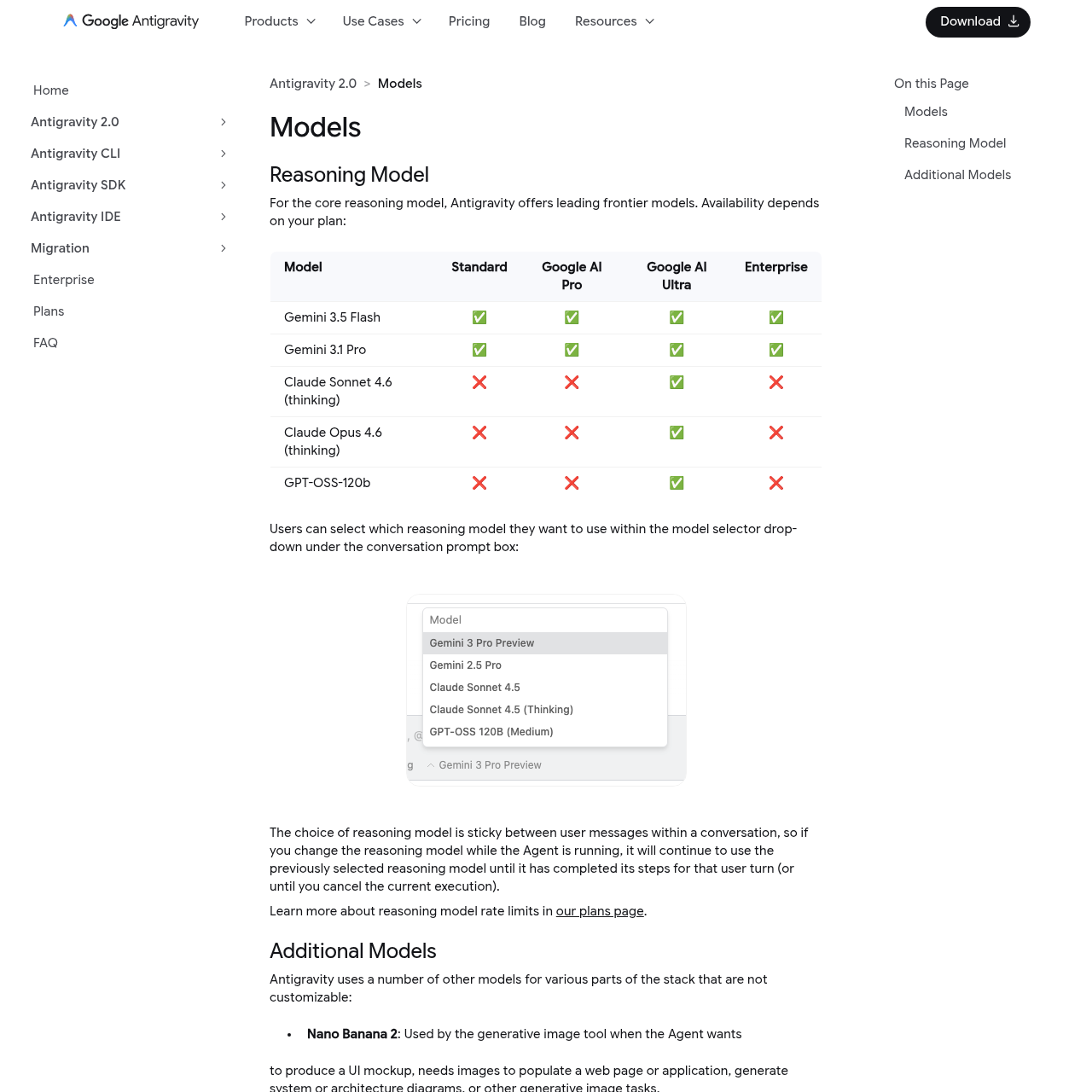
Generous rate limits on Gemini 3 Pro, plus full support for Anthropic's Claude Sonnet 4.5 and OpenAI models — pick the brain per task.
🌐 Built-in Browser
Agents can drive a browser to test their own work and capture recordings, closing the loop between writing code and verifying it runs.
⌨️ CLI + SDK
An Antigravity CLI and SDK let you script agents and wire them into pipelines beyond the desktop app.
🗂️ Projects & Worktrees
Projects define the folders and repos an agent can touch, and New Worktree Mode runs agents in an isolated Git worktree so they can't step on your active branch.
💻 Cross-Platform
Native builds for macOS, Windows 10, and Linux, so your whole team can run the same agent platform.

How to Use Antigravity
Getting started is standard IDE territory, with an agent twist:
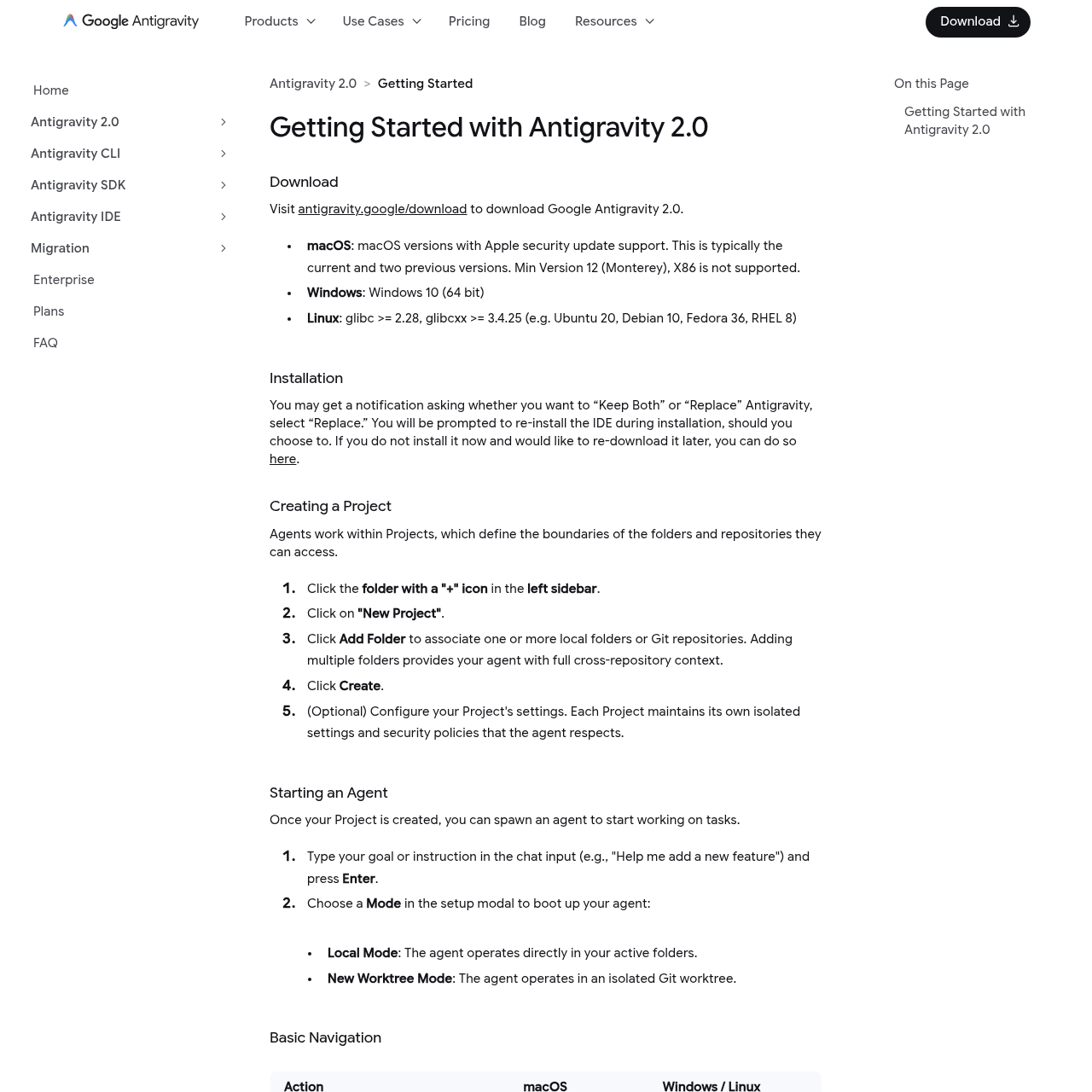
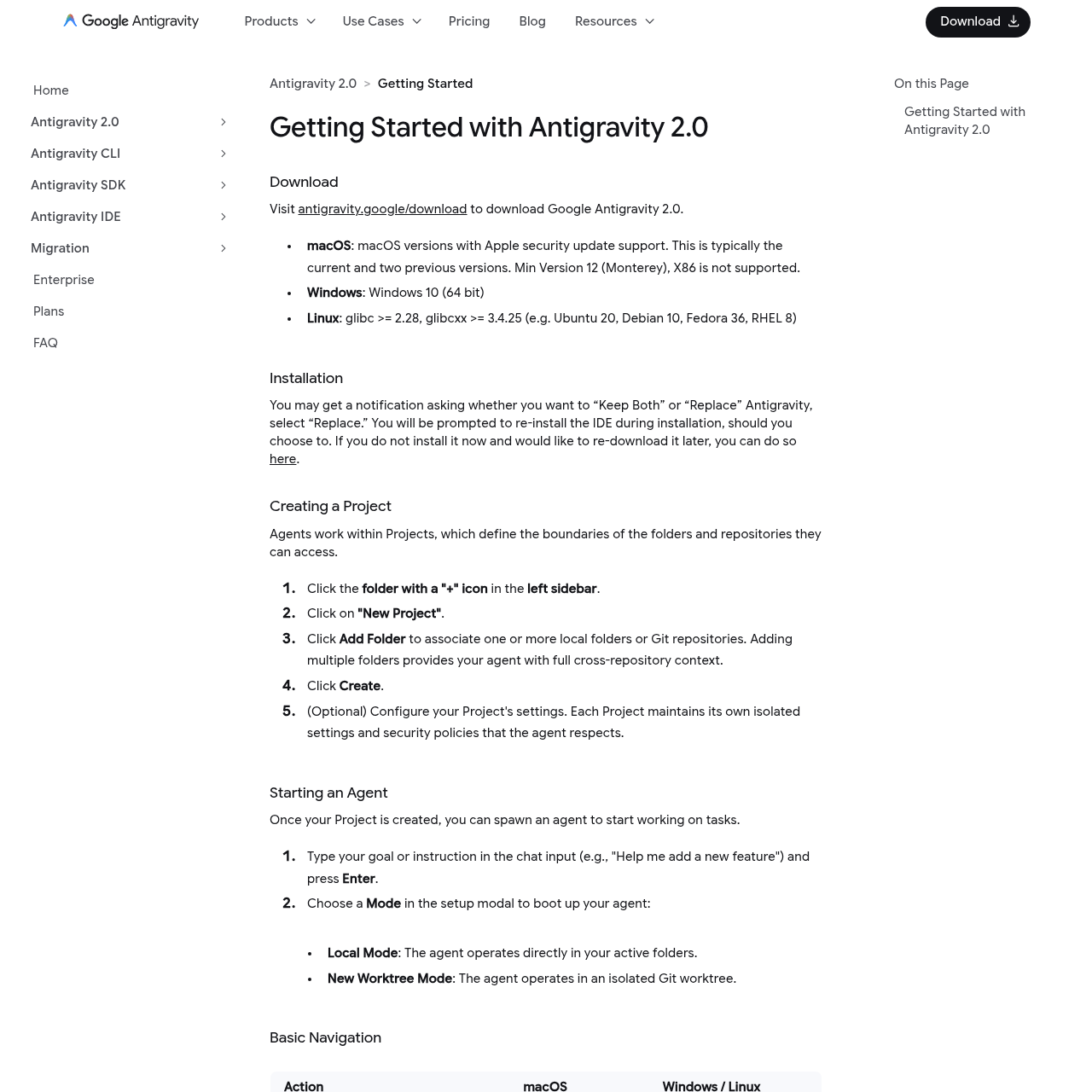
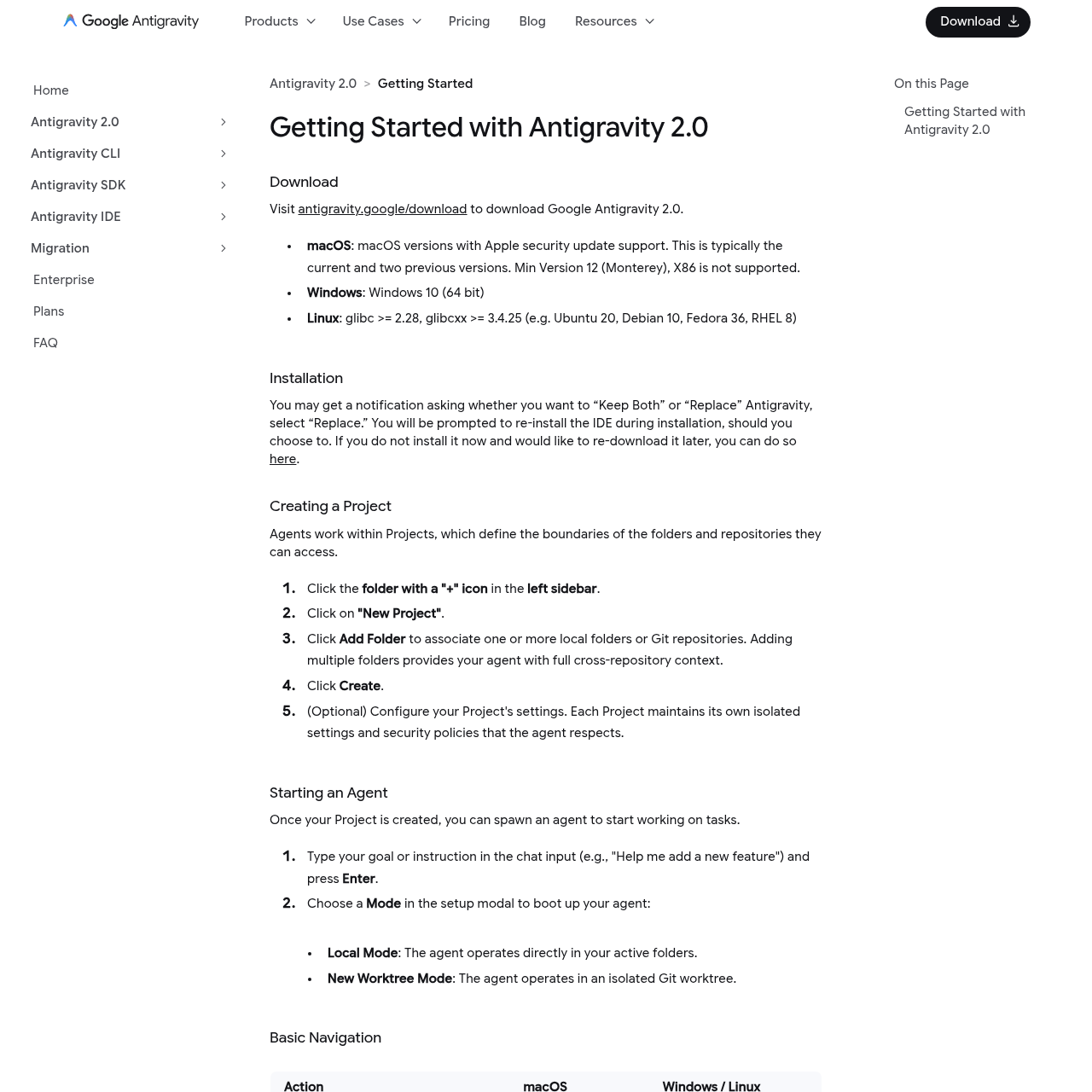
- Download and install. Grab the build for macOS, Windows, or Linux from the download page and install it like any desktop app.
- Create a Project. A Project defines which folders and repositories your agents can access — add multiple folders to give an agent cross-repo context.
- Start an agent. Type a goal like "add a new feature," then pick a mode: Local Mode (works in your active folders) or New Worktree Mode (isolated Git worktree).
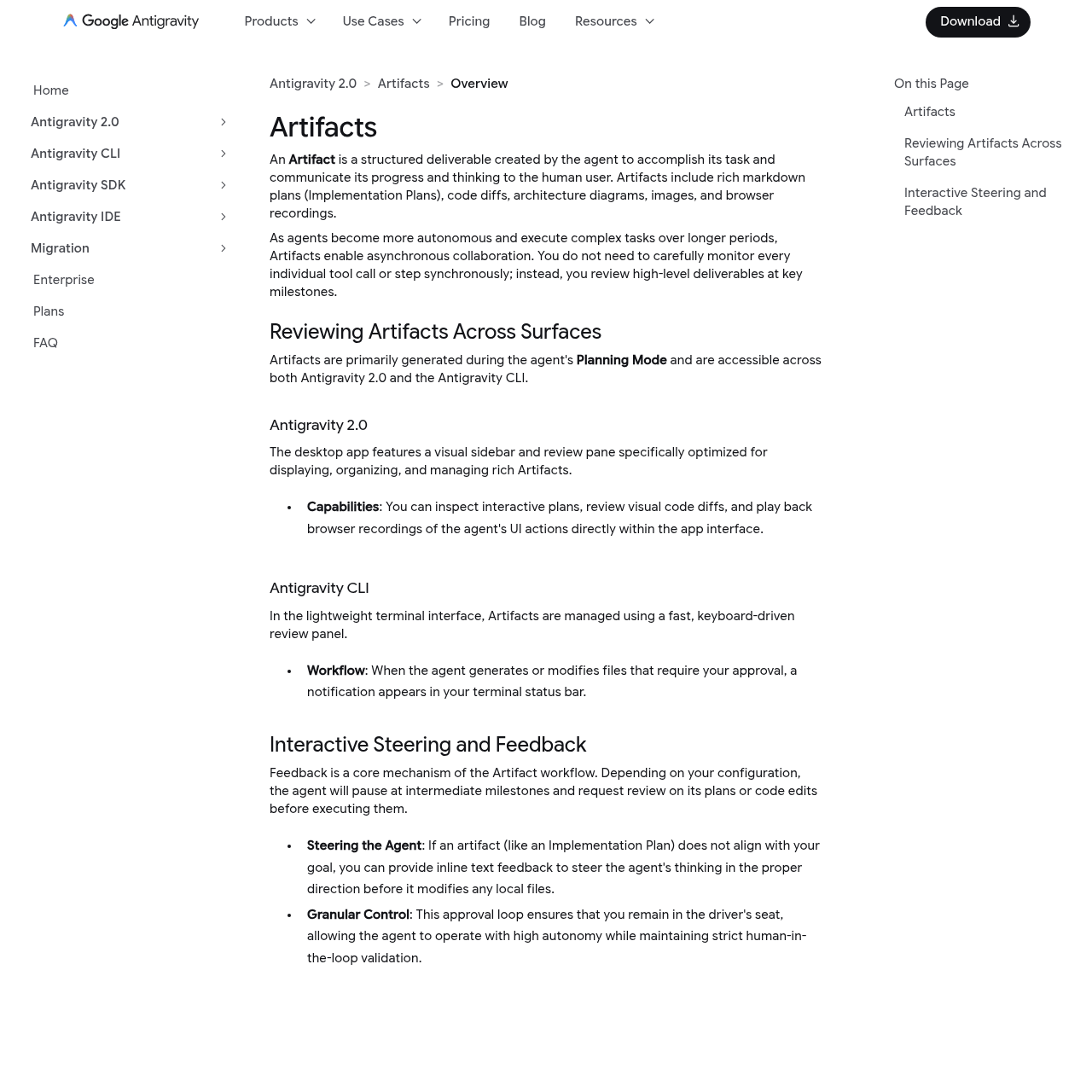
- Review the Artifacts. The agent produces a plan and deliverables you can inspect before accepting — then orchestrate more agents from the Manager surface.
The New Worktree Mode is a genuinely smart touch — it lets an agent go off and build in isolation without touching your working branch, which is exactly how you'd want an autonomous agent to behave. And because you can pick the model per task, you can hand cheap edits to Gemini Flash and route hard reasoning to Claude Sonnet 4.5.
Pricing Plans
The best part: Antigravity is free for individuals in public preview. Usage runs on Google's AI credits, and higher tiers unlock more capable models and bigger limits through Google's standard AI subscriptions.
Free (Preview)
$0
- ✓ ~20 agent requests/day
- ✓ Gemini Flash
- ✓ Full editor + Manager
POPULAR
AI Pro
$20/mo
- ✓ Higher limits
- ✓ More capable models
- ✓ Gemini 3 Pro access
AI Ultra
$100/mo
- ✓ Highest limits
- ✓ Priority model access
- ✓ For heavy agent use
Ultra Max
$200/mo
- ✓ Maximum credits
- ✓ Power-user tier
- ✓ Team-scale usage
Pricing reflects Google's AI plans as of mid-2026 and may change while Antigravity is in preview — check the official plans page for current numbers.

Pros and Cons
Strengths
- ✓Multi-agent orchestration. The Manager surface runs many agents in parallel — a real step beyond single-thread AI editors.
- ✓Free for individuals. The full editor and Manager are free in public preview — remarkable for a tool this capable.
- ✓Model optionality. Gemini 3 Pro, Claude Sonnet 4.5, and OpenAI in one tool — no lock-in to a single provider.
- ✓Verifiable Artifacts. Plans, screenshots, and browser recordings make agent work auditable instead of a black box.
- ✓Worktree isolation. Agents can build in an isolated Git worktree without touching your active branch.
Weaknesses
- ✗Preview rough edges. It's public preview — expect changing limits, occasional instability, and features still landing.
- ✗Free tier is limited. Around 20 agent requests a day on Gemini Flash goes fast once you lean on agents.
- ✗Learning curve. The Manager/agent model is powerful but a mental shift from a normal editor — there's a ramp.
- ✗Google-ecosystem gravity. Billing and credits run through Google's AI plans, which not every team wants to adopt.
Best Alternatives
Antigravity lands in a crowded field of AI coding tools. Here's how it compares to the ones developers reach for most.
| Tool | Best For | Multi-Agent | Starting Price |
|---|---|---|---|
| Antigravity | Orchestrating many agents | ✓ Native | Free (preview) |
| Cursor | Best-in-class AI editor | Partial (agents) | Free, then $20/mo |
| Claude Code | Terminal-native agent coding | Subagents | From $20/mo |
| Windsurf | Flow-based AI IDE | Partial | Free, then $15/mo |
The quick read: Cursor is still the tightest pure editor, and Claude Code owns terminal-native agent workflows. But nothing else makes orchestrating a fleet of parallel agents a first-class surface the way Antigravity does — and it's free while it's in preview, which makes it very easy to try alongside whatever you use now.
Related Reviews

Frequently Asked Questions
❓ What is Google Antigravity?
An agent-first development platform that combines an AI-powered editor with a Manager surface for spawning and orchestrating multiple AI agents, plus a terminal, browser, CLI, and SDK.
❓ Is Google Antigravity free?
Yes — it's free for individuals in public preview, with roughly 20 agent requests per day on Gemini Flash. Higher limits and stronger models come through Google's paid AI plans.
❓ Which models does it support?
Gemini 3 Pro with generous limits, plus full support for Anthropic's Claude Sonnet 4.5 and OpenAI's models — selectable per task.
❓ Does Antigravity replace Cursor or Claude Code?
Not necessarily — Cursor is a tighter pure editor and Claude Code owns terminal-native workflows. Antigravity's edge is orchestrating many parallel agents, and being free in preview makes it easy to run alongside them.
Final Verdict
4.6/5. Google Antigravity is the most credible attempt yet at making multi-agent development feel like a real product rather than a demo. The Manager surface, verifiable Artifacts, worktree isolation, and per-task model choice add up to a coherent vision of where agentic coding is heading — and the fact that it's free for individuals in public preview makes it a no-brainer to try. It loses a little for the usual preview caveats: shifting limits, a tight free tier, and a learning curve that comes with orchestrating agents instead of typing code. But if you want to see what agent-first development actually looks like in 2026, this is the tool to download first.
Try the next-gen agent platform
Antigravity is free for individuals in public preview — download it for Mac, Windows, or Linux and spin up your first agent.
Download Antigravity →
Get Premium AI Tool Insights
Subscribe to get weekly curated AI tool recommendations, exclusive deals, and early access to new tool reviews.
Related Tools
V
VideoProc Converter AI
ai-coding

Relia
ai-coding
AI-powered Chrome extension that audits code flow, catches hallucinations in AI-generated code, and flags security vulnerabilities before they ship.

Git AutoReview
ai-coding
Updated March 2026 · 12 min read · By PopularAiTools.ai
Parallel Code
ai-coding
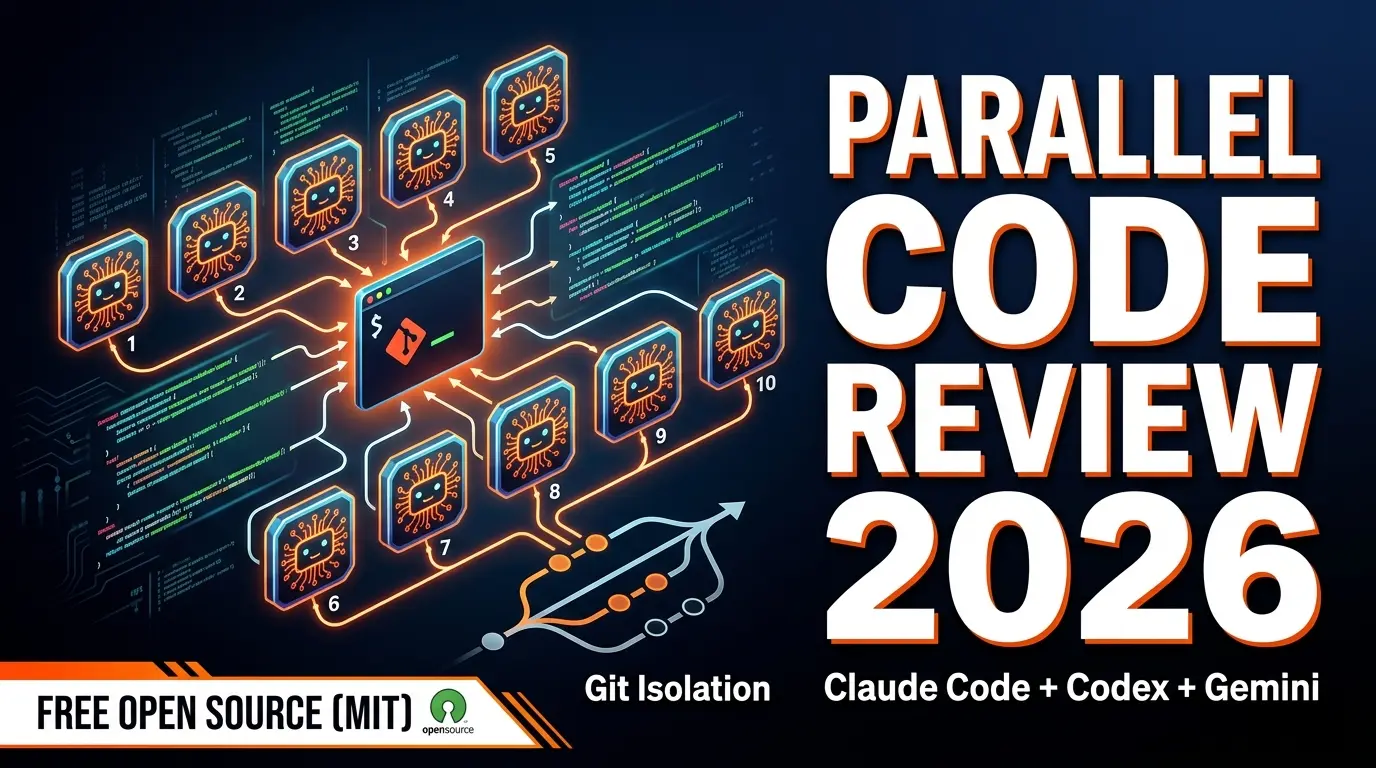
Free open-source desktop app that dispatches 10+ AI coding agents simultaneously across isolated git branches. Supports Claude Code, Codex CLI, and Gemini CLI. Keyboard-first Electron app with diff review workflow and QR code mobile monitoring. macOS + Linux. MIT license.
Related Articles
Suno Alternatives 2026: 7 AI Music Generators We Tested
We tested 7 Suno alternatives with pricing pulled from every official site. Udio, Google Flow Music, ElevenLabs, Stable Audio, Soundraw, AIVA and Mureka compared.
AI Watermark Remover for Music: The Only Tool That Works in 2026
We tested the first and only AI watermark remover for music on 50 Suno and Udio tracks. Here's what it removes, what it costs, and what happened.
AI Cheating Statistics 2026: Students, Schools & What Goes Undetected
AI cheating statistics for 2026: 92% of college students use AI to study, 18% use it to complete work for them, incidents rose 4.7x — and an estimated 94% of AI-written assignments go undetected.