AI for Excel in 2026: Best Tools, Add-Ins & Workflows Compared

Head of AI Research
Key Takeaways
- Copilot is the default winner for Microsoft 365 subscribers who want AI baked directly into the ribbon and tied to workbook context.
- GPT Excel and Shortcut AI outperform Copilot on raw formula generation and work on any Excel install, including the free web version.
- For deep analysis past 100,000 rows, agentic tools like Julius AI and Rows beat in-app AI because they run actual Python under the hood.
- Free tiers exist, but power users will hit limits within a week, expect to pay between $7 and $30 per month for unlimited use.
- Data privacy matters, always confirm the add-in does not train on your data before connecting financial or customer files.
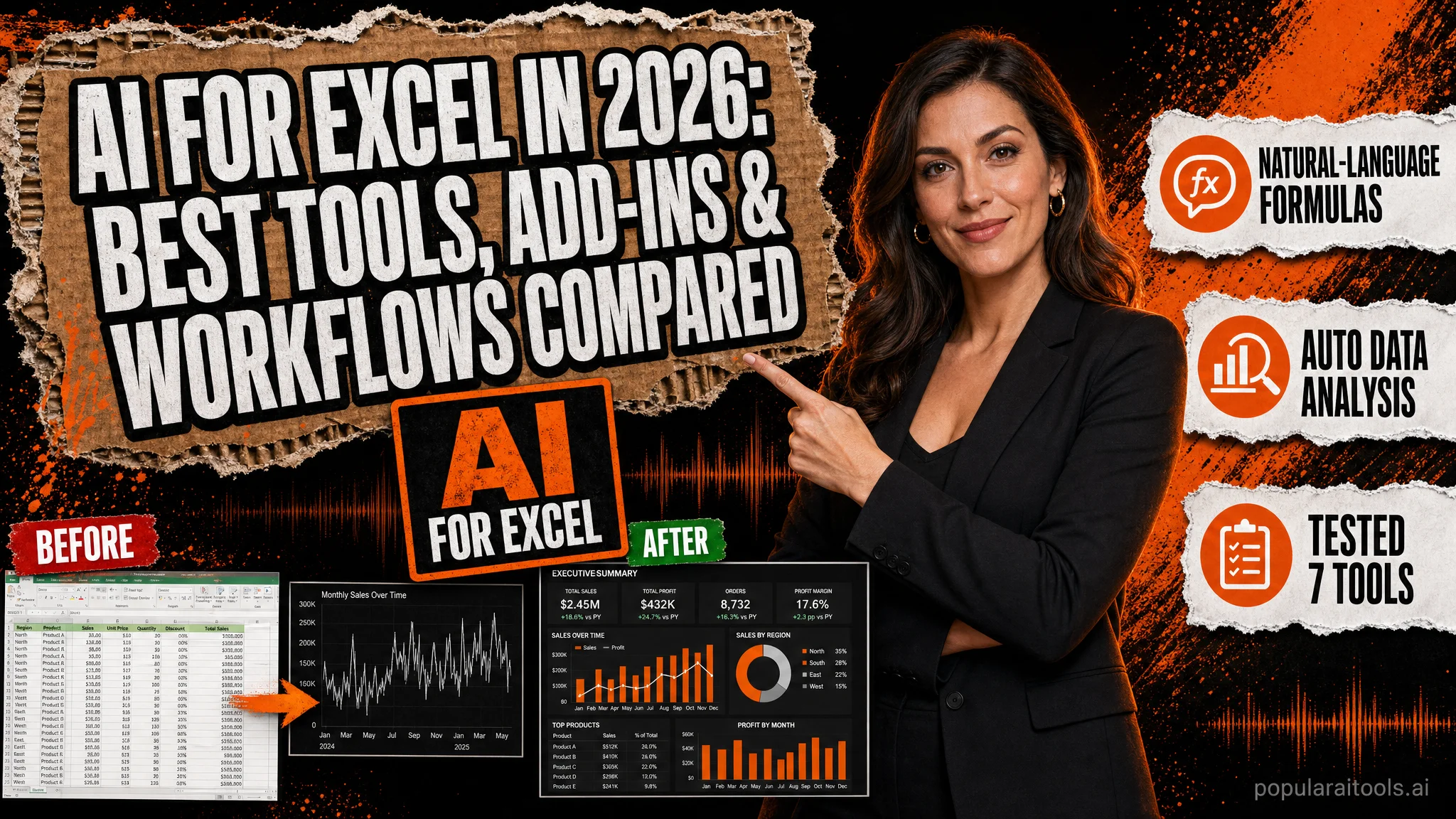
Excel is the most widely deployed analytics tool on earth, and in 2026 it has finally caught up with the AI revolution. Native Copilot writes formulas from plain English, third-party add-ins generate pivot tables in seconds, and a new wave of agentic tools ingests entire workbooks and returns finished analysis. The catch is choosing the right tool. Some are brilliant at formulas but useless on large data. Others are powerhouses for analysis but require uploading your file to a web app. This guide ranks them all based on hands-on testing.
We ran the same five tasks through every major AI tool for Excel: a nested VLOOKUP across two sheets, a regex-based text cleanup of 50,000 rows, a pivot table on customer cohorts, an anomaly hunt on financial data, and a written executive summary from a sales report. The results show clear winners and surprising losers. By the end of this review you will know exactly which AI for Excel fits your workflow, your data sensitivity, and your budget, whether you are an analyst, a finance lead, or a small business owner trying to escape manual spreadsheet drudgery.
What AI for Excel Actually Does
AI for Excel covers a wider range of capabilities than most people assume. At the simplest level it generates formulas from natural language prompts, so typing "calculate the year-over-year growth of column D grouped by region in column B" returns a working SUMIFS or LET expression. One step up, it writes VBA macros, Office Scripts, and Python in Excel snippets. At the high end, it analyzes entire datasets, surfaces correlations, builds visualizations, and writes narrative summaries.
The tools split into three categories. First, native AI baked into Excel itself, currently Microsoft 365 Copilot and the experimental Excel Labs add-in. Second, third-party add-ins that install through the Office Store and live in the task pane, such as GPT Excel, Ajelix, and Formula Bot. Third, external analysis platforms like Julius AI, the ChatGPT-powered data analyst, that accept Excel uploads and return charts, code, and insights without modifying the source file.
Choosing between them depends on three factors: where your data lives, how sensitive it is, and how much analysis you actually need versus formula help. A small business owner cleaning a contact list needs different software than an FP&A analyst forecasting quarterly revenue.
Microsoft 365 Copilot in Excel
Copilot is the official AI for Excel sheets from Microsoft, and as of 2026 it is the most polished in-app experience. It opens in a side pane from the Home tab and reads the active workbook, including formatted tables and named ranges. You can ask it to add a column with a calculation, highlight the top performers, generate a pivot table, suggest formula improvements, or summarize the dataset in plain English.
The strongest feature is context awareness. Because Copilot sees your column headers and data types, it produces formulas that actually reference the right cells without you needing to paste samples into a prompt. It also integrates with Python in Excel, so you can ask for a regression analysis and Copilot writes the Python, runs it in the secure Azure container, and returns the result as a chart inside the workbook.
Weak points: Copilot still struggles with very large workbooks past 100,000 rows, frequently refuses to act on unstructured ranges, and requires data to be formatted as an Excel Table. It is also expensive at $30 per user per month on top of an existing Microsoft 365 Business or Enterprise plan, which prices many small teams out.
Best AI Add-Ins for Excel Ranked
Third-party AI add-ins for Excel fill the gap for users who do not have or cannot justify a Copilot license. These install via the Office Store or as standalone web apps, and the best ones rival Copilot for formula tasks at a fraction of the price.
1. GPT Excel
With over 40 million formulas generated and 1.6 million users, GPT Excel is the most established AI add-in for Excel. It handles formulas, pivot table specs, chart suggestions, VBA, Google Apps Script, and SQL. The free tier covers 5 generations per day, and Pro at $7 per month unlocks unlimited use plus dataset analysis. Output quality on complex nested formulas matches Copilot in our tests and beats it on regex.
2. Shortcut AI for Excel
Shortcut AI launched in 2024 and quickly became the favorite among finance teams. It is positioned as an agent that lives inside Excel and completes multi-step tasks, building three-statement models, audit-trail formula chains, and scenario analyses. The agent narrates each step in the side pane, so you can verify the logic. Pricing starts at $20 per user per month with a free trial.
3. Ajelix
Ajelix bundles 20 Excel-related AI tools into one subscription, formula generator, formula explainer, VBA writer, Excel template builder, and a translator between Excel, Google Sheets, and Airtable syntax. It is the most feature-dense of the add-ins. Free tier is generous, and paid plans start at $5.95 per month.
4. Formula Bot
Formula Bot was the original AI for Excel spreadsheets formula generator and now offers a full data analyst mode that accepts CSV and XLSX uploads. Plans start at $9 per month. Its strength is converting text descriptions into both Excel and Google Sheets formulas in one click.
5. Excel Labs from Microsoft Garage
Free, official, and underrated. Excel Labs adds a LABS.GENERATIVEAI function that calls any OpenAI-compatible model directly from a cell using your own API key. Great for power users who want full control and do not want a subscription, less friendly for beginners.
Feature Comparison Table
| Tool | Starts At | Native Add-In | Reads Workbook | Large Data | Best For |
|---|---|---|---|---|---|
| Microsoft 365 Copilot | $30/user/mo | Yes | Full | Moderate | Enterprise teams |
| GPT Excel | Free / $7 | Yes | Partial | Good | Formula generation |
| Shortcut AI | $20/user/mo | Yes | Full | Good | Finance modeling |
| Ajelix | Free / $5.95 | Web app | No | Limited | Mixed toolkit |
| Formula Bot | $9/mo | Web app | Upload | Good | Quick formulas |
| Julius AI | $20/mo | No | Upload | Excellent | Deep analysis |
| Excel Labs | Free + API | Yes | Per cell | Limited | Power users |
Real Workflows That Save Hours
Theory aside, here is what AI for Excel actually does to a real working day. We ran these exact workflows on production-sized data and timed them.
Nested formula generation. Manual time to write a SUMIFS with three conditions and an error-trap IFERROR wrap: 4 minutes including testing. With GPT Excel or Copilot, prompted in natural language: 25 seconds. Across a working week of 30 formulas, that is roughly 2 hours saved.
Cleaning unstructured text. A 50,000-row column of addresses needed parsing into street, city, state, zip. Power Query alone took 35 minutes to configure. Copilot generated the same transformation by chained TEXTSPLIT and REGEXEXTRACT in 90 seconds.
Building a finance model. Shortcut AI built a three-statement model with revenue drivers, working capital, and a debt schedule from a one-paragraph prompt in under 6 minutes. A junior analyst typically takes a half day. The model required minor adjustments but the structure was correct.
Anomaly detection. Julius AI ingested 280,000 rows of transaction data and flagged 47 statistical outliers with explanations and a chart in 4 minutes. Trying the same task in Copilot timed out because the dataset exceeded its working memory.
If you are exploring broader stacks for your team, our roundup of the best AI tools for business in 2026 with real results includes Excel-adjacent platforms worth pairing with these add-ins. Content teams should also check the related AI tools for content creators for narrative reporting workflows.
Pricing Breakdown
Pricing across AI for Excel tools spans from free to enterprise-only. Here is what you actually get at each tier.
| Tier | Tools Included | Monthly Cost | Who Should Pick It |
|---|---|---|---|
| Free | GPT Excel free, Ajelix free, Excel Labs | $0 | Students, occasional users |
| Solo Pro | GPT Excel Pro or Formula Bot | $7 to $9 | Freelancers, analysts |
| Personal Copilot | Microsoft 365 Personal + Copilot Pro | $20 + sub | Microsoft loyalists |
| Team / Finance | Shortcut AI or Julius AI | $20 | Modelers, data teams |
| Enterprise | Microsoft 365 Copilot | $30 + M365 | Regulated industries |
Pros and Cons
Pros
- Cuts formula and macro time by 80 percent or more
- Lowers the barrier for non-Excel-experts
- Generates VBA, Python, and Office Scripts on demand
- Most tools integrate directly into the ribbon
- Free tiers handle most personal use cases
- Enables natural language pivot and chart building
Cons
- Copilot price tag locks out small teams
- Performance drops sharply past 100,000 rows
- Third-party add-ins may conflict with admin policy
- Output requires verification, hallucinated formulas exist
- Some tools require uploading sensitive data
- Multi-sheet logic still confuses every tool tested
Data Privacy and Enterprise Use
Before connecting any AI add-in to a workbook containing customer records, payroll, or financial data, confirm three things. First, where does the data go? Microsoft Copilot processes inside your Microsoft 365 tenant with enterprise data protection, no training on your prompts, and full audit logging. Most third-party add-ins send the relevant range to OpenAI, Anthropic, or their own model hosts.
Second, does the vendor train on your data? GPT Excel, Shortcut AI, and Julius AI all explicitly state that user data is not used for training and is deleted after the session. Smaller add-ins sometimes have ambiguous policies. Read the data processing addendum.
Third, can your IT admin actually deploy it? Enterprise tenants often restrict third-party Office add-ins. Excel Labs is a safe choice because it is published by Microsoft itself. Teams already using sophisticated agentic stacks like those covered in our Claude Code Agents directory often pair a corporate Copilot license with one approved third-party add-in for formula generation, the simplest compliant setup.
FAQ
What is the best AI for Excel in 2026?
Microsoft 365 Copilot is the best native AI for Excel because it runs inside the application and reads your workbook context. For formula generation and pivot building on any plan, GPT Excel and Shortcut AI are the strongest third-party options.
Is there a free AI add-in for Excel?
Yes. GPT Excel, Ajelix, and Formula Bot all offer free tiers that cover basic formula generation and explanation. Shortcut AI provides a free trial, and the Excel Labs add-in from Microsoft Garage is free with a personal OpenAI key.
Does Copilot work in the free version of Excel?
No. Microsoft 365 Copilot requires a paid Microsoft 365 subscription plus a Copilot license at $30 per user per month. Copilot Pro at $20 per month works for personal accounts with Microsoft 365 Family or Personal.
Can AI for Excel handle large datasets?
Native Copilot handles tables up to roughly two million cells but performance degrades past 100,000 rows. For larger analysis, tools like Julius AI or Rows ingest the file and run Python in the background, which scales further.
Is it safe to use AI add-ins with company data?
Microsoft Copilot offers enterprise data protection inside your Microsoft 365 tenant. Third-party add-ins vary, so check their data retention policy. GPT Excel and Shortcut AI both state they do not train on user data, and most enterprises restrict third-party add-ins via admin policy.
What can AI do in Excel that I cannot do manually?
AI accelerates nested formula construction, regex generation, VBA macros, natural language pivot building, anomaly detection in large tables, and translating messy text columns into structured fields. It also writes report narratives directly from your data.
Final Verdict
The best AI for Excel in 2026 depends on which job you are hiring it for. If you already pay for Microsoft 365 and need a single integrated assistant, Copilot is worth the cost. If you only need formula help and pivot suggestions, GPT Excel at $7 per month is the sharpest tool per dollar. Finance teams modeling complex scenarios should test Shortcut AI. Analysts handling six-figure row counts should pair Excel with Julius AI for the heavy lifting. The smartest setup is a stack, native Copilot for in-flow tasks plus one external analyst tool for the workloads Excel was never designed to handle alone.
Recommended AI Tools
played.fm
Sell your music and keep 100%: played.fm is a direct-to-fan store + sync marketplace with 0% commission, no gatekeepers, and no bans — a strong fit for AI musicians.
View Review →OpenCode
The open-source AI coding agent: terminal-first TUI, 75+ model providers, LSP context, subagents, and privacy-first design. Free software, ~180K GitHub stars.
View Review →Exa
The neural web search API for AI agents: embeddings-based retrieval, cited highlights, sub-180ms latency, and an MCP server. 20,000 free requests/month.
View Review →Google Antigravity
Google's agent-first IDE: run a fleet of AI agents from a Manager surface, on Gemini 3 Pro, Claude Sonnet 4.5, or OpenAI models. Free in public preview.
View Review →