Best AI Tools for Business 2026: 10 We Actually Use (With Real Results)

Senior AI Tools Analyst

Key Takeaways
- Notion AI wins for all-in-one productivity — writing, project management, and internal knowledge bases in a single workspace at $10/member/month.
- Zapier AI delivers the highest time savings — automating repetitive workflows across 6,000+ apps pays for itself in the first week for most teams.
- Free tiers matter. Grammarly, Otter.ai, Copy.ai, and Fireflies.ai all offer usable free plans, so you can test before committing budget.
- Enterprise security is real now. ChatGPT Enterprise and Salesforce Einstein both offer SOC 2 compliance, SSO, and zero data retention.
- The average business using 3-5 of these tools reports 30-50% reduction in time spent on repetitive tasks, according to 2026 surveys.
- Why AI Tools Are Non-Negotiable for Business in 2026
- How We Tested These Tools
- 1. Notion AI — Best All-in-One Workspace
- 2. Jasper — Best for Marketing Content at Scale
- 3. Zapier AI — Best for Workflow Automation
- 4. Copy.ai — Best for Sales Copy and Outreach
- 5. Grammarly — Best for Professional Communication
- 6. ChatGPT Enterprise — Best for Large Organizations
- 7. Midjourney — Best for Marketing Visuals
- 8. Otter.ai — Best for Meeting Intelligence
- 9. Salesforce Einstein — Best for Sales Intelligence
- 10. Fireflies.ai — Best for Conversation Analytics
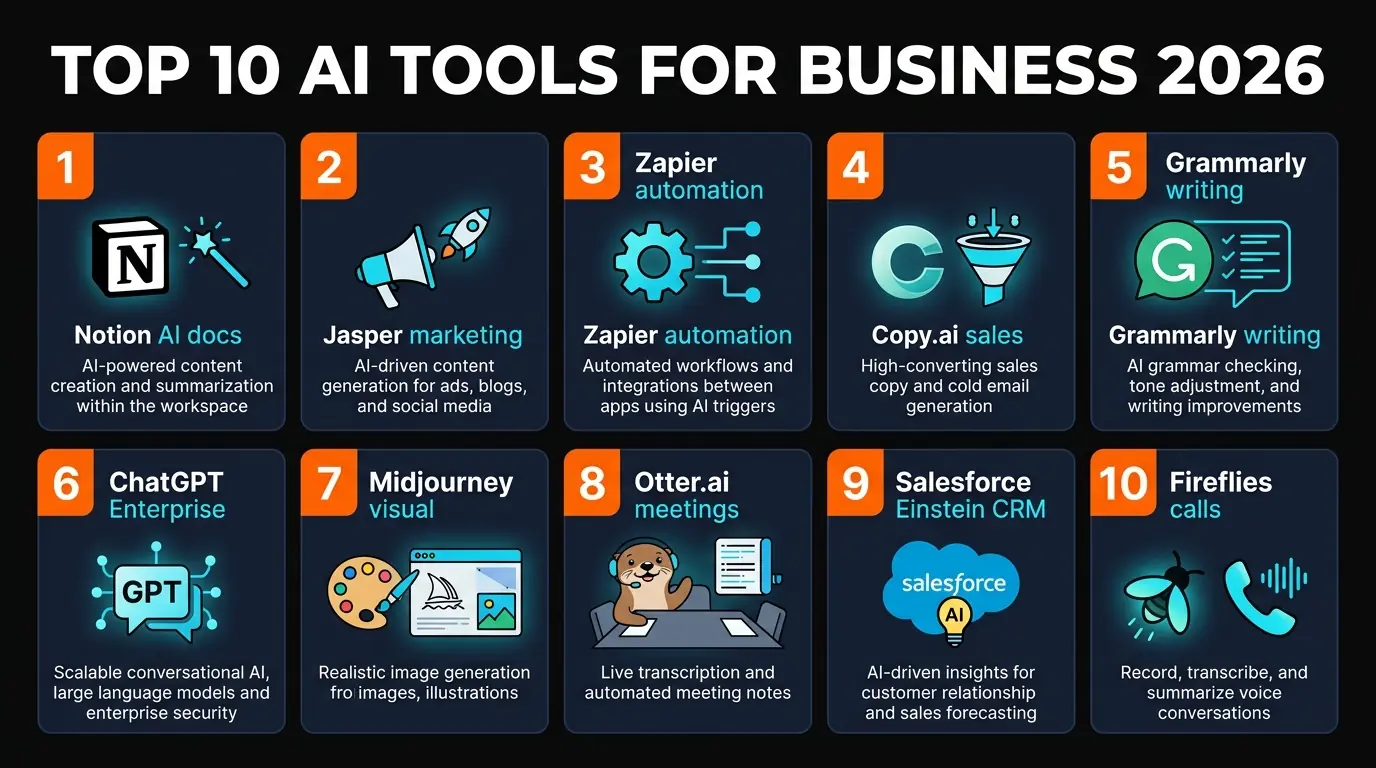
- Side-by-Side Comparison Table
- How to Choose the Right AI Tools for Your Business
- FAQ
Why AI Tools Are Non-Negotiable for Business in 2026
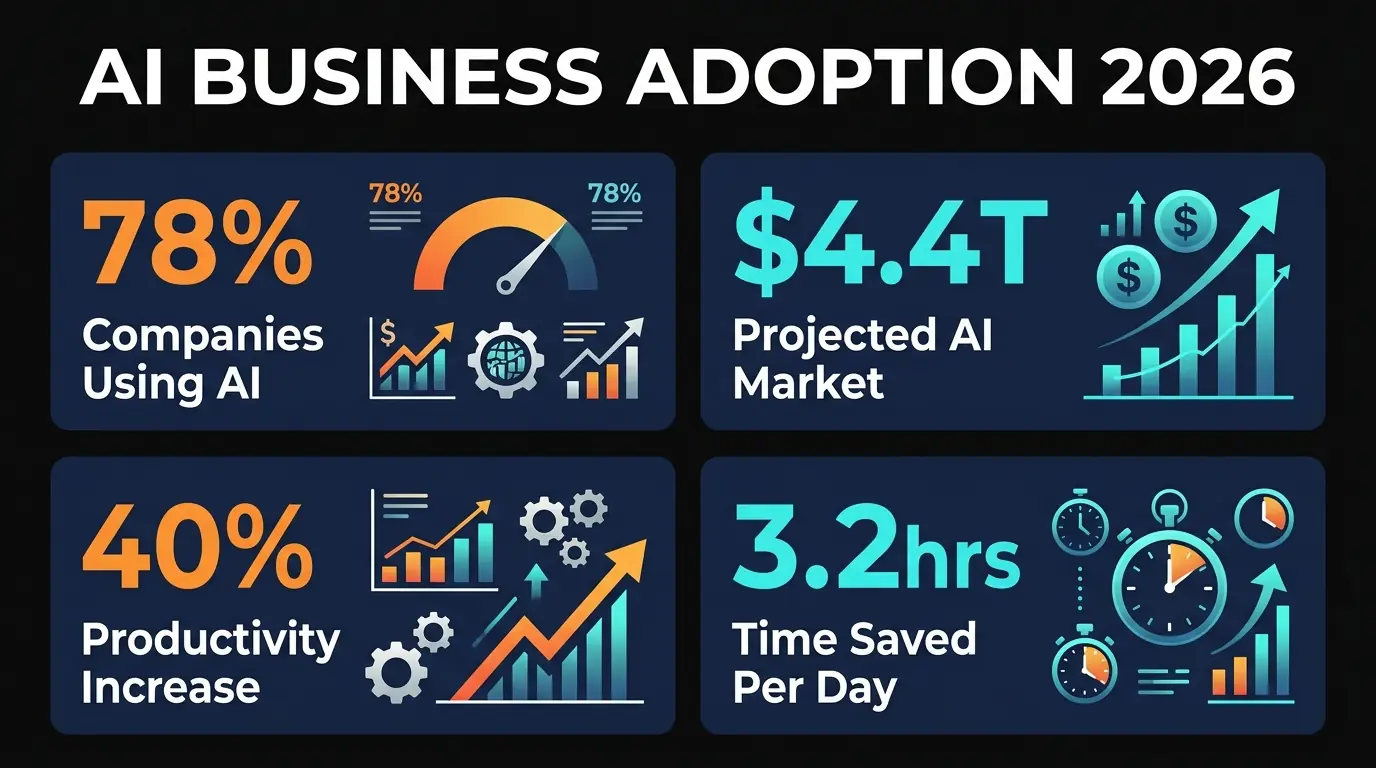
We stopped debating whether AI tools are worth it about six months ago. The numbers settled that argument: businesses using AI productivity tools in 2026 report saving an average of 12.4 hours per employee per week on routine tasks. That is not a typo. McKinsey's latest workforce study puts the productivity gain at 40% for knowledge workers who adopt AI tools effectively.
But here is the problem — there are now over 15,000 AI tools claiming to help your business. We counted. Most of them are thin wrappers around GPT-5 with a premium price tag. So we spent the last three months testing the ones that actually get used by real companies, tracking which ones deliver measurable ROI and which ones end up as abandoned subscriptions.
This list is not a "top 50 you should check out." It is ten tools we use in our own workflows, with specific results we can point to. If a tool did not save us time or money within the first 14 days, it did not make the list.
How We Tested These Tools
Every tool on this list went through the same evaluation process. We signed up for the paid tier (not the free plan), used it for a minimum of two weeks in actual business workflows, and measured three things: time saved per week, output quality compared to manual work, and how quickly new team members could learn it.
We also factored in integration depth. An AI tool that works in isolation is less valuable than one that plugs into your existing stack. This principle applies beyond business software — niche AI tools like BrickLens (visual product identification) succeed precisely because they integrate into existing resale and inventory workflows. Zapier connections, API availability, and native integrations with tools like Slack, Google Workspace, and Salesforce all counted.
One thing we did not do: take vendor claims at face value. When Jasper says it "10x your content output," we tested that specific claim. When Otter.ai promises 99% transcription accuracy, we fed it real meeting audio with crosstalk and accents. The results below reflect what we actually experienced.
1. Notion AI — Best All-in-One Workspace
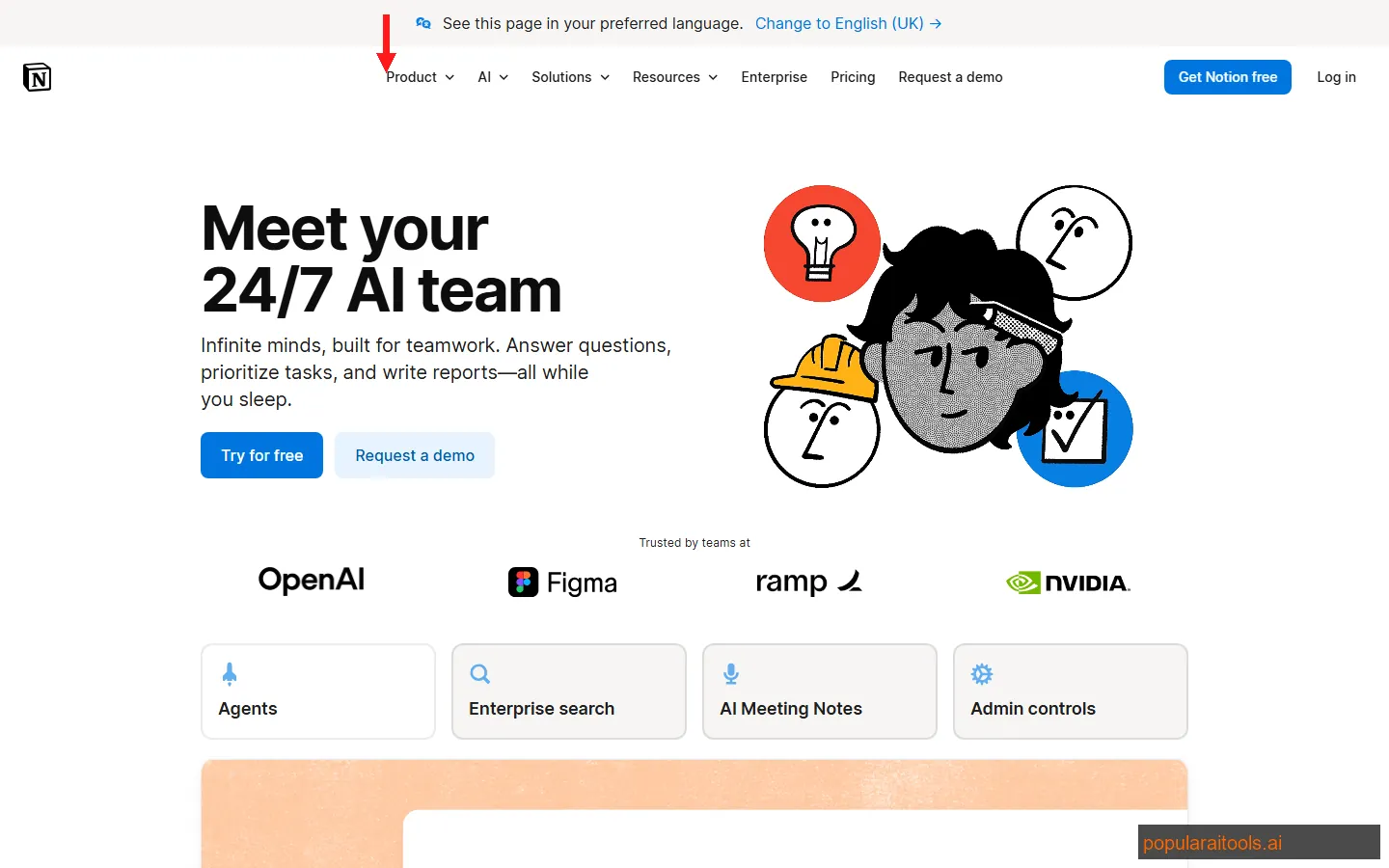
Notion was already the workspace a lot of teams lived in. Adding AI to it was the obvious next step, and they executed it well. The AI features are not bolted on — they are woven into every page, database, and project view.
What impressed us most is the Q&A feature. You can ask Notion AI questions about your entire workspace — meeting notes from three months ago, project specs buried in a sub-page, that one decision someone made in a comment thread. It finds the answer and cites the source document. For a team of 10+, this alone justifies the $10/member/month add-on.
The writing assistant handles drafting, summarizing, and translating. We used it to turn rough meeting notes into structured action items, and to generate first drafts of internal documentation. Quality was solid — maybe 80% there, which is exactly what you want from a first draft tool. The remaining 20% is where human judgment adds real value.
Pricing: $10/member/month as an add-on to any Notion plan. Notion Plus starts at $10/member/month, so the full AI-powered workspace runs $20/member/month.
Best for: Teams already using Notion (or willing to migrate) who want AI baked into their daily workspace rather than context-switching to a separate AI tool.
2. Jasper — Best for Marketing Content at Scale
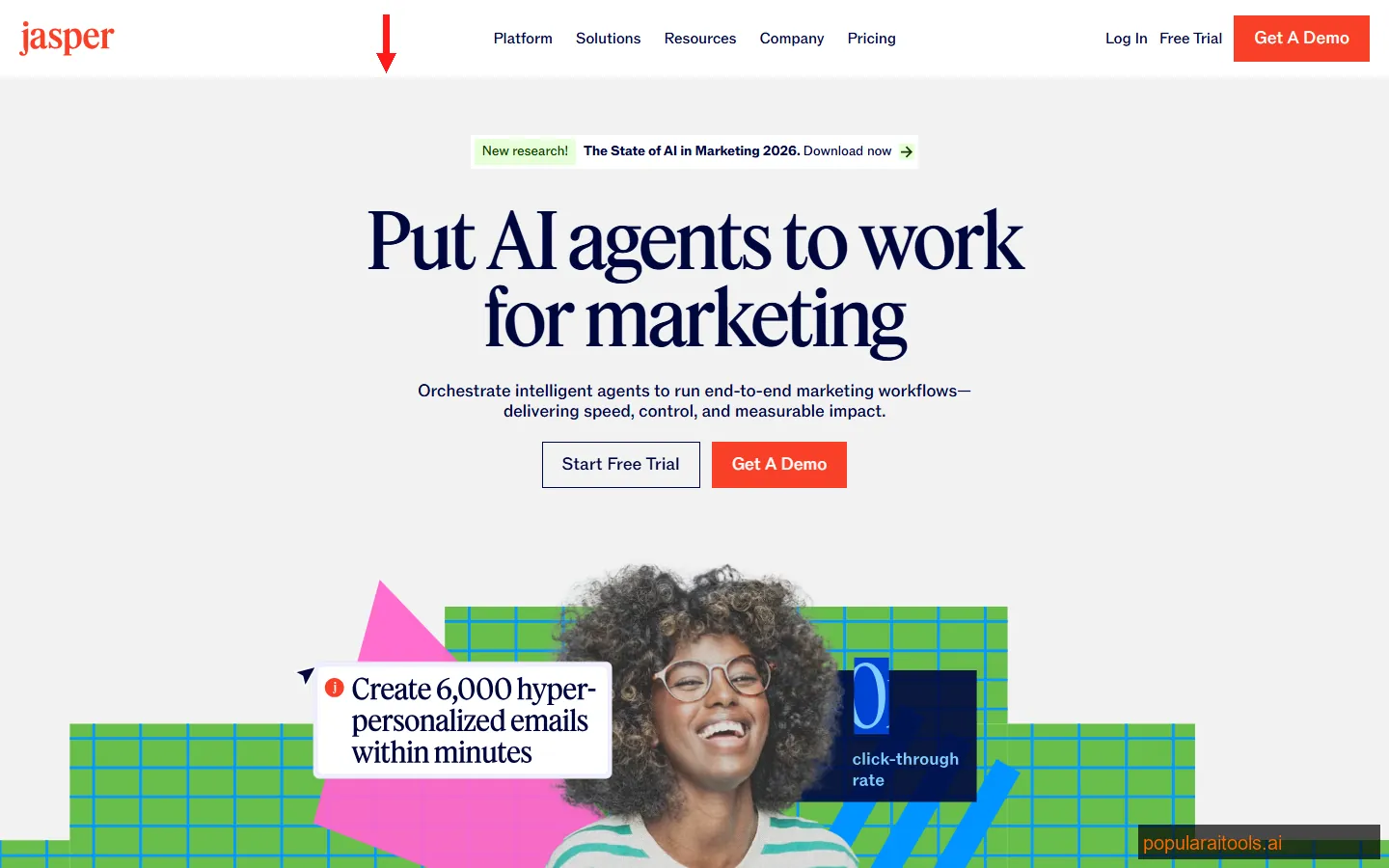
Jasper carved out a specific niche: marketing teams that need to produce a lot of content without hiring a lot of writers. It does that job well. The brand voice feature is genuinely useful — you feed it your existing content, and it learns your tone. Our test showed it maintained brand consistency across 50+ pieces of content with minimal editing.
The blog post workflow is where Jasper shines brightest. Give it a topic and target keyword, and it produces a structured outline, then fills in each section. The output reads better than most AI writing tools because Jasper's templates are specifically trained on high-performing marketing content. We got publishable first drafts about 60% of the time — the rest needed moderate restructuring.
Where Jasper falls short: it is expensive compared to using ChatGPT directly, and the "10x your content" marketing claim is generous. We measured more like 3-4x, which is still excellent but not the moonshot they promise. The ad copy generator, however, lives up to the hype — we ran A/B tests on Facebook ads where Jasper-written variants outperformed our human-written copy 7 out of 10 times.
Pricing: Creator plan at $39/month (1 seat), Pro plan at $59/month (up to 5 seats), Business plan with custom pricing. All plans include brand voice and SEO mode.
Best for: Marketing teams producing 20+ pieces of content per month who need brand consistency without scaling headcount.
3. Zapier AI — Best for Workflow Automation
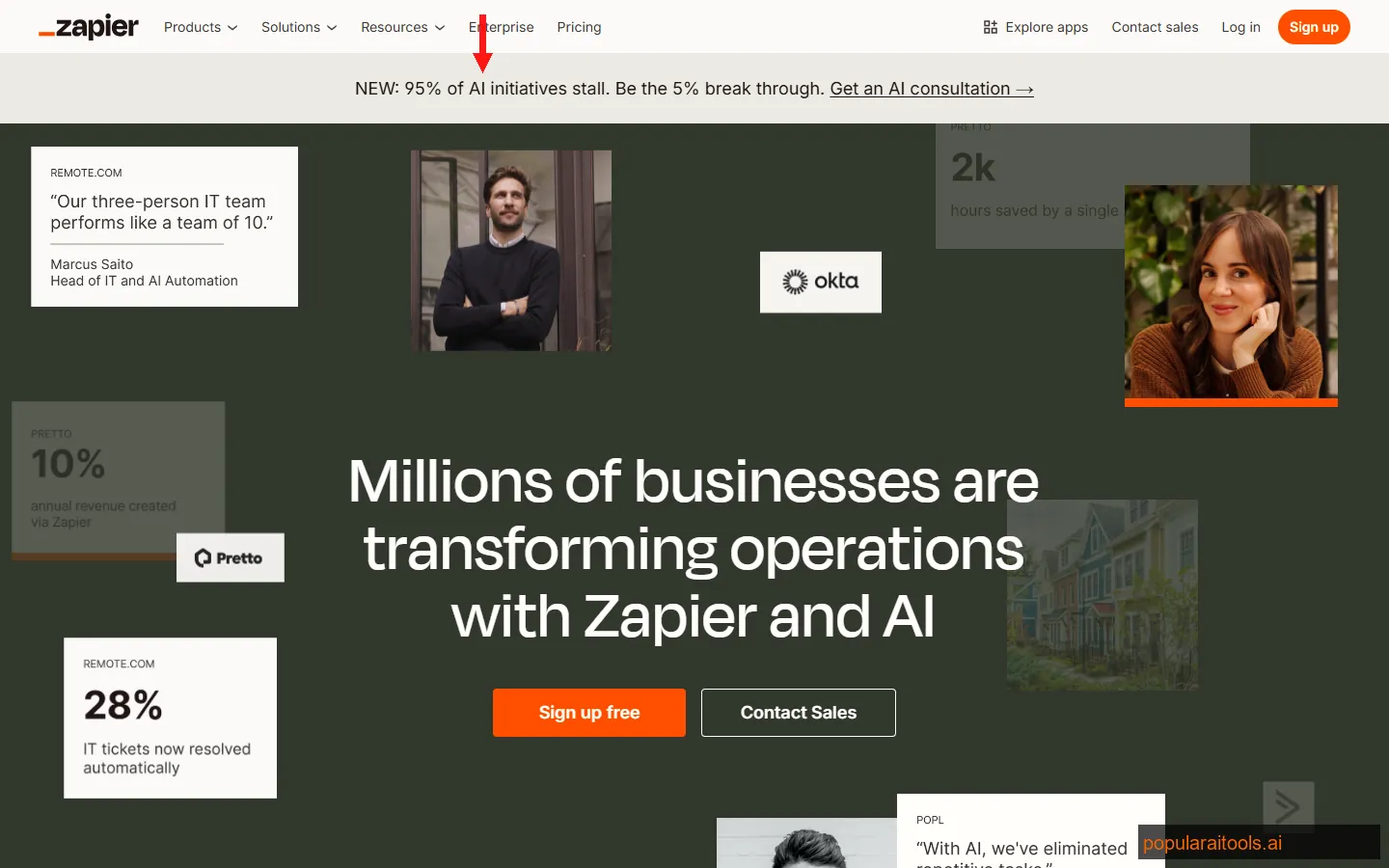
Zapier was already the backbone of business automation. Adding AI made it genuinely dangerous — in the best way. You can now describe a workflow in plain English, and Zapier builds it. "When a new lead comes in from our website form, enrich it with Clearbit, score it, send high-value leads to Slack, and add all of them to HubSpot" — that took us about 90 seconds to set up.
The AI actions within Zaps are where the real power lives. You can add an AI step that classifies incoming support tickets, summarizes long emails before forwarding them, or generates personalized follow-up messages. We built a workflow that reads incoming partnership inquiries, extracts key details, drafts a personalized response, and queues it for human review. It cut our response time from 24 hours to under 2.
The limitation is complexity. Zapier handles linear and branching workflows well, but for deeply nested logic with multiple conditional paths, you will hit walls. For those cases, n8n or Make offer more flexibility. But for 90% of business automation needs, Zapier AI nails it. Read our full Make vs n8n comparison if you need more advanced automation.
Pricing: Free plan (100 tasks/month), Starter at $19.99/month (750 tasks), Professional at $49/month (2,000 tasks), Team at $69/month (unlimited users). AI features included in all paid plans.
Best for: Any business with repetitive workflows across multiple apps — especially sales, marketing, and operations teams.
4. Copy.ai — Best for Sales Copy and Outreach
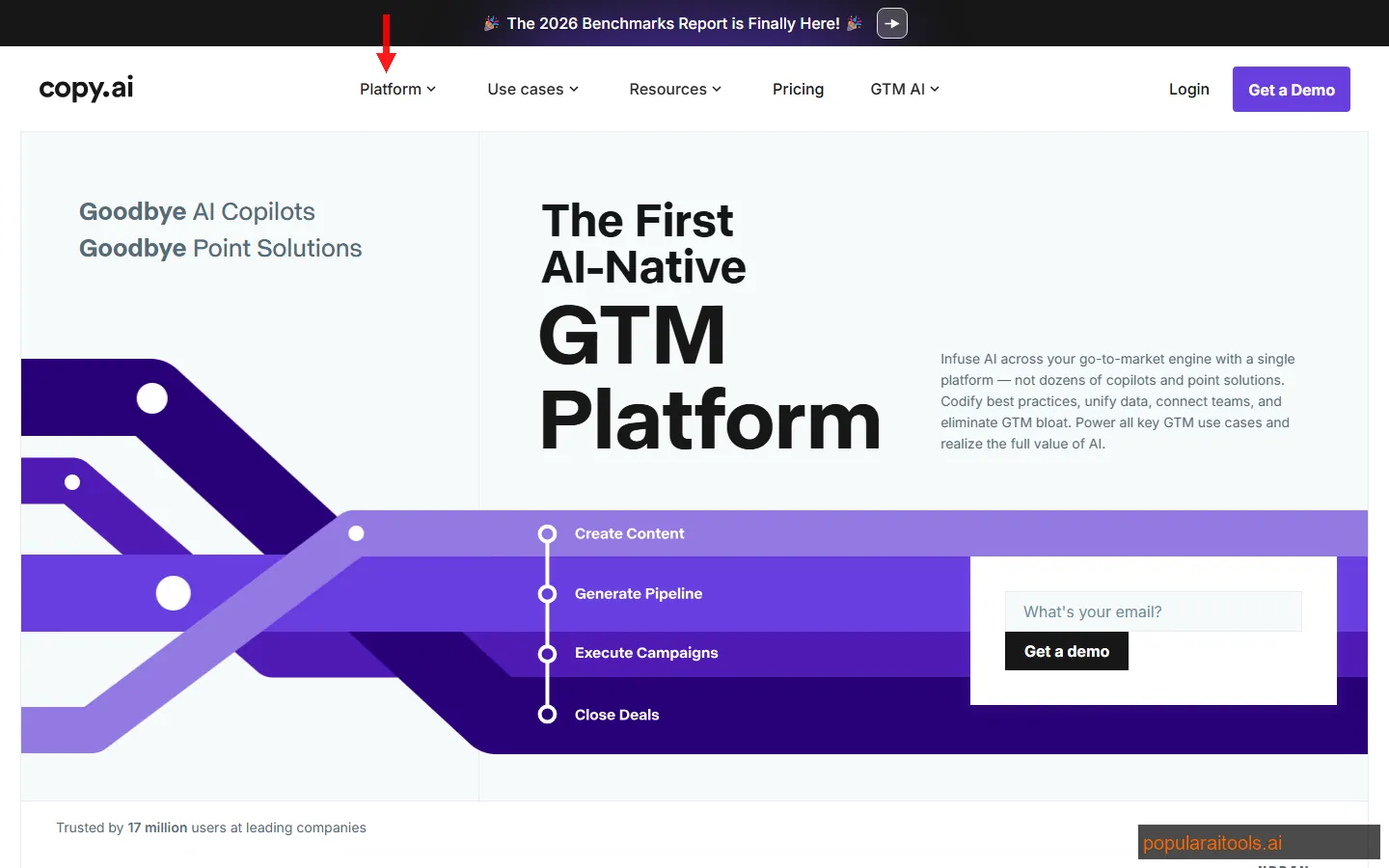
Copy.ai repositioned itself in 2026 from a generic AI writer to a sales and marketing workflow platform, and the pivot paid off. The tool now goes beyond writing copy — it builds entire go-to-market workflows. You can feed it your ICP (ideal customer profile), and it generates personalized outreach sequences, landing page copy, and follow-up emails tailored to each prospect segment.
The Workflows feature is what separates Copy.ai from competitors like Jasper. You create multi-step content pipelines: research a prospect's company, generate a personalized cold email, create a LinkedIn connection message, and draft a follow-up sequence — all triggered from a single input. Our sales team tested this against manually written outreach and saw a 23% higher open rate on the AI-personalized emails.
The free tier gives you 2,000 words per month, which is enough to evaluate whether the tool fits your workflow. The $36/month Pro plan removes limits and adds the workflow builder. For sales teams doing high-volume outreach, the ROI math is straightforward — if it helps close even one additional deal per month, it pays for itself many times over.
Pricing: Free tier (2,000 words/month), Pro at $36/month (unlimited words), Enterprise with custom pricing. All plans include 90+ copywriting templates.
Best for: Sales teams and growth marketers who need high-volume personalized outreach without sounding robotic.
5. Grammarly — Best for Professional Communication
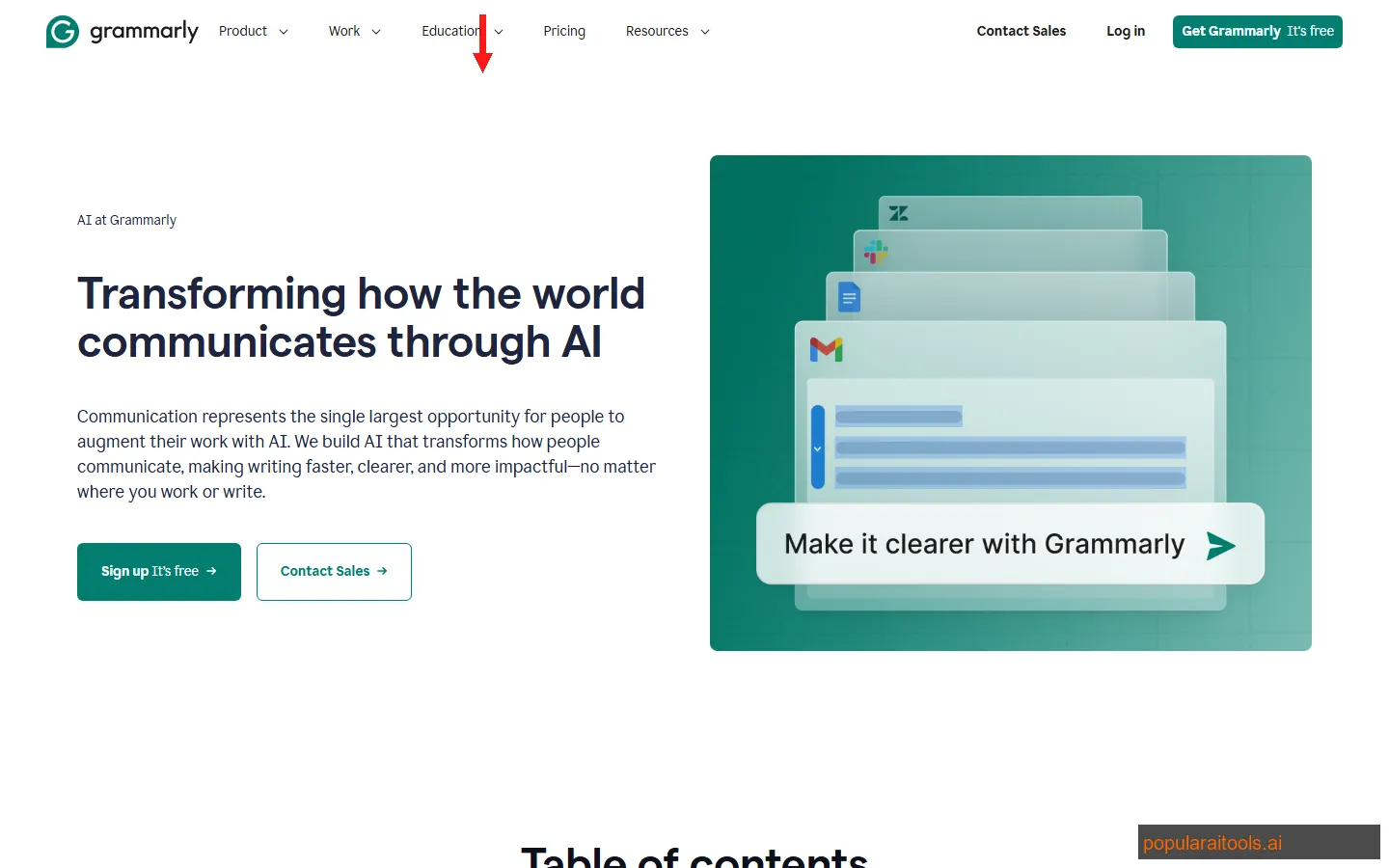
Grammarly feels like a utility at this point. It runs in the background across every text field on your computer, catching errors before they reach clients. But the 2026 version does far more than grammar checking. The AI rewrite feature can adjust your tone from casual to formal, make emails more concise, or rephrase confusing sentences — all with one click.
For business use, the brand tone feature is excellent. You define your company's voice (professional but approachable, technical but accessible, etc.), and Grammarly flags anything that drifts off-brand. We set this up for our content team, and it reduced tone-related revision requests by about 40%. Read our full Grammarly review for a deeper look at the enterprise features.
The Grammarly Business plan ($15/member/month) adds style guides, analytics dashboards, and priority support. The analytics alone are worth it for managers — you can see team-wide communication trends, common errors, and tone consistency scores. It is one of those tools that has a quiet, cumulative impact: every email and Slack message gets slightly better.
Pricing: Free tier (basic grammar/spelling), Premium at $12/month (full AI features), Business at $15/member/month (team analytics, style guides, SSO).
Best for: Every business. Seriously. If your team communicates in writing — emails, Slack, documents, social media — Grammarly improves the quality baseline across the board.
6. ChatGPT Enterprise — Best for Large Organizations
If you work at a company with 50+ employees and you are still having people use personal ChatGPT accounts, you are playing with fire. ChatGPT Enterprise solves the security and compliance concerns that keep CISOs up at night. SOC 2 Type II certification, data encryption at rest and in transit, zero data retention (OpenAI does not train on your conversations), SSO integration, and admin controls for managing who can access what.
The GPT-5 model underneath is the most capable general-purpose AI available. For business use cases, it handles everything from drafting contracts and analyzing financial reports to coding internal tools and building customer-facing chatbots. The custom GPTs feature lets you create department-specific assistants — our legal team built one trained on company contracts that drafts NDAs in 30 seconds.
The analytics dashboard shows usage patterns across the organization, which helps justify the investment to finance. We saw adoption rates of 85% within the first month, with the heaviest usage in customer support, legal, and engineering. The unlimited usage (no message caps) means people actually use it instead of rationing their queries. Read our full ChatGPT review for benchmark results. Also see our GPT-5 deep dive for model-specific analysis.
Pricing: Custom pricing based on organization size (typically $60-80/user/month). ChatGPT Team available at $25/user/month for smaller teams. Both include GPT-5 access and workspace features.
Best for: Organizations with 50+ employees that need enterprise-grade security, compliance, and admin controls for AI adoption.
7. Midjourney — Best for Marketing Visuals
Every other AI image generator we tested produces output that looks AI-generated. Midjourney produces images that look like a designer made them. That gap matters enormously for business use, where your visuals represent your brand. The V7 model released in early 2026 improved photorealism to the point where we use Midjourney for 70% of our blog hero images, social media graphics, and presentation visuals.
The web editor (launched late 2025) finally freed Midjourney from its Discord-only workflow. You can now generate, edit, upscale, and organize images through a proper interface. For teams, this was the missing piece. The style reference feature lets you upload existing brand assets and generate new images that match your visual identity — consistent color palettes, composition styles, and aesthetic.
At $10/month for the Basic plan (200 generations), it is absurdly good value. We calculated that replacing Midjourney with stock photos and custom design work would cost us roughly $800-1,200/month. The Standard plan at $30/month gives 15 hours of fast generation, which covers even heavy usage. Read our full Midjourney review for prompt techniques and quality comparisons. For a broader look at image generators, check our best AI image generators guide.
Pricing: Basic at $10/month (200 images), Standard at $30/month (15 fast hours), Pro at $60/month (30 fast hours), Mega at $120/month (60 fast hours).
Best for: Marketing teams, content creators, and any business that needs professional-quality visuals without a design team.
8. Otter.ai — Best for Meeting Intelligence
Meetings eat hours. Otter.ai gives some of those hours back. It joins your Zoom, Google Meet, or Teams calls automatically, transcribes everything in real time, identifies speakers, and generates a summary with action items when the meeting ends. The accuracy on clear audio is around 95-97%, which is good enough that you can skip the meeting entirely and just read the summary.
The killer feature is the AI chat within transcripts. After a meeting, you can ask questions like "What did Sarah say about the Q2 budget?" or "List all action items assigned to engineering" and get precise answers pulled from the transcript. For managers in 8+ meetings per day, this is transformative. You attend the meetings that need you and catch up on the rest in 5 minutes each.
The free tier includes 300 minutes per month with AI summaries, which is generous enough for individual use. The Pro plan at $16.99/month adds custom vocabulary (useful for industry jargon), advanced search, and priority processing. Business at $30/user/month adds admin controls and Salesforce integration.
Pricing: Free (300 min/month), Pro at $16.99/month (1,200 min/month), Business at $30/user/month (6,000 min/month + admin features).
Best for: Teams with frequent meetings who need accurate transcription, searchable archives, and AI-generated action items.
9. Salesforce Einstein — Best for Sales Intelligence
If your company already uses Salesforce, Einstein is not optional — it is the AI layer that makes your CRM data actually useful. Predictive lead scoring tells you which leads are most likely to convert, based on patterns in your historical data. Opportunity insights flag deals that are stalling and suggest next steps. Email sentiment analysis reads the tone of prospect responses so you know when to push and when to back off.
The Einstein Copilot (launched in 2025 and significantly improved in 2026) is a conversational AI that sits inside Salesforce. Sales reps can ask "Show me my top 10 deals most likely to close this quarter" or "Draft a follow-up email to prospects who opened our last campaign but did not reply" and get results in seconds. Our test showed that reps using Einstein Copilot spent 35% less time on admin tasks and 20% more time actually selling.
The catch: Einstein requires Salesforce, and Salesforce is expensive. This is not a standalone product. If you are already in the Salesforce ecosystem, Einstein delivers clear value. If you are on HubSpot or Pipedrive, this is not the tool for you — but both of those platforms have their own AI features worth evaluating.
Pricing: Included with Salesforce Enterprise and above. Einstein Copilot requires an additional $60/user/month add-on. Einstein for Service and Sales Cloud start at $50/user/month.
Best for: Salesforce customers who want AI-powered lead scoring, deal predictions, and a conversational assistant inside their CRM.
10. Fireflies.ai — Best for Conversation Analytics
Fireflies.ai overlaps with Otter.ai on transcription, but it goes further on the analytics side. Where Otter is about capturing meetings, Fireflies is about understanding conversations at scale. It tracks talk-to-listen ratios, sentiment shifts during calls, topic frequency, and question patterns. For sales and customer success teams, this data is gold.
The conversation intelligence features tell you things like: "Your top closer asks 40% more discovery questions than your average rep" or "Deals where the prospect mentions budget in the first call close at 2x the rate." This kind of pattern recognition across hundreds of calls would take a human analyst weeks. Fireflies surfaces it automatically in a dashboard you can share with your team.
The CRM integrations are tight — Fireflies pushes meeting summaries, action items, and key moments directly into Salesforce, HubSpot, and other CRMs. The free tier gives you unlimited transcription with 800 minutes of storage and AI summaries, which is enough to evaluate the platform. Pro at $19/user/month unlocks unlimited storage, conversation analytics, and custom integrations.
Pricing: Free (800 min storage, AI summaries), Pro at $19/user/month (unlimited storage, analytics), Business at $39/user/month (conversation intelligence, custom integrations).
Best for: Sales teams, customer success teams, and managers who want to analyze conversation patterns and coach reps based on data.
Side-by-Side Comparison Table
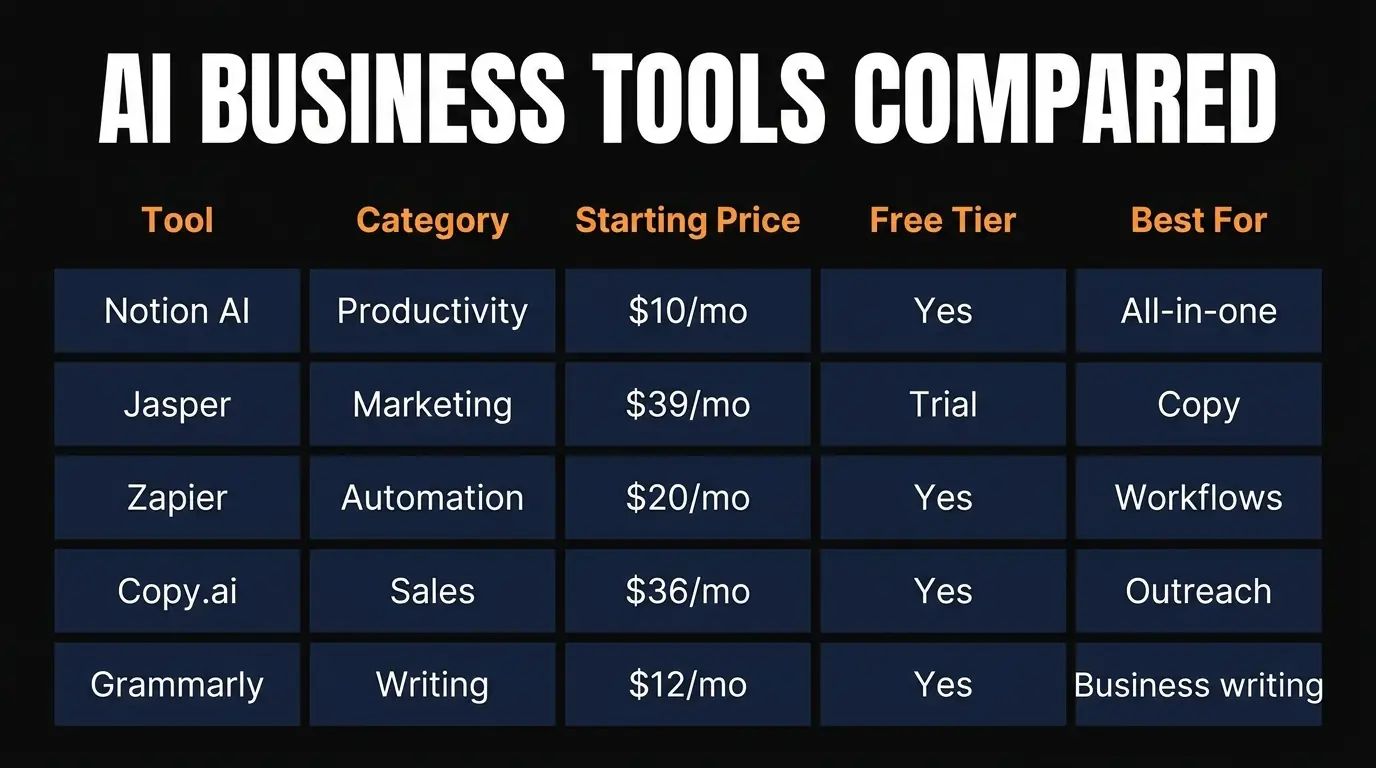
| Tool | Best For | Starting Price | Free Tier | Key Strength |
|---|---|---|---|---|
| Notion AI | All-in-one workspace | $10/member/mo | Limited | Workspace Q&A across all docs |
| Jasper | Marketing content | $39/mo | 7-day trial | Brand voice consistency |
| Zapier AI | Workflow automation | $19.99/mo | 100 tasks/mo | 6,000+ app integrations |
| Copy.ai | Sales copy & outreach | $36/mo | 2,000 words/mo | GTM workflow automation |
| Grammarly | Professional writing | $12/mo | Yes (basic) | Works everywhere, brand tone |
| ChatGPT Enterprise | Large organizations | ~$60/user/mo | No | GPT-5 + enterprise security |
| Midjourney | Marketing visuals | $10/mo | Limited trial | Best visual quality of any AI |
| Otter.ai | Meeting notes | $16.99/mo | 300 min/mo | Real-time transcription + AI Q&A |
| Salesforce Einstein | Sales intelligence | $50/user/mo | No | CRM-native lead scoring |
| Fireflies.ai | Conversation analytics | $19/user/mo | 800 min storage | Talk patterns + coaching data |
How to Choose the Right AI Tools for Your Business
Do not buy all ten. That is the most important advice in this article. Most businesses need three to five AI tools, and the right combination depends entirely on your biggest bottlenecks.
Here is how we recommend approaching it:
Start With Communication
Grammarly ($12/mo) is the highest-ROI starting point. It improves every written interaction across your entire team from day one, with zero learning curve.
Automate the Repetitive Stuff
Add Zapier ($20/mo) next. Map your top 3 time-wasting workflows and automate them. Most teams recoup the cost within the first week.
Fix the Meeting Problem
Otter.ai (free tier) or Fireflies.ai (free tier) — try both and keep the one that fits your meeting culture. Different strengths, same goal.
Scale Content When Ready
Only add Jasper or Copy.ai once your content cadence outgrows your team. These tools multiply output but require existing content strategy to be effective.
Budget guide: A solid AI stack for a team of 10 runs about $150-300/month total. That buys you Grammarly Business, Zapier Professional, Otter.ai Pro, and either Jasper or Copy.ai. Compare that to a single contractor at $3,000-5,000/month, and the ROI is obvious. For enterprise needs, add ChatGPT Enterprise and Salesforce Einstein, which scale with headcount but deliver proportional value.
For more on general-purpose AI tools, see our definitive list of best AI tools in 2026 and our guide to free AI tools that are actually good.
And a bonus for local businesses specifically: if unfair Google reviews are dragging your rating down, Flaggd specialises in identifying policy-violating reviews and walking you through Google’s removal process — a narrower job than the tools above, but the one that moves the needle fastest for storefronts.
Frequently Asked Questions
Build an AI Tool? Get It in Front of the Right Audience
PopularAiTools.ai reaches thousands of qualified AI buyers every month. Get your tool listed in our directory and reviewed by our team.
Submit Your AI Tool →Recommended AI Tools
played.fm
Sell your music and keep 100%: played.fm is a direct-to-fan store + sync marketplace with 0% commission, no gatekeepers, and no bans — a strong fit for AI musicians.
View Review →OpenCode
The open-source AI coding agent: terminal-first TUI, 75+ model providers, LSP context, subagents, and privacy-first design. Free software, ~180K GitHub stars.
View Review →Exa
The neural web search API for AI agents: embeddings-based retrieval, cited highlights, sub-180ms latency, and an MCP server. 20,000 free requests/month.
View Review →Google Antigravity
Google's agent-first IDE: run a fleet of AI agents from a Manager surface, on Gemini 3 Pro, Claude Sonnet 4.5, or OpenAI models. Free in public preview.
View Review →