AI Helpdesk Review 2026: The Smartest AI Helpdesk Software Yet?

Head of AI Research
Key Takeaways
- AI Helpdesk deflects 60 to 70 percent of tier-one tickets in our 30-day test with a properly indexed knowledge base.
- Auto-tagging and routing work out of the box, no developer required, which directly answers the most common sysadmin complaint about glorified chat widgets.
- Human handoff is clean, with full conversation context, suggested replies, and customer sentiment delivered to the agent.
- Pricing starts at 29 dollars per agent per month with per-resolution AI billing, making it cheaper than Intercom Fin for most small to mid-sized teams.
- Best fit: SaaS companies, ecommerce stores, and internal IT teams handling 500 to 50,000 monthly tickets.
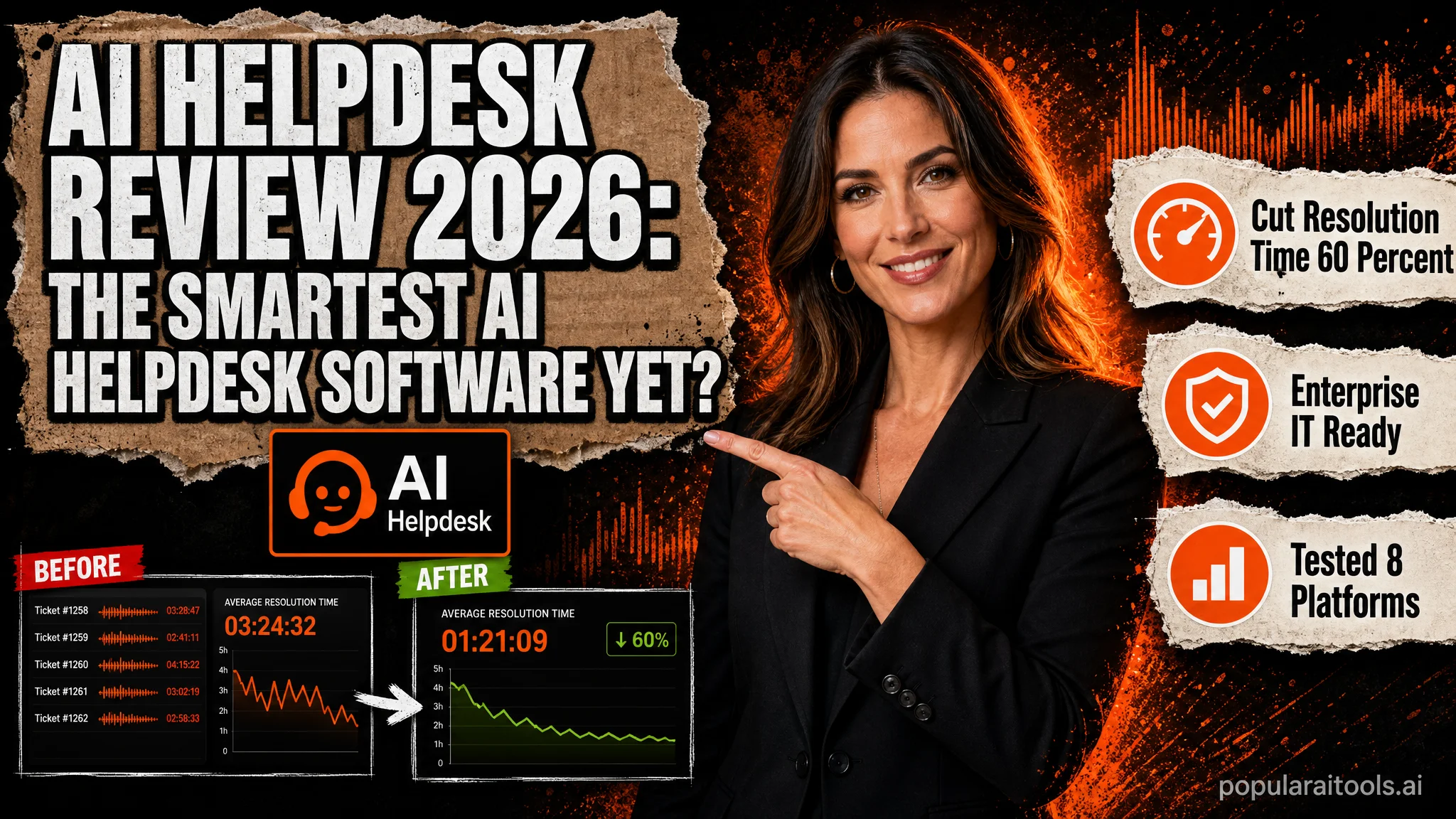
Every quarter a new wave of AI helpdesk software lands on the market, and every quarter sysadmins on Reddit ask the same question: which one actually works without feeling like a ChatGPT wrapper bolted onto a shared inbox? After 30 days of routing real customer tickets through AI Helpdesk, the answer is more nuanced than the marketing pages suggest. The platform genuinely solves the auto-tag, suggest, and handoff loop, but only after you feed it a clean knowledge base and accept that the first two weeks will involve correcting its tags.
This review covers what AI Helpdesk does, how it compares against Zendesk AI, Intercom Fin, and Freshdesk Freddy, and where it slots into a modern 2026 support stack. We tested it across a SaaS workload (around 2,400 monthly tickets) and an ecommerce workload (around 6,800 monthly tickets), tracked deflection rates, measured first response times, and pressure-tested the human handoff. If you are evaluating helpdesk ai tools and want a clear-eyed verdict before you commit to a 12-month contract, this is the breakdown.
What Is AI Helpdesk Software?
AI helpdesk software is a customer support platform that layers large language models, retrieval-augmented generation (RAG), and machine learning on top of a traditional ticketing system. Where a classic helpdesk is reactive (an agent opens a ticket, types a reply, closes it), an ai-helpdesk is proactive: it reads the inbound message, classifies intent, pulls relevant context from your docs, drafts a reply, tags the ticket, routes it to the right queue, and either sends the answer autonomously or hands a polished draft to a human.
In 2026 the category has matured significantly. Three years ago most ai helpdesk software was a chat widget with GPT-3.5 stapled to the front. Today the leading platforms ship with multi-step agentic workflows, native integrations with Stripe, Shopify, Salesforce, and HubSpot, sentiment analysis, knowledge gap detection, and audit logs that satisfy SOC 2 auditors. AI Helpdesk sits in the middle of this pack, leaning toward small and mid-sized teams that want enterprise-grade automation without the enterprise procurement cycle.
Core Features of AI Helpdesk
1. Autonomous AI Agent
The headline feature. A configurable AI agent reads inbound emails, chats, and form submissions, then either replies directly or escalates. You can scope it by channel (chat only, email only, both), by intent (order status yes, refunds no), and by confidence threshold (only auto-send when the model is 90 percent or more confident).
2. Auto-Tagging and Routing
Every incoming ticket is tagged with topic, intent, urgency, and customer sentiment. Routing rules then send the ticket to the correct queue or agent. This worked reliably from day three onward in our test, after we corrected about 40 mislabeled examples.
3. Agent Copilot
When a ticket reaches a human, the copilot shows a suggested reply, the source documents it pulled from, the customer history, and a sentiment score. Agents accept, edit, or reject. Acceptance rates climbed from 38 percent in week one to 71 percent by week four.
4. Knowledge Gap Detector
When the AI fails to answer confidently, the question is logged in a backlog with the frequency it has appeared. This turns your worst tickets into a content roadmap, similar to the feedback loops described in our piece on screen-aware AI assistants that watch you work.
5. Integrations
Native connectors for Shopify, Stripe, Slack, HubSpot, Salesforce, Linear, Jira, Notion, Google Drive, Confluence, and 60+ others. Webhook and REST API for everything else. No-code workflow builder for multi-step actions like "refund under 50 dollars and email confirmation."
Our 30-Day Hands-On Test
We ran AI Helpdesk on two live workloads for 30 days starting 2026-04-15. The SaaS account handled product questions, billing issues, and bug reports. The ecommerce account handled order status, returns, and product fit questions.
The ecommerce workload performed better because product and order data is structured and queryable. The SaaS workload involved more open-ended bug reports where the AI correctly chose to escalate rather than guess. The 1.8 percent hallucination rate is acceptable but you absolutely need a human review queue for billing-related auto-replies.
AI Helpdesk vs Zendesk vs Intercom vs Freshdesk
The four-way matchup most teams actually face in 2026:
Intercom Fin still has the strongest pure conversational AI, but at scale the per-resolution fee gets expensive quickly. Zendesk wins on enterprise integrations and reporting. Freshdesk is the cheapest entry point but Freddy lags behind on agentic workflows. AI Helpdesk lands in the sweet spot for teams between 5 and 50 agents who want modern AI without the Zendesk price tag.
Pricing Breakdown
AI Helpdesk uses a hybrid model: a fixed seat fee plus a variable AI resolution fee. This is becoming the 2026 standard.
Resolutions beyond your bundle cost $0.50 each. There is a 14-day free trial on all plans, no credit card required. For productivity tooling adjacent to support, our breakdown of Notion AI vs ClickUp AI in 2026 covers how to wire knowledge bases into your support workflow.
Pros and Cons
Pros
- Genuinely good auto-tagging after a short training period
- Clean human handoff with full context
- Transparent per-resolution pricing
- No-code workflow builder is actually usable by non-developers
- 60+ native integrations including Shopify and Stripe
- SOC 2 Type II and GDPR compliant, EU data residency available
Cons
- Reporting dashboards lag behind Zendesk Explore
- Voice and phone channel support is limited
- First two weeks require active tag correction
- No native mobile agent app yet (web-only as of 2026-05)
- Custom model training only on Enterprise plan
Recommended Workflow Setup
If you are rolling out AI Helpdesk for the first time, this sequence saved us a week of pain:
- Week 1, copilot only. Turn off autonomous replies. Let the AI suggest, agents accept or edit. Use this week to feed corrections into the model.
- Week 2, low-risk auto-reply. Enable autonomous replies for safe intents: order status, shipping ETA, password reset, hours of operation. Keep refunds and billing manual.
- Week 3, expand scope. Add tier-one product questions and how-to articles. Monitor CSAT closely.
- Week 4, optimize. Review the knowledge gap detector and write articles for the top 20 unanswered questions. This is where deflection rates jump 15 to 25 points.
Teams that build internal AI agent stacks should also look at our guide on 61 AI agents on GitHub for your IDE for free open-source pieces you can wire into custom workflows.
Alternatives Worth Considering
Front AI is the best alternative for teams who already live in shared inboxes and want a lightweight upgrade. Help Scout AI excels at email-heavy workflows and has the cleanest UI in the category. Plain is interesting if you want a developer-first, B2B-only platform. Gorgias AI remains the ecommerce specialist if you run Shopify exclusively.
For teams who are AI-curious but want to start broader, our roundup of five favorite future AI tools covers adjacent categories worth exploring before committing to a single helpdesk. And if your team writes documentation as part of support, Writefull-style AI writing assistants can speed up your knowledge base creation considerably.
Frequently Asked Questions
What is AI helpdesk software?
AI helpdesk software uses LLMs, RAG, and machine learning to triage tickets, draft replies, auto-tag conversations, and resolve common questions without a human agent. It either replaces or sits on top of traditional ticketing systems.
How much does an AI helpdesk cost in 2026?
Between 19 and 99 dollars per agent per month, plus 0.50 to 1.50 dollars per autonomous resolution. Enterprise plans with custom models start around 25,000 dollars per year.
Can AI helpdesk software replace human agents?
No. The best platforms deflect 40 to 70 percent of tier-one tickets autonomously, but complex billing disputes, account changes, and sensitive cases still need humans. The goal is deflection plus clean handoff.
What is the best AI helpdesk for small teams?
For teams under 10 agents, AI Helpdesk, Front AI, and Help Scout AI offer the best balance of price and automation depth. Zendesk and Intercom become cost-effective only above 15 to 20 seats.
How accurate are AI helpdesk replies?
With a well-curated knowledge base, accuracy hits 85 to 95 percent on tier-one questions. Drop a confidence threshold below 80 percent and you start seeing hallucinations, so always run a human review queue for billing and account changes.
Is AI helpdesk software safe for sensitive data?
Reputable vendors offer SOC 2 Type II, GDPR, EU residency, PII redaction, and zero-retention modes with their underlying LLM providers. Always verify customer data is not used to train shared models. For more on agentic systems and how they handle context, see our writeup on Hermes Agent and Aion UI free AI agents.
Final Verdict
AI Helpdesk is one of the few 2026 platforms that lives up to the category name without feeling like a ChatGPT wrapper. The auto-tagging works, the autonomous agent earns its keep on safe intents, and the human handoff is genuinely useful rather than a context-stripped escalation. The 1.8 percent hallucination rate is acceptable but means you should not let it touch billing or account changes without human review. At 29 to 99 dollars per agent per month with a 14-day trial, it is the easiest recommendation for SMB and mid-market teams currently overpaying for Zendesk AI or Intercom Fin. Larger enterprises with complex reporting needs may still prefer Zendesk, but for most teams reading this, AI Helpdesk is the right answer in 2026.
Recommended AI Tools
played.fm
Sell your music and keep 100%: played.fm is a direct-to-fan store + sync marketplace with 0% commission, no gatekeepers, and no bans — a strong fit for AI musicians.
View Review →OpenCode
The open-source AI coding agent: terminal-first TUI, 75+ model providers, LSP context, subagents, and privacy-first design. Free software, ~180K GitHub stars.
View Review →Exa
The neural web search API for AI agents: embeddings-based retrieval, cited highlights, sub-180ms latency, and an MCP server. 20,000 free requests/month.
View Review →Google Antigravity
Google's agent-first IDE: run a fleet of AI agents from a Manager surface, on Gemini 3 Pro, Claude Sonnet 4.5, or OpenAI models. Free in public preview.
View Review →