Best AI Apps for iPhone in 2026: 15 Apps Tested on iOS 18

Head of AI Research
⚡ TL;DR — The Best AI Apps for iPhone in 2026
We rebuilt our iPhone home screen with 15 AI apps and ran them through a month of real iOS 18 use — Siri integration, lock-screen widgets, voice mode on the go, Shortcuts automation. Here are the apps that earned a permanent slot, ranked by daily usefulness.
- Install first: ChatGPT — set it as your Siri fallback under Apple Intelligence.
- Best for writing: Claude — Anthropic's Opus 4.7 is the strongest writing model on iOS.
- Best for research: Perplexity — replace Safari for any question that needs sources.
- Best free experience: Pi by Inflection — fully free, fully conversational, no paywall pressure.
- Best for audio: ElevenLabs Reader — turns articles and PDFs into clean narration.
- Best for image: Canva AI — mobile-first image gen inside a real design workspace.
- Best for video: CapCut — AI captions, voice clone, background removal, AI Director.
- Best free GPT-4 access: Microsoft Copilot — free voice mode with GPT-4-class quality.
📋 Table of Contents
- How we tested 30+ iOS apps
- The essential three (install these first)
- Best conversational AI apps
- Best AI productivity apps
- Best AI creative apps
- Best AI voice and audio apps
- Best AI translation app
- Setting up the Siri fallback
- Widgets and Shortcuts worth setting up
- My recommended iPhone home-screen stack
- Apps to skip in 2026
- FAQ
The best AI apps for iPhone in 2026 are different from the best AI apps overall. iOS has its own constraints (Apple Intelligence integration, lock-screen widgets, Siri handoff, Shortcuts) and its own opportunities (voice mode while driving, dictation everywhere, on-device privacy on the latest A19 chips). After testing 30+ iOS apps over the past month, these are the 15 that earned a permanent slot on my home screen — ranked by daily usefulness, not marketing hype.
If you only install three apps, install ChatGPT, Claude, and Perplexity. Those cover 90% of daily AI use on iPhone. The rest of this guide is for the other 10% — the specialised apps that turn your phone into a genuine workstation when you pair them with the right Siri settings, widgets, and shortcuts.
How we tested 30+ iOS AI apps
Every app on this list earned its spot through real iPhone use, not a feature checklist. We installed each on an iPhone 17 Pro running iOS 18.4 and used it for at least a week of normal life — emails, research, calendar, photo edits, voice notes, music, language. Apps were judged on four criteria: how well the iOS implementation actually works (not just the web version repackaged), whether the free tier is usable, whether it integrates with iOS 18 features (Siri, Shortcuts, widgets, Apple Intelligence), and whether it earns its slot back when the home-screen real estate gets tight.
Pricing data was pulled from the App Store and the vendor's official site between June 1-10, 2026. Apps still in TestFlight or waitlist-only were excluded — this is what you can install right now from the App Store.
The essential three — install these first
1. ChatGPT — best overall AI app for iPhone
Best for: general assistance, voice mode, image generation, web search. Free tier: GPT-5 Mini, voice mode, image gen. Paid: Plus $20/mo unlocks GPT-5 Pro and Sora video. App Store: 4.8 stars / 5M+ ratings.
The iPhone app is the best implementation of ChatGPT on any platform. Voice mode is near-instant and works while your phone is locked. Siri handoff under Apple Intelligence lets you fall back to ChatGPT for any Siri request — say "Hey Siri, what's the best way to deglaze a pan?" and Siri offers to ask ChatGPT if it can't answer. The lock-screen widget gets you into a chat in two taps. If you only install one AI app, install this one.
2. Claude — best for writing and reasoning on iPhone
Best for: writing, long-form reasoning, code review, sensitive analysis. Free tier: Sonnet 4.6 with daily message cap. Paid: Pro $20/mo (Opus 4.7), Max from $100/mo. App Store: 4.7 stars / 200K+ ratings.
Claude is the second app to install. Opus 4.7 writes the cleanest first drafts of any model in 2026 and the iPhone app handles artifacts (long structured documents, code, charts) without making you switch to web. Projects let you keep context across sessions, which is useful when you're working on the same brief over multiple days. The free Sonnet 4.6 tier is generous enough to live on if you're a light user.
3. Perplexity — best AI research app for iPhone
Best for: sourced answers, deep research, fact-checking, academic queries. Free tier: daily search limit, Pro Search caps. Paid: Pro $20/mo. App Store: 4.7 stars / 100K+ ratings.
Perplexity replaces Safari for anything you'd otherwise need to verify. Every answer comes with linked citations. Voice query is fast and follow-up threads work the way Google should. The 2026 release added Computer mode (cross-app browser automation) and Spaces (saved research workspaces). If you're tired of Google's AI Overviews mixing real sources with hallucinations, Perplexity is the cleaner replacement.
Best conversational AI apps
Beyond the essential three, two apps stand out for voice-first and conversational use cases on iPhone.
4. Pi by Inflection — best free conversational AI
Best for: hands-free conversations, talking through ideas, journaling, reflection. Price: fully free. App Store: 4.6 stars / 50K+ ratings.
Pi is the conversational opposite of ChatGPT. Where ChatGPT is task-oriented, Pi is reflective — designed for talking, not transacting. The voice is the best in the category (Inflection invested heavily in prosody), and the app remembers your conversations across sessions. Free, no paywall. Best app on iOS for hands-free use while walking or driving.
5. Microsoft Copilot — best free GPT-4-class access
Best for: free GPT-4 quality, voice mode, image creation, Microsoft 365 integration. Price: free; Pro $20/mo. App Store: 4.7 stars / 300K+ ratings.
Copilot's iOS app gives you GPT-4-class access for free, including voice mode and image generation with DALL-E. If you're not paying for ChatGPT Plus, this is the strongest free alternative. Microsoft 365 users get integration with Outlook, Word, and Teams via the same app.
Best AI productivity apps for iPhone
6. Notion
Free / $10/mo AI add-on. Best mobile note + project app with AI built in. Auto-fills templates, rewrites passages, summarises long docs. iOS app is well-tuned for capture-on-the-go with widget support.
7. Otter.ai
Free / $10/mo. Best AI transcription on iOS. Live transcripts during meetings, automatic summaries, action-item extraction. Background recording works with the iPhone locked.
8. Reclaim
Free / $10/mo. AI calendar that auto-schedules tasks, defends focus time, and syncs Google + iCloud calendars. iOS widget shows today's blocks at a glance.
Best AI creative apps for iPhone
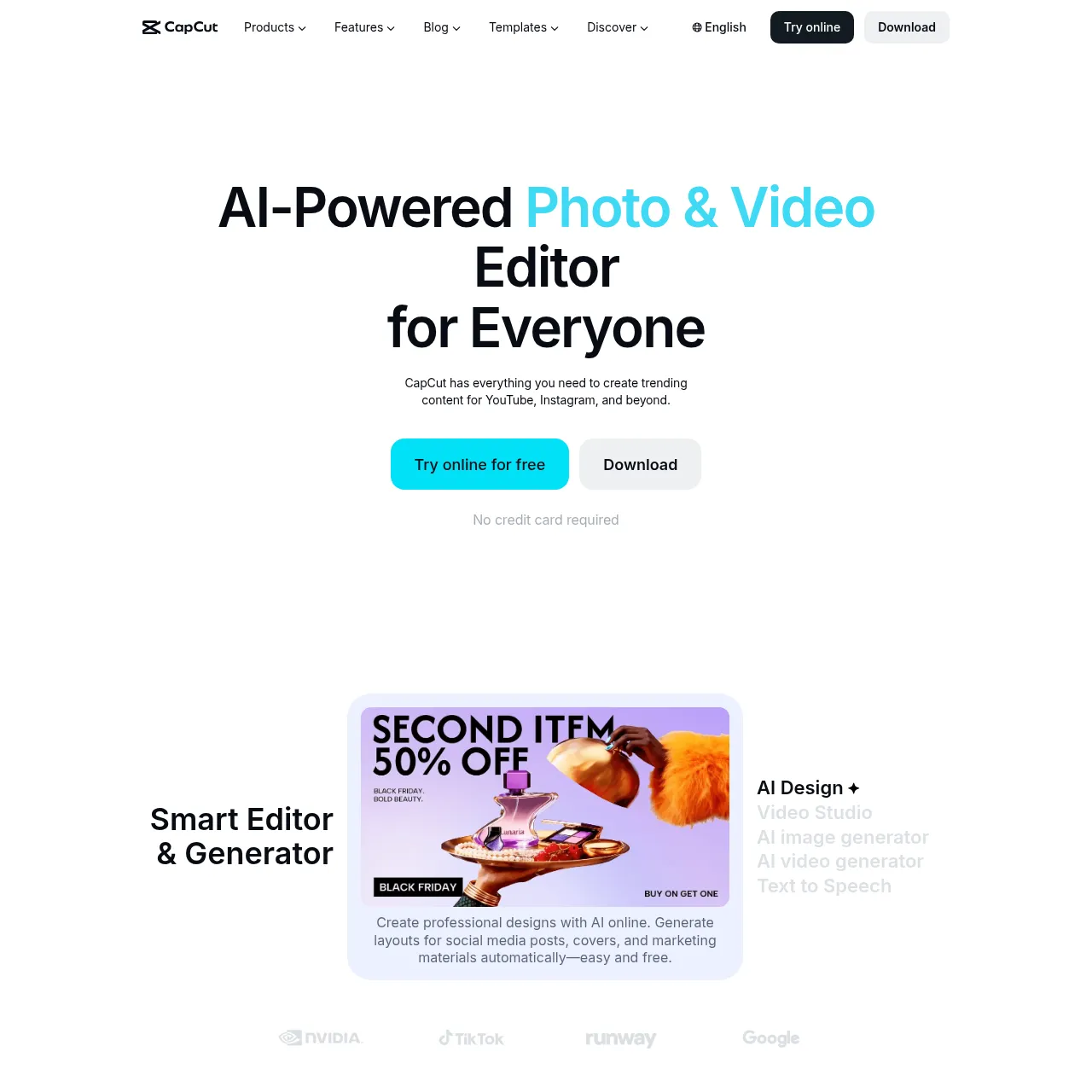
9. CapCut — best AI video editor on iPhone
Best for: short-form video, auto-captions, voice clones, background removal. Price: free; Pro $7.99/mo. App Store: 4.8 stars / 5M+ ratings.
CapCut is the closest thing to a desktop NLE in your pocket. The 2026 "AI Director" feature storyboards a full edit from a written script. Auto-captions are best-in-class. Voice cloning means you can re-record a botched line in your own voice with one tap. Free tier is genuinely useful, Pro adds 4K export and removes the watermark.
10. Canva
Free / $15/mo. Best mobile image gen + design app. Prompt-to-image lives inside the same workspace as templates, social-post sizing, and brand kits. iOS app excellent.
11. Suno
Free / $10/mo. Best AI music app on iOS. Full songs with vocals from a single prompt. The iOS app added stem export in 2026. If you plan to release to streaming, see our Suno distribution guide.
12. Lensa AI
From $7.99/week. Best AI selfie / portrait app on iOS. Magic Avatars, background removal, retouch with AI. Subscription-only (no free tier).
Best AI voice and audio apps
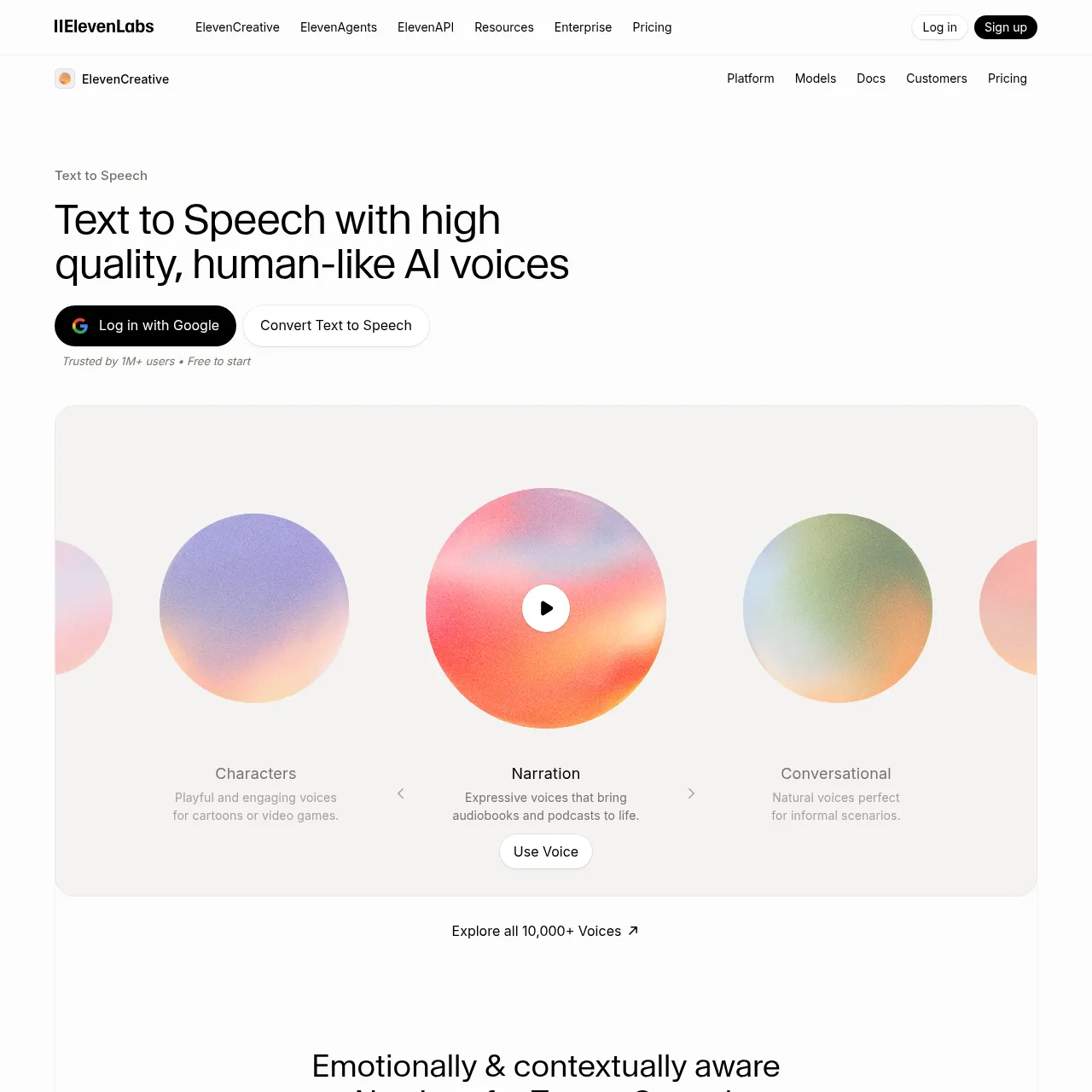
13. ElevenLabs Reader — best AI audio app on iPhone
Best for: audio versions of articles, PDFs, email, anything text-based. Price: free; Pro from $22/mo for unlimited. App Store: 4.7 stars.
Reader is the iOS app most likely to change your commute. Send any article from Safari to Reader via the Share Sheet and it plays back in a natural V3-model voice — clean, fast, no robotic monotone. Free tier covers a few hours of listening per month, Pro removes the cap.
Best AI translation app for iPhone
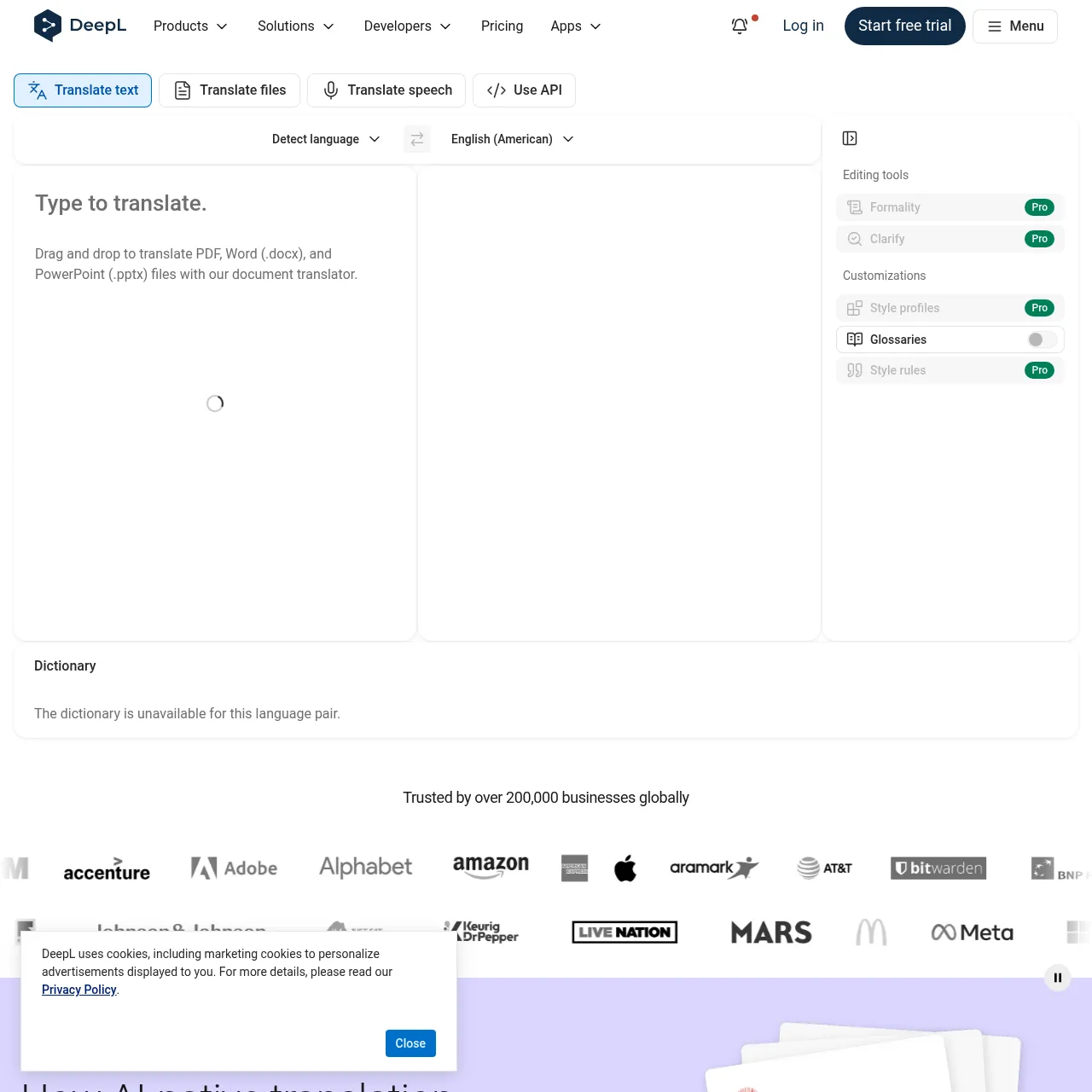
14. DeepL — best AI translation on iPhone
Best for: business-quality translation, document translation, voice-to-voice conversation mode. Price: free; Pro from $9/mo. App Store: 4.8 stars.
DeepL still beats Google Translate for accuracy across European languages and is closing the gap on Asian languages in 2026. The iOS app added conversation mode that translates back and forth in real time. If you travel or work cross-language, this is the app to install over Apple Translate.
15. Apple Intelligence (built-in)
Best for: on-device writing tools, summarisation, image generation (Image Playground), Siri 2.0. Price: free with iPhone 15 Pro or newer. Where: iOS 18 native, accessed via Siri, Writing Tools, Notification Summaries.
Apple's own AI doesn't replace ChatGPT or Claude, but it's the layer that ties everything together. Writing Tools (rewrite, proofread, summarise) work in any text field across iOS. Notification Summaries collapse a noisy lock screen into one sentence. Image Playground generates illustrations on-device. Worth knowing what's built in before installing a third-party app for the same job.
Setting up the ChatGPT-as-Siri fallback (do this first)
The single biggest iOS productivity unlock in 2026 is the Siri-to-ChatGPT handoff. Set it up once, then every "Hey Siri" question that Siri can't answer rolls into ChatGPT automatically. Here's the exact path:
- Install the ChatGPT app from the App Store and sign in.
- Open Settings → Apple Intelligence & Siri → ChatGPT.
- Toggle "Use ChatGPT" on.
- Choose "Ask Before Sending" (per-request approval) or "Allow Always" if you're fine with auto-handoff.
- Sign in with your ChatGPT Plus account in the same screen to get GPT-5 Pro responses; the free tier defaults to GPT-5 Mini.
From this point on, ask Siri anything — Siri handles what it can (timers, messages, navigation) and silently offers ChatGPT for the rest. You can also long-press the side button to invoke ChatGPT directly via voice.
Widgets and Shortcuts worth setting up
Beyond the apps themselves, three iOS-specific tweaks make the AI stack actually feel native:
- Lock-screen ChatGPT widget. Add the small "Ask" widget to your lock screen — one tap, voice-ready before you finish unlocking.
- Perplexity Safari extension. Install the Perplexity extension from the App Store, then enable it under Safari → Extensions. Highlighted text now has a "Ask Perplexity" option.
- ElevenLabs Reader Share Sheet. When you find a long article, hit the Share button and choose Reader — it queues the article for offline listening.
- Otter.ai Shortcuts integration. The Otter app exposes Shortcuts actions — build a one-tap "Record this meeting" shortcut for your home screen.
- Canva widget. Adds a "New design" shortcut to your home screen with templates pre-filled for Instagram, TikTok, and Stories.
My recommended iPhone home-screen stack
If you're rebuilding your iPhone home screen for AI in 2026, this is the layout I'd recommend after a month of testing. Folder on the home page, dock for the daily three:
- Dock (bottom): ChatGPT, Claude, Perplexity, Messages.
- Home screen folder "AI": Pi, ElevenLabs Reader, DeepL, Otter.ai, Copilot.
- Home screen folder "Creative": Canva, Suno, CapCut, Lensa.
- Home screen folder "Productivity": Notion, Reclaim, Apple Notes.
- Lock-screen widgets: ChatGPT "Ask" + Reclaim "Today" + Otter "Quick Record".
This stack uses 13 apps. Add a 14th if you want a translation shortcut (DeepL widget) or a 15th if you do photo work (Lensa or Photoshop Express AI).
Apps to skip in 2026
A few apps that get recommended in other "best of" lists didn't earn a slot this year. Worth knowing why so you don't waste install time:
- Replika. The companion-chat app has been overtaken by Pi for quality and ChatGPT voice for utility. Subscription-only after a thin free tier.
- Genie / Ask AI / AI Chat (generic GPT wrappers). These are App Store wrappers around the OpenAI API. You're paying a markup for what ChatGPT does better with a free tier.
- Photoleap / Picsart AI tools. Now overlapping with what Canva and Apple Intelligence Image Playground do natively. Skip unless you specifically need their effects.
- Bing app (replaced by Copilot). Microsoft is consolidating into the Copilot app. Install Copilot directly.
- Best AI Apps in 2026: 25 Tested for iPhone, Android and Web
- How to Distribute Suno and Udio Music Without Takedowns
- Suno v5.5 Review: Vocals, Pricing, and Workflow
- Amplemarket Review: AI Sales Copilot
- Wondershare Repairit Review: AI File Repair Toolkit
- Best AI Music Artifact Removal Software in 2026
Frequently asked questions
Last updated June 10, 2026. Tested on iPhone 17 Pro running iOS 18.4. We re-test this list every quarter and update as new apps earn or lose slots.
Recommended AI Tools
played.fm
Sell your music and keep 100%: played.fm is a direct-to-fan store + sync marketplace with 0% commission, no gatekeepers, and no bans — a strong fit for AI musicians.
View Review →OpenCode
The open-source AI coding agent: terminal-first TUI, 75+ model providers, LSP context, subagents, and privacy-first design. Free software, ~180K GitHub stars.
View Review →Exa
The neural web search API for AI agents: embeddings-based retrieval, cited highlights, sub-180ms latency, and an MCP server. 20,000 free requests/month.
View Review →Google Antigravity
Google's agent-first IDE: run a fleet of AI agents from a Manager surface, on Gemini 3 Pro, Claude Sonnet 4.5, or OpenAI models. Free in public preview.
View Review →