Best Free AI Image Generators 2026: We Tested 10 (Here Are Our Top Picks)

AI Creative Tools Specialist

Key Takeaways
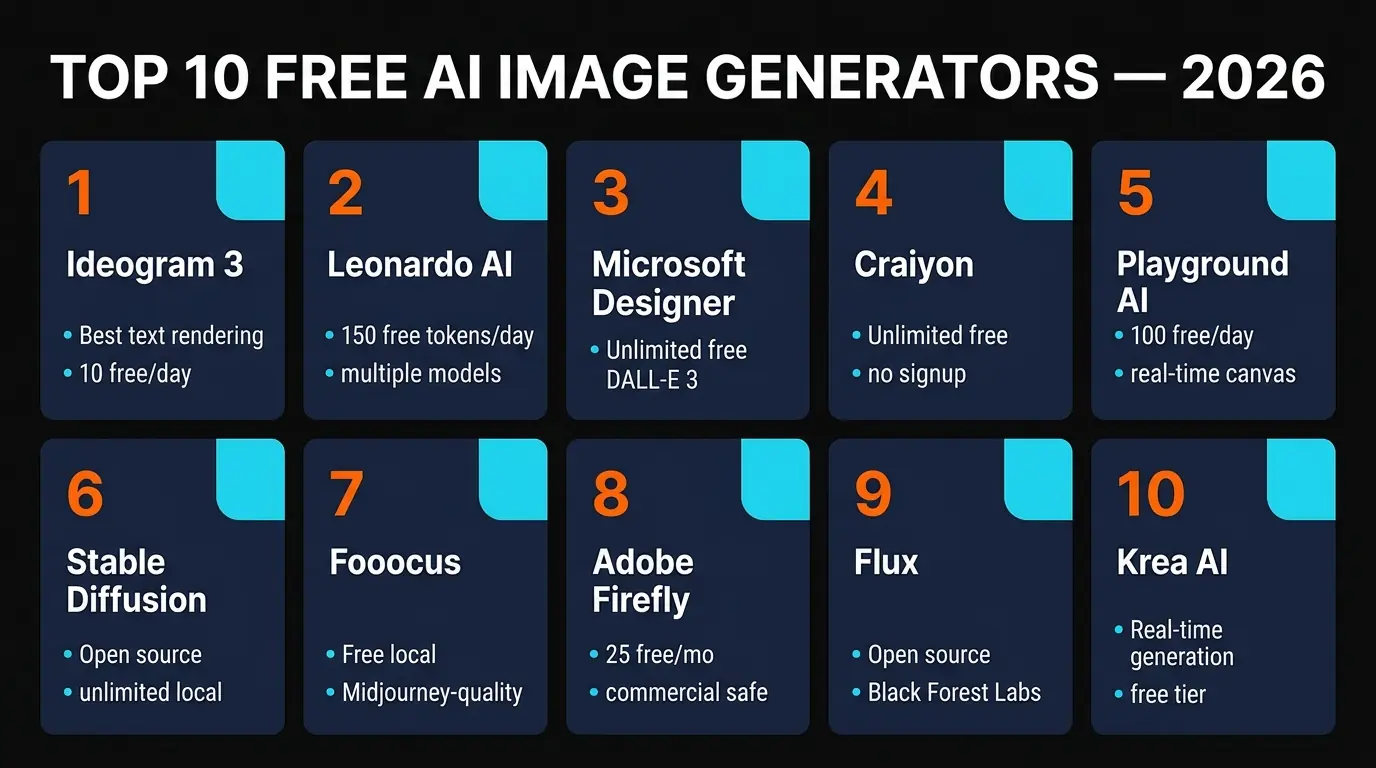
- Ideogram 3 is the best free AI image generator overall — 10 images/day, unmatched text rendering, and photorealistic quality that rivals paid tools like Midjourney.
- You do not need to spend money. Between Ideogram, Leonardo AI (150 tokens/day), Microsoft Designer (unlimited DALL-E 3), and Craiyon (unlimited, no signup), there is a free tool for every use case.
- Local tools like Stable Diffusion and Fooocus are fully unlimited if you have a GPU. Fooocus is the easiest to set up — one click, Midjourney-level quality.
- For commercial use, Adobe Firefly is the safest bet — trained on licensed content only. Check each tool's terms before using free outputs in commercial projects.
Table of Contents
- Best Free AI Image Generators at a Glance
- 1. Ideogram 3 — Best Overall Free
- 2. Leonardo AI — Best for Creative Control
- 3. Microsoft Designer — Best Unlimited Free
- 4. Craiyon — Best Zero-Barrier Entry
- 5. Playground AI — Best for Real-Time Editing
- 6. Stable Diffusion — Best Open Source
- 7. Fooocus — Best for Midjourney-Quality Locally
- 8. Adobe Firefly — Best for Commercial Safety
- 9. Flux — Best New Open Source Model
- 10. Krea AI — Best for Real-Time Generation
- How to Choose the Right Free AI Image Generator
- Full Comparison Table
- Submit Your AI Tool
- Frequently Asked Questions
There are now dozens of AI image generators claiming to be free. We tested 10 of the most popular ones over two weeks, generating hundreds of images across different styles — photorealistic portraits, product mockups, illustrations, text-heavy designs, and abstract art. Most were decent. A few were genuinely impressive. And some "free" tools were so limited they barely qualified.
Here is our honest ranking of the best free AI image generators in 2026, with real details about what each free tier actually gives you, where they excel, and where they fall short. No vague summaries — we tested every single one.
Best Free AI Image Generators at a Glance
Before the deep dives, here is a quick snapshot. This table covers what actually matters when choosing a free tool: how many images you get, what quality to expect, and whether there is a catch.
| Tool | Free Allowance | Best For | Quality |
|---|---|---|---|
| Ideogram 3 | 10 images/day | Text in images, photorealism | ★★★★★ |
| Leonardo AI | 150 tokens/day | Creative control, canvas editing | ★★★★½ |
| Microsoft Designer | Unlimited (MS account) | Easy access to DALL-E 3 | ★★★★ |
| Craiyon | Unlimited, no signup | Quick generation, zero barriers | ★★★ |
| Playground AI | 100 images/day | Real-time canvas, batch editing | ★★★★ |
1. Ideogram 3 — Best Overall Free AI Image Generator
Ideogram 3 is the free AI image generator we reach for first. The quality is outstanding for a tool that costs nothing, and it does something no other generator does well: render text inside images that is actually legible.
You get 10 free images per day with a free account. That is not a lot, but each generation is high enough quality that you rarely need to regenerate. We created product mockups, social media graphics with text overlays, and photorealistic portraits — all on the free tier. The text rendering is genuinely remarkable. We typed "OPEN 24 HOURS" on a neon sign prompt and the output was pixel-perfect. Try that on any other free tool and you will get gibberish letters.
The photorealistic mode rivals Midjourney v6 in our testing. Skin textures, lighting, depth of field — it handles all of it without the uncanny-valley look that plagues most free tools. The downside? Ten images per day is a tight budget if you are iterating on a design. And the free tier queues you behind paid users, so expect 30-60 second waits during peak hours.
Strengths: Best text rendering in any AI image tool. Photorealistic quality comparable to paid tools. Clean, simple interface.
Weaknesses: Only 10 images/day on free. Queue times during peak hours. Limited editing tools compared to Leonardo.
2. Leonardo AI — Best for Creative Control
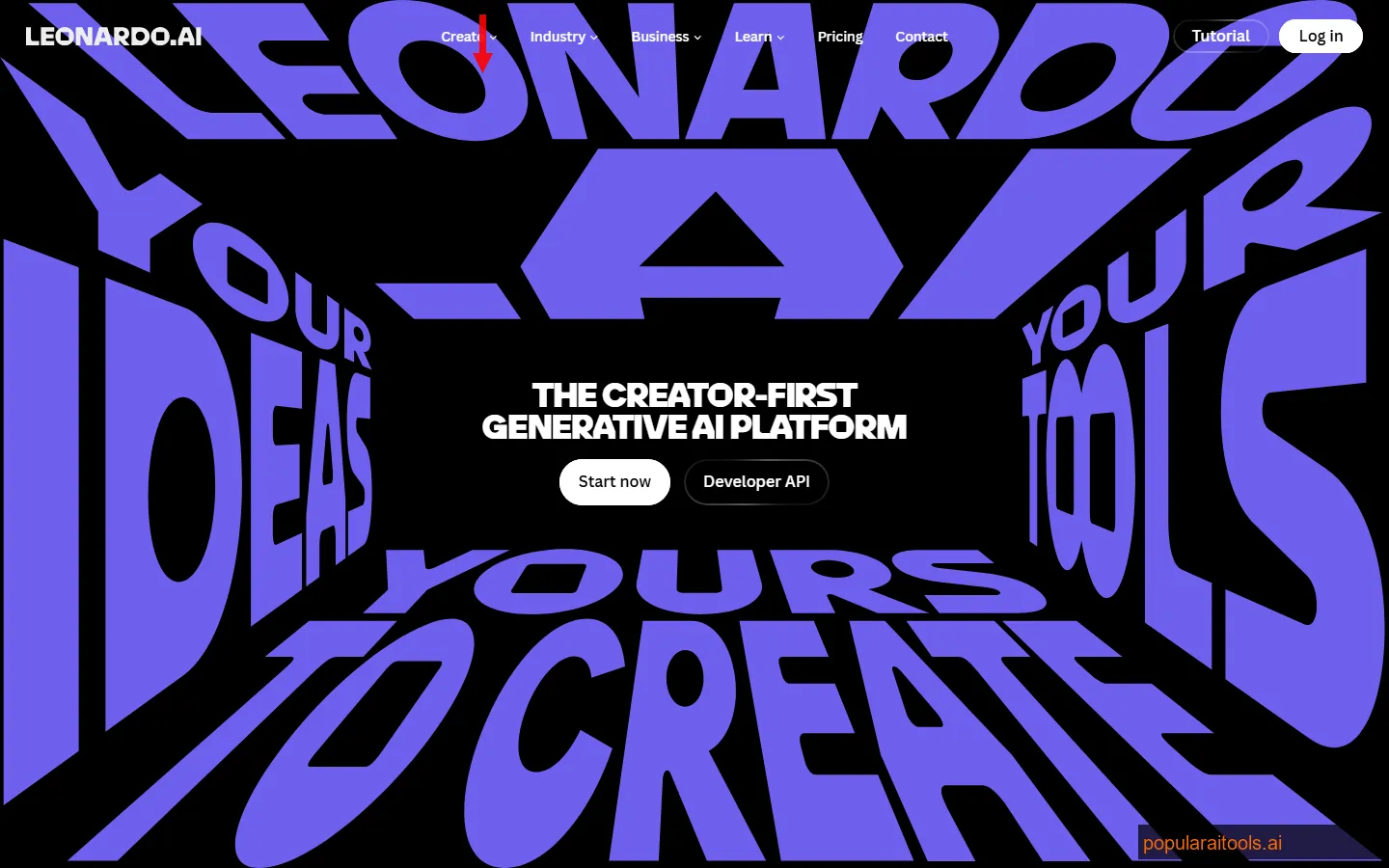
Leonardo AI is what we recommend when you need more than just a prompt box. The free tier gives you 150 tokens per day, which translates to roughly 30-75 images depending on the model and settings you choose. That is genuinely generous.
What sets Leonardo apart is the model variety and editing tools. You can choose from Phoenix (their flagship), Kino XL (stylized/cinematic), and several community fine-tunes. Each produces distinctly different results, so you can match the model to your project. The Canvas editor lets you inpaint, outpaint, erase objects, and composite multiple generations — features that usually sit behind a paywall elsewhere.
We used Leonardo for a batch of social media graphics and product concept art. The Phoenix model handled photorealism well, while Kino XL gave us stunning cinematic compositions without any prompt engineering tricks. The main limitation is the token system — high-resolution outputs or multiple variations burn through your daily budget fast. And some of the best models (like the DreamShaper fine-tune) cost extra tokens.
Strengths: Multiple models with different aesthetics. Powerful canvas editor. 150 tokens/day is generous. Real-time generation mode.
Weaknesses: Token system is confusing for beginners. High-res generations eat tokens quickly. Some premium models need more tokens.
3. Microsoft Designer (Image Creator) — Best Unlimited Free Option
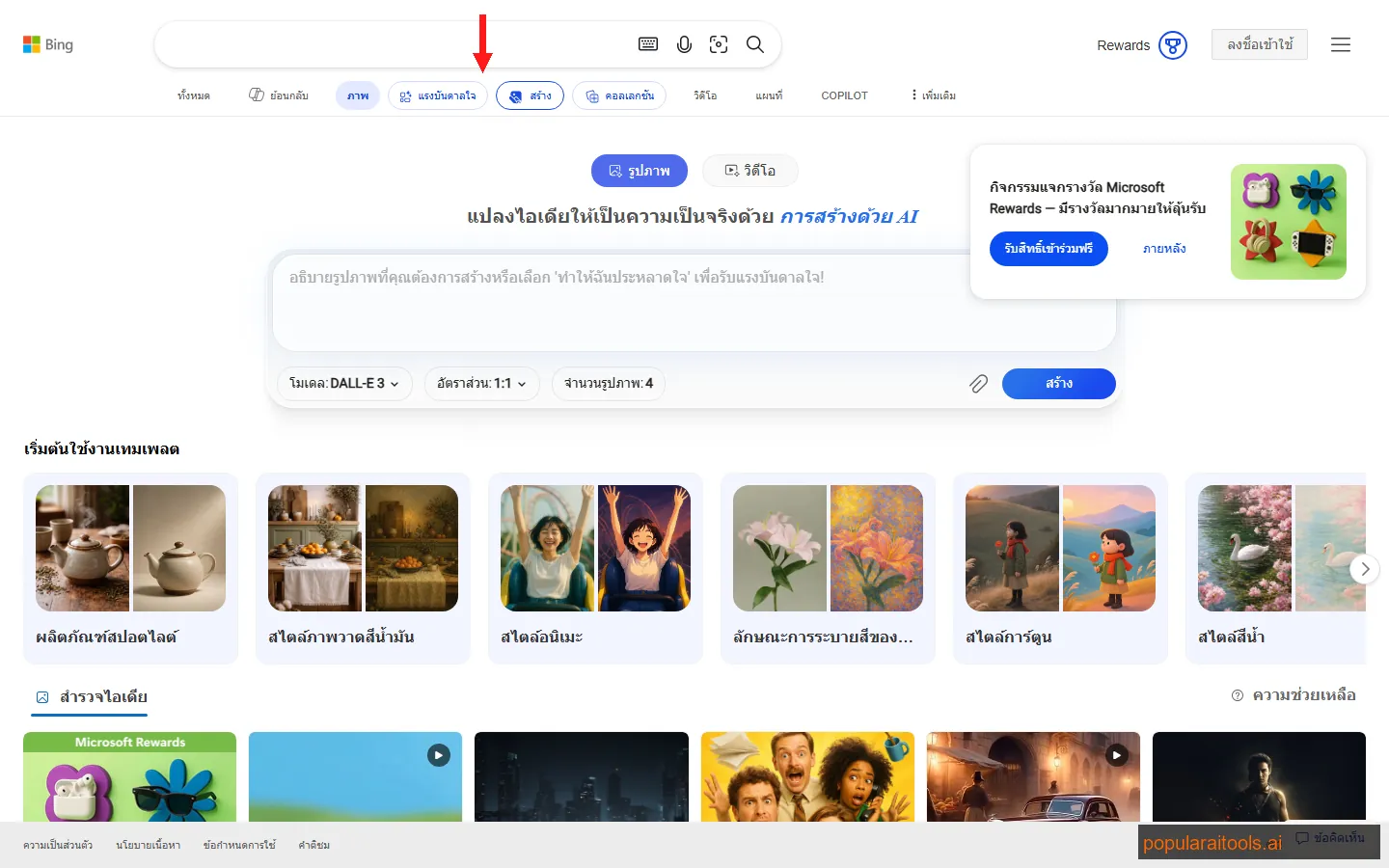
If you want DALL-E 3 for free with no daily limit, Microsoft Designer is the answer. All you need is a free Microsoft account. No credit card. No trial expiration. Just a login and you are generating DALL-E 3 images.
The quality is exactly what you would expect from DALL-E 3 — solid all-around performance with particularly good results for illustrations, product mockups, and conceptual art. It handles complex multi-object scenes better than most tools. A prompt like "a red bicycle leaning against a blue wall in front of a bakery with a yellow awning" produces exactly what you described, with correct spatial relationships.
The trade-off is that you get no creative controls. There is no model selection, no image editing, no inpainting, no style presets. You type a prompt, you get four images, done. Microsoft also applies heavy content filtering — anything remotely edgy gets blocked. For straightforward image generation where quality matters more than fine-tuning, though, this is hard to beat at the price of free.
Strengths: Unlimited free images. DALL-E 3 quality. No signup friction (just a Microsoft account). Excellent prompt following.
Weaknesses: No editing tools. Heavy content filtering. No model/style selection. Images have a recognizable "DALL-E look."
4. Craiyon — Best Zero-Barrier Entry
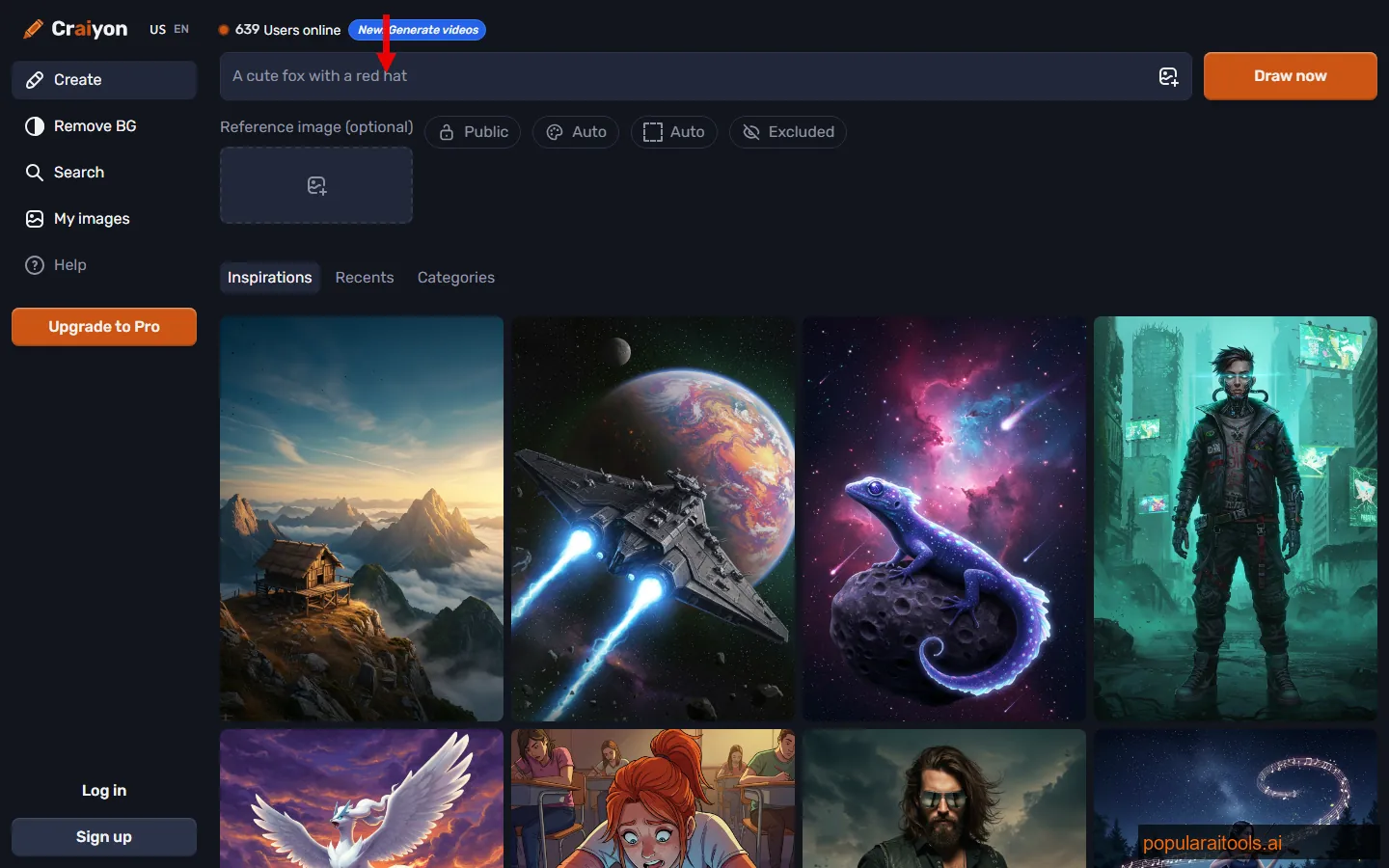
Craiyon (originally DALL-E Mini) is the tool you use when you just want to generate an image right now without signing up for anything. No account. No email. No tokens. Just go to the site, type a prompt, and get images.
The quality is the weakest on this list — and we are not going to pretend otherwise. Outputs have a distinctive "Craiyon look" that is softer, less detailed, and occasionally distorted. Faces are hit-or-miss. Complex scenes often lose coherence. But for the zero-barrier entry it provides, Craiyon fills a real niche. We use it for quick visual brainstorming, meme concepts, and rough mockups where final quality does not matter.
Generation time is also on the slower side — about 45-60 seconds per batch of 9 images. The free tier shows ads, and downloads are lower resolution. But unlimited images with no account? That is a unique position on this list. If you just need "something visual" fast and do not want to create yet another account, Craiyon delivers.
Strengths: No signup needed. Truly unlimited. Generates 9 images per prompt. Dead simple interface.
Weaknesses: Noticeably lower quality than competitors. Slow generation (45-60 seconds). Ads on free tier. Poor at faces and fine detail.
5. Playground AI — Best for Real-Time Editing
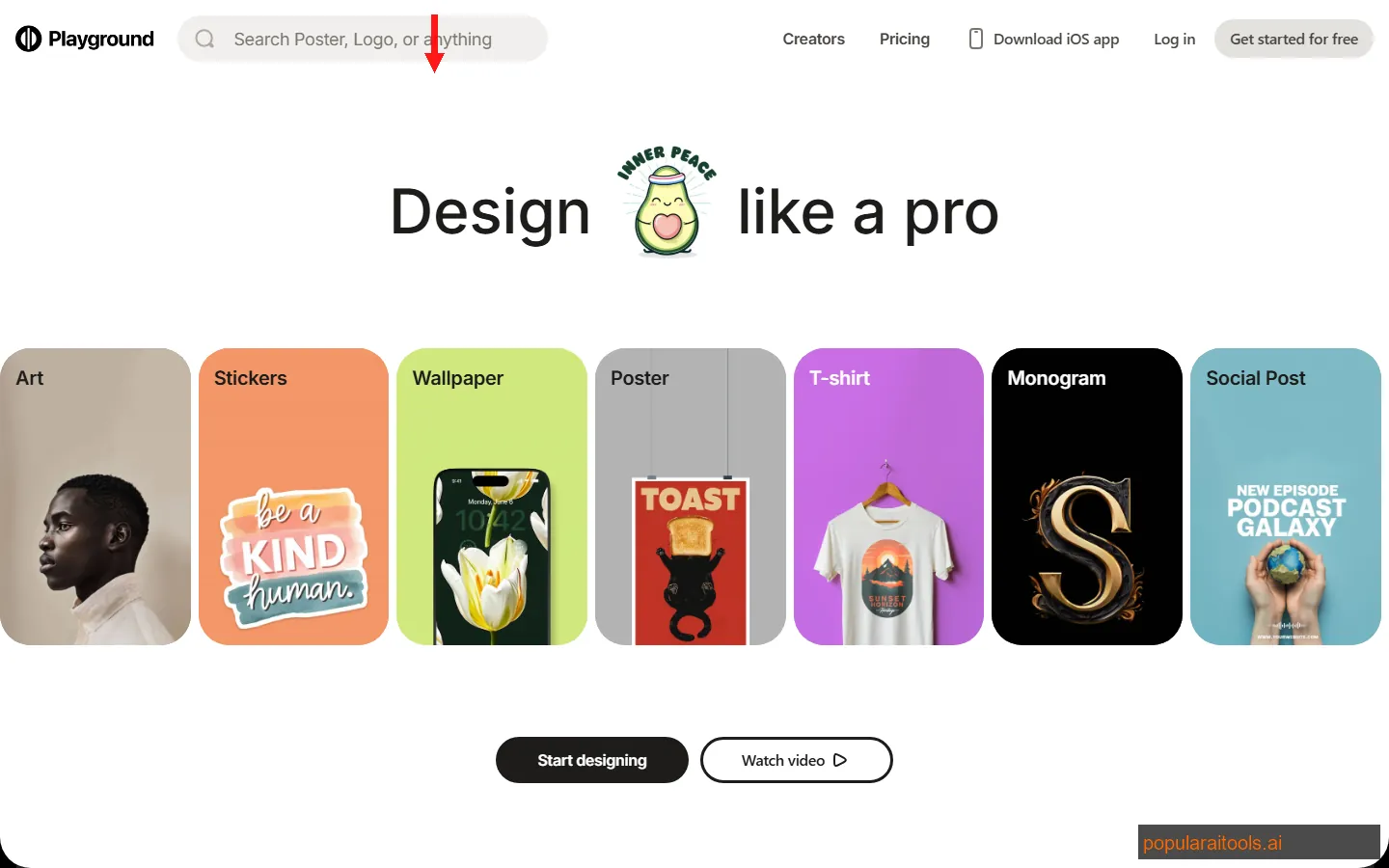
Playground AI gives you 100 free images per day — the most generous daily allowance of any cloud-based tool on this list. But the daily count is not even the main selling point. The real-time canvas is.
The canvas interface lets you generate, edit, composite, and iterate without leaving a single workspace. You can drag generated images onto a canvas, inpaint specific regions, extend images, and mix elements from different generations. It feels closer to a design tool than a prompt box. We used it to create a series of product lifestyle shots where we generated the product, then extended the background, then adjusted the lighting — all within the canvas.
Quality varies by model. Playground's own models are competent but not at Ideogram or DALL-E 3 levels. The platform also supports Stable Diffusion models, which gives you a wider range of styles. The main catch: some canvas features and higher-quality models are gated behind the paid tier. But at 100 images/day with basic editing, the free tier is substantial.
Strengths: 100 images/day. Real-time canvas editing. Multiple model support. Mixed media workflows.
Weaknesses: Best models need paid tier. Quality inconsistent across models. UI has a learning curve.
6. Stable Diffusion (Local) — Best Open Source
Stable Diffusion is the fully free, fully open-source option that gives you complete control at the cost of setup complexity. There is no free tier because there is no tier at all — you run it on your own hardware, and the only limit is your GPU.
The ecosystem around Stable Diffusion is enormous. With tools like AUTOMATIC1111 and ComfyUI, you get a web interface with inpainting, outpainting, ControlNet, img2img, LoRA model fine-tuning, and thousands of community-trained models on CivitAI. The SDXL and SD 3.5 models produce results that compete with any commercial tool when combined with the right fine-tune and prompt technique.
The barrier is hardware. You need an NVIDIA GPU with at least 6 GB VRAM (8+ recommended). Setup involves Python, Git, and about 30 minutes of terminal commands for AUTOMATIC1111. ComfyUI is more technical but more powerful. If you are comfortable with that kind of setup, Stable Diffusion is genuinely unlimited and produces outstanding results. If terminal commands make you nervous, look at Fooocus below — it wraps Stable Diffusion in a simpler package.
Strengths: Completely free and unlimited. Thousands of community models. Full control over every parameter. Privacy — nothing leaves your machine.
Weaknesses: Requires a capable GPU. Setup is technical. No single "it just works" experience out of the box. Learning curve is steep.
7. Fooocus — Best for Midjourney-Quality Locally
Fooocus is our recommendation for anyone who wants Midjourney-level quality without paying Midjourney prices. Built on Stable Diffusion XL, Fooocus was specifically designed to match the aesthetic quality and prompt simplicity of Midjourney — and it largely succeeds.
The setup is one click. Download, extract, run. No Python configuration, no pip installs, no dependency hell. It downloads the models automatically on first launch. Within 5 minutes of clicking the download link, we were generating images. That is a radical departure from the typical Stable Diffusion setup experience.
Output quality impressed us. Default settings with simple prompts produced polished, stylistically consistent images with good composition and lighting. The "styles" system lets you select aesthetic presets (cinematic, anime, photographic, etc.) that dramatically change the output character without touching the prompt. Advanced users can still access the full Stable Diffusion parameter set, but most people will never need to. The main trade-off versus cloud tools: you still need a GPU (NVIDIA 4 GB+ VRAM minimum, 8 GB recommended), and generation takes 10-30 seconds per image depending on your hardware.
Strengths: One-click install. Midjourney-quality output. Style presets work brilliantly. Fully offline and private.
Weaknesses: Requires GPU (4-8 GB VRAM). No cloud/mobile access. Slower than cloud tools on modest hardware.
Read our full Fooocus review →
8. Adobe Firefly — Best for Commercial Safety
Adobe Firefly exists in a unique position: it is the only AI image generator on this list where every output is commercially safe by design. The model is trained exclusively on Adobe Stock images, openly licensed content, and public domain material. No scraped art. No copyright gray areas.
The free tier gives you 25 generative credits per month. That is not a lot — roughly 25 images, less if you use high-res or variations. But for professional use where commercial licensing matters, this is the only tool that provides an indemnity clause to protect you against copyright claims.
Quality is good — clean, professional, and well-composed. Firefly tends to produce images that look like they could be stock photos, which is both a strength (commercial polish) and a weakness (less creative personality). The Generative Fill and Generative Expand features in Photoshop are the real power moves — they let you extend and edit photos seamlessly using the Firefly model. If you are already in the Adobe ecosystem, Firefly is a natural fit. If you want raw creative output, Ideogram or Leonardo are stronger choices.
Strengths: Commercially safe. IP indemnity. Photoshop integration. Clean, professional output.
Weaknesses: Only 25 credits/month free. Output feels "stock photo" at times. Less creative range than competitors.
9. Flux (Black Forest Labs) — Best New Open Source Model
Flux is the open-source model from Black Forest Labs — the team includes several ex-Stability AI researchers who originally built Stable Diffusion. Think of Flux as the "next generation" of open-source image generation, and the quality shows.
The model comes in three variants: Flux Schnell (fast, good quality, Apache 2.0 license), Flux Dev (slower, higher quality, non-commercial license), and Flux Pro (API-only, commercial). For free use, Schnell is the pick — it generates remarkably good images in 1-4 steps, making it one of the fastest open-source models available. You can run it locally or access it free through platforms like Replicate (limited free credits) and various community-hosted interfaces.
In our testing, Flux produced some of the most photorealistic outputs of any open-source model. The image coherence is exceptional — it handles hands, text (reasonably well, though not at Ideogram's level), and complex compositions without the artifacts that plague older models. The downside is resource requirements. Flux models are large (12B+ parameters), so you need significant VRAM (12 GB+ recommended) to run locally. But the quality justifies the hardware cost.
Strengths: Exceptional quality for open source. Schnell variant is blazing fast. Apache 2.0 license on Schnell. Strong photorealism.
Weaknesses: High VRAM requirements (12 GB+). Dev variant is non-commercial. Smaller community ecosystem than Stable Diffusion.
10. Krea AI — Best for Real-Time Generation
Krea AI does something genuinely novel: real-time image generation. You draw a rough sketch on a canvas, type a prompt, and the AI generates a refined image that updates live as you modify your sketch. It feels more like painting with AI than typing prompts at a machine.
The free tier is limited but functional. You get access to the real-time canvas with basic generation capabilities. The interactive workflow is unlike anything else on this list — it is the closest any tool comes to a true "AI design partner" experience. We used it for rapid concept iteration, sketching rough layouts and watching Krea transform them into polished visuals in real time.
The quality ceiling is lower than dedicated generators like Ideogram or Leonardo. Krea is optimized for speed and interactivity over raw output fidelity. The real-time mode uses lighter models to maintain responsiveness, so do not expect Midjourney-tier results. But for ideation, mood boards, and creative exploration, the interactive canvas is uniquely valuable. Think of it as the "whiteboard sketch" tool in your AI image toolkit.
Strengths: Real-time generation from sketches. Unique interactive workflow. Great for ideation and concept art. Fun to use.
Weaknesses: Lower output quality than competitors. Limited free tier. Not ideal for final production images.
How to Choose the Right Free AI Image Generator
With 10 tools to pick from, here is how we think about it. The right choice depends entirely on your use case, technical comfort, and how many images you need.
Need text in images?
Ideogram 3 is the only free tool that reliably renders text. Logos, signs, posters, social graphics with captions — Ideogram handles all of it.
Need volume?
Playground AI (100/day), Microsoft Designer (unlimited), or Craiyon (unlimited). Local tools are also unlimited if you have a GPU.
Need commercial safety?
Adobe Firefly is the only one with IP indemnity. Flux Schnell (Apache 2.0) and Stable Diffusion are also safe bets for commercial use.
Want total control?
Stable Diffusion with ComfyUI gives you granular control over every parameter. Fooocus offers a simpler version of the same power.
Want the easiest experience?
Craiyon (no signup at all) or Microsoft Designer (just a Microsoft login). Type a prompt, get images, done.
Want Midjourney quality for free?
Fooocus was literally designed to match Midjourney's aesthetic. One-click install, no subscription. You need a GPU, but the results speak for themselves.
Full Comparison: All 10 Free AI Image Generators
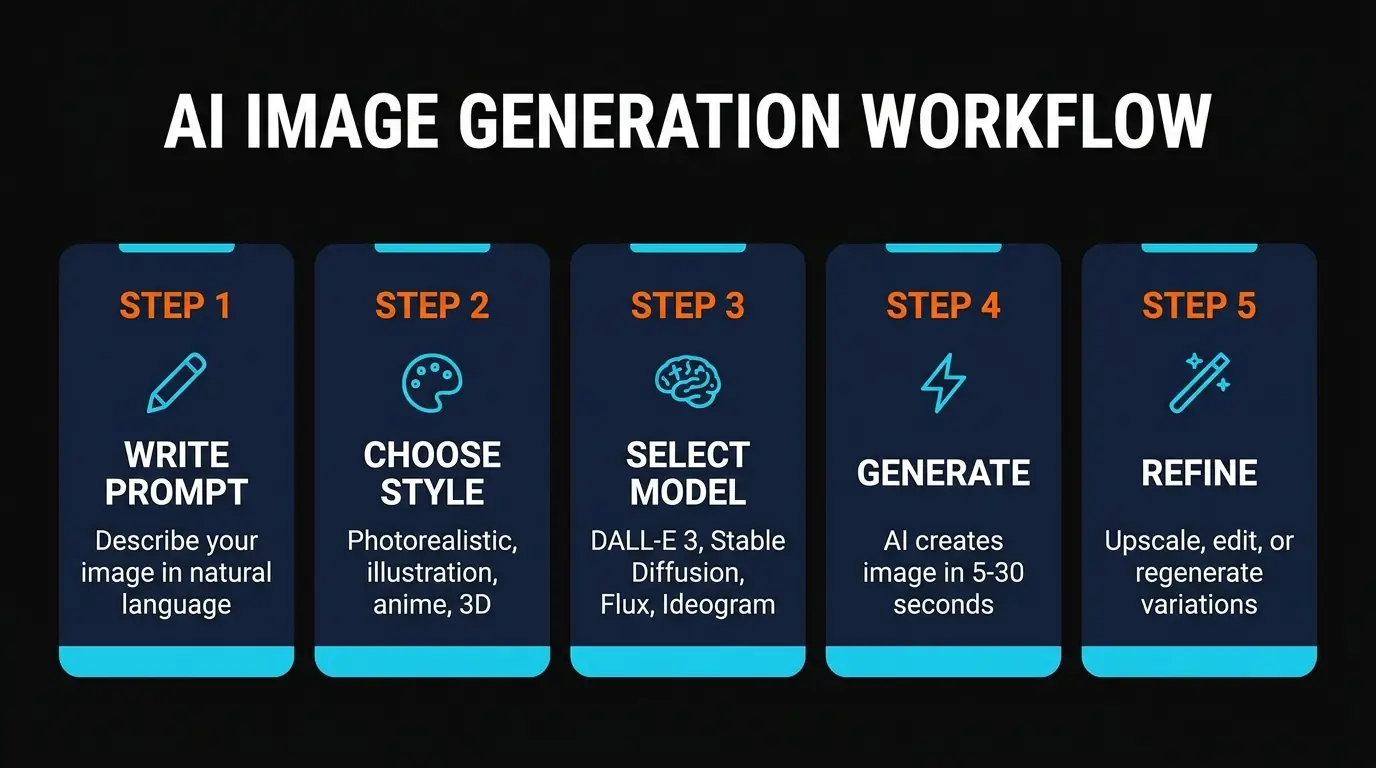
Here is the complete side-by-side breakdown. We have included every detail that matters: free limits, platform type, key strength, commercial use status, and our quality rating after hands-on testing.
| Tool | Free Tier | Platform | Key Strength | Commercial Use | Quality |
|---|---|---|---|---|---|
| Ideogram 3 | 10 img/day | Cloud | Text rendering | Paid only | 9.5/10 |
| Leonardo AI | 150 tokens/day | Cloud | Multi-model + canvas | Paid only | 9.0/10 |
| Microsoft Designer | Unlimited | Cloud | DALL-E 3 access | Personal only | 8.5/10 |
| Craiyon | Unlimited | Cloud | No signup needed | Check terms | 6.5/10 |
| Playground AI | 100 img/day | Cloud | Canvas editing | Check terms | 8.0/10 |
| Stable Diffusion | Unlimited (local) | Local | Full control, ecosystem | Yes | 9.0/10 |
| Fooocus | Unlimited (local) | Local | One-click MJ quality | Yes | 8.5/10 |
| Adobe Firefly | 25 credits/mo | Cloud | Commercial safety | Yes + indemnity | 8.0/10 |
| Flux (Schnell) | Unlimited (local) | Local | Next-gen quality | Yes (Apache 2.0) | 9.0/10 |
| Krea AI | Limited free | Cloud | Real-time generation | Check terms | 7.5/10 |
Build an AI Image Tool? Get It in Front of the Right Audience
PopularAiTools.ai reaches thousands of qualified AI buyers actively searching for image generation tools.
Submit Your AI Tool →Frequently Asked Questions
The AI image generation space moves fast, and free tiers change frequently. We will update this article as tools add or remove free features throughout 2026. If we missed a tool you think deserves a spot, let us know.
For deeper dives into individual tools, check out our full Fooocus review, Leonardo AI review, and the rest of our AI image tool coverage.
Recommended AI Tools
played.fm
Sell your music and keep 100%: played.fm is a direct-to-fan store + sync marketplace with 0% commission, no gatekeepers, and no bans — a strong fit for AI musicians.
View Review →OpenCode
The open-source AI coding agent: terminal-first TUI, 75+ model providers, LSP context, subagents, and privacy-first design. Free software, ~180K GitHub stars.
View Review →Exa
The neural web search API for AI agents: embeddings-based retrieval, cited highlights, sub-180ms latency, and an MCP server. 20,000 free requests/month.
View Review →Google Antigravity
Google's agent-first IDE: run a fleet of AI agents from a Manager surface, on Gemini 3 Pro, Claude Sonnet 4.5, or OpenAI models. Free in public preview.
View Review →