OpenClaw Without Claude: 5 Free and Cheap Alternatives After Anthropic's Block

AI Infrastructure Lead
⚡ Key Takeaways
- Anthropic blocked Claude subscriptions from covering OpenClaw usage — you can still use the API, but it costs extra
- Qwen 3.6 Plus on OpenRouter is the best replacement — it's completely free, has 1M token context, and is designed for agentic systems
- Ollama Cloud ($20/mo) lets you switch between Kimmy K2.5, GLM5, and MiniMax
- GLM and MiniMax coding plans start at ~$10/month each
- Atomic Chat lets you run models locally for free, or plug in your Qwen API
- You can set up any of these through Claude Code in minutes
Anthropic just dropped a bombshell. Boris from the Claude Code team announced that Claude subscriptions will no longer cover usage on third-party tools like OpenClaw. You can still use Claude via the API — but that means per-token costs, which get expensive fast for agentic workloads.
A lot of people were running OpenClaw powered by their $20/month Claude Pro subscription. That's over. But here's the thing: there are now better and cheaper options — including one that's completely free and arguably more suited to agentic use cases than Claude ever was.
What Happened: Anthropic Blocks Claude From OpenClaw
The announcement came directly from Anthropic: starting immediately, Claude subscriptions (Pro, Max, Team) no longer cover usage on third-party tools like OpenClaw. If you want to use Claude with OpenClaw, you need a Claude API key — and that's pay-per-token.
This was always going to happen. Agentic tools like OpenClaw burn through massive amounts of tokens — far more than normal chat usage. Anthropic was essentially subsidizing heavy compute usage at subscription rates. The economics didn't work.
OpenClaw — still the most popular autonomous AI agent, now with more model options
But here's the silver lining: this forces the ecosystem to diversify. And the alternatives are good.
Method 1: Qwen 3.6 Plus on OpenRouter (Free)
This is the best option by far. Qwen 3.6 Plus is Alibaba's latest model — released April 2nd — with a 1 million token context window, specifically designed for agentic systems. And it's completely free via the OpenRouter API.
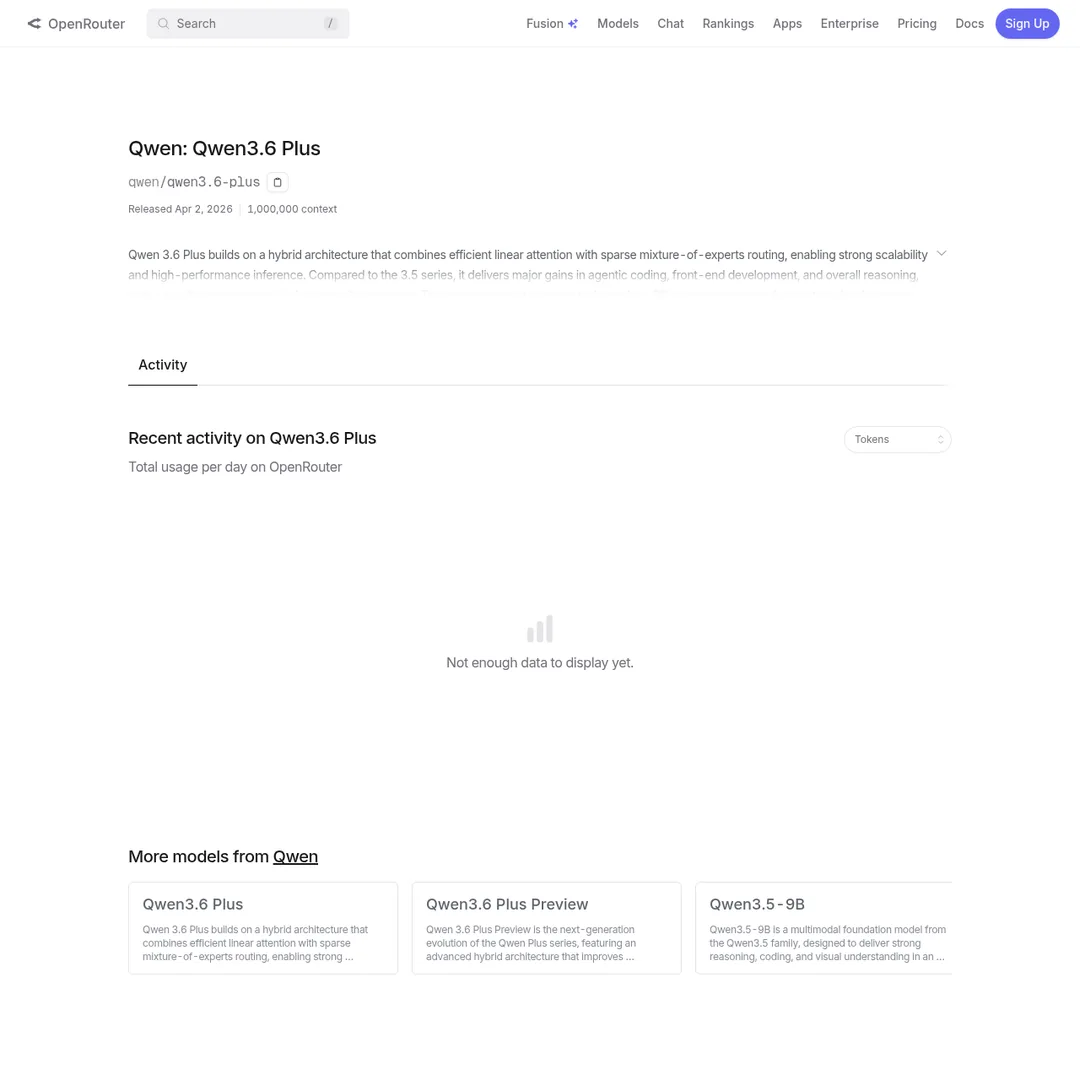
Qwen 3.6 Plus on OpenRouter — free, 1M context, designed for agents
It was the first model to process a trillion tokens in a single day on OpenRouter. That tells you how many people are already using it.
In some ways, this is actually better than using Claude. You were paying $20/month for Claude. Now you pay $0 for Qwen 3.6 Plus. It's newer, has a massive context window, and was built from the ground up for agentic workflows.
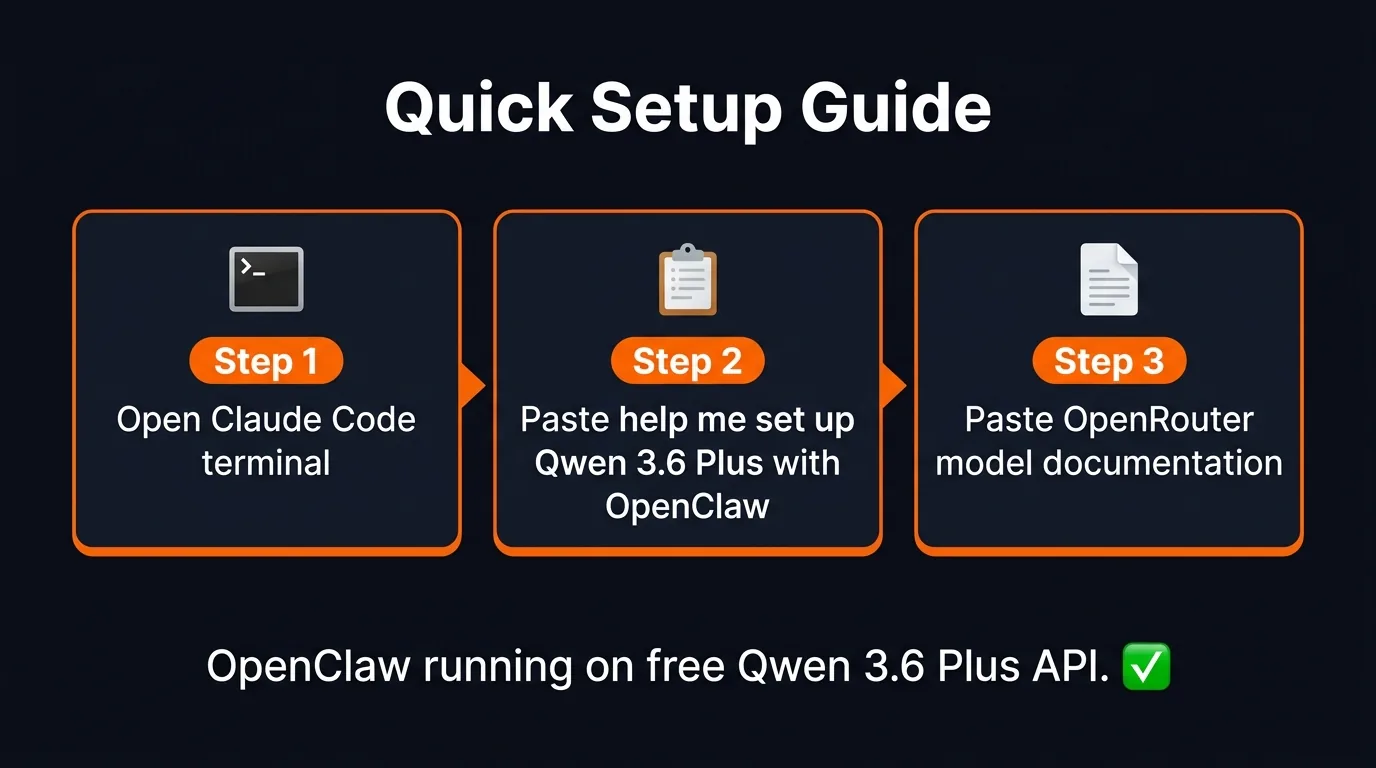
Three steps to get OpenClaw running on Qwen 3.6 Plus
How to Set It Up
- Open Claude Code in your terminal (you probably already have it)
- Go to the Qwen 3.6 Plus page on OpenRouter and copy the model documentation
- In your terminal, type:
Help me set up Qwen 3.6 Plus with OpenClaw installed locallyand paste the documentation - Claude Code handles the rest — it adds the model to your OpenClaw config
You can also set it up directly through OpenClaw's onboarding or by telling OpenClaw: "Help me install Qwen 3.6 Plus."
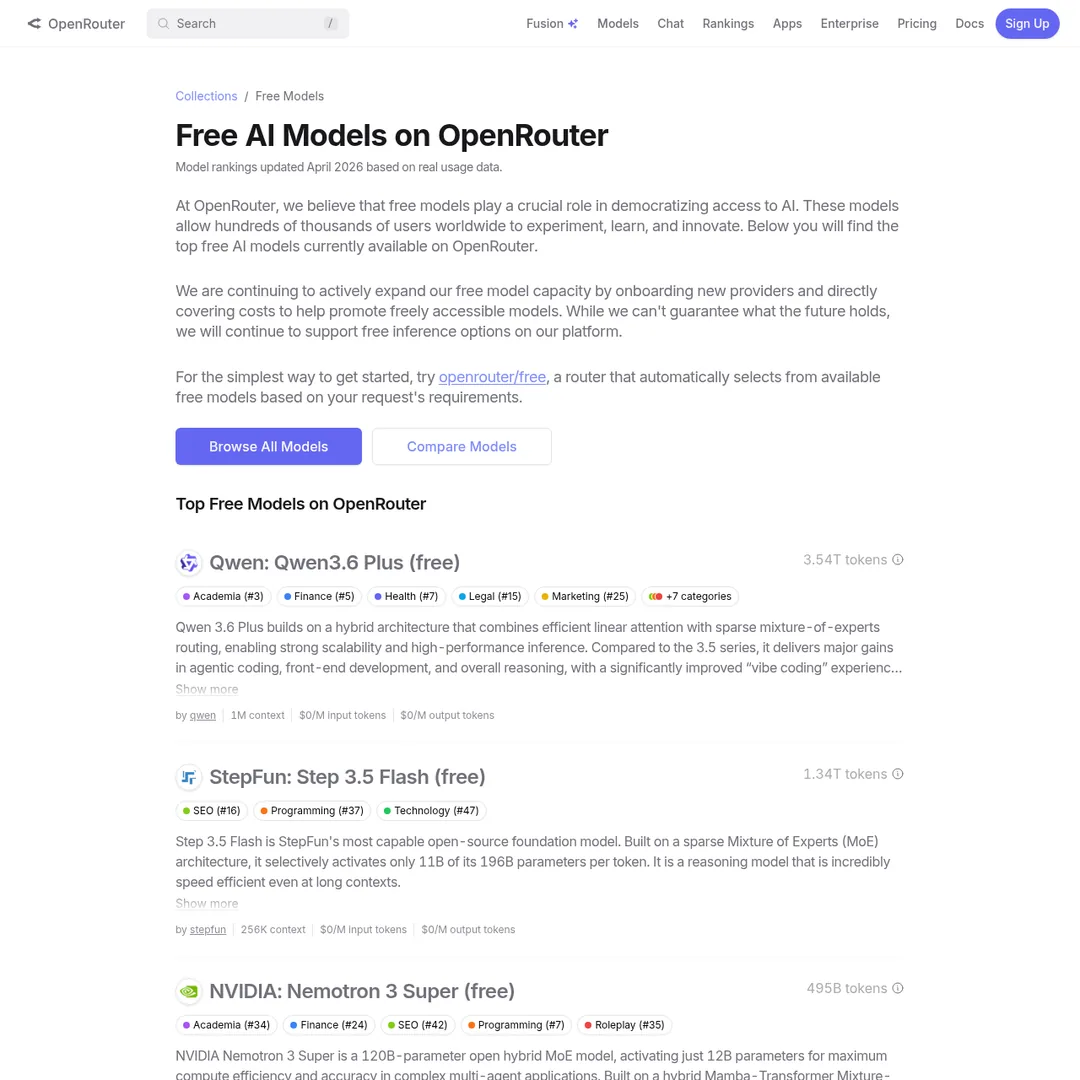
OpenRouter's free models — Qwen 3.6 Plus is the standout for agentic use
Method 2: Ollama Cloud ($20/mo)
Ollama now has a cloud plan that lets you run models without local hardware. For $20/month (same price as the Claude subscription you just lost), you get access to multiple models and can switch between them:
- Kimmy K2.5 Cloud
- GLM5 Cloud
- MiniMax M2.7 Cloud
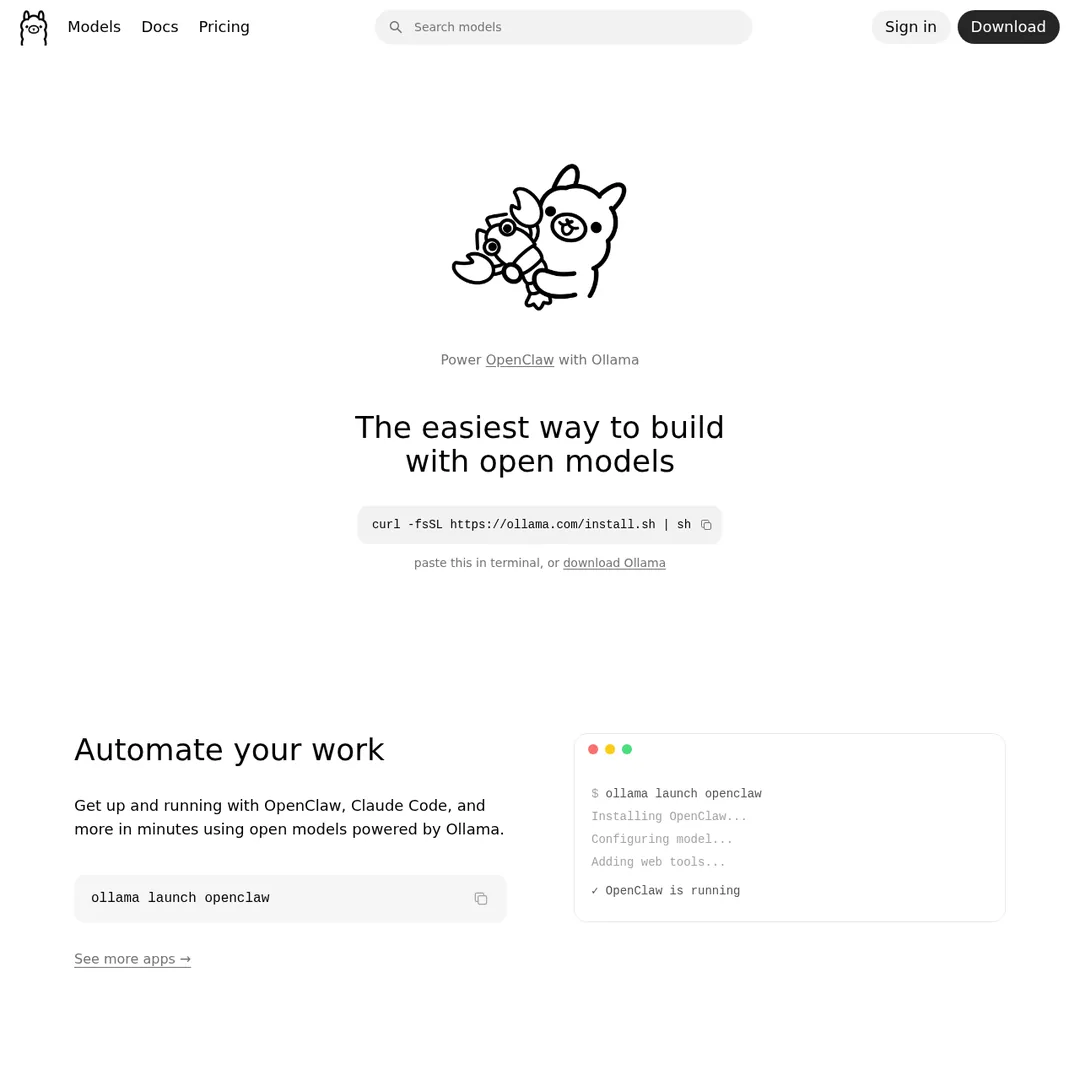
Ollama — run models locally or in the cloud
The advantage over the free Qwen option is model variety — you can switch between different models depending on the task. To set it up, launch OpenClaw and use the model selector to switch between the Ollama cloud models.
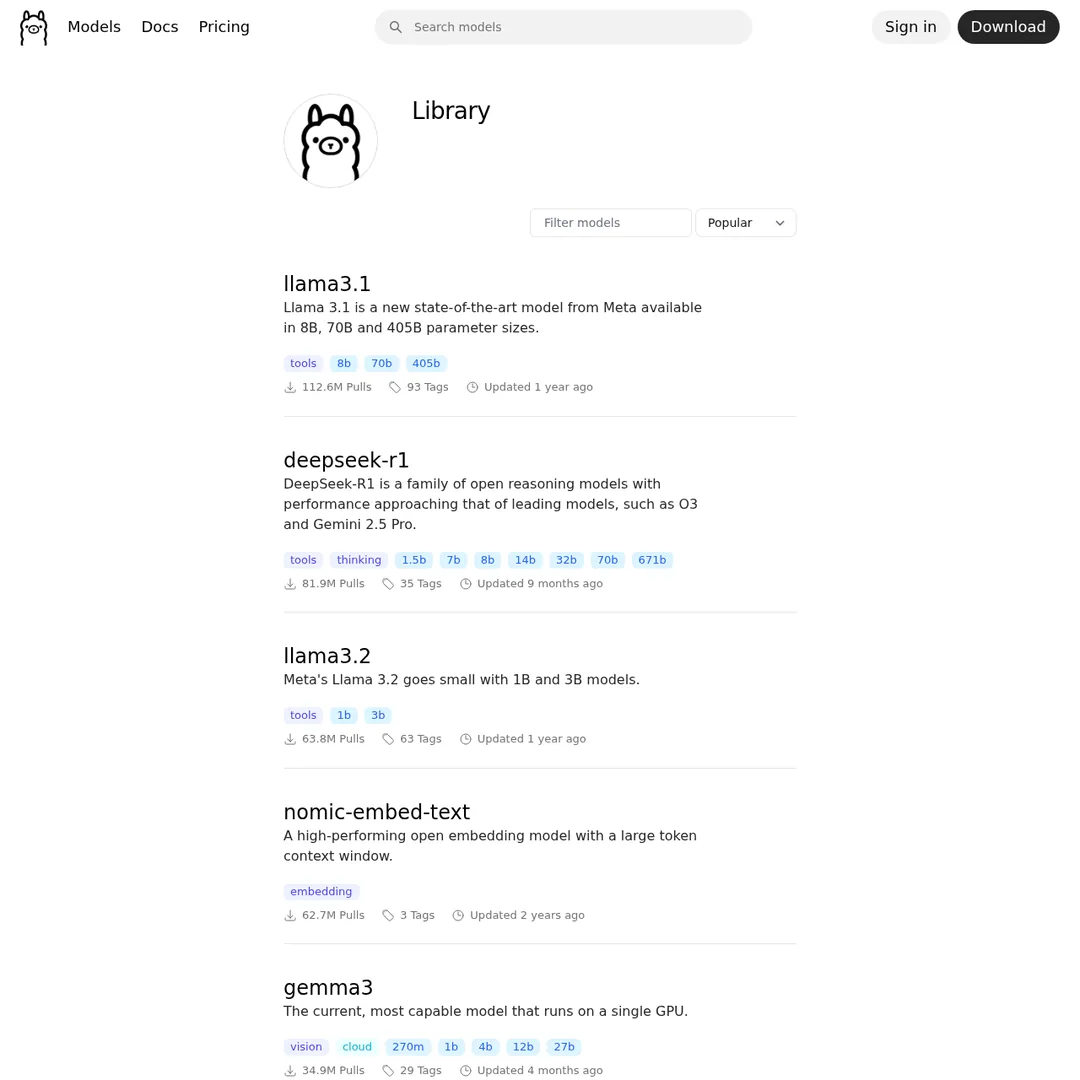
Ollama's model library — switch between models on the fly
Method 3: GLM Coding Plan (~$10/mo)
GLM (from Zhipu AI) has a dedicated coding plan that supports OpenClaw directly. It comes with 3x the usage of the core plan and is optimized for coding workflows. The pricing starts around $10/month — half of what you were paying for Claude.
Setup is similar: follow the instructions on the GLM platform, or have Claude Code/OpenClaw configure it for you.
Method 4: Atomic Chat (Free Local)
If you have decent hardware (a modern GPU or Apple Silicon Mac), Atomic Chat lets you run models locally — completely free, forever. No API costs, no subscriptions, no limits.
You can also use Atomic Chat as a frontend and plug in your OpenRouter API key (Qwen 3.6 Plus) if your hardware isn't powerful enough for local inference. Either way, it connects to OpenClaw.
This option is best for tinkerers who want full control and don't mind managing local model files.
Method 5: MiniMax Coding Plan (~$10/mo)
MiniMax has its own coding plan with OpenClaw support. What's interesting about MiniMax is that 30% of it was built by the AI agent itself — it's a self-improving model. The coding plan starts at $10/month.
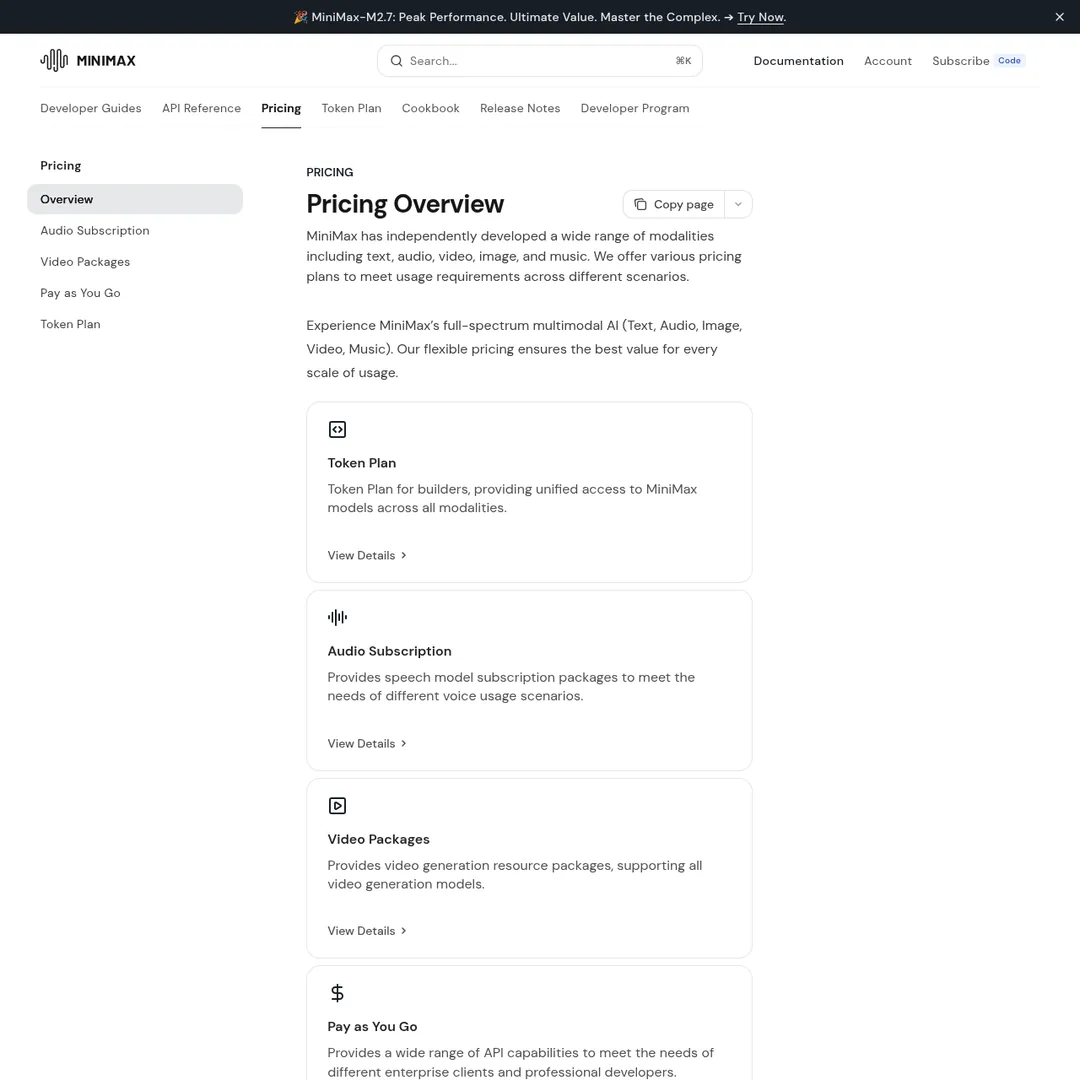
MiniMax pricing — the coding plan is a solid budget option
Cost Comparison Table
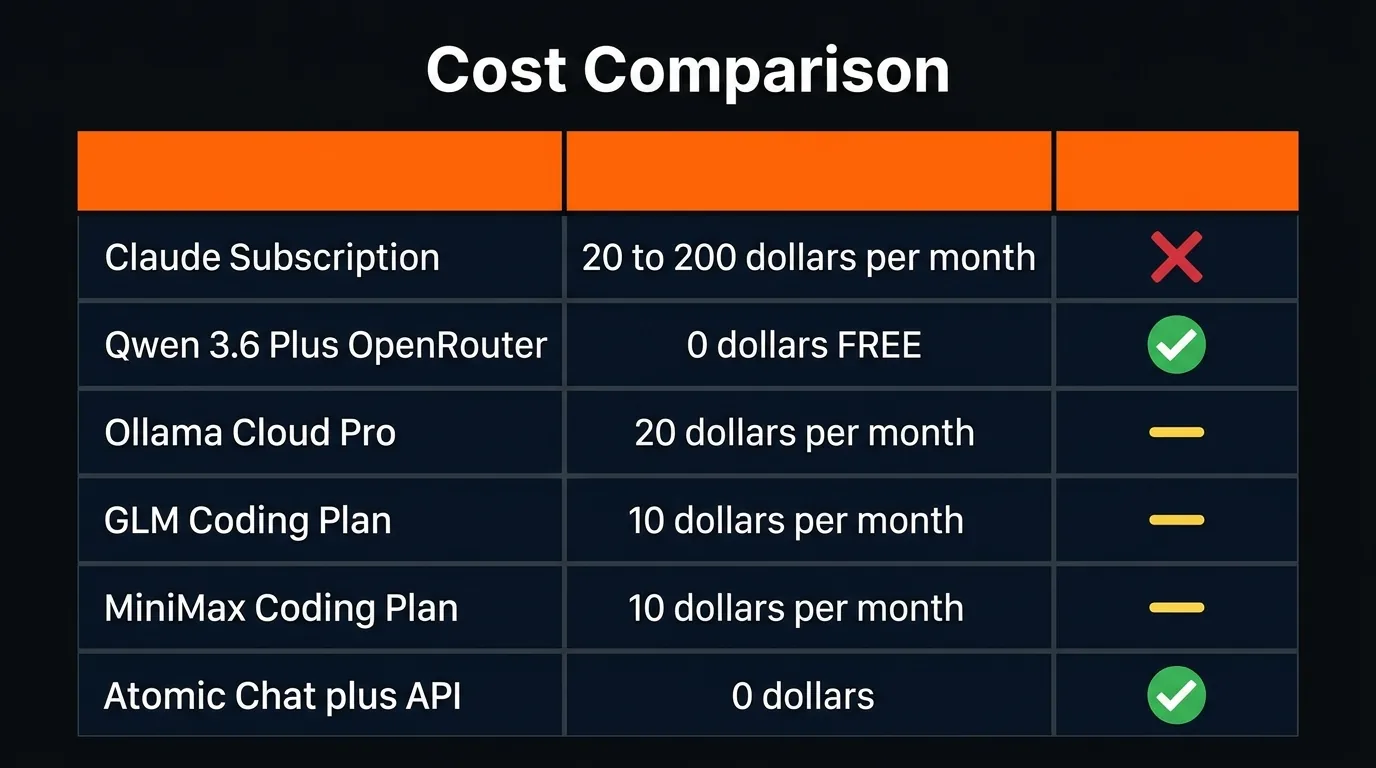
The cost breakdown — most options are cheaper or free
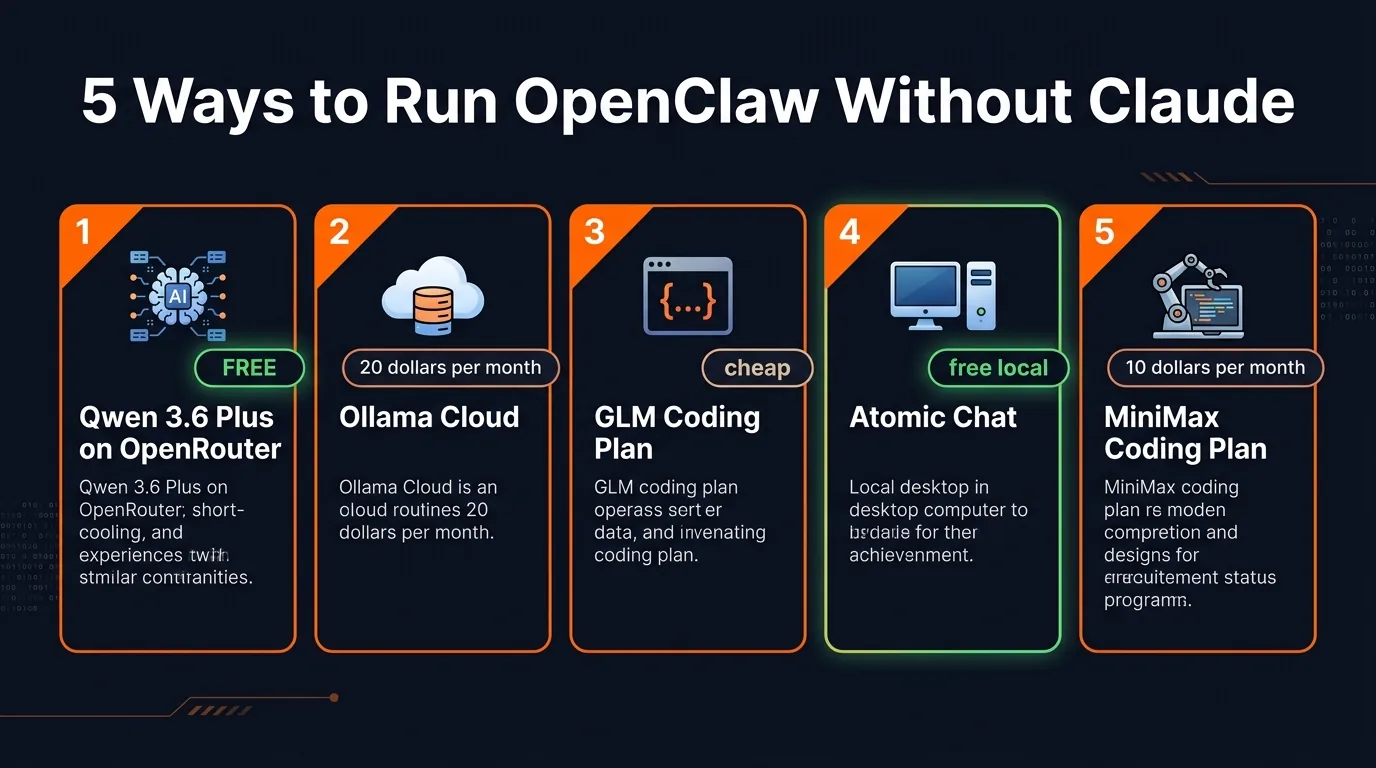
All five alternatives at a glance
Why OpenClaw Over Claude Code Directly?
Some people are asking: "Why not just use Claude Code with its new scheduled runs and dispatch features?" Fair question. Here's why OpenClaw still wins for most agent workflows:
- Always running in the cloud — OpenClaw doesn't need a terminal window open. Claude Code requires a desktop app or terminal running in the background
- Mobile access via Telegram/Discord — message your agent from your phone, anywhere
- Simpler multi-agent setup — run multiple OpenClaw instances with different APIs, switch between them via a dashboard
- Claude Code dispatch reportedly only works about 50% of the time (Anthropic says this on their own docs)
- Model flexibility — you can switch between APIs on the fly, use different models for different tasks
As one commenter put it perfectly: "Claude Code is excellent for building apps, websites, and APIs. OpenClaw is excellent for agents." Use both — just don't pay Claude subscription rates for your agent workflows anymore.
Bonus: Fixing OpenClaw Memory Issues
A common complaint with OpenClaw is memory — the agent forgetting context from previous sessions. A few tips that help:
- Use separate threads for separate tasks instead of one long conversation
- Run
/newor/startto refresh session context when it gets bloated - Try Honcho Memory — it's a plugin that improves long-term memory for both OpenClaw and Hermes Agent
- Keep your
memory.mdfile clean and organized - Add multiple API providers as failbacks — if one model hangs, switch to another
The Bottom Line
Anthropic blocking Claude subscriptions from OpenClaw feels like a setback. It's actually a push toward a better setup. Qwen 3.6 Plus is free, has a million-token context window, and was designed for exactly this use case. You were paying $20/month for something you can now get for $0.
The days of depending on a single model provider for your AI agent stack are over. Add multiple providers, use the best model for each task, and keep your costs under control. That's the new playbook.
Build an AI Tool? Get It in Front of the Right Audience
PopularAiTools.ai reaches thousands of qualified AI buyers.
Submit Your AI Tool →Frequently Asked Questions
Why did Anthropic block Claude from OpenClaw?
Anthropic announced that Claude subscriptions will no longer cover usage on third-party tools like OpenClaw. Users can still use Claude via the API, but that means paying per-token costs instead of using their subscription. The move was likely driven by the compute costs of supporting high-volume agentic usage through subscriptions.
What is the best free alternative to Claude for OpenClaw?
Qwen 3.6 Plus on OpenRouter is the best free option. It has a 1 million token context window, is designed for agentic systems, and was the first model to process a trillion tokens in one day on OpenRouter. It's free via the OpenRouter API and can be set up in minutes.
Can I still use Claude with OpenClaw?
Yes, but only through the Claude API with per-token costs — not through your Claude subscription. This can get expensive for heavy agentic usage. Most users are switching to free or cheaper alternatives instead.
How do I set up Qwen 3.6 Plus with OpenClaw?
Open Claude Code in your terminal, go to the Qwen 3.6 Plus page on OpenRouter, copy the model documentation, and tell Claude Code: "Help me set up Qwen 3.6 Plus with OpenClaw installed locally" and paste the documentation. Claude Code handles the rest.
Is Qwen 3.6 Plus as good as Claude for coding?
Probably not quite as good for the most complex tasks — Claude is still considered the most agentic model. But Qwen 3.6 Plus is designed for agentic systems, has a 1M token context window, and is completely free. For most OpenClaw workflows, it performs very well.
What other paid alternatives work with OpenClaw?
Ollama Cloud Pro ($20/month) lets you switch between Kimmy K2.5, GLM5, and MiniMax M2.7. GLM has a coding plan starting around $10/month. MiniMax has a coding plan from $10/month. Atomic Chat lets you run models locally for free or plug in your own API.
Recommended AI Tools
played.fm
Sell your music and keep 100%: played.fm is a direct-to-fan store + sync marketplace with 0% commission, no gatekeepers, and no bans — a strong fit for AI musicians.
View Review →OpenCode
The open-source AI coding agent: terminal-first TUI, 75+ model providers, LSP context, subagents, and privacy-first design. Free software, ~180K GitHub stars.
View Review →Exa
The neural web search API for AI agents: embeddings-based retrieval, cited highlights, sub-180ms latency, and an MCP server. 20,000 free requests/month.
View Review →Google Antigravity
Google's agent-first IDE: run a fleet of AI agents from a Manager surface, on Gemini 3 Pro, Claude Sonnet 4.5, or OpenAI models. Free in public preview.
View Review →