Secure Your Suno Catalogue Now: An Action Plan Before the Watermark and Download-Limit Rollout

AI Creative Tools Specialist

Before the download limits land, run your entire Suno library through Undetectr in one pass. It strips Suno watermarks and AI artifacts across your whole catalogue in bulk, so every track is release-ready the moment you distribute — it's the tool we recommend for getting a full catalogue clean fast.
Bulk-Clean Your Catalogue with Undetectr →Key Takeaways
- Suno's download limits go live September 3, 2026. The caps are now confirmed: Free = 7 downloads total (lifetime), Pro = 20/month, Premier = 60/month, with Suno Studio unaffected. The window to export on your terms is closing.
- The single highest-value move is a full catalogue backup before September 3 — and an approved Suno download is becoming the gateway to commercial use, so getting your files out now matters twice over.
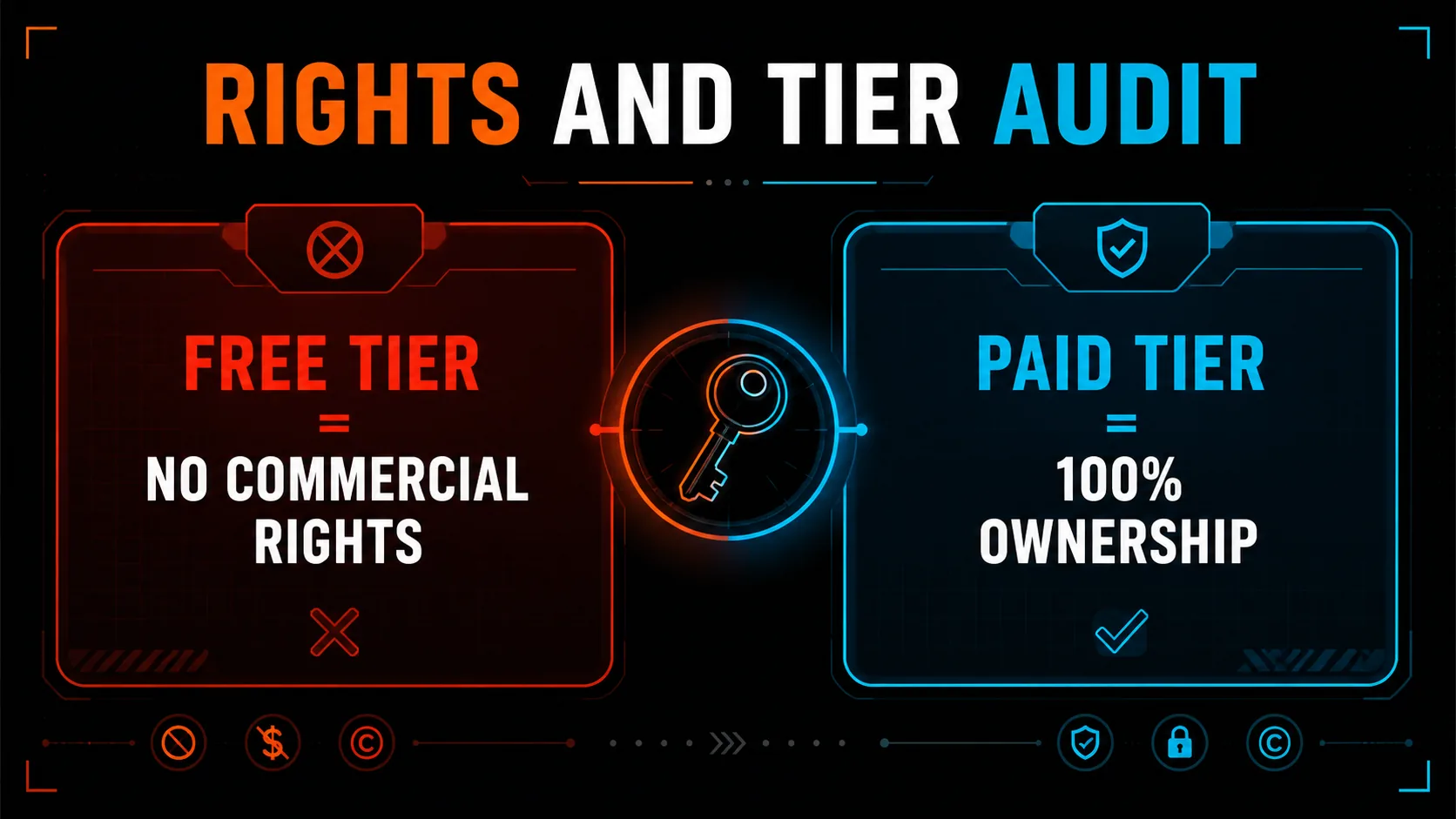
- Confirm each track was made on a paid tier so you hold 100% commercial rights, then log the generation date as proof.
- Prepare clean, release-ready masters and disclose AI use at upload — disclosure is what keeps a release live.
- Release through a distributor that accepts AI music (DistroKid) before the rollout reshapes your workflow.
Table of Contents
Why the clock is ticking
On August 6, 2026, Suno CEO Mikey Shulman confirmed the company would tighten its download policy — and days later the details landed. As of the reporting on August 10–11, the caps take effect September 3, 2026, and they are steep. The tamper-resistant watermarking and fingerprinting is a separate change still arriving "in the coming weeks," but the download limits have a hard date. If you have a Suno catalogue you intend to release, sell, or license, you have a firm deadline to get your files out.
| Tier | Price | Download cap from Sept 3 |
|---|---|---|
| Free | $0 | 7 total (lifetime, no reset) |
| Pro | $8/mo | 20 per month |
| Premier | $24–30/mo | 60 per month |
| Suno Studio | — | Unaffected (no cap) |
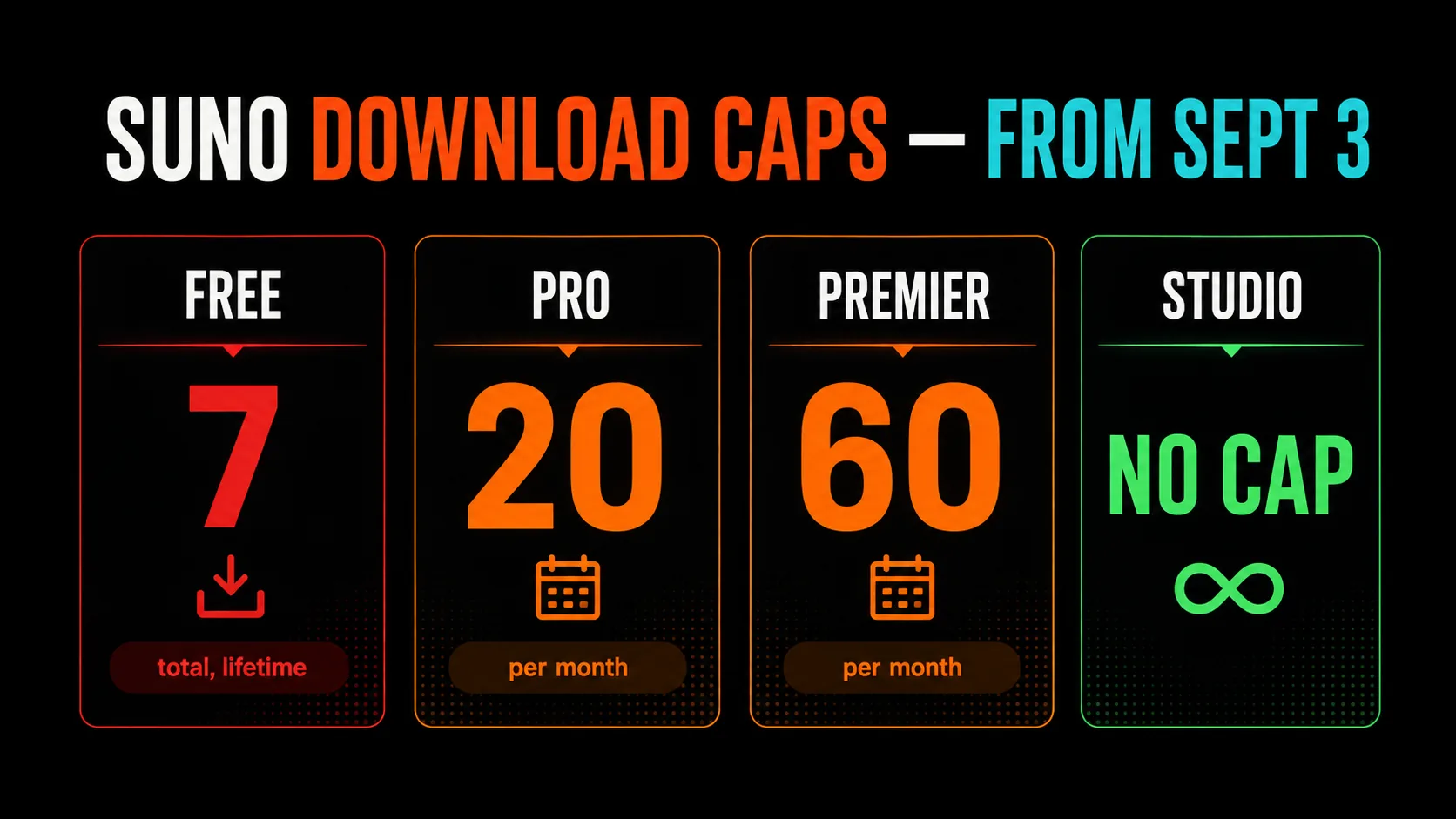
Read those numbers against a real catalogue. A prolific Free-tier user with 200 tracks gets seven downloads, ever. Even a Pro subscriber pulling 20 a month would need most of a year to export a 200-track back catalogue — and every download after your cap costs extra. The math is why the move is to export in bulk before September 3, not one track at a time after. Suno says individual releases are not the target and the "vast majority" of users will be unaffected, but "unaffected" assumes a small, slow catalogue. If yours is large, this is a workflow deadline. For the background on the watermarking side, read the companion explainer on what Suno's watermarking actually means.
Step 1: Download and back up everything
This is the step that is genuinely time-sensitive, because it is the one the September 3 limit directly obstructs. Go through your Suno library and export every track you might ever want — finished songs, promising drafts, stems and alternate takes — at the highest quality your plan allows. Do not cherry-pick; storage is cheap and regret is not. Then follow the 3-2-1 principle: keep the files in at least two places, one of them offline.
Exporting a large catalogue by hand, one track at a time, is exactly the workflow the caps are about to break. This is what Undetectr's Bulk Downloader is built for: point it at your Suno playlist and it pulls the whole library in one pass, so you clear your catalogue out ahead of the deadline instead of racing the cap after it lands. It is the fastest way to turn "200 tracks trapped behind a 7-download limit" into a folder on your own drive.
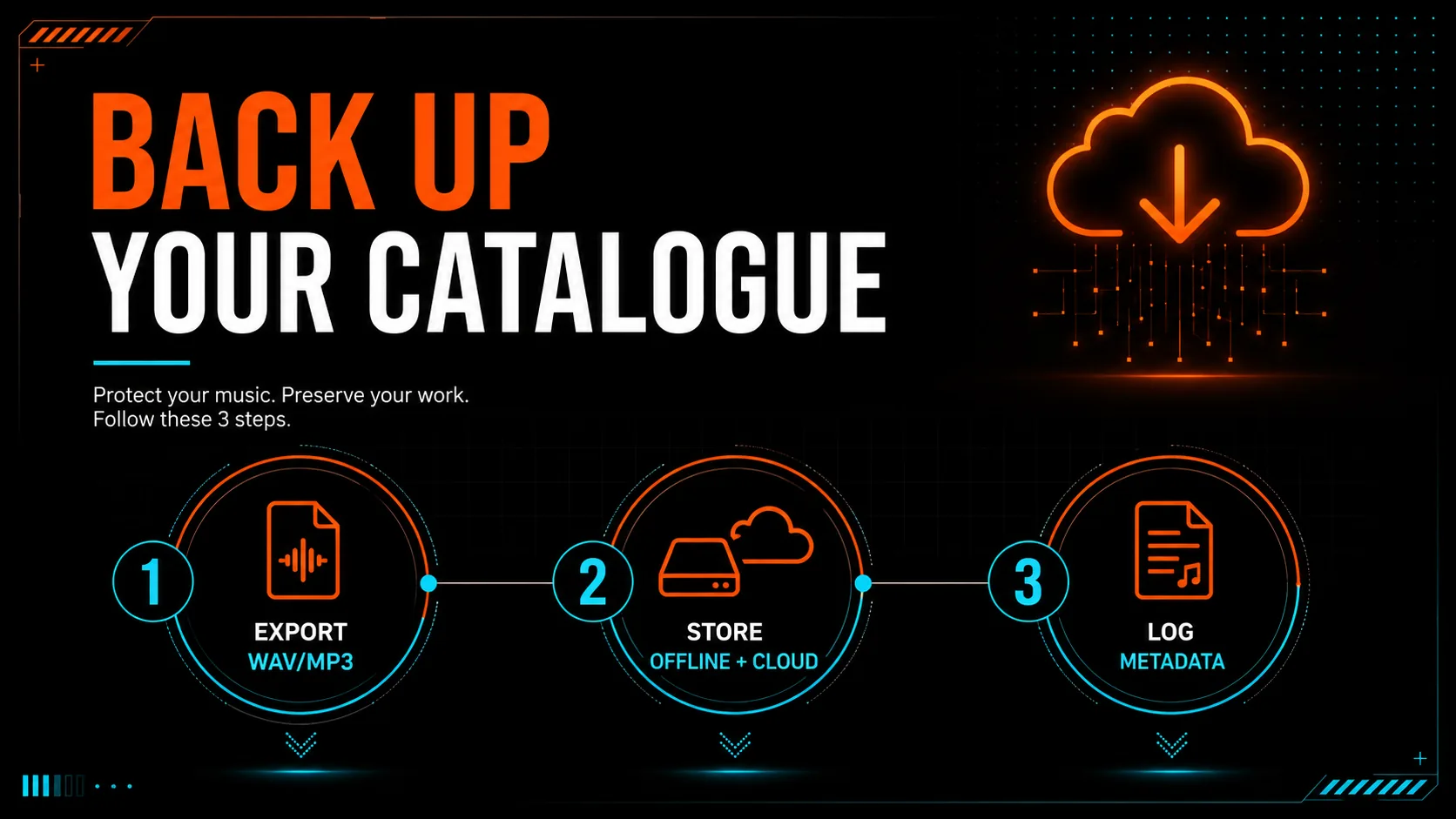
| Backup layer | What to store | Why |
|---|---|---|
| Local drive | Highest-quality exports (WAV where available, else MP3) | Instant access, no dependency on Suno's servers |
| Cloud copy | Mirror of the local folder | Survives a drive failure |
| Metadata log | Track title, generation date, Suno tier, prompt | Proof of ownership and creation timeline |
That metadata log matters more than it looks. Because watermarks embed at generation time and Suno has not confirmed any retroactive change, the exports you pull today are a clean, dated snapshot of your catalogue — useful both for release and, if it ever comes to it, for demonstrating provenance.
Step 2: Verify rights and tier
Ownership is the pivot the entire release process turns on. Under both Suno's terms and DistroKid's 2026 policy, you can only claim commercial rights to a track if you were on a paid Suno subscription at the time the audio was generated. A track spun up on a free plan does not carry the commercial rights you need to distribute and monetize it. Go through your backup and confirm each keeper track meets this bar; flag anything generated on a free tier so you can regenerate it on a paid plan if it is worth keeping.
While you are auditing, make sure none of your tracks trip the updated community guidelines: no recreations of existing songs, no material you do not have rights to, and no real person's voice or likeness without permission. Those are the categories where identification and enforcement will actually bite. Clean, original, paid-tier tracks are exactly what the new rules leave alone.
Step 3: Process your masters
Having the files and the rights is not the same as being release-ready. Distributors run automated AI-detection screening (via partners like Audible Magic), and raw generative exports frequently carry the acoustic artifacts — spectral tells, quantization glitches, phase anomalies — that those systems are tuned to catch. A legitimate, disclosed track can still get caught in a false-positive and suppressed. Preparing a proper master is how you avoid that.
For the watermark and artifact problem specifically, we recommend Undetectr, a purpose-built signal-level processing tool. It removes Suno watermarks and cleans the machine-generated artifacts that trigger distributor screening, while preserving the character of your track. Once you have downloaded and rights-verified your catalogue, run it through Undetectr in bulk so every track ships as a clean master that passes verification instead of getting caught in a false-positive. Keep your rights clean and disclose AI use where your distributor requires it. Our deep dives on artifact-removal software and fixing rejected AI music walk through the mechanics.
Step 4: Disclose and release
Now ship it. Release through a distributor that openly accepts AI-assisted music, and use its AI-disclosure step honestly. We recommend DistroKid: its 2026 policy accepts AI music from Suno and Udio provided you own 100% of the rights, tick the AI-disclosure box (identifying which parts — lyrics, vocals, instrumental, or full composition — were AI-generated), and steer clear of voice cloning and spam. Disclosure is not the thing that gets you pulled; non-disclosure is. A track that is honestly labeled and rights-clean is in the strongest possible position once off-platform identification is live.
| At upload, do this | Not this |
|---|---|
| Tick the AI-disclosure box accurately | Leave AI involvement undeclared |
| Release your own original compositions | Upload recreations or cloned voices |
| Release considered singles/EPs | Mass-upload hundreds of tracks |
Priority order if you are short on time
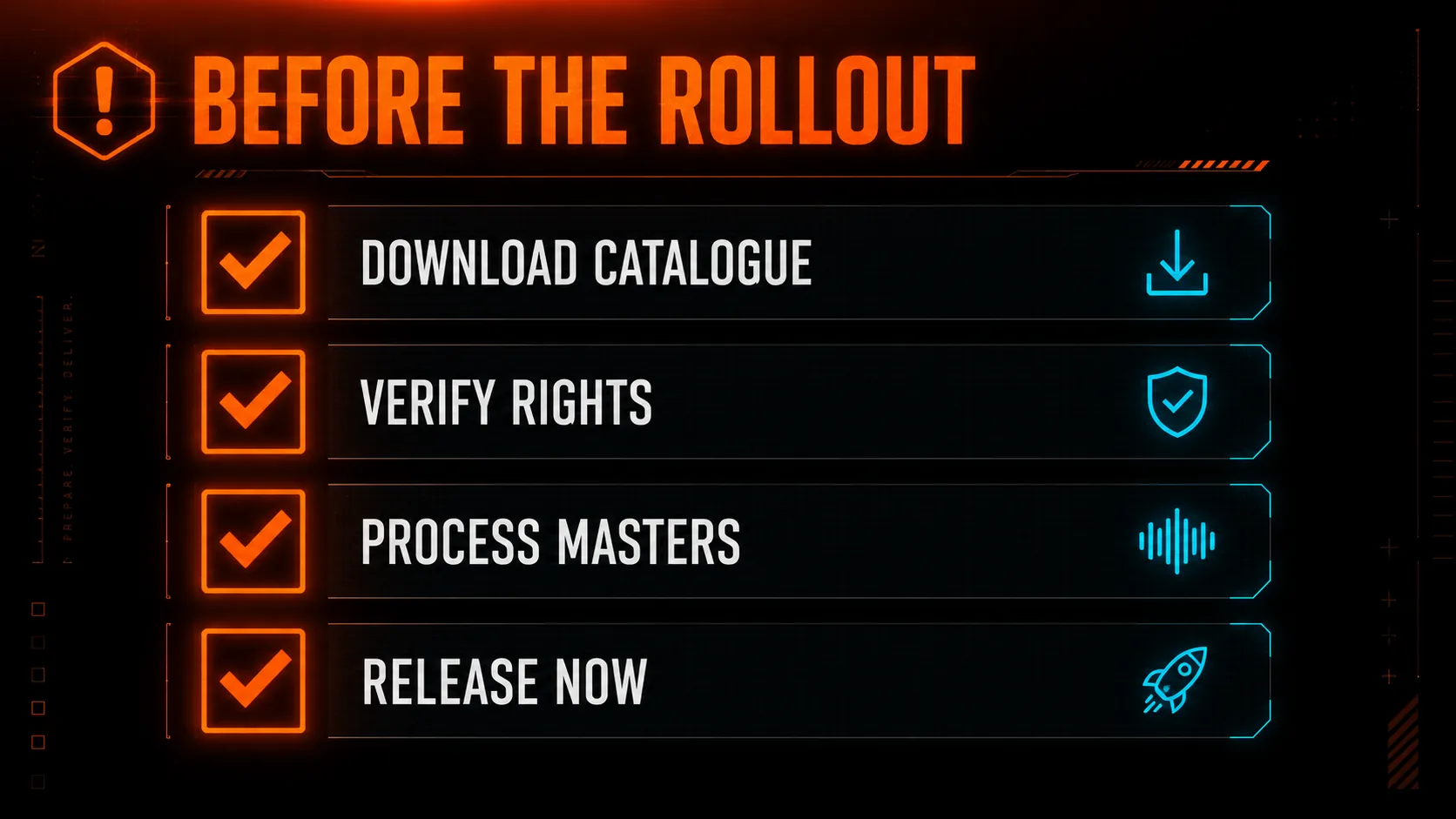
If you only have an hour, do them in this order — each step is worthless if the one before it was skipped:
- Back up first. Files you do not have are files you cannot release. This is the only irreversible step.
- Verify rights. Know which tracks are actually yours to sell before you invest more time in them.
- Process the keepers. Clean masters on the tracks you will actually release.
- Disclose and distribute. Get them live, labeled, and earning.
None of this requires you to believe the sky is falling. It requires you to notice that a limited-but-undefined change is coming and to finish the limit-sensitive work while the limits do not yet exist. That is just good catalogue hygiene — the kind every serious independent artist should be doing anyway.
Frequently Asked Questions
By Eddie Mathews. Based on Suno's August 6, 2026 announcement and reporting from TechCrunch, Engadget, Billboard and Music Ally, plus DistroKid's published 2026 AI-music policy. Details verified as of August 2026; we will update this action plan as Suno confirms caps and dates.
Recommended AI Tools
played.fm
Sell your music and keep 100%: played.fm is a direct-to-fan store + sync marketplace with 0% commission, no gatekeepers, and no bans — a strong fit for AI musicians.
View Review →OpenCode
The open-source AI coding agent: terminal-first TUI, 75+ model providers, LSP context, subagents, and privacy-first design. Free software, ~180K GitHub stars.
View Review →Exa
The neural web search API for AI agents: embeddings-based retrieval, cited highlights, sub-180ms latency, and an MCP server. 20,000 free requests/month.
View Review →Google Antigravity
Google's agent-first IDE: run a fleet of AI agents from a Manager surface, on Gemini 3 Pro, Claude Sonnet 4.5, or OpenAI models. Free in public preview.
View Review →