Seedance 2.0 via Kie.ai API: How to Use ByteDance's Multimodal Video Model (2026)

AI Creative Tools Specialist
Key Takeaways
- Seedance 2.0 is a multimodal-first video model — text, image, video, and audio all feed the same prompt.
- Native audio in a single pass — synced dialogue, music, and ambient soundscapes without a second pipeline.
- Multi-shot prompting — one prompt can produce five to fifteen consistent shots with a locked character.
- Via Kie.ai: from $0.0575/s at 480p. A 10-second 720p shot is $1.25.
- Two tiers: Standard (up to 1080p) and Fast (up to 720p, ~4 min generation).
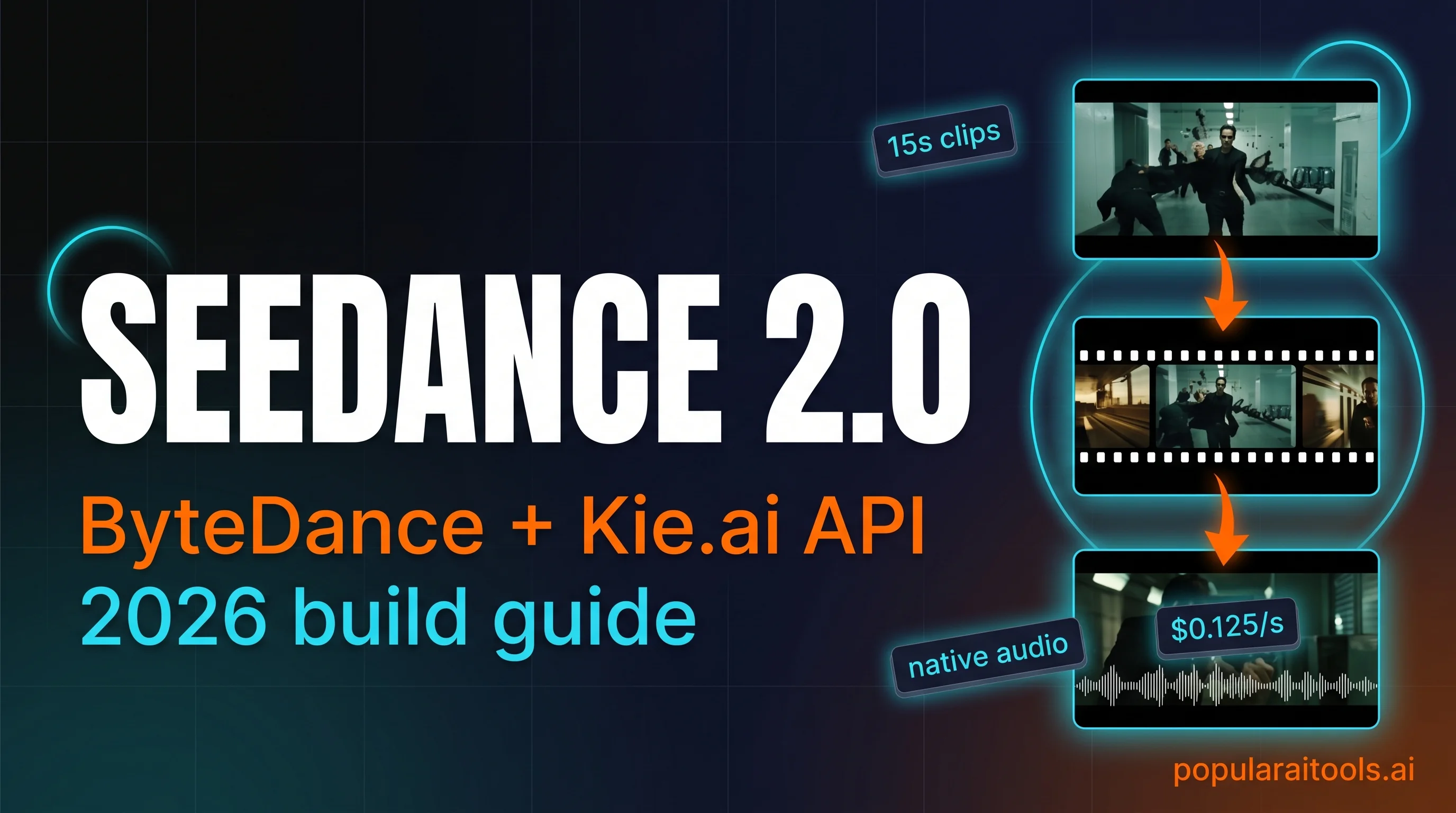
ByteDance launched Seedance 2.0 in February 2026 and quietly moved the video-generation frontier. It is the first major video model that accepts all four modalities in one request — text, image, video, and audio — with up to twelve reference files at once. Audio generates natively alongside the picture. Multi-shot prompts stay consistent across fifteen shots. A ten-second 720p clip costs $1.25 via Kie.ai. We spent the week since launch putting it through real production work and writing down what actually happens.

What Seedance 2.0 actually is
Seedance 2.0 is ByteDance's unified multimodal audio-video model. The unusual word in that sentence is unified. Most video models take one input shape. Runway takes a prompt plus an image. Veo takes a prompt plus an image. Sora mostly takes a prompt. Seedance takes all four — text, image, video, and audio — in a single request, and it composes them into one clip.
In practice that means you can upload a phone clip of your dog, a photo of your dog from two years ago, a short audio snippet of the bark you want, and a prompt that says "my dog runs through a snowy Alpine village, golden hour, dolly-back shot". The model renders a cinematic version where the dog looks right, moves right, and barks at the right moment. None of the other frontier video models can take all four of those at once.

The catch: ByteDance's own web interface is limited to China. International access happens through third-party platforms. Replicate has it. fal has it. Kie.ai has it — and Kie is where we run it, because the billing, pricing, and documentation are the least painful of the set.
Six capabilities that matter in production
After the first week of real usage, here are the six features that change how we work. Everything else is details.

1. Multimodal input in a single request
Up to nine reference images, three reference videos (combined fifteen seconds), three reference audio files (combined fifteen seconds). Text prompt on top. The model references everything with an @-mention system, so you can name specific uploads in the prompt — "follow the camera path of @ref_video_1, apply the lighting from @ref_image_3".
2. Native audio that syncs on first try
Set generate_audio: true and the model produces a clip where dialogue matches mouth movement, footsteps hit when feet hit ground, and background music follows the emotional arc of the scene. The alternative is to generate silent video, run a TTS pass, run a lip-sync pass, then layer music — three additional tools, three places things break. With Seedance, the audio is part of the same render.
3. Multi-shot consistency in one prompt
Write five or ten shots in one prompt and the model keeps the character's face, clothes, and voice locked across every shot. Lighting stays consistent within a scene. Camera logic — who is where relative to whom — carries over. This is the single biggest practical unlock. Earlier video models would drift character identity across shots; you had to regenerate each shot individually against a reference image.
4. Flexible four-to-fifteen second duration
Most social clips want six seconds. Most cinematic shots want eight to twelve. Fifteen is plenty for a multi-shot sequence that makes narrative sense. Pass the exact duration you want as an integer in seconds.
5. Reference-driven workflow instead of prompt guessing
If you want a specific camera move — an orbit, a whip pan, a match cut — upload a four-second reference video of that move on anything (a YouTube clip, a phone recording) and tell Seedance to replicate the movement. No more reverse-engineering cinematic terminology into a prompt string. Show, don't tell.
6. Physics-aware motion
Objects have weight. A falling knife falls at knife speed. A ball bouncing on grass stops faster than a ball bouncing on concrete. This was the most embarrassing failure mode in earlier models — objects would glide, float, or teleport — and it is largely fixed.
Why Kie.ai is the cleanest access point
Seedance 2.0 is available on a handful of platforms. We use Kie.ai for day-to-day because of three things: the unified API shape, the predictable USD pricing, and the fact that you can route Seedance alongside Veo 3.1, Suno, Midjourney, Flux, and Nano Banana Pro through the same API key and billing line.

If you already use Kie.ai for Veo or Suno, Seedance 2.0 is a drop-in addition — same /api/v1/jobs/createTask endpoint, same Bearer auth, same recordInfo polling shape. We've been writing about Kie.ai as an API gateway since launch; if you want the full platform-level review, read our Kie.ai review from earlier this month.

Prompt recipes that consistently work
Three prompt patterns account for nine out of ten of the Seedance clips we've produced this week. None of them are secret — they are just what the model rewards.
Recipe one — the bullet-time freeze
A single action frozen mid-motion while the camera orbits. The ingredient that makes it work: a specific action verb, a specific orbit direction, and a reference image of the subject mid-action. Example:
A goalkeeper dives horizontally to block a shot, frozen mid-air at the
apex. Camera orbits 180 degrees counter-clockwise around the keeper at
the moment of contact with the ball. Stadium floodlights, wet turf
reflecting. After three seconds of frozen orbit, time resumes and the
keeper crashes to the grass. Duration: 8 seconds. Native audio: crowd
roar building, impact thud, grass scuff.
Recipe two — the multi-shot sequence
Numbered shots, one per line, with the character's name repeated in every shot. Specify shot type, action, camera, and lighting for each. Example from a breakfast ad we shot:
Character: @ref_image_1 — a woman in her 30s, messy hair, white t-shirt.

Shot 1 (2s): Close-up of a coffee mug sliding across a wooden table.
  Kitchen morning light. Camera locked.
Shot 2 (2s): Overhead on the woman pouring oat milk. Light streaming
  through the window. Camera slowly zooming in.
Shot 3 (3s): Medium shot, she takes the first sip. Warm smile. Camera
  gentle dolly out.
Shot 4 (2s): Close-up of her eyes opening wider, almost surprised.
  Natural window light.
Shot 5 (3s): Cut to black, title card "GOOD MORNING".

Duration: 12 seconds. Native audio: ambient kitchen, wooden clinks,
soft upbeat piano entering at shot 3.
Recipe three — the reference-driven VFX shot
Upload a reference video of the camera move or VFX you want, then describe the new scene. Seedance copies the motion and applies it to your subject. This is the pattern we use most for product shots and brand film.
A useful LLM trick: take any Seedance prompt that works, paste it into Claude or ChatGPT, and ask for a variation where only the setting changes. The structure is what the video model rewards; the words inside are replaceable. We've reused the breakfast template above for six different products and got usable output every time.

The API walkthrough — createTask to download
Seedance 2.0 on Kie.ai follows the platform's standard task pattern. POST a job, poll for the result, download the video URL when state goes success. Two endpoints total.
POST https://api.kie.ai/api/v1/jobs/createTask
Authorization: Bearer YOUR_KIE_API_KEY
Content-Type: application/json

{
  "model": "bytedance/seedance-2",
  "input": {
    "prompt": "A goalkeeper dives horizontally to block a shot...",
    "reference_image_urls": ["https://.../keeper.jpg"],
    "reference_video_urls": [],
    "reference_audio_urls": [],
    "generate_audio": true,
    "resolution": "720p",
    "aspect_ratio": "16:9",
    "duration": 8,
    "first_frame_url": "",
    "last_frame_url": ""
  }
}
Response returns a taskId. Poll the result:
GET https://api.kie.ai/api/v1/jobs/recordInfo?taskId=<taskId>
Authorization: Bearer YOUR_KIE_API_KEY

// Response when complete:
{
  "code": 200,
  "data": {
    "state": "success",
    "resultJson": "{\"resultUrls\":[\"https://cdn.kie.ai/videos/....mp4\"]}"
  }
}
Standard mode generates in about five minutes. Fast mode in about four. Parse data.resultJson as JSON, pull the first URL out of resultUrls, and download.

A working Python client fits in forty lines:
import json, os, time, requests

KEY = os.environ["KIE_API_KEY"]
H = {"Authorization": f"Bearer {KEY}", "Content-Type": "application/json"}

def submit(prompt, duration=8, reference_images=None, generate_audio=True):
    body = {
        "model": "bytedance/seedance-2",
        "input": {
            "prompt": prompt,
            "reference_image_urls": reference_images or [],
            "reference_video_urls": [],
            "reference_audio_urls": [],
            "generate_audio": generate_audio,
            "resolution": "720p",
            "aspect_ratio": "16:9",
            "duration": duration,
        },
    }
    r = requests.post("https://api.kie.ai/api/v1/jobs/createTask",
                      json=body, headers=H, timeout=30).json()
    return r["data"]["taskId"]

def wait(task_id, timeout=600):
    t0 = time.time()
    while time.time() - t0 < timeout:
        time.sleep(10)
        r = requests.get(f"https://api.kie.ai/api/v1/jobs/recordInfo?taskId={task_id}",
                         headers=H, timeout=20).json()
        data = r.get("data") or {}
        if data.get("state") == "success":
            return json.loads(data["resultJson"])["resultUrls"][0]
        if data.get("state") == "fail":
            raise RuntimeError(data.get("failMsg"))
raise TimeoutErrorPricing, tiers, and the Fast vs Standard call
Kie.ai's pricing has a quirk worth understanding. There are two price points per resolution: with video reference and without. The with-video version is cheaper because Kie's billing counts input and output separately in that mode. The without-video version is more expensive because the model does more work from scratch.

Working math on real clips:
- 6s Instagram reel at 720p with reference: $0.75
- 10s YouTube shorts at 1080p without reference: $5.10
- 15s multi-shot storytelling at 720p with reference: $1.88
- 15s pilot pitch clip at 1080p without reference: $7.65
The practical rule we use: prototype in Fast at 480p (under $0.50 a clip), iterate the prompt and references until the shot is right, then run the final pass in Standard at 720p. 1080p only when the client brief demands it; the quality-to-cost ratio at 720p is the sweet spot.
High-tier Kie.ai top-ups include a 10% bonus, so effective cost is about 10% lower than the list price. If you're doing volume, that stacks.
Seedance 2.0 vs Sora 2 vs Veo 3.1
There are three frontier video models in 2026 and they are not interchangeable. Here is how we route work between them.

Seedance 2.0 — our default for anything that needs multi-shot consistency, reference-video input, or native audio. Best $/s at 720p.
Sora 2 — longer single-shot duration (up to 20s), slightly better photorealism on human faces, but limited multimodal input and significantly pricier per clip.
Veo 3.1 — the strongest on physical realism and weather / atmosphere. Also the model we turn to when the client insists on a Google-hosted solution. No multi-shot in a single prompt; you chain clips.


Watch the full walkthrough
If you want the moving pictures — the bullet-time freeze, the breakfast-ad multi-shot, the polar-bear VR sequence, the dancer-on-a-whale — the video version walks through the prompt ideas that triggered each clip.
Frequently asked questions
generate_audio: false if you want to dub yourself.The bottom line
Seedance 2.0 is the first video model that treats multi-modality as a first-class input, not an afterthought. For anyone producing short-form brand film, social video, or product demos, that changes the routing: you go to Seedance for multi-shot consistency and reference-video control, to Sora for long single shots, to Veo for physical realism.
Access it through Kie.ai because the billing is USD, the API shape matches every other model on the platform, and the same key routes Veo 3.1, Suno, Midjourney, Flux, and Nano Banana Pro. The 5,000 free credits on signup is enough for dozens of test clips. Get the credits, burn through them on the three recipes above, decide whether it fits your pipeline.
Recommended AI Tools
played.fm
Sell your music and keep 100%: played.fm is a direct-to-fan store + sync marketplace with 0% commission, no gatekeepers, and no bans — a strong fit for AI musicians.
View Review →OpenCode
The open-source AI coding agent: terminal-first TUI, 75+ model providers, LSP context, subagents, and privacy-first design. Free software, ~180K GitHub stars.
View Review →Exa
The neural web search API for AI agents: embeddings-based retrieval, cited highlights, sub-180ms latency, and an MCP server. 20,000 free requests/month.
View Review →Google Antigravity
Google's agent-first IDE: run a fleet of AI agents from a Manager surface, on Gemini 3 Pro, Claude Sonnet 4.5, or OpenAI models. Free in public preview.
View Review →