Seedance 2.0 + Claude Code: Build Cinematic $10K Websites in One Afternoon (2026)

AI Creative Tools Specialist
⚡ Key Takeaways
- Seedance 2.0 is ByteDance's new multimodal video model — cinematic output with native audio, real-world physics, and director-level camera control. Launched April 9, 2026.
- Pair it with Claude Code and you can build landing pages with looping cinematic video backgrounds that agencies charge $10K+ for — in about 4 hours, for under $10 in total API credits.
- The workflow: generate a product image → animate it with Seedance 2.0 → have Claude Code build the full website around it → deploy to Vercel.
- Best platform for Seedance 2.0 video generation as of April 2026: Kia.ai (cheapest, supports start/end frame looping).
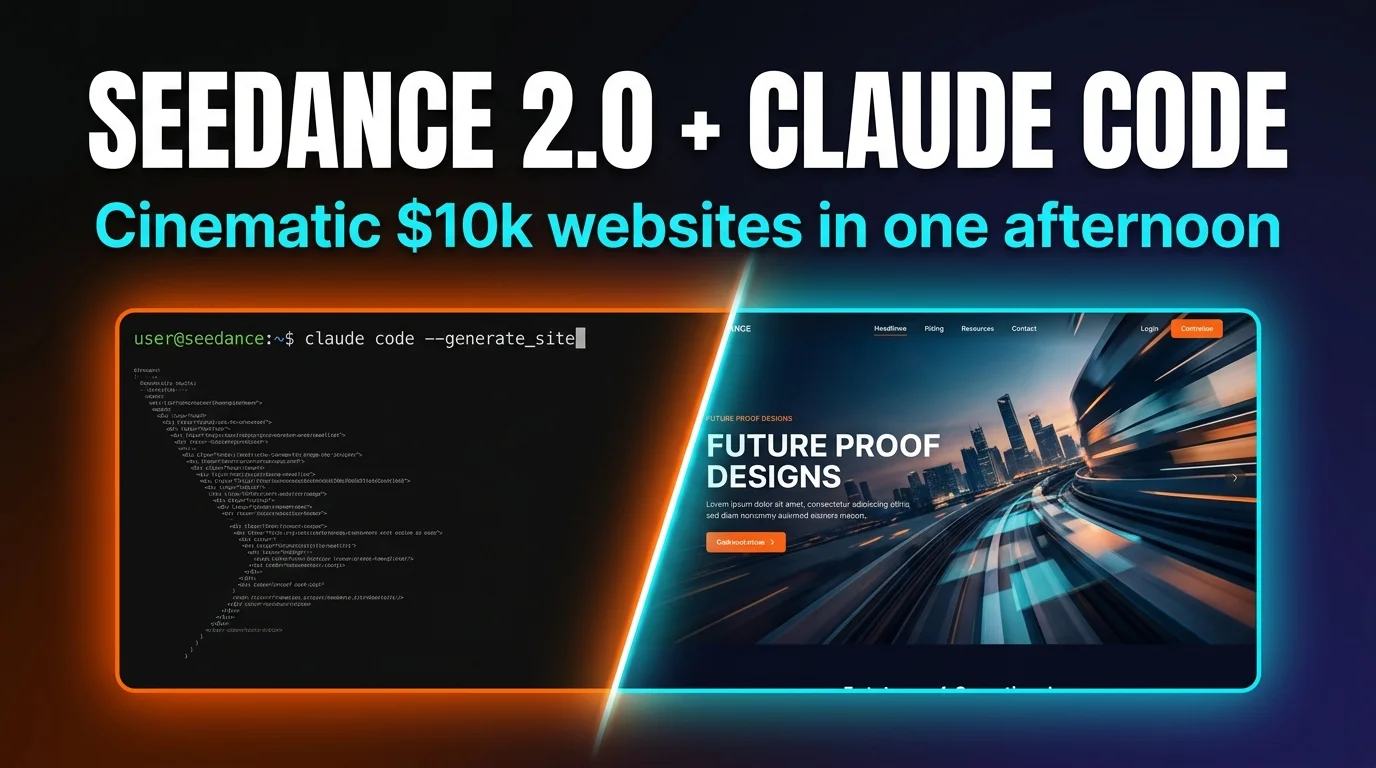
Landing pages with cinematic video backgrounds used to require a production team: a videographer for the hero footage, a designer for the layout, a developer for the animations, and a project manager to coordinate them across two weeks. The result would cost the client $10K-$25K and take three rounds of revisions.
We built one in four hours last Tuesday for $8.40 in API credits. The hero section has a looping cinematic video of a luxury product with volumetric lighting and subtle camera movement. The rest of the page has scroll-triggered animations, a responsive grid, and a Stripe-ready pricing section. It looks like it cost $15K. It cost us lunch money.
The two tools that made this possible: Seedance 2.0 (ByteDance's new video generation model, launched April 9) for the cinematic backgrounds, and Claude Code for everything else — HTML, CSS, JavaScript, GSAP animations, and deployment.
What is Seedance 2.0?

Seedance 2.0 is ByteDance's unified multimodal audio-video generation model. Unlike earlier video generators that produced silent, short clips, Seedance 2.0 outputs video with native audio, multi-shot cuts, and real-world physics in a single generation. It accepts text, image, audio, and video as inputs — meaning you can hand it a product photo and a text prompt and get back a cinematic animation of that exact product.

The key differentiator for website use is image-to-video with reference control. You generate a product image (using Nano Banana, Higgsfield, or MidJourney), then feed that image to Seedance 2.0 as a reference — it preserves the style, pose, and branding while adding cinematic motion, lighting changes, and camera movement. The result is a video that looks like it was shot for your brand, not pulled from a stock library.
The full workflow: image → video → website

The pipeline has four stages, and each stage has one primary tool. Here's the overview — we'll break down each step below.
Base Website
Claude Code builds the full site from a template + brand brief
Product Image
Nano Banana / Higgsfield generates the hero product shot
Animate It
Seedance 2.0 via Kia.ai turns the image into a looping video
Wire + Deploy
Claude Code embeds the video, adds GSAP animations, deploys to Vercel
Step 1: Build the base website with Claude Code
Start with a GitHub template or a prompt builder that outlines your website sections: hero, social proof, features grid, pricing, and footer. Open Claude Code and tell it to redesign the template for your brand.
# Example prompt to Claude Code:
"Build a landing page for a luxury coffee brand called 'Obsidian Roast'.
Dark theme (#0a0a0a background), pink and gold accents.
Sections: hero with video background placeholder, social proof logos,
3-column features grid, pricing table with 3 tiers, footer.
Use GSAP for scroll-triggered animations. Mobile responsive.
Leave the hero video slot empty — I'll fill it in step 4."
Claude Code generates the full HTML/CSS/JS in one pass. If the page loads as a blank screen (common with GSAP timing issues), right-click → inspect → copy the console error → paste it back to Claude. It fixes it immediately. Total time for step 1: about 20 minutes.
Step 2: Generate a product image


You need a reference image for Seedance 2.0 to animate. Use any image generator — Nano Banana 2, Higgsfield, MidJourney, or even a real product photo. The key is that the image should be high-quality, well-composed, and match the exact aesthetic you want for your hero section.
A custom Seedance skill for Claude Code (available as a free Claude Code skill) generates optimized prompts tailored to where the image will sit on your layout. Instead of hand-writing "a beautiful bag of coffee beans on a dark background," the skill generates a detailed prompt with lighting direction, material properties, depth-of-field settings, and brand color integration.
Step 3: Animate it with Seedance 2.0

Upload your product image to Kia.ai — the cheapest platform running Seedance 2.0 as of April 2026, and the only one that lets you set start and end frames for seamless looping. Write an animation prompt (or have Claude Code generate one for you).
# Example Seedance animation prompt:
"Slow dolly push toward the coffee bag. Volumetric light rays from upper left.
Steam rises gently from an open bag. Shallow depth of field.
Subtle particle dust in the light beams. Seamless loop, 8 seconds."
Seedance 2.0 renders the video in 1-3 minutes. Download the highest-quality version (typically 1080p). Cost: usually under $2 per generation on Kia.ai, and you rarely need more than two attempts to get a usable result.


Step 4: Wire the video into the website
Drop the downloaded video into your project's public/ folder and tell Claude Code to embed it in the hero section. The CSS for a full-bleed looping video background is straightforward:
/* Hero video background */
.hero-video {
  position: absolute;
  top: 0; left: 0;
  width: 100%; height: 100%;
  object-fit: cover;
  z-index: -1;
}

/* Overlay for text legibility */
.hero-overlay {
  background: linear-gradient(to bottom,
    rgba(0,0,0,0.6) 0%,
    rgba(0,0,0,0.3) 50%,
    rgba(0,0,0,0.8) 100%);
}
Claude Code handles all the responsive adjustments, lazy loading, mobile fallbacks (static image on slow connections), and GSAP scroll animations. Then deploy: git push to GitHub, Vercel auto-deploys. Done.
Seedance 2.0 vs Sora vs Runway vs Kling
We tested all four for the specific use case of looping website hero backgrounds. Not general video generation — specifically short, seamless loops with product-specific reference images.
| Feature | Seedance 2.0 | Sora 2 | Runway Gen-4 | Kling 2.0 |
|---|---|---|---|---|
| Seamless looping | ✓ (via Kia.ai) | ✗ | Partial | ✓ |
| Image-to-video ref | Excellent | Good | Excellent | Good |
| Cost per video | ~$1-2 | ~$5 | ~$4 | ~$2 |
| Native audio | ✓ | ✓ | ✗ | ✗ |
| Cinematic quality | Industry-leading | Top tier | Good | Good |
Seedance 2.0 wins for this use case because of the combination of image reference fidelity + seamless looping + low cost. Sora 2 produces slightly better cinematic quality but costs 3x more and doesn't support seamless looping. Runway Gen-4 has excellent reference control but patchy looping support. Kling 2.0 is comparable on price and looping but the image reference fidelity isn't as strong.
Cost breakdown: under $10 total

| Step | Tool | Cost |
|---|---|---|
| Website code generation | Claude Code (Max sub) | $0 (flat rate) |
| Product image generation (x3 attempts) | Nano Banana 2 | $0.12 |
| Logo overlay | MidJourney / Higgsfield | ~$0.50 |
| Video generation (x2 attempts) | Seedance 2.0 via Kia.ai | ~$3.00 |
| Deployment | Vercel (free tier) | $0 |
| Total | ~$3.62 |

Even at worst case (5 image attempts + 4 video attempts + a MidJourney logo), you're under $10. For comparison, a single hero video from a freelance videographer on Upwork costs $500-$2,000 before any web development.
If you want the web development part truly free too, see our Claude Code 100% free guide — the free stack handles the HTML/CSS/JS generation just fine. And for plugin-enhanced Claude Code workflows that plan before they code, our Superpowers review covers the 14-skill framework that makes the whole build smoother.
Frequently Asked Questions
loop attribute on the video tag handles the browser-side playback.ffmpeg -i hero.mp4 -vcodec libx264 -crf 28 -preset slow hero-compressed.mp4) to get it under 3 MB. Lazy-load below-fold videos and serve a static fallback on slow connections.Recommended AI Tools
played.fm
Sell your music and keep 100%: played.fm is a direct-to-fan store + sync marketplace with 0% commission, no gatekeepers, and no bans — a strong fit for AI musicians.
View Review →OpenCode
The open-source AI coding agent: terminal-first TUI, 75+ model providers, LSP context, subagents, and privacy-first design. Free software, ~180K GitHub stars.
View Review →Exa
The neural web search API for AI agents: embeddings-based retrieval, cited highlights, sub-180ms latency, and an MCP server. 20,000 free requests/month.
View Review →Google Antigravity
Google's agent-first IDE: run a fleet of AI agents from a Manager surface, on Gemini 3 Pro, Claude Sonnet 4.5, or OpenAI models. Free in public preview.
View Review →