
TL;DR — Crops
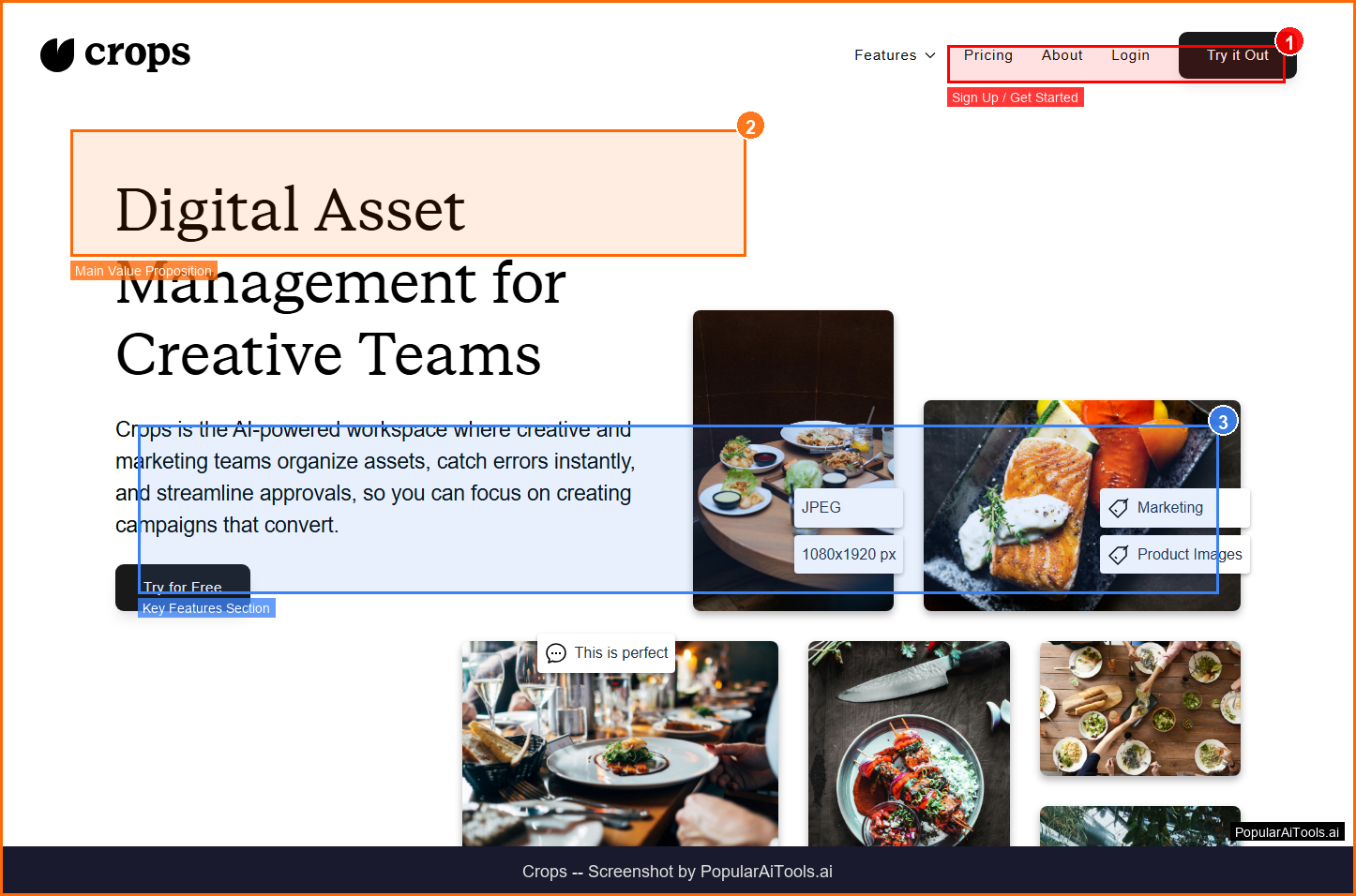
Crops is an AI-powered digital asset management (DAM) platform built specifically for creative and marketing teams. It auto-tags and organizes every upload, scans designs for typos, accessibility issues, and placeholder text before stakeholders see them, and centralizes all feedback and approvals directly on assets. Crops eliminates the chaos of scattered files, email feedback, version confusion, and production errors that plagues every creative workflow.
Table of Contents
What is Crops?
Crops is an AI-powered digital asset management (DAM) platform built specifically for creative and marketing teams. It auto-tags and organizes every upload, scans designs for typos, accessibility issues, and placeholder text before stakeholders see them, and centralizes all feedback and approvals directly on assets. Crops eliminates the chaos of scattered files, email feedback, version confusion, and production errors that plagues every creative workflow.
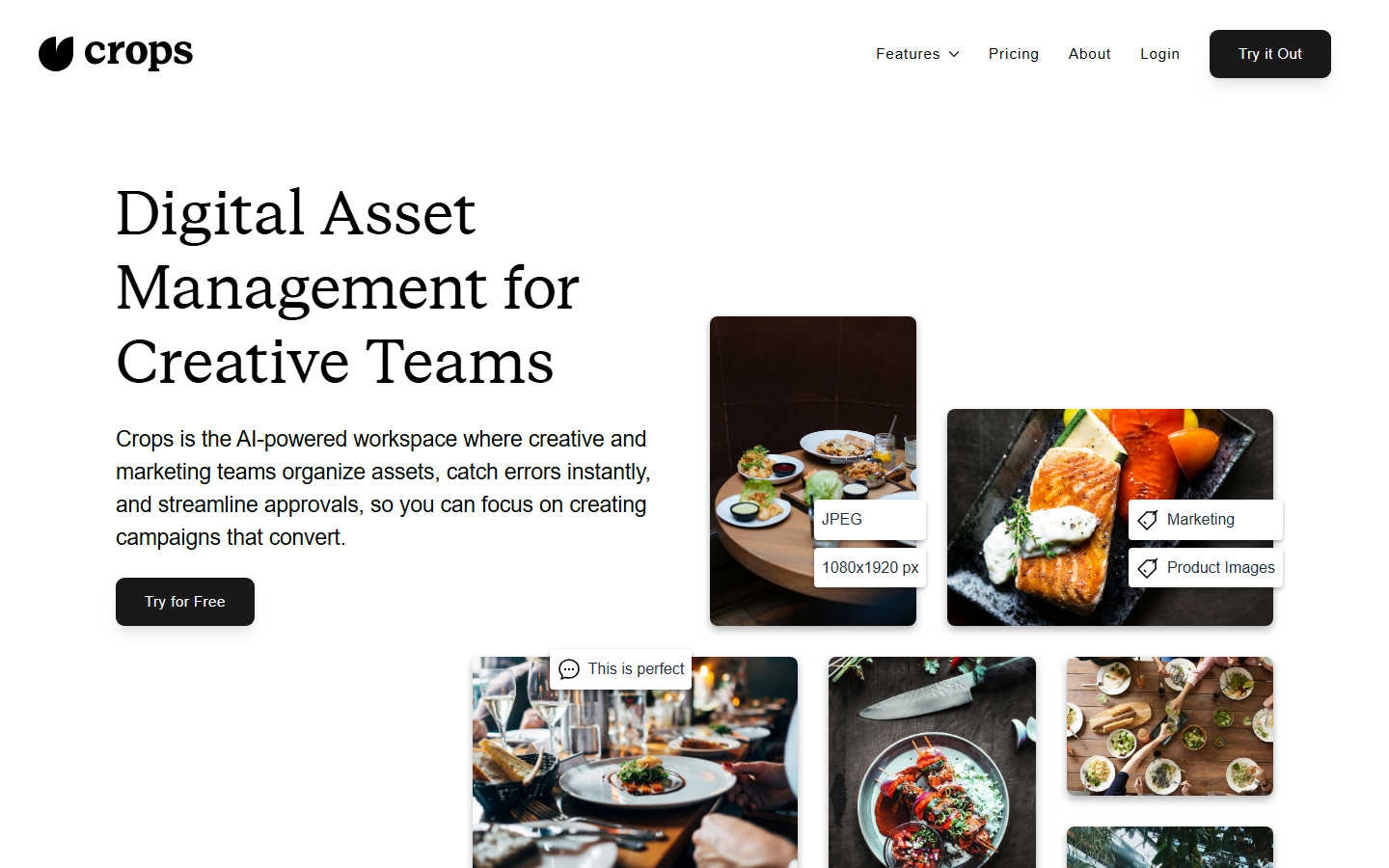
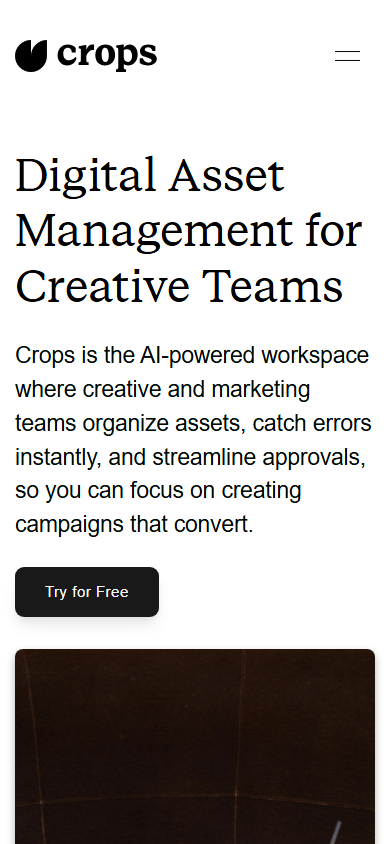
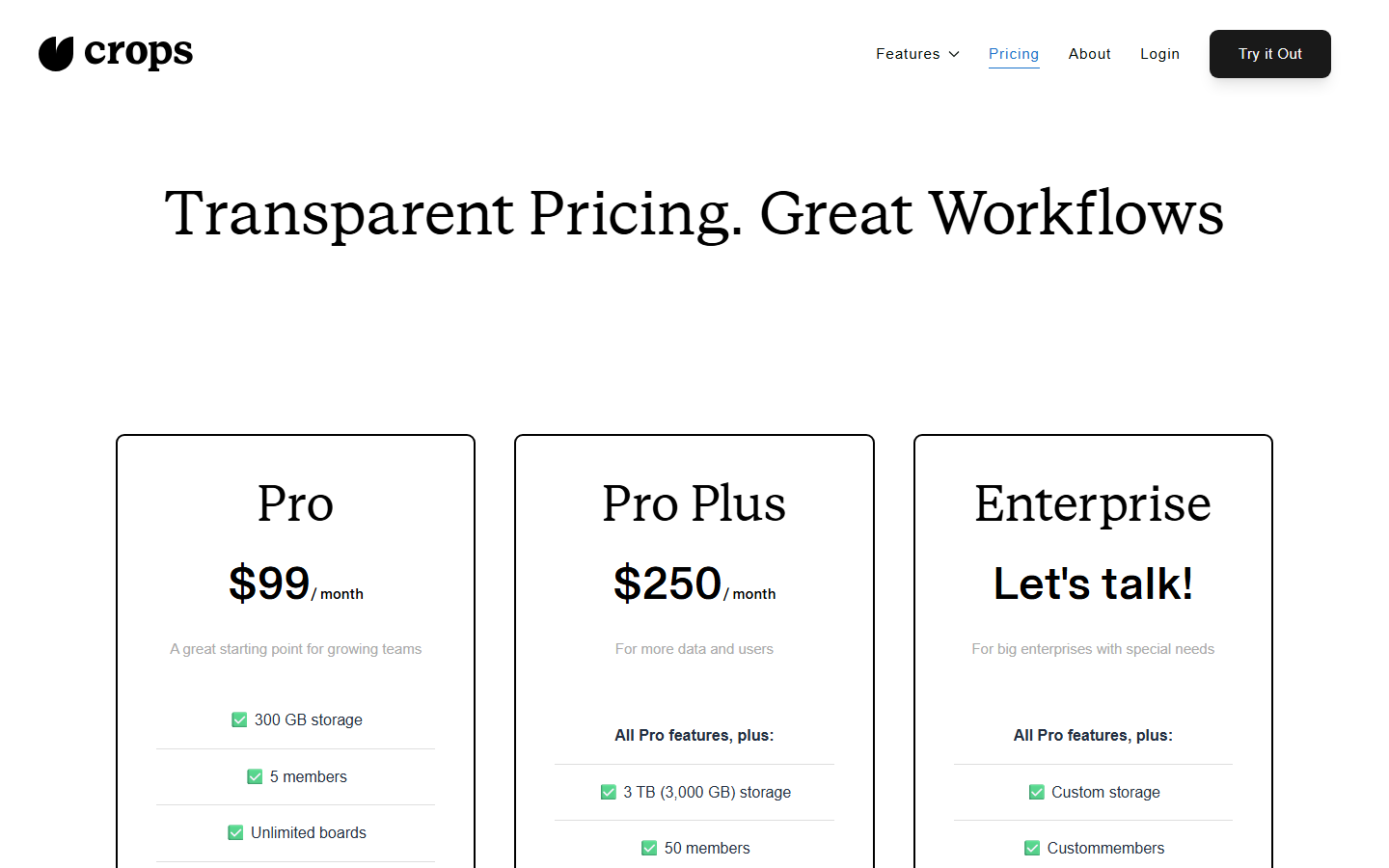
Screenshot of Crops homepage — captured March 21, 2026 by PopularAiTools.ai
Key Features of Crops
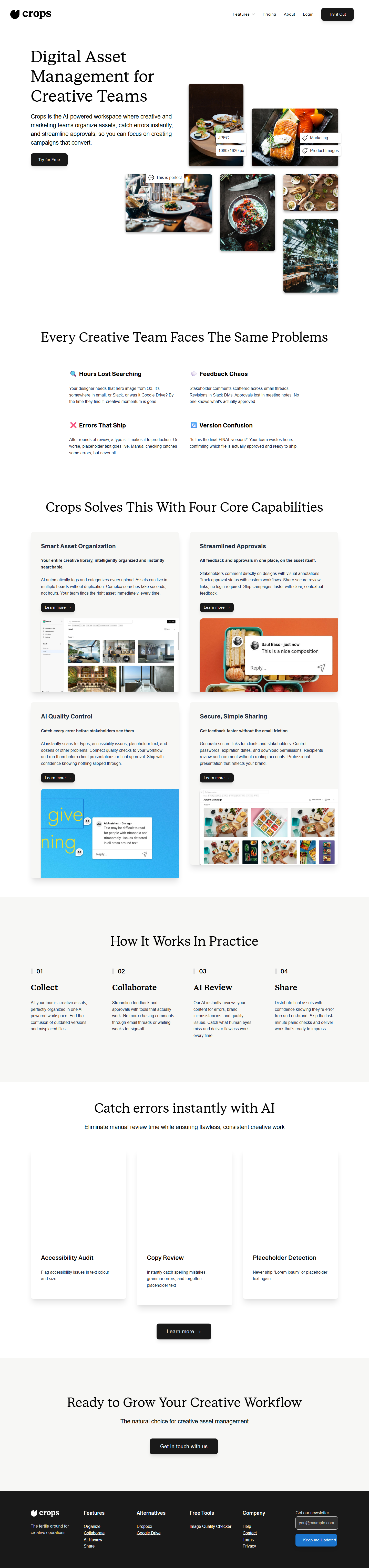
AI Auto-Tagging
AI automatically tags and categorizes every uploaded asset. Visual search finds assets by content, not just file names.
AI Quality Control
AI Review instantly scans designs for typos, placeholder text, accessibility issues, and dozens of other quality problems before stakeholders see them.
Visual Feedback
Stakeholders comment directly on designs with visual annotations. All feedback is on the asset itself — no more scattered email threads.
Approval Workflows
Custom approval workflows track status from draft to approved. Never lose track of which version is final.
Secure Sharing
Generate secure links for clients and stakeholders. Control passwords, expiration dates, and download permissions. Recipients review without creating accounts.
Smart Asset Search
AI-powered visual search finds assets based on their content. Search by color, composition, text, or visual similarity.
Version Control
Automatic version tracking with side-by-side comparison. Never accidentally use an outdated asset again.
Brand Consistency
AI checks uploaded assets against brand guidelines for color accuracy, font usage, and logo placement.
How to Use Crops
1
Sign Up
Create an account at crops.is and start your free trial. Set up your workspace and brand guidelines.
2
Upload Assets
Upload your creative files — images, videos, documents, design files. AI auto-tags and organizes everything immediately.
3
Run AI Review
AI automatically scans uploads for typos, placeholder text, accessibility issues, and quality problems.
4
Collect Feedback
Share assets with stakeholders via secure links. They annotate directly on the design — no accounts needed.
5
Track Approvals
Set up approval workflows to track each asset from draft to final approval with full audit trail.
Crops Pricing
Free trial | Paid plans from ~$15/mo
Pros and Cons
✓ Pros
- ✓AI quality review catches typos and placeholder text before stakeholders see them
- ✓Visual annotation feedback is far better than scattered email threads
- ✓AI auto-tagging saves hours of manual asset organization
- ✓Secure sharing without requiring recipients to create accounts
- ✓Purpose-built for creative teams — not a generic file storage tool
- ✓Version control with side-by-side comparison prevents asset confusion
✗ Cons
- ✗Per-user pricing can get expensive for larger teams
- ✗Free trial is only 14 days — no permanent free tier
- ✗Brand guideline checking only available on Business plan and above
- ✗Smaller ecosystem compared to established DAM tools like Bynder or Brandfolder
- ✗Limited integration options with design tools like Figma and Adobe Creative Suite
Crops Alternatives
Air
More established creative operations platform with deeper collaboration features
Brandfolder
Enterprise-grade DAM with stronger analytics and integrations
Bynder
Full-suite digital asset management with creative automation
Playbook
Free-tier creative asset management with unlimited storage for individuals
Our Verdict
4.1/5
Crops addresses a genuine pain point: the chaos of creative asset management. The AI quality review that catches typos and placeholder text before stakeholders see them is a standout feature that saves teams from embarrassing production errors. The visual annotation feedback eliminates the nightmare of collecting design feedback via email and Slack. AI auto-tagging is well-implemented and the visual search actually works. The main concern is pricing — per-user billing adds up quickly for larger teams, and the lack of a permanent free tier means you need to commit relatively fast. For creative teams of 3-15 people who want to streamline their asset workflow, Crops is a smart investment. Rating: 4.1/5
Try Crops Today →
Visit the official Crops website to get started
Frequently Asked Questions
Is Crops free?
Crops offers a 14-day free trial with full access to features. After the trial, paid plans start at approximately $15/month per user. There is no permanent free tier.
What types of files does Crops support?
Crops supports images (PNG, JPG, PSD, AI), videos (MP4, MOV), documents (PDF, DOCX), and design files. AI auto-tagging works across all supported formats.
How does Crops' AI quality review work?
When you upload a design, AI automatically scans for typos, placeholder text (Lorem ipsum), accessibility issues, low resolution, and dozens of other quality problems. Issues are flagged before stakeholders ever see the asset.
Can stakeholders provide feedback without creating accounts?
Yes, Crops generates secure sharing links with password protection and expiration dates. Recipients can view assets, add visual annotations, and approve — all without creating an account.
Does Crops replace tools like Dropbox or Google Drive?
For creative asset management, yes. Crops adds AI tagging, quality review, visual feedback, and approval workflows that general file storage tools lack. However, it's specifically designed for creative assets, not general file storage.
Can Crops check brand consistency?
Yes, Business and Enterprise plans include brand guideline checking. AI verifies that uploaded assets match your defined color palette, font usage, and logo placement rules.
How does Crops' visual search work?
Crops uses AI to analyze the visual content of assets. You can search by color, composition, text within images, or visual similarity to find assets based on what they look like, not just their file names.
Is Crops suitable for agencies?
Yes, Crops is well-suited for agencies managing assets across multiple clients. Secure sharing links with client-specific permissions and approval workflows streamline the client review process.
Last updated: March 21, 2026 | Review by PopularAiTools.ai
Get Premium AI Tool Insights
Subscribe to get weekly curated AI tool recommendations, exclusive deals, and early access to new tool reviews.
Related Tools
Related Articles
10 Claude Code Skills, Plugins & CLIs to Install on Day One (April 2026)
Starting Claude Code from scratch in 2026? Install these 10 skills, plugins, and CLIs on day one — Codex CLI, Obsidian, Autoresearch, Firecrawl, Playwright, NotebookLM, Skill Creator, RAG-Anything, Google Workspace CLI, and awesome-design-md. Full install commands included.
We Tested 24 AI Models Inside Claude Code: The 2026 Tier List
We swapped 24 different AI models into Claude Code and ran identical tool-call tests on each. Here's the S-tier-to-D-tier ranking, real cost comparison, and the single best Claude Sonnet 4.6 alternative for 2026 — including the GLM 4.6 sleeper pick that matched Sonnet at 15% the cost.
Claude as a Creative Studio: Make Ads, Images, and Video From One Chat (2026)
Claude doesn't generate raster images natively, but in 2026 it's the smartest creative director on Earth — orchestrating Nano Banana 2, Sora 2, Runway, Higgsfield, Remotion, and VEED into a single ad-and-video factory. The full stack, the variant matrix trick, and how to build a YouTube Shorts factory.