Updated March 2026 · 10 min read · By PopularAiTools.ai
Docket is an AI-powered meeting preparation and agenda management platform that helps teams run more effective meetings. The platform generates meeting agendas from objectives, tracks action items across meetings, provides meeting templates for different formats, and integrates with calendar and video conferencing tools. Docket ensures meetings have clear purpose, structured discussion, and documented outcomes. Pricing model: Freemium. Rating: 3.9/5
Docket is an AI-powered meeting preparation and agenda management platform that helps teams run more effective meetings. The platform generates meeting agendas from objectives, tracks action items across meetings, provides meeting templates for different formats, and integrates with calendar and video conferencing tools. Docket ensures meetings have clear purpose, structured discussion, and documented outcomes.
Describe meeting objectives and Docket generates structured agendas with time allocations, discussion topics, and participant roles.
Track action items across meetings with assignment, deadlines, and completion status. Items carry forward until resolved.
Pre-built templates for common meeting types including standups, one-on-ones, retrospectives, and planning sessions.
Sync with Google Calendar and Outlook to attach agendas to calendar events and send preparation materials to participants.
Collaborative note-taking during meetings that connects to agenda items and action items for structured documentation.
Track meeting frequency, duration, action item completion, and other metrics to improve your organization's meeting culture.

Step 1: Sign Up or Install
Visit the official Docket website and create your account or download the application. Most plans offer a free trial or free tier so you can explore the platform before committing.
Step 2: Configure Your Workspace
Set up your workspace according to your needs. Docket provides onboarding guides or tutorials to help you get started quickly with the core features.
Step 3: Explore Core Features
Start using the main capabilities of Docket. Take advantage of any templates, presets, or quick-start options to accelerate your workflow and see results faster.
Step 4: Integrate with Your Stack
Connect Docket with your existing tools and workflows. Check for available integrations with popular platforms and APIs to maximize productivity.
Step 5: Scale and Optimize
As you become more familiar with Docket, explore advanced features and settings. Monitor your usage and results to optimize your workflow and determine if upgrading makes sense.
Docket offers a free tier for individual use. Premium plans provide team features, unlimited meetings, and advanced analytics.


Docket addresses the universal complaint about meetings: they lack purpose and follow-through. The AI agenda generation ensures every meeting starts with clear objectives, and action item tracking ensures commitments are kept. For organizations where meeting culture is a recognized problem, Docket provides structure without being heavy-handed. The free tier lets individuals start improving their own meetings before proposing it to their team.
Our Rating: 3.9 / 5
PopularAiTools.ai reaches thousands of qualified AI buyers monthly.
Submit Your AI Tool →Yes, Docket offers a free tier for individual meeting management. Premium plans provide team features.
Yes, describe your meeting objectives and the AI generates structured agendas with time allocations and discussion topics.
Yes, action items are tracked with assignment, deadlines, and completion status, carrying forward across meetings until resolved.
Yes, Docket syncs with Google Calendar and Outlook to attach agendas and send preparation materials.
Templates cover standups, one-on-ones, retrospectives, planning sessions, and other common meeting formats.
Yes, collaborative note-taking connects to agenda items for structured meeting documentation.
Yes, meeting analytics track frequency, duration, action item completion, and other metrics.
By ensuring meetings have clear agendas, tracking action items for follow-through, and providing analytics to improve meeting culture over time.

Subscribe to get weekly curated AI tool recommendations, exclusive deals, and early access to new tool reviews.
ai-chatbots
Pulse AI is an always-on AI business intelligence analyst that builds dashboards, answers plain-language queries, detects trends and anomalies, and turns data into actionable insights.
ai-chatbots
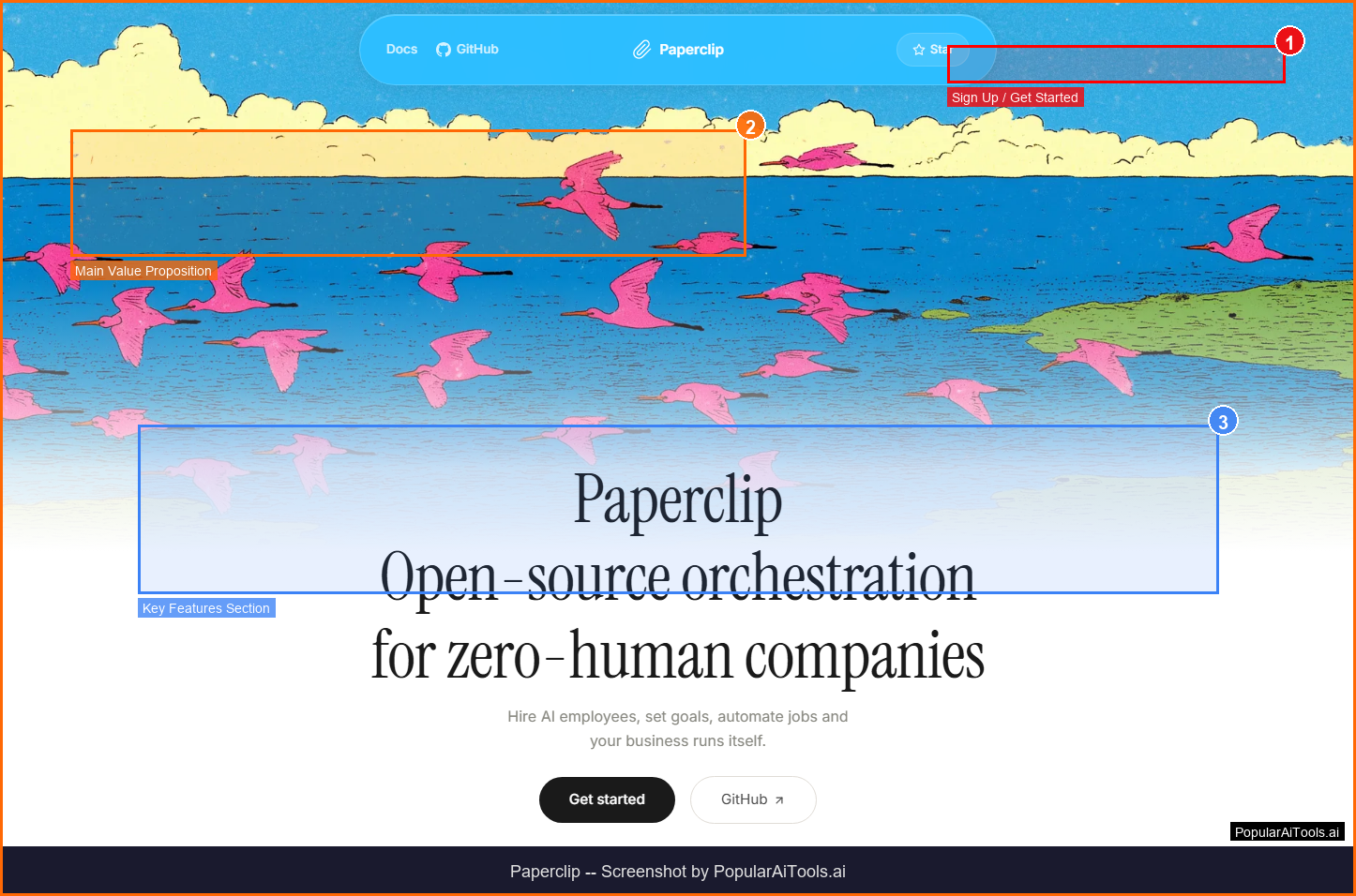
Paperclip: A self-hosted platform that orchestrates autonomous AI-driven companies by hiring, organizing, and coordinating LLM- or agent-based workers.
ai-chatbots
A tool to build and structure prompts for LLMs.
ai-chatbots
A tool to add persistent memory for AI agents.
Every Distributor Kept Flagging My AI Music — Until I Found This If you’ve been making music with AI tools like Suno or Udio, you already know the frustration. You spend hours crafting the perfect prompt, tweaking generations, picking the best output, and then DistroKid or TuneCore rejects it. No de
Complete review of the OpenClaw Business Starter Kit — a tested setup package for non-technical business owners. Includes 10-section course, 4 industry configs, 3 pre-built skills, Docker setup, and security hardening. From zero to running AI assistant in 60 minutes for $59.
Stop wasting 30-50% of your Claude Code tokens re-explaining context. The Claude Code Power User Kit includes 10+ CLAUDE.md templates, 7 skills, hooks, and a best practices guide. Set up in 15 minutes. Just $39.