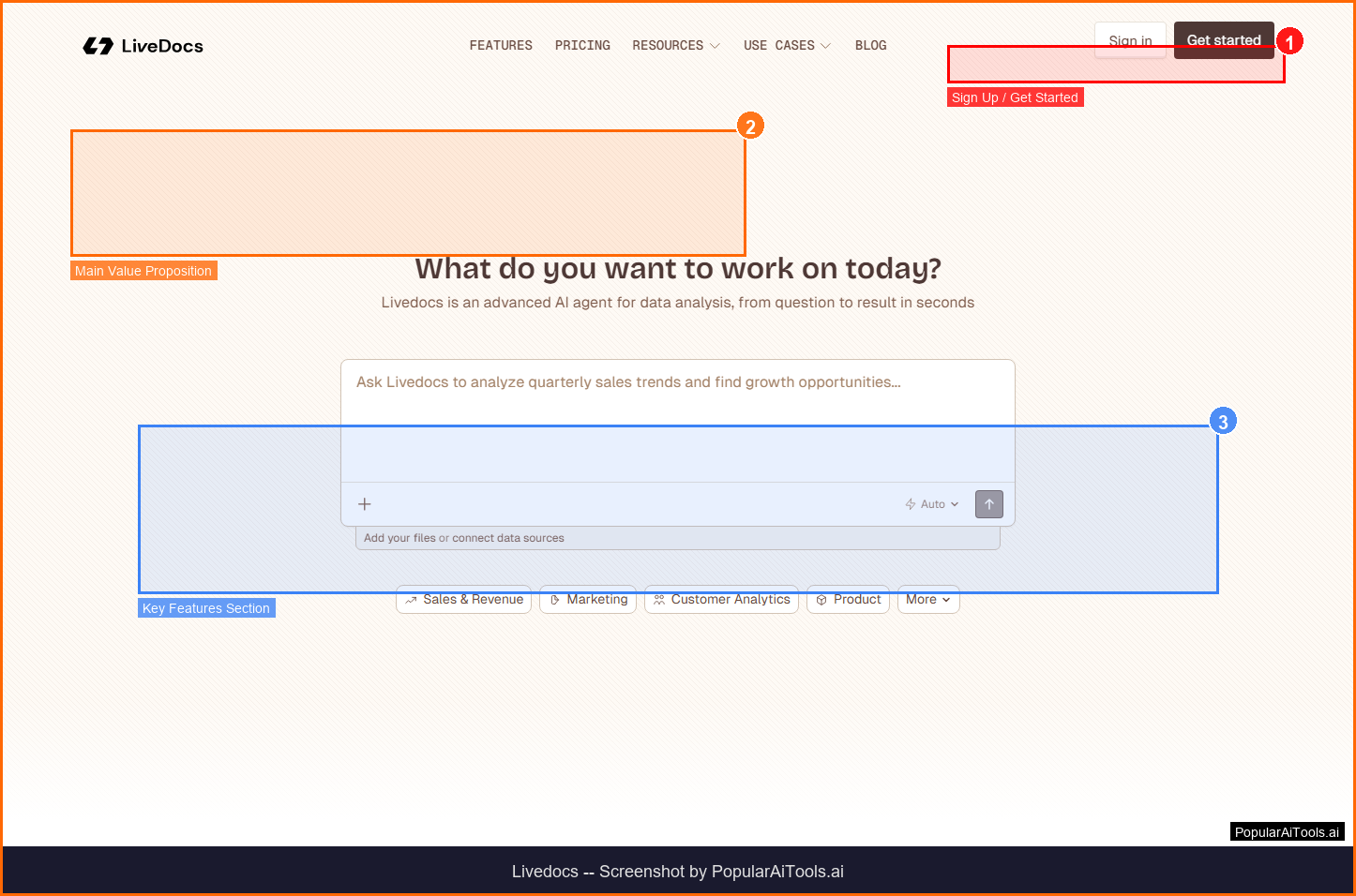

Livedocs Review 2026: AI-Powered Data Notebooks for Modern Analysts
Updated March 2026 · 11 min read · By PopularAiTools.ai
TL;DR
Livedocs is a reactive notebook platform that combines SQL, Python, and AI in one IDE for data analysis. Cells auto-recalculate like a spreadsheet, and a built-in AI agent answers questions about your data in plain English. Free tier includes 4 GB RAM and $5 AI credits. Pro at $30/month adds unlimited notebooks and collaboration. Rating: 4.3/5
What is Livedocs?
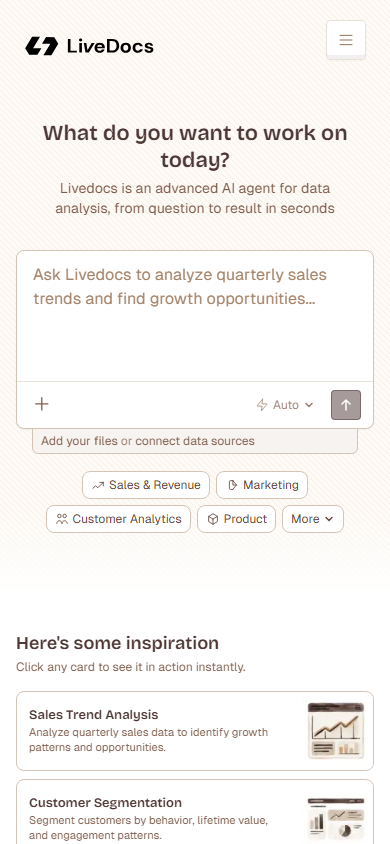
Livedocs is a modern data notebook platform designed for analysts, data scientists, and teams who need to explore, analyze, and share data without wrestling with infrastructure. Unlike traditional Jupyter notebooks, Livedocs features reactive cells that automatically re-run when their dependencies change, behaving more like a spreadsheet than a static code notebook.
The platform integrates SQL, Python, and an AI data agent into a single IDE. Users can upload CSVs, connect databases like Snowflake, Databricks, and BigQuery, then ask questions in natural language or write code to get answers. The AI agent uses DuckDB, web search, and a built-in terminal to answer questions, transform data, and generate visualizations.
What sets Livedocs apart in 2026 is its focus on eliminating the gap between analysis and sharing. Notebooks can be published as interactive web apps without writing deployment code, allowing non-technical stakeholders to interact with live data without needing their own Livedocs account.
Key Features
1. Reactive Notebook Cells
Livedocs cells automatically re-execute when upstream dependencies change, similar to how spreadsheet formulas recalculate. This eliminates the classic Jupyter problem of stale cells and out-of-order execution. Change a variable in cell one, and every downstream cell updates instantly.
2. Integrated AI Data Agent
The built-in AI agent sits on top of your data and can answer questions in plain English. Ask "What was our top-performing product last quarter?" and the agent writes the SQL, runs it against your connected data source, and returns a formatted answer with a chart. It uses DuckDB for local data processing and can browse the web for supplementary information.
3. SQL and Python Side-by-Side
Write SQL queries and Python code in the same notebook without context switching. SQL results automatically become Python DataFrames you can manipulate, and Python outputs feed back into subsequent SQL cells. The AI can generate, fix, or optimize both SQL and Python code inline.
4. Publish as Interactive Apps
Turn any notebook into a shareable web application with one click. Published apps maintain live data connections and interactivity, allowing stakeholders to filter, explore, and download data without Livedocs accounts. No deployment infrastructure required.
5. Data Source Integrations
Connect directly to Snowflake, Databricks, BigQuery, MySQL, PostgreSQL, Google Drive, and CSV files. Premium data sources are available on Pro and Custom plans, while the free tier supports file uploads and basic connectors.
6. Real-Time Collaboration
Multiple team members can work in the same notebook simultaneously with real-time cursors and changes. Comments, suggestions, and version history keep everyone aligned, making Livedocs a true multiplayer data workspace.
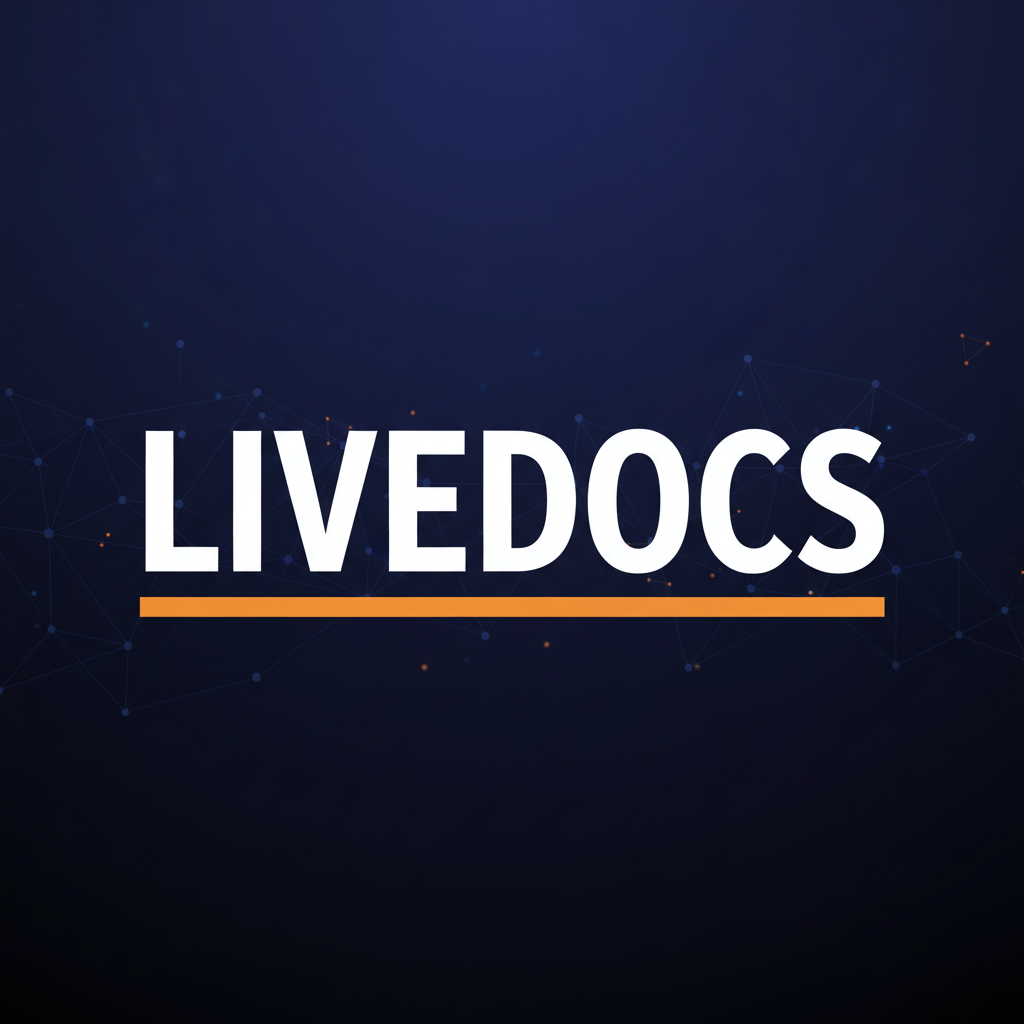
How to Use Livedocs (Step-by-Step)
Step 1: Create Your Account
Sign up at livedocs.com with your email or Google account. The free tier requires no credit card and includes 4 GB RAM, 3 notebooks, and $5 in AI credits.
Step 2: Upload Data or Connect a Source
Drag and drop CSV or Excel files into your notebook, or connect a database from the integrations panel. Supported sources include Snowflake, BigQuery, Databricks, MySQL, and PostgreSQL.
Step 3: Start Analyzing
Create cells using SQL, Python, or natural language. The AI agent can generate code from your questions, or you can write queries directly. Results appear inline with automatic charting.
Step 4: Build Visualizations
Use built-in charting to create bar charts, line graphs, scatter plots, and tables. Charts are interactive and update reactively when upstream data changes.
Step 5: Publish and Share
Click "Publish" to turn your notebook into a shareable web app. Share the link with stakeholders who can interact with the data without needing their own accounts.
Pricing Plans
Livedocs offers a generous free tier that handles serious data work with 4 GB RAM and $5 in AI credits. The Builder plan at $15/month doubles the compute and adds pay-as-you-go AI credits. The Pro plan at $30/month (plus $20 per additional member) is where the platform truly shines with unlimited notebooks, real-time collaboration, scheduled runs, and premium data source connections.
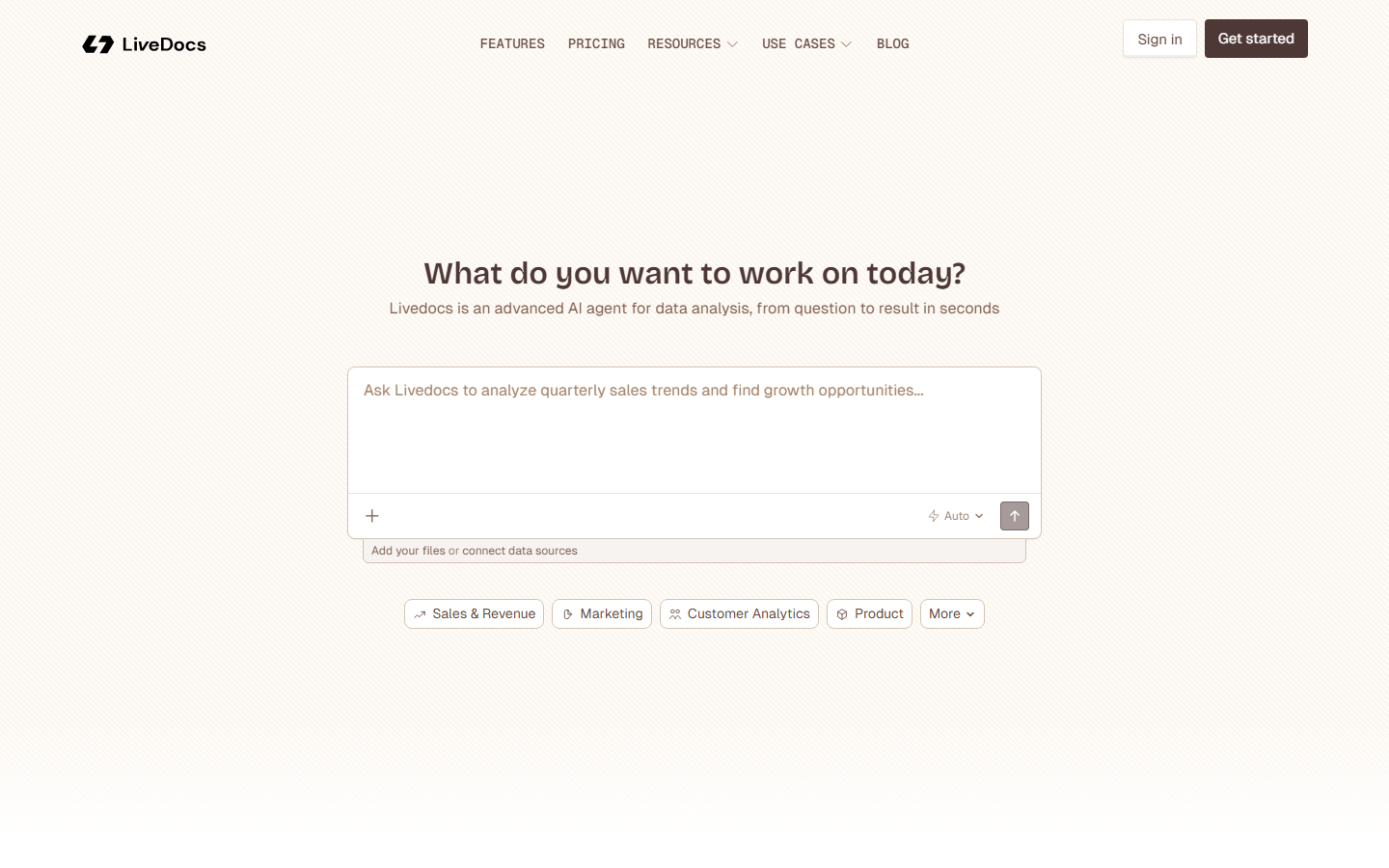
Pros and Cons
Pros
- ✓ Reactive cells eliminate stale data problems
- ✓ AI agent handles natural language data queries
- ✓ SQL, Python, and AI in one unified IDE
- ✓ One-click publishing to interactive web apps
- ✓ Generous free tier with real compute power
Cons
- ✗ Premium data sources locked to Pro plan ($30+/mo)
- ✗ AI credits capped on free tier with no pay-as-you-go
- ✗ Collaboration requires Pro plan
- ✗ Smaller ecosystem compared to Jupyter
- ✗ Per-member pricing adds up for large teams
Best Livedocs Alternatives
Hex (Free / $49/mo) offers a more polished app-building experience with drag-and-drop components and is favored by data teams at larger organizations.
Deepnote (Free / $39/mo) is the closest Jupyter replacement with real-time collaboration and is better suited for teams migrating from traditional notebook workflows.
Observable (Free / $15/mo) uses reactive JavaScript cells and excels at data visualization, but lacks the SQL and Python integration that Livedocs provides.
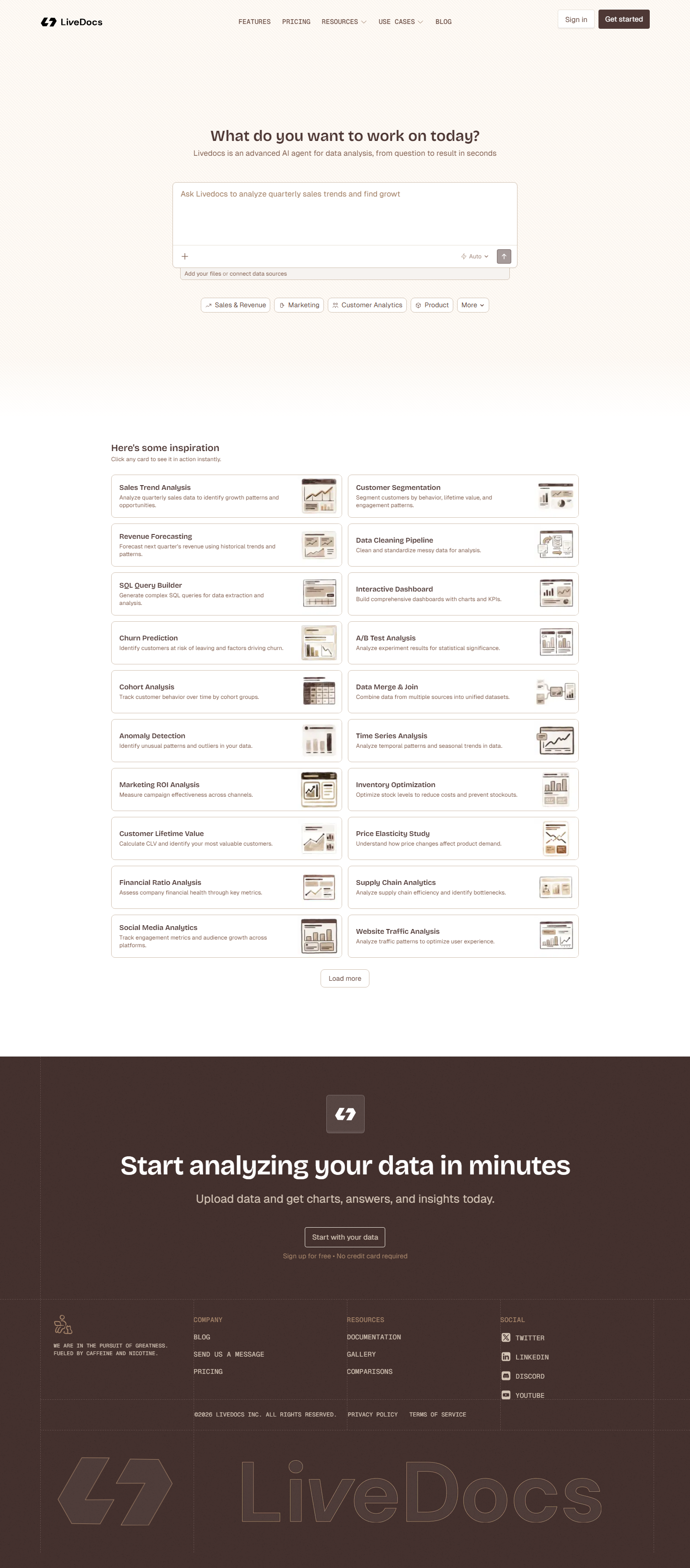
Final Verdict: Is Livedocs Worth It?
Livedocs fills a real gap in the data tooling landscape. The reactive cell model solves the biggest pain point of traditional notebooks, and the integrated AI agent makes data exploration accessible to analysts who prefer natural language over code. The free tier is genuinely useful, not just a teaser.
For solo analysts and small teams, Livedocs delivers exceptional value. The Pro plan at $30/month competes well against Hex ($49/mo) and Deepnote ($39/mo) while offering unique features like reactive cells and one-click app publishing. The main drawback is the per-member pricing, which makes it less attractive for large teams compared to tools with flat team pricing.
Our Rating: 4.3 / 5
Build an AI Tool? Get It in Front of the Right Audience
PopularAiTools.ai reaches thousands of qualified AI buyers monthly.
Submit Your AI Tool →Frequently Asked Questions
Is Livedocs free?
Yes. Livedocs offers a free tier with 3 notebooks, 4 GB RAM, 0.5 vCPU, and $5 in AI credits per month. No credit card required to start.
What databases does Livedocs connect to?
Livedocs connects to Snowflake, Databricks, BigQuery, MySQL, PostgreSQL, and Google Drive. Premium data source connections require the Pro plan ($30/month) or higher.
How does the AI agent work in Livedocs?
The AI agent uses DuckDB for local data processing and can answer natural language questions about your data. It writes SQL or Python, executes it, and returns formatted answers with charts. It also uses web search for supplementary information.
Can I share Livedocs notebooks with non-technical users?
Yes. You can publish any notebook as an interactive web app with one click. Recipients can filter, explore, and download data without needing a Livedocs account.
What are reactive cells in Livedocs?
Reactive cells automatically re-run when their dependencies change, similar to spreadsheet formulas. If you update a query in one cell, all downstream cells that depend on its output update automatically.
How does Livedocs compare to Jupyter notebooks?
Livedocs improves on Jupyter with reactive cells (no stale state), built-in AI, real-time collaboration, and one-click app publishing. However, Jupyter has a larger ecosystem of extensions and community packages.
Is Livedocs suitable for large datasets?
Yes. Even the free plan handled heavy datasets well in testing. The Pro plan offers 16 GB RAM and 4 vCPU, and the Custom plan supports dedicated machine profiles for enterprise-scale workloads.
Does Livedocs support on-premise deployment?
Yes, but only on the Custom (Enterprise) plan. This includes SSO, custom authentication, dedicated support, and data project consulting.
Get Premium AI Tool Insights
Subscribe to get weekly curated AI tool recommendations, exclusive deals, and early access to new tool reviews.
Related Tools

Chartcastr
ai-data
Updated March 2026 · 11 min read · By PopularAiTools.ai
openProd.io
ai-data
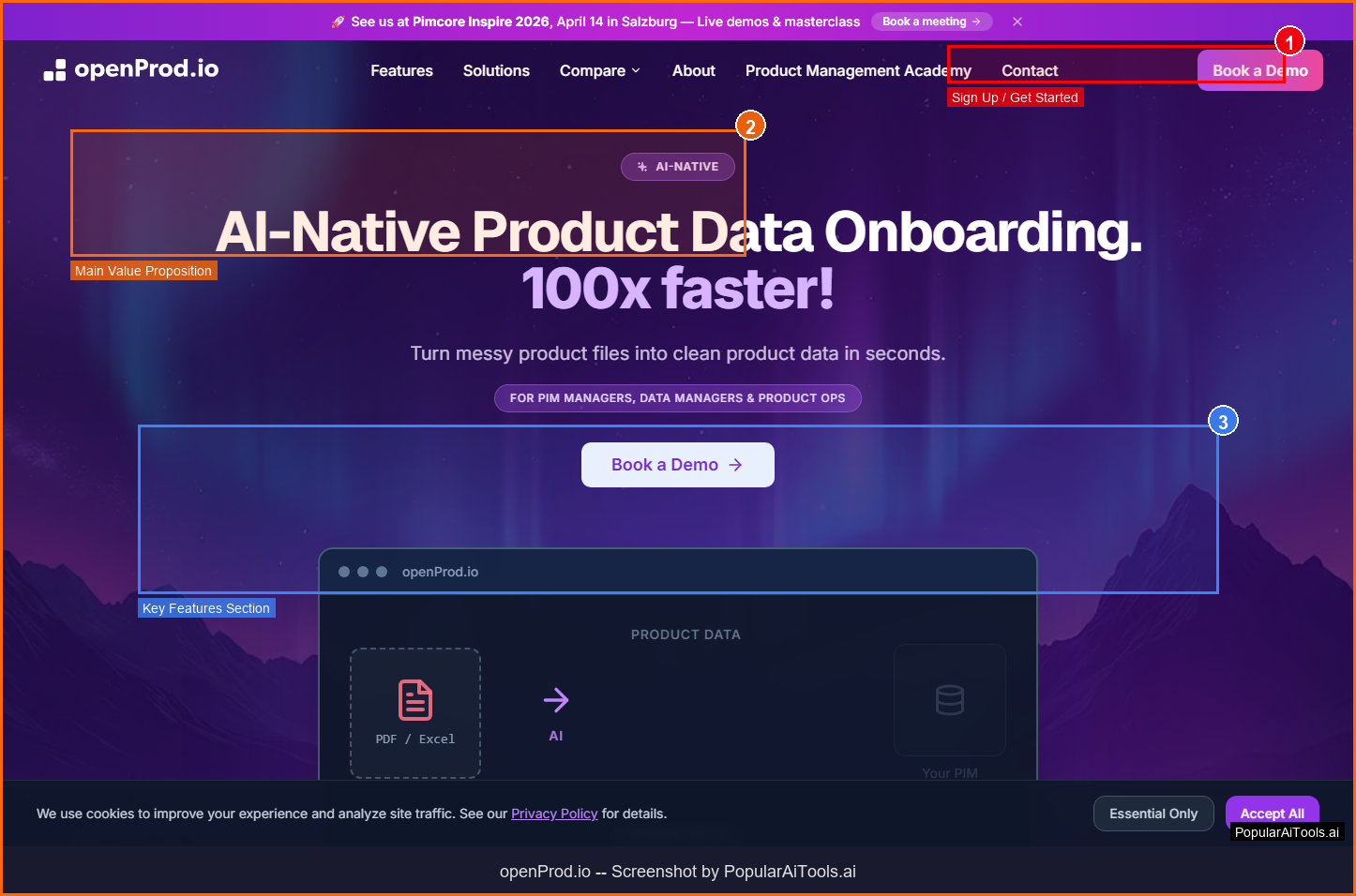
openProd.io: AI-native platform that extracts, cleans, normalizes, and enriches product data from supplier files and exports validated data to PIMs.
TubeSpark
ai-data
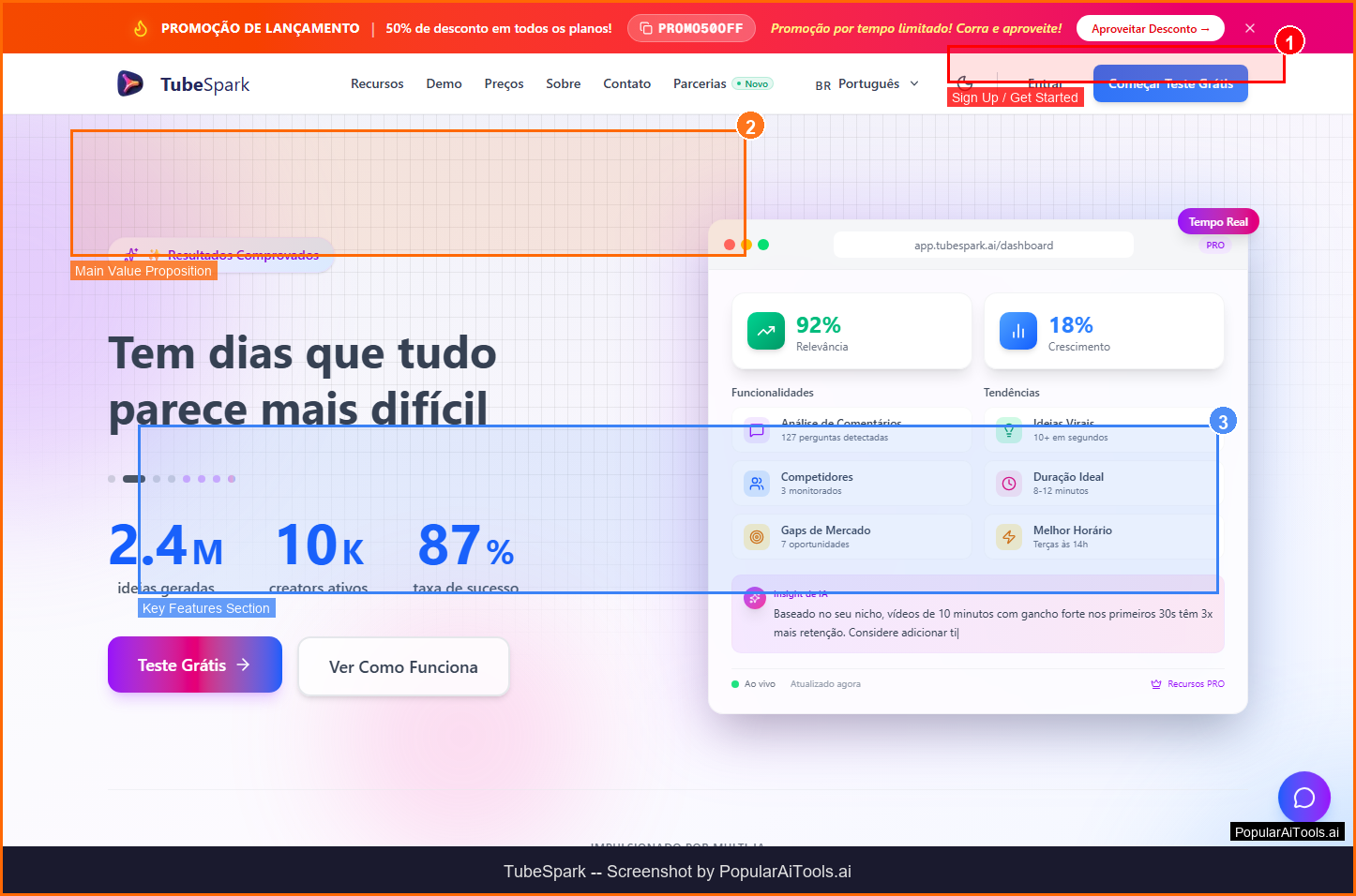
A tool to generate YouTube ideas, scripts, analytics.
mia
ai-data
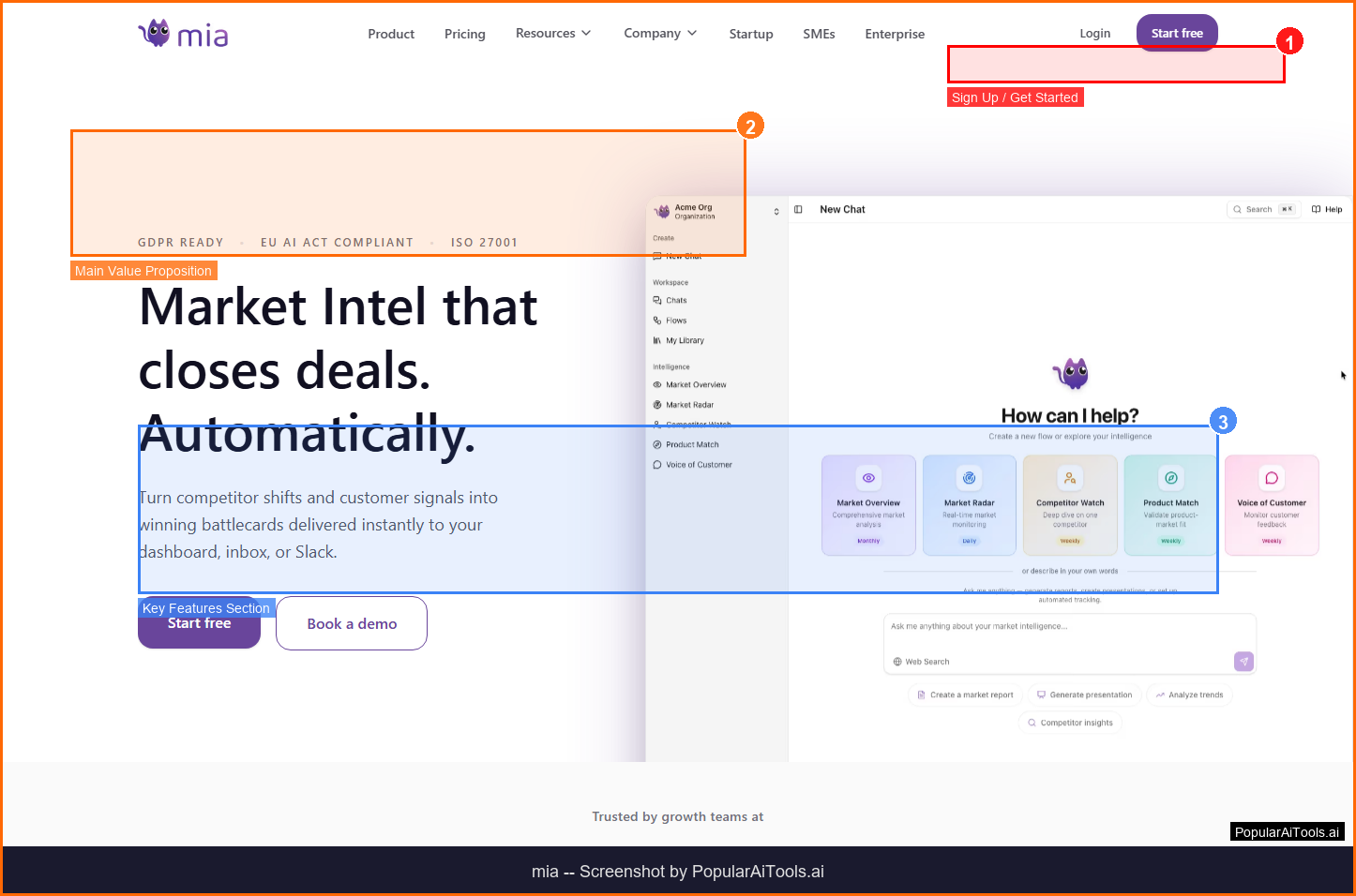
A tool to monitor competitors and generate market insights.
Related Articles
10 Claude Code Skills, Plugins & CLIs to Install on Day One (April 2026)
Starting Claude Code from scratch in 2026? Install these 10 skills, plugins, and CLIs on day one — Codex CLI, Obsidian, Autoresearch, Firecrawl, Playwright, NotebookLM, Skill Creator, RAG-Anything, Google Workspace CLI, and awesome-design-md. Full install commands included.
We Tested 24 AI Models Inside Claude Code: The 2026 Tier List
We swapped 24 different AI models into Claude Code and ran identical tool-call tests on each. Here's the S-tier-to-D-tier ranking, real cost comparison, and the single best Claude Sonnet 4.6 alternative for 2026 — including the GLM 4.6 sleeper pick that matched Sonnet at 15% the cost.
Claude as a Creative Studio: Make Ads, Images, and Video From One Chat (2026)
Claude doesn't generate raster images natively, but in 2026 it's the smartest creative director on Earth — orchestrating Nano Banana 2, Sora 2, Runway, Higgsfield, Remotion, and VEED into a single ad-and-video factory. The full stack, the variant matrix trick, and how to build a YouTube Shorts factory.