
TL;DR — Macro
Macro is an AI-powered document workspace that transforms how professionals handle PDFs, Word documents, notes, and collaboration. Powered by leading AI models from OpenAI, Anthropic, and Google, Macro offers full parity with Adobe for PDFs and most MS Word features — plus AI capabilities that let you summarize, translate, compare documents, and collaborate in real-time. SOC II Type 2 and ISO 27001 certified, it's built for legal, financial, and academic professionals who demand enterprise-grade security.
Table of Contents
What is Macro?
Macro is an AI-powered document workspace that transforms how professionals handle PDFs, Word documents, notes, and collaboration. Powered by leading AI models from OpenAI, Anthropic, and Google, Macro offers full parity with Adobe for PDFs and most MS Word features — plus AI capabilities that let you summarize, translate, compare documents, and collaborate in real-time. SOC II Type 2 and ISO 27001 certified, it's built for legal, financial, and academic professionals who demand enterprise-grade security.
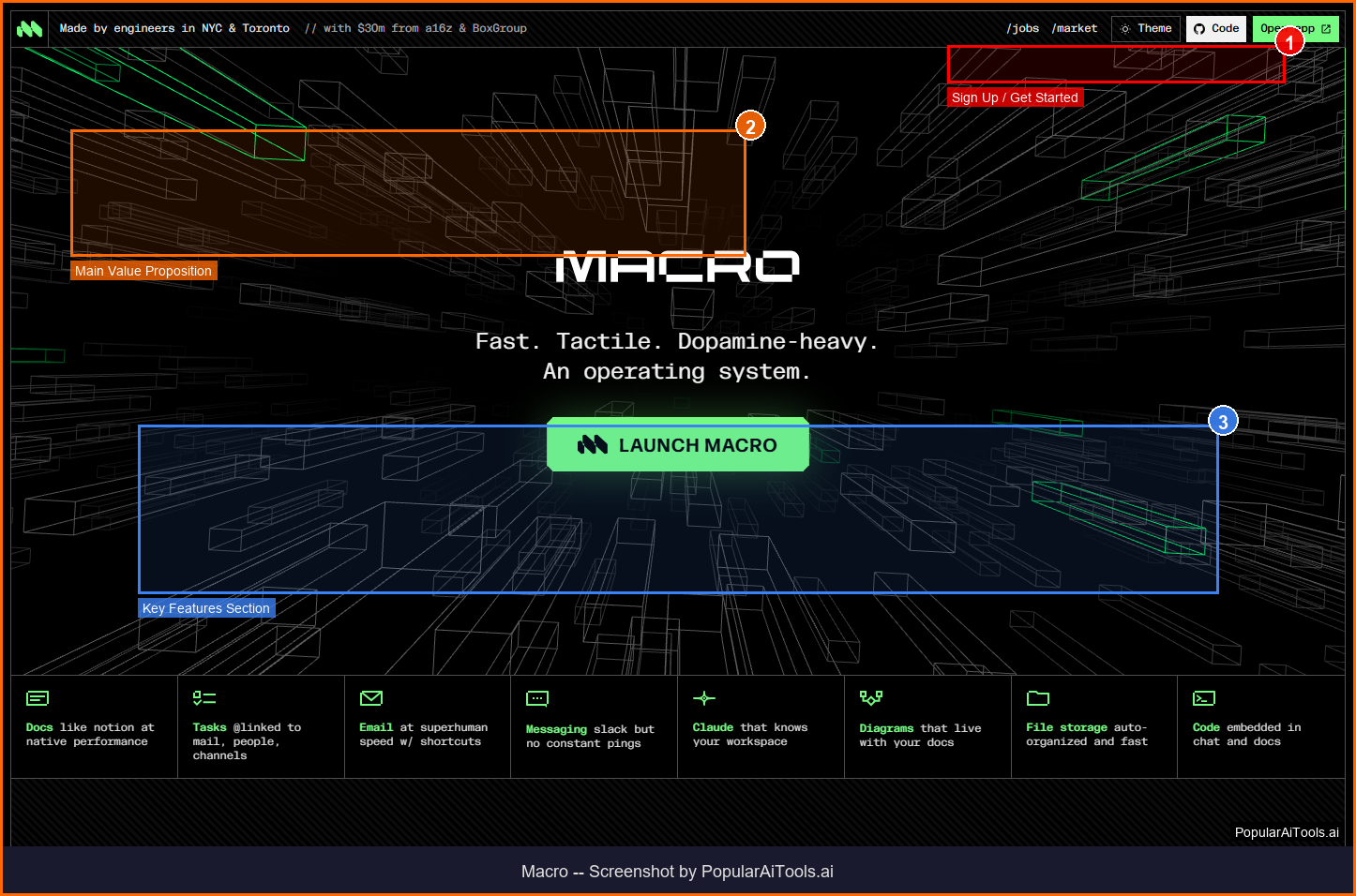
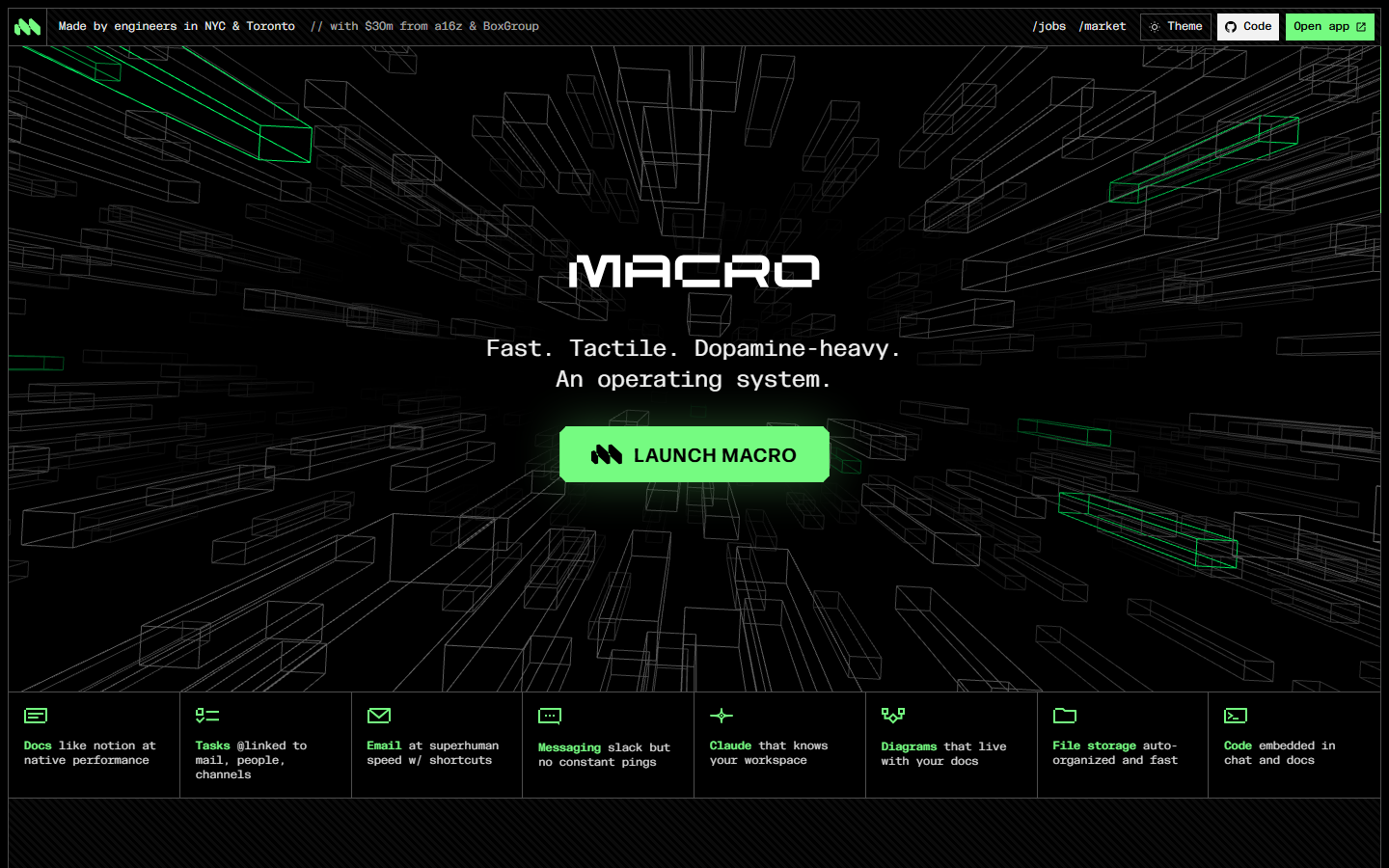
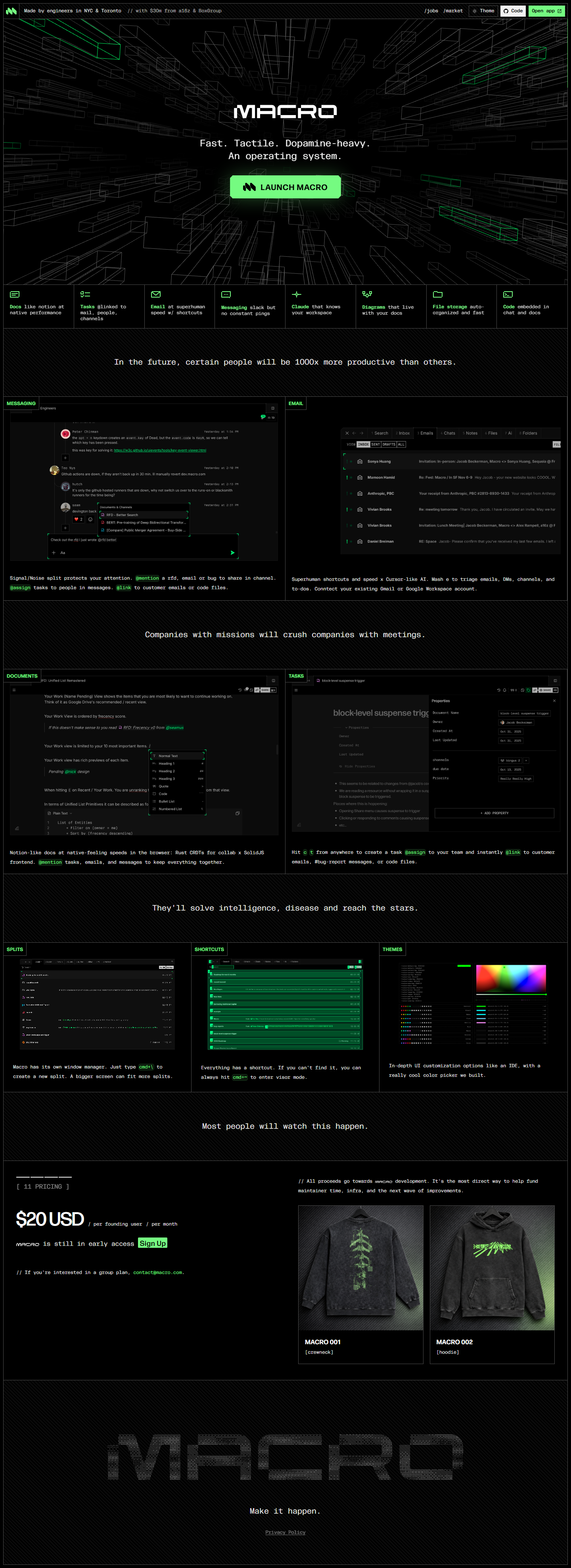
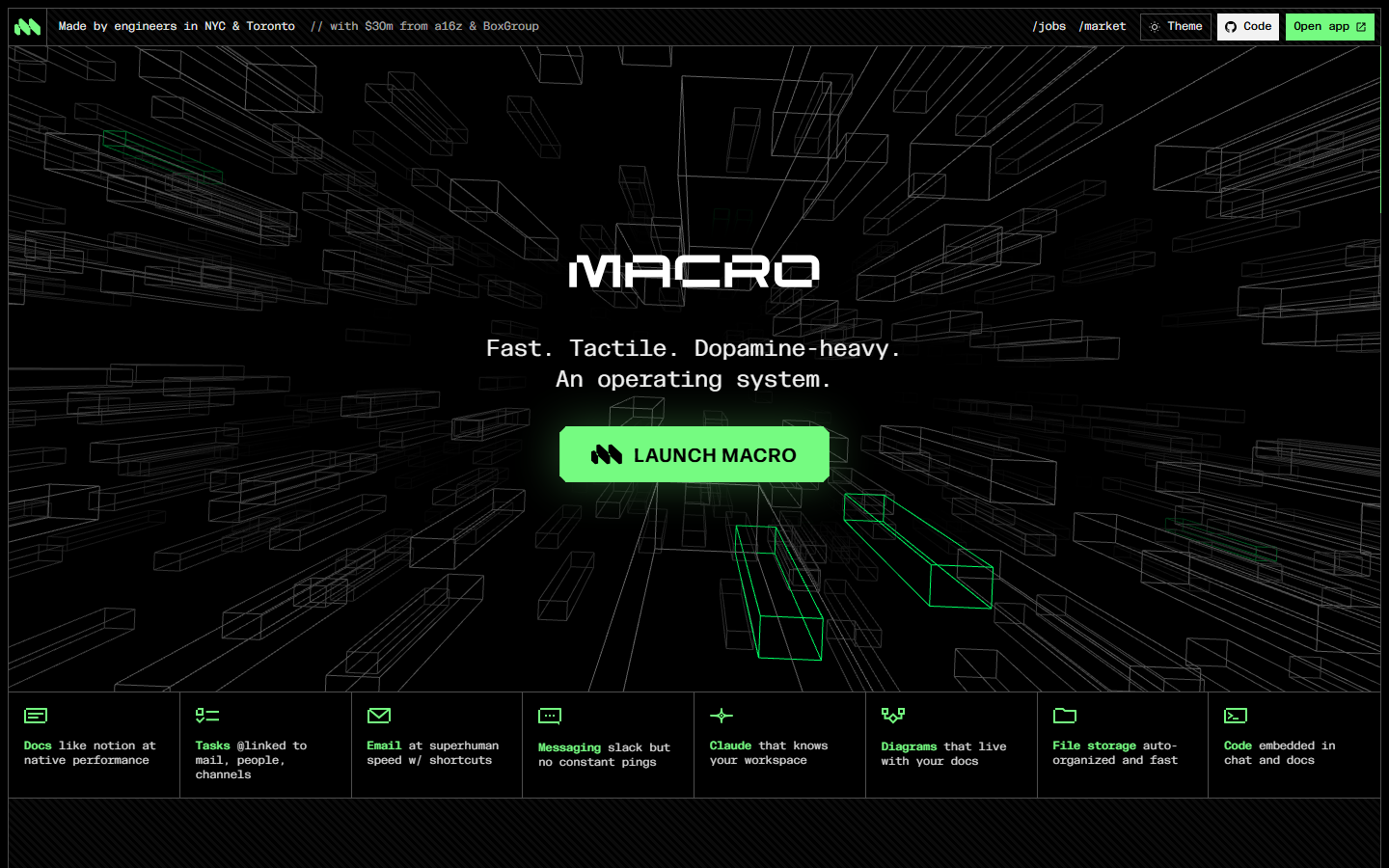
Screenshot of Macro homepage — captured March 21, 2026 by PopularAiTools.ai
Key Features of Macro
AI Document Analysis
Summarize, translate, or query any PDF or Word document using AI. AI Popups let you highlight text and get instant summaries or translations.
Full PDF & DOCX Editing
Complete editing parity with Adobe for PDFs and most Microsoft Word features including stylesheet support for DOCX styles.
AI Compare Summaries
Generate bullet-pointed change logs between document revisions — essential for legal redlining and contract review.
Real-Time Collaboration
Work on documents simultaneously with co-workers. Comment, annotate, and track changes in real-time.
Multi-Model AI
Powered by OpenAI, Anthropic (Claude), and Google models — choose the best AI for each task.
Command Menu
Quick access to editing tools and AI queries via keyboard shortcuts. Power-user workflows built in.
Enterprise Security
SOC II Type 2 and ISO 27001 certified. Zero Data Retention agreements with AI providers. Full encryption at rest and in transit.
Universal File Support
Native support for PDF, DOCX, Markdown, code files, diagrams, and more in a single workspace.
How to Use Macro
1
Sign Up
Create a free account at macro.com. No credit card required for the free tier.
2
Upload Documents
Drag and drop PDFs, DOCX files, or any supported format into your Macro workspace.
3
Use AI Features
Highlight text for AI Popups (summarize, translate), use the Command Menu for advanced queries, or compare document versions.
4
Collaborate
Invite team members to co-edit documents in real-time. Use comments and annotations for feedback.
5
Export & Share
Export documents in any format or share via secure links with granular access controls.
Macro Pricing
Free plan | Premium $9.99/mo | Business $29.99/mo
Pros and Cons
✓ Pros
- ✓Full Adobe-level PDF editing at a fraction of the cost
- ✓Multi-model AI (OpenAI, Anthropic, Google) for best-in-class document intelligence
- ✓SOC II Type 2 + ISO 27001 certifications provide genuine enterprise security
- ✓AI Compare generates change logs that save hours in legal review
- ✓Zero Data Retention agreements with AI providers protect sensitive documents
- ✓Clean, modern interface that's intuitive for non-technical users
✗ Cons
- ✗Free tier has limited AI usage and cloud storage
- ✗Team collaboration only available on Business plan at $29.99/month
- ✗No offline mode — requires internet connection for AI features
- ✗Mobile experience is less polished than desktop
- ✗Limited integrations with third-party tools and workflows
Macro Alternatives
Adobe Acrobat
Industry standard for PDF editing but significantly more expensive without AI features
Google Docs
Free and great for collaboration but lacks advanced PDF editing and AI document analysis
Notion
Better for note-taking and project management but weaker on PDF/DOCX editing
ChatPDF
Focused specifically on AI PDF chat but lacks the full editing capabilities of Macro
Our Verdict
4.4/5
Macro is quietly building the document workspace of the future. It combines the PDF editing power of Adobe, the DOCX capabilities of Word, and cutting-edge AI analysis into a single platform — all with enterprise-grade security. The AI Compare feature for document redlining is particularly valuable for legal and financial professionals. At $9.99/month for Premium, it undercuts Adobe significantly while offering AI capabilities that Adobe is still catching up to. The Business plan at $29.99/month unlocks team collaboration and bulk processing for organizations. The main weakness is the limited free tier and lack of offline access. For professionals who work extensively with documents and need AI-powered analysis, Macro is an excellent choice. Rating: 4.4/5
Try Macro Today →
Visit the official Macro website to get started
Frequently Asked Questions
Is Macro free to use?
Yes, Macro offers a free plan with basic PDF and DOCX editing, limited AI features, and basic cloud storage. Premium plans start at $9.99/month.
What AI models does Macro use?
Macro integrates AI models from OpenAI, Anthropic (Claude), and Google. The platform selects the optimal model for each task — summarization, translation, comparison, etc.
Is Macro secure for sensitive documents?
Yes, Macro holds SOC II Type 2 and ISO 27001 certifications. It uses Zero Data Retention agreements with AI providers, meaning your documents are never used for AI training. All data is encrypted at rest and in transit.
Can Macro replace Adobe Acrobat?
For most use cases, yes. Macro offers full parity with Adobe for PDF editing and adds AI capabilities that Adobe lacks. However, Adobe still has advantages for advanced print production workflows.
Does Macro support DOCX editing?
Yes, Macro offers most Microsoft Word features including stylesheet support for inserting DOCX styles, formatting, comments, and track changes.
What is Macro's AI Compare feature?
AI Compare automatically generates bullet-pointed change logs between document revisions. It's designed for legal redlining, contract review, and any workflow where tracking document changes is critical.
Can teams collaborate in Macro?
Yes, the Business plan at $29.99/month enables real-time co-editing, commenting, and annotation. Free and Premium plans are for individual use.
Does Macro have OCR?
Yes, Premium and Business plans include OCR (Optical Character Recognition) that converts scanned documents into editable, searchable text.
Last updated: March 21, 2026 | Review by PopularAiTools.ai
Get Premium AI Tool Insights
Subscribe to get weekly curated AI tool recommendations, exclusive deals, and early access to new tool reviews.
Related Tools
Related Articles
10 Claude Code Skills, Plugins & CLIs to Install on Day One (April 2026)
Starting Claude Code from scratch in 2026? Install these 10 skills, plugins, and CLIs on day one — Codex CLI, Obsidian, Autoresearch, Firecrawl, Playwright, NotebookLM, Skill Creator, RAG-Anything, Google Workspace CLI, and awesome-design-md. Full install commands included.
We Tested 24 AI Models Inside Claude Code: The 2026 Tier List
We swapped 24 different AI models into Claude Code and ran identical tool-call tests on each. Here's the S-tier-to-D-tier ranking, real cost comparison, and the single best Claude Sonnet 4.6 alternative for 2026 — including the GLM 4.6 sleeper pick that matched Sonnet at 15% the cost.
Claude as a Creative Studio: Make Ads, Images, and Video From One Chat (2026)
Claude doesn't generate raster images natively, but in 2026 it's the smartest creative director on Earth — orchestrating Nano Banana 2, Sora 2, Runway, Higgsfield, Remotion, and VEED into a single ad-and-video factory. The full stack, the variant matrix trick, and how to build a YouTube Shorts factory.