
TL;DR -- marimo Review
Rating: 4.7/5
Best For: Data scientists, researchers, and Python developers who want reactive, reproducible notebooks
Pricing: Free and open source
Verdict: marimo is the best Jupyter alternative available in 2026. Period. The reactive execution model eliminates the hidden state bugs that plague traditional notebooks. Every notebook is stored as pure Python, making it git-friendly and executable as a script. With 19.8K GitHub stars and endorsements from the founders of Kaggle, Pydantic, and Django, marimo has earned its position as the next-generation Python notebook. And it is completely free.
Table of Contents
What is marimo?
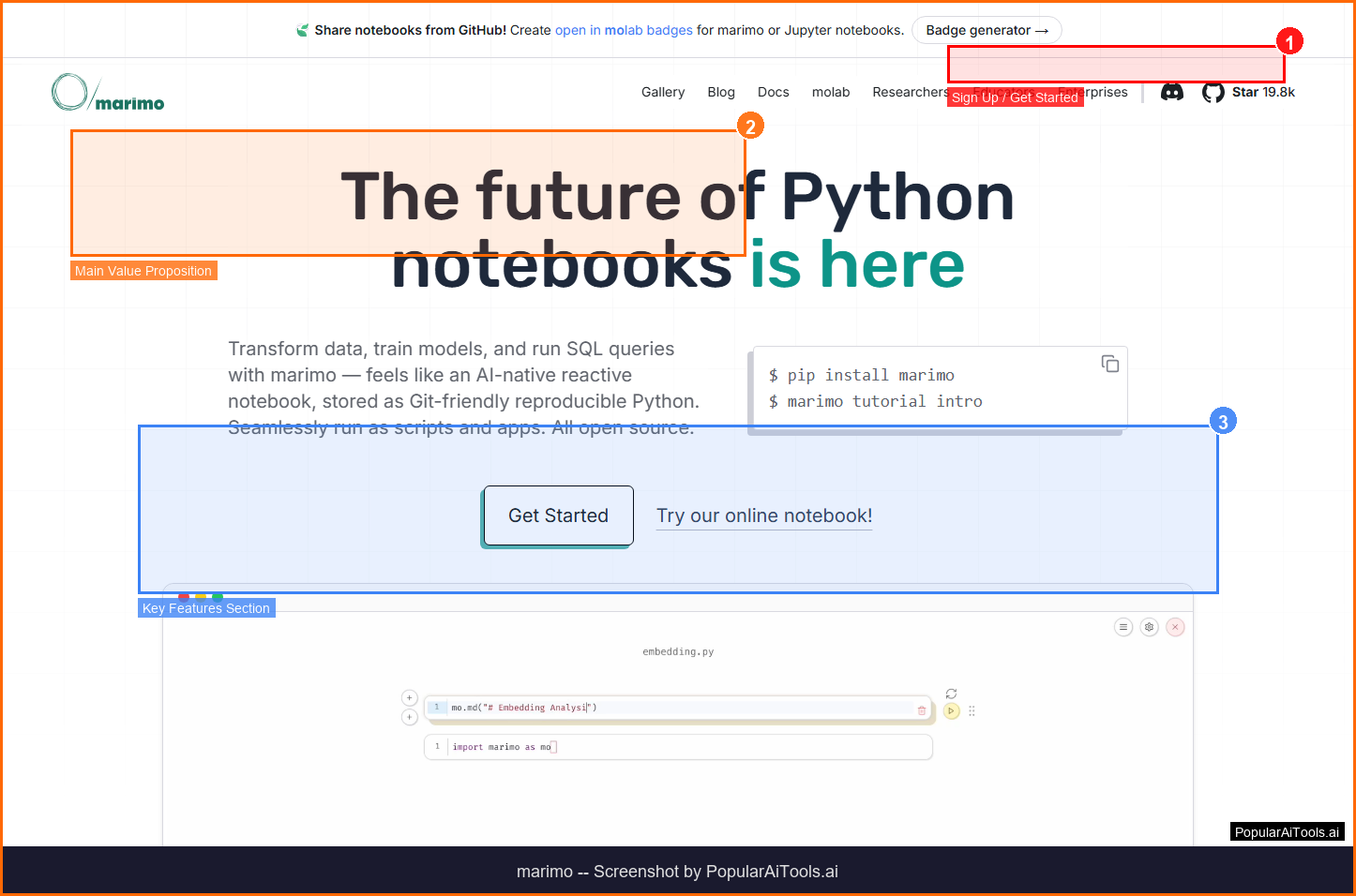
marimo is an open-source reactive notebook for Python that fundamentally rethinks how interactive computing should work. Unlike traditional Jupyter notebooks where cells can be run in any order and hidden state causes reproducibility nightmares, marimo treats notebooks as dataflow graphs. Run a cell or interact with a UI element, and marimo automatically runs all dependent cells -- keeping code and outputs perfectly synchronized at all times.
Every marimo notebook is stored as a pure Python file (not JSON like Jupyter), which means you can version control it with Git, execute it as a script from the command line, import it as a Python module, and deploy it as an interactive web application. This versatility is what separates marimo from incremental improvements to the Jupyter ecosystem -- it is a fundamentally different approach to interactive Python.
The project has accumulated 19.8K GitHub stars and is downloaded hundreds of thousands of times per month. It is used by enterprises including Cloudflare, Shopify, and BlackRock, as well as research institutions like Stanford, Johns Hopkins, and Princeton. Anthony Goldbloom, the founder and CEO of Kaggle, called marimo one of the few technologies that have been truly transformational for him. Samuel Colvin, the creator of Pydantic, said marimo solves all his frustrations with Jupyter elegantly.
Key Features
Reactive Execution
The core innovation. When you change a cell, marimo automatically identifies and reruns all cells that depend on it. There is no hidden state, no stale outputs, no out-of-order execution bugs. This reactive model eliminates the number one source of errors in traditional notebooks.
Pure Python Storage
Notebooks are stored as .py files, not JSON. This makes them git-friendly with clean diffs, executable as scripts, importable as modules, and deployable as web apps. One file format, five use cases.
Interactive UI Elements
Built-in sliders, dropdowns, tables, file uploads, and selectable plots that reactively update dependent cells. Build interactive data exploration tools and dashboards directly in your notebook.
Native SQL Support
Write SQL queries directly in marimo cells with support for DuckDB, SQLite, PostgreSQL, and MySQL. SQL results integrate seamlessly with Python code in the reactive dataflow graph.
AI-Native Editor
Built-in copilot-style autocomplete and AI assistance directly in the editor. Generate code, fix errors, and explore data with AI support that understands the notebook context.
App Deployment
Deploy any marimo notebook as a shareable web application with a single command. No separate deployment framework needed -- your notebook IS your app.
How to Use marimo
1
Install marimo
Run pip install marimo or uv pip install marimo to install.
2
Create a Notebook
Run marimo edit to open the editor in your browser. Create cells and start coding -- changes automatically propagate.
3
Add Interactive Elements
Use built-in UI widgets like sliders, dropdowns, and interactive tables. They automatically trigger reactive updates in downstream cells.
4
Run as Script or Deploy as App
Execute with marimo run notebook.py to deploy as a web app, or python notebook.py to run as a script.

Pricing
marimo is completely free and open source under the Apache 2.0 license. There are no paid tiers, no feature gates, and no usage limits. The full platform -- including reactive execution, interactive widgets, SQL support, AI features, and app deployment -- is available to everyone at no cost.
Pros and Cons
Pros
- Reactive execution eliminates hidden state bugs
- Pure Python files -- git-friendly, scriptable, deployable
- Completely free and open source
- 19.8K GitHub stars, enterprise adoption
- Built-in SQL, interactive widgets, AI copilot
Cons
- Learning curve if you are used to Jupyter's model
- Smaller extension ecosystem than Jupyter
- Some Jupyter-specific workflows may need adaptation
- Cannot run cells out of order (by design)
- Newer project -- fewer tutorials and guides available
marimo Alternatives
| Alternative | Best For | Price |
|---|---|---|
| Jupyter Notebook | Traditional interactive Python | Free |
| Google Colab | Cloud notebooks with free GPUs | Free / $9.99/mo |
| Observable | JavaScript reactive notebooks | Free / $12/mo |
| Hex | Collaborative data workspaces | Free / $24/mo |
Final Verdict
marimo earns a 4.7/5 and represents the most significant advancement in Python notebooks since Jupyter itself. The reactive execution model is not just a nice feature -- it fundamentally solves the reproducibility crisis that has plagued computational notebooks for years. The fact that it is completely free and open source makes the recommendation easy: if you work with Python for data science, research, or application development, you should try marimo.
The only reasons not to switch immediately are deep investments in Jupyter-specific extensions or workflows that depend on out-of-order execution (which marimo intentionally prevents). For everyone else, marimo's combination of reactive execution, pure Python storage, interactive widgets, SQL support, and one-command app deployment makes it the best notebook experience available.
Ready to try marimo?
Get Started Free
Frequently Asked Questions
Is marimo a replacement for Jupyter?
Yes. marimo is designed as a next-generation alternative to Jupyter. It addresses Jupyter's core limitations -- hidden state, JSON storage, lack of reproducibility -- while adding reactive execution, interactive widgets, and app deployment.
Can I convert existing Jupyter notebooks to marimo?
Yes. marimo provides a conversion tool that transforms .ipynb files to .py marimo notebooks. Some manual adjustment may be needed for notebooks that rely on out-of-order execution.
Is marimo really free?
Yes. marimo is fully open source under the Apache 2.0 license. All features -- including reactive execution, interactive widgets, SQL support, AI copilot, and app deployment -- are free with no usage limits.
Get Premium AI Tool Insights
Subscribe to get weekly curated AI tool recommendations, exclusive deals, and early access to new tool reviews.
Related Tools

Chartcastr
ai-data
Updated March 2026 · 11 min read · By PopularAiTools.ai
openProd.io
ai-data
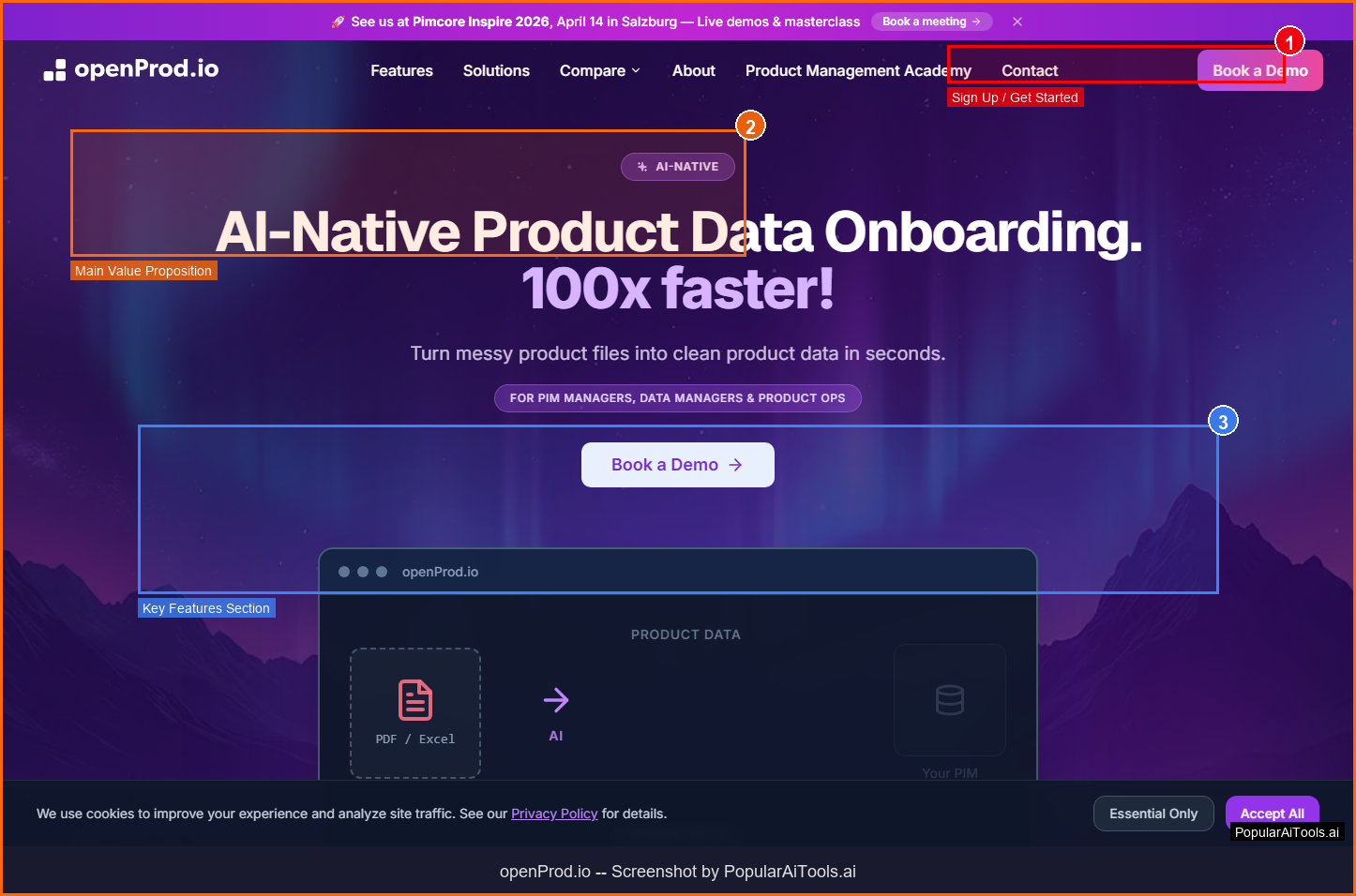
openProd.io: AI-native platform that extracts, cleans, normalizes, and enriches product data from supplier files and exports validated data to PIMs.
TubeSpark
ai-data
A tool to generate YouTube ideas, scripts, analytics.
mia
ai-data
A tool to monitor competitors and generate market insights.
Related Articles
10 Claude Code Skills, Plugins & CLIs to Install on Day One (April 2026)
Starting Claude Code from scratch in 2026? Install these 10 skills, plugins, and CLIs on day one — Codex CLI, Obsidian, Autoresearch, Firecrawl, Playwright, NotebookLM, Skill Creator, RAG-Anything, Google Workspace CLI, and awesome-design-md. Full install commands included.
We Tested 24 AI Models Inside Claude Code: The 2026 Tier List
We swapped 24 different AI models into Claude Code and ran identical tool-call tests on each. Here's the S-tier-to-D-tier ranking, real cost comparison, and the single best Claude Sonnet 4.6 alternative for 2026 — including the GLM 4.6 sleeper pick that matched Sonnet at 15% the cost.
Claude as a Creative Studio: Make Ads, Images, and Video From One Chat (2026)
Claude doesn't generate raster images natively, but in 2026 it's the smartest creative director on Earth — orchestrating Nano Banana 2, Sora 2, Runway, Higgsfield, Remotion, and VEED into a single ad-and-video factory. The full stack, the variant matrix trick, and how to build a YouTube Shorts factory.