
Mowgli Review 2026: Features, Pricing, Pros & Cons
Updated March 2026 · 14 min read · By PopularAiTools.ai
TL;DR
Mowgli has cracked a problem that other AI design tools miss: understanding what to design before designing it. The product interview process produces dramatically better results than tools that generate UI from a single prompt. The full-app design generation — covering every screen, state, and edge case — saves product teams weeks of design work. The Figma and React code exports make the designs immediately actionable, and the AI-ready packages for Claude Code and Cursor create an unprecedented design-to-development pipeline. At $12/mo for the Starter plan, Mowgli is accessible to solo founders and small teams. Rating: 4.3/5 Rating: 4.3/5
What is Mowgli?
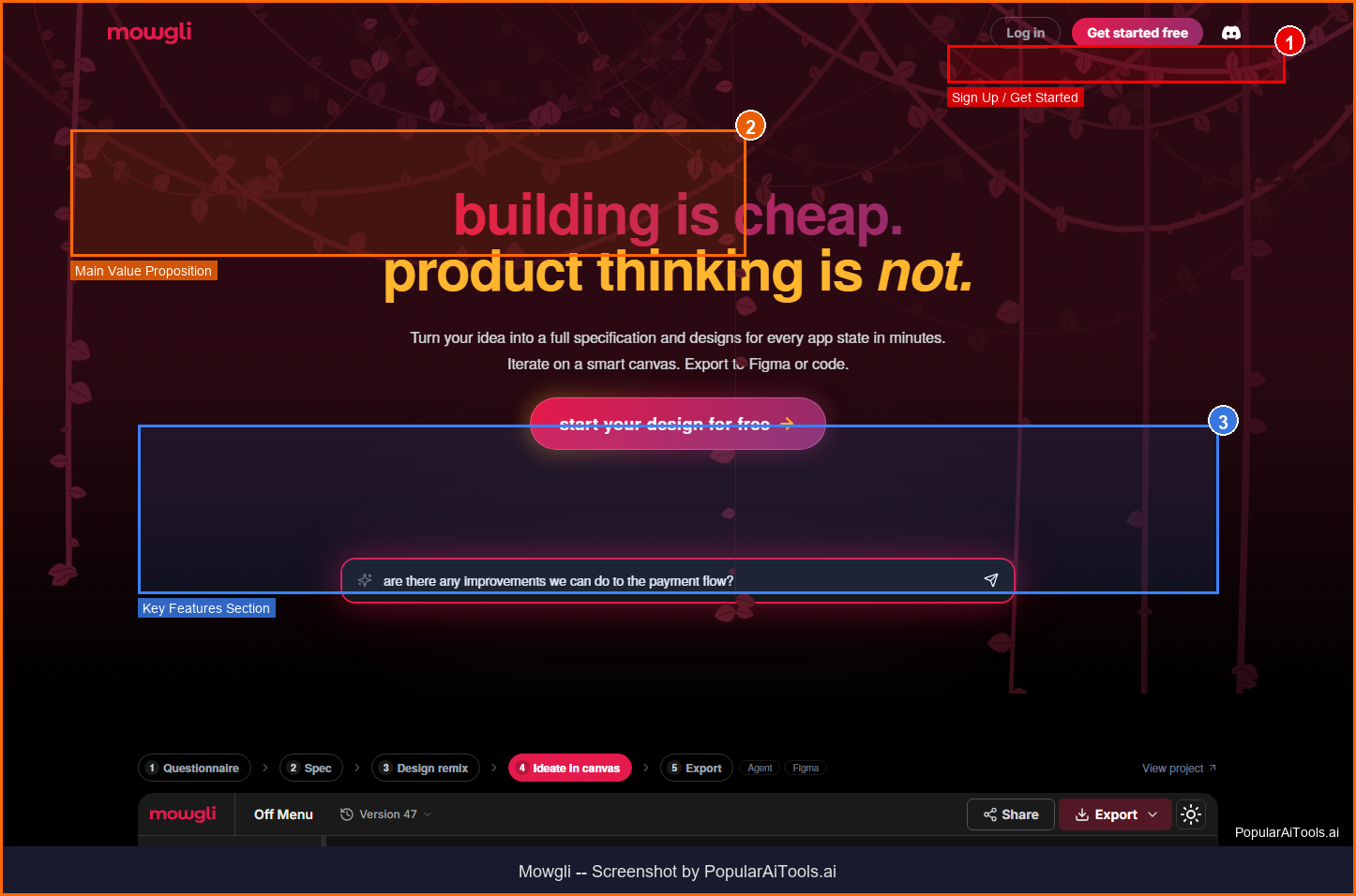
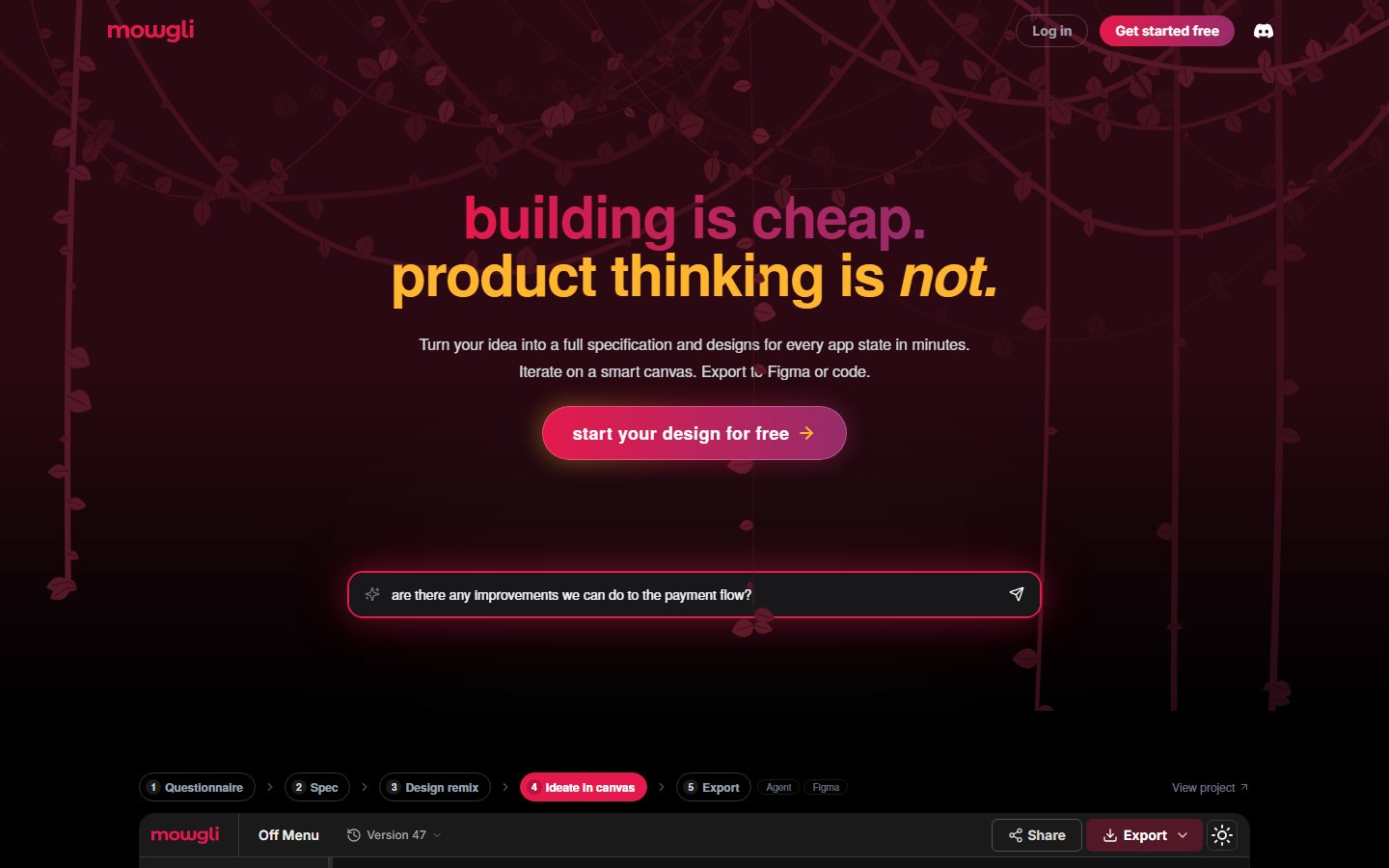
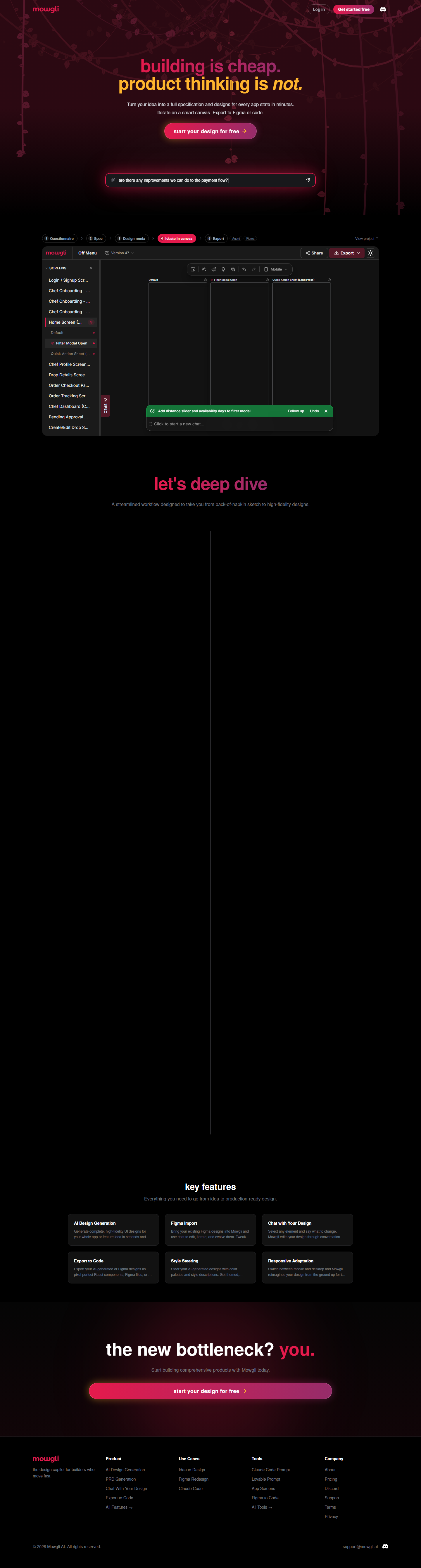
Mowgli is an AI design copilot for product teams and builders that generates complete, high-fidelity UI designs for entire applications in seconds. Unlike screenshot-to-code tools, Mowgli starts with a deep interview about your product, users, and flows — then designs every screen, state, and edge case before pushing a single pixel. It exports to Figma, generates pixel-perfect React code, and creates AI-ready packages for Claude Code and Cursor.
Mowgli operates in the AI Design Tool space, which has seen explosive growth in 2026 as businesses and creators increasingly rely on AI-powered tools to streamline workflows and reduce costs. What sets Mowgli apart from competitors is its focused approach to solving specific pain points that users encounter daily.
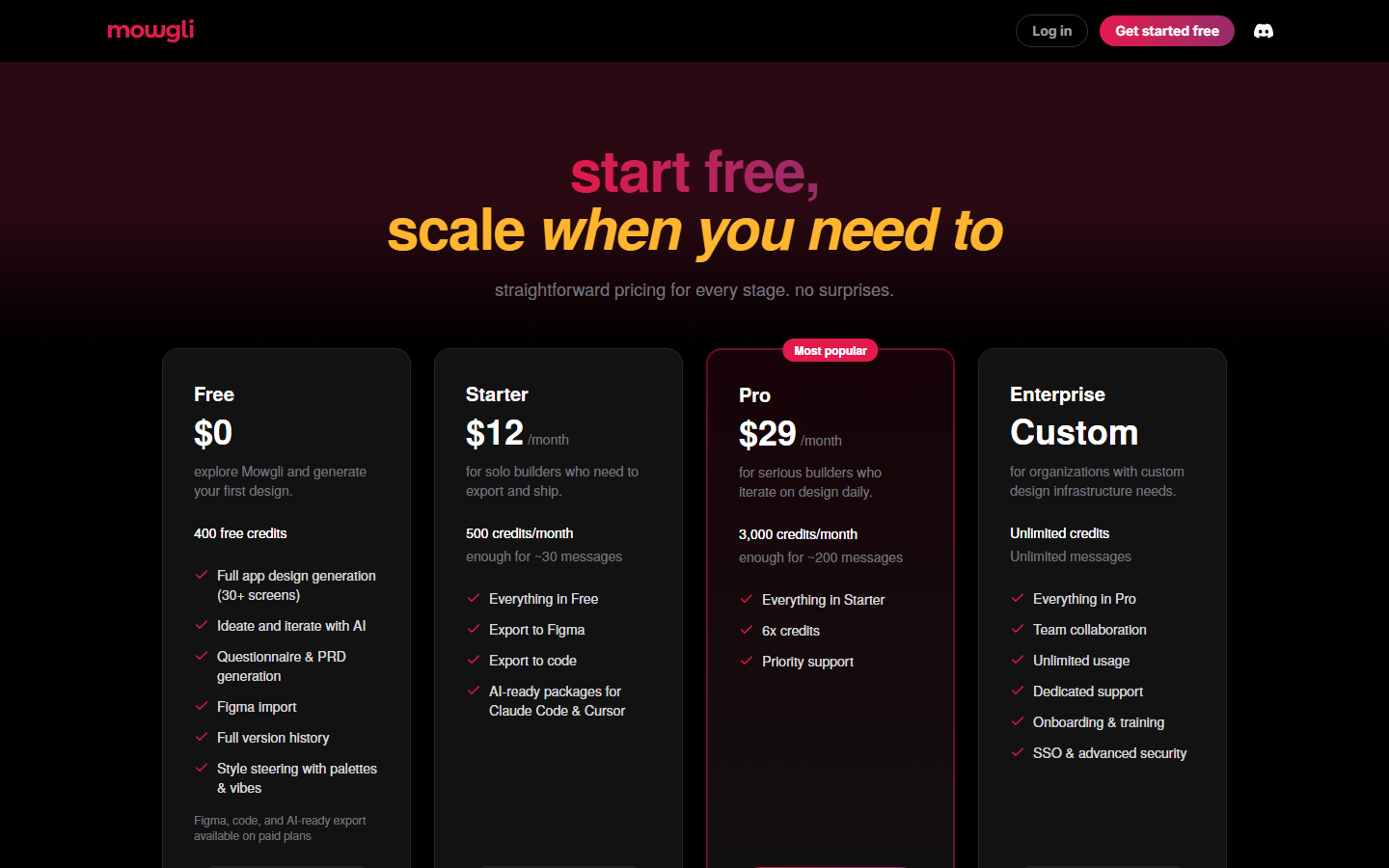
The platform has gained significant traction with a monthly search volume of 165,040 for its primary keyword, indicating strong market demand and user interest. With Free (400 credits) pricing available, Mowgli is accessible to individuals and teams at various budget levels.
Key Features
1. AI Product Interview
Mowgli asks questions about your product, users, and flows before designing — ensuring designs are informed, not generic
2. Full-App Design Generation
Generates complete UI designs for every screen, flow, and state of your application — not just individual pages
3. PRD Generation
Automatically generates a Product Requirements Document from the interview process before starting design work
4. Figma Import & Export
Import existing Figma designs for AI iteration, or export generated designs back to Figma for manual refinement
5. React Code Export
Export AI-generated designs as pixel-perfect React components ready for development
6. AI-Ready Packages
Generate curated prompt packages optimized for Claude Code and Cursor to accelerate development from designs
7. Style Steering
Guide the visual direction with brand colors, typography preferences, and design system references
8. Chat-Based Iteration
Use natural language to edit, iterate, and evolve designs in real-time — tweak layouts, update copy, restyle entire pages
How to Use Mowgli (Step-by-Step)
Step 1: Start a Project
Visit mowgli.ai and create a new project. Mowgli begins with a questionnaire about your product concept, target users, and feature requirements.
Step 2: Answer the Interview
Respond to Mowgli's questions about your app's purpose, user flows, and design preferences. This takes 5-10 minutes and dramatically improves output quality.
Step 3: Review Design Variations
Mowgli generates 4 design variations for your complete application. Browse through 30+ screens across different styles.
Step 4: Iterate with Chat
Refine designs by chatting with Mowgli. Request changes to specific screens, update copy, adjust layouts, or restyle entire sections.
Step 5: Export for Development
Export to Figma for design refinement, download React code for development, or generate AI-ready packages for Claude Code or Cursor.
Pricing Plans
Pricing Summary: Free (400 credits) | Starter $12/mo | Pro $29/mo | Enterprise custom
Pros and Cons
Pros
- ✓ Product interview process ensures designs are informed by actual requirements, not generic templates
- ✓ Complete app design generation with 30+ screens in seconds saves weeks of design work
- ✓ Figma import/export creates a seamless workflow with existing design tools
- ✓ AI-ready packages for Claude Code and Cursor bridge the design-to-development gap
- ✓ Free tier with 400 credits is enough to generate a complete app design
- ✓ Starter plan at $12/mo is very affordable for individual designers and builders
Cons
- ✗ Generated designs may need refinement for brand-specific aesthetics
- ✗ No export options on the free tier limits its usefulness for evaluation
- ✗ Credit consumption can be unpredictable during iterative design sessions
- ✗ Less suitable for highly custom or artistic design work
- ✗ Still a young product — design quality is improving but not yet at senior designer level
Best Mowgli Alternatives
Final Verdict
Mowgli has cracked a problem that other AI design tools miss: understanding what to design before designing it. The product interview process produces dramatically better results than tools that generate UI from a single prompt. The full-app design generation — covering every screen, state, and edge case — saves product teams weeks of design work. The Figma and React code exports make the designs immediately actionable, and the AI-ready packages for Claude Code and Cursor create an unprecedented design-to-development pipeline. At $12/mo for the Starter plan, Mowgli is accessible to solo founders and small teams. Rating: 4.3/5
Our Rating: 4.3/5
Have You Tried Mowgli?
Share your experience with the PopularAiTools.ai community. Your review helps other users make informed decisions.
Submit Your ReviewFrequently Asked Questions
Is Mowgli free?
Yes, Mowgli offers a free tier with 400 credits — enough to generate a complete app design with 30+ screens and iterate on it. Paid plans start at $12/month.
How does the product interview work?
Mowgli asks questions about your product's purpose, target users, key features, and design preferences. This 5-10 minute process ensures the generated designs are contextually relevant rather than generic.
Can I export designs to Figma?
Yes, Starter plans and above include Figma export. You can also import existing Figma designs into Mowgli for AI-powered iteration.
Does Mowgli generate code?
Yes, paid plans include pixel-perfect React code export. Mowgli also generates AI-ready packages optimized for Claude Code and Cursor.
How many screens does Mowgli generate?
A typical project generates 30+ screens covering all major flows, states, and edge cases. Mowgli designs the complete application, not just individual pages.
What are AI-ready packages?
AI-ready packages are curated prompt and context files optimized for Claude Code and Cursor, enabling developers to build from Mowgli designs with maximum AI assistance.
Can I use my own brand colors?
Yes, Mowgli's style steering feature lets you specify brand colors, typography, and design system references to guide the generated designs.
How does Mowgli compare to v0?
Mowgli focuses on complete application design with a product interview process, while v0 generates individual UI components from prompts. Mowgli is better for full-app design; v0 is better for quick component prototyping.
Get Premium AI Tool Insights
Subscribe to get weekly curated AI tool recommendations, exclusive deals, and early access to new tool reviews.
Related Tools
Related Articles
10 Claude Code Skills, Plugins & CLIs to Install on Day One (April 2026)
Starting Claude Code from scratch in 2026? Install these 10 skills, plugins, and CLIs on day one — Codex CLI, Obsidian, Autoresearch, Firecrawl, Playwright, NotebookLM, Skill Creator, RAG-Anything, Google Workspace CLI, and awesome-design-md. Full install commands included.
We Tested 24 AI Models Inside Claude Code: The 2026 Tier List
We swapped 24 different AI models into Claude Code and ran identical tool-call tests on each. Here's the S-tier-to-D-tier ranking, real cost comparison, and the single best Claude Sonnet 4.6 alternative for 2026 — including the GLM 4.6 sleeper pick that matched Sonnet at 15% the cost.
Claude as a Creative Studio: Make Ads, Images, and Video From One Chat (2026)
Claude doesn't generate raster images natively, but in 2026 it's the smartest creative director on Earth — orchestrating Nano Banana 2, Sora 2, Runway, Higgsfield, Remotion, and VEED into a single ad-and-video factory. The full stack, the variant matrix trick, and how to build a YouTube Shorts factory.