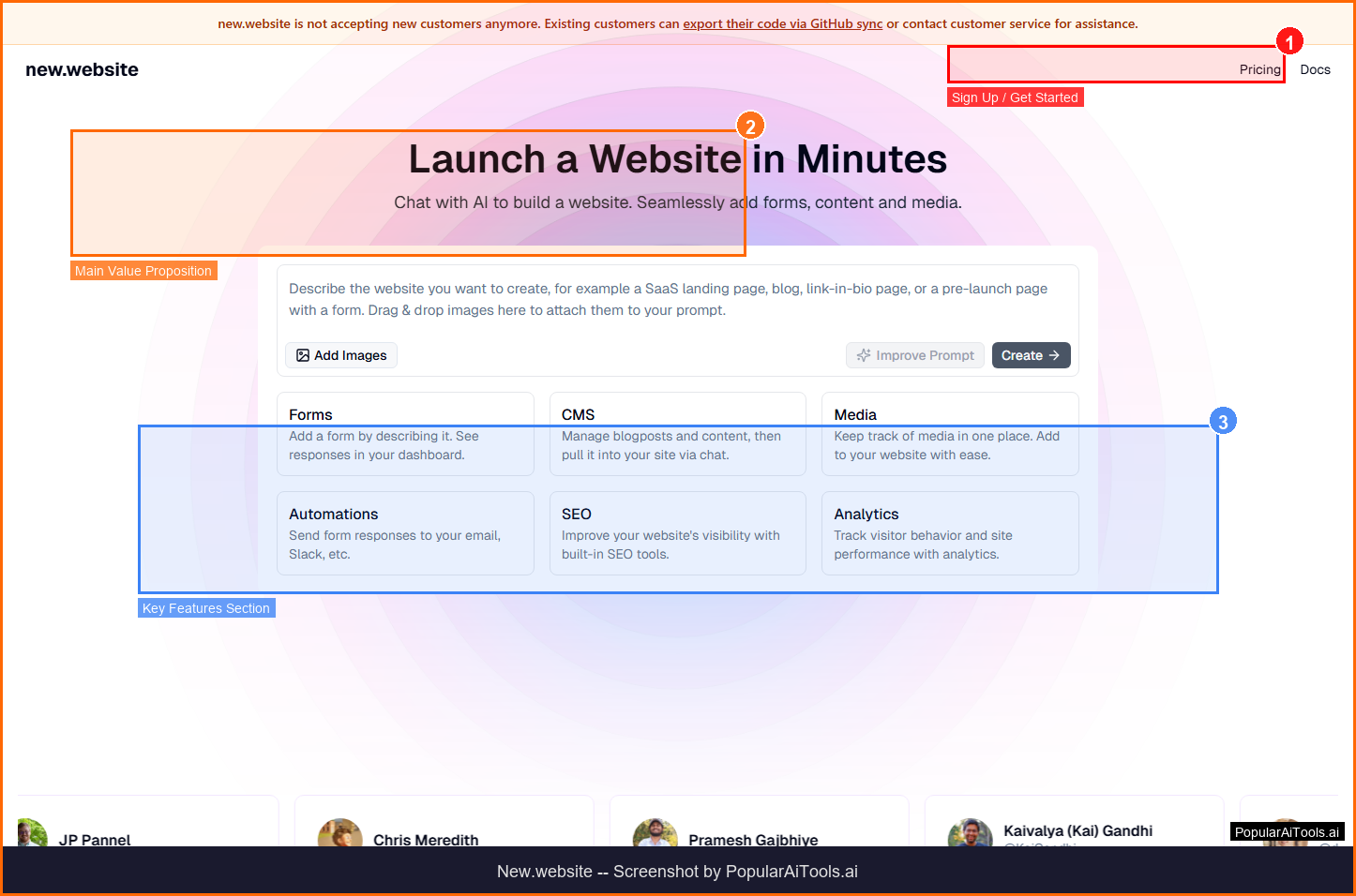

TL;DR -- New.website Review
Rating: 4.0/5
Best For: Small businesses and entrepreneurs who want to create professional websites quickly without design or coding skills
Pricing: Freemium model with free site creation. Premium plans for custom domains and advanced features.
Verdict: New.website simplifies website creation by combining AI generation with drag-and-drop editing. While it cannot match the customization depth of platforms like WordPress or Webflow, it excels at getting a professional-looking site live in minutes. Ideal for small businesses that need an online presence without the overhead of hiring a developer.
Table of Contents
What is New.website?
New.website is an AI-powered website builder that lets users create professional websites through a combination of drag-and-drop editing and AI assistance. It simplifies the process of website creation for users without technical expertise, generating layouts, copy, and design elements through natural language prompts.

New.website falls into the AI Website Builder category and is designed for small businesses and entrepreneurs who want to create professional websites quickly without design or coding skills. In this review, we will explore its features, pricing, pros and cons, and how it compares to alternatives in the market.
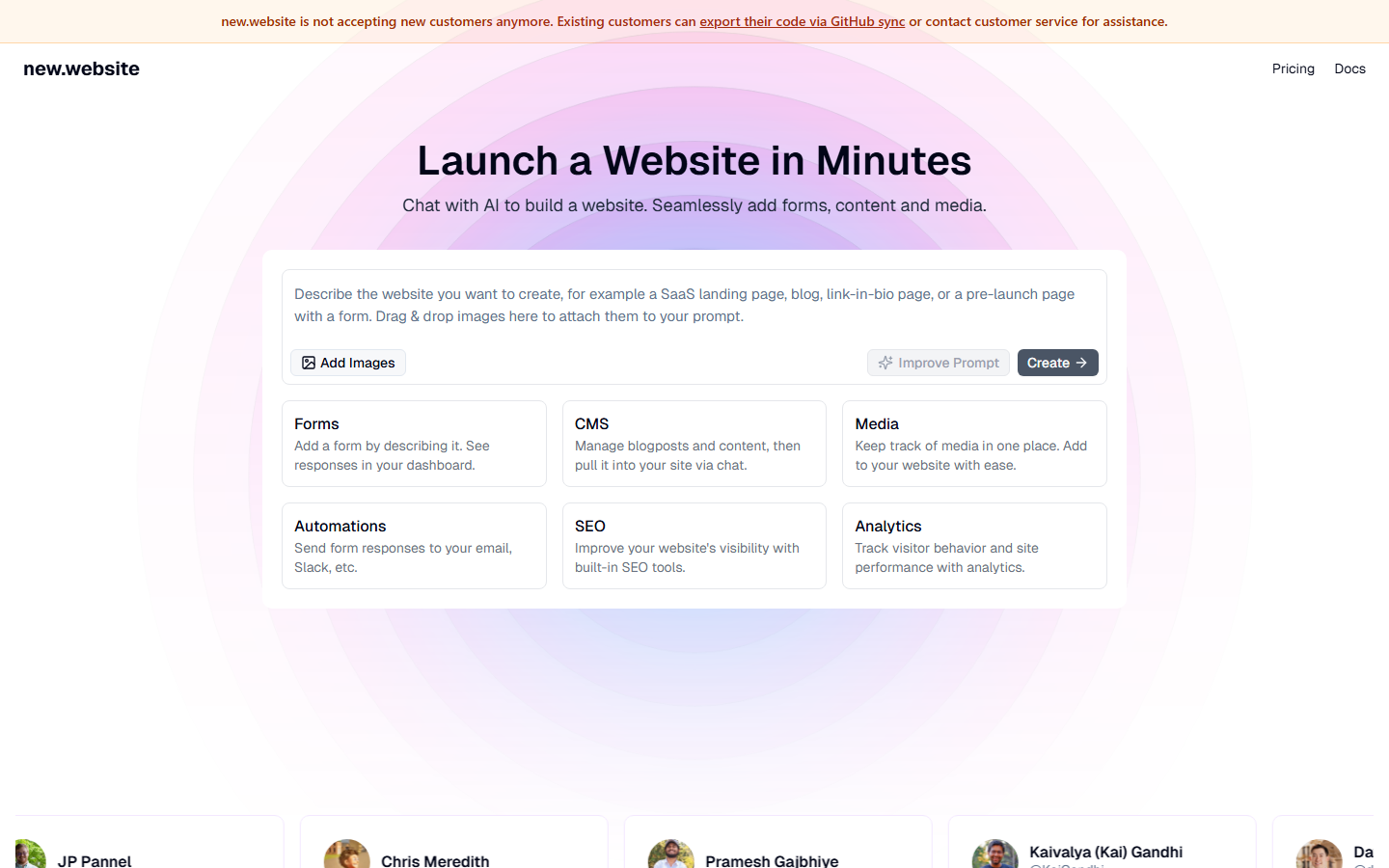
Key Features
Here are the standout features that make New.website worth considering:
AI-Assisted Design
Generate complete website layouts and design elements through natural language prompts and descriptions.
Drag-and-Drop Editor
Intuitive visual editor for customizing every element of your website without coding.
Responsive Templates
Pre-built templates that automatically adapt to mobile, tablet, and desktop screens.
AI Content Generation
Automatically generate website copy, headlines, and descriptions based on your business type.
One-Click Publishing
Publish your website instantly with hosting and domain management included.
How to Use New.website
Getting started with New.website is straightforward. Here is the typical workflow:
1
Visit the Website
Go to https://new.website and create your account. Most tools offer a free tier or trial to get started.
2
Explore the Dashboard
Familiarize yourself with New.website's interface, settings, and available features. The onboarding flow will guide you through initial setup.
3
Configure Your Workflow
Set up New.website for your specific use case. Connect integrations, customize settings, and configure any automations.
4
Start Using & Iterate
Begin using New.website for real tasks. Monitor results, adjust settings, and scale usage as you become comfortable.
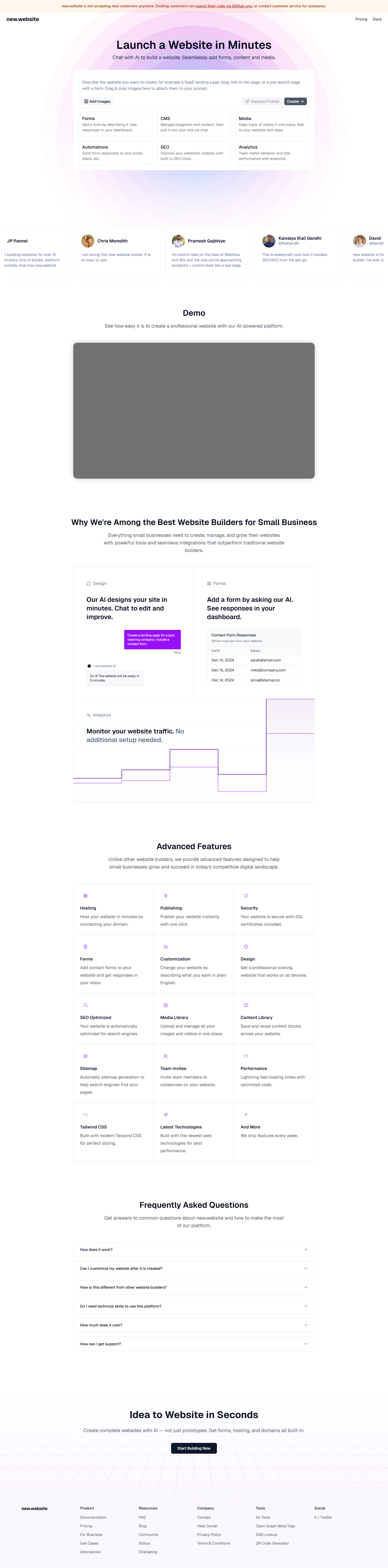
Pricing Plans
Freemium model with free site creation. Premium plans for custom domains and advanced features.

| Plan | Price | Includes |
|---|---|---|
| Free | $0 | Basic site, subdomain, limited pages |
| Starter | ~$10/mo | Custom domain, basic analytics |
| Pro | ~$20/mo | Advanced features, e-commerce, priority support |
| Business | Contact Sales | Enterprise features, team collaboration |
Pros and Cons
Pros
- ✓ AI generates complete website layouts from descriptions
- ✓ No coding required
- ✓ Quick setup with one-click publishing
- ✓ Responsive design out of the box
Cons
- ✗ Limited customization compared to full-code solutions
- ✗ Higher CPC ($20.79) suggests competitive market
- ✗ May lack advanced e-commerce features
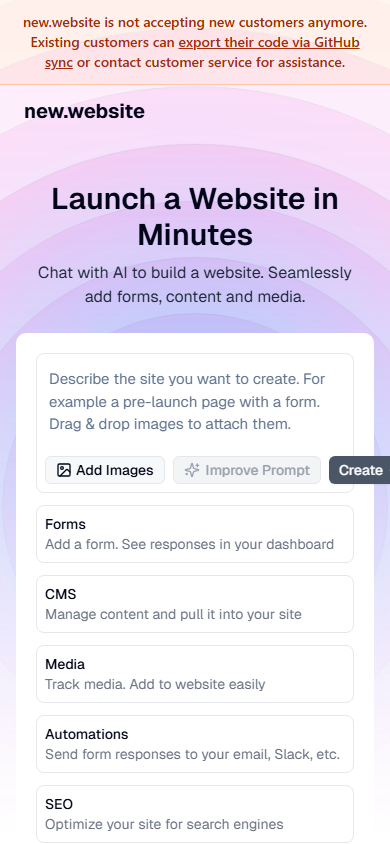
New.website Alternatives
If New.website does not fit your needs, here are some alternatives worth considering:
| Alternative | Description |
|---|---|
| Wix | AI-powered website builder |
| Squarespace | Design-focused website builder |
| Hostinger | AI website builder with hosting |
| Durable | AI business website builder |
Final Verdict
New.website simplifies website creation by combining AI generation with drag-and-drop editing. While it cannot match the customization depth of platforms like WordPress or Webflow, it excels at getting a professional-looking site live in minutes. Ideal for small businesses that need an online presence without the overhead of hiring a developer.

Frequently Asked Questions
What is New.website?
New.website is an AI-powered platform that lets you create professional websites using drag-and-drop editing and AI assistance.
Do I need coding skills?
No, New.website is designed for users without any technical or coding expertise.
Can AI design my entire website?
Yes, you can describe your business and the AI will generate a complete website layout with content.
Is there a free plan?
Yes, you can create a basic website for free with a subdomain.
Does it support mobile devices?
Yes, all websites are automatically responsive across mobile, tablet, and desktop screens.
Can I use a custom domain?
Yes, custom domains are available on paid plans.
Does it include hosting?
Yes, hosting is included with all plans.
How fast can I create a website?
Most users can have a professional website live in under 30 minutes using AI assistance.
Review by PopularAiTools.ai | Last updated: March 21, 2026
Get Premium AI Tool Insights
Subscribe to get weekly curated AI tool recommendations, exclusive deals, and early access to new tool reviews.
Related Tools
Related Articles
10 Claude Code Skills, Plugins & CLIs to Install on Day One (April 2026)
Starting Claude Code from scratch in 2026? Install these 10 skills, plugins, and CLIs on day one — Codex CLI, Obsidian, Autoresearch, Firecrawl, Playwright, NotebookLM, Skill Creator, RAG-Anything, Google Workspace CLI, and awesome-design-md. Full install commands included.
We Tested 24 AI Models Inside Claude Code: The 2026 Tier List
We swapped 24 different AI models into Claude Code and ran identical tool-call tests on each. Here's the S-tier-to-D-tier ranking, real cost comparison, and the single best Claude Sonnet 4.6 alternative for 2026 — including the GLM 4.6 sleeper pick that matched Sonnet at 15% the cost.
Claude as a Creative Studio: Make Ads, Images, and Video From One Chat (2026)
Claude doesn't generate raster images natively, but in 2026 it's the smartest creative director on Earth — orchestrating Nano Banana 2, Sora 2, Runway, Higgsfield, Remotion, and VEED into a single ad-and-video factory. The full stack, the variant matrix trick, and how to build a YouTube Shorts factory.