
ScribeFast Review 2026: AI Business
Updated March 2026 · 10 min read · By PopularAiTools.ai
TL;DR
ScribeFast is an AI-powered tool designed to convert your handwritten notes from PDF documents into editable LaTeX and Markdown formats. This allows for easier organization, searching, and digital integration of your physical notes. Best suited for Students, researchers, academics, anyone who takes handwritten notes and wants to digitize them.. Rating: 4.0/5
What is ScribeFast?
ScribeFast is an AI-powered tool designed to convert your handwritten notes from PDF documents into editable LaTeX and Markdown formats. This allows for easier organization, searching, and digital integration of your physical notes.
In the rapidly evolving ai business space, ScribeFast aims to provide a comprehensive solution for Students, researchers, academics, anyone who takes handwritten notes and wants to digitize them.. The platform combines artificial intelligence with intuitive design to streamline workflows and deliver professional-quality results without requiring deep technical expertise.
As AI tools continue to mature in 2026, ScribeFast positions itself as a viable option for users seeking to leverage AI capabilities in their daily work. Whether you are a beginner exploring AI tools or an experienced professional looking for efficiency gains, this review covers everything you need to know.
Key Features
1. Handwritten to Text Conversion
Converts handwritten notes in PDFs to digital text.
2. LaTeX Output
Generates output in LaTeX format.
3. Markdown Output
Generates output in Markdown format.
4. PDF Input
Accepts PDF files as input.
5. OCR Technology
Utilizes Optical Character Recognition for accuracy.
6. Note Digitization
Helps digitize and manage handwritten notes effectively.

How to Use ScribeFast
Step 1: Sign Up and Configure
Visit the ScribeFast website and create an account. Most plans offer a free tier or trial period so you can evaluate core features before committing to a paid plan. During setup, configure your preferences and connect any required integrations.
Step 2: Input Your Requirements
Provide the platform with the information it needs to deliver value. Depending on the tool, this might involve uploading files, connecting data sources, describing your needs, or configuring automation rules. The more context you provide, the better the output quality.
Step 3: Review and Iterate
Review the AI-generated output carefully. While AI tools have improved dramatically, human oversight remains essential for quality assurance. Provide feedback and iterate to refine results until they meet your standards.
Step 4: Integrate Into Your Workflow
Once satisfied with the output, integrate ScribeFast into your regular workflow. Set up any automations, export data to your preferred formats, and establish review processes for ongoing use.
Pricing
ScribeFast operates on a freemium model, allowing users to explore core features before upgrading. When evaluating pricing, consider the time savings and efficiency gains against the subscription cost. For most business tools, if the platform saves you more than a few hours per month, the ROI is positive even at premium price points.

Pros and Cons
Pros
- ✓ Converts handwritten notes to digital formats.
- ✓ Supports both LaTeX and Markdown output.
- ✓ Useful for students and researchers who take handwritten notes.
- ✓ Helps in organizing and searching notes.
- ✓ Saves time compared to manual transcription.
Cons
- ✗ Accuracy can vary depending on handwriting clarity.
- ✗ LaTeX conversion might require post-editing.
- ✗ Pricing for Pro plan is not readily available.
- ✗ Limited free tier features.
Best ScribeFast Alternatives

Final Verdict: Is ScribeFast Worth It?
ScribeFast offers a solid solution in the ai business space. For Students, researchers, academics, anyone who takes handwritten notes and wants to digitize them., it provides genuine value through its AI-powered features and intuitive interface. The platform shows clear potential and delivers on its core promises.
As the AI tool landscape continues to evolve rapidly in 2026, choosing the right tool requires balancing features, pricing, maturity, and integration with your existing workflow. We recommend trying the free tier or trial before committing, comparing against at least two alternatives, and evaluating based on your specific use case rather than general reviews.
Our Rating: 4.0 / 5
Build an AI Tool? Get It in Front of the Right Audience
PopularAiTools.ai reaches thousands of qualified AI buyers monthly.
Submit Your AI Tool →Frequently Asked Questions
What kind of handwriting does ScribeFast support?
ScribeFast generally supports clear and legible handwriting. Very messy or complex handwriting might reduce accuracy.
Can ScribeFast convert math equations from handwritten notes?
It aims to convert various types of content, but the accuracy of complex mathematical notations can vary.
What is the difference between LaTeX and Markdown output?
LaTeX is a typesetting system often used for academic papers and complex formatting, while Markdown is a simpler markup language for creating formatted text.
Is there a limit to the file size or number of pages I can upload?
The free version likely has limitations. Specific details are available on their pricing page.
How accurate is the conversion process?
Accuracy depends on the clarity of the handwriting and the complexity of the text. ScribeFast uses AI to improve accuracy.
Can I edit the converted text?
Yes, the output is in editable formats (LaTeX and Markdown), allowing for post-conversion edits.
Is my data secure?
Users should refer to ScribeFast's privacy policy for information on data security and handling.
Does ScribeFast offer an API?
Information about an API is not readily available and would likely be part of their business or enterprise offerings.

Get Premium AI Tool Insights
Subscribe to get weekly curated AI tool recommendations, exclusive deals, and early access to new tool reviews.
Related Tools

GoldMine AI
ai-business
Updated March 2026 · 11 min read · By PopularAiTools.ai
Chronicle 2.0
ai-business
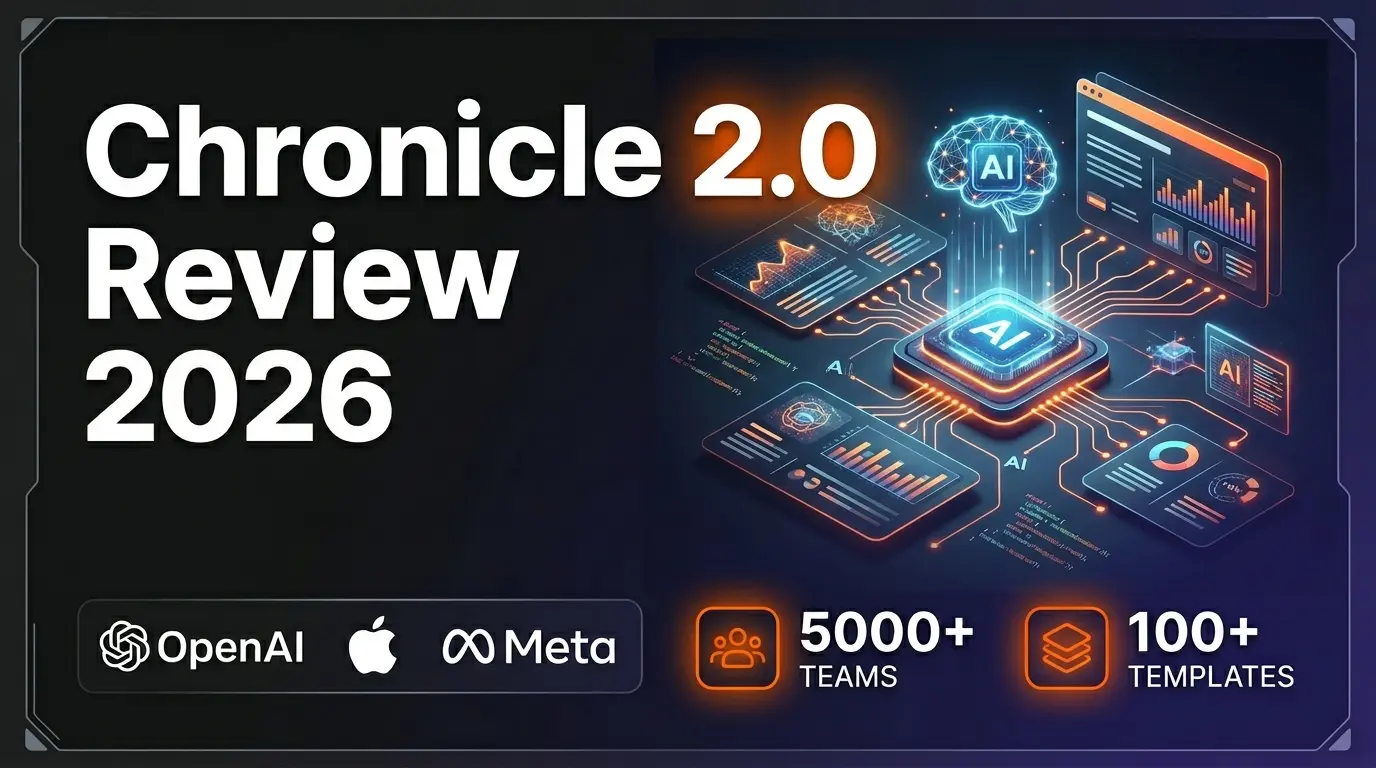
Chronicle 2.0 is an AI-powered presentation maker that converts notes, outlines, and meeting docs into professionally designed slide decks with diagrams, freeform canvas, 100+ designer templates, and 100+ integrations. Trusted by 5,000+ teams including OpenAI, Apple, Meta, Figma, and Vercel.
Lightfield
ai-business
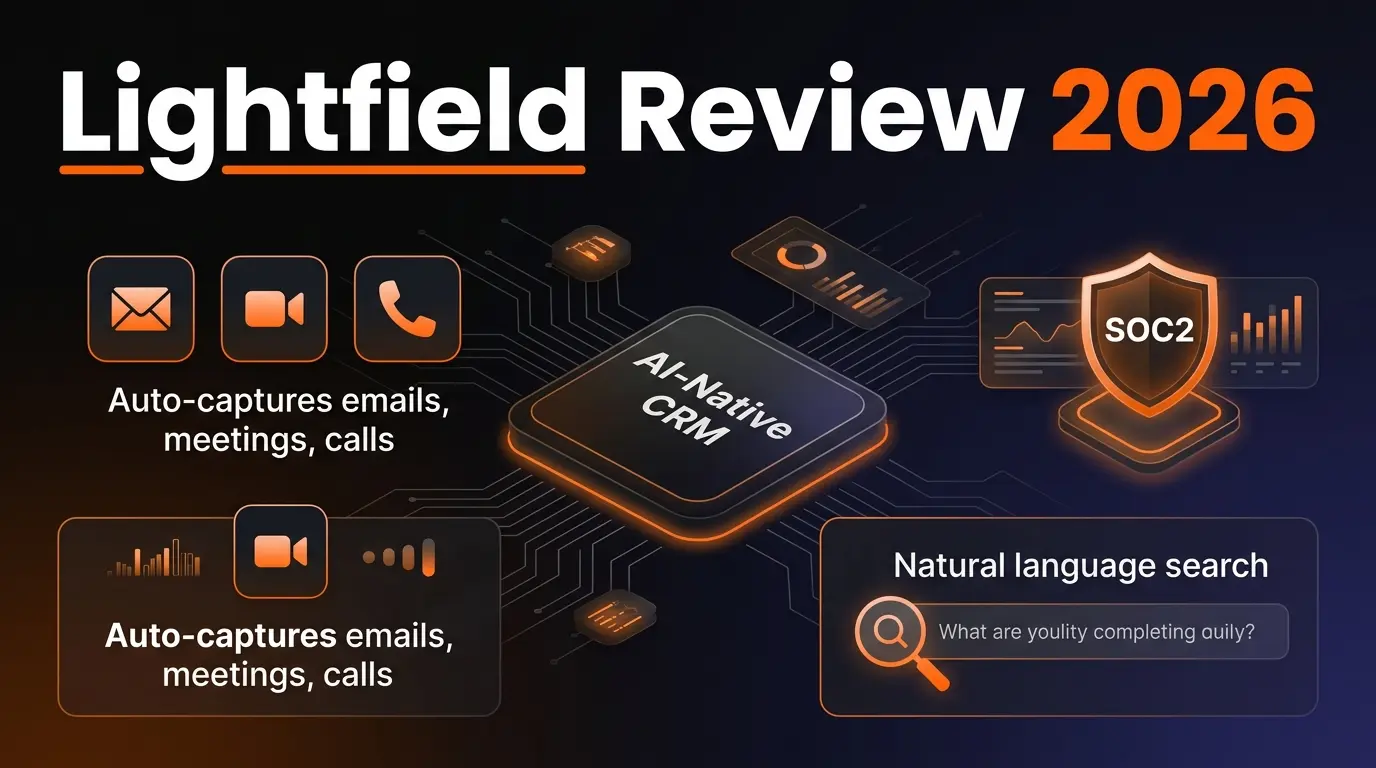
AI-native CRM with complete customer memory. Auto-captures emails, meetings, and calls. Natural language search with source citations. Schema-less data model for startups and high-growth companies.
G
Get Sheet Done
Related Articles
Best AI Email Writer 2026: 8 Tools Tested by Use Case (Cold, Marketing, In-Client)
Honest 2026 picks for the best AI email writer — Lavender, Instantly, Smartlead, Lemlist, Apollo, Grammarly, HubSpot, Mailchimp ranked by use case with current pricing and the Mailchimp Free downgrade nobody else has caught.
AI Rapper Voice Generator (2026): Legal Tools, Real Pricing, and Which Will Get You Sued
Honest 2026 guide to AI rapper voice generators — Kits.AI, ElevenLabs, Typecast, Lalals, Jammable compared on price, quality, and the legal exposure that nobody else is writing about after the UMG/Warner settlements.
Canva AI Logo Generator Review: The Free Download Yes, Trademark No Verdict (2026)
Honest 2026 Canva AI Logo Generator review covering the three different logo flows (Dream Lab, template library, Magic Studio), real pricing, the trademark restriction Canva won't put on the marketing page, and the Looka comparison.