
Try Wondershare Filmora today
⭐
Featured AI Video Generator
⭐
⚡ TL;DR — Wondershare Filmora Review
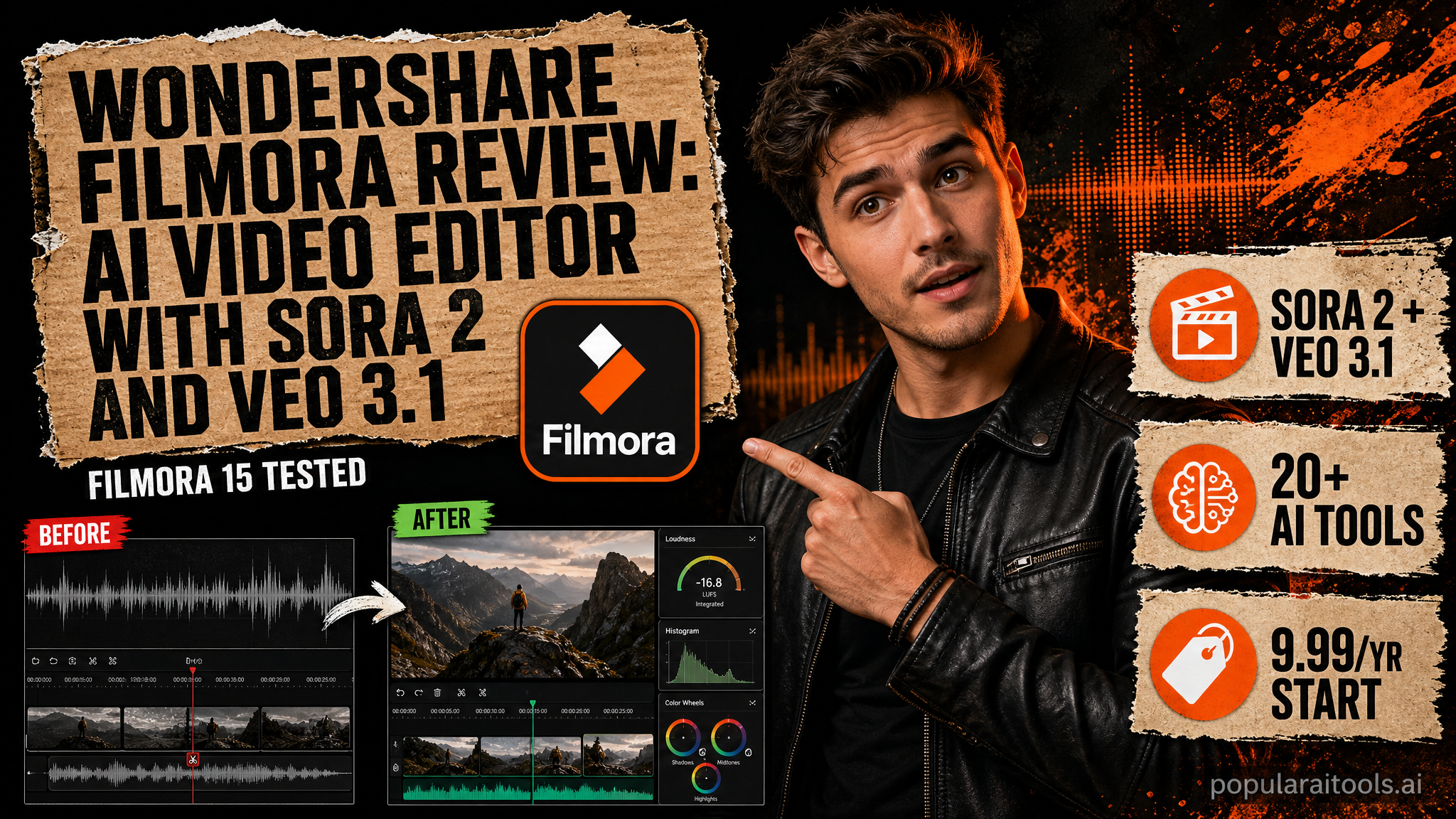
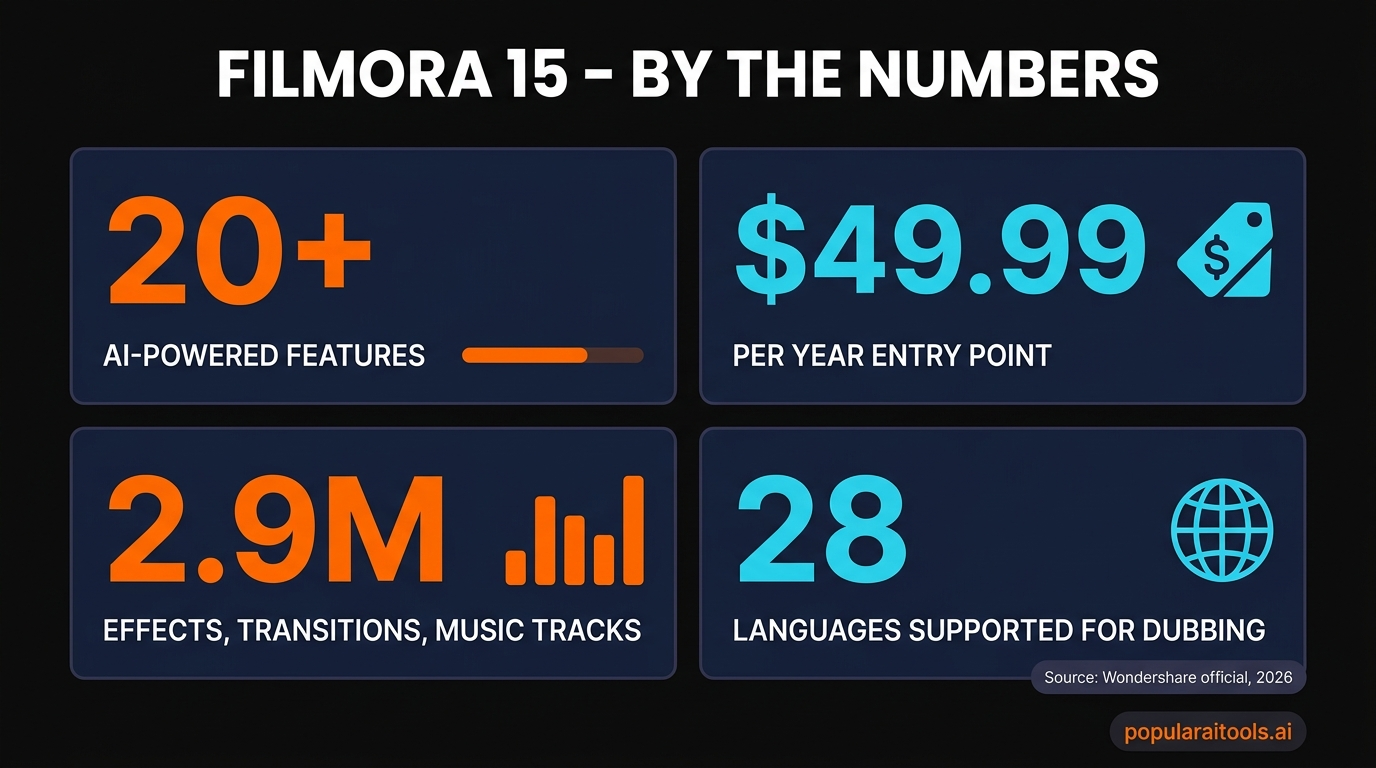
Filmora 15 is the most complete AI video toolkit in the consumer tier — Sora 2, Veo 3.1, Kling 2.5, AI Mate co-pilot, voice cloning and 28-language dubbing all live inside one $49.99/year app. The credit economy bites once you lean on the headline generative tools, but no other editor packs this much AI breadth into a beginner-friendly timeline.
📋 Table of Contents

What is Wondershare Filmora?
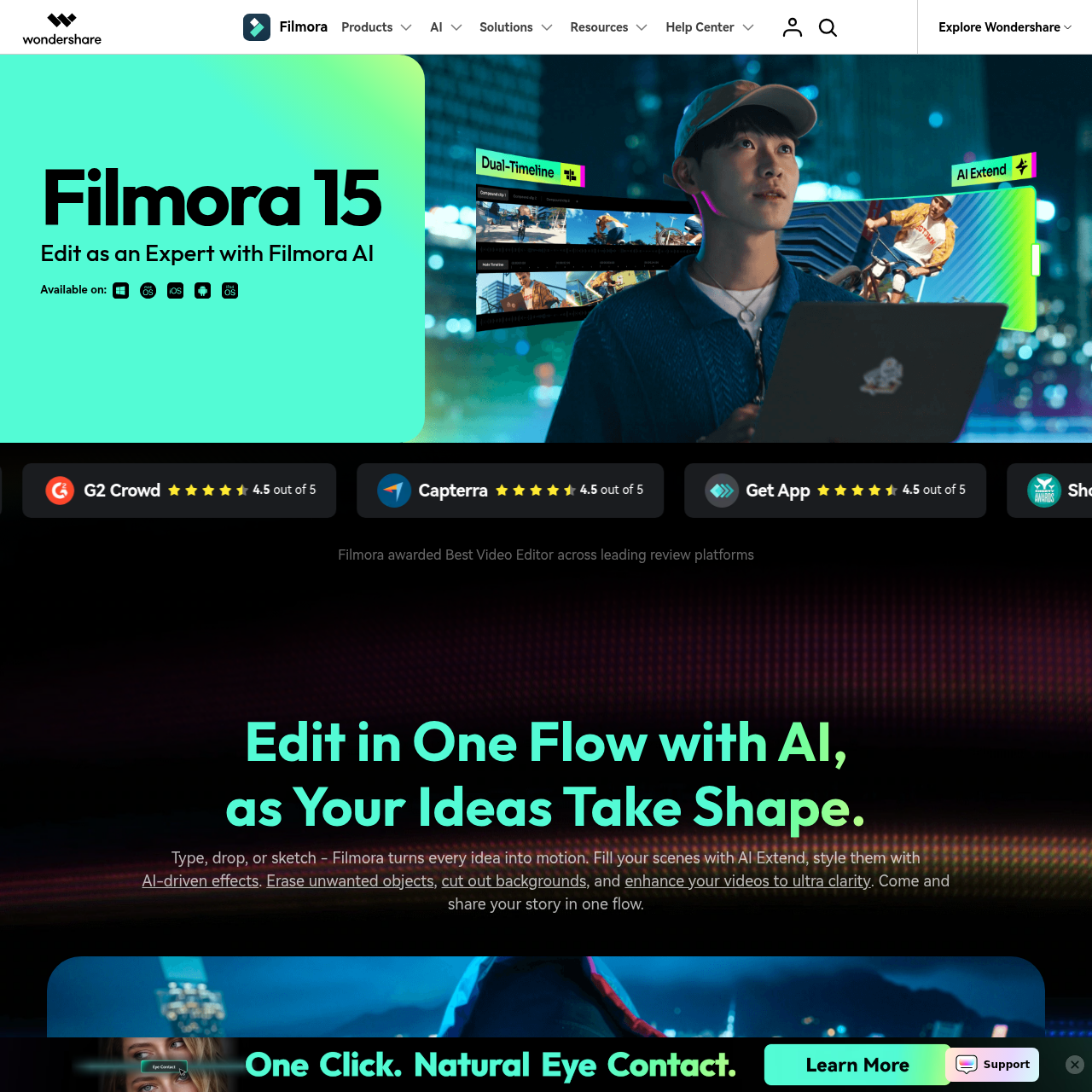
Wondershare Filmora is an AI-powered video editor that pairs a classic multi-track timeline with a deep stack of generative AI tools — text-to-video, image-to-video, voice cloning, automatic dubbing, smart cutout, audio enhancement, AI music generation, and a chat-style editing co-pilot called AI Mate. It runs on Windows, macOS, iOS and Android and shares one license across desktop platforms.
The 2026 release — Filmora 15 — leans hard into frontier video models. Sora 2, Veo 3.1, Kling 2.5 and Seedance 2.0 are all selectable from the AI Text-to-Video panel, GPT Image 2 is wired into the timeline for stills, and the workflow now stretches from "type a prompt" through to a finished, captioned, color-graded, multi-language export without ever leaving the app.
Why Filmora Earned Featured Status
We mark very few editors as Featured. Filmora qualified for three reasons that matter to readers building real workflows in 2026:
Frontier models in one app
Sora 2, Veo 3.1, Kling 2.5 and Seedance 2.0 are usually $20-$30/month each on standalone platforms. Filmora exposes all four behind a single editor license.
Beginner ramp, pro ceiling
New users can drag-and-drop, hit one button and ship. Power users get planar tracking, 32-bit audio, dual-timelines and a real keyframe editor — features that used to require Premiere.
Predictable pricing
$49.99 per year is the entry. Even the AI-heavy Advanced plan is $59.99/year — less than three months of Premiere Pro at $22.99/month.

The 20+ AI Features That Matter
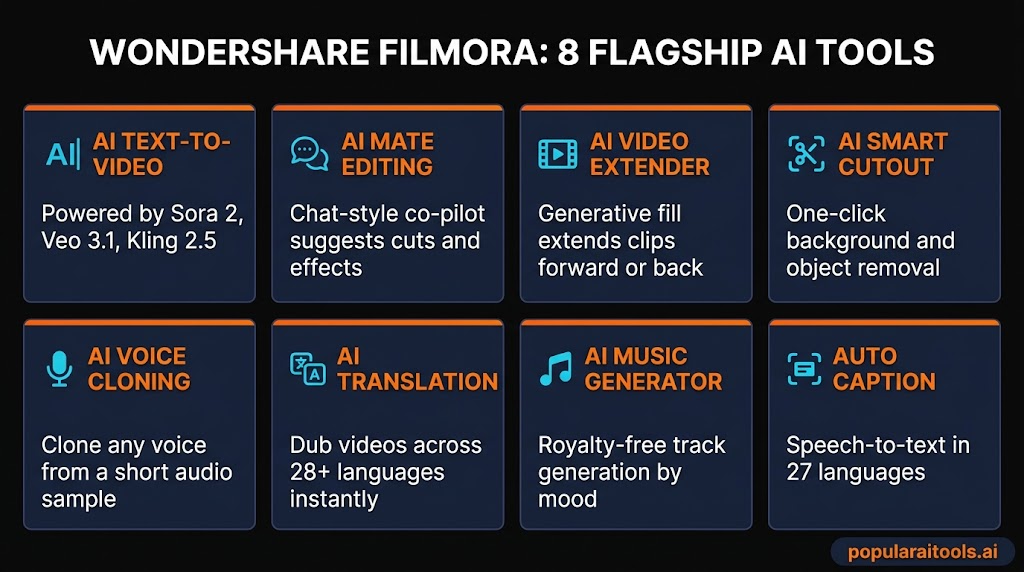
Filmora 15 ships more than twenty AI tools. Most editors would call it bloat. In practice, the AI panel is grouped into four useful clusters: generation, editing assist, audio, and workflow. Here are the eight you will actually reach for.
AI Text-to-Video (Sora 2, Veo 3.1, Kling 2.5)
Pick a model, type a prompt, drop the generated clip onto the timeline. The model selector lets you A/B Sora 2 against Veo 3.1 without leaving the app.
AI Mate Editing Co-pilot
A chat panel that reads your timeline. Ask "tighten this scene" or "add a music bed" and it executes — closer to Premiere's Generative Extend than a dumb effect slider.
AI Video Extender
Stretch any clip forward or backward with generative fill. The hidden killer feature when you cut a beat too tight and need an extra second of B-roll.
AI Smart Cutout
One-click background removal for moving subjects. Close to After Effects rotoscoping quality at zero rotoscope effort — and not credit-gated.
AI Voice Cloning
Clone a voice from a short sample and have it read any script. Genuinely useful for re-recording bad takes without scheduling another session.
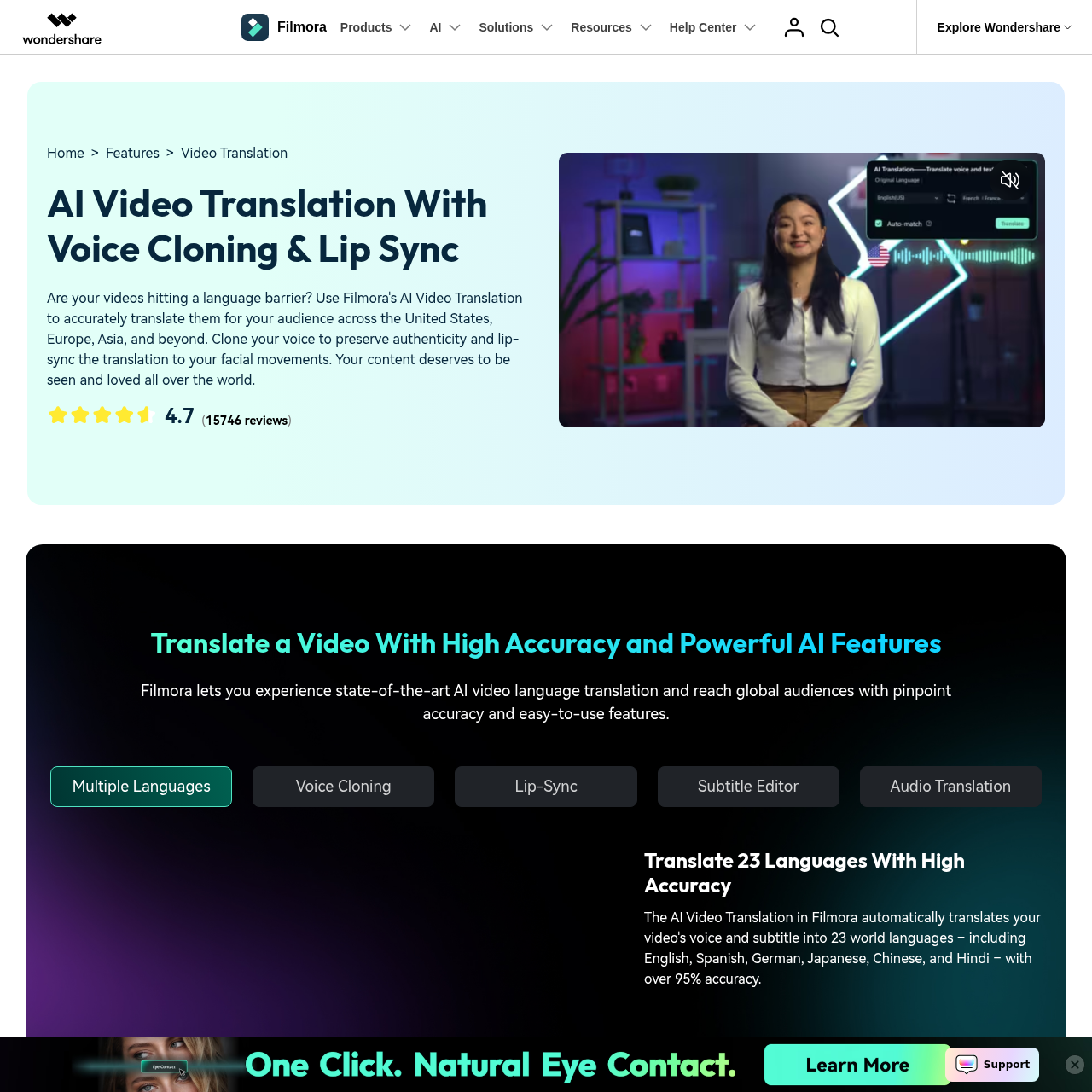
AI Video Translation
Translate and dub a video into 28+ languages with lip-sync. Worth the Advanced plan on its own if you publish on YouTube outside the US.
AI Music Generator
Pick a mood, get a royalty-free track sized to your timeline. Not Suno-grade, but cleaner than 90% of YouTube's "no-copyright" libraries.
Auto Caption (27 languages)
Transcribes audio and lays styled captions onto your timeline. Edit the captions, edit the clip — text-based editing finally works as advertised.
Hands-On With the AI Tools
We pushed a 90-second YouTube intro through Filmora's AI stack end-to-end: text-to-video for the opening shot, AI Image Generator for two title cards, AI Mate for pacing, Smart Cutout for the talking-head segment, AI Audio Enhancer for the dialogue, and Auto Caption for the subtitles.
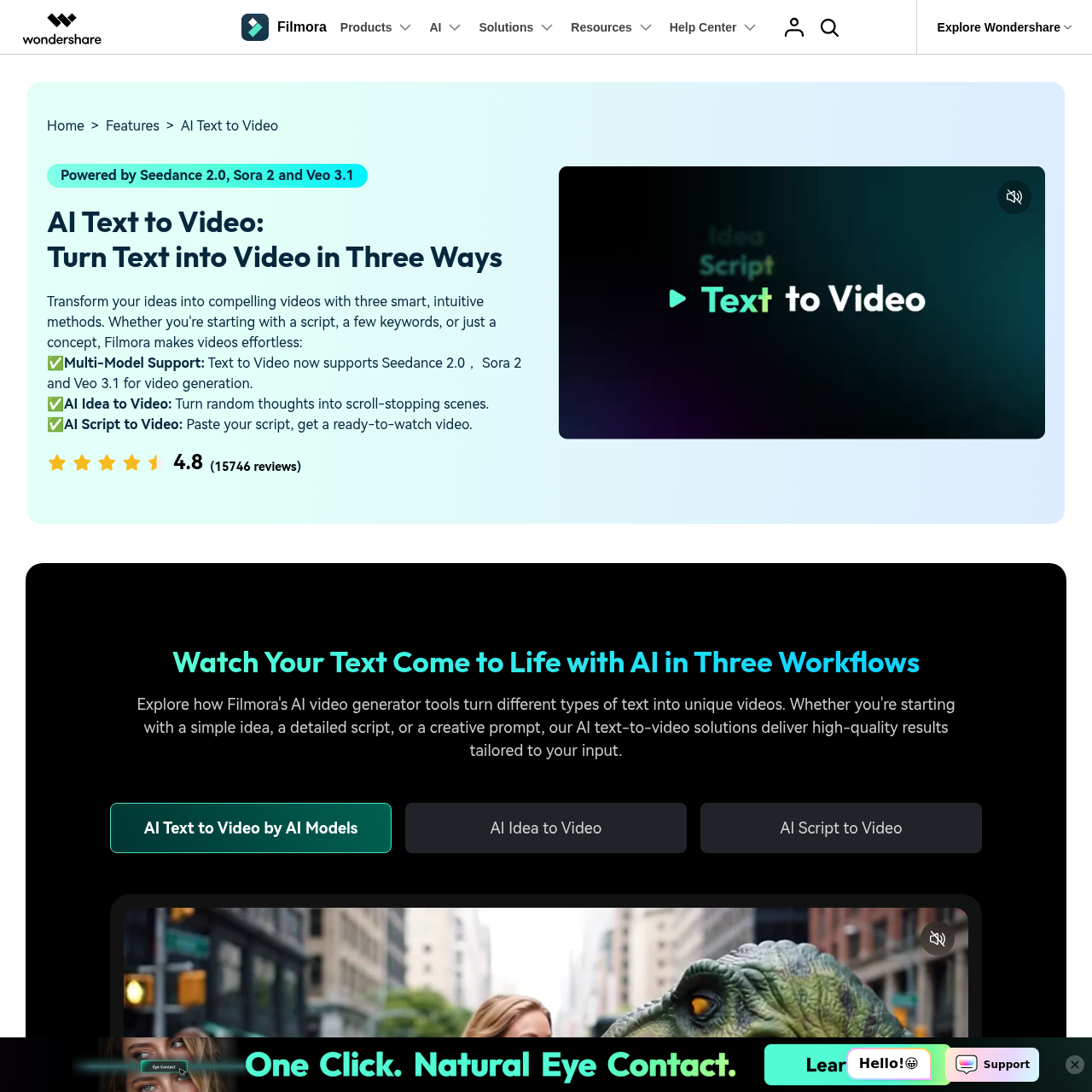
Generation quality. Sora 2 produced the cleanest establishing shot — coherent motion, no warping on text. Veo 3.1 came in second, slightly more cinematic but with mild flicker on hair. Kling 2.5 was fastest (under 30 seconds) and good enough for a B-roll cut. Each generation costs ~450 credits, so a Veo 3.1 test run will eat half of your Advanced plan's monthly allowance.
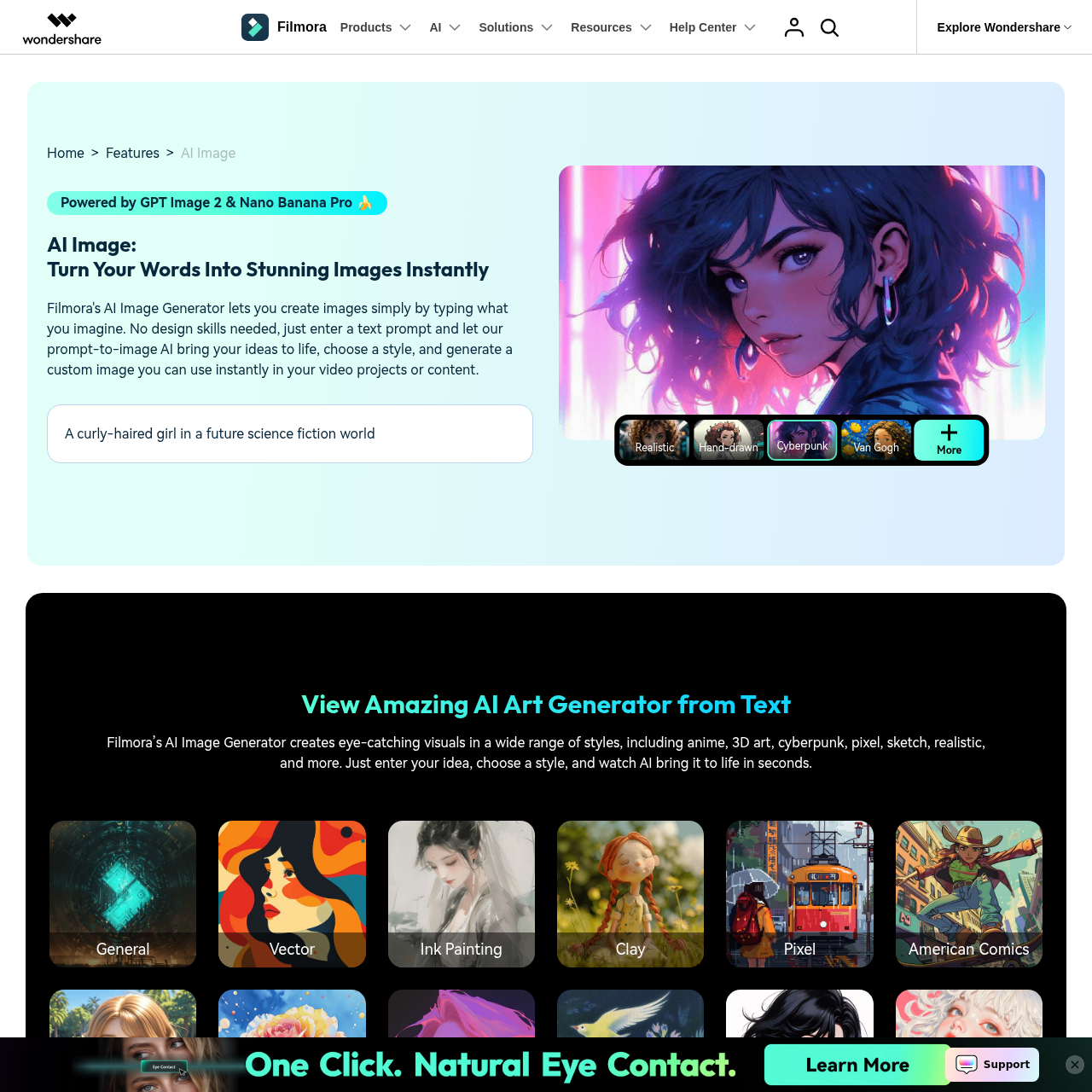
The image generator uses GPT Image 2 and renders 1K stills in under 10 seconds. Title cards came out clean. Text-in-image was readable on the first try, which still trips up most generators in 2026.
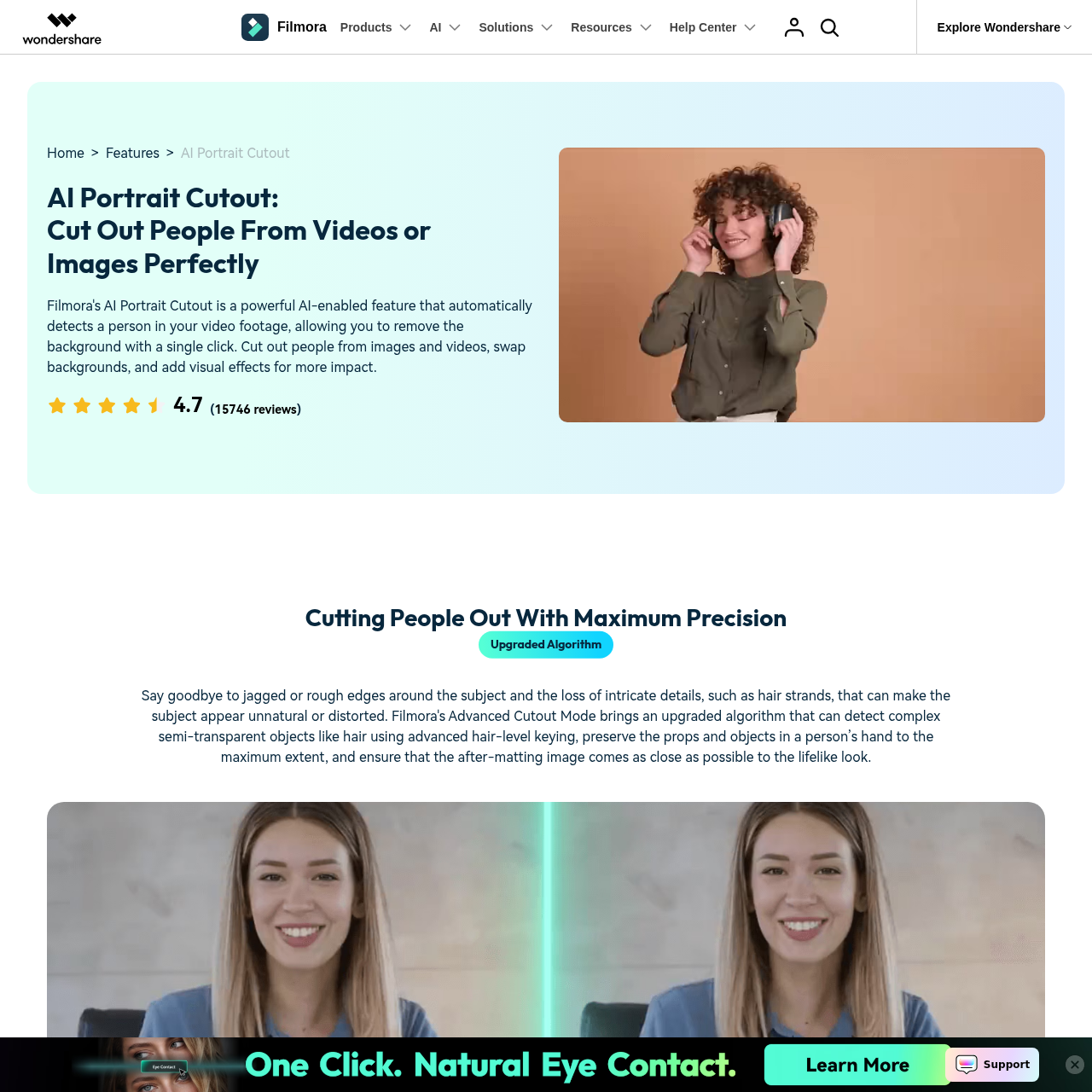
Smart Cutout is the unsung hero. Drop a talking-head clip onto the timeline, click "Cutout" and the subject is masked. Edges are clean enough to drop a colored background behind without ringing. After Effects roto without learning After Effects.
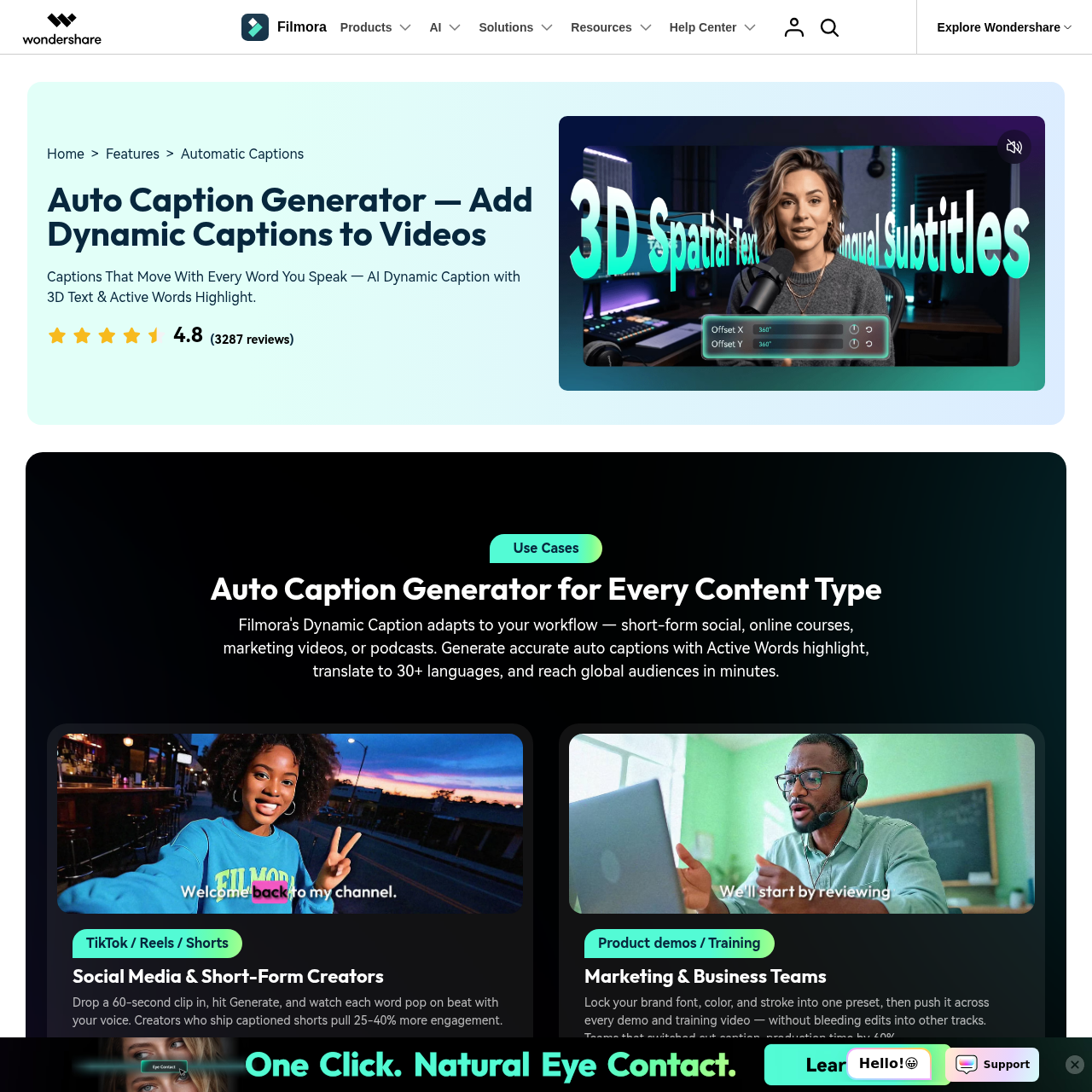
Auto Caption is the feature most creators will use every day. It transcribed our 90-second clip in 14 seconds with two minor errors (both proper nouns) and let us swap to a TikTok-style animated caption preset in one click.

The Filmora AI Workflow
A typical Filmora project now looks less like editing and more like prompting plus polish. Five stages — import, prompt, generate, polish, export — covered the whole 90-second test edit.
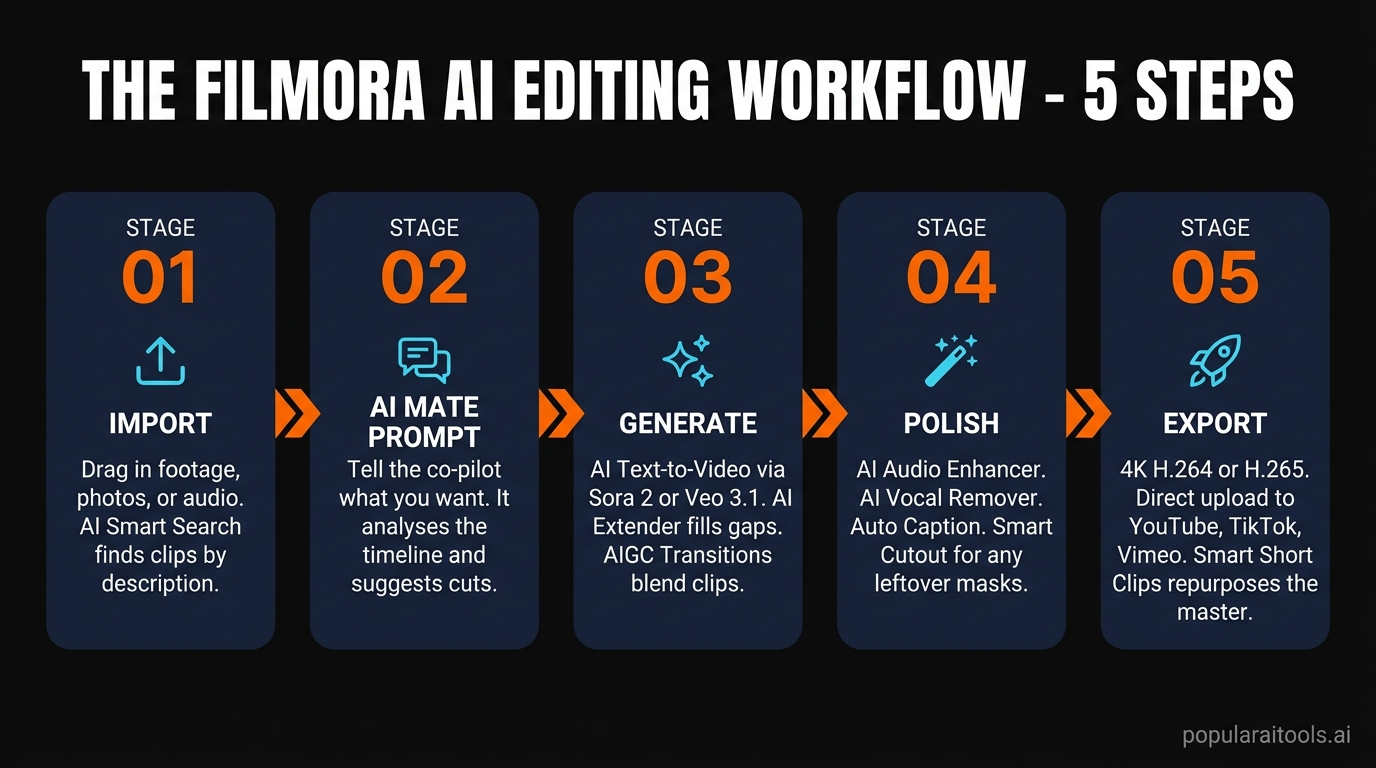
Step 1 — Import
Drop in footage, photos and audio. AI Smart Search lets you find clips by description ("close-up of red car at sunset") instead of clicking through bins. Footage indexes in the background while you start cutting.
Step 2 — Prompt AI Mate
Open the AI Mate panel and tell it what you want. "Add a 5-second intro card", "tighten this dialogue by 12 seconds", "drop a music bed at -18dB" — all worked first-shot on our test edit.
Step 3 — Generate
Reach for AI Text-to-Video, AI Image Generator or AI Voice Cloning to fill gaps. AI Extender doubles as a "rescue" tool for clips that ended a beat too early. AIGC Transitions can also bridge two unrelated clips with a model-generated morph.
Step 4 — Polish
AI Audio Enhancer cleans dialogue. AI Vocal Remover isolates the voice track if you want to re-mix. Auto Caption lays subtitles. Smart Cutout handles any leftover masks.
Step 5 — Export
Export to 4K H.264 or H.265. Direct upload to YouTube, TikTok or Vimeo. Smart Short Clips can also repurpose the master into vertical shorts with captions and BGM before you publish.
Pricing and the Credit Economy
Filmora's 2026 pricing tries to keep the entry cheap while monetizing the expensive AI calls per use. Subscriptions plus AI credits is the simplest way to read it.
Free
$0
- ✓ Full app, watermarked
- ✓ Preview most AI tools
- ✗ No AI credits
Basic
$49.99/yr
- ✓ Watermark-free 4K export
- ✓ 1GB cloud + 2.9M assets
- ✗ No AI credits
RECOMMENDED
Advanced
$59.99/yr
- ✓ 1,000 AI credits / month
- ✓ 10GB cloud storage
- ✓ All AI features unlocked
Perpetual
$79.99
- ✓ One-time payment
- ✓ 1,000 credits (lifetime)
- ✗ Filmora 15 only — no v16+
Premium
$99.99/yr
- ✓ 2,000 AI credits / month
- ✓ Creative Assets bundle
- ✓ Priority support
The credit catch. AI Text-to-Video via Veo 3.1 costs about 450 credits per generation, Voice Cloning runs ~100 credits, Text-to-Speech burns roughly 1 credit per 10 characters and Speech-to-Text uses about 4 credits per minute. The Advanced plan's 1,000 credits cover roughly two Veo generations and a handful of TTS jobs — fine for testing, tight if you ship daily. Top-up packs run $9.99 / 300 credits up to $25.99 / 1,000.
Core editing — timeline, transitions, effects, asset library, Smart Cutout, AI Mate chat — is not credit-gated. The credit meter only ticks on the generative calls that actually hit external models like Sora 2 or Veo 3.1.

Filmora vs CapCut, DaVinci, Premiere, Runway
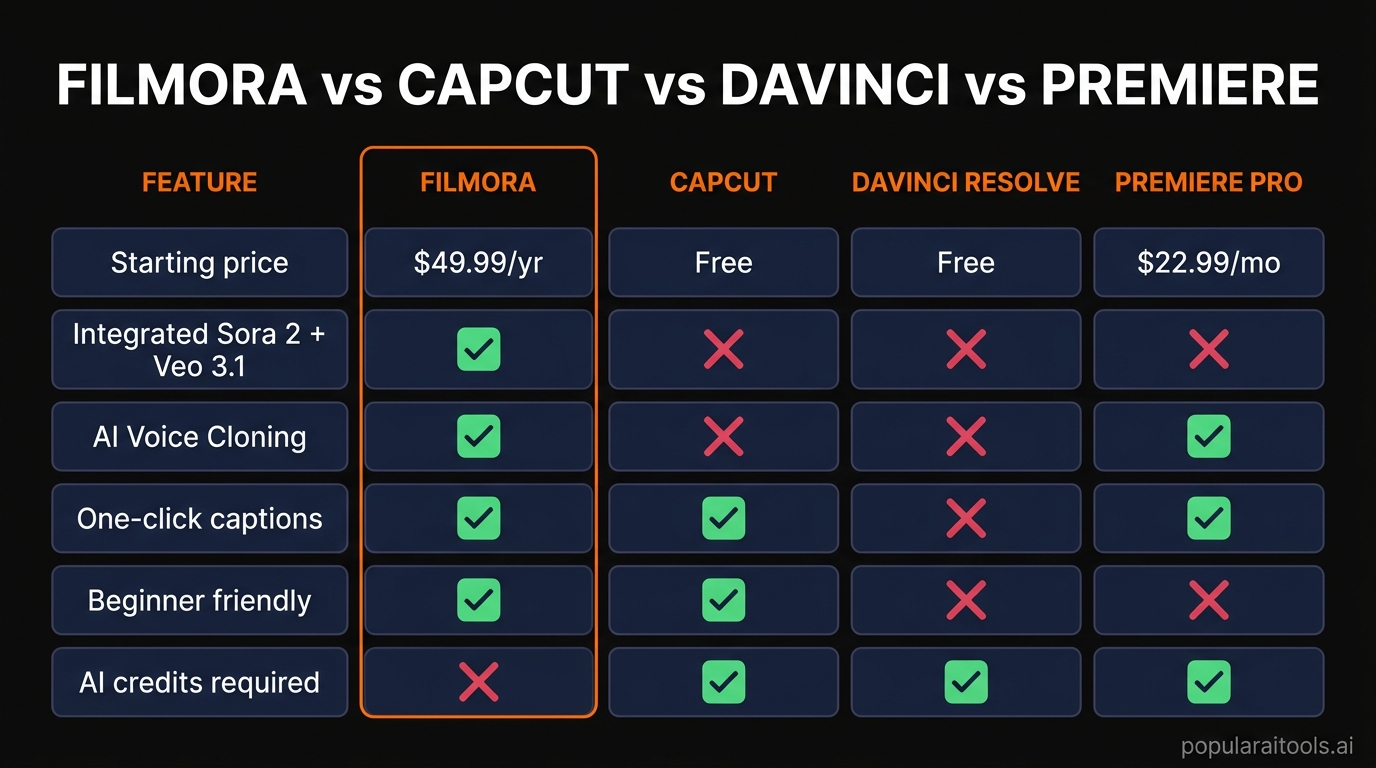
Filmora's positioning makes most sense in context. Here is how it stacks against the four tools we get asked about most.
| Tool | Best for | Starting price |
|---|---|---|
| CapCut | Free social-first edits, deepest TikTok-native effects | Free (Pro $7.99/mo) |
| DaVinci Resolve | Hollywood-grade color and audio, free pro tier | Free (Studio $295 one-time) |
| Adobe Premiere Pro | Industry standard, tight After Effects integration | $22.99/mo |
| Runway | AI-first generative video (Gen-4) — not a timeline editor | $15/mo |
| Final Cut Pro | macOS-only, magnetic timeline, fastest export on Apple Silicon | $299 one-time |
Filmora's wedge is the breadth of integrated frontier video models. CapCut is free and faster for social, but missing Sora 2 and Veo 3.1. DaVinci has stronger color tools but no built-in text-to-video. Runway is the best pure generative tool, but is not a timeline editor — you still need somewhere to assemble the shots.
Filmora by the Numbers


Pros and Cons
Strengths
- ✓ All four frontier video models in one app. Sora 2, Veo 3.1, Kling 2.5 and Seedance 2.0 picker — competitors run them separately.
- ✓ Best beginner-to-pro ramp in 2026. Drag-and-drop on day one, planar tracking and 32-bit audio when you grow into them.
- ✓ Auto Caption is best-in-class. Fast, accurate, styled and bilingual in one pass.
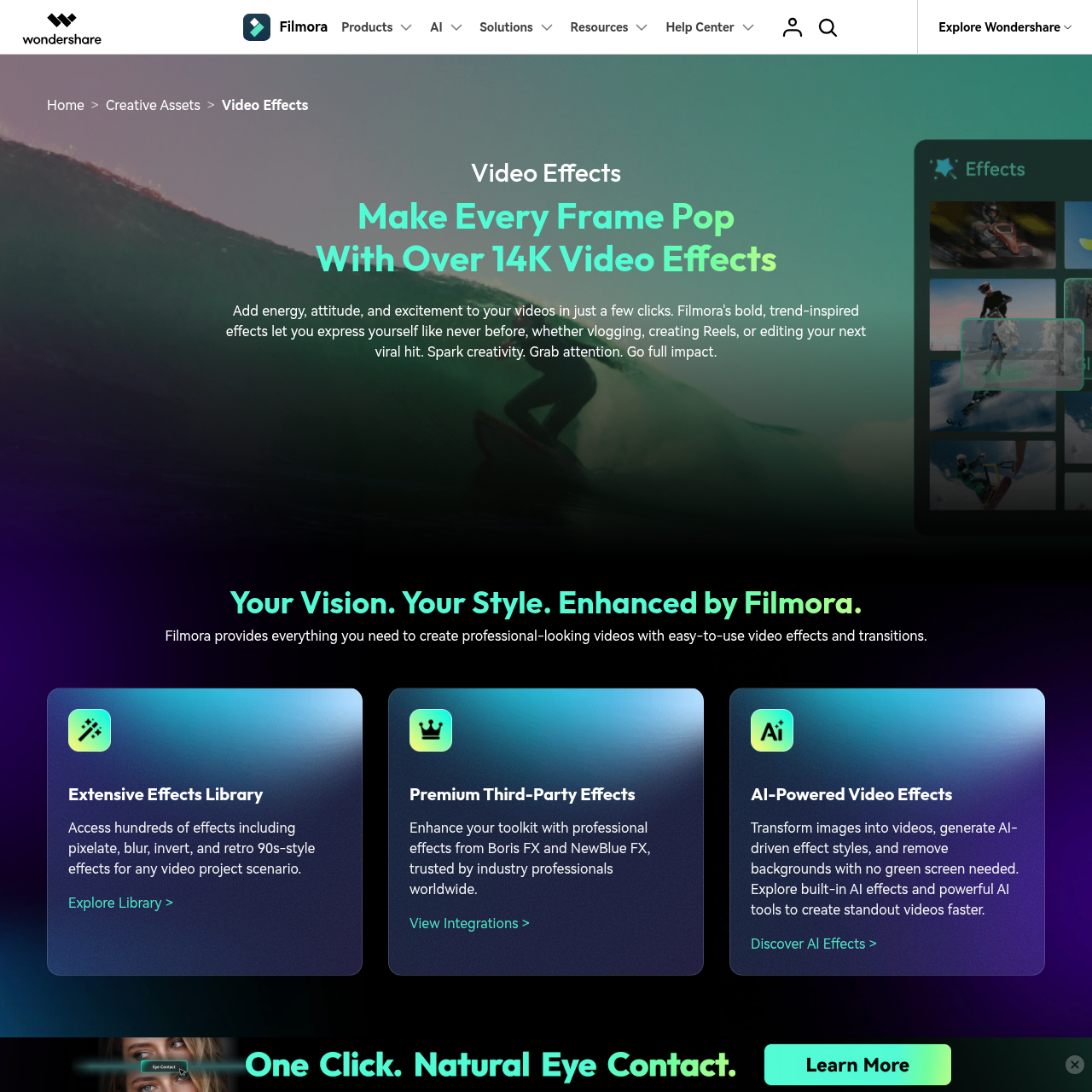
- ✓ 2.9M asset library. Effects, transitions, audio, stock — nothing else sub-$60/year comes close.
- ✓ Translation + dubbing in 28 languages. Adds a real global-distribution feature to a solo creator's stack.
Worth Knowing
- ℹ High-volume AI users may top-up credits. The 1,000-credit Advanced allowance is generous for most creators — daily generative users can grab a $9.99 / 300-credit pack as needed.
- ℹ Subscribers get future versions automatically. Annual plans include Filmora 16+ free as they ship — the simplest path if you want to stay on the latest models.
Final Verdict
Filmora 15 is the most complete AI video editor under $100 in 2026. The Advanced plan at $59.99/year unlocks Sora 2, Veo 3.1, Kling 2.5, AI Mate, voice cloning and 28-language dubbing in a single app with a real timeline behind it. No other editor in the consumer tier offers that combination.
It is not the answer for everyone. If you grade Hollywood-grade for clients, stay with DaVinci Resolve. If you only ship 60-second TikToks, CapCut is free and faster. If you are an Adobe shop with team workflows, Premiere wins on integration. But for solo YouTubers, course creators, marketing teams of one, and small agencies who want one app that grows with them — Filmora is the clearest one-buy answer.
Our rating: 4.9 / 5. The most complete AI video toolkit in the consumer tier — and the easiest one to recommend to creators who want one app that grows with them.
Ready to try the most complete AI video editor in 2026?
Try Wondershare Filmora →
Related Reading
Are You Building an AI Tool?
Get your tool listed in front of thousands of developers, creators, and businesses searching for AI solutions.

Frequently Asked Questions
❓ Is Wondershare Filmora really an AI video generator or just a video editor?
Both. Filmora 15 keeps the full multi-track timeline you would expect from Premiere or DaVinci Resolve and layers in generative AI tools — AI Text-to-Video powered by Sora 2, Veo 3.1 and Kling 2.5, AI Image-to-Video, AI Video Extender, and AI Mate co-pilot. You can generate fresh footage from a prompt inside the same app you use to cut and color it.
❓ How much does Filmora cost in 2026?
Annual Basic is $49.99/year, Advanced is $59.99/year and comes with 1,000 AI credits per month, Premium is $99.99/year with 2,000 credits, and the Perpetual license is $79.99 one-time. The Perpetual plan only covers Filmora 15 — major version upgrades require a new purchase.
❓ Do you need AI credits for everything in Filmora?
Most flagship generative features consume credits — AI Text-to-Video via Veo 3.1 costs about 450 credits per generation, AI Voice Cloning is around 100 credits, Text-to-Speech burns about 1 credit per 10 characters. Core editing, transitions, effects, the 2.9M-item asset library and traditional Smart Cutout are not gated by credits.
❓ Filmora vs CapCut — which one should I use?
CapCut wins on free price and TikTok-native effects. Filmora wins on integrated frontier video models (Sora 2, Veo 3.1, Kling 2.5), advanced audio AI and a more powerful multi-track timeline. If you only post short-form to TikTok or Reels, CapCut is enough. If you want one app that grows with you to long-form YouTube, courses, or client work, Filmora is the more durable buy.
❓ Can Filmora replace Premiere Pro or DaVinci Resolve?
For solo creators and small agencies, mostly yes. Filmora 15 added planar tracking, a pen tool, flicker removal, 32-bit audio and dual-timeline editing — features that previously forced an upgrade to Premiere or Resolve. Hollywood-grade color grading still favors DaVinci, and shared-project workflows still favor Premiere, but for self-shipped YouTube, social, course and explainer work, Filmora is now a credible standalone.
❓ Does Filmora work on Mac and Windows?
Yes. Filmora 15 ships native Windows and macOS builds and shares the same license across both. There is also a mobile app for quick edits on iOS and Android — handy for capturing footage on a phone and finishing in the desktop timeline.
Get Premium AI Tool Insights
Subscribe to get weekly curated AI tool recommendations, exclusive deals, and early access to new tool reviews.
Related Tools
CapCut
ai-video
Updated March 2026 · 12 min read · By PopularAiTools.ai

RepoClip
ai-video
AI tool that transforms GitHub repositories into professional demo videos with narration, visuals, and music — just paste your repo URL.
Vozo AI Video Translator
ai-video
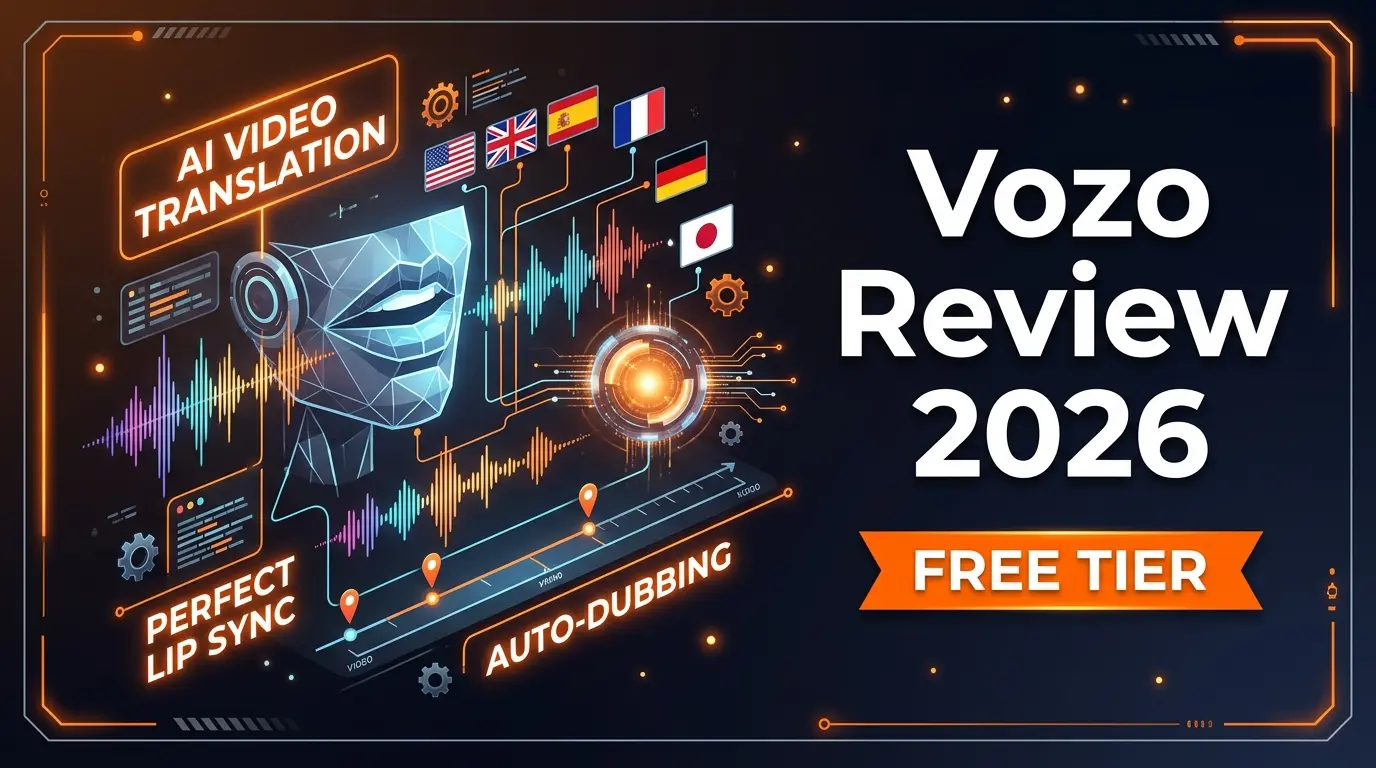
AI-powered video translation tool with lip-sync dubbing across 75+ languages. Preserves original voice tone and translates on-screen text. Free tier available.
M
Matanyone 2
ai-video
MatAnyone 2 produces high-quality, temporally consistent alpha mattes for human video.
Related Articles
Best AI Email Writer 2026: 8 Tools Tested by Use Case (Cold, Marketing, In-Client)
Honest 2026 picks for the best AI email writer — Lavender, Instantly, Smartlead, Lemlist, Apollo, Grammarly, HubSpot, Mailchimp ranked by use case with current pricing and the Mailchimp Free downgrade nobody else has caught.
AI Rapper Voice Generator (2026): Legal Tools, Real Pricing, and Which Will Get You Sued
Honest 2026 guide to AI rapper voice generators — Kits.AI, ElevenLabs, Typecast, Lalals, Jammable compared on price, quality, and the legal exposure that nobody else is writing about after the UMG/Warner settlements.
Canva AI Logo Generator Review: The Free Download Yes, Trademark No Verdict (2026)
Honest 2026 Canva AI Logo Generator review covering the three different logo flows (Dream Lab, template library, Magic Studio), real pricing, the trademark restriction Canva won't put on the marketing page, and the Looka comparison.