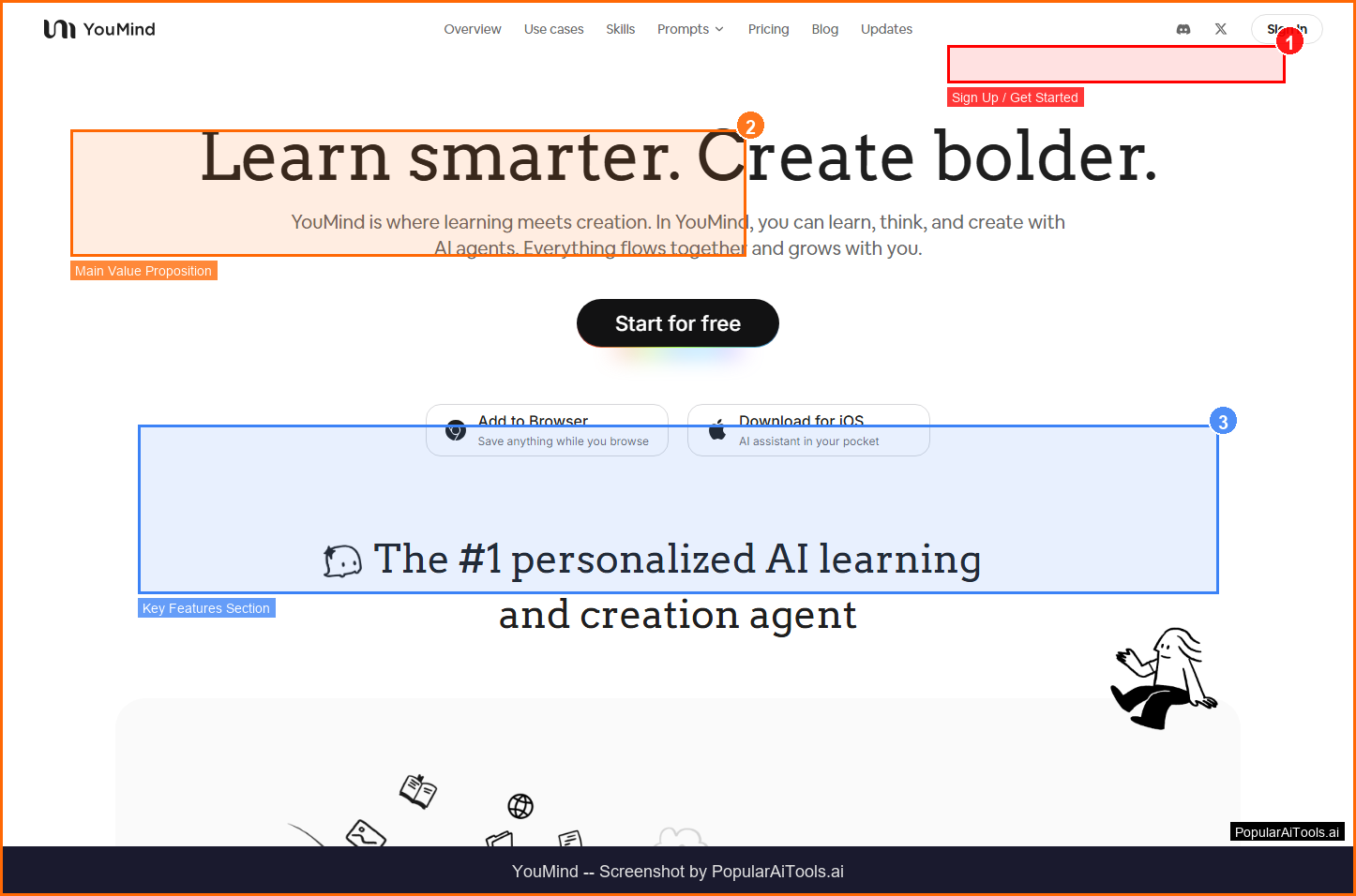

TL;DR -- YouMind Review
Rating: 4.2/5
Best For: Content creators and researchers who need to capture, organize, and transform multimedia sources into polished content
Pricing: Free plan with 2,000 credits. Pro at $20/mo (20,000 credits). Max at $100/mo (200,000 credits).
Verdict: YouMind fills a genuine gap between research tools and content creation platforms. The ability to capture from any source -- web, video, podcast, PDF -- and transform it into polished content in one workspace is compelling. The Pro plan at $20/month offers solid value, though the jump to Max at $100/month may deter some users.
Table of Contents
What is YouMind?
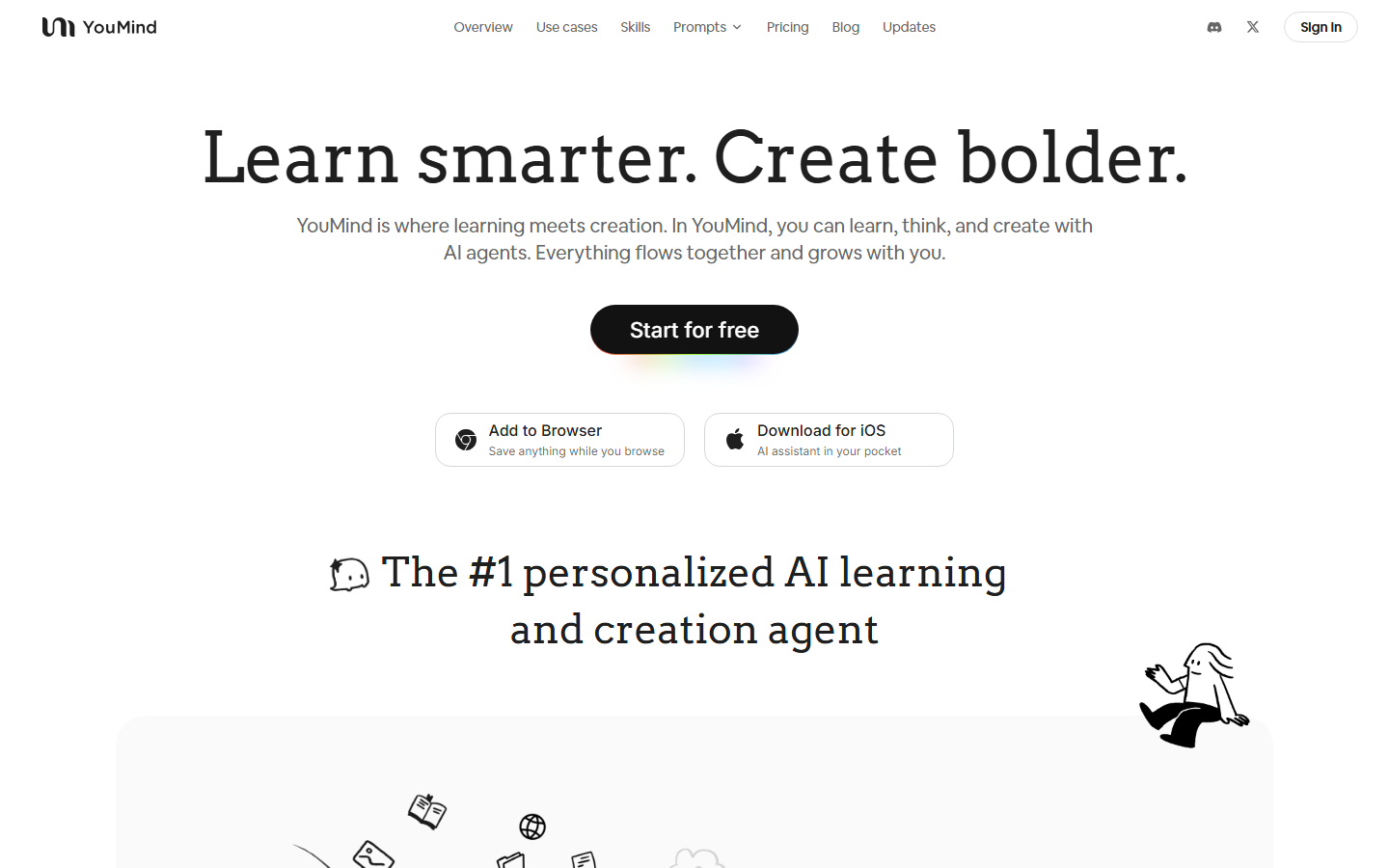
YouMind is an AI-powered creation studio that combines research, content organization, and writing into one integrated environment. Using an IPO model (Input-Process-Output), it helps users transform raw information from articles, videos, and podcasts into polished content with AI assistance.

YouMind falls into the AI Content Creation category and is designed for content creators and researchers who need to capture, organize, and transform multimedia sources into polished content. In this review, we will explore its features, pricing, pros and cons, and how it compares to alternatives in the market.
Key Features
Here are the standout features that make YouMind worth considering:
Multi-Source Capture
Save web pages, YouTube videos, podcasts, text highlights, and PDFs with one-click Chrome extension.
AI Transcription
Transcribe audio and video content including YouTube videos without existing subtitles.
Visual Workspace
Organize research materials, notes, and drafts in project boards with AI summaries and highlights.
Content Generation
Transform captured research into polished articles, summaries, and drafts with AI assistance.
Multi-Format Export
Export content in multiple formats for different platforms and use cases.
How to Use YouMind
Getting started with YouMind is straightforward. Here is the typical workflow:
1
Visit the Website
Go to https://youmind.com and create your account. Most tools offer a free tier or trial to get started.
2
Explore the Dashboard
Familiarize yourself with YouMind's interface, settings, and available features. The onboarding flow will guide you through initial setup.
3
Configure Your Workflow
Set up YouMind for your specific use case. Connect integrations, customize settings, and configure any automations.
4
Start Using & Iterate
Begin using YouMind for real tasks. Monitor results, adjust settings, and scale usage as you become comfortable.

Pricing Plans
Free plan with 2,000 credits. Pro at $20/mo (20,000 credits). Max at $100/mo (200,000 credits).

| Plan | Price | Includes |
|---|---|---|
| Free | $0 | 2,000 credits, basic features |
| Pro | $20/mo | 20,000 credits, full AI features |
| Max | $100/mo | 200,000 credits, power user features |
Pros and Cons
Pros
- ✓ All-in-one research to content pipeline
- ✓ Chrome extension for one-click capture from any source
- ✓ AI transcription for videos without subtitles
- ✓ Clear credit-based pricing
Cons
- ✗ Credit consumption varies by feature
- ✗ Free tier is quite limited at 2,000 credits
- ✗ Pro-to-Max price jump is significant ($20 to $100)

YouMind Alternatives
If YouMind does not fit your needs, here are some alternatives worth considering:
| Alternative | Description |
|---|---|
| Notion AI | AI-enhanced workspace and notes |
| Mem | AI-powered knowledge management |
| Taskade | AI-powered productivity platform |
| Napkin AI | Visual content from text |
Final Verdict
YouMind fills a genuine gap between research tools and content creation platforms. The ability to capture from any source -- web, video, podcast, PDF -- and transform it into polished content in one workspace is compelling. The Pro plan at $20/month offers solid value, though the jump to Max at $100/month may deter some users.

Frequently Asked Questions
What is YouMind?
YouMind is an AI creation studio that helps capture, organize, and transform research from multiple sources into polished content.
How does YouMind capture content?
Through a Chrome extension that saves web pages, YouTube videos, podcasts, highlights, and PDFs with one click.
Can YouMind transcribe videos?
Yes, it transcribes audio and video content, including YouTube videos that do not have existing subtitles.
How much does YouMind cost?
Free with 2,000 credits, Pro at $20/month with 20,000 credits, and Max at $100/month with 200,000 credits.
What is a Board in YouMind?
A Board is a project workspace containing saved sources, AI summaries, notes, highlights, and drafts.
Does YouMind support PDF uploads?
Yes, you can upload PDFs, convert them to text, highlight key points, and generate AI summaries.
Is there a Chrome extension?
Yes, the YouMind Chrome Web Clipper saves content directly to your Boards with one click.
What makes YouMind different from Notion?
YouMind specializes in capturing multimedia from external sources and transforming it into content, while Notion is more of a general workspace.
Review by PopularAiTools.ai | Last updated: March 21, 2026
Get Premium AI Tool Insights
Subscribe to get weekly curated AI tool recommendations, exclusive deals, and early access to new tool reviews.
Related Tools

CapCut
ai-video
Updated March 2026 · 12 min read · By PopularAiTools.ai

RepoClip
ai-video
AI tool that transforms GitHub repositories into professional demo videos with narration, visuals, and music — just paste your repo URL.

Vozo AI Video Translator
ai-video
AI-powered video translation tool with lip-sync dubbing across 75+ languages. Preserves original voice tone and translates on-screen text. Free tier available.
M
Matanyone 2
ai-video
MatAnyone 2 produces high-quality, temporally consistent alpha mattes for human video.
Related Articles
10 Claude Code Skills, Plugins & CLIs to Install on Day One (April 2026)
Starting Claude Code from scratch in 2026? Install these 10 skills, plugins, and CLIs on day one — Codex CLI, Obsidian, Autoresearch, Firecrawl, Playwright, NotebookLM, Skill Creator, RAG-Anything, Google Workspace CLI, and awesome-design-md. Full install commands included.
We Tested 24 AI Models Inside Claude Code: The 2026 Tier List
We swapped 24 different AI models into Claude Code and ran identical tool-call tests on each. Here's the S-tier-to-D-tier ranking, real cost comparison, and the single best Claude Sonnet 4.6 alternative for 2026 — including the GLM 4.6 sleeper pick that matched Sonnet at 15% the cost.
Claude as a Creative Studio: Make Ads, Images, and Video From One Chat (2026)
Claude doesn't generate raster images natively, but in 2026 it's the smartest creative director on Earth — orchestrating Nano Banana 2, Sora 2, Runway, Higgsfield, Remotion, and VEED into a single ad-and-video factory. The full stack, the variant matrix trick, and how to build a YouTube Shorts factory.