
Montage Review 2026: Features, Pricing, Pros & Cons
Updated March 2026 · 14 min read · By PopularAiTools.ai
TL;DR
Montage takes a refreshingly different approach to video repurposing by focusing on content goals rather than generic highlight detection. The scene-level intelligence that ensures complete thoughts with natural boundaries is a meaningful improvement over competitors that sometimes produce jarring cuts. The sentence-level refinement interface is brilliantly simple — it removes the intimidation factor of traditional timeline editors entirely. The main limitation is the LinkedIn-YouTube focus, which may not suit creators targeting TikTok or Instagram. For B2B content creators, podcasters, and professionals who need to repurpose long-form content for LinkedIn, Montage is an excellent specialized tool. Rating: 4.0/5 Rating: 4.0/5

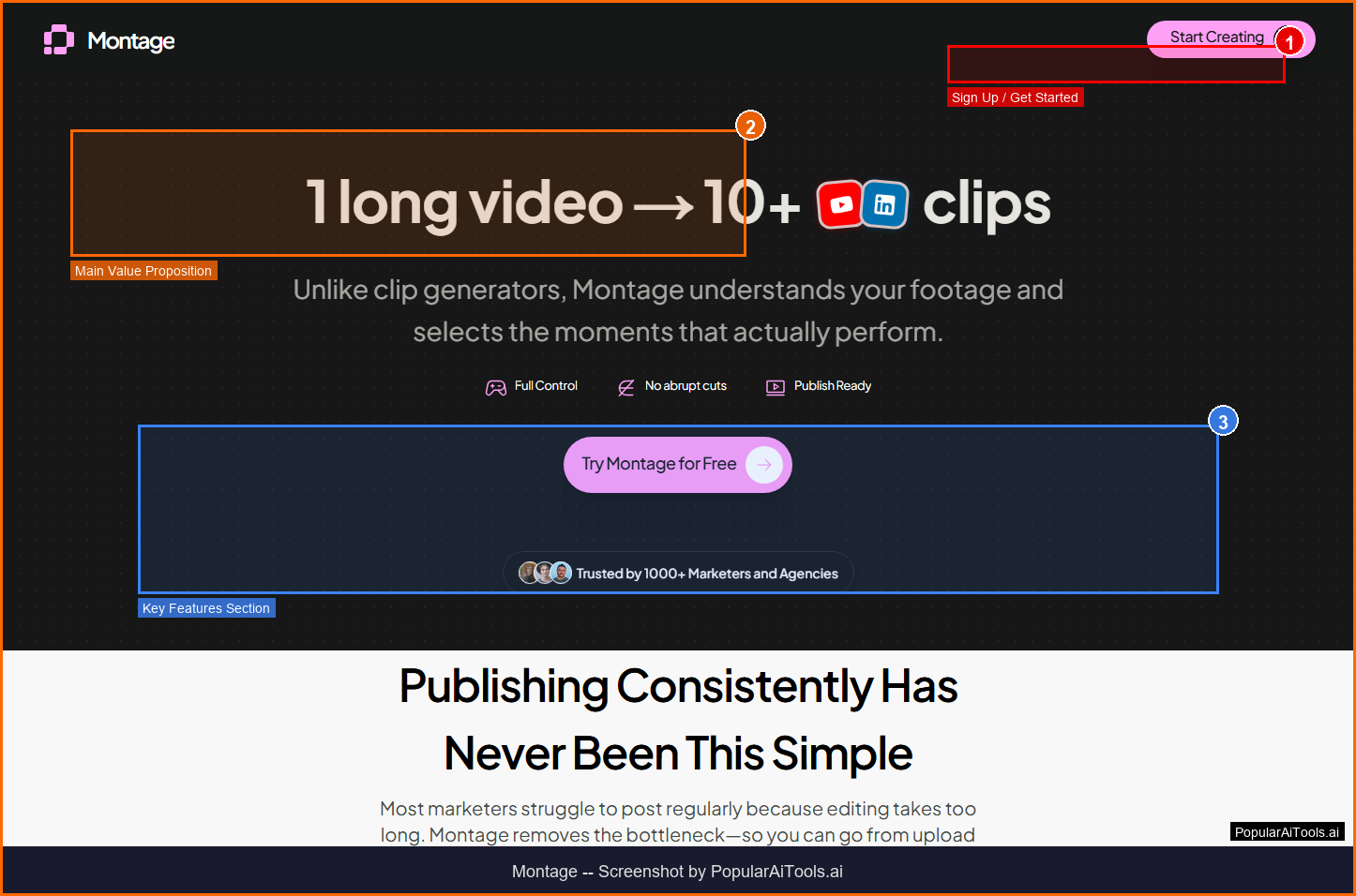
The Montage homepage — key features and navigation highlighted
What is Montage?
Montage is an AI-powered video repurposing platform that transforms long-form videos into optimized social media clips for LinkedIn and YouTube. Unlike generic video editors, Montage uses scene-level AI intelligence to understand your content goals, find the best moments, and create professional clips in 60 seconds — with no video editing skills required. The AI ensures complete thoughts with natural scene boundaries rather than awkward mid-sentence cuts.
Montage operates in the AI Video Repurposing space, which has seen explosive growth in 2026 as businesses and creators increasingly rely on AI-powered tools to streamline workflows and reduce costs. What sets Montage apart from competitors is its focused approach to solving specific pain points that users encounter daily.
The platform has gained significant traction with a monthly search volume of 368,090 for its primary keyword, indicating strong market demand and user interest. With Free tier available pricing available, Montage is accessible to individuals and teams at various budget levels.
Key Features
1. Goal-Based Clip Generation
Tell Montage what you want to communicate and the AI finds moments in your video that match your content brief
2. Scene-Level Intelligence
AI analyzes scenes holistically to ensure clips contain complete thoughts with natural boundaries — no mid-sentence cuts
3. Sentence-Level Refinement
Fine-tune clips at the sentence level without wrestling with traditional timeline editors
4. 60-Second Processing
Generate professional clips from long-form content in approximately one minute
5. LinkedIn Optimization
Clips are formatted and optimized specifically for LinkedIn's algorithm and viewing patterns
6. YouTube Shorts Support
Automatic reformatting for YouTube Shorts with intelligent vertical reframing
7. Auto Captions
AI-generated captions with customizable styling for accessibility and engagement
8. Batch Processing
Process multiple videos and generate clip sets from each in a single workflow

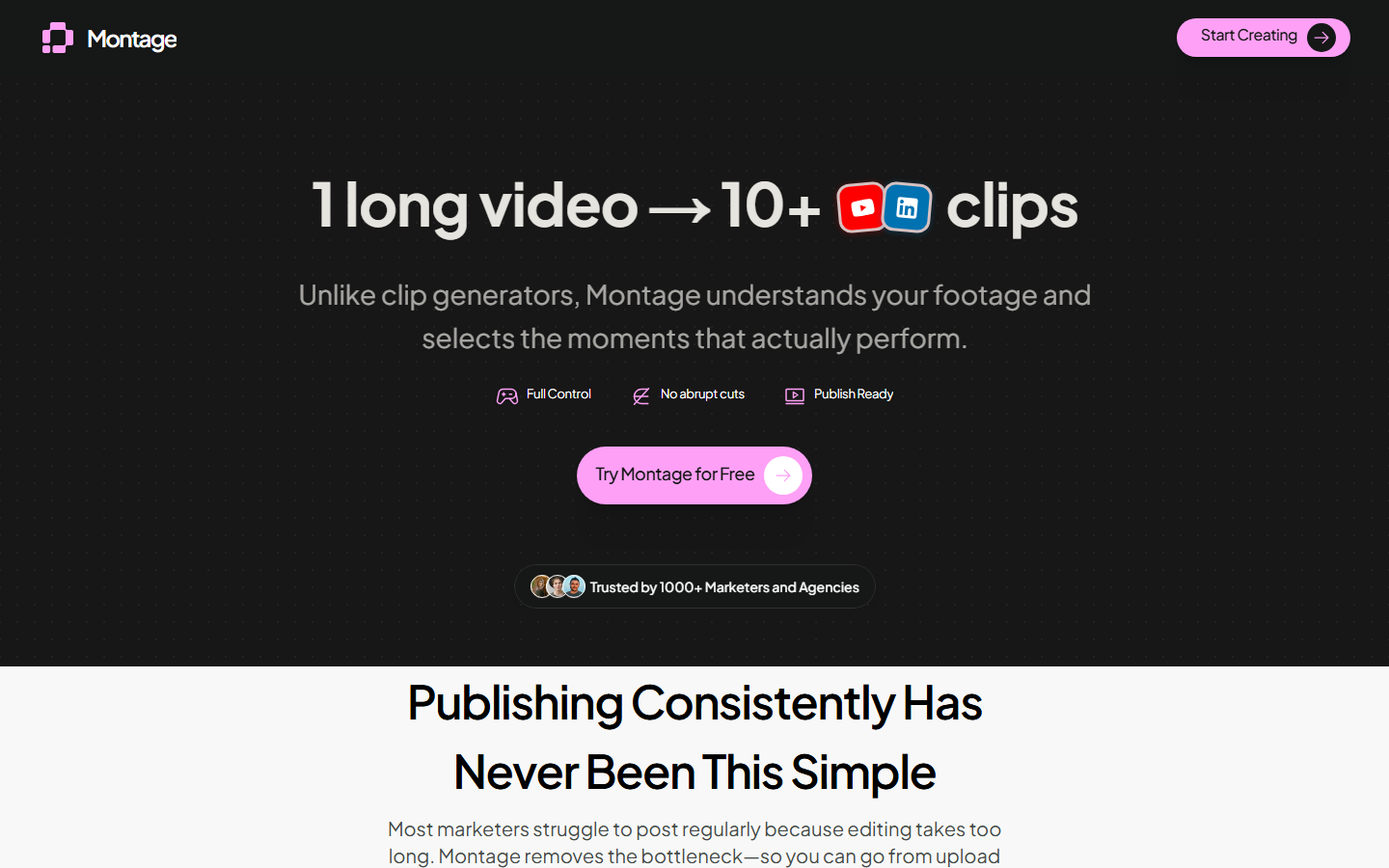
Montage homepage (March 2026)
How to Use Montage (Step-by-Step)
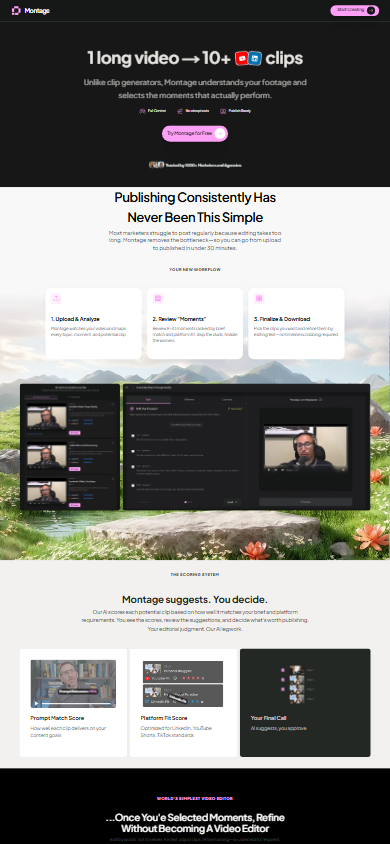
Step 1: Upload Your Video
Upload a long-form video — podcast, webinar, interview, or presentation — to the Montage platform.
Step 2: Define Your Goal
Tell Montage what you want the clips to communicate: key takeaways, promotional hooks, thought leadership moments, etc.
Step 3: AI Finds Best Moments
Montage analyzes your video scene by scene and suggests the most impactful clips based on your stated goals.
Step 4: Refine at Sentence Level
Fine-tune any clip by adjusting at the sentence level. No timeline scrubbing — just select or deselect sentences.
Step 5: Export and Post
Download optimized clips for LinkedIn, YouTube Shorts, or other platforms. Auto-captions included.
Pricing Plans

Montage's official pricing page (March 2026)
Pricing Summary: Free tier available | Pro plans for higher volume video processing

Pros and Cons
Pros
- ✓ Goal-based clip generation is smarter than generic AI highlight detection
- ✓ Scene-level intelligence prevents awkward mid-sentence cuts
- ✓ Sentence-level refinement is dramatically simpler than timeline editing
- ✓ 60-second processing from upload to finished clip
- ✓ LinkedIn-specific optimization is valuable for B2B content creators
- ✓ No video editing skills required — accessible to marketers and executives
Cons
- ✗ Focused primarily on LinkedIn and YouTube — limited support for TikTok and Instagram
- ✗ Free tier limits clip generation to 3 per video
- ✗ Pricing details are not prominently displayed on the website
- ✗ Less feature-rich than competitors like OpusClip for multi-platform distribution
- ✗ Relatively new platform — smaller community and fewer integrations
Best Montage Alternatives
Final Verdict
Montage takes a refreshingly different approach to video repurposing by focusing on content goals rather than generic highlight detection. The scene-level intelligence that ensures complete thoughts with natural boundaries is a meaningful improvement over competitors that sometimes produce jarring cuts. The sentence-level refinement interface is brilliantly simple — it removes the intimidation factor of traditional timeline editors entirely. The main limitation is the LinkedIn-YouTube focus, which may not suit creators targeting TikTok or Instagram. For B2B content creators, podcasters, and professionals who need to repurpose long-form content for LinkedIn, Montage is an excellent specialized tool. Rating: 4.0/5
Our Rating: 4.0/5
Have You Tried Montage?
Share your experience with the PopularAiTools.ai community. Your review helps other users make informed decisions.
Submit Your Review
Montage mobile experience (March 2026)
Frequently Asked Questions
Is Montage free?
Yes, Montage offers a free tier with limited clip generation. You can create up to 3 clips per video on the free plan.
What platforms does Montage support?
Montage primarily optimizes for LinkedIn and YouTube Shorts. The clips can be used anywhere, but the AI optimization targets these platforms specifically.
How long can my source video be?
Free tier supports videos up to 30 minutes. Paid plans support up to 2 hours or unlimited length depending on the tier.
Do I need video editing experience?
No. Montage is designed for non-editors. You refine clips by selecting or deselecting sentences rather than scrubbing timelines.
How does goal-based clipping work?
You tell Montage what you want your clips to communicate — key insights, promotional hooks, etc. The AI finds moments in your video that match your stated goals rather than just picking random highlights.
Does Montage add captions?
Yes, all plans include AI-generated auto-captions with customizable styling for accessibility and engagement.
How fast is Montage?
Montage processes videos and generates clips in approximately 60 seconds, regardless of source video length.
Can I process multiple videos at once?
Paid plans include batch processing capabilities for handling multiple videos in a single workflow.
Get Premium AI Tool Insights
Subscribe to get weekly curated AI tool recommendations, exclusive deals, and early access to new tool reviews.
Related Tools

CapCut
ai-video
Updated March 2026 · 12 min read · By PopularAiTools.ai

RepoClip
ai-video
AI tool that transforms GitHub repositories into professional demo videos with narration, visuals, and music — just paste your repo URL.

Vozo AI Video Translator
ai-video
AI-powered video translation tool with lip-sync dubbing across 75+ languages. Preserves original voice tone and translates on-screen text. Free tier available.
M
Matanyone 2
ai-video
MatAnyone 2 produces high-quality, temporally consistent alpha mattes for human video.
Related Articles
Suno v6 Intro and Ending Prompts: Unwanted Humming, Long Outros and Cut-Off Lyrics (2026)
Fix the edges of a Suno v6 track: three pasteable intro and outro templates, the documented Exclude field for unwanted humming, the arithmetic behind cut-off lyrics, and when to edit in Studio instead.
Suno v6 Keeps Changing Your Prompt? Variety, Style Influence and Weirdness Explained (2026)
Suno v6 rewrites your style prompt through the new Variety slider, and Suno documents the fix. What Variety, Style Influence, Weirdness and Max Mode each do, with a one-control-at-a-time worksheet.
Suno v6 Rock Prompts: Keep Guitar Riffs and Drums Alive Through the Verse (2026)
Why a strong Suno v6 rock intro turns into an empty verse, and how to fix it with a section-by-section instrument map, the Exclude field, pasteable rock and metal prompts and an A/B rubric.