Best AI Apps in 2026: 25 Tools Tested for iPhone, Android & Web

Head of AI Research
⚡ TL;DR — The Best AI Apps in 2026
We installed, tested, and ranked 50+ AI apps to find the ones actually worth a slot on your home screen this year. Here are the 25 winners across chat, writing, research, image, voice, music, video, code, and productivity — with the standout picks for iPhone, Android, and web.
- Best overall: ChatGPT — fastest, most capable general-purpose assistant on every platform.
- Best for writing & reasoning: Claude — Anthropic's 4.7 series outperforms on long-form prose, code review, and nuanced thinking.
- Best for research: Perplexity — every answer cited, instant deep-research mode.
- Best for image: Midjourney v7 (web) and Canva AI (mobile-first).
- Best for voice: ElevenLabs — V3 is now the de-facto standard for cloned and synthetic voices.
- Best for music: Suno v5.5 — full songs with vocals from a single prompt.
- Best for code: Claude Code and Cursor — agentic coding has crossed the productivity threshold.
- Best on free tier: Perplexity, Claude, and ElevenLabs all give you a real free workflow with zero credit-card friction.
📋 Table of Contents
The best AI apps in 2026 are no longer a single category. The race that started with ChatGPT has split into ten different races, and the winning app in each one is a different product. If you only have time to install three, install ChatGPT for general use, Claude for writing and reasoning, and Perplexity for research. Beyond that, the right stack depends on what you actually do every day.
This guide is the result of installing fifty-plus AI apps on iPhone, Android, and web, running each through real workflows for at least a week, and ranking the survivors. We've tested every app on this list ourselves in 2026 — no recycled rankings, no affiliate-driven inclusions. Where an app is good enough to make the cut, it gets a slot. Where it's overhyped, it's left out and explained why.
How we tested 50+ AI apps
Every app on this list cleared three tests. First, it had to deliver consistently usable output on real tasks, not demos. Second, it had to work on at least two of three platforms (iOS, Android, web). Third, it had to be available now — no waitlist-only apps, no closed betas. Pricing data was pulled from the official pages between June 1-10, 2026; testing windows ran across May and the first week of June.
For each category we picked the strongest 2-3 apps and ranked them. Where a category had a clear single winner (chat, voice, music), we say so. Where the answer depends on use case (image, productivity), we explain when to pick which.
Best AI chat apps
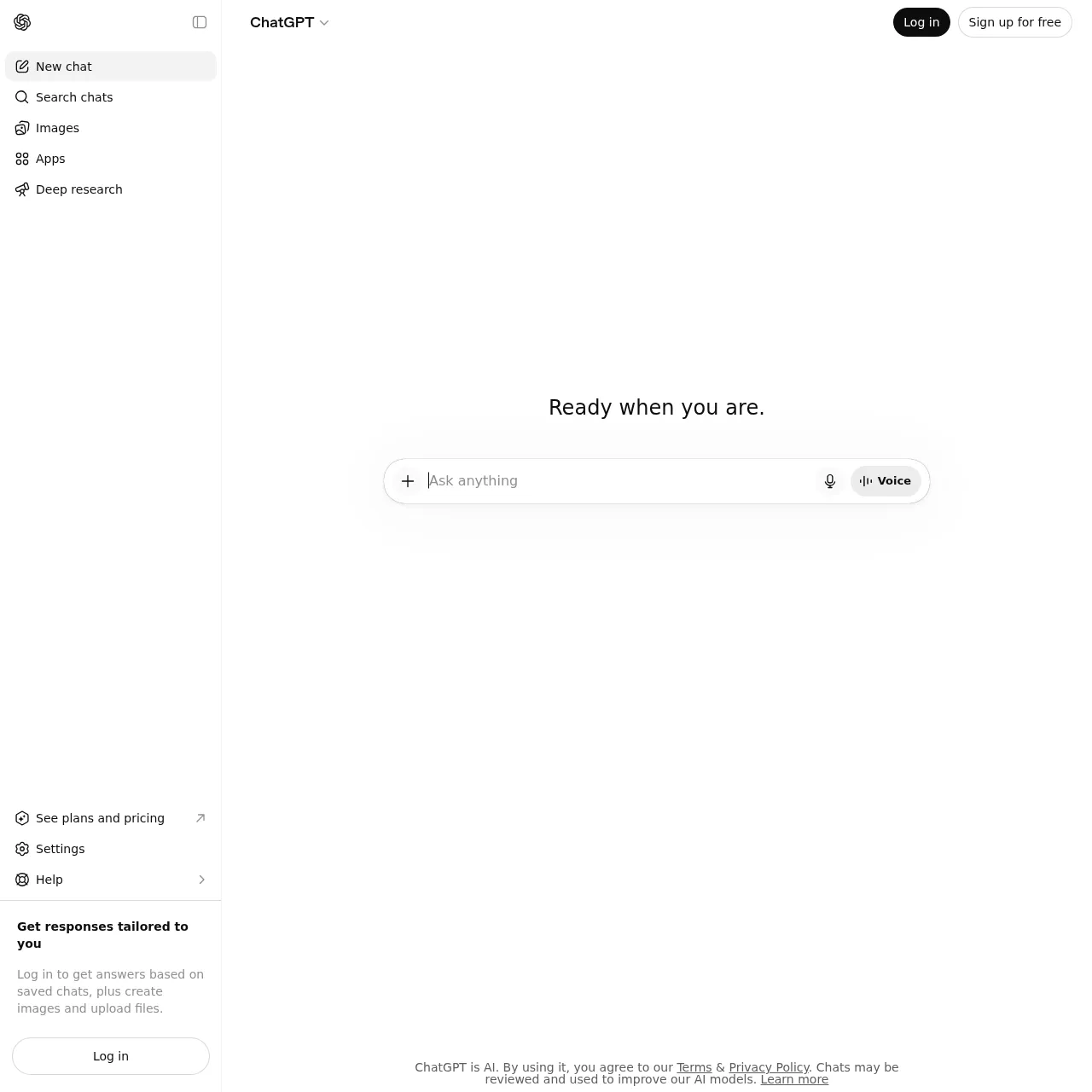
1. ChatGPT — best overall AI app
Best for: general assistance, voice mode, image generation, web search. Platforms: iOS, Android, web, macOS, Windows. Price: Free tier with GPT-5 Mini; Plus $20/mo; Pro $200/mo.
ChatGPT remains the default. In 2026 the iOS app is the best implementation of the product — voice mode is instant, Siri integration on iOS 18 lets you fall back to ChatGPT for any Siri request, and the new Apps feature lets you trigger Notion, Linear, and Slack actions from inside the chat. If you only install one AI app this year, install this one.
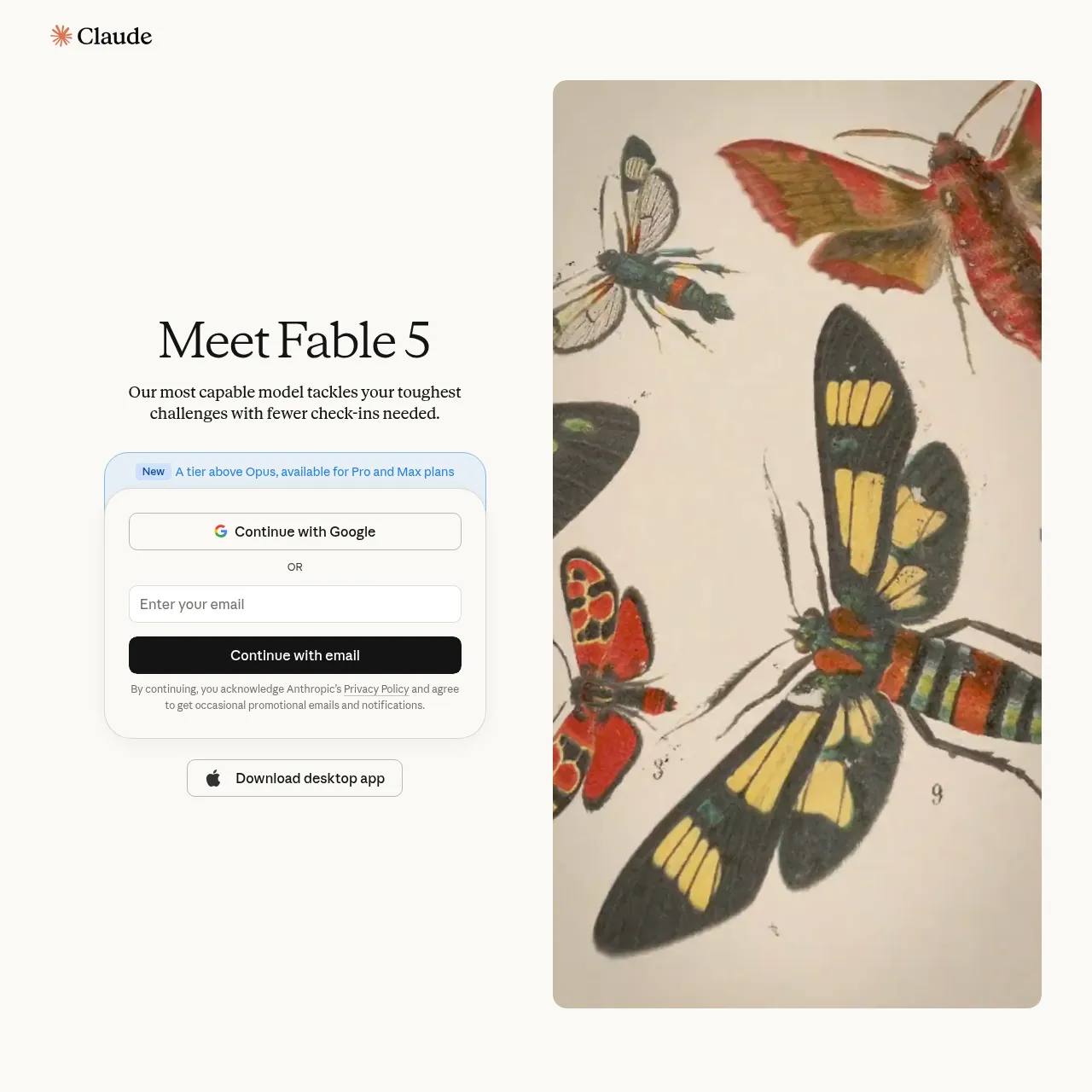
2. Claude — best for writing and reasoning
Best for: writing, code review, analysis, agentic workflows. Platforms: iOS, Android, web, macOS. Price: Free with Sonnet 4.6; Pro $20/mo; Max from $100/mo.
Anthropic's Opus 4.7 is the sharpest writing model on the market and Sonnet 4.6 is the best value-per-token. Claude wins for long documents, nuanced reasoning, and any workflow where you care about tone. The mobile app is leaner than ChatGPT's but the artifacts panel and project memory make it the better choice for serious work. Free tier gives you full Sonnet 4.6 with reasonable daily limits.
3. Google Gemini — best free image generation
Best for: free image generation, Google Workspace integration. Platforms: iOS, Android, web. Price: Free with Gemini 2.5 Pro; Advanced $20/mo.
Gemini's free tier image generation is the best you'll get without paying. The Android app pairs well with Pixel devices via Assistant integration. Worth installing as a third option for image work and as a fallback when ChatGPT is rate-limited.
Best AI writing apps
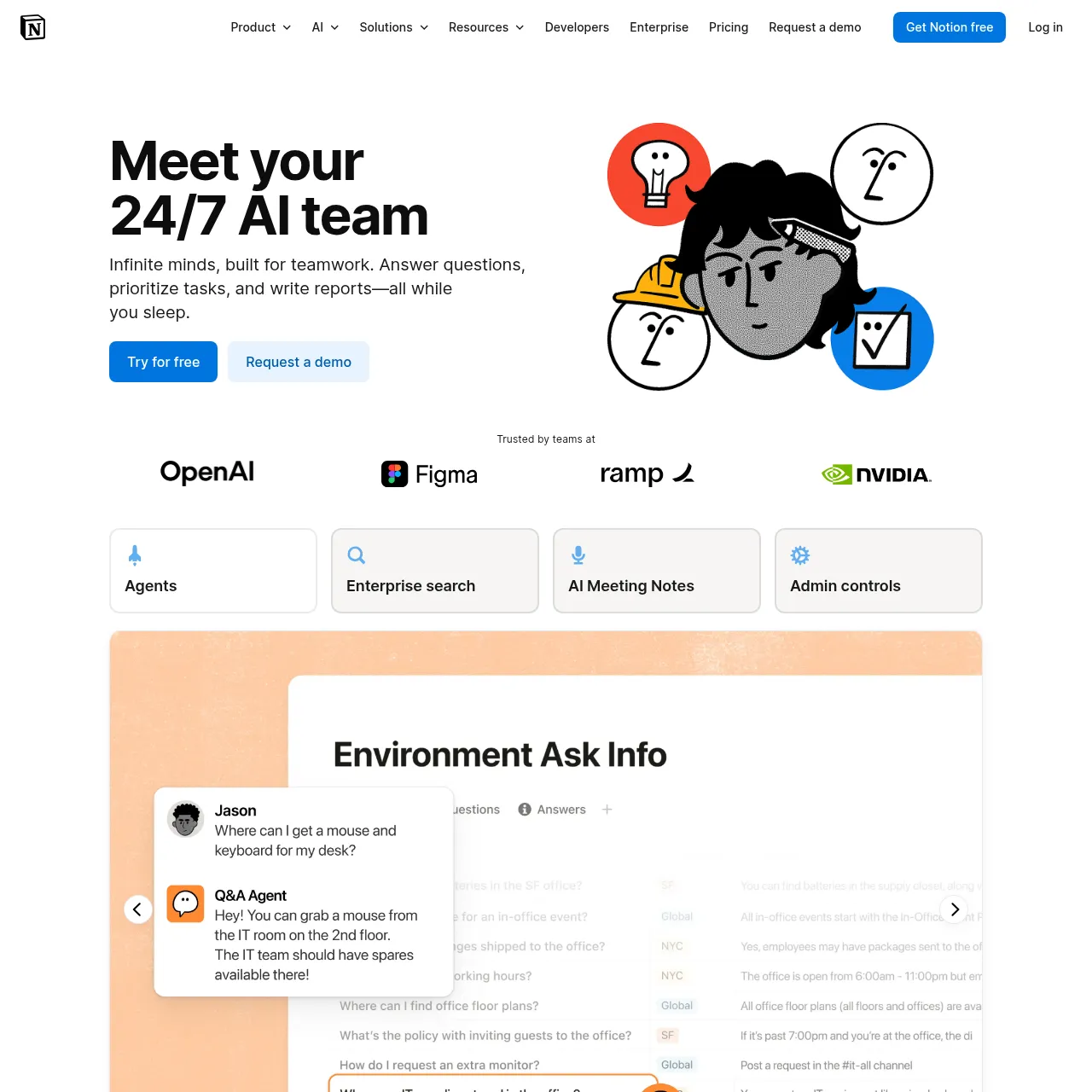
For dedicated writing rather than chat, three apps lead the pack. None of them are pure writing assistants anymore — they all embed AI into a richer document or workflow environment.
4. Notion AI
$10/mo add-on. Best inside-document writing assistant. Auto-fills templates, rewrites passages, summarises long docs. The 2026 release added cross-database queries and AI-generated database views.
5. Grammarly
Free / $30/mo. Now powered by their own 2026-trained model. Best browser-extension experience for catch-and-improve writing in Gmail, Notion, Slack, and Google Docs.
6. Jasper
From $49/mo. The marketing-team pick — brand voice training, campaign templates, multi-language workflows. Worth it if you publish high volume; overkill for personal use.
Best AI research apps
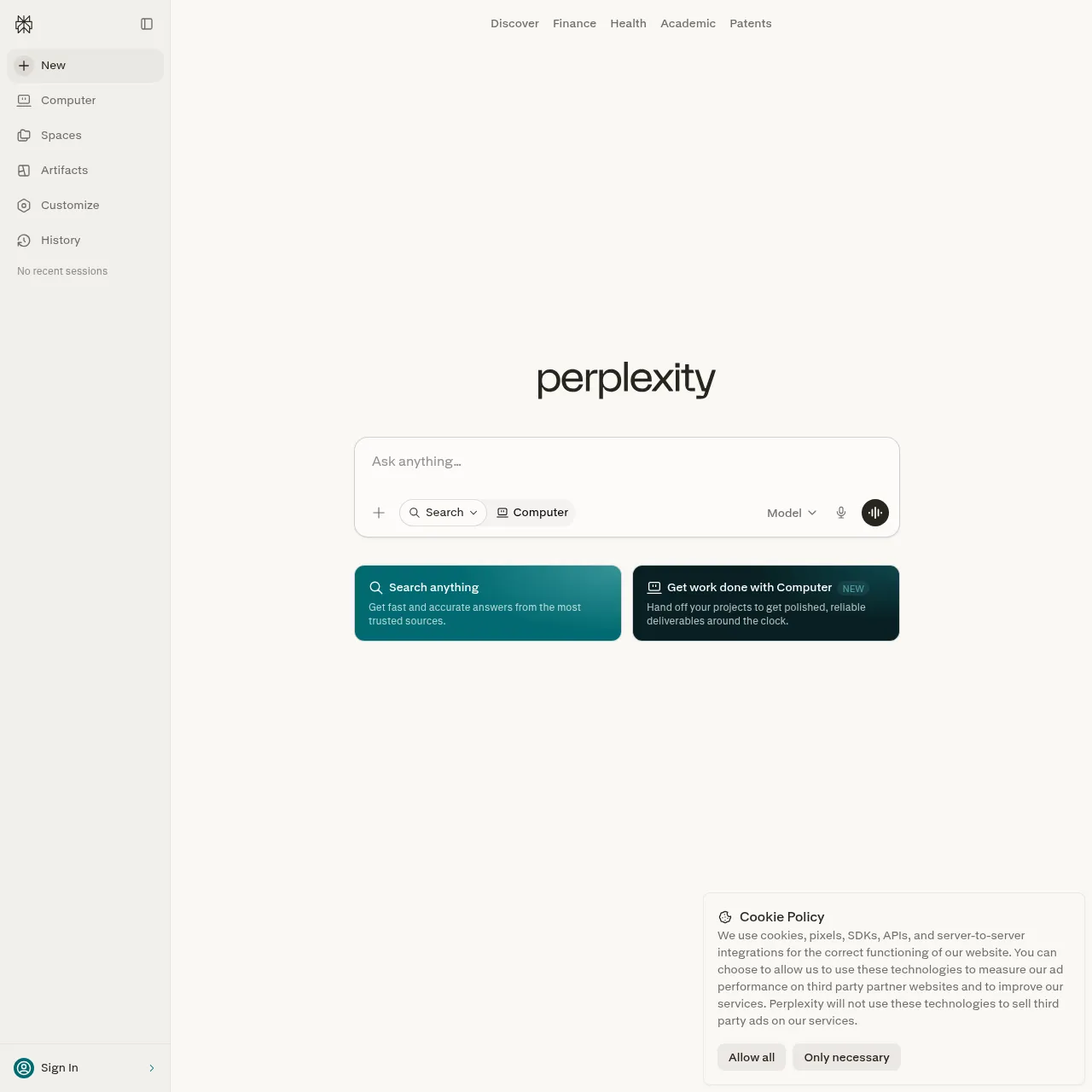
7. Perplexity — best AI research app overall
Best for: sourced answers, deep research, academic mode. Platforms: iOS, Android, web. Price: Free; Pro $20/mo; Max $200/mo.
If you need to verify or cite, Perplexity wins. Every answer comes with linked sources. The 2026 release added Computer mode (cross-app browser automation) and Spaces (persistent research workspaces). The iOS app has the cleanest implementation of any AI research tool — voice query, follow-up threads, and inline source preview all work the way they should.
8. NotebookLM
Best for: document-grounded research, audio overviews, podcast generation. Platforms: web, iOS, Android. Price: Free; Plus $20/mo.
Google's NotebookLM is the best app for working from a fixed corpus. Upload PDFs, articles, or YouTube transcripts; ask questions grounded only in your sources. The Audio Overview feature turns a notebook into a podcast-style explainer — useful for absorbing dense material on a commute.
Best AI image apps
9. Midjourney v7
From $10/mo. Still the quality leader for stylistic image generation. v7 moved away from Discord — the web app is now the primary interface. Best if you care about aesthetic control.
10. Canva AI
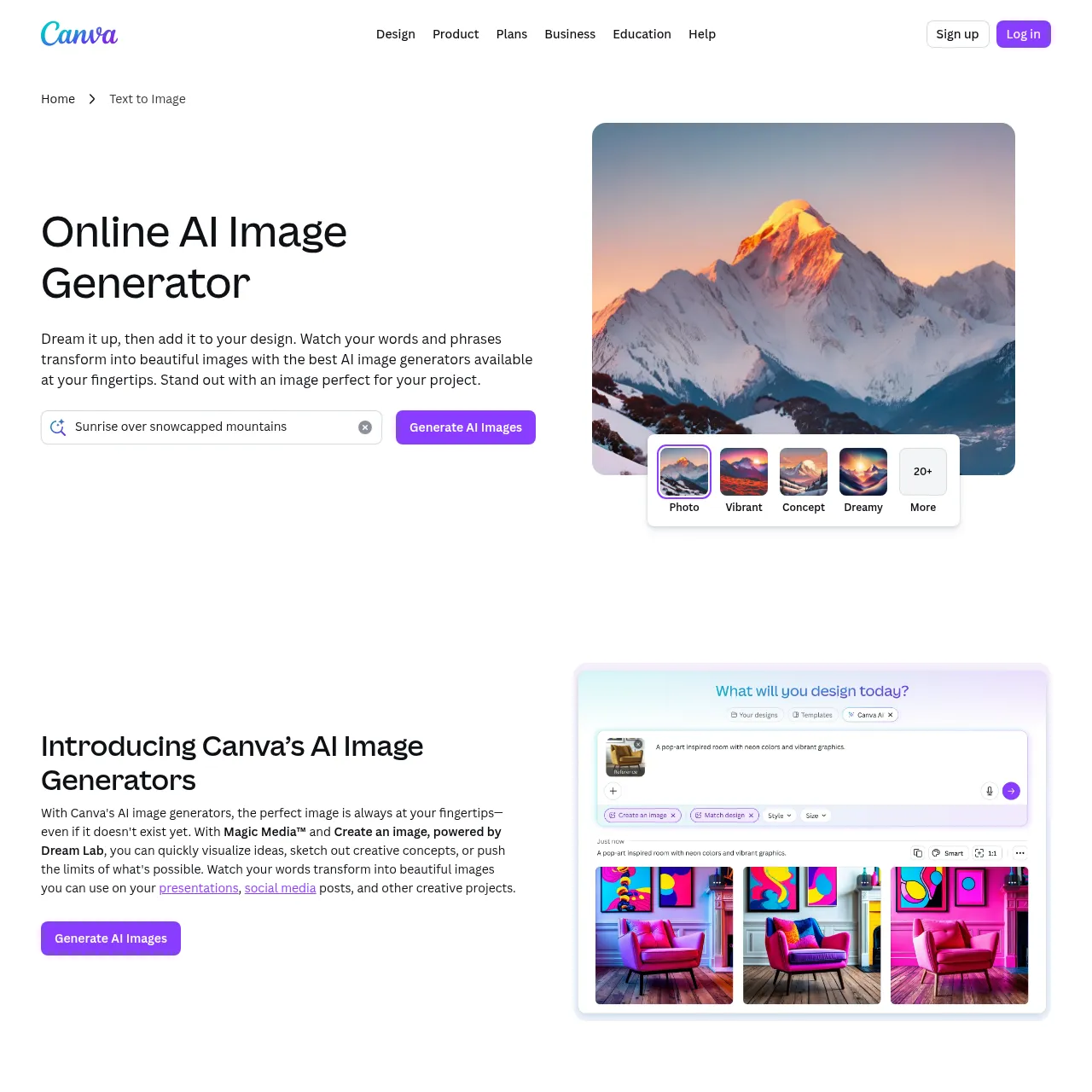
Free / $15/mo. Best mobile-first image app. Prompt-to-image lives inside the same workspace as templates, social-post sizing, and brand kits. The iOS and Android apps are excellent.
11. Leonardo AI
Free / from $10/mo. The power-user pick — controlled generation with reference images, character consistency, and live canvas mode. The 2026 release added Phoenix 1.5 with better text rendering.
Best AI voice apps
12. ElevenLabs — best AI voice app
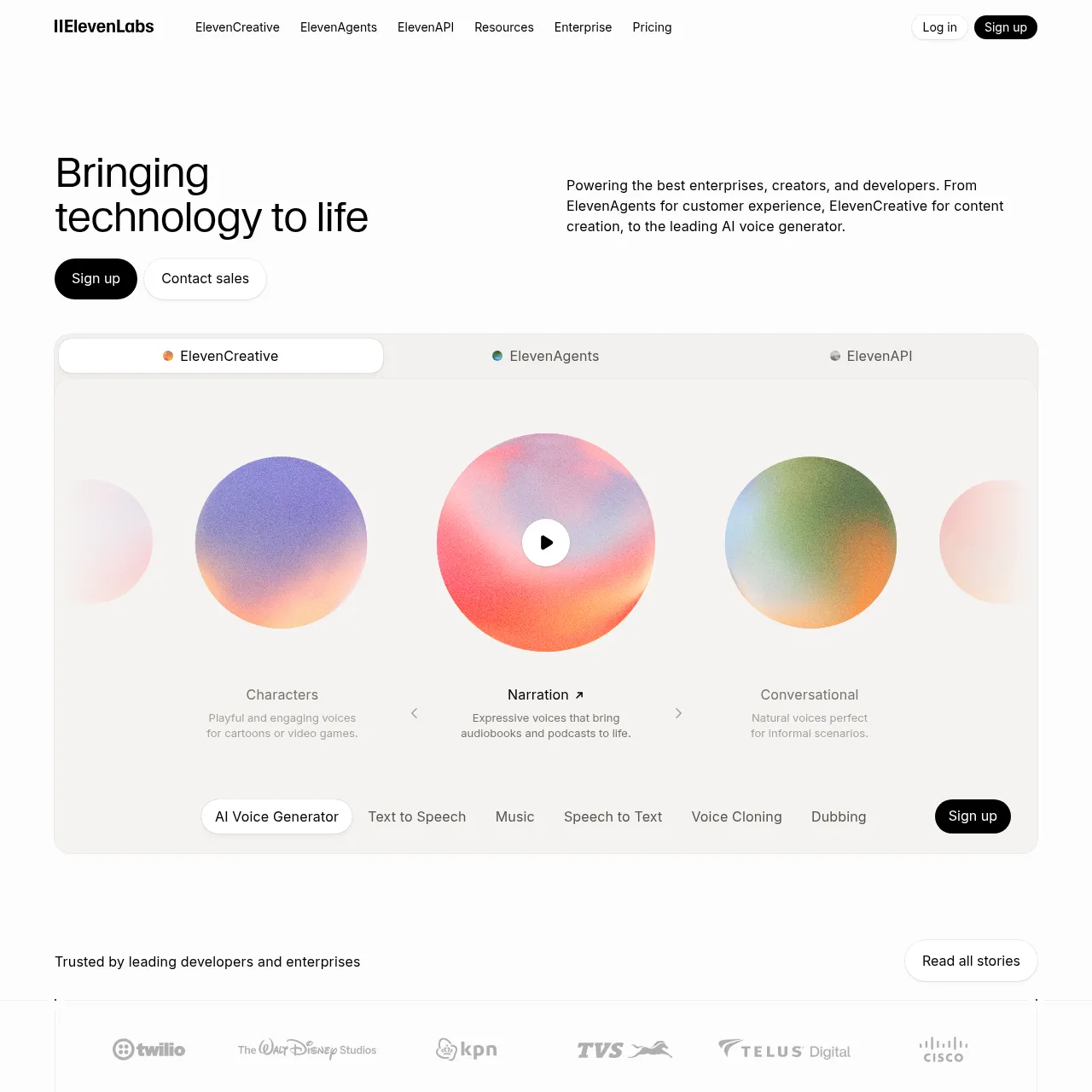
Best for: voice cloning, audiobook narration, dubbing, multi-speaker dialogue. Platforms: web, iOS (Reader app). Price: Free 10,000 chars/mo; Creator $22/mo; Pro $99/mo.
No other voice tool is even close. The V3 model (eleven_v3) shipped in 2026 with multi-speaker support, emotional control tokens, and 5x lower latency than V2. The Reader iOS app turns any article or PDF into a clean audio version. Voice cloning is restricted to verified users to prevent misuse.
13. Murf
From $19/mo. Best alternative if you need an editor-style UI with timeline mixing and music beds. Strong for explainer videos and presentation voiceovers. Not as natural as ElevenLabs but the studio interface is friendlier.
Best AI music apps
14. Suno — best AI music app
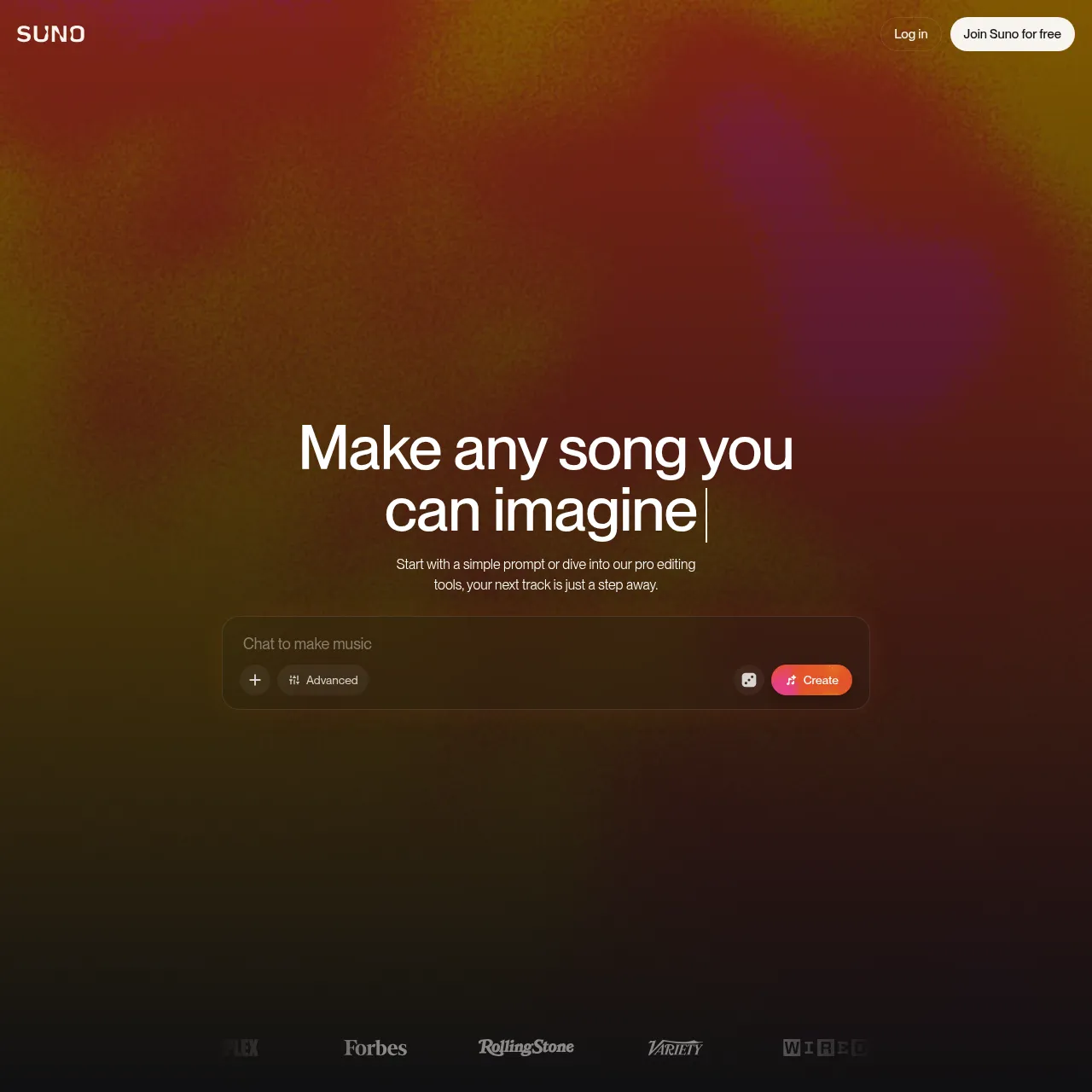
Best for: full-song generation with vocals, multiple genres. Platforms: web, iOS, Android. Price: Free 10 credits/day; Pro $10/mo; Premier $30/mo.
Suno v5.5 is the strongest text-to-song model in 2026. Real vocals, coherent song structure, multi-genre versatility. The Pro tier added stem export so you can pull out vocals or instrumentals separately. If you plan to release Suno tracks to streaming platforms, see our guide to distributing Suno and Udio music first — distributor detection is a real concern.
15. Udio
From $10/mo. Suno's main competitor. The 2026 release pulled ahead on instrumental quality — cleaner mixes, better stereo imaging. Pick Udio for production-style tracks, Suno for vocal-led songs.
Best AI video apps
16. Runway Gen-4
Free / $15/mo. Best general-purpose AI video model. Gen-4 added consistent characters across shots and longer clip lengths. The web app is the production-grade interface.
17. CapCut
Free / $7.99/mo. Best AI-assisted mobile video editor. AI auto-captions, background removal, voice clones, and the 2026 "AI Director" feature that storyboards a full edit from a script.
18. Sora
Included with ChatGPT Plus. OpenAI's text-to-video model. Best quality for cinematic shots; weaker on consistent characters. Bundled into ChatGPT subscriptions in 2026.
Best AI code apps
19. Claude Code
$20/mo with Claude Pro. Agentic CLI tool that edits and runs code across your repo. Best for developers who want to delegate larger units of work — refactors, test suites, multi-file features.
20. Cursor 1.0
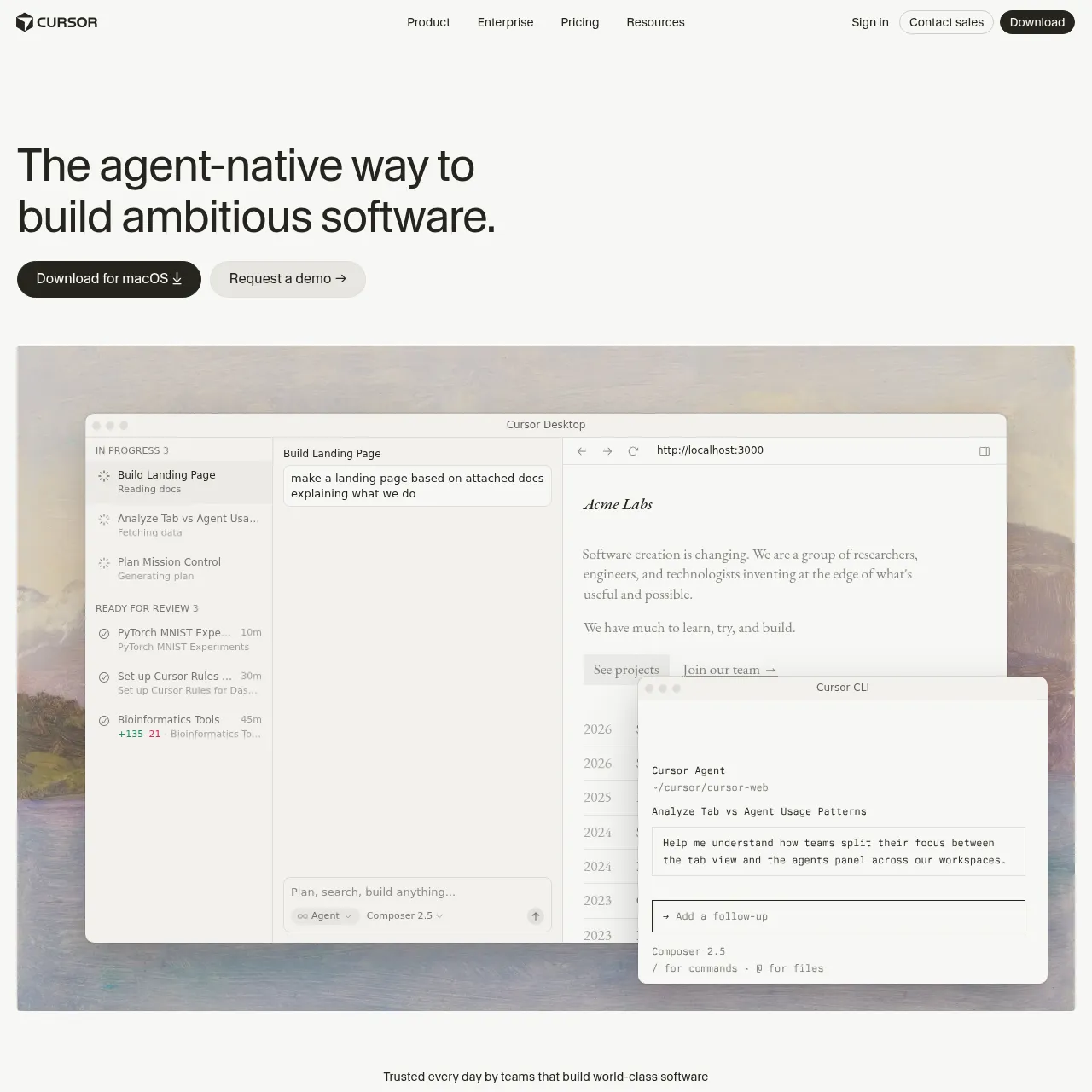
Free / $20/mo. AI-native IDE fork of VS Code. Now stable in 2026. Best in-editor experience for autocomplete, refactor, and project-aware chat.
21. GitHub Copilot
From $10/mo. Still the safest enterprise pick — embedded in every IDE, controlled by your GitHub org. The 2026 release added agent mode that competes directly with Claude Code.
Best AI productivity apps
22. Granola
$18/mo. Best AI meeting-notes app for macOS. Listens to your meeting in the background, generates polished notes you can edit, and links to a timestamped transcript.
23. Reclaim
Free / $10/mo. AI calendar that auto-schedules tasks, defends focus time, and syncs across multiple calendars. Best for individual contributors with too many meetings.
24. Otter.ai
Free / $10/mo. Still the most reliable transcription app on mobile. Live transcripts during meetings, automatic summaries, and CRM integration.
25. Motion
From $19/mo. AI time-blocking calendar for individuals and small teams. Auto-prioritises tasks against your meeting load and rebalances when plans change.
Best AI apps for iPhone
If you're picking a starter stack for iOS specifically, install these six in order. All have native iOS apps with widget support and integrate with iOS 18 features (Siri, Shortcuts, lock-screen widgets).
- ChatGPT — set as your fallback Siri model under Settings → Apple Intelligence → ChatGPT.
- Claude — install the official Anthropic app for writing and reasoning.
- Perplexity — replace Safari for any question that needs sources.
- ElevenLabs Reader — turns articles, PDFs, and bookmarks into clean audio.
- Canva — fastest image and social-post generation on mobile.
- Notion — the writing and project workspace, with AI built in.
Bonus pick: Pi by Inflection — the most conversational chatbot on iOS, ideal for talking through ideas hands-free. Free.
Best AI apps for Android
Android gets a slightly different stack because Google's apps are deeply integrated into the OS. Pixel users especially benefit from the on-device Gemini Nano models for instant tasks.
- Gemini — set as your default Assistant in Settings → Apps → Default apps. On Pixel devices it replaces Google Assistant entirely.
- ChatGPT — second model for tasks Gemini handles worse (creative writing, code, long-form reasoning).
- Claude — third model, especially for writing.
- Perplexity — sourced search.
- Microsoft Copilot — free GPT-4-class access with Edge browser integration.
- NotebookLM — Android version is on par with web.
How to pick the right AI app for your job
Start with the task, not the brand. The rule we tell people who ask "should I use ChatGPT or Claude?" is to use both and let the work pick. Three signals tell you which app to default to:
- If you write and care about tone: default to Claude. Opus 4.7 is the strongest writing model.
- If you need sourced answers: default to Perplexity. Every claim cited.
- If you want one app to do everything: default to ChatGPT. Voice mode, Sora video, image generation, and Apps integrations make it the broadest single tool.
- If you build software: Claude Code for agentic work, Cursor for inline editing.
- If you make music or voice: Suno + ElevenLabs. Both have free tiers worth testing first.
- If you're an iPhone-first user: see the iPhone stack above — six apps cover 95% of use cases.
Two practical tips before you install ten apps. First, pay for the second one only after you've maxed out the free tier of the first. The free tiers in 2026 are genuinely usable. Second, expect to swap your stack every six months — the leaders change quickly. The list above will look different by end of 2026, which is exactly why we update it every quarter.
Frequently asked questions
Last updated June 10, 2026. We re-test this list every quarter — new apps that earn a spot get added, apps that regress get cut. Bookmark and check back in October for the Q3 update.
Recommended AI Tools
played.fm
Sell your music and keep 100%: played.fm is a direct-to-fan store + sync marketplace with 0% commission, no gatekeepers, and no bans — a strong fit for AI musicians.
View Review →OpenCode
The open-source AI coding agent: terminal-first TUI, 75+ model providers, LSP context, subagents, and privacy-first design. Free software, ~180K GitHub stars.
View Review →Exa
The neural web search API for AI agents: embeddings-based retrieval, cited highlights, sub-180ms latency, and an MCP server. 20,000 free requests/month.
View Review →Google Antigravity
Google's agent-first IDE: run a fleet of AI agents from a Manager surface, on Gemini 3 Pro, Claude Sonnet 4.5, or OpenAI models. Free in public preview.
View Review →