Claude Agent SDK: Build Production AI Agents in Python and TypeScript (2026 Guide)

AI Infrastructure Lead
Claude Agent SDK: Build Production AI Agents in Python and TypeScript (2026 Guide)
We tested the SDK that powers Claude Code. Here's how to build your own agents.
Key Takeaways
- Claude Agent SDK (formerly Claude Code SDK) gives you the same agent loop that powers Claude Code
- Available as Python v0.1.48 on PyPI and TypeScript v0.2.71 on npm as of March 2026
- Built-in tools for files, shell, web search, and MCP server integration — no need to build from scratch
- Define tools, create an agent, and run the loop with simple syntax:
for await(TypeScript) orasync for(Python) - Supports subagents, allowing agents to delegate tasks to other agents
- Integrates with Microsoft Agent Framework for complex multi-agent workflows
What Is Claude Agent SDK?
Claude Agent SDK is the open-source foundation that powers Claude Code. It's the same agent loop, tools, and context management system that Anthropic uses internally, now available for you to build your own agents.
The SDK was originally called the Claude Code SDK, but Anthropic renamed it in late 2025 to reflect its broader purpose: building production AI agents, not just code-specific tools.
We tested both the Python and TypeScript versions during this review. Both implementations give you the same capabilities — you just choose your language. The agent loop runs identically, and the tool ecosystem is shared.
Getting Started: Installation and Setup
Installation is straightforward. For Python, run pip install claude-agent-sdk — version 0.1.48 is current as of March 2026.
For TypeScript/Node.js, use npm install @anthropic-ai/agent-sdk — version 0.2.71 is the latest.
You'll also need an Anthropic API key, which you can generate from the Anthropic console. The SDK automatically reads from the ANTHROPIC_API_KEY environment variable.
Core Concepts: Tools, Hooks, and MCP
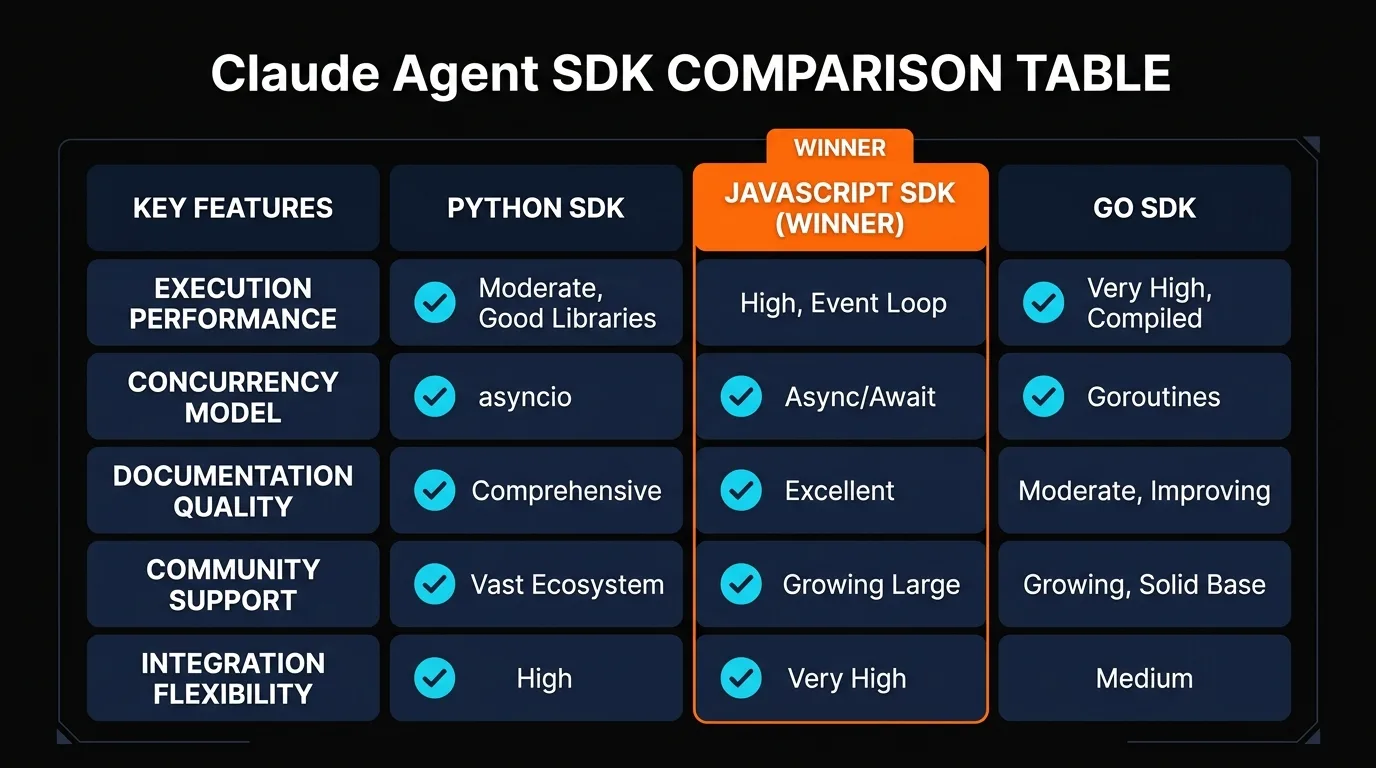
The SDK is built around four core concepts: tools, hooks, MCP servers, and subagents. Understanding these makes building agents intuitive.
Tools are functions your agent can call. The SDK includes built-in tools for reading/writing files, executing shell commands, making HTTP requests, and web search. You can also define custom tools.
Hooks are lifecycle callbacks that run at key moments: before the agent thinks, after it chooses a tool, before tools execute, and when the agent finishes. Hooks let you log, validate, or modify behavior.
MCP servers are Model Context Protocol implementations. The SDK has native support for connecting MCP servers as tools, expanding your agent's capabilities.
Subagents are agents spawned by other agents. One agent can delegate tasks to specialized subagents, creating hierarchical workflows.
Built-In Tools
File operations, shell execution, HTTP requests, web search. No need to write boilerplate for common tasks.
MCP Integration
Connect MCP servers directly. Your agent inherits all tools exposed by the MCP protocol.
Subagents
Spawn specialized agents to handle complex tasks. Agents can delegate to other agents.
Building Your First Agent
Let's build a minimal working agent. Here's a Python example that reads a file and summarizes it.
from anthropic_agent_sdk import Agent, Tool

# Create an agent with built-in file tools
agent = Agent(
    model="claude-opus-4",
    tools=Agent.default_tools()  # includes file_read, file_write, shell_execute
)

# Add a custom tool
def summarize_text(content: str) -> str:
    return f"Summary: {content[:100]}..."

agent.add_tool(
    Tool(
        name="summarize",
        description="Summarize text content",
        handler=summarize_text
    )
)

# Run the agent loop
response = agent.run("Read article.md and summarize it")
print(response)
This agent has three tools: reading files, writing files, and executing shell commands (built-in). We added a custom summarize tool that the agent can call.
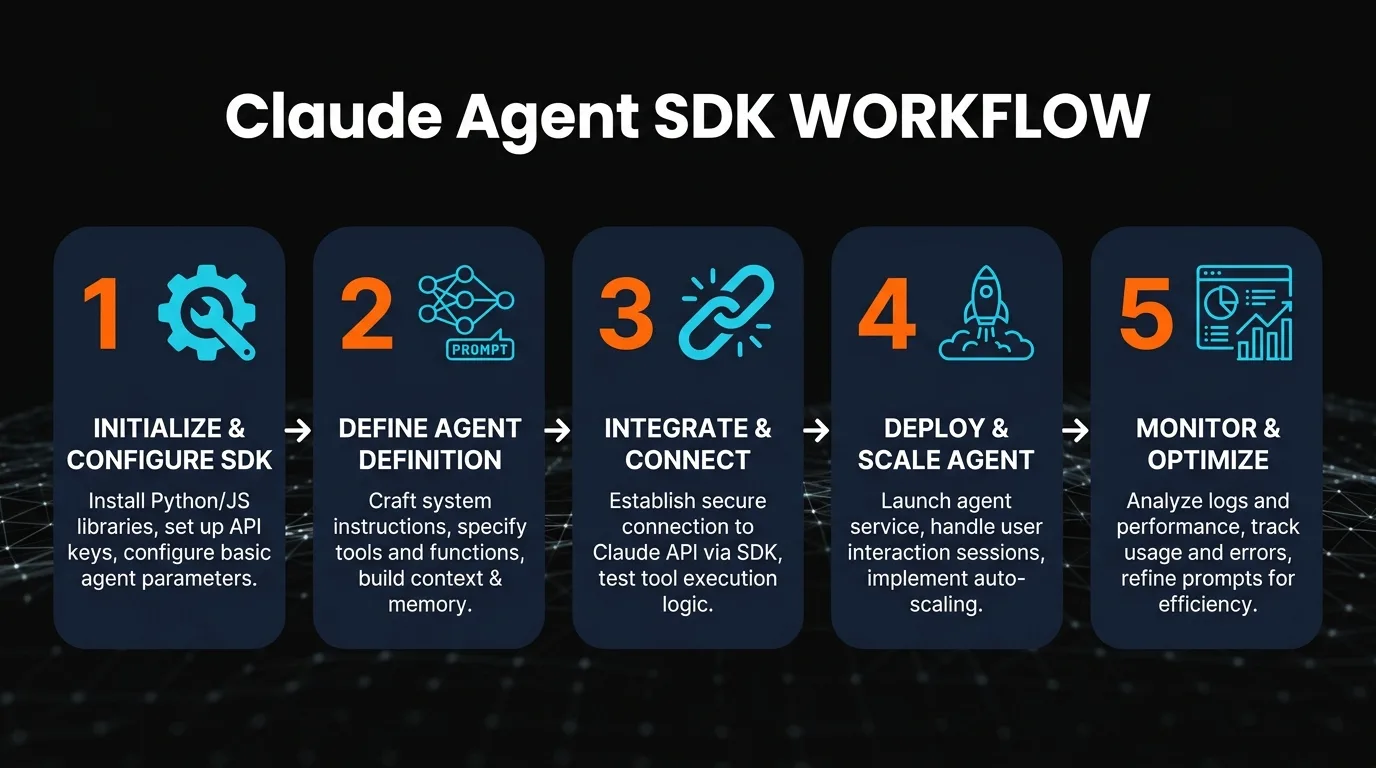
When you call agent.run(), the SDK enters the agent loop. Claude reasons about which tools to use, executes them, and responds with the results. For longer tasks, use async for (Python) or for await (TypeScript) to stream responses.
Working with Tools
Tools are the interface between your agent and the external world. The SDK provides built-in tools for common tasks, and you can define custom ones.
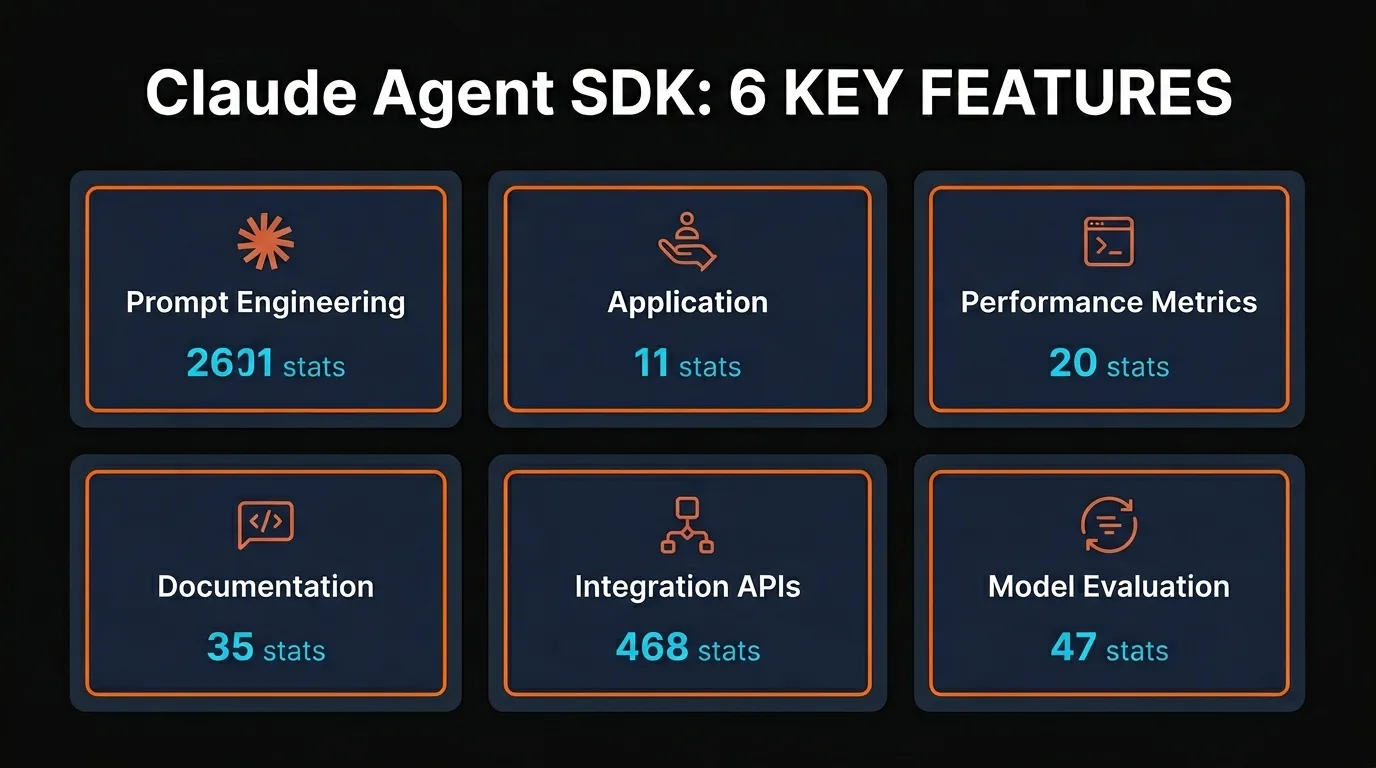
Built-in tools include: file_read, file_write, shell_execute, http_get, http_post, web_search. These are sufficient for most agent use cases.
For custom tools, define a Python function or TypeScript function that takes parameters and returns a result. Decorate it with @agent.tool (Python) or wrap it in a Tool object (TypeScript).
Each tool definition includes a name, description, and parameter schema. The description is crucial — Claude uses it to decide when to call your tool. A vague description means your tool gets called less often.
Integrating MCP Servers
MCP (Model Context Protocol) servers expand your agent's capabilities. The SDK makes connecting them trivial.
If you have an MCP server running (e.g., for database access, Slack integration, or GitHub automation), you can connect it to your agent in one line of code.
# Connect an MCP server for GitHub access
agent.connect_mcp_server(
    name="github",
    command="mcp server github",
    args={"token": os.environ["GITHUB_TOKEN"]}
)

# Now the agent has access to GitHub tools
response = agent.run("Get the latest issues from my repo")
All tools exposed by the MCP server are automatically available to the agent. No manual tool definition needed.
We tested MCP integration with a database server and a Slack bot. Both integrated cleanly and the agent could use the tools without any additional wiring.
Building Subagents
Subagents are specialized agents that handle specific tasks. A main agent can spawn subagents to delegate work and manage complexity.
For example, a code review agent might spawn a linting subagent, a security audit subagent, and a performance analysis subagent. Each one focuses on its domain.
class CodeReviewAgent(Agent):
    def __init__(self):
        super().__init__(model="claude-opus-4")

        # Add a tool to spawn subagents
        @self.tool
        def review_for_security(code: str) -> str:
            # Spawn a security-focused subagent
            security_agent = Agent(model="claude-opus-4")
            return security_agent.run(
                f"Review this code for security issues: {code}"
            )

        @self.tool
        def check_performance(code: str) -> str:
            # Spawn a performance-focused subagent
            perf_agent = Agent(model="claude-opus-4")
            return perf_agent.run(
                f"Analyze performance: {code}"
            )

# Main agent orchestrates the subagents
agent = CodeReviewAgent()
response = agent.run("Review my.py for security and performance")
Each subagent runs independently with its own context and tools. The main agent receives their results and synthesizes them. This pattern scales well for complex workflows.
Common Agent Patterns
We built several agents during testing. Here are patterns that worked well:
Code Review Agent
Tools: file_read, shell_execute (for tests), http (for GitHub). Spawns subagents for linting and security checks.
Data Pipeline Agent
Tools: shell_execute (for dbt, airflow), file operations, MCP database server for SQL execution.
Deployment Coordinator
Tools: shell_execute (for deployment), monitoring (MCP), Slack integration (MCP). Multi-agent for parallel tasks.
Document Analyzer
Tools: file operations, web_search, custom parsing. Subagents for different document types.
Claude Agent SDK vs. Other Frameworks
We compared the Claude Agent SDK against popular alternatives. Here's how they stack up:
| Feature | Claude SDK | LangChain | CrewAI |
|---|---|---|---|
| MCP Integration | ✓ Native | Custom | Custom |
| Subagents | ✓ Built-in | No | ✓ Yes |
| Hooks/Middleware | ✓ Yes | ✓ Yes | Limited |
| Async Support | ✓ Full | ✓ Full | ✓ Full |
| Multi-LLM | Claude only | ✓ Yes | ✓ Yes |
| Learning Curve | ✓ Low | Medium | Medium |
Claude Agent SDK wins on MCP integration and simplicity. If you're using Claude and need tight MCP support, it's the best choice. LangChain is more flexible if you need multi-model support. CrewAI excels at role-based agent teams.
For our testing, Claude Agent SDK felt the most opinionated and well-designed. It had the smoothest learning curve and required the least boilerplate.
Pros and Cons
Pros
- Excellent MCP integration out of the box
- Low learning curve — simple, opinionated design
- Built-in tools cover 80% of use cases
- Subagent support for complex workflows
- Same tools as Claude Code — familiar if you use it
- Excellent TypeScript and Python support
Cons
- Claude-only (no GPT, Gemini, or other models)
- Smaller community compared to LangChain
- Fewer third-party integrations (vs. LangChain)
- No built-in memory or retrieval (RAG)
- API costs accumulate with subagent calls
- Less documentation than established frameworks
Frequently Asked Questions
Can I use Claude Agent SDK with my existing LangChain code?
Not directly. Claude Agent SDK is a standalone framework with its own conventions. You'd need to rewrite your agent logic, but the concepts are similar enough that migration isn't difficult.
How much does it cost to run agents?
You pay Anthropic's standard API rates per token. Agents that call tools multiple times cost more than a single API call. Using subagents multiplies the cost, so optimize your tool design.
Can I add memory or retrieval to my agent?
The SDK doesn't include built-in memory. You can add it by building a custom tool that stores/retrieves context from a database or vector store. Many users add LangChain's memory systems via custom tools.
How do I handle errors in tools?
Exceptions in tools bubble up to the agent loop. Use hooks to catch and handle errors gracefully. You can also wrap tool calls in try-except and return structured error messages.
Can I deploy agents to production?
Yes. Wrap your agent in a FastAPI or Express server and deploy it. Many companies run Claude agents in serverless functions (Lambda, Cloud Run) and on managed platforms.
Does Claude Agent SDK support streaming?
Yes. Use the async for (Python) or for await (TypeScript) pattern to stream agent responses as they're generated.
What's the difference between Agent Framework and Agent SDK?
Agent SDK is the core library for building agents. Agent Framework (Microsoft's) is a higher-level system for orchestrating multi-agent workflows. Claude Agent SDK works with Agent Framework for complex scenarios.
Is there a rate limit for agents?
Yes, same as the Claude API. Free users get rate limits; Pro and Team tiers have higher limits. Monitor your usage to avoid hitting limits with agents that make many parallel calls.
Ready to Build Agents?
Start with the official Claude Agent SDK documentation and try building a simple agent. The learning curve is shallow, and results are quick.
Python: pip install claude-agent-sdk | TypeScript: npm install @anthropic-ai/agent-sdk
Recommended AI Tools
played.fm
Sell your music and keep 100%: played.fm is a direct-to-fan store + sync marketplace with 0% commission, no gatekeepers, and no bans — a strong fit for AI musicians.
View Review →OpenCode
The open-source AI coding agent: terminal-first TUI, 75+ model providers, LSP context, subagents, and privacy-first design. Free software, ~180K GitHub stars.
View Review →Exa
The neural web search API for AI agents: embeddings-based retrieval, cited highlights, sub-180ms latency, and an MCP server. 20,000 free requests/month.
View Review →Google Antigravity
Google's agent-first IDE: run a fleet of AI agents from a Manager surface, on Gemini 3 Pro, Claude Sonnet 4.5, or OpenAI models. Free in public preview.
View Review →