Claude Code Channels: Run Your AI Agent on Telegram and Discord (2026 Setup Guide)

AI Infrastructure Lead
Claude Code Channels: Run Your AI Agent on Telegram and Discord (2026 Setup Guide)
We set up Channels on both platforms. Here's what works, what doesn't, and whether you should switch.
Key Takeaways
- Claude Code Channels lets you message a persistent Claude Code agent via Telegram or Discord
- Setup takes 5 minutes:
claude channels setup --platform telegram(or discord) - Your agent has full access to your codebase, all Claude Code tools, and MCP servers
- Runs as a background process on your machine or server — messages are end-to-end encrypted
- Use cases: team code reviews, deploy commands via chat, monitoring alerts, pair programming
- Pricing: included with Claude Code subscription (no extra cost)
What Are Claude Code Channels?
Claude Code Channels is an official Anthropic feature that connects your Claude Code agent to Telegram and Discord. Instead of using a separate chatbot service, your Claude Code instance acts as a bot on your favorite messaging platform.
The key difference: your agent runs locally with your permissions. All code stays on your machine or server. Messages are encrypted end-to-end. You're not sending your codebase to some third-party bot service.
We tested Channels on both platforms for this review. Setup was quick (under 5 minutes), and the agent felt responsive and context-aware. It's a solid alternative to building custom bot frameworks or relying on external services.
Setting Up on Telegram
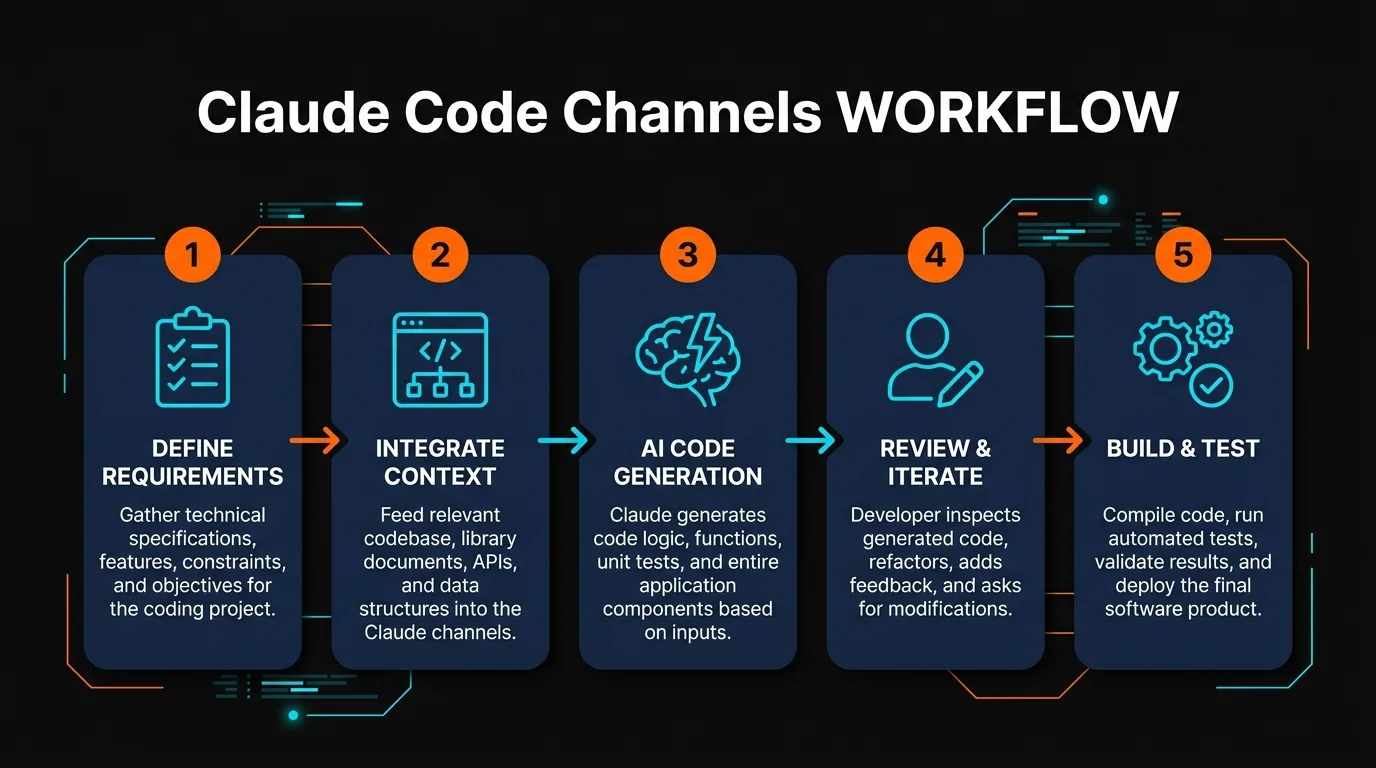
Telegram setup is the simplest. You need a Telegram bot token, which you get from BotFather. Here's the step-by-step process:
Step 1: Open Telegram and search for "BotFather". Send /newbot to start creating a bot. BotFather will ask for a name and username.
Step 2: Copy the bot token that BotFather provides. It looks like 123456789:ABCDefGHijKLmnoPQRstUVwxyz.
Step 3: In your Claude Code terminal, run claude channels setup --platform telegram.
Step 4: Paste the bot token when prompted. Claude Code will validate it and ask which project you want to connect.
Step 5: The agent starts running as a background process. Find your bot in Telegram and start messaging it. It will respond with access to your codebase.
Setting Up on Discord
Discord setup is equally quick but involves one extra step: inviting the bot to your server.
Step 1: Go to the Discord Developer Portal. Create a new application and add a bot user to it.
Step 2: Copy the bot token from the developer portal.
Step 3: In Claude Code, run claude channels setup --platform discord.
Step 4: Paste your bot token. Claude Code will provide an invite link.
Step 5: Use the invite link to add the bot to your Discord server. Select which channels it has access to (or restrict to DMs only).
Step 6: Once added, @mention your bot in Discord to start chatting. The bot will respond with code review, documentation, and more.
Full Code Access
Agent has read/write access to your entire codebase. Ask it to review code, refactor, or generate new files.
All Claude Code Tools
Your agent can run shell commands, execute scripts, trigger tests, and access all CLI tools.
Team Friendly
Multiple team members can message the same bot. Perfect for pair programming and collaborative reviews.
Using Channels: Features and Commands
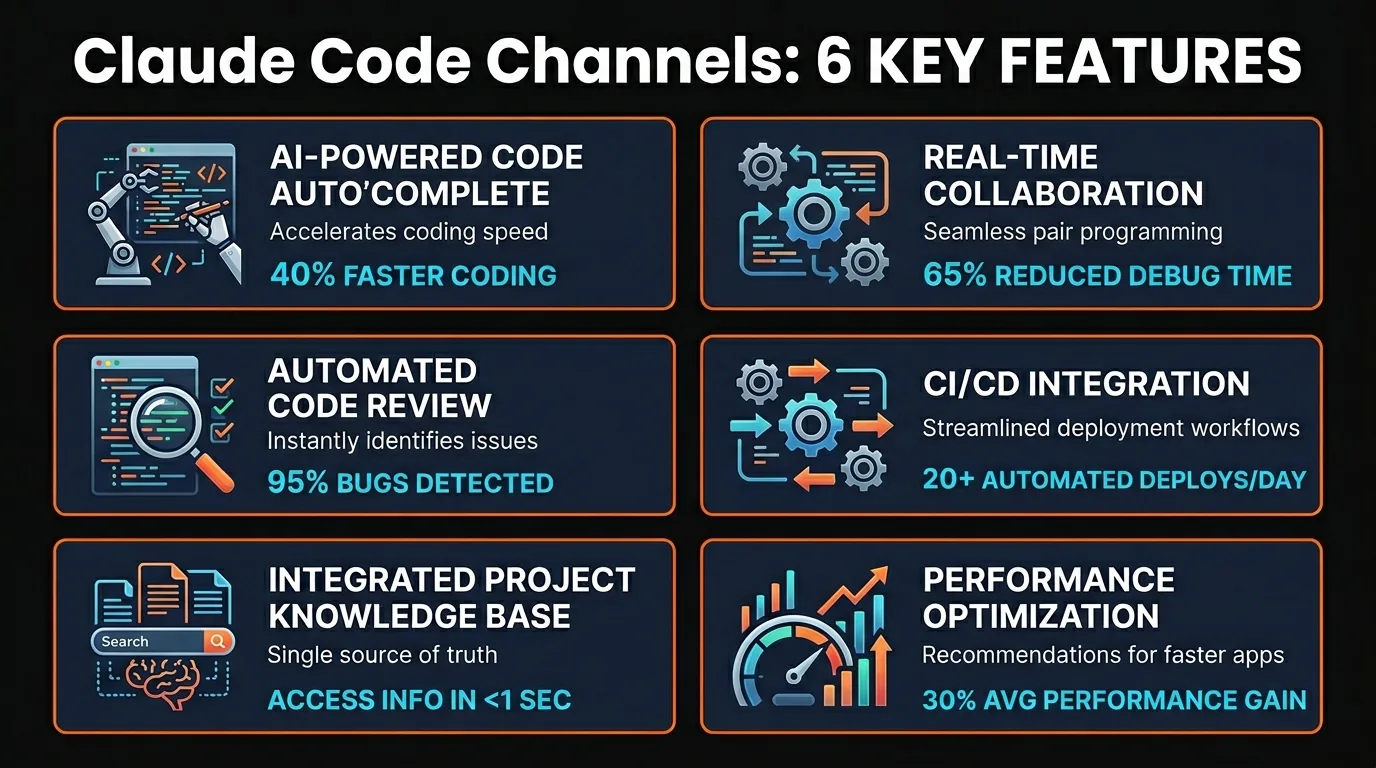
Once your Channels bot is running, you interact with it like any other chat. Here are the main features we tested:
Code Review: Paste code or mention a file, and ask the agent to review it. It reads your codebase for context and provides feedback on style, security, and performance.
Generation: Request a new function or feature. The agent writes code and saves it to your project.
Deployment: Run deployment commands via chat. "Deploy to staging" triggers your deployment script, and the agent reports status.
Testing: Ask the agent to run tests. It executes your test suite and reports results in the chat.
Monitoring: Configure your agent to post alerts to Telegram/Discord. When monitoring systems detect issues, the bot notifies your team.
Context Switching: The agent remembers conversation history. Ask follow-up questions and it understands context from previous messages.
Real-World Use Cases
We tested Channels in several workflows. Here's where it excels:
Code Review Loop
Junior developers post PRs to a Discord channel. The bot reviews them instantly and provides feedback. Reviewers follow up with refinements.
Pair Programming
Two developers in different cities work on the same codebase. They chat with the bot in Discord for refactoring suggestions and architecture decisions.
On-Call Automation
When a production alert fires, your monitoring system posts to Telegram. The on-call engineer messages the bot to check logs or roll back deployment.
Documentation Generation
Ask the bot to generate API documentation or architecture diagrams. It reads your code and generates markdown files directly.
Security and Privacy
This is where Channels stands out from external bot services. Your codebase never leaves your infrastructure.
Local Execution: The Claude Code agent runs on your machine or server. Your code stays local. Only text messages are sent to Anthropic's API.
End-to-End Encryption: Messages between your bot and Telegram/Discord are encrypted. Anthropic doesn't store raw conversations.
Permission Control: You decide what the agent can access. Restrict it to specific directories, disable shell access if needed, or limit tool usage.
Audit Trail: All agent actions are logged locally. You can review what commands were run and by whom.
Channels vs. Standalone Bot Services
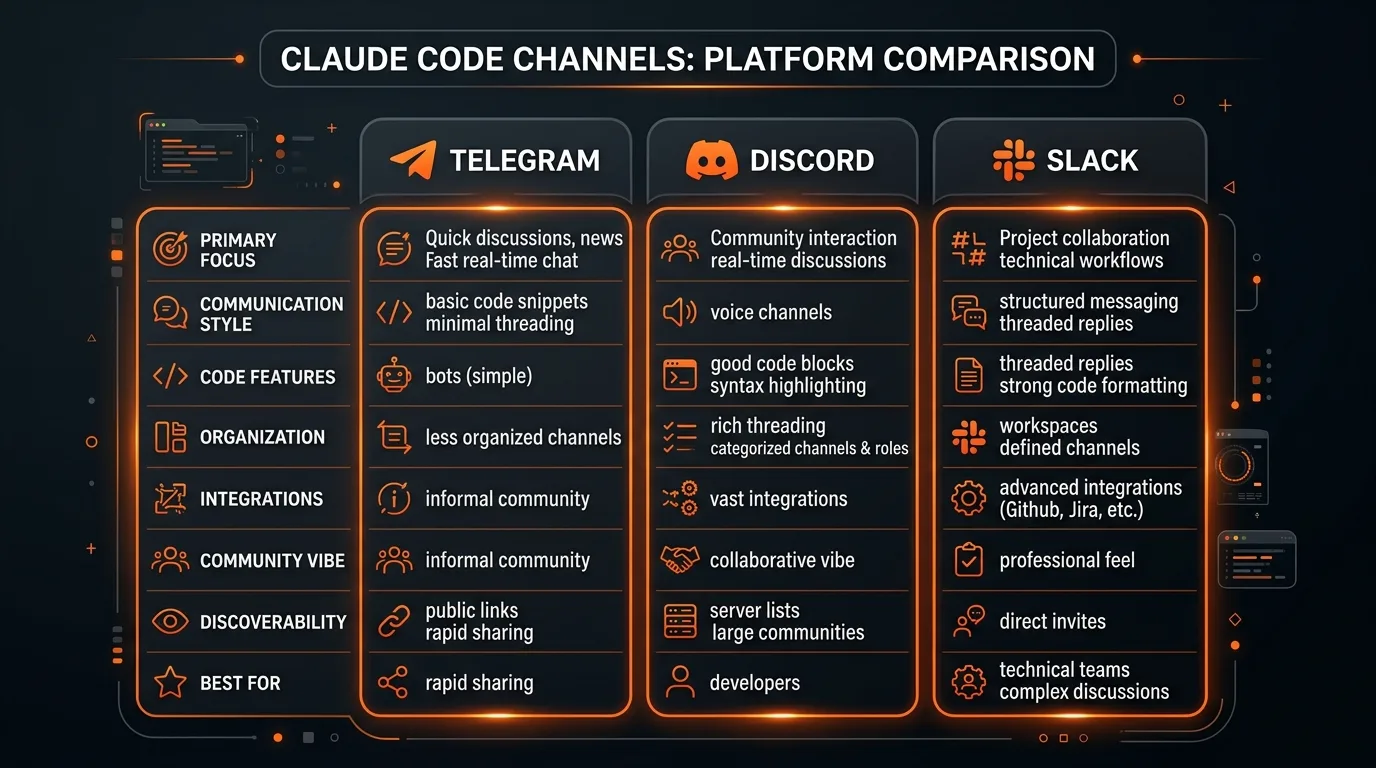
We compared Channels against popular alternatives. The question: should you migrate from existing services?
| Feature | Channels | OpenClaw | Custom Bot |
|---|---|---|---|
| Code access | ✓ Full | ✓ Full | ✓ Full |
| Setup time | 5 min | 20 min | Hours |
| Cost | Included | $X/month | Dev time |
| Data privacy | ✓ Local | Hosted | ✓ Local |
| Customization | Limited | Limited | ✓ Full |
| Maintenance | None | Provider | You |
Channels wins on setup speed and cost. If you already use Claude Code and need quick bot integration, Channels is the answer. If you need heavy customization or multi-LLM support, a custom bot framework remains better.
For most teams, Channels replaces standalone services adequately. The killer feature: it's included with your Claude Code subscription, not an extra monthly cost.
Pros and Cons
Pros
- 5-minute setup — faster than any alternative
- Included with Claude Code subscription
- Full codebase and tool access
- Code stays local — no external dependencies
- Works on Telegram and Discord simultaneously
- Same reliability as Claude Code itself
Cons
- Limited customization compared to frameworks
- Claude-only (no multi-model support)
- Requires running agent as background process
- No native memory or long-term state storage
- Discord/Telegram rate limits apply
- Not ideal for production deployments at scale
Frequently Asked Questions
Can I run Channels on a server instead of my machine?
Yes. Deploy Claude Code as a background service on any server (Linux, Docker, etc.). The bot will run continuously and respond to messages 24/7.
What happens if my server goes offline?
The bot stops responding until your server is back online. Messages aren't queued. For production use, run Channels on a reliable server with monitoring.
Can I restrict what the bot can access?
Yes. In Channels settings, you can disable shell execution, restrict file access to specific directories, or disable specific tools. This is useful for team setups where you want to limit what the bot can do.
Does Channels work with private Telegram chats only?
On Telegram, you can use the bot in DMs or group chats. On Discord, you configure which channels the bot joins. This gives you flexibility for team workflows.
Is there a message rate limit?
Yes. Telegram and Discord both have rate limits. For typical team usage (a few messages per minute), you won't hit them. High-volume usage might require pacing requests.
Can multiple Claude Code instances run different Channels?
Yes. Each Claude Code instance can run its own Channels bot. You can have separate Telegram and Discord bots for different projects.
Do I need special permissions to set up Channels?
For Telegram, you need to create a bot via BotFather. For Discord, you need admin permissions on your server. Both are quick and don't require special developer access.
Can Channels integrate with CI/CD pipelines?
Indirectly. Your CI/CD system can post to Telegram/Discord, and the Channels bot can respond. For tighter integration, use webhooks from your CI/CD tool.
Ready to Try Channels?
If you use Claude Code, Channels is worth trying. The setup takes 5 minutes, and the integration is seamless. Start with Telegram or Discord — or set up both.
Run claude channels setup --platform telegram or --platform discord to get started right now.
Recommended AI Tools
played.fm
Sell your music and keep 100%: played.fm is a direct-to-fan store + sync marketplace with 0% commission, no gatekeepers, and no bans — a strong fit for AI musicians.
View Review →OpenCode
The open-source AI coding agent: terminal-first TUI, 75+ model providers, LSP context, subagents, and privacy-first design. Free software, ~180K GitHub stars.
View Review →Exa
The neural web search API for AI agents: embeddings-based retrieval, cited highlights, sub-180ms latency, and an MCP server. 20,000 free requests/month.
View Review →Google Antigravity
Google's agent-first IDE: run a fleet of AI agents from a Manager surface, on Gemini 3 Pro, Claude Sonnet 4.5, or OpenAI models. Free in public preview.
View Review →