Claude Code Git Worktrees: Run Parallel AI Agents Without Branch Conflicts

AI Infrastructure Lead
Claude Code Git Worktrees: Run Parallel AI Agents Without Branch Conflicts
Claude Code now supports built-in git worktree isolation for subagents. We tested parallel AI coding workflows and explain how to set up worktrees for conflict-free multi-agent development.
Key Takeaways
- Git worktree support lets subagents work in parallel without merge conflicts.
- Each subagent gets its own isolated worktree — a temporary branch and repo copy.
- Enable worktrees by adding 'isolation: worktree' to subagent frontmatter or asking Claude to set them up.
- Perfect for code migrations, refactors, test generation, and large multi-file changes.
- Combine with Agent Teams for async coordination: one lead agent, many teammate agents working in parallel.
- Worktrees auto-clean if no changes; persistent if edits are made for review and merge.
Table of Contents
- What Are Git Worktrees?
- Why Isolation Matters for AI Agents
- Getting Started with Worktrees
- Real-World Parallel Coding Patterns
- Features and Capabilities
- vs. Branching, Docker, and Manual Worktrees
- Best Practices for Parallel Work
- Frequently Asked Questions
What Are Git Worktrees?
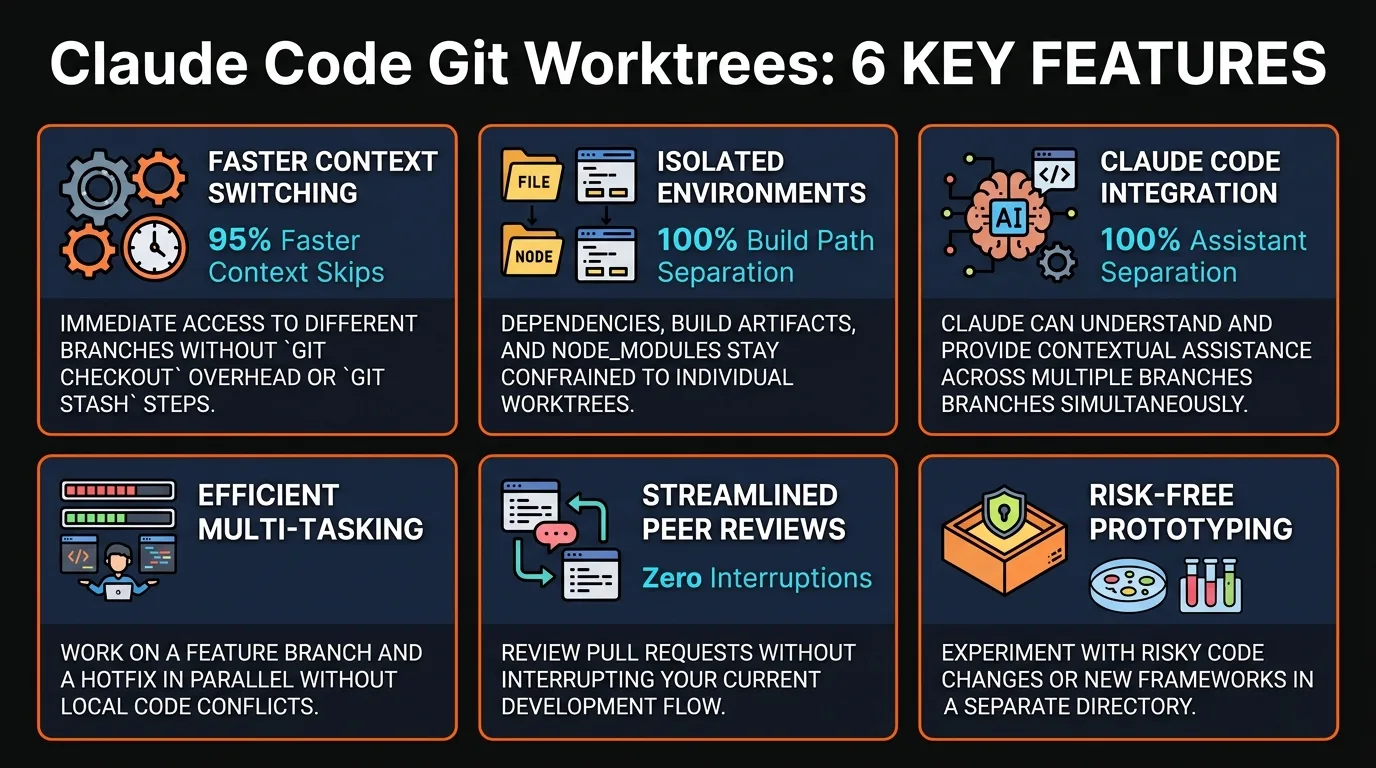
A git worktree is a lightweight copy of your repository, bound to a separate branch. You can have multiple worktrees open simultaneously, each on its own branch, without them interfering with each other.
Traditionally, if two developers want to work on separate features, they either create branches (requiring local switching) or use Docker containers (heavyweight overhead). Worktrees split the difference: they're fast, local, and isolation-friendly.
Claude Code integrates worktrees natively. When you run parallel subagents with worktree isolation enabled, each gets its own worktree automatically. No setup, no merge conflicts, no coordination overhead.
Why Isolation Matters for AI Agents
Without worktrees, if five AI agents work on the same branch simultaneously, they collide. One agent refactors a function while another adds tests to it — merge conflict. Both agents try to edit the same file — divergent histories.
Worktree isolation means each agent operates in its own sandbox. Agent A refactors module one, Agent B rewrites module two, Agent C generates tests — all in parallel, zero conflicts. When they finish, the team lead merges results sequentially.
This mirrors real development teams: developers work on separate branches, PR results are reviewed, and changes merge to main. But with AI agents, Claude handles the branching and isolation automatically.
Getting Started with Worktrees
Option 1: Ask Claude Directly
In your Claude Code session, say: "Use worktrees for your agents when refactoring this codebase." Claude automatically creates subagents with worktree isolation enabled and hands out worktrees as they spawn.
Option 2: Add to Subagent Frontmatter
In your subagent definition, add the isolation directive:
---
name: refactor-module-a
isolation: worktree
---

Refactor the authentication module...
Worktree Lifecycle
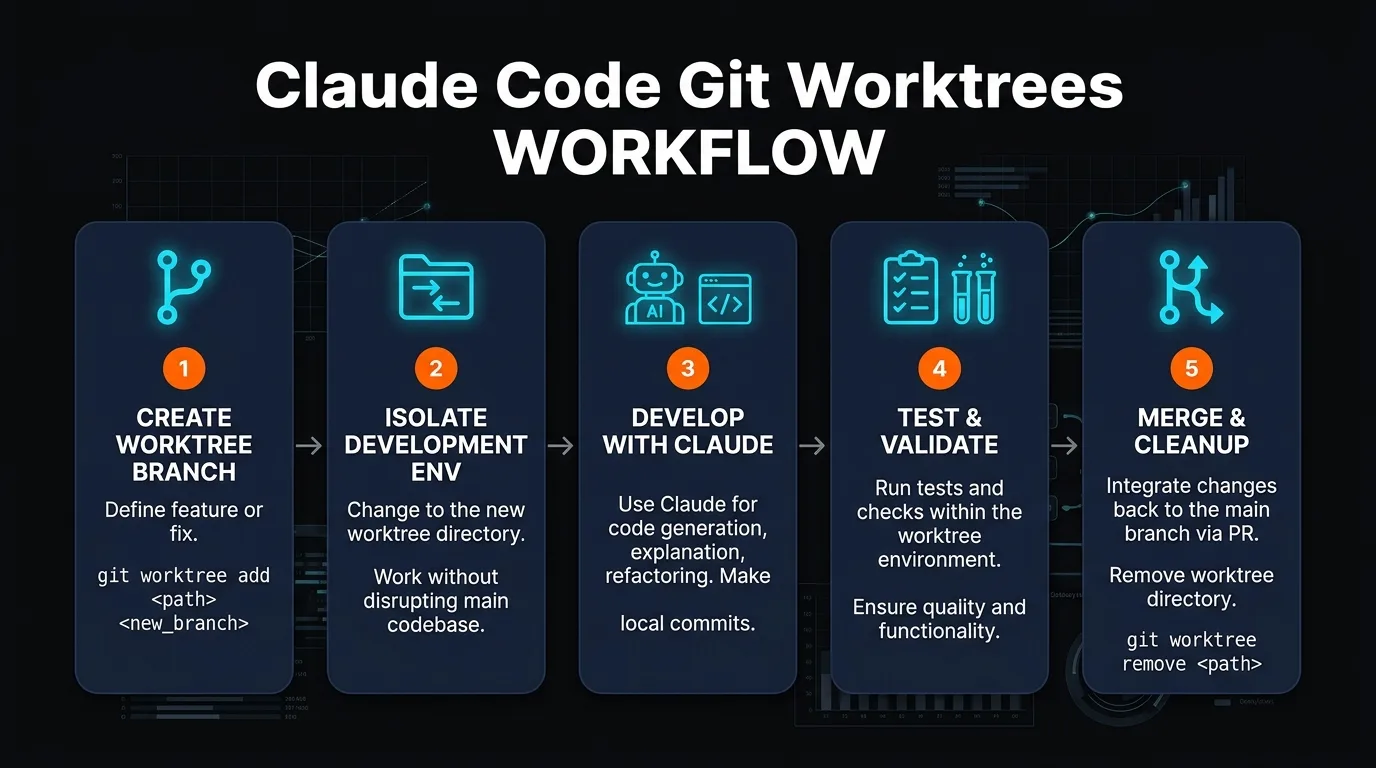
1. Create: Claude spawns a worktree for your subagent on a new branch.
2. Work: Agent modifies files within its isolated worktree.
3. Return: If changes were made, Claude returns the worktree path and branch name.
4. Review: You inspect changes and decide to merge, modify, or discard.
5. Merge: Team lead agent merges worktree changes into main.
6. Cleanup: Worktree is removed; disk space reclaimed.
Real-World Parallel Coding Patterns
Pattern 1: Module Migration (5 Agents, 1 Lead)
You have a legacy monolith with 5 modules to migrate to TypeScript. You spawn 5 subagents, each with a worktree. Agent-A handles users, Agent-B handles payments, Agent-C handles notifications, etc.
All five run in parallel. When complete, the team lead reviews each worktree, merges changes sequentially. Total time: 1 agent-hour instead of 5 serial hours.
Pattern 2: Test Generation Across Modules
Your codebase has 20 modules with zero test coverage. Spawn 4 subagents, each targeting 5 modules. All generate tests in parallel worktrees. Within hours, you have comprehensive coverage.
Pattern 3: Feature Branch Isolation
You want to prototype two new features simultaneously without blocking. Create two subagents on separate worktrees. They experiment freely; if both succeed, both merge. If one fails, you discard that worktree.
Pattern 4: Agent Teams with Async Coordination
One lead agent spawns teammate agents asynchronously. The lead continues planning while teammates work. When any teammate completes, the lead reviews and integrates results. No blocking, full parallelism.
Features and Capabilities
Automatic Isolation
Add 'isolation: worktree' and Claude handles branch creation, worktree management, and cleanup automatically.
Parallel Execution
Run 5, 10, or 50 subagents simultaneously. Each gets its own worktree; no conflicts, no interference.
Lightweight
Worktrees are cheap: a branch + shallow copy. Launch dozens without slowing your system.
Result Tracking
Claude returns worktree paths and branch names. You know exactly what each agent changed.
Auto-Cleanup
No changes? Worktree auto-cleans. Changes made? Persists until you merge or discard.
Agent Teams Integration
Coordinate multiple teammate agents, each with their own worktree. Lead agent merges results asynchronously.
vs. Branching, Docker, and Manual Worktrees
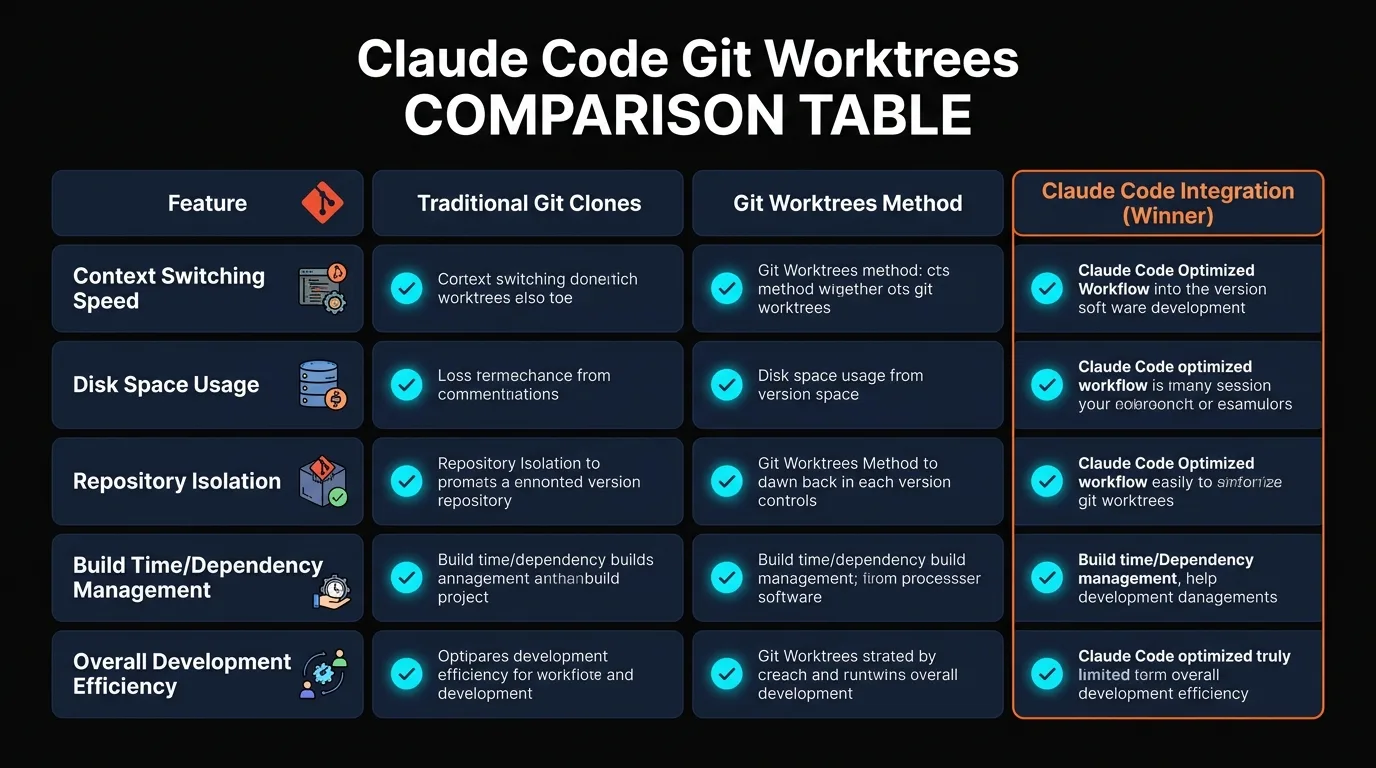
| Aspect | Worktrees (Claude) | Regular Branches | Docker | Manual Worktrees |
|---|---|---|---|---|
| Parallel Agents | Yes, native | Limited | Yes | Yes, manual |
| Setup Time | 1 line (isolation: worktree) | 2–3 commands | Build image + compose | 5+ git commands |
| Environment Isolation | Code only | Code only | Full isolation | Code only |
| Disk Overhead | Minimal | Minimal | Heavy | Minimal |
| Automation Support | Built-in | Manual | Via Compose | Manual |
| Merge Complexity | Simple | Simple | Simple | Simple |
| Best For | AI parallel work | Serial development | Environment testing | Manual workflows |
Best Practices for Parallel Work
1. Assign Non-Overlapping Scope
Ensure subagents work on different modules, files, or features. Overlapping scope creates merge conflicts even with worktrees.
2. Use a Team Lead for Merging
Designate one agent to review and merge worktrees. This prevents merge conflicts and ensures quality control.
3. Limit Parallel Agents Wisely
5–10 parallel agents is typical. Beyond that, merging becomes bottleneck. Start small, scale up as needed.
4. Check Worktree Status Regularly
Review worktree paths and branch names as agents complete. Know what changed, what's ready to merge.
5. Combine with Agent Teams
Use Agent Teams to coordinate async work. Lead spawns teammates, reviews results as they complete. No blocking.
Frequently Asked Questions
What if two subagents edit the same file?
Worktrees prevent this at the branch level, not file level. If agents genuinely edit the same file, merge conflicts occur when merging worktrees. Assign scope carefully to prevent overlap.
Can I manually inspect a worktree before merging?
Yes. Claude returns the worktree path. You can navigate to it, review files, run tests, and only merge if satisfied. This is essential for quality control.
How many worktrees can I have at once?
Technically unlimited, but practically 10–20 is comfortable on most machines. Each worktree uses disk space (proportional to your repo size). Monitor disk usage if running many in parallel.
Do worktrees work with monorepos?
Yes. Each subagent gets a worktree of the full monorepo. If agents are assigned to separate packages, scope overlap is minimal.
What's the performance impact?
Minimal. Worktrees are cheap — a branch + shallow reference. No heavy copy, no environment spin-up. Spawning 5 worktrees takes seconds.
Can I use worktrees with private repos?
Yes. Worktrees are entirely local to your machine. Private repos stay private. Isolation is maintained regardless of visibility.
How does this interact with CI/CD?
Worktrees create branches. Your CI/CD runs against each branch as usual. Tests must pass before merging to main. No special configuration needed.
Final Takeaways
Git worktree isolation is the missing piece for truly parallel AI development. Before worktrees, running multiple agents meant coordinating branches manually or accepting merge conflicts. Now, Claude handles isolation and cleanup automatically.
If you have large migrations, multi-agent refactors, or test generation tasks, worktrees unlock speed. Set up five subagents, give each a module, and watch parallel progress replace serial bottlenecks.
Ready for Parallel Coding?
Open Claude Code, add isolation: worktree to your subagent frontmatter, and spawn multiple agents.
Start with a small task: migrate one module per agent, then scale to larger parallel workflows as you get comfortable.
Recommended AI Tools
played.fm
Sell your music and keep 100%: played.fm is a direct-to-fan store + sync marketplace with 0% commission, no gatekeepers, and no bans — a strong fit for AI musicians.
View Review →OpenCode
The open-source AI coding agent: terminal-first TUI, 75+ model providers, LSP context, subagents, and privacy-first design. Free software, ~180K GitHub stars.
View Review →Exa
The neural web search API for AI agents: embeddings-based retrieval, cited highlights, sub-180ms latency, and an MCP server. 20,000 free requests/month.
View Review →Google Antigravity
Google's agent-first IDE: run a fleet of AI agents from a Manager surface, on Gemini 3 Pro, Claude Sonnet 4.5, or OpenAI models. Free in public preview.
View Review →