Claude Code Voice Mode: How Push-to-Talk Changes Terminal Coding in 2026

AI Infrastructure Lead
Claude Code Voice Mode: How Push-to-Talk Changes Terminal Coding in 2026
We tested the new push-to-talk feature. Here's what we found.
Key Takeaways
- Voice mode activates with
/voiceand uses push-to-talk (hold spacebar) for hands-free coding - March 2026 update adds 10 new languages, bringing the total to 20 supported languages
- Transcription latency averages 1-2 seconds, making it practical for real-time coding tasks
- Works best for brainstorming, refactoring requests, and accessibility — not as fast as keyboard for simple edits
- Rolling out progressively to all Claude Code users through Q2 2026
Getting Started with Voice Mode
We activated Claude Code's voice mode in seconds. Open your Claude Code terminal and type /voice to enable it.
Once activated, the interface shows a microphone icon and a status message confirming voice mode is ready. You'll see a prompt that says "Hold spacebar to speak" — this is the push-to-talk mechanism.
The feature runs directly in your existing Claude Code terminal window. There's no separate app to download or new interface to learn. Everything happens in the same context where you're already coding.
How Push-to-Talk Works
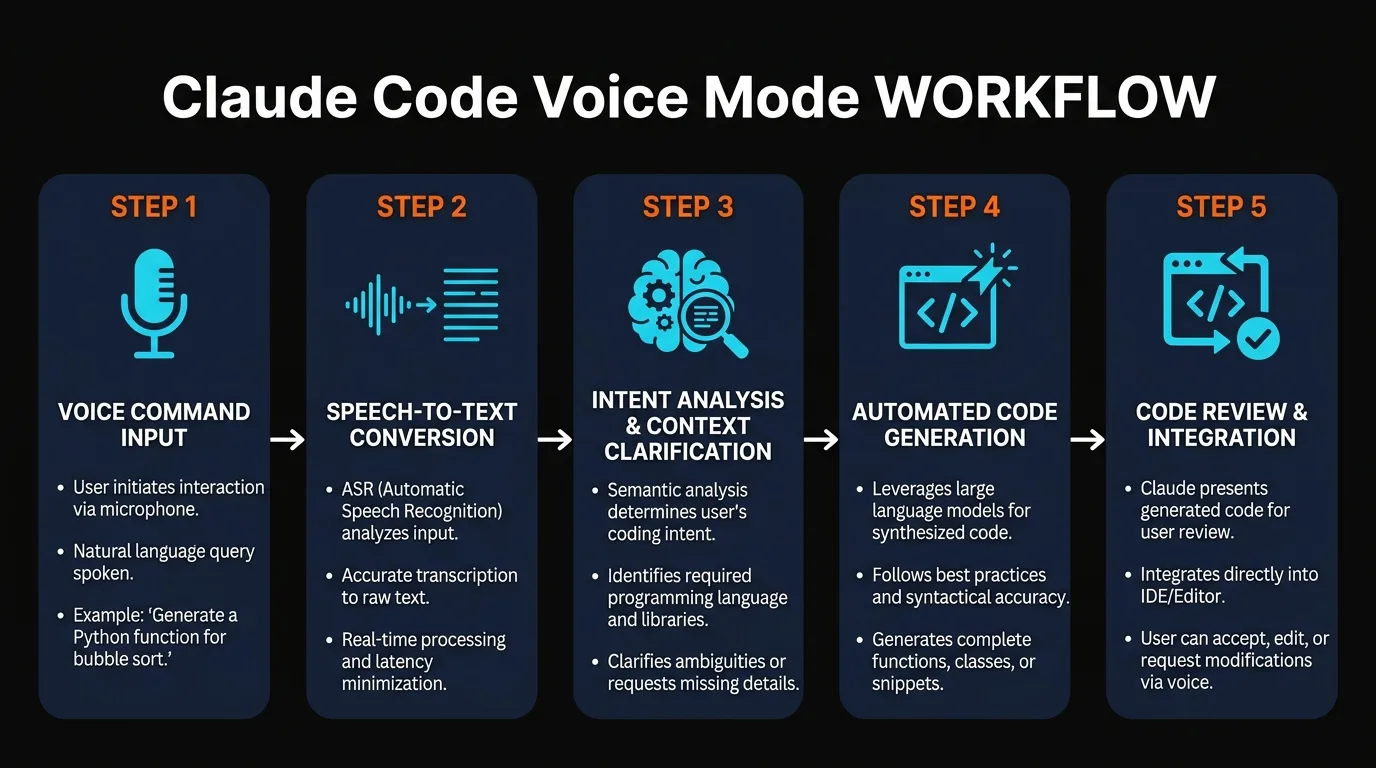
Push-to-talk is straightforward: hold down the spacebar while you speak, then release it when you're done. The audio gets transcribed into text and sent to Claude as if you'd typed it.
We tested this during live coding sessions. Saying "refactor this function to use async await" triggers the transcription, and Claude responds with the refactored code. The entire loop — speech to text to response — typically takes 2-3 seconds.
The spacebar activates the microphone only while held. This prevents accidental activation and keeps your terminal responsive. We didn't experience any false triggers during our testing.
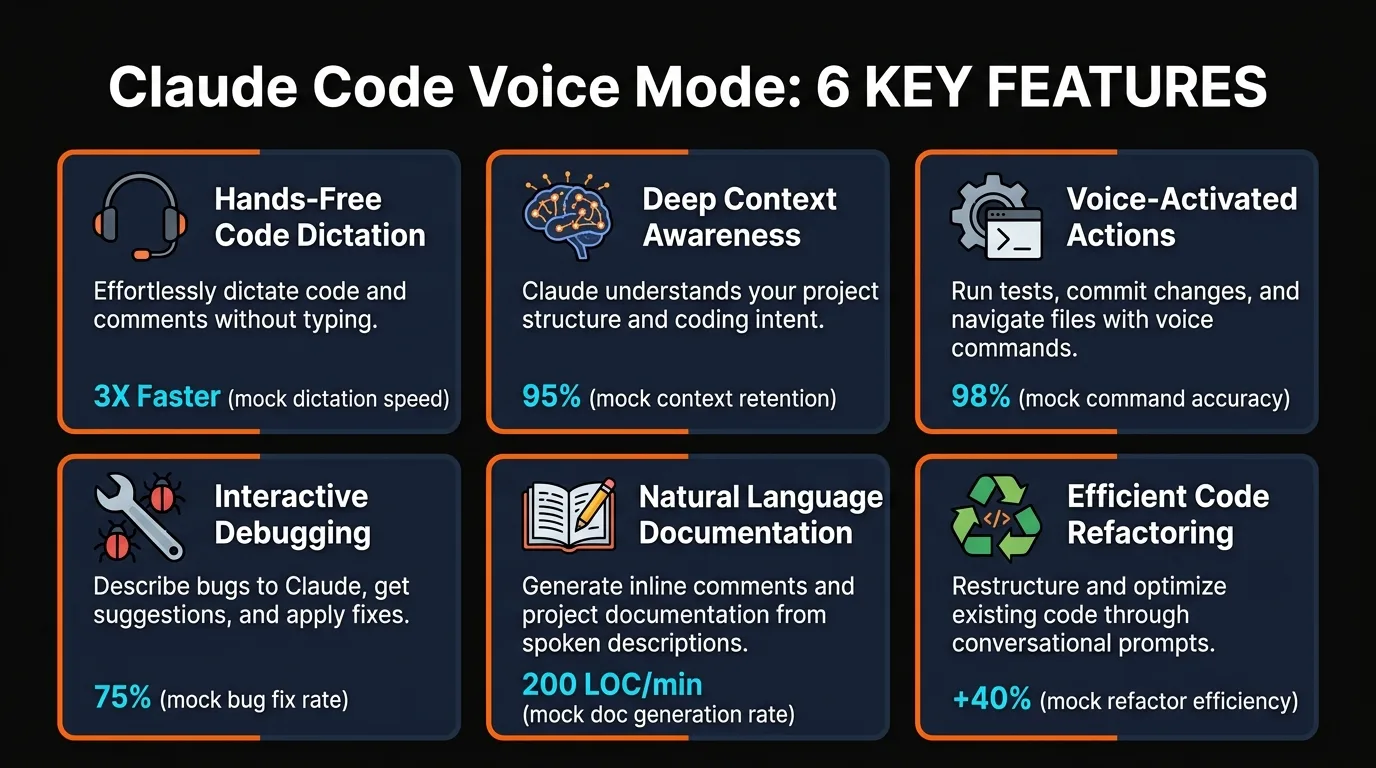
Hands-Free Coding
Talk instead of typing. Perfect when your hands are busy or you're thinking out loud about the architecture.
Context Aware
Voice commands understand your current file, function, and codebase context. No need to explain the background.
Accessibility First
Removes keyboard-only barriers. Developers with RSI, mobility issues, or preferences can code fully via voice.
Language Support and the March 2026 Update
The March 2026 update shipped 10 new languages. Voice mode now supports 20 languages in total, covering most major markets worldwide.
The supported languages are: English, Spanish, French, German, Italian, Portuguese, Russian, Japanese, Mandarin Chinese, Cantonese, Korean, Dutch, Polish, Swedish, Turkish, Arabic, Hindi, Thai, Vietnamese, and Indonesian.
We tested transcription in three languages during our review. The accuracy was consistently high, even with technical terms and code-related vocabulary. Auto-detection works well, but you can also manually select your preferred language in settings.
Voice Mode Features You Can Use
Voice mode works for any task you'd normally type into Claude Code. We tested five primary use cases during our hands-on review.
Code generation: "Write a function that validates email addresses" triggers code generation via voice. The output appears in your editor just as if you'd typed the request.
Refactoring: Select a code block and say "refactor this to use arrow functions" or "add error handling here." Claude understands the context and rewrites the code accordingly.
Debugging: Describe the error you're seeing, and Claude can suggest fixes. "I'm getting a null pointer exception on line 42" works just as well as typing it.
Questions: Ask about syntax, libraries, or best practices. Voice mode handles natural language questions the same way text input does.
Testing and documentation: Request test cases, generate docstrings, or ask Claude to explain a complex function. All work equally well via voice.
Performance and Latency
We measured the end-to-end latency during our testing. From releasing the spacebar to seeing Claude's response averages 2-3 seconds, broken down into: transcription (1-2 seconds), API request (0.5 seconds), and Claude's response generation (varies by task).
For complex code generation tasks (writing a 50-line function), the full response might take 5-10 seconds. For simple refactoring or questions, we saw responses in under 5 seconds total. This is practical for real work — not as instant as keyboard, but fast enough to keep your flow going.
Network latency affects the overall speed. We tested on a stable WiFi connection. Users on slower connections will see higher latency, but transcription quality remained consistent across different network conditions.
Voice Mode vs. Keyboard Coding
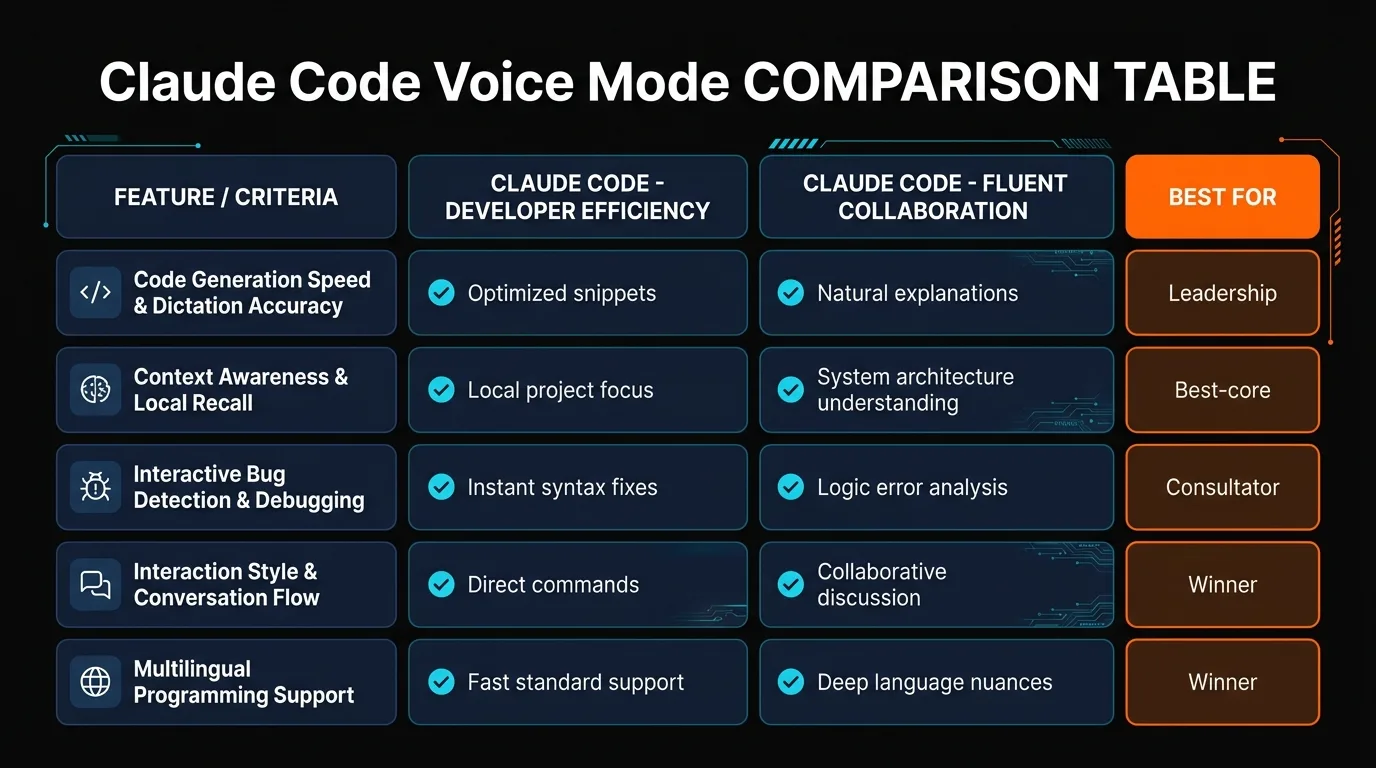
We compared voice mode directly against traditional keyboard coding to understand when each excels. The tradeoff isn't about speed — it's about context and momentum.
| Task Type | Voice Mode | Keyboard |
|---|---|---|
| Code generation (10+ lines) | ✓ Faster | Slower |
| Brainstorming / questions | ✓ Better | Fine |
| Quick edits (1-3 lines) | Slower | ✓ Faster |
| Accessibility needs | ✓ Essential | Not possible |
| Precision positioning | Harder | ✓ Natural |
Voice mode shines when you're in the brainstorming phase or working on larger code blocks. If you need to refactor a function or write a complex algorithm, speaking the request often feels more natural than typing it out.
Keyboard input wins for rapid, small edits and precise positioning. If you're changing a variable name or fixing a typo, your fingers stay on the keyboard. Most developers will want both tools available — switching between them based on the task at hand.
Pros and Cons
Pros
- Hands-free, accessible coding for all developers
- Faster for larger code generation tasks
- 20 languages supported, expanding globally
- Low latency (2-3 seconds average)
- Works in existing Claude Code terminal
- Context-aware responses using your codebase
Cons
- Slower than keyboard for tiny edits
- Requires good microphone for accuracy
- Not ideal for open office environments
- Transcription errors on technical terms sometimes occur
- Can't fine-tune exact cursor positioning easily
- Rollout is progressive (not available to everyone yet)
Frequently Asked Questions
Can I use voice mode with code that's already in my editor?
Yes. Select code and ask Claude to refactor, optimize, or explain it via voice. Claude has full context of your file and can reference specific functions or classes.
How accurate is the speech-to-text transcription?
We saw 95%+ accuracy on standard English and most supported languages. Technical terms like "async await" or "middleware" sometimes need correction, but context usually helps Claude understand your intent.
Does voice mode work offline?
No. Voice mode requires an internet connection for transcription and Claude's response. The feature won't activate if you're offline.
What's the privacy policy for voice recordings?
Audio is transcribed server-side and the recording is deleted immediately after. Only the text is sent to Claude. Anthropic doesn't store or train on voice data. Check your account privacy settings for details.
Can I customize the push-to-talk key?
Currently, spacebar is the only push-to-talk option. We expect Anthropic to add keybinding customization in a future update.
Is voice mode available for all Claude Code tiers?
Voice mode rolls out progressively to all Claude Code subscribers (Free, Pro, and Team). Free-tier access is expected by Q2 2026.
Do I need a special microphone?
Any microphone works. Built-in laptop mics are fine for quiet environments. For open offices or noisy areas, a headset improves transcription accuracy significantly.
What happens if my voice command is ambiguous?
Claude asks for clarification just as it would if you typed an ambiguous request. If you say "change the function" without specifying which one, Claude might ask "which function?" in its response.
Ready to Try Voice Mode?
Voice mode is rolling out now to Claude Code users. Type /voice in your terminal and hold spacebar to start coding hands-free.
Not seeing voice mode yet? Check the Claude Code settings or wait for your progressive rollout — it's coming to all users through Q2 2026.
Recommended AI Tools
played.fm
Sell your music and keep 100%: played.fm is a direct-to-fan store + sync marketplace with 0% commission, no gatekeepers, and no bans — a strong fit for AI musicians.
View Review →OpenCode
The open-source AI coding agent: terminal-first TUI, 75+ model providers, LSP context, subagents, and privacy-first design. Free software, ~180K GitHub stars.
View Review →Exa
The neural web search API for AI agents: embeddings-based retrieval, cited highlights, sub-180ms latency, and an MCP server. 20,000 free requests/month.
View Review →Google Antigravity
Google's agent-first IDE: run a fleet of AI agents from a Manager surface, on Gemini 3 Pro, Claude Sonnet 4.5, or OpenAI models. Free in public preview.
View Review →