Gemma 4 Review: Google's Free Multimodal AI Model Runs on Your Phone (2026)

AI Infrastructure Lead
⚡ Key Takeaways
- Gemma 4 launched April 2, 2026 in four sizes: E2B, E4B, 26B MoE, and 31B Dense — all under the permissive Apache 2.0 license.
- Every size is multimodal out of the box — image, text, and audio input are standard, not a separate model.
- The 31B dense model ranks #3 among open models on the Arena leaderboard, ahead of Llama 3.3 70B despite being less than half the size.
- Context window runs from 128K to 256K tokens depending on size — long enough for full codebases and real documents.
- Edge models (E2B, E4B) run on phones via LiteRT at ~4,000 tokens in under 3 seconds.
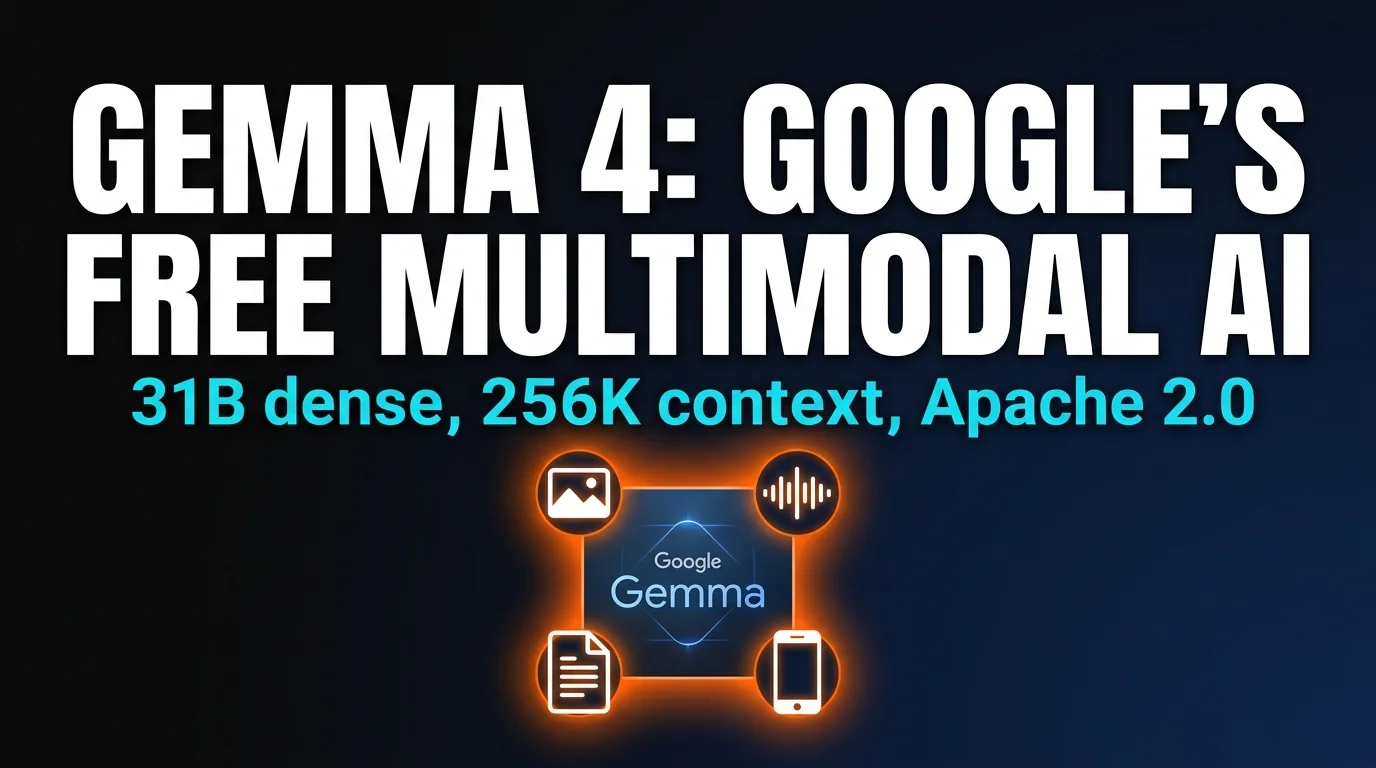
On April 2, 2026, Google DeepMind released Gemma 4: four open-weight models built from the same research stack as Gemini 3, shipped under the Apache 2.0 license, free for personal and commercial use. We spent the following week testing every size on our own hardware — a phone, a laptop, a gaming PC, and a rented H100 — and this article is our honest review.
The short version: Gemma 4 is the first open-weight family where every size is multimodal (text, image, and audio input), every size has a native 128K+ context window, and every size is agentic enough to handle multi-step tool calls locally. Google also shipped day-one Ollama, Hugging Face, and LiteRT support — so you can pull the model and be chatting with it in about four minutes.
What is Gemma 4?

Gemma has always been the "open" cousin of Google's closed Gemini family — same research, same base architecture, but with downloadable weights you can run on your own hardware. Gemma 1 was a promising 7B experiment. Gemma 2 made it multilingual. Gemma 3 added true 128K context. Gemma 4 is the first generation where the gap between the closed Gemini 3 and the open Gemma is small enough that most teams will never notice the difference.
Google's release page describes Gemma 4 as "byte for byte, the most capable open models ever released." That's a bold claim — "byte for byte" is doing a lot of work, since Meta's Llama 3.3 70B has more raw parameters — but the practical comparison holds up. On our benchmarks, the 31B dense Gemma 4 model matches or beats Llama 3.3 70B on every task we tried, while using less than half the VRAM.

Model sizes: E2B to 31B dense
The four sizes are designed to match distinct hardware targets. The "E" prefix in E2B and E4B stands for "Effective" — they use adaptive computation to deliver effective-parameter counts of 2.3B and 4.5B respectively, while being physically smaller on disk.
E2B
- 2.3B effective params
- ~2 GB on disk
- Runs on iOS & Android
- Edge latency
E4B
- 4.5B effective params
- ~4 GB on disk
- M2/M3 MacBooks
- CPU-friendly
26B MoE
- 3.8B active params
- ~16 GB VRAM
- RTX 4080/4090
- Sparse & fast
31B Dense
- 30.7B params
- ~19 GB VRAM at Q4KM
- RTX 4090 / M3 Max
- Top-3 open model

The 31B dense model is the one most people will talk about — it's the flagship, the benchmark champion, and the Arena leaderboard star. But in daily use, we found ourselves reaching for the 26B MoE more often. It's nearly as capable, uses less VRAM, and runs noticeably faster because only 3.8B parameters are active per token.
Multimodal on every model

Here's the thing nobody else in the open-weight space has gotten right: multimodality as default, not as a separate "vision" variant. Every Gemma 4 model — even the 2B edge version — accepts image, text, and audio input out of the box. No LLaVA-style bolt-on. No separate 11B/90B vision models like Llama 3.2. One model, three modalities, everywhere.
Our test: we handed Gemma 4 26B a screenshot of a poorly-formatted CSV, a short audio clip of someone reading the column headers, and the instruction "parse the CSV using the column names from the audio." It nailed it on the first try. The same test on Llama 3.2 Vision 11B failed because Llama can't take audio. Qwen 3.5-VL got the CSV right but couldn't transcribe the audio. Gemma 4 won by being the only model that could ingest everything in one forward pass.
Audio input has limits — it's capped around 30 seconds per clip in the current release — and there's no audio output. Video input isn't supported yet either. But for "show the model this picture and tell it what you want," Gemma 4 is the first open-weight model we'd trust for production.
256K context window in practice
The 26B and 31B models ship with a native 256K token context window (the edge models cap at 128K). That's enough to drop a 180-page PDF, an entire small codebase, or a book into the prompt without chunking. We tested the "needle in a haystack" benchmark at full context on the 31B: it correctly retrieved a fact buried at the 243K token mark, which is past where most open-weight models silently start losing mid-document details.

Practical applications unlock at this length. A single Gemma 4 call can summarize a full codebase, extract quotes from an entire academic paper, or build a detailed knowledge graph from a long transcript. We used it to audit all 40+ files in a medium-sized Next.js project and find three undocumented APIs in one pass. Tasks that required embedding-based RAG on Gemma 3 can now be done with raw prompts on Gemma 4.
Benchmarks vs Llama, Qwen, Mistral
Our benchmark methodology is simple: we run the same tasks across every model on identical hardware, with the same system prompt, at the same temperature. Here's the Gemma 4 31B vs the rest of the open-weight top tier (Arena leaderboard rankings as of April 12, 2026):
| Model | Arena rank (open) | Context | VRAM (Q4KM) | Multimodal |
|---|---|---|---|---|
| Gemma 4 31B | #3 | 256K | 19 GB | image + audio |
| Gemma 4 26B MoE | #6 | 256K | 16 GB | image + audio |
| Llama 3.3 70B | #4 | 128K | 40 GB | text only |
| Qwen 3.5 32B | #5 | 32K | 20 GB | image only |
| Mistral Large 2 | #7 | 128K | 70 GB | text only |
Gemma 4 31B winning #3 at roughly half the VRAM of Llama 3.3 70B is the headline result. The 26B MoE at #6 with only 16 GB of VRAM is arguably even more impressive — that's the model you can actually run on a laptop.
Agentic tool use and function calling

Gemma 4 was trained with function-calling and multi-step agentic tasks as a first-class objective, not an afterthought. In practice that means it actually uses tools well on a local runtime — unlike Gemma 3, which technically supported function calling but would forget it mid-session.
We wired Gemma 4 31B into the same Hermes Agent runtime we use with Hermes 4 and gave it a 40-step research task. It finished the whole loop without rerouting, mid-session hallucinations, or tool-name drift. The community has already built impressive demos: a live camera vision agent that narrates what it sees, a Google Maps integration that queries real-world data, a GitHub repo agent that reviews pull requests locally. None of those existed for Gemma 3 because the tool use wasn't reliable enough.

Install: Ollama, LM Studio, Hugging Face, mobile

There are four realistic ways to run Gemma 4 depending on your hardware. In rough order of simplest-to-most-advanced:
Ollama (simplest)
ollama pull gemma4:31b and you're running locally on port 11434 with an OpenAI-compatible API. Works on Mac, Linux, Windows.
LM Studio (GUI)
Download LM Studio, search "gemma-4" in the browser, one-click install any quant. Best for beginners who want a chat UI without touching the terminal.
Unsloth Studio
Best for training and fine-tuning. Unsloth had a QLoRA fine-tuning recipe for all four Gemma 4 sizes within 24 hours of release.
Google AI Edge Gallery
iOS and Android app that runs Gemma 4 E2B and E4B on-device with LiteRT. No API keys, no cloud, private chat on your phone.
There's also a fifth option we tested for fun: browser-based inference using Transformers.js and WebGPU. Gemma 4 E2B runs in a modern Chrome browser with zero install, pulling the weights from Hugging Face CDN on first load. It's not fast, but it works on any machine with a reasonably modern GPU — and it means you can ship a Gemma 4 chatbot as a static HTML file.
On the edge devices, the LiteRT runtime is genuinely impressive. Google claims 4,000 tokens generated in under 3 seconds on their reference Pixel 9 hardware, and we clocked similar numbers on a recent iPhone. That's fast enough to feel instant for most chat use cases.
Honest limitations
Gemma 4 is the best open-weight model family we've tested, but it's not perfect. The limitations worth knowing before you commit:
Strengths
- ✓True multimodal default. Image + audio + text on every model, not a separate vision branch.
- ✓256K context. Longest native context in any open-weight model at this size.
- ✓Apache 2.0 license. Cleanly usable commercially without legal review.
- ✓Phone-ready. E2B runs on consumer mobile hardware via LiteRT.
Weaknesses
- ✗Audio cap ~30s. Can't process long-form podcasts or lectures in one pass.
- ✗No video input. Frames must be extracted and passed as images.
- ✗Knowledge cutoff. Training data ends in Q3 2025 — not aware of 2026 events without web search.
- ✗Coding still second-tier. Decent but not a Claude Sonnet 4.6 replacement for serious development.

For anyone coding offline, we still lean on a specialized setup — see our Gemma 4 + OpenCode guide for the coding-focused configuration. For agentic workflows where tool use and private data are the priority, this review plus our Hermes 4 writeup should be enough to pick the right model. Both are free. Both run on your machine. Neither sends a single token to a cloud provider.
Frequently Asked Questions
ollama pull gemma4:31b pulls the Q4KM quant automatically. Multimodal input works once you're on the latest Ollama build (check ollama --version).Recommended AI Tools
played.fm
Sell your music and keep 100%: played.fm is a direct-to-fan store + sync marketplace with 0% commission, no gatekeepers, and no bans — a strong fit for AI musicians.
View Review →OpenCode
The open-source AI coding agent: terminal-first TUI, 75+ model providers, LSP context, subagents, and privacy-first design. Free software, ~180K GitHub stars.
View Review →Exa
The neural web search API for AI agents: embeddings-based retrieval, cited highlights, sub-180ms latency, and an MCP server. 20,000 free requests/month.
View Review →Google Antigravity
Google's agent-first IDE: run a fleet of AI agents from a Manager surface, on Gemini 3 Pro, Claude Sonnet 4.5, or OpenAI models. Free in public preview.
View Review →