Replit Agent Review 2026: Build Full Apps From Natural Language (Honest Take)

AI Infrastructure Lead

⚡ TL;DR — Replit Agent Review
Replit Agent is the fastest way to go from a natural language prompt to a live, deployed web app — no terminal, no config files, no local setup. It is genuinely impressive for prototyping, learning, and building MVPs. But performance limitations, hosting lock-in, and a less capable editor keep it behind Cursor and VS Code for serious production work. At $25/month for Pro, it earns its place as a prototyping tool — not a daily driver.
📋 Table of Contents
What is Replit Agent?
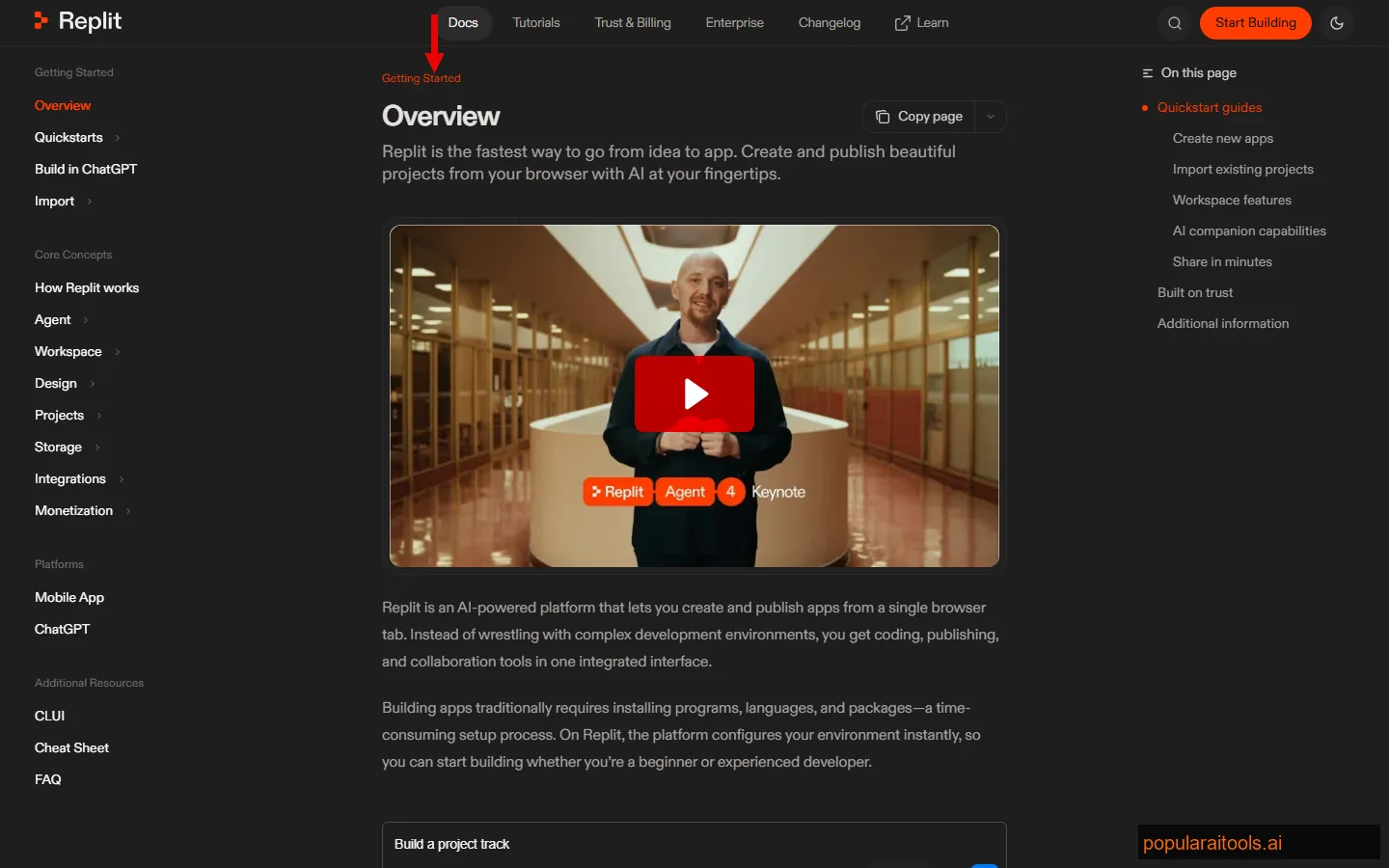
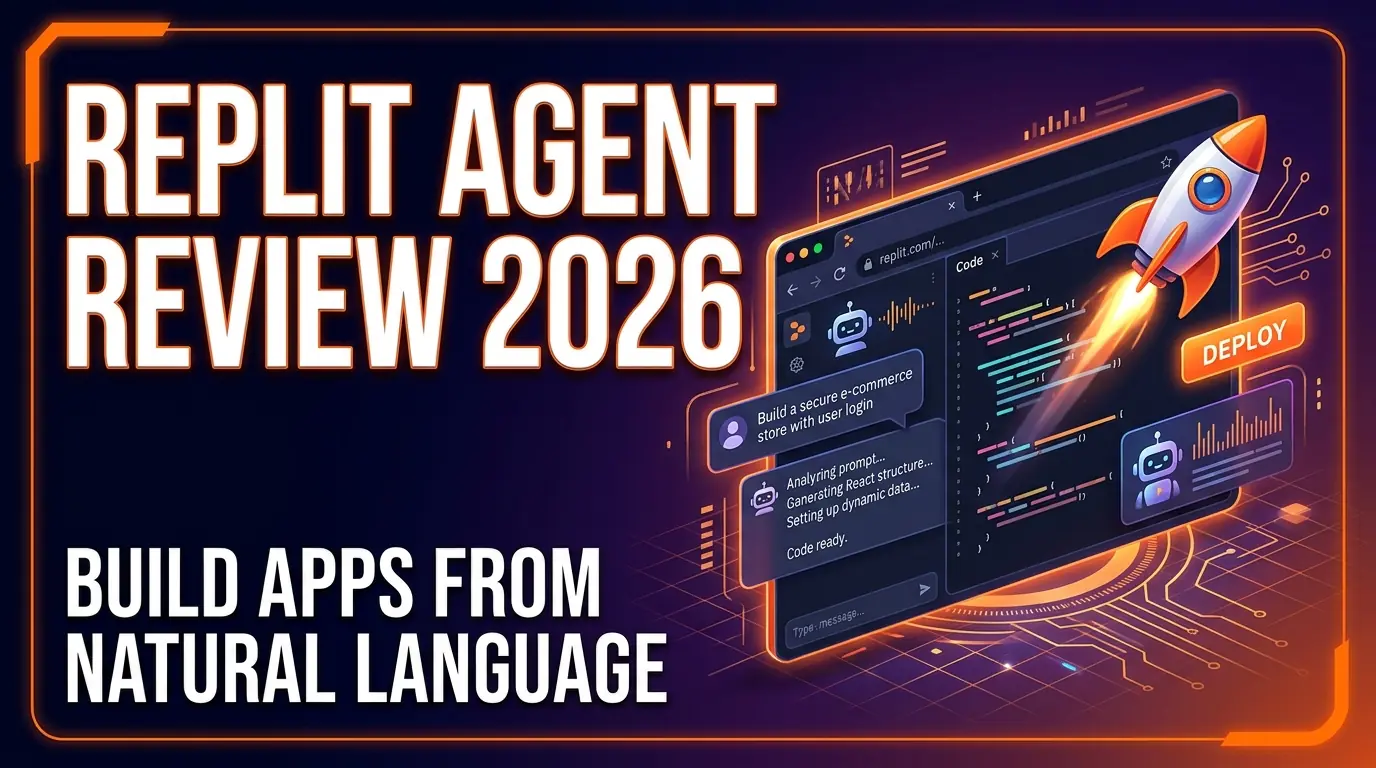
Replit Agent is an AI-powered development tool built into Replit's browser-based IDE that can build, debug, and deploy full applications from natural language descriptions. Founded by Amjad Masad, Replit has been the go-to browser IDE for years — and with Agent, they bolted on the ability to describe what you want and watch the code write itself.
We spent three weeks building real projects with Replit Agent — a task manager with authentication, a cryptocurrency price tracker, and a simple SaaS landing page with Stripe integration. The goal was to see whether "describe an app and get it deployed" actually works in practice, or whether it is just a polished demo.
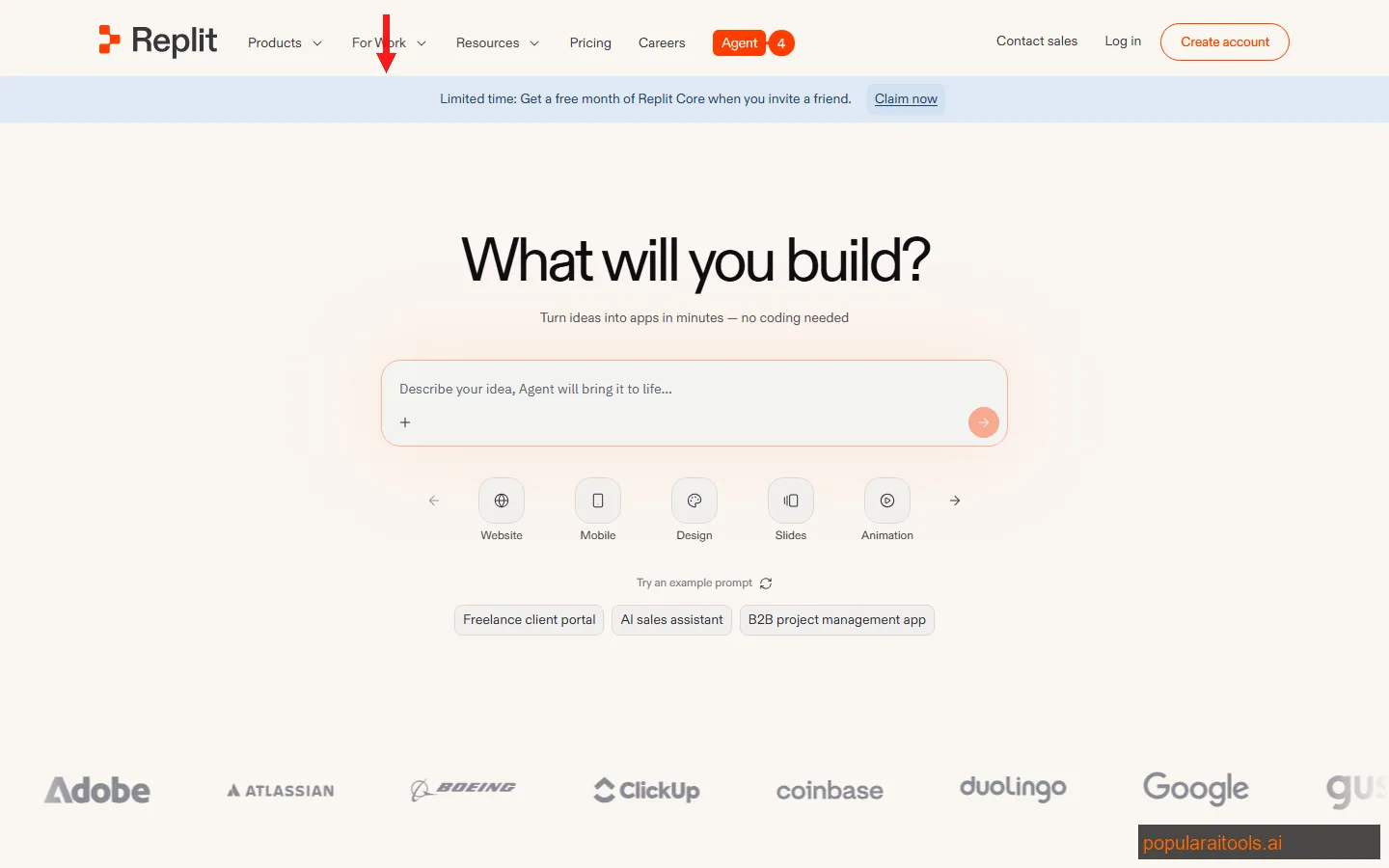
The short answer: it works surprisingly well for simple to medium-complexity apps. The task manager took about 15 minutes from prompt to deployed URL. The crypto tracker took 20 minutes. The SaaS landing page with Stripe? About 40 minutes, including two rounds of refinement. That is genuinely fast.
Where it starts to fall apart is anything that requires nuanced architecture, custom build pipelines, or performance optimization. Replit Agent builds apps the way a competent junior developer would — functional, deployable, but rarely elegant. For prototypes and MVPs, that is perfectly fine. For production codebases, you will want more control than Replit gives you.
Key Features
Here is what Replit Agent actually brings to the table, based on our hands-on testing:
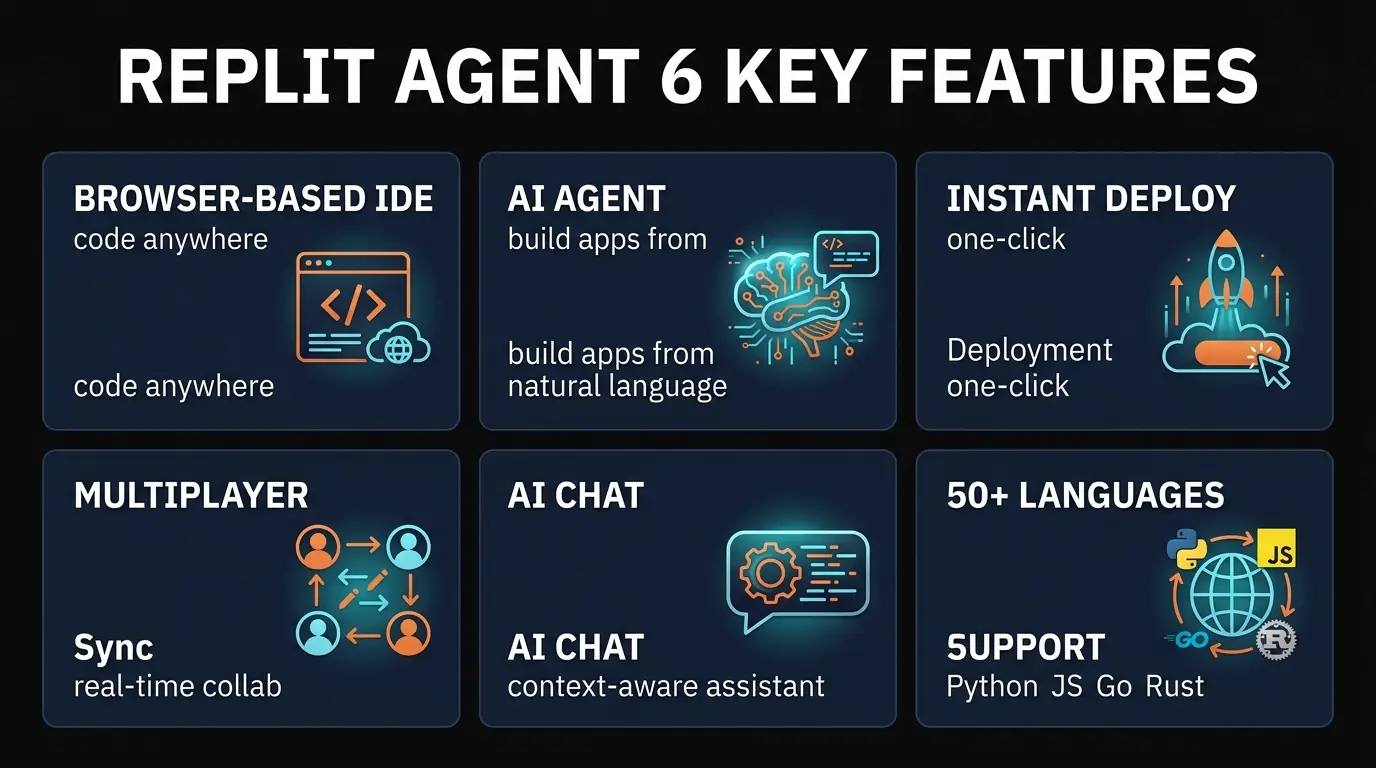
🤖 Natural Language App Builder
Describe your app in plain English and Agent generates the full codebase — frontend, backend, database schema, and deployment config. It handles React, Flask, Express, Django, and more out of the box.
🚀 One-Click Deployment
Every project gets a live URL on .repl.co instantly. No CI/CD pipelines to configure, no server provisioning, no DNS setup. Hit deploy and it is live. Custom domains supported on paid plans.
👥 Real-Time Multiplayer
Multiple people can edit the same project simultaneously — like Google Docs for code. Each user gets their own cursor. Great for pair programming, teaching, and code interviews.
🌐 50+ Languages
Python, JavaScript, TypeScript, Go, Rust, Java, C++, Ruby, and dozens more. Each language gets a pre-configured environment — no dependency management headaches. Agent works best with Python and JS/TS.
💬 AI Chat Assistant
Beyond Agent, Replit includes an AI chat for debugging, explaining code, and suggesting fixes. It understands your project context and can modify specific files when asked. Useful for learners who want to understand what the code does.
📱 Works on Any Device
Browser-based means Chromebook, iPad, or an old laptop — if it runs a modern browser, it runs Replit. Mobile apps for iOS and Android let you code from your phone. Nothing to install, ever.
How to Use Replit Agent: Step-by-Step
Getting from zero to deployed app takes about 10 minutes. Here is the actual workflow:
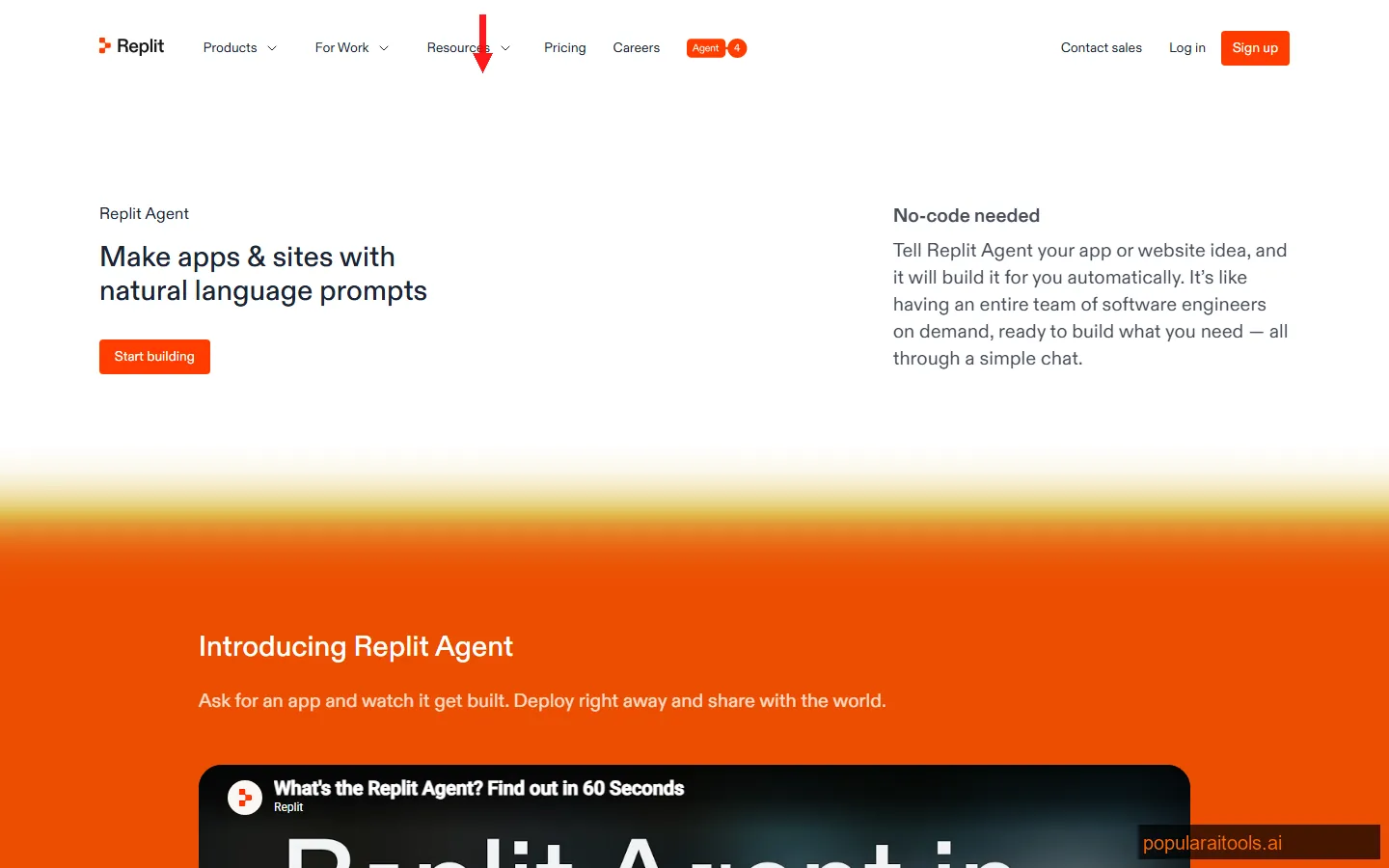
Go to replit.com and create an account (Google, GitHub, or email). From the dashboard, click "Create Repl" and then select "Agent" mode instead of a blank template. This opens the natural language interface.
Type a description of what you want to build. Be specific: "Build a task manager with user auth, a PostgreSQL database, drag-and-drop tasks, and a clean dark theme" works better than "build me a to-do app." Agent creates a plan and asks for confirmation before coding.
Agent scaffolds the project, installs dependencies, writes code across multiple files, and sets up the database. You can watch each file being created in real time. For our task manager, this took about 8 minutes.
Replit shows a live preview of your app inside the IDE. Click through it, test the features, and note what needs fixing. The preview updates as Agent makes changes — no manual refresh needed.
Tell Agent what to fix: "The login form needs error messages" or "Add a dark/light mode toggle to the navbar." Agent modifies the existing code without breaking what already works. Two to three rounds of refinement usually gets you to a solid MVP.
Click the Deploy button. Your app goes live at a .repl.co URL within seconds. On paid plans, you can connect a custom domain and enable always-on hosting so the app does not spin down after inactivity.
Pricing Plans
Replit's pricing has four tiers. The free tier is fine for experimenting, but you need Pro to unlock the full Agent experience:
Free
- ✓ Basic IDE access
- ✓ Limited AI completions
- ✗ No always-on deploys
- ✗ Restricted compute
Hacker
- ✓ More compute
- ✓ Basic AI features
- ✓ SSH access
- ✗ Limited Agent credits
Pro
- ✓ Full Agent access
- ✓ Always-on deployments
- ✓ Custom domains
- ✓ Priority compute
Teams
- ✓ Everything in Pro
- ✓ Team management
- ✓ Private Repls
- ✓ Centralized billing
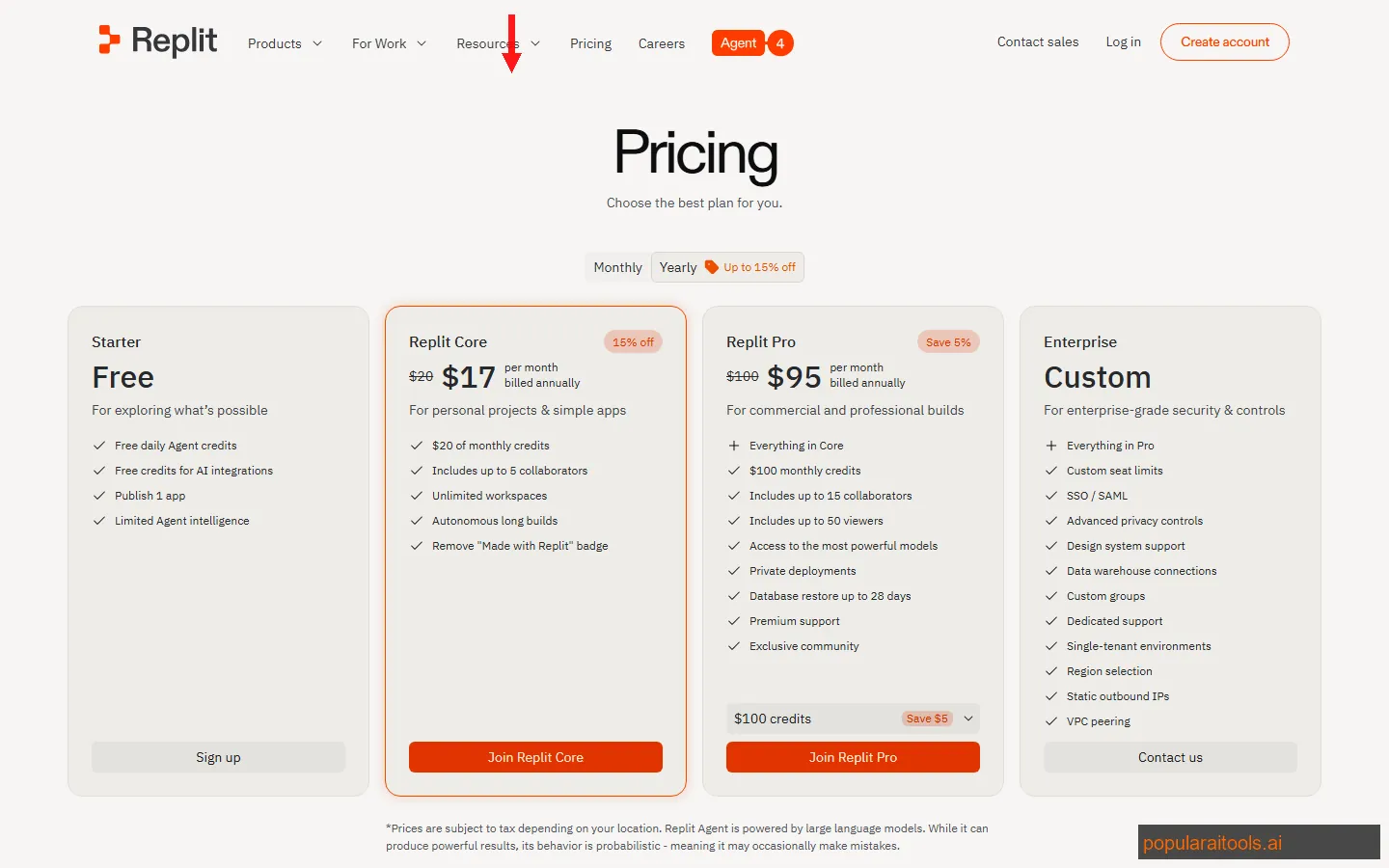
Our recommendation: The free tier is enough to test whether Replit's workflow clicks for you. If you want the AI Agent capabilities, Pro at $25/month is the only real option — the Hacker plan at $7 gives limited AI credits that run out fast. For teams, the $40/user/month plan adds collaboration controls and private project management.
One thing to watch: Replit uses a credit system for Agent interactions. On Pro, you get a generous monthly allotment, but heavy users building multiple apps per week may hit the ceiling. The credits reset monthly, and you can purchase additional credits if needed.
Pros and Cons
Strengths
- ✓ Zero setup, period. No terminal, no package manager, no config files. Open a browser, describe your app, and start building. This is genuinely revolutionary for beginners and non-developers.
- ✓ Instant deployment. Every project gets a live URL in seconds. No Vercel config, no AWS console, no Docker files. For prototyping and demos, this alone justifies the price.
- ✓ Great for learning. The AI chat explains code as it writes it. Students and career-switchers can watch an app take shape and ask "why did you do it this way?" at every step.
- ✓ Works on any device. Chromebook, iPad, borrowed laptop — if it has a browser, you can code. The mobile app is surprisingly usable for quick fixes.
- ✓ Real multiplayer collaboration. Google Docs-style simultaneous editing. Other browser IDEs claim this — Replit's actually works well for pair programming.
Weaknesses
- ✗ Performance ceiling is real. Large projects (200+ files, complex builds) get noticeably sluggish. The browser IDE cannot match a native editor for responsiveness, and compute limits throttle demanding workloads.
- ✗ Hosting lock-in. Your app runs on Replit's infrastructure. Migrating to AWS, Vercel, or your own servers means extracting the code and reconfiguring everything. The deeper you go, the harder it gets to leave.
- ✗ Editor is basic compared to Cursor/VS Code. No extension marketplace worth mentioning, limited debugging tools, no multi-model AI support. If you are used to a fully configured local IDE, Replit's editor feels restrictive.
- ✗ Agent output is junior-level. The code works but is rarely optimized. We saw repetitive patterns, missing error handling, and inefficient database queries. Good enough for prototypes — not for production without significant refactoring.
- ✗ Free tier is too limited. The restricted compute means your project spins down after inactivity and takes 10-15 seconds to wake up. This makes the free tier impractical for anything beyond quick experiments.
Replit Agent vs Cursor vs Devin: Full Comparison
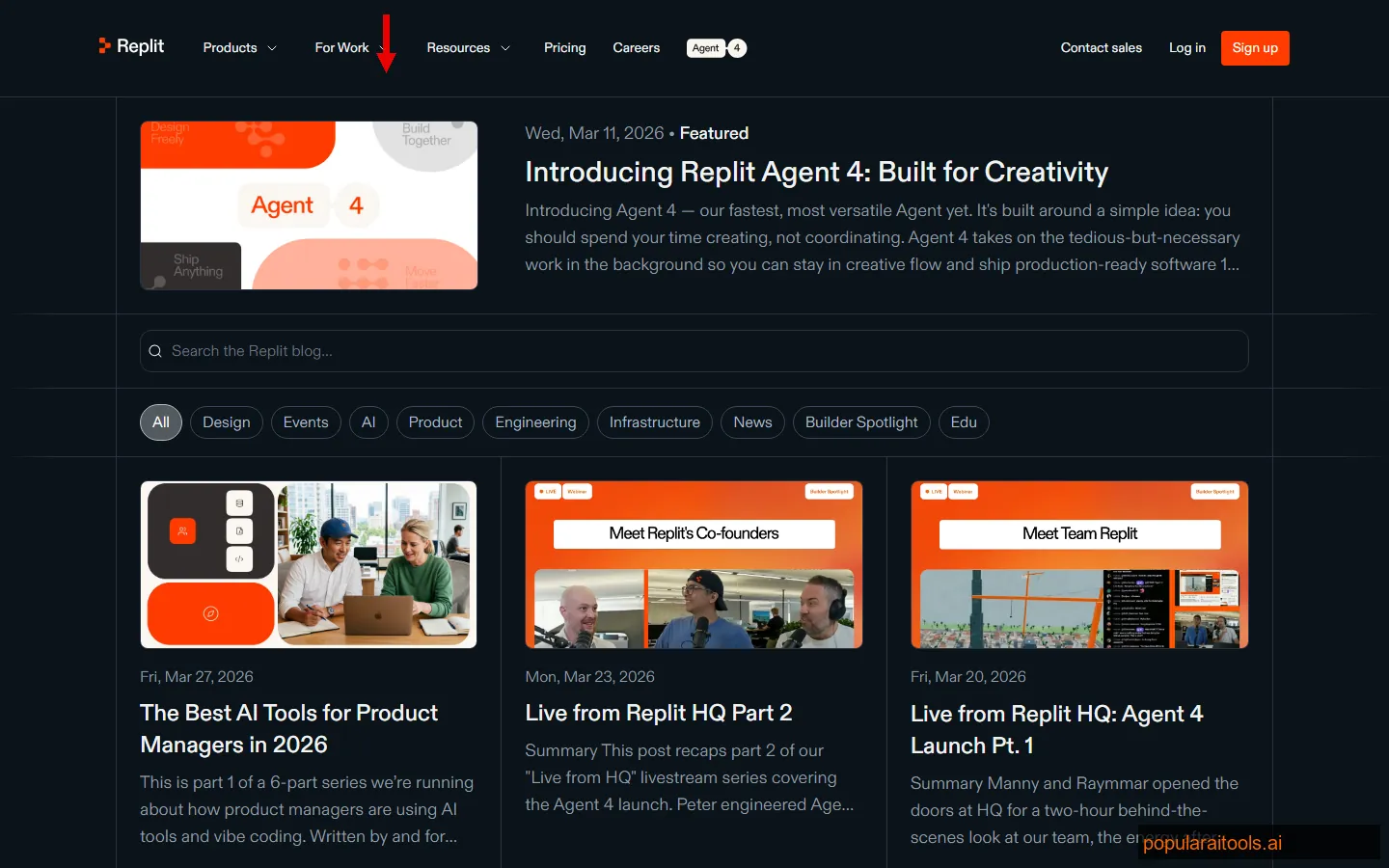
Replit Agent competes in a crowded field. Here is how it stacks up against the tools professional developers are actually choosing in 2026:
| Feature | Replit Agent ($25) | Cursor Pro ($20) | Devin ($500) | Bolt.new ($20) |
|---|---|---|---|---|
| Type | Browser IDE + Agent | Native IDE | Autonomous AI Engineer | Browser App Builder |
| Setup Required | None (browser) | Download + install | None (browser) | None (browser) |
| Best For | Prototyping, learning | Professional dev work | Delegating entire tasks | Frontend apps |
| AI Models | Replit's own model | 5+ providers + BYO key | Claude-based | Claude + custom |
| Deployment | Built-in (one click) | External (Vercel, etc.) | Creates PRs on GitHub | Built-in (Netlify) |
| Collaboration | Real-time multiplayer | Git-based | Slack/GitHub integration | Share links |
| Code Quality | Junior-level | Senior-level | Senior-level | Junior-level |
| Languages | 50+ | All (VS Code-based) | Most major languages | JS/TS focused |
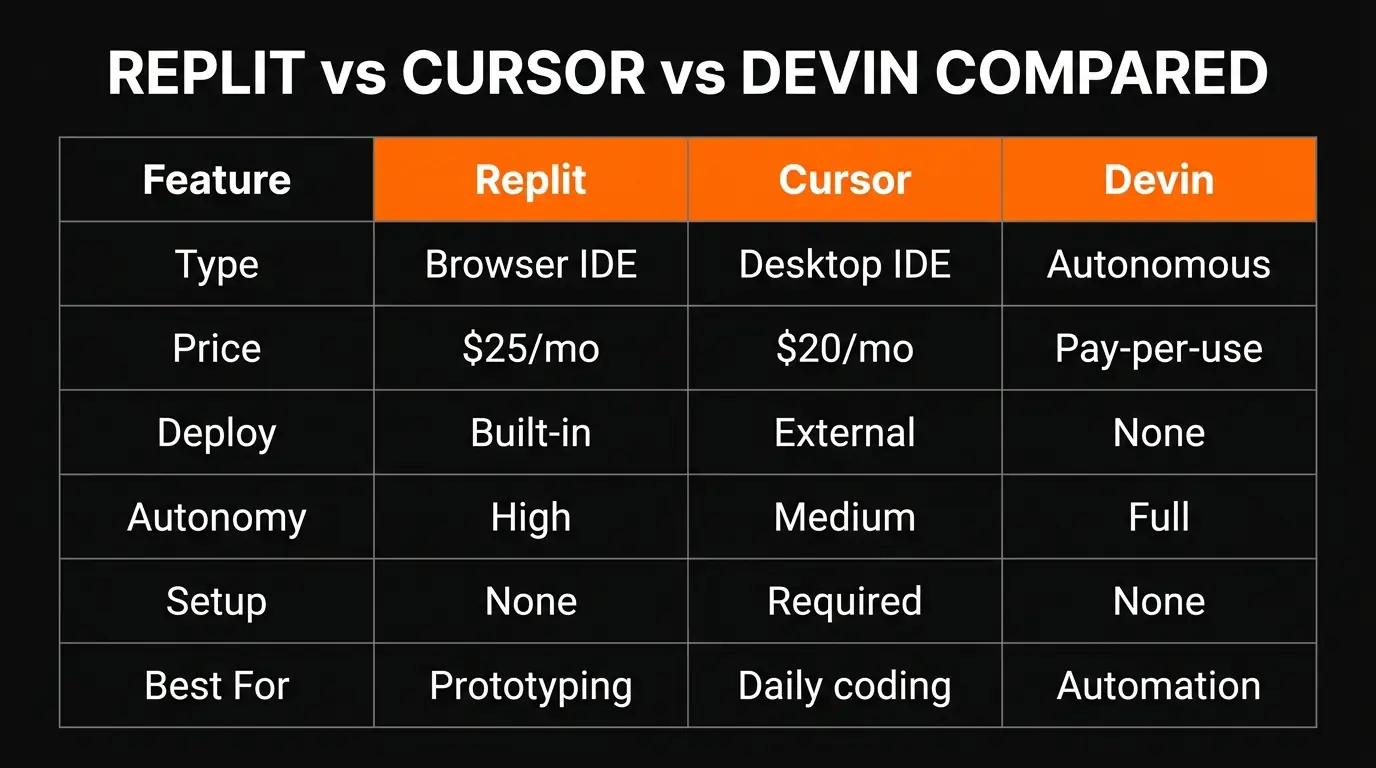
The bottom line: Replit Agent is the most accessible entry point into AI-assisted development. If you have never coded before or want the fastest path from idea to deployed URL, Replit is hard to beat. But if you are a professional developer working on real production codebases, Cursor at $20/month gives you significantly more power for less money. Devin at $500/month is a different category entirely — it is a fully autonomous AI engineer that handles entire tasks without supervision.
For deeper comparisons, see our Cursor AI Review 2026 and Devin AI Review 2026.
Final Verdict
Replit Agent is a strong product solving a specific problem: getting non-developers and beginners from zero to deployed app with the least possible friction. At that, it genuinely excels. Nothing else in the market matches its speed from "I have an idea" to "here is a live URL."
The 3.8/5 rating reflects a tool that does its core job well but has clear boundaries. The browser IDE is adequate, not great. The Agent produces functional but unpolished code. The hosting lock-in means your app lives on Replit's terms. And the pricing, while reasonable at $25/month, gives you less AI capability than Cursor at $20/month.
We are not saying Replit Agent is bad — we built three working apps with it in under two hours total. That is impressive. But when we compare the code quality, the editor experience, and the long-term viability of the projects, the tools aimed at professional developers (Cursor, Claude Code, Windsurf) produce better results for daily use.
Who should use Replit Agent: Beginners learning to code, non-technical founders validating ideas, students building school projects, and anyone who wants the fastest possible prototyping loop. Also excellent for hackathons and demos where speed matters more than code quality.
Who should look elsewhere: Professional developers working on production codebases, teams that need CI/CD pipelines and infrastructure control, and anyone building apps that need to scale beyond a few hundred concurrent users. Cursor or a local VS Code setup with Copilot will serve you better.
Build an AI Tool? Get It in Front of the Right Audience
PopularAiTools.ai reaches thousands of qualified AI buyers.
Submit Your AI Tool →Frequently Asked Questions
Recommended AI Tools
played.fm
Sell your music and keep 100%: played.fm is a direct-to-fan store + sync marketplace with 0% commission, no gatekeepers, and no bans — a strong fit for AI musicians.
View Review →OpenCode
The open-source AI coding agent: terminal-first TUI, 75+ model providers, LSP context, subagents, and privacy-first design. Free software, ~180K GitHub stars.
View Review →Exa
The neural web search API for AI agents: embeddings-based retrieval, cited highlights, sub-180ms latency, and an MCP server. 20,000 free requests/month.
View Review →Google Antigravity
Google's agent-first IDE: run a fleet of AI agents from a Manager surface, on Gemini 3 Pro, Claude Sonnet 4.5, or OpenAI models. Free in public preview.
View Review →