How to Run OpenClaw Free Forever: 3 Methods With Local and Free Models

AI Infrastructure Lead
⚡ Key Takeaways
- 3 methods to run OpenClaw free — two of them are free forever
- Ollama + local models = free forever. Gemma 4 runs on lightweight hardware with 256K context
- Atomic Chat = one-click OpenClaw setup with local models, no terminal needed
- OpenRouter free APIs = Qwen 3.6 Plus with 1M context (free, rotates monthly)
- Best strategy: cloud model as brain, local model as sub-agent
- Managing AI agents is becoming the most valuable new skill
After Anthropic blocked Claude subscriptions from OpenClaw, the question on everyone's mind is: can you still run OpenClaw without paying anything? The answer is yes — and not just as a temporary workaround. Two of the three methods we'll cover let you run OpenClaw free forever.
We tested all three approaches, got each one running, and can confirm they work. Here's exactly how to set them up.
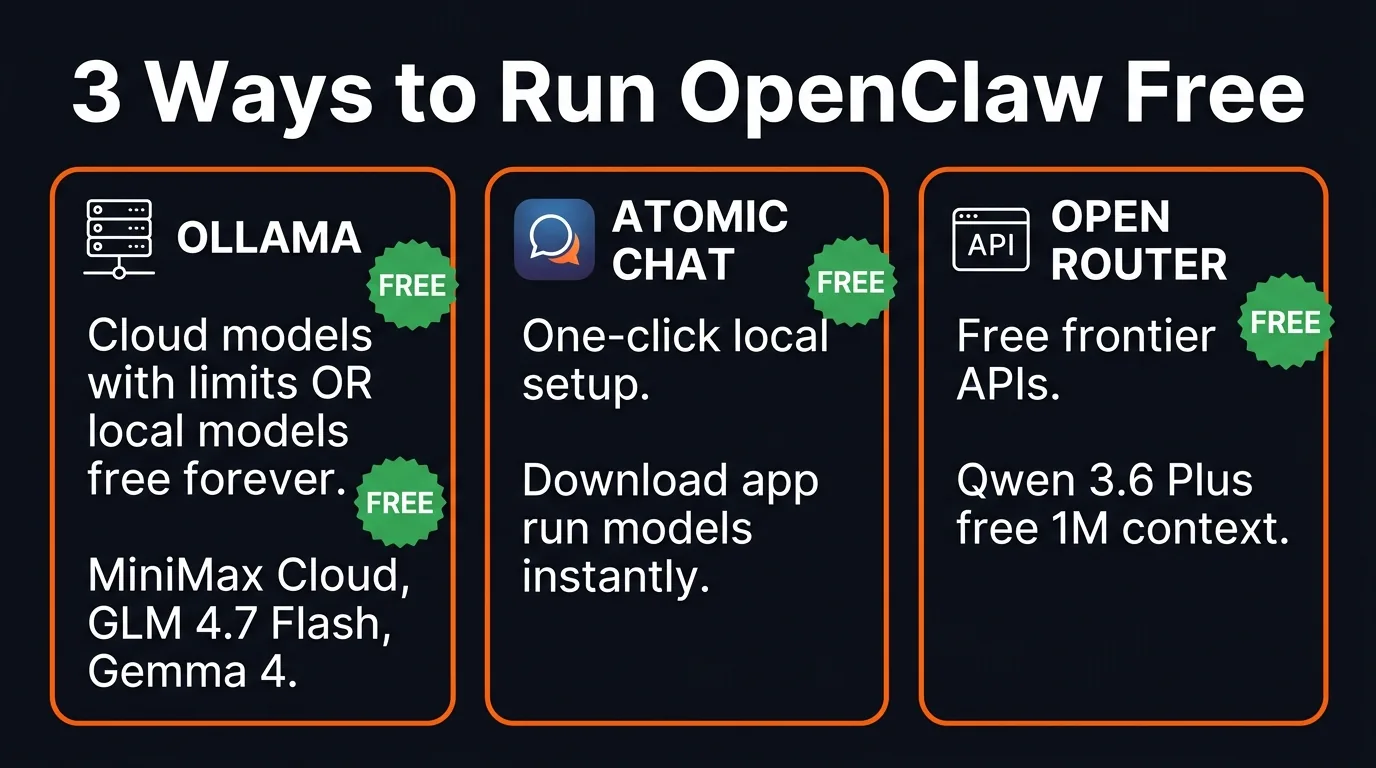
Three paths to free OpenClaw — pick the one that fits your setup
Method 1: Ollama (Cloud + Local Models)
This is the fastest and easiest method. Ollama lets you run AI models either in the cloud (with usage limits) or locally on your own hardware (free forever, no limits).
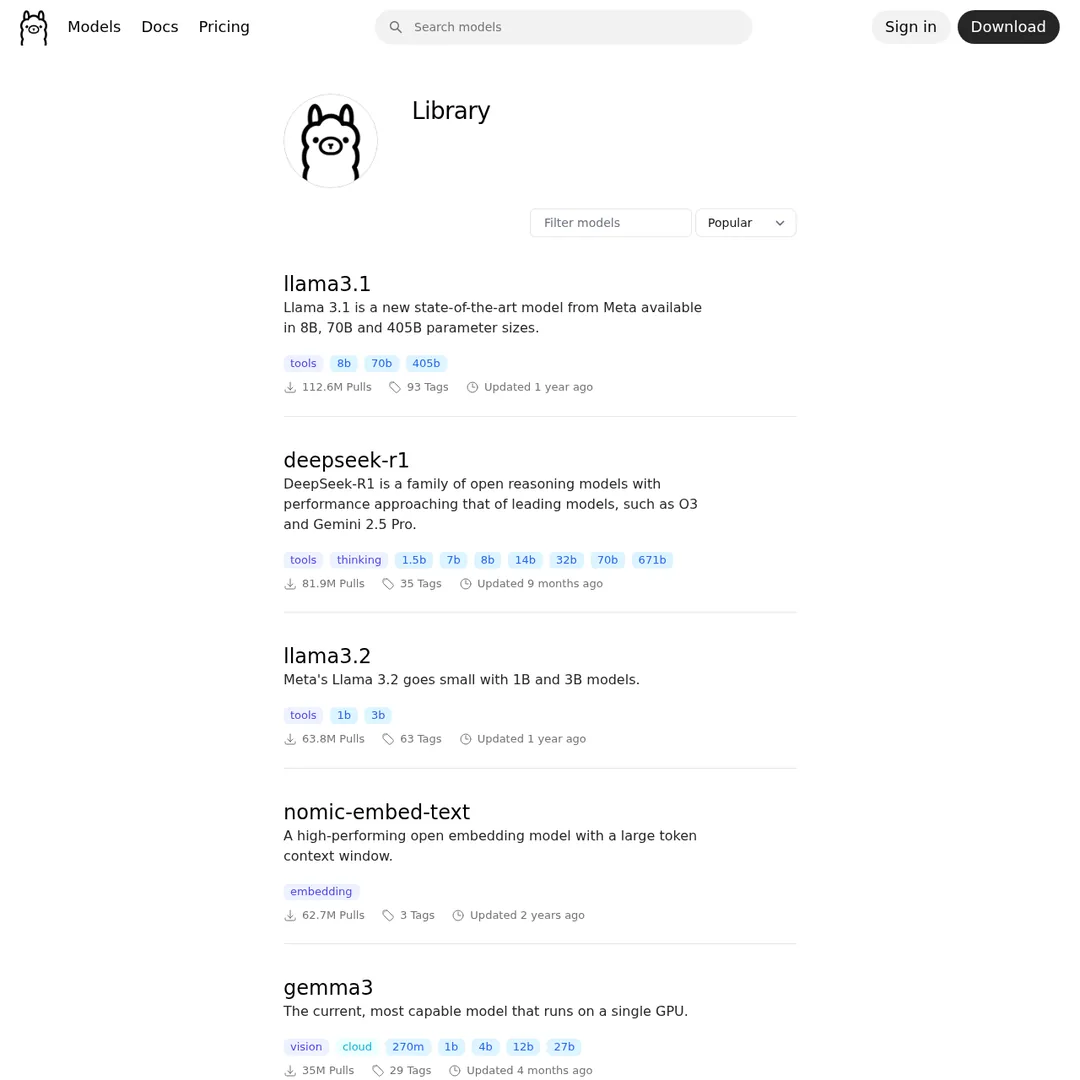
Ollama's model library — dozens of models ready to run locally or in the cloud
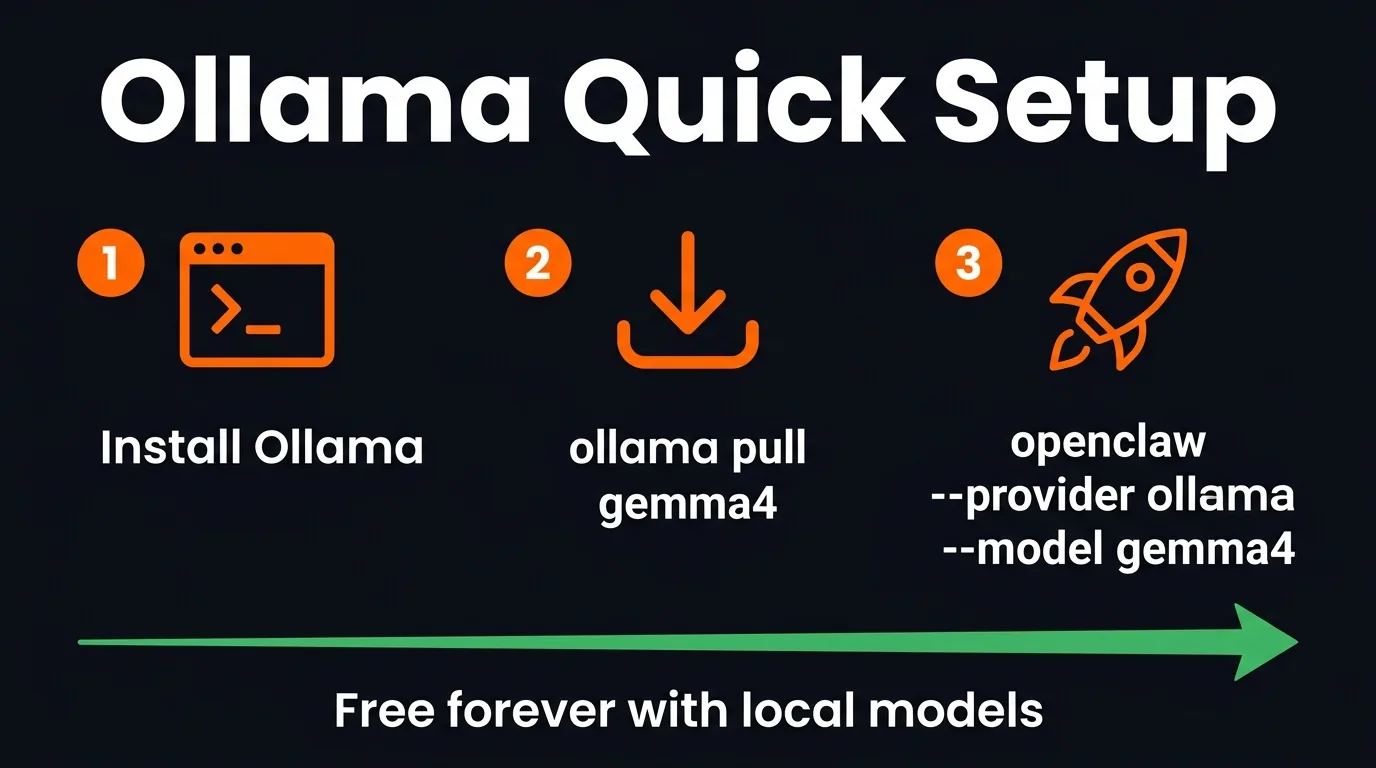
Three commands and you're running free
Option A: Cloud Models (Free With Limits)
Cloud models are the quickest to get running. Install Ollama, pull a cloud model, and connect it to OpenClaw:
# Install/update Ollama
curl -fsSL https://ollama.com/install.sh | sh

# Pull a cloud model (e.g., MiniMax M2.7)
ollama run minimax-m2.7-cloud

# Exit with /bye, then launch OpenClaw
openclaw --provider ollama --model minimax-m2.7-cloud
Cloud models have usage limits. Most people don't hit them, but if you're running heavy workloads all day, you will.
MiniMax M2.7 Cloud — fast and free within limits
Option B: Local Models (Free Forever)
This is the truly unlimited option. Run a model on your own hardware — no cloud, no limits, no costs. Ever.
# Pull a local model
ollama pull gemma4        # Lightweight, runs on modest hardware
ollama pull glm-4.7-flash # More powerful, needs better GPU

# Launch OpenClaw with it
openclaw --provider ollama --model gemma4
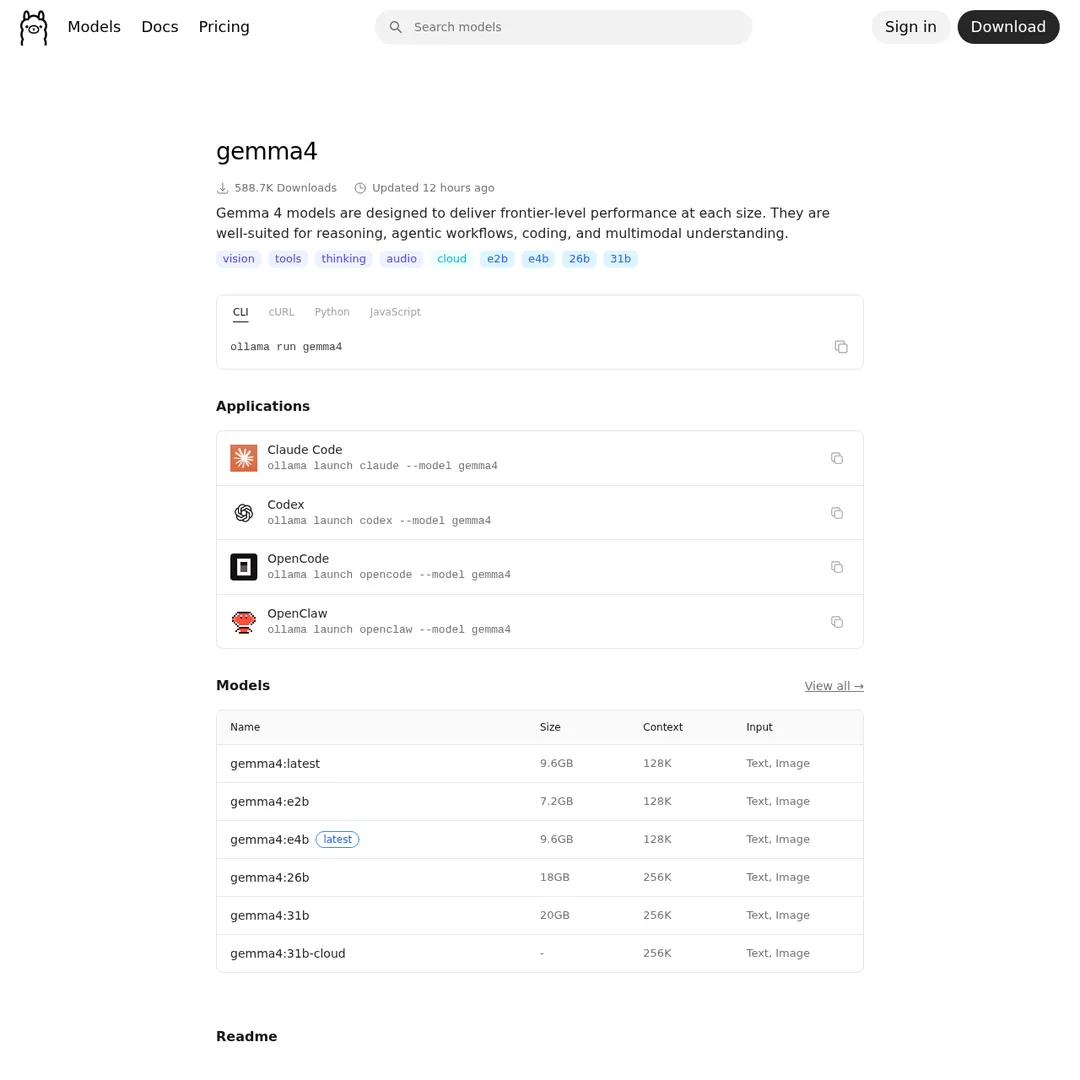
Gemma 4 — Google's lightweight model, runs on mobile devices
Gemma 4 literally just dropped from Google. It's designed for mobile devices, and the 18GB variant gives you a 256K context window — larger than many paid APIs. It's the best lightweight option for local OpenClaw.
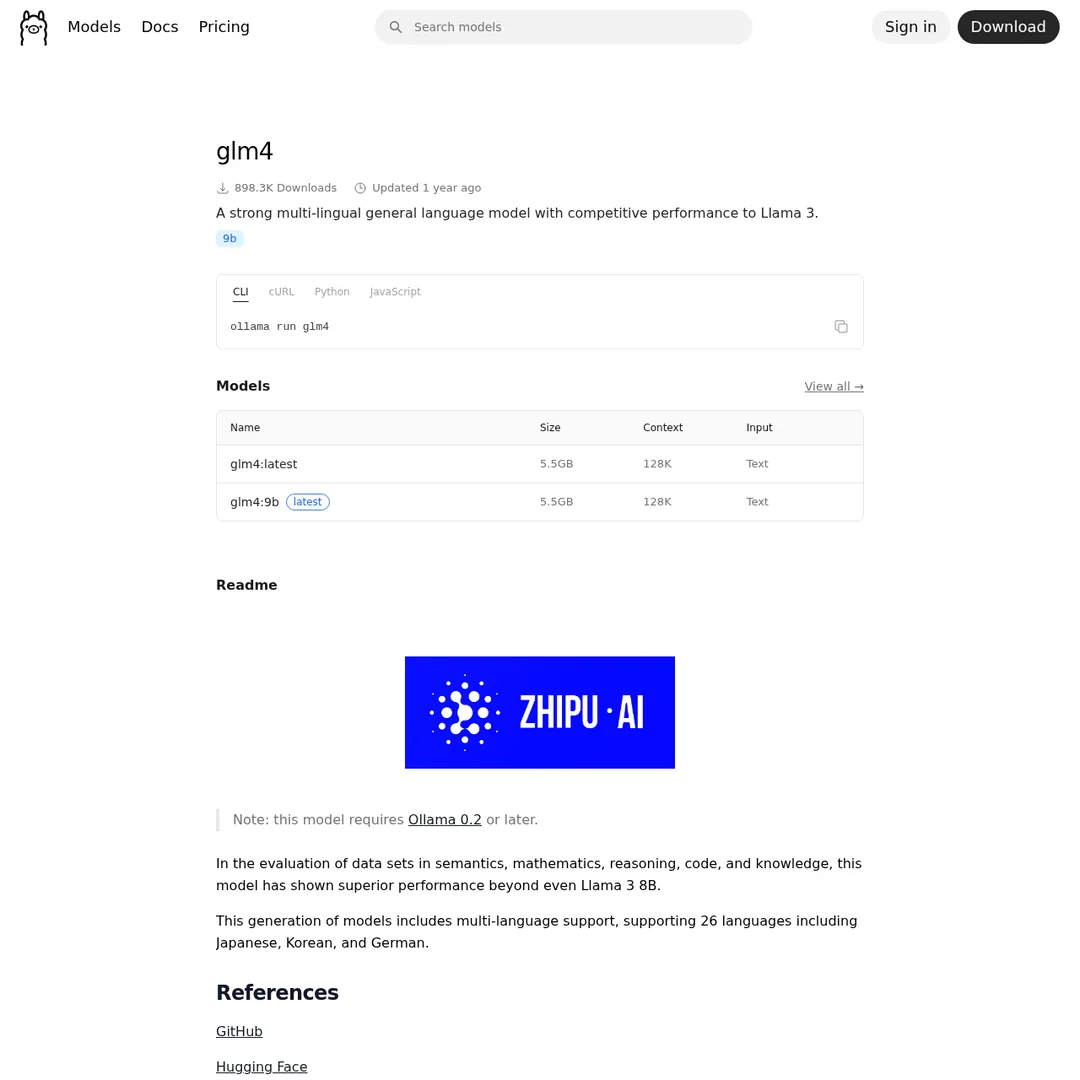
GLM 4.7 Flash — more powerful but needs beefier hardware
If you have stronger hardware (RTX GPU or Apple Silicon with 16GB+ RAM), GLM 4.7 Flash gives you a more capable local agent.
Method 2: Atomic Chat (One-Click Local Setup)
If you don't want to touch the terminal, Atomic Chat is a desktop app that sets up OpenClaw with local models in one click. Download it, select a model, and you're running.
- Download Atomic Chat from their website
- Go to AI Models and activate a local model (Gemma 4, GLM 4.7 Flash, Qwen 3.5, Nemotron)
- Go to Dashboard → Chat — OpenClaw is already connected
You can also plug in an OpenRouter API key if you want to use cloud models through Atomic Chat instead of local ones.
Atomic Chat popped up within the last week and it's already getting serious traction. It's the easiest path if you want a GUI rather than terminal commands.
Method 3: OpenRouter Free APIs
This method uses free frontier models available on OpenRouter. Right now, Qwen 3.6 Plus is the standout — free, 1M token context, designed for agentic systems.
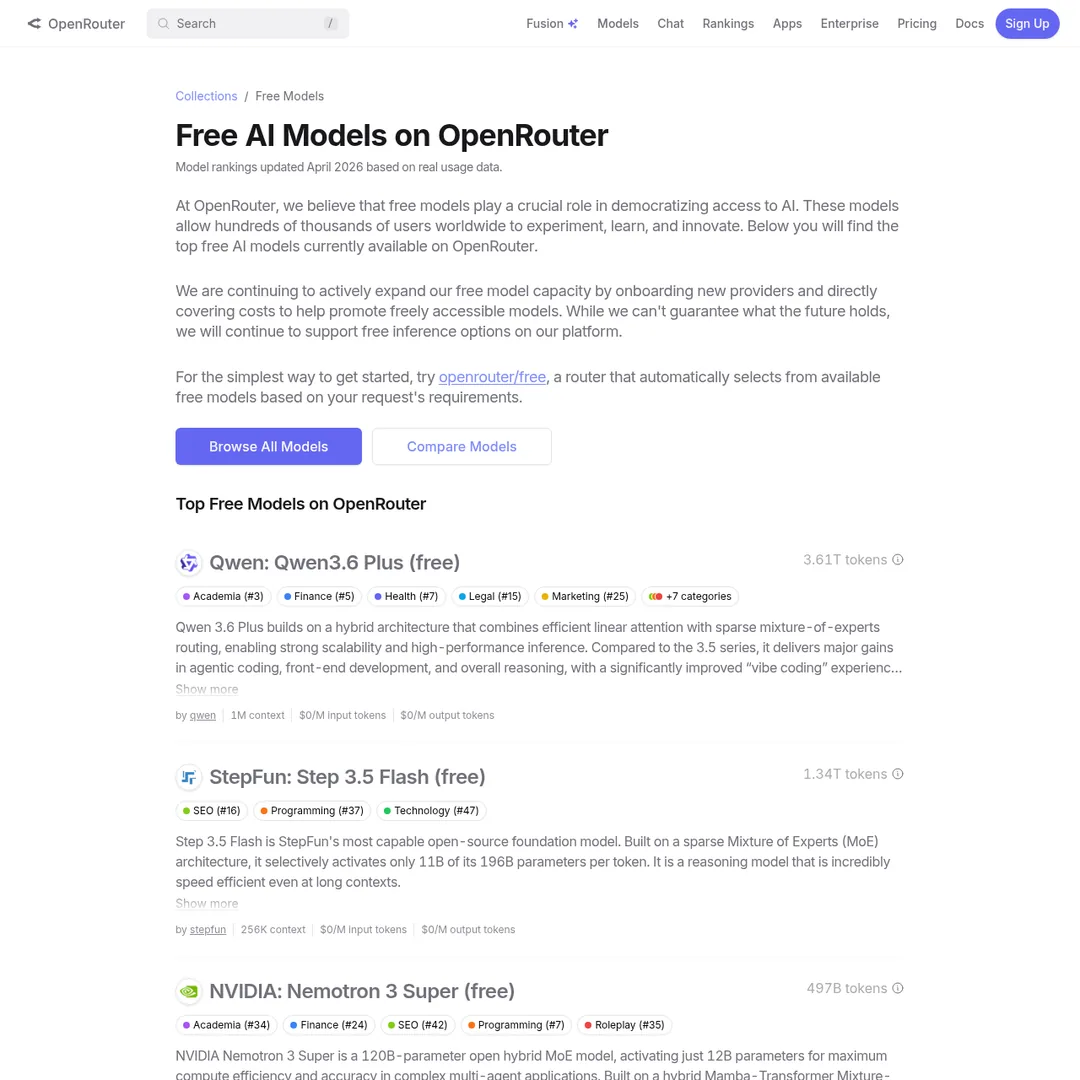
OpenRouter's free models — there's always a free frontier model to use
The setup is simple: open Claude Code, tell it to configure Qwen 3.6 Plus with OpenClaw, and paste the model docs from OpenRouter. Done.
Important caveat: free models on OpenRouter rotate. Qwen 3.6 Plus is free now because Alibaba is testing it at scale. Last month it was Hunter Alpha (GLM 5.1 testing). There's roughly a new free frontier model every month — so you'll always have an option, but the specific model changes.
Best Free Models for OpenClaw
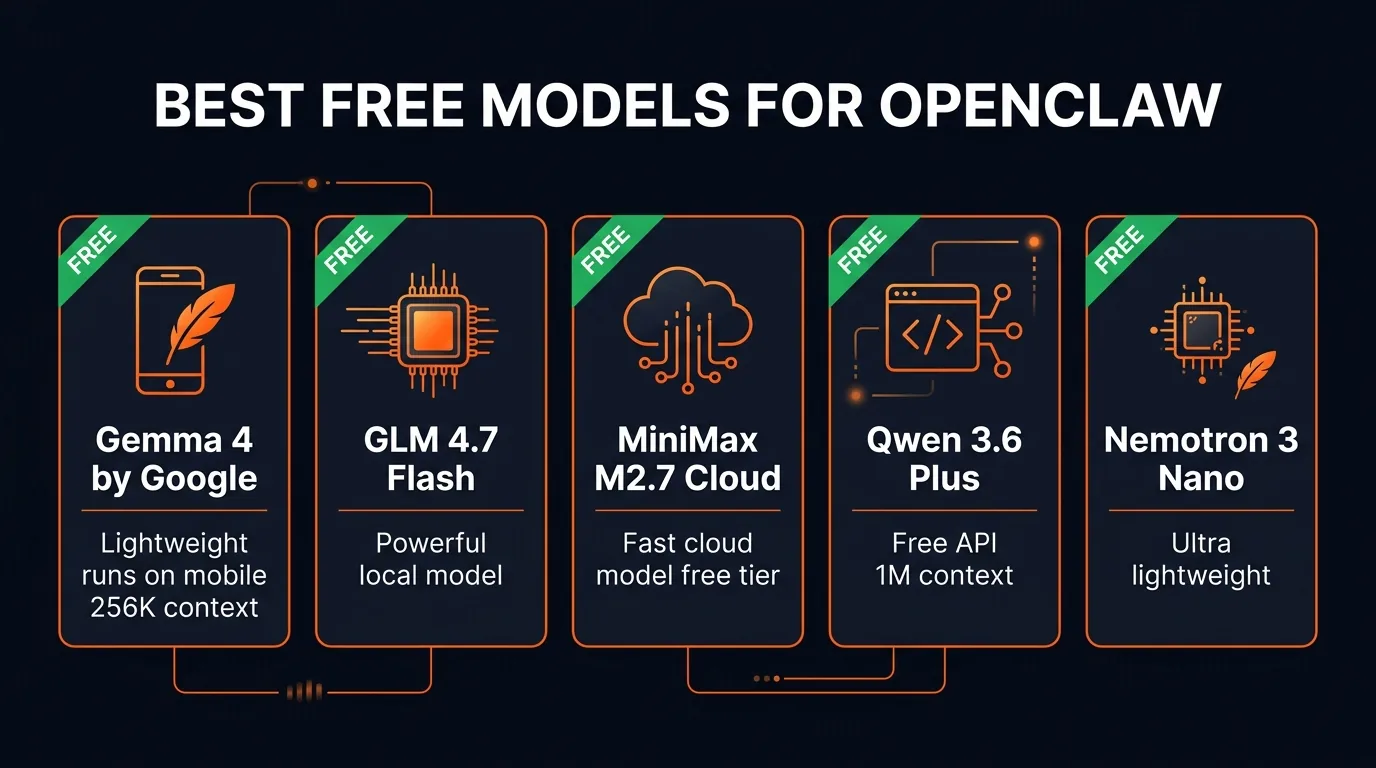
The best free models ranked by use case
The Hybrid Approach: Brain + Sub-Agents
The smartest setup isn't picking one model — it's using two tiers:
The Recommended Architecture:
- Brain (orchestrator): MiniMax M2.7 Cloud or Qwen 3.6 Plus — smart enough to plan and delegate
- Sub-agents (workers): Gemma 4 running locally — handles execution tasks for free
This way your brain does the thinking (using a capable cloud model), and the grunt work gets done by a lightweight local model that costs nothing. You can tell OpenClaw to set this up — assign the cloud model for planning and the local model for sub-tasks.
Bonus: Hermes 0.7 Update
Hermes Agent just shipped version 0.7 with two notable upgrades:
- Switchable memory — 8 different ways to host memory, giving better context and understanding of your preferences
- Multi-API failover — add multiple API keys for the same model, so if one stops working it automatically switches to the next
The local AI community has been getting great results running Gemma 4 with Hermes — fast response times with solid intelligence. If you're running OpenClaw free, consider running Hermes alongside it using the same local models for a multi-agent setup.
The Bottom Line
Running AI agents is becoming a skill in itself. The difference between a beginner and someone who's spent 200 hours with OpenClaw is massive — knowing which model to assign to which task, when to use cloud vs local, how to structure sub-agents, how to fix things when they break.
The good news: the tools to learn are now free. Ollama + Gemma 4 gives you a free-forever agent. Atomic Chat makes it one-click. And OpenRouter keeps rotating free frontier models so there's always a powerful API available at zero cost.
No more excuses. Pick a method, set it up, and start building.
Build an AI Tool? Get It in Front of the Right Audience
PopularAiTools.ai reaches thousands of qualified AI buyers.
Submit Your AI Tool →Frequently Asked Questions
Can you run OpenClaw completely free?
Yes. Two methods give you free-forever usage: running local models through Ollama (Gemma 4, GLM 4.7 Flash, Nemotron) on your own hardware, or using free cloud models on Ollama. You can also use free frontier API models on OpenRouter like Qwen 3.6 Plus, though these may rotate over time.
What is the best free model for OpenClaw?
For local: Gemma 4 is the most lightweight and runs on mobile devices with a 256K context window. For cloud: Qwen 3.6 Plus on OpenRouter is free with a 1M token context window and is designed for agentic systems. For power users: GLM 4.7 Flash runs locally and is more capable but requires better hardware.
What is Atomic Chat?
Atomic Chat is a desktop app that lets you run OpenClaw in one click with local models. You download the app, select a local model like Gemma 4, and it handles the setup automatically. It also supports plugging in API keys from OpenRouter for cloud models.
Can I use a local model as a sub-agent and a cloud model as the brain?
Yes, and this is actually the recommended approach. Use a smart cloud model like MiniMax M2.7 or Qwen 3.6 Plus as the main orchestrator, then assign lightweight tasks to local sub-agents running Gemma 4 or GLM 4.7 Flash.
What hardware do I need to run local models?
Gemma 4 is designed for mobile devices and can run on modest hardware. GLM 4.7 Flash and larger models need a more powerful setup — an RTX GPU or Apple Silicon Mac with at least 16GB RAM. The bigger the model, the more hardware you need, but the smarter it is.
Are free models on OpenRouter always available?
Free frontier models on OpenRouter rotate — they're typically new models being tested. Qwen 3.6 Plus is currently free. Last month it was Hunter Alpha (GLM 5.1 being tested). There's roughly a new free frontier model each month, so you can always find a free option.
Recommended AI Tools
played.fm
Sell your music and keep 100%: played.fm is a direct-to-fan store + sync marketplace with 0% commission, no gatekeepers, and no bans — a strong fit for AI musicians.
View Review →OpenCode
The open-source AI coding agent: terminal-first TUI, 75+ model providers, LSP context, subagents, and privacy-first design. Free software, ~180K GitHub stars.
View Review →Exa
The neural web search API for AI agents: embeddings-based retrieval, cited highlights, sub-180ms latency, and an MCP server. 20,000 free requests/month.
View Review →Google Antigravity
Google's agent-first IDE: run a fleet of AI agents from a Manager surface, on Gemini 3 Pro, Claude Sonnet 4.5, or OpenAI models. Free in public preview.
View Review →