
Baselight Assistant Review March 2026: Features, Pricing, Pros & Cons
Updated March 2026 · 10 min read · By PopularAiTools.ai
TL;DR
Baselight Assistant is an AI-powered color grading assistant designed for professional video colorists working with FilmLight's Baselight color grading system. The tool uses AI to analyze footage and suggest color grades, match shots across scenes, and automate repetitive grading tasks. It helps colorists work faster by providing intelligent starting points for grades, detecting continuity issues, and offering creative look suggestions based on reference images or descriptions. Baselight Assistant is built for the professional post-production workflow where color grading quality directly impacts the final look of films, commercials, and television shows. Pricing model: Paid. Rating: 4.1/5
What is Baselight Assistant?
Baselight Assistant is an AI-powered color grading assistant designed for professional video colorists working with FilmLight's Baselight color grading system. The tool uses AI to analyze footage and suggest color grades, match shots across scenes, and automate repetitive grading tasks. It helps colorists work faster by providing intelligent starting points for grades, detecting continuity issues, and offering creative look suggestions based on reference images or descriptions. Baselight Assistant is built for the professional post-production workflow where color grading quality directly impacts the final look of films, commercials, and television shows.
Who Should Use Baselight Assistant?
- Film post-production facilities using Baselight
- Television color grading departments
- Commercial colorists needing fast turnaround
- Post houses maintaining visual continuity across episodes
- Colorists exploring creative looks with AI assistance
Key Features
1. AI Color Grade Suggestions
Analyze footage and suggest starting color grades based on scene content, lighting conditions, and creative intent. Provides intelligent starting points that colorists can refine.
2. Shot Matching
Automatically match color and exposure across shots in a scene for visual continuity. Detect inconsistencies and suggest adjustments to maintain a cohesive look.
3. Reference-Based Grading
Provide a reference image or describe a look, and the AI suggests color grade settings that achieve the target aesthetic. Accelerate creative exploration.
4. Repetitive Task Automation
Automate routine grading operations like primary corrections, skin tone normalization, and highlight recovery across multiple shots, freeing colorists for creative work.
5. Continuity Detection
Identify color and exposure inconsistencies between shots that might break visual continuity. Flag issues before they reach review, saving revision cycles.
6. Baselight Integration
Built specifically for FilmLight's Baselight color grading system, working within the professional workflow colorists already use.

How to Use Baselight Assistant
Step 1: Sign Up or Install
Visit the official Baselight Assistant website and create your account or download the application. Most plans offer a free trial or free tier so you can explore the platform before committing.
Step 2: Configure Your Workspace
Set up your workspace according to your needs. Baselight Assistant provides onboarding guides or tutorials to help you get started quickly with the core features.
Step 3: Explore Core Features
Start using the main capabilities of Baselight Assistant. Take advantage of any templates, presets, or quick-start options to accelerate your workflow and see results faster.
Step 4: Integrate with Your Stack
Connect Baselight Assistant with your existing tools and workflows. Check for available integrations with popular platforms and APIs to maximize productivity.
Step 5: Scale and Optimize
As you become more familiar with Baselight Assistant, explore advanced features and settings. Monitor your usage and results to optimize your workflow and determine if upgrading makes sense.
Pricing Plans
Baselight Assistant pricing is available through FilmLight. Contact FilmLight for pricing based on your post-production facility needs.

Pros and Cons
Pros
- ✓ Built specifically for professional colorists in Baselight
- ✓ AI shot matching saves hours of manual matching work
- ✓ Reference-based grading accelerates creative exploration
- ✓ Continuity detection catches issues before review
- ✓ Automates repetitive primary corrections
- ✓ Integrates natively with established Baselight workflow
Cons
- ✗ Only works within the Baselight ecosystem
- ✗ Professional-grade pricing suited for facilities not individuals
- ✗ AI suggestions require professional judgment to refine
- ✗ Limited to color grading with no general video editing features
- ✗ Requires existing Baselight license and expertise
Best Baselight Assistant Alternatives

Final Verdict: Is Baselight Assistant Worth It?
Baselight Assistant brings AI assistance to the highest tier of professional color grading. For post-production facilities already using Baselight, the AI-powered shot matching and continuity detection alone can save hours per project. The reference-based grading feature accelerates creative exploration without replacing the colorist's artistic judgment. This is a specialized tool for a specialized market, and it serves that market well. Facilities not already in the Baselight ecosystem should consider DaVinci Resolve or Colourlab.ai for more accessible AI grading options.
Our Rating: 4.1 / 5
Build an AI Tool? Get It in Front of the Right Audience
PopularAiTools.ai reaches thousands of qualified AI buyers monthly.
Submit Your AI Tool →Frequently Asked Questions
What is Baselight Assistant?
Baselight Assistant is an AI-powered tool for professional colorists that provides intelligent color grade suggestions, shot matching, and task automation within FilmLight's Baselight system.
Does Baselight Assistant replace human colorists?
No. Baselight Assistant provides intelligent starting points and automates routine tasks, but professional creative judgment remains essential for final grading decisions.
Can I use Baselight Assistant with DaVinci Resolve?
No, Baselight Assistant is built specifically for FilmLight's Baselight system. DaVinci Resolve has its own AI color grading features.
How does AI shot matching work?
The AI analyzes color, exposure, and tone characteristics across shots and suggests adjustments to create visual consistency within scenes.
Can I grade from a reference image?
Yes, provide a reference image and Baselight Assistant suggests color grade settings that achieve a similar aesthetic in your footage.
Does Baselight Assistant handle HDR content?
Check with FilmLight for specific HDR workflow support within Baselight Assistant's AI capabilities.
How much does Baselight Assistant cost?
Pricing is available through FilmLight. Contact them for pricing based on your facility's needs and existing Baselight licensing.
Is Baselight Assistant suitable for indie filmmakers?
Baselight Assistant is designed for professional post-production facilities. Indie filmmakers may find DaVinci Resolve's built-in AI features more accessible and affordable.

Get Premium AI Tool Insights
Subscribe to get weekly curated AI tool recommendations, exclusive deals, and early access to new tool reviews.
Related Tools
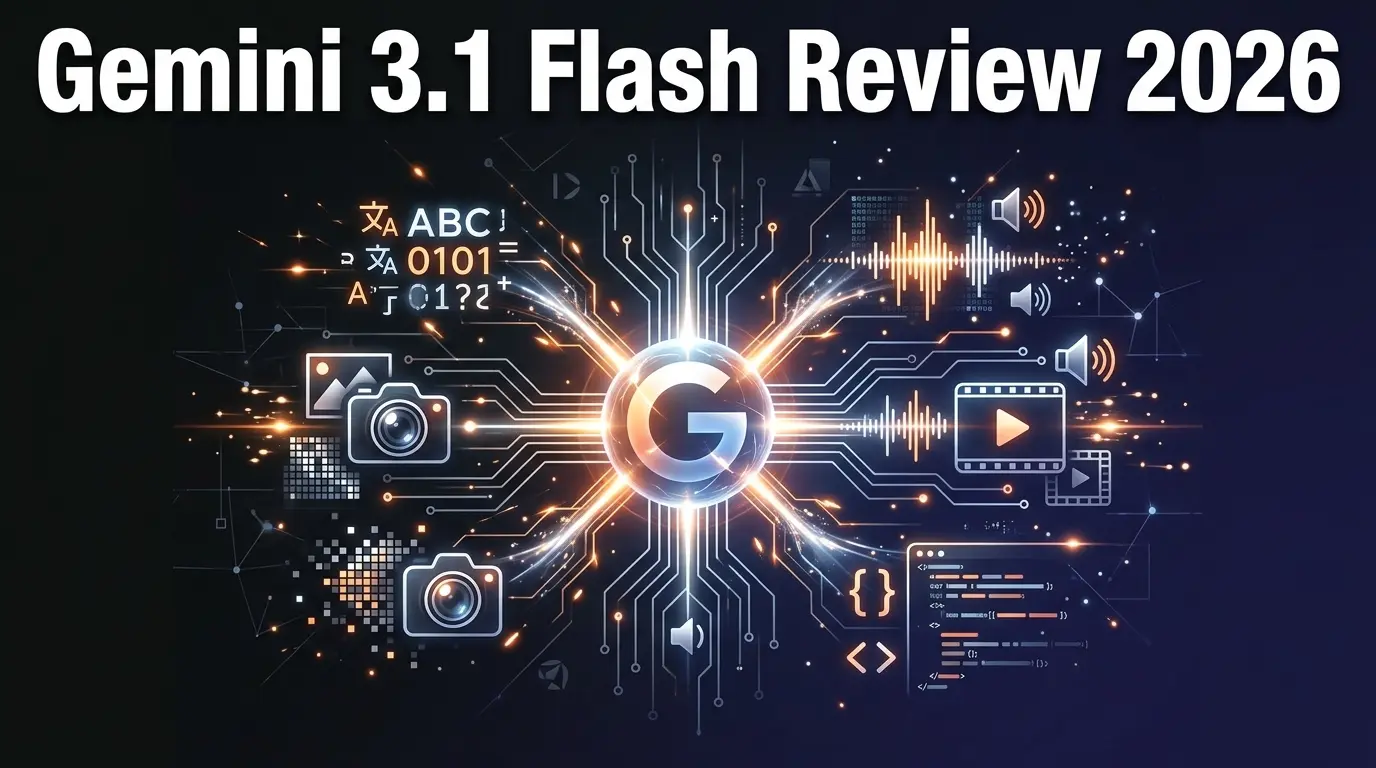
Google Gemini 3.1 Flash Live
ai-chatbots
Google Gemini 3.1 Flash Live is a fast, affordable multimodal AI model with real-time streaming. Handles text, images, audio, video, and code at a fraction of the cost of GPT-5.
P
Pulse Ai
ai-chatbots
Pulse AI is an always-on AI business intelligence analyst that builds dashboards, answers plain-language queries, detects trends and anomalies, and turns data into actionable insights.
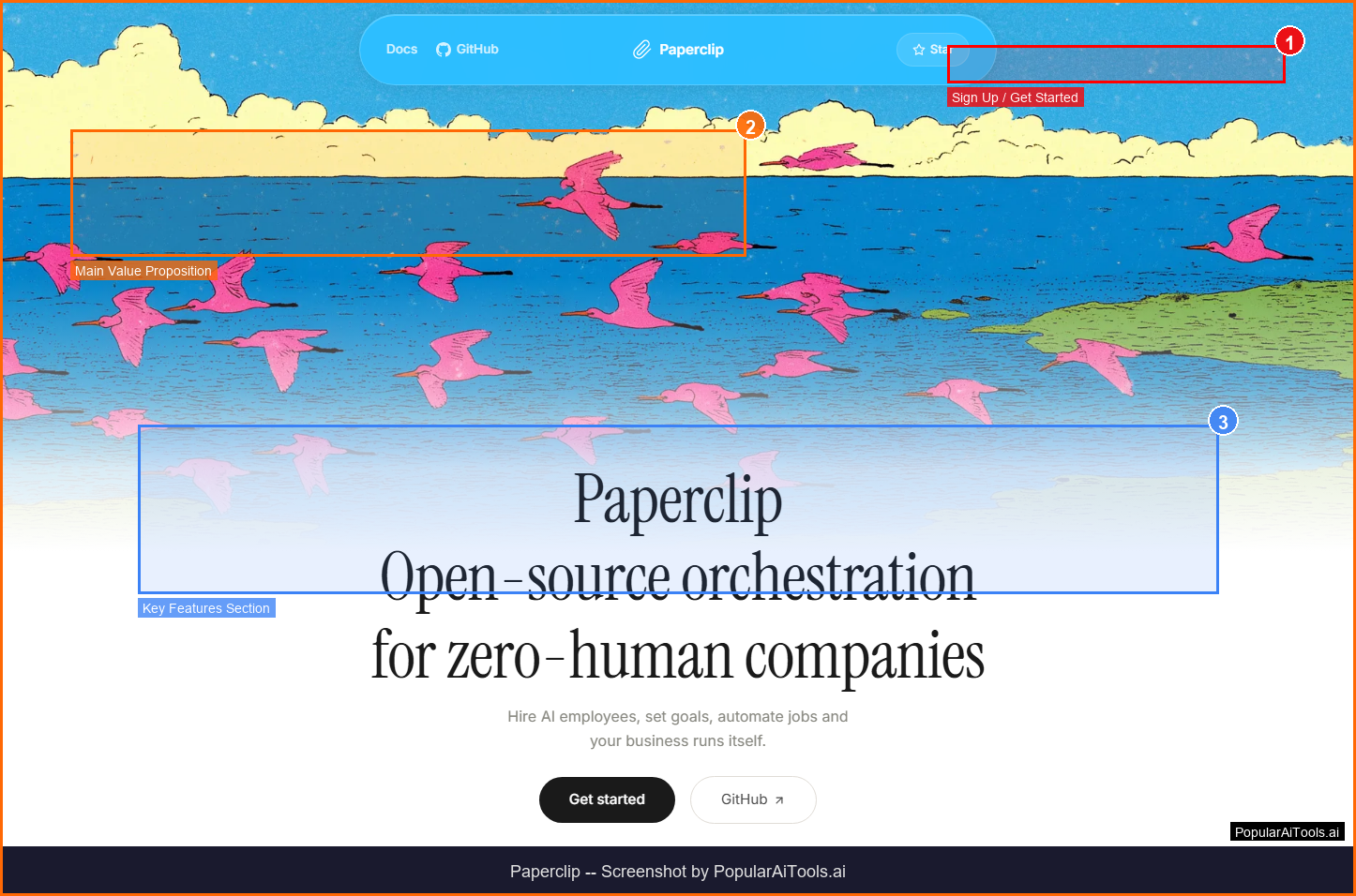
Paperclip
ai-chatbots
Paperclip: A self-hosted platform that orchestrates autonomous AI-driven companies by hiring, organizing, and coordinating LLM- or agent-based workers.

flompt
ai-chatbots
Related Articles
10 Claude Code Skills, Plugins & CLIs to Install on Day One (April 2026)
Starting Claude Code from scratch in 2026? Install these 10 skills, plugins, and CLIs on day one — Codex CLI, Obsidian, Autoresearch, Firecrawl, Playwright, NotebookLM, Skill Creator, RAG-Anything, Google Workspace CLI, and awesome-design-md. Full install commands included.
We Tested 24 AI Models Inside Claude Code: The 2026 Tier List
We swapped 24 different AI models into Claude Code and ran identical tool-call tests on each. Here's the S-tier-to-D-tier ranking, real cost comparison, and the single best Claude Sonnet 4.6 alternative for 2026 — including the GLM 4.6 sleeper pick that matched Sonnet at 15% the cost.
Claude as a Creative Studio: Make Ads, Images, and Video From One Chat (2026)
Claude doesn't generate raster images natively, but in 2026 it's the smartest creative director on Earth — orchestrating Nano Banana 2, Sora 2, Runway, Higgsfield, Remotion, and VEED into a single ad-and-video factory. The full stack, the variant matrix trick, and how to build a YouTube Shorts factory.