
BlendedCal.com Review March 2026: Features, Pricing, Pros & Cons
Updated March 2026 · 10 min read · By PopularAiTools.ai
TL;DR
BlendedCal is an AI-powered calendar management tool that unifies multiple calendars from different platforms into a single, intelligent view. The platform aggregates calendars from Google Calendar, Outlook, Apple Calendar, and other providers, then uses AI to suggest optimal meeting times, identify scheduling conflicts, and automate scheduling workflows. BlendedCal helps professionals who manage multiple calendars across work and personal life avoid double-bookings and find free time more efficiently. The AI learns your scheduling preferences and energy patterns to suggest meeting times that work best for your productivity. Pricing model: Freemium. Rating: 3.8/5
What is BlendedCal.com?
BlendedCal is an AI-powered calendar management tool that unifies multiple calendars from different platforms into a single, intelligent view. The platform aggregates calendars from Google Calendar, Outlook, Apple Calendar, and other providers, then uses AI to suggest optimal meeting times, identify scheduling conflicts, and automate scheduling workflows. BlendedCal helps professionals who manage multiple calendars across work and personal life avoid double-bookings and find free time more efficiently. The AI learns your scheduling preferences and energy patterns to suggest meeting times that work best for your productivity.
Who Should Use BlendedCal.com?
- Professionals managing work and personal calendars on different platforms
- Consultants scheduling across multiple client calendars
- Executives with complex scheduling needs
- Remote workers coordinating across time zones
- Freelancers managing multiple client relationships
Key Features
1. Unified Calendar View
Aggregate calendars from Google, Outlook, Apple, and other providers into a single view. See all your commitments in one place regardless of which platform they live on.
2. AI Scheduling Suggestions
The AI analyzes your calendar patterns, preferences, and energy levels to suggest optimal meeting times. Schedule meetings when you are most likely to be productive and available.
3. Conflict Detection
Automatically detect scheduling conflicts across all connected calendars. Catch double-bookings that happen when events are on different platforms.
4. Smart Availability Sharing
Share your true availability across all calendars with a single link. Contacts see available times without seeing details of your other commitments.
5. Meeting Preferences Learning
The AI learns your scheduling preferences over time including preferred meeting times, buffer requirements, focus blocks, and recurring patterns.
6. Automated Scheduling Workflows
Set up rules for automatic scheduling based on meeting type, participants, and priority. Reduce the back-and-forth of manual scheduling.

How to Use BlendedCal.com
Step 1: Sign Up or Install
Visit the official BlendedCal.com website and create your account or download the application. Most plans offer a free trial or free tier so you can explore the platform before committing.
Step 2: Configure Your Workspace
Set up your workspace according to your needs. BlendedCal.com provides onboarding guides or tutorials to help you get started quickly with the core features.
Step 3: Explore Core Features
Start using the main capabilities of BlendedCal.com. Take advantage of any templates, presets, or quick-start options to accelerate your workflow and see results faster.
Step 4: Integrate with Your Stack
Connect BlendedCal.com with your existing tools and workflows. Check for available integrations with popular platforms and APIs to maximize productivity.
Step 5: Scale and Optimize
As you become more familiar with BlendedCal.com, explore advanced features and settings. Monitor your usage and results to optimize your workflow and determine if upgrading makes sense.
Pricing Plans
BlendedCal offers a free tier for basic calendar unification. Premium plans add AI scheduling suggestions, advanced conflict detection, and automation features.

Pros and Cons
Pros
- ✓ Unifies multiple calendars from different platforms
- ✓ AI scheduling learns your preferences over time
- ✓ Conflict detection catches cross-platform double-bookings
- ✓ Smart availability sharing simplifies scheduling
- ✓ Free tier covers basic calendar aggregation
- ✓ Reduces scheduling back-and-forth significantly
Cons
- ✗ Requires connecting multiple calendar accounts
- ✗ AI suggestions need time to learn your patterns
- ✗ Privacy-conscious users may hesitate to share calendar data
- ✗ Free tier has limited AI features
- ✗ Less established than Calendly or Cal.com for scheduling
Best BlendedCal.com Alternatives

Final Verdict: Is BlendedCal.com Worth It?
BlendedCal addresses the increasingly common problem of managing calendars across multiple platforms. For professionals juggling work and personal calendars on different providers, the unified view alone prevents embarrassing double-bookings. The AI scheduling suggestions add genuine value by learning your patterns and suggesting times that work best for your productivity. If you frequently coordinate across Google and Outlook calendars, BlendedCal provides the unified intelligence that neither platform offers alone.
Our Rating: 3.8 / 5
Build an AI Tool? Get It in Front of the Right Audience
PopularAiTools.ai reaches thousands of qualified AI buyers monthly.
Submit Your AI Tool →Frequently Asked Questions
Is BlendedCal free?
BlendedCal offers a free tier for basic calendar unification. Premium plans add AI features and advanced automation.
What calendars does BlendedCal support?
BlendedCal supports Google Calendar, Outlook, Apple Calendar, and other calendar providers for unified viewing.
Is my calendar data private?
Review BlendedCal's privacy policy for details on how calendar data is handled, stored, and processed.
How does AI scheduling work?
The AI analyzes your calendar patterns, energy levels, and preferences to suggest optimal meeting times that maximize productivity.
Can BlendedCal detect conflicts across platforms?
Yes, BlendedCal detects scheduling conflicts across all connected calendars, catching double-bookings that happen on different platforms.
Does BlendedCal share meeting details?
Smart availability sharing shows open time slots without revealing details of your other commitments.
How long does the AI take to learn my patterns?
The AI begins providing suggestions immediately and improves over time as it observes your scheduling patterns and preferences.
Can I automate scheduling with BlendedCal?
Yes, premium plans include automated scheduling workflows based on meeting type, participants, and priority rules.

Get Premium AI Tool Insights
Subscribe to get weekly curated AI tool recommendations, exclusive deals, and early access to new tool reviews.
Related Tools
Google Imagen
ai-image
Updated March 2026 · 11 min read · By PopularAiTools.ai
Picsart
ai-image
Updated March 2026 · 11 min read · By PopularAiTools.ai
Adobe Firefly
ai-image
Updated March 2026 · 12 min read · By PopularAiTools.ai
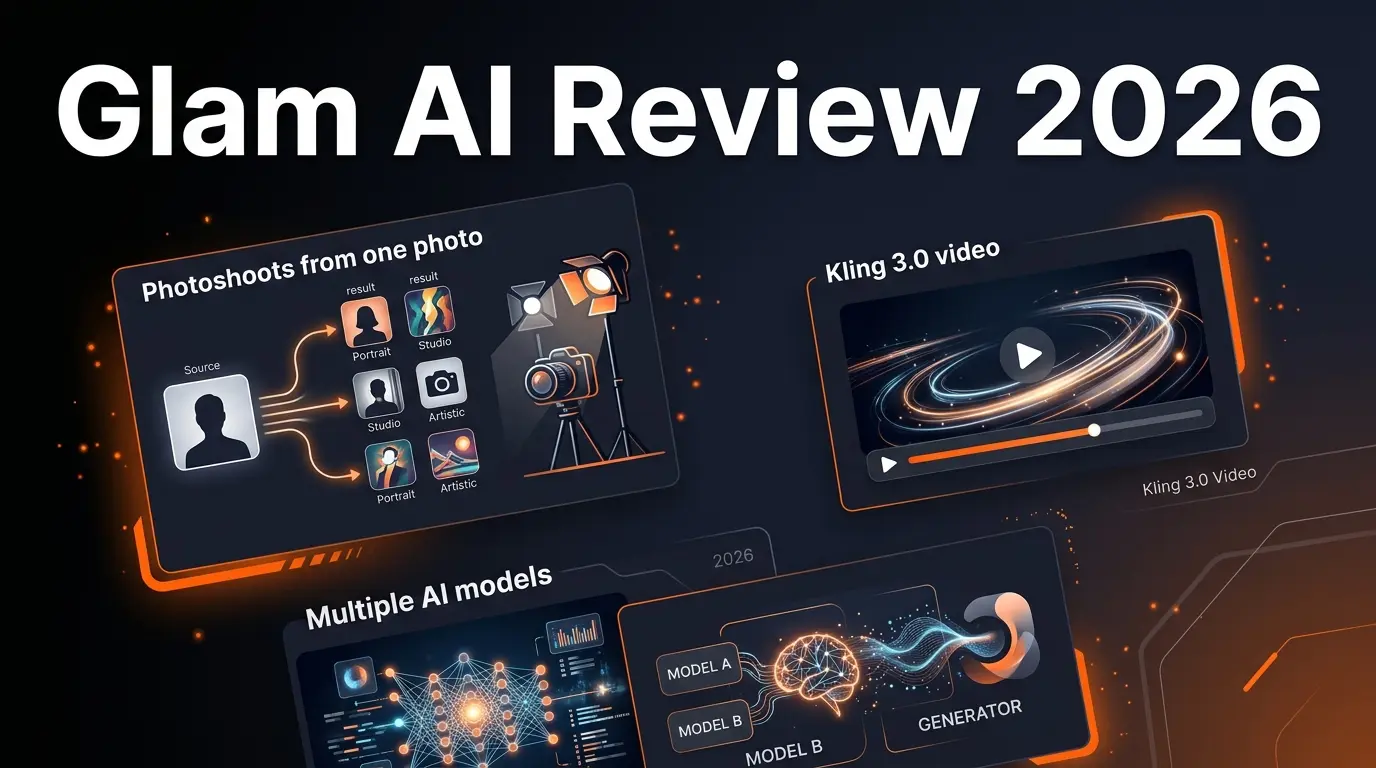
Glam AI
ai-image
AI-powered photo and video generation platform that creates professional photoshoots from single photos, face-swapped lifestyle videos, 15-second realistic video with lip sync (Kling 3.0), and cinema-level video with sound (GROK IMAGINE). Features multiple AI models including Nano Banana 2, SEEDREAM 5.0, and Recraft v4 Pro.
Related Articles
10 Claude Code Skills, Plugins & CLIs to Install on Day One (April 2026)
Starting Claude Code from scratch in 2026? Install these 10 skills, plugins, and CLIs on day one — Codex CLI, Obsidian, Autoresearch, Firecrawl, Playwright, NotebookLM, Skill Creator, RAG-Anything, Google Workspace CLI, and awesome-design-md. Full install commands included.
We Tested 24 AI Models Inside Claude Code: The 2026 Tier List
We swapped 24 different AI models into Claude Code and ran identical tool-call tests on each. Here's the S-tier-to-D-tier ranking, real cost comparison, and the single best Claude Sonnet 4.6 alternative for 2026 — including the GLM 4.6 sleeper pick that matched Sonnet at 15% the cost.
Claude as a Creative Studio: Make Ads, Images, and Video From One Chat (2026)
Claude doesn't generate raster images natively, but in 2026 it's the smartest creative director on Earth — orchestrating Nano Banana 2, Sora 2, Runway, Higgsfield, Remotion, and VEED into a single ad-and-video factory. The full stack, the variant matrix trick, and how to build a YouTube Shorts factory.