
Chatboq Review March 2026: Features, Pricing, Pros & Cons
Updated March 2026 · 10 min read · By PopularAiTools.ai
TL;DR
Chatboq is an AI chatbot builder that lets businesses create and deploy custom AI chatbots trained on their own data. The platform enables businesses to upload documents, website content, and knowledge bases to create chatbots that answer customer questions accurately based on proprietary information. Chatboq supports deployment on websites, WhatsApp, and other messaging channels with customizable appearance and behavior. The tool is designed for businesses that want customer-facing AI without the hallucination risks of general AI models. Pricing model: Freemium. Rating: 3.8/5
What is Chatboq?
Chatboq is an AI chatbot builder that lets businesses create and deploy custom AI chatbots trained on their own data. The platform enables businesses to upload documents, website content, and knowledge bases to create chatbots that answer customer questions accurately based on proprietary information. Chatboq supports deployment on websites, WhatsApp, and other messaging channels with customizable appearance and behavior. The tool is designed for businesses that want customer-facing AI without the hallucination risks of general AI models.
Who Should Use Chatboq?
- Small businesses automating website customer support
- SaaS companies providing product documentation chatbots
- E-commerce stores answering product questions
- Service businesses handling booking inquiries
- Any business wanting AI support without hallucination risk
Key Features
1. Custom Knowledge Training
Train chatbots on your documents, website content, PDFs, and knowledge base. The AI answers questions based on your proprietary information rather than general knowledge.
2. Multi-Channel Deployment
Deploy chatbots on your website, WhatsApp, and other messaging channels with consistent knowledge and behavior.
3. Customizable Appearance
Match chatbot appearance to your brand with custom colors, avatars, welcome messages, and conversation styles.
4. Hallucination Prevention
Chatbot responses are grounded in your training data, reducing the risk of AI making up incorrect information about your products or services.
5. Lead Capture
Capture visitor information through natural conversation. The chatbot qualifies leads and collects contact details without intrusive forms.
6. Analytics
Track conversation volumes, common questions, resolution rates, and customer satisfaction to optimize your chatbot performance.

How to Use Chatboq
Step 1: Sign Up or Install
Visit the official Chatboq website and create your account or download the application. Most plans offer a free trial or free tier so you can explore the platform before committing.
Step 2: Configure Your Workspace
Set up your workspace according to your needs. Chatboq provides onboarding guides or tutorials to help you get started quickly with the core features.
Step 3: Explore Core Features
Start using the main capabilities of Chatboq. Take advantage of any templates, presets, or quick-start options to accelerate your workflow and see results faster.
Step 4: Integrate with Your Stack
Connect Chatboq with your existing tools and workflows. Check for available integrations with popular platforms and APIs to maximize productivity.
Step 5: Scale and Optimize
As you become more familiar with Chatboq, explore advanced features and settings. Monitor your usage and results to optimize your workflow and determine if upgrading makes sense.
Pricing Plans
Chatboq offers a free tier with basic chatbot features. Premium plans provide more training data, higher conversation volumes, and advanced features.

Pros and Cons
Pros
- ✓ Custom training reduces hallucination risk
- ✓ Easy to set up without coding
- ✓ Multi-channel deployment from one training
- ✓ Lead capture built into conversations
- ✓ Free tier for evaluation
- ✓ Brand-customizable appearance
Cons
- ✗ Chatbot quality depends on training data quality
- ✗ May not handle complex or edge-case questions
- ✗ Free tier has conversation and data limits
- ✗ Requires maintaining training data as information changes
- ✗ Competitive market with many chatbot builders
Best Chatboq Alternatives

Final Verdict: Is Chatboq Worth It?
Chatboq provides a straightforward way to deploy AI chatbots trained on your own data, addressing the key concern of hallucination in customer-facing AI. For businesses that want to automate customer FAQs and lead capture without risking incorrect AI responses, the custom training approach is the right solution. The free tier is sufficient to evaluate whether the chatbot handles your specific questions well. Focus on quality training data for best results.
Our Rating: 3.8 / 5
Build an AI Tool? Get It in Front of the Right Audience
PopularAiTools.ai reaches thousands of qualified AI buyers monthly.
Submit Your AI Tool →Frequently Asked Questions
Is Chatboq free?
Yes, Chatboq offers a free tier with basic chatbot features. Premium plans support more data and conversations.
Can I train the chatbot on my own data?
Yes, upload documents, website content, PDFs, and knowledge bases to train the chatbot with your proprietary information.
Does Chatboq prevent hallucinations?
Chatboq grounds responses in your training data, significantly reducing the risk of made-up information. However, no AI system is 100% hallucination-free.
What channels can I deploy on?
Deploy on your website, WhatsApp, and other messaging channels with consistent knowledge across all touchpoints.
Can the chatbot capture leads?
Yes, the chatbot captures visitor information through natural conversation and qualifies leads without intrusive forms.
How do I update the chatbot's knowledge?
Update training data when your information changes. The chatbot retrains to reflect the latest content.
Can I customize the chatbot's appearance?
Yes, customize colors, avatars, welcome messages, and conversation styles to match your brand.
Does Chatboq provide analytics?
Yes, track conversation volumes, common questions, resolution rates, and customer satisfaction metrics.

Get Premium AI Tool Insights
Subscribe to get weekly curated AI tool recommendations, exclusive deals, and early access to new tool reviews.
Related Tools
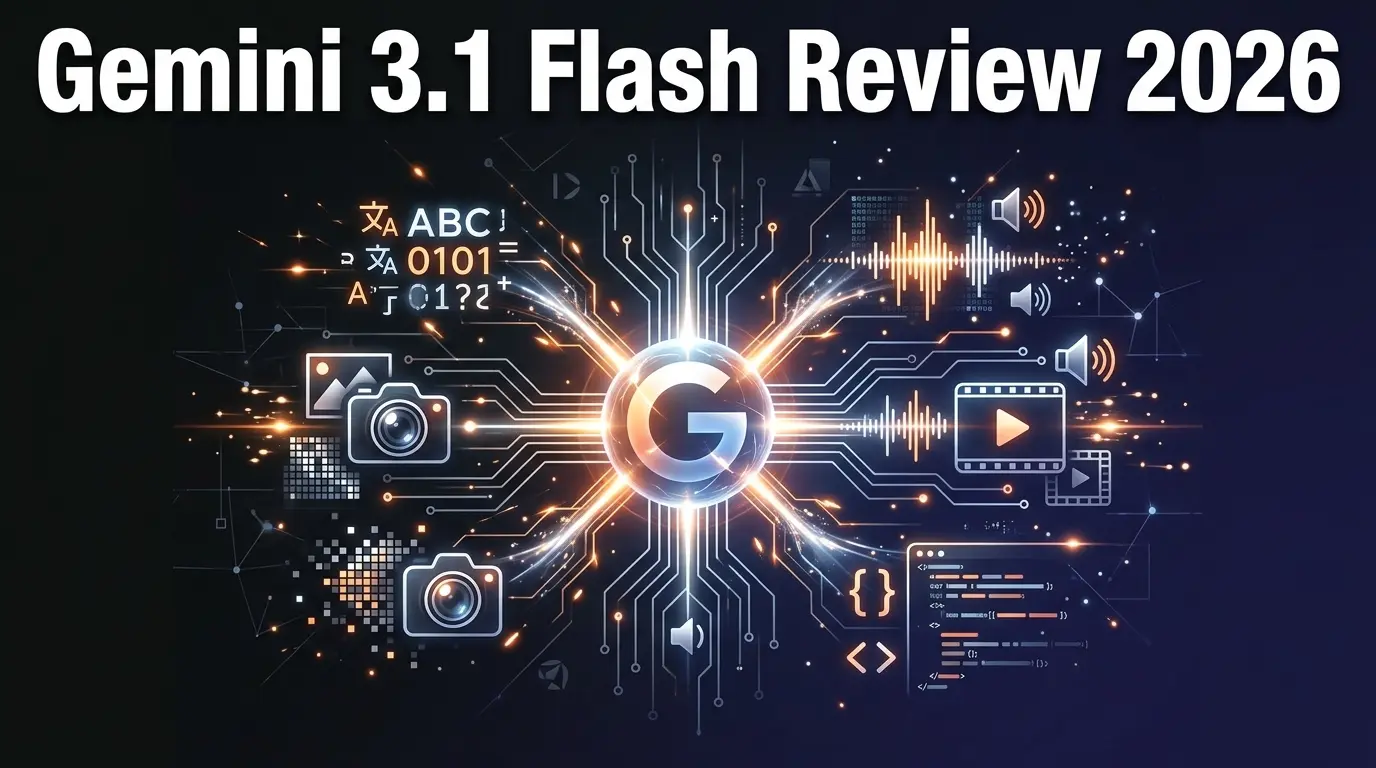
Google Gemini 3.1 Flash Live
ai-chatbots
Google Gemini 3.1 Flash Live is a fast, affordable multimodal AI model with real-time streaming. Handles text, images, audio, video, and code at a fraction of the cost of GPT-5.
P
Pulse Ai
ai-chatbots
Pulse AI is an always-on AI business intelligence analyst that builds dashboards, answers plain-language queries, detects trends and anomalies, and turns data into actionable insights.
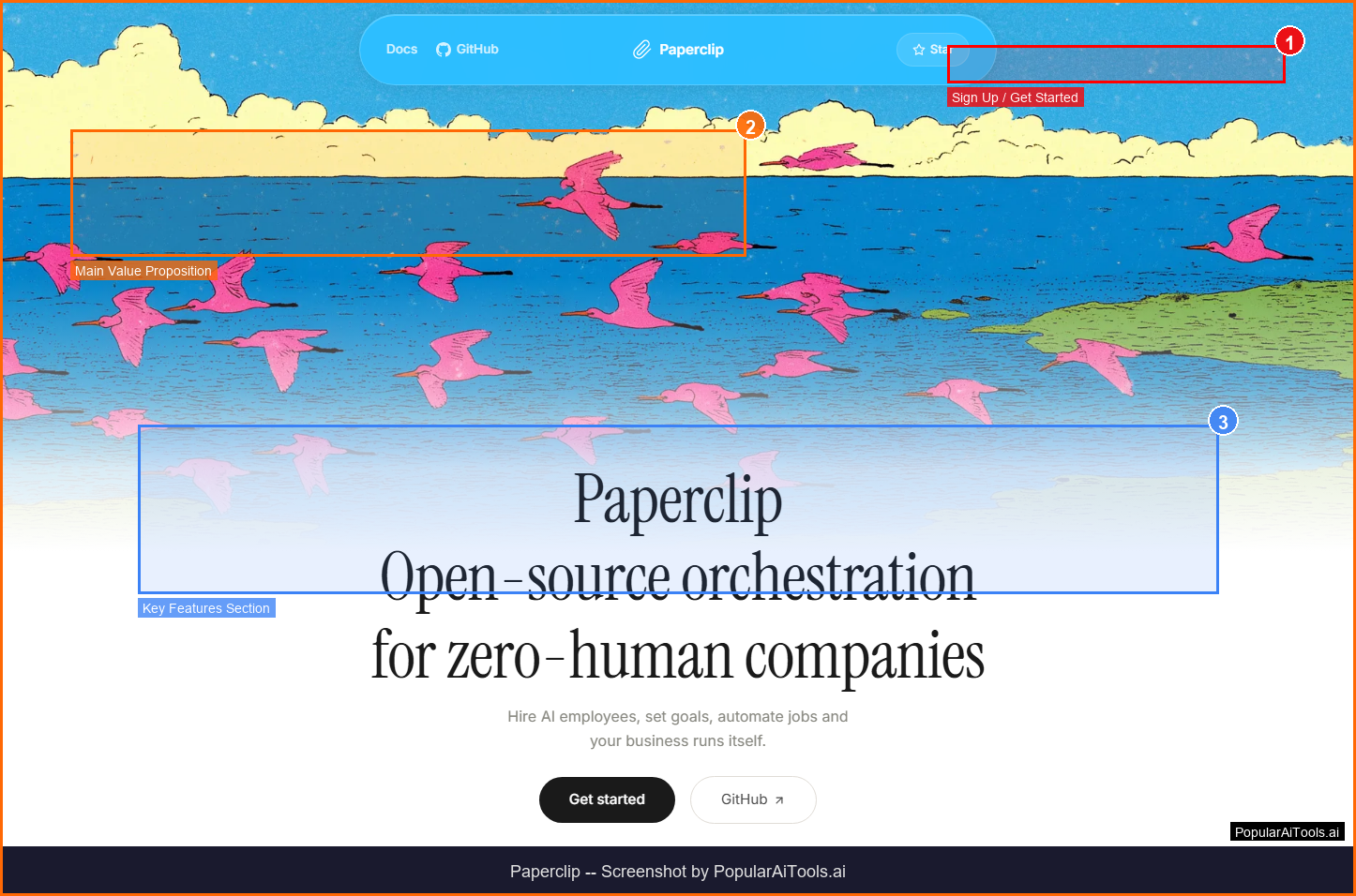
Paperclip
ai-chatbots
Paperclip: A self-hosted platform that orchestrates autonomous AI-driven companies by hiring, organizing, and coordinating LLM- or agent-based workers.

flompt
ai-chatbots
Related Articles
10 Claude Code Skills, Plugins & CLIs to Install on Day One (April 2026)
Starting Claude Code from scratch in 2026? Install these 10 skills, plugins, and CLIs on day one — Codex CLI, Obsidian, Autoresearch, Firecrawl, Playwright, NotebookLM, Skill Creator, RAG-Anything, Google Workspace CLI, and awesome-design-md. Full install commands included.
We Tested 24 AI Models Inside Claude Code: The 2026 Tier List
We swapped 24 different AI models into Claude Code and ran identical tool-call tests on each. Here's the S-tier-to-D-tier ranking, real cost comparison, and the single best Claude Sonnet 4.6 alternative for 2026 — including the GLM 4.6 sleeper pick that matched Sonnet at 15% the cost.
Claude as a Creative Studio: Make Ads, Images, and Video From One Chat (2026)
Claude doesn't generate raster images natively, but in 2026 it's the smartest creative director on Earth — orchestrating Nano Banana 2, Sora 2, Runway, Higgsfield, Remotion, and VEED into a single ad-and-video factory. The full stack, the variant matrix trick, and how to build a YouTube Shorts factory.