
TL;DR -- Constructable Review
Rating: 4.0/5
Best For: Commercial construction teams seeking a simplified, all-in-one management platform with predictable pricing
Pricing: Flat-rate monthly pricing with unlimited users, collaborators, projects, support, and onboarding included.
Verdict: Constructable takes a refreshingly simple approach to construction management. The unlimited users and flat-rate pricing model removes the per-seat cost anxiety that plagues competitors, while the all-inclusive onboarding ensures teams actually adopt the tool. It lacks the massive ecosystem of Procore but compensates with simplicity and cost predictability.
Table of Contents
What is Constructable?
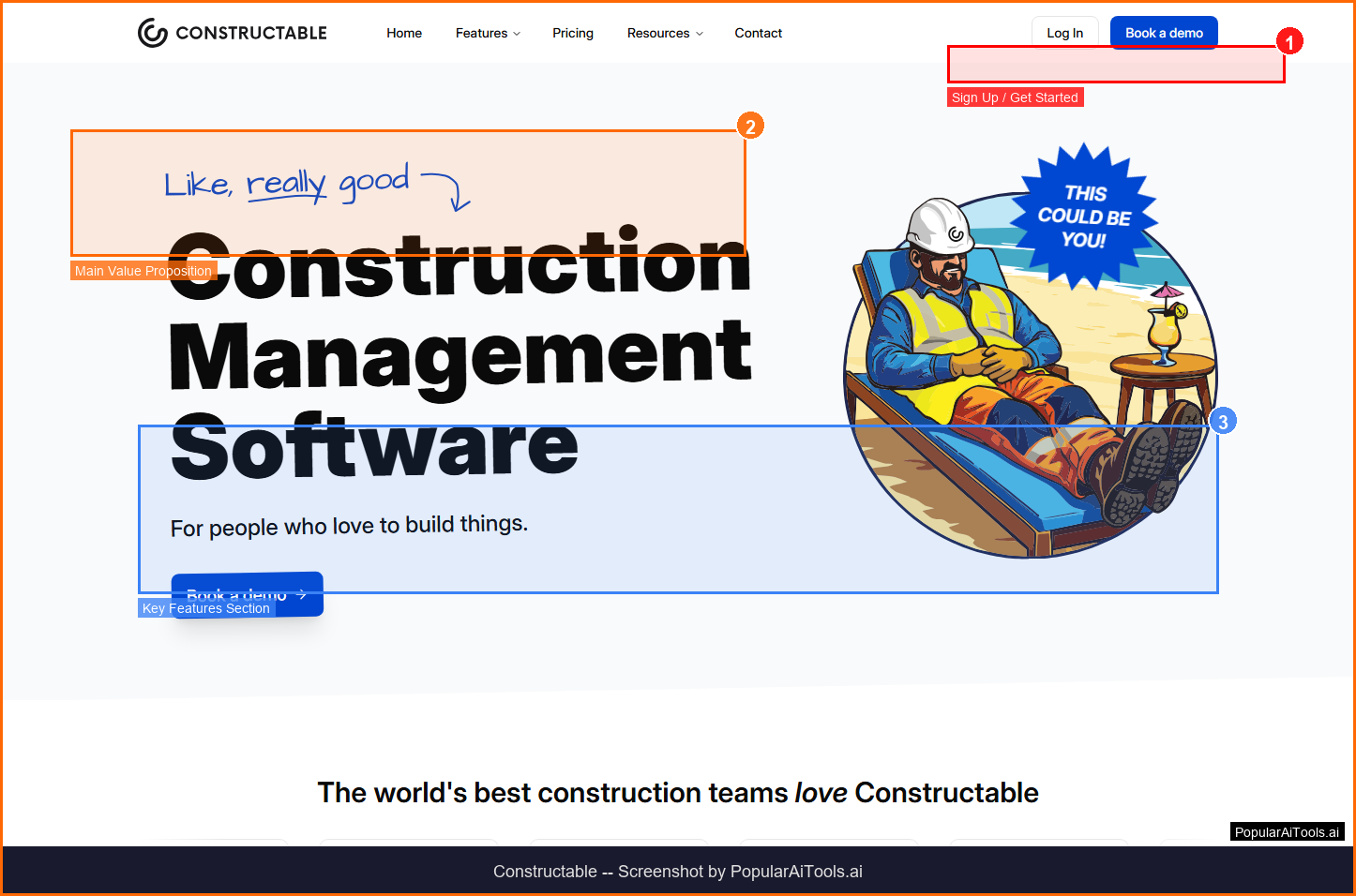
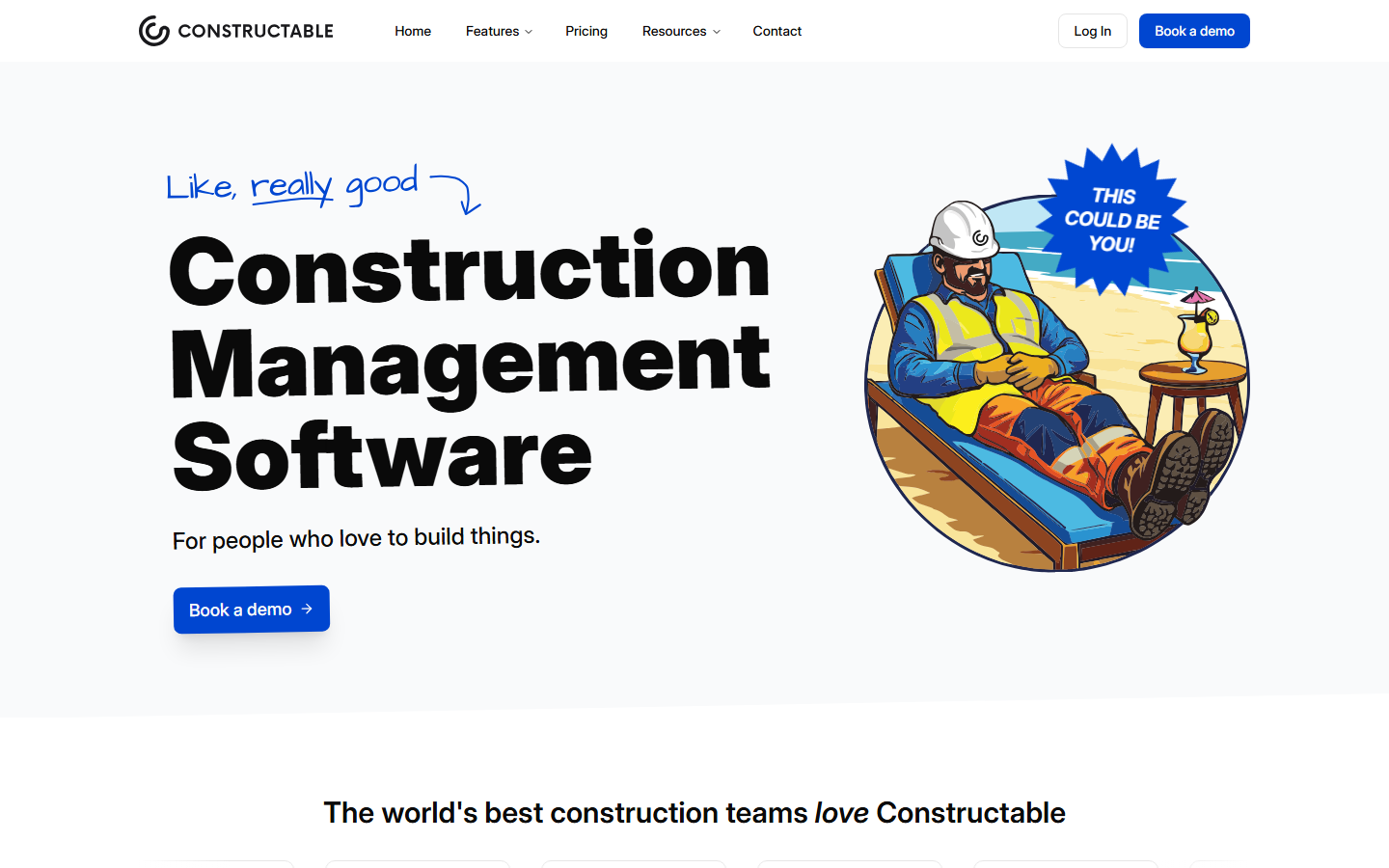
Constructable is an all-in-one construction management platform that streamlines project workflows with simplified processes and predictable monthly pricing. Built specifically for commercial construction teams, every feature is designed to help teams focus on building while the software handles budgets, documents, and collaboration.
Constructable falls into the AI Construction category and is designed for commercial construction teams seeking a simplified, all-in-one management platform with predictable pricing. In this review, we will explore its features, pricing, pros and cons, and how it compares to alternatives in the market.
Key Features
Here are the standout features that make Constructable worth considering:
Real-Time Budget Visibility
Track commitments, owner contracts, manage change orders, and process invoices with integrated financial workflows.
Document Management
Centralized document storage with version control, automated workflows, and team-wide access across devices.
Cross-Device Performance
Built for high performance across phones, tablets, and computers so teams can work from anywhere.
Unlimited Users & Projects
All plans include unlimited users, collaborators, projects, support, and onboarding at a flat monthly rate.
Data Migration Support
Full data migration, archiving, and onboarding handled by the Constructable team to get you running fast.
How to Use Constructable
Getting started with Constructable is straightforward. Here is the typical workflow:
1
Visit the Website
Go to https://www.constructable.ai and create your account. Most tools offer a free tier or trial to get started.
2
Explore the Dashboard
Familiarize yourself with Constructable's interface, settings, and available features. The onboarding flow will guide you through initial setup.
3
Configure Your Workflow
Set up Constructable for your specific use case. Connect integrations, customize settings, and configure any automations.
4
Start Using & Iterate
Begin using Constructable for real tasks. Monitor results, adjust settings, and scale usage as you become comfortable.

Pricing Plans
Flat-rate monthly pricing with unlimited users, collaborators, projects, support, and onboarding included.
| Plan | Price | Includes |
|---|---|---|
| Standard | Contact Sales | Unlimited users, projects, full support |
| Professional | Contact Sales | Advanced features, priority support |
| Enterprise | Contact Sales | Custom deployment, dedicated account manager |
Pros and Cons
Pros
- ✓ Unlimited users and projects at a flat monthly rate
- ✓ Full onboarding and data migration included
- ✓ Cross-device support for field and office teams
- ✓ Purpose-built for commercial construction
Cons
- ✗ Pricing not publicly listed
- ✗ Smaller ecosystem compared to Procore or Autodesk
- ✗ May lack specialized features for residential construction

Constructable Alternatives
If Constructable does not fit your needs, here are some alternatives worth considering:
| Alternative | Description |
|---|---|
| Procore | Enterprise construction management platform |
| Buildertrend | Residential and commercial project management |
| CoConstruct | Custom home builder management |
| PlanGrid | Construction productivity software |
Final Verdict
Constructable takes a refreshingly simple approach to construction management. The unlimited users and flat-rate pricing model removes the per-seat cost anxiety that plagues competitors, while the all-inclusive onboarding ensures teams actually adopt the tool. It lacks the massive ecosystem of Procore but compensates with simplicity and cost predictability.

Frequently Asked Questions
What is Constructable?
Constructable is an all-in-one construction management software with simplified workflows, unlimited users, and predictable monthly pricing.
How much does Constructable cost?
Constructable uses flat-rate monthly pricing with all features included. Contact sales for specific pricing.
Does Constructable include onboarding?
Yes, full data migration, archiving, and onboarding are handled by the Constructable team at no extra cost.
Can I use Constructable on mobile?
Yes, it is built for high performance across phones, tablets, and computers.
Is there a limit on users?
No, all plans include unlimited users, collaborators, and projects.
What kind of construction is Constructable built for?
Constructable is designed specifically for commercial construction teams.
Does Constructable handle financial management?
Yes, it includes real-time budget tracking, change order management, and invoice processing.
How do I get support?
Direct access to the support team is available via chat, email, or phone with screen sharing and walkthroughs.
Review by PopularAiTools.ai | Last updated: March 21, 2026
Get Premium AI Tool Insights
Subscribe to get weekly curated AI tool recommendations, exclusive deals, and early access to new tool reviews.
Related Tools

Chartcastr
ai-data
Updated March 2026 · 11 min read · By PopularAiTools.ai

openProd.io
ai-data
openProd.io: AI-native platform that extracts, cleans, normalizes, and enriches product data from supplier files and exports validated data to PIMs.

TubeSpark
ai-data
A tool to generate YouTube ideas, scripts, analytics.

mia
ai-data
A tool to monitor competitors and generate market insights.
Related Articles
Suno v6 Intro and Ending Prompts: Unwanted Humming, Long Outros and Cut-Off Lyrics (2026)
Fix the edges of a Suno v6 track: three pasteable intro and outro templates, the documented Exclude field for unwanted humming, the arithmetic behind cut-off lyrics, and when to edit in Studio instead.
Suno v6 Keeps Changing Your Prompt? Variety, Style Influence and Weirdness Explained (2026)
Suno v6 rewrites your style prompt through the new Variety slider, and Suno documents the fix. What Variety, Style Influence, Weirdness and Max Mode each do, with a one-control-at-a-time worksheet.
Suno v6 Rock Prompts: Keep Guitar Riffs and Drums Alive Through the Verse (2026)
Why a strong Suno v6 rock intro turns into an empty verse, and how to fix it with a section-by-section instrument map, the Exclude field, pasteable rock and metal prompts and an A/B rubric.