
⚡ TL;DR — Emdash Review
Emdash is an open-source agentic development environment (YC W26) that lets you run multiple AI coding agents in parallel, each isolated in its own Git worktree. It supports 21+ CLI-based agents inclu...
📝 Table of Contents
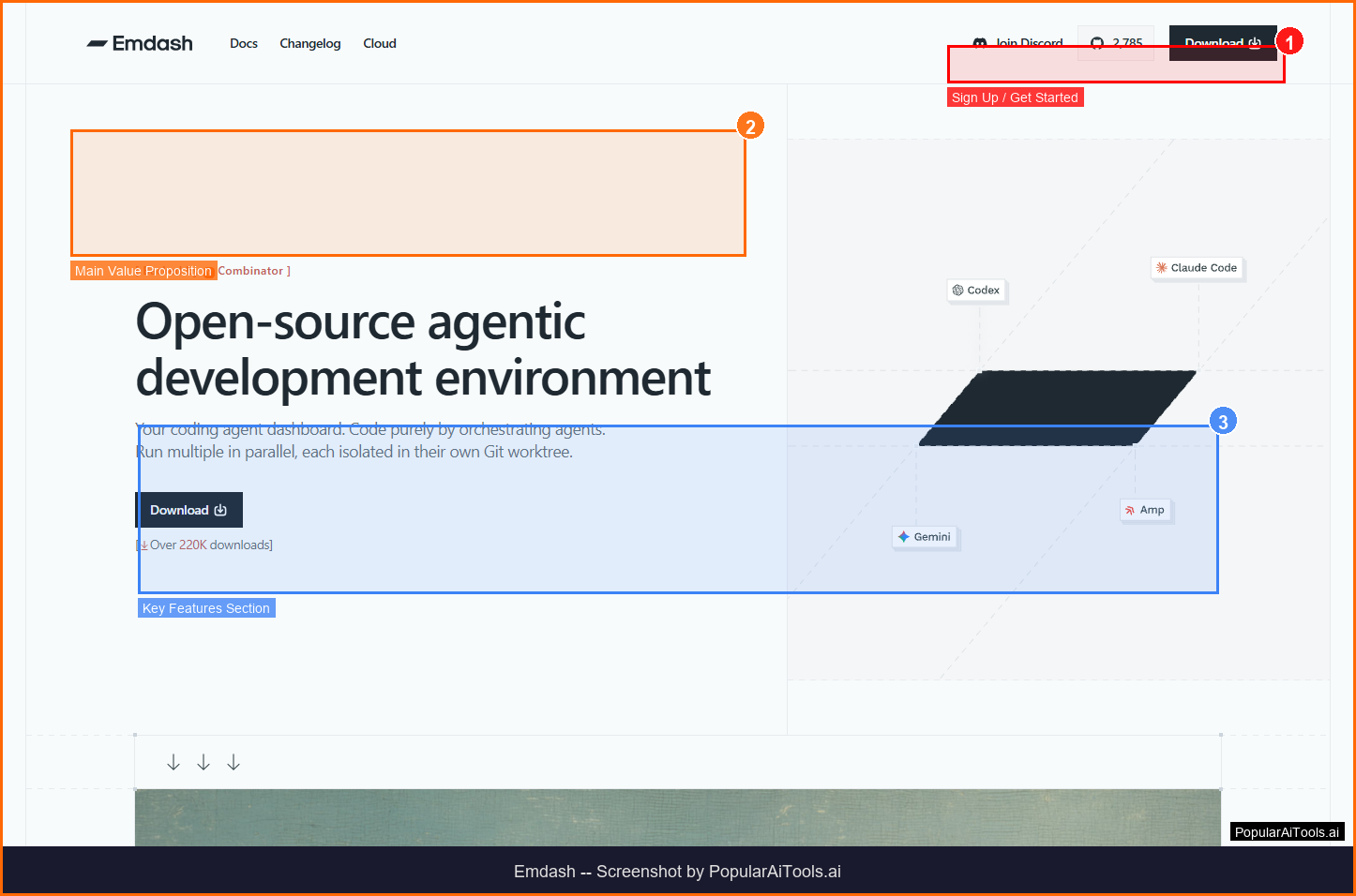
Emdash homepage — Screenshot by PopularAiTools.ai
What is Emdash?
Emdash is an open-source agentic development environment (YC W26) that lets you run multiple AI coding agents in parallel, each isolated in its own Git worktree. It supports 21+ CLI-based agents including Claude Code, Codex, Gemini, and more — allowing developers to parallelize feature development and compare results.
As an AI-powered tool in the AI Coding category, Emdash is designed to streamline workflows and boost productivity for its target users. Whether you're a startup founder, content creator, developer, or marketer, Emdash aims to eliminate repetitive tasks and let you focus on what matters most.
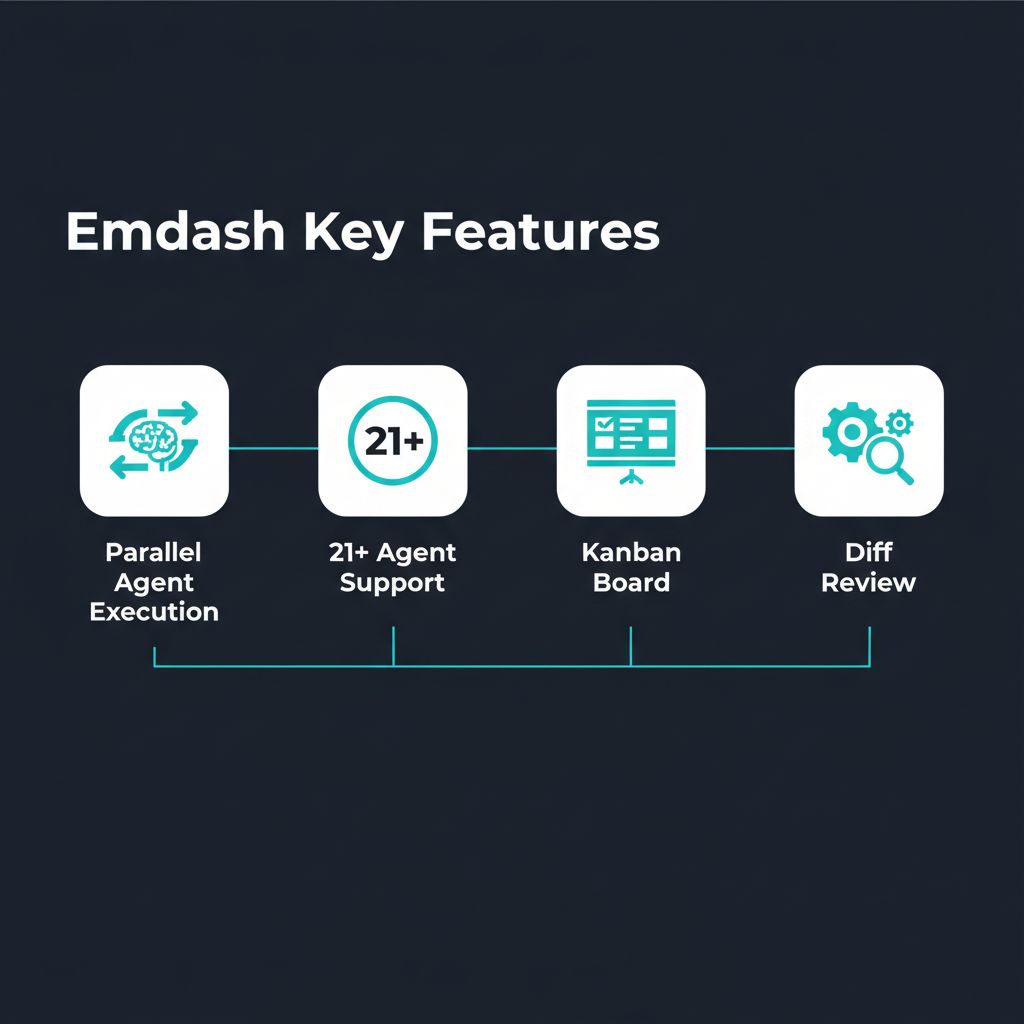
Key Features of Emdash
Here are the standout features that make Emdash worth your attention:
1. Parallel Agent Execution
Run multiple AI coding agents simultaneously, each in its own isolated Git worktree
2. 21+ Agent Support
Works with Claude Code, Codex, Gemini, Qwen Code, Amp, OpenCode, and more
3. Kanban Task Board
Organize development tasks visually with built-in Kanban view
4. Side-by-Side Diff Review
Compare code changes from different agents with integrated diff viewer
5. Issue Tracker Integration
Pull tasks directly from Linear, Jira, or GitHub Issues
6. CI/CD Integration
View CI/CD check results, create PRs, and merge code directly from the app

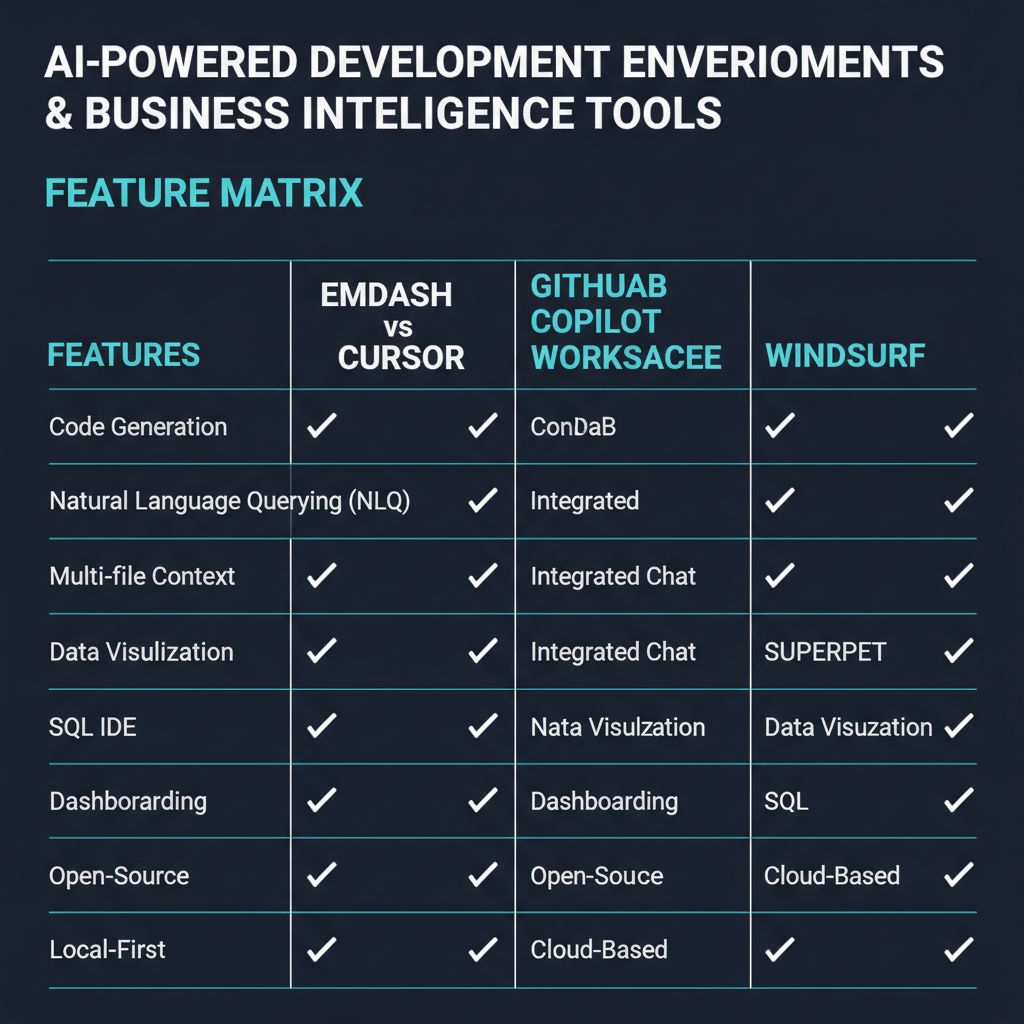
Emdash Key Features Overview
How to Use Emdash: Step-by-Step Guide
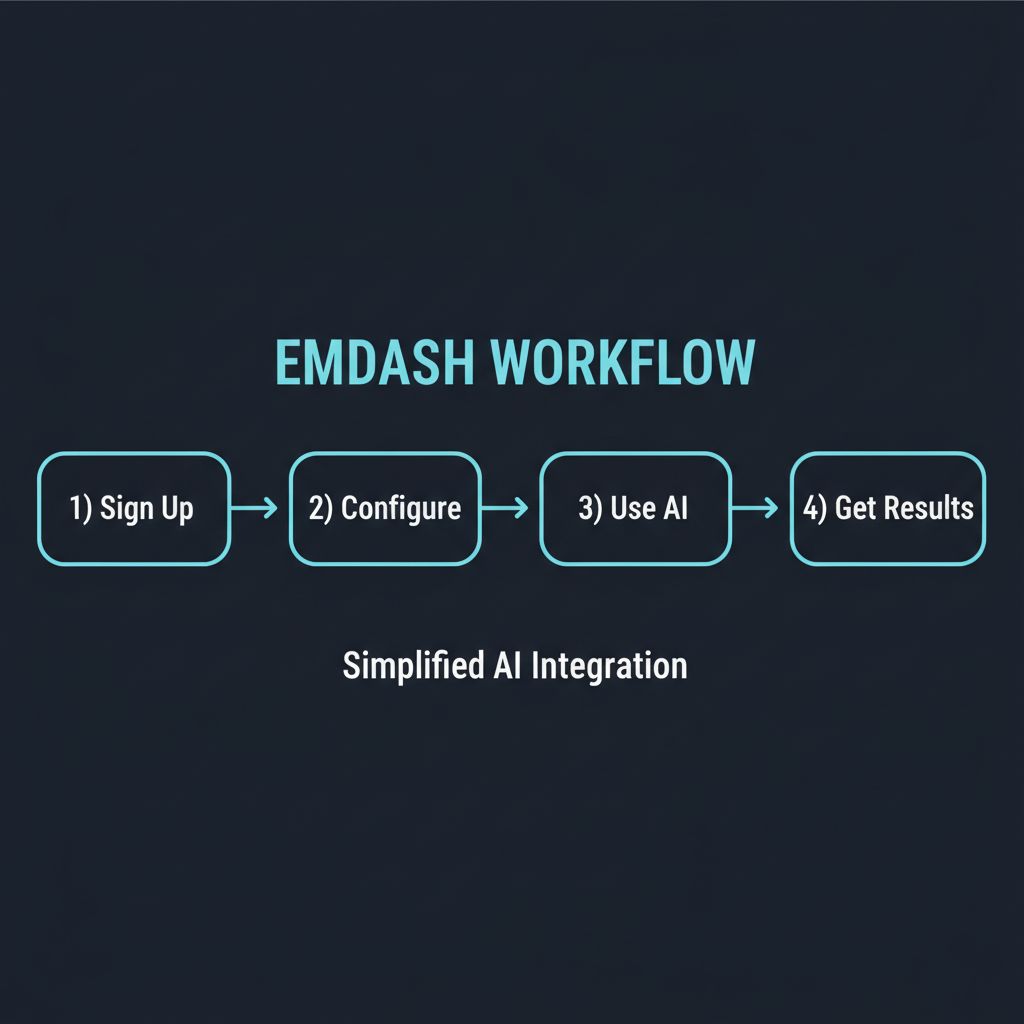
Getting started with Emdash is straightforward. Here's a complete walkthrough:
1
Visit https://www.emdash.sh and create an account
2
Complete the onboarding process and set up your profile
3
Explore the main dashboard and familiarize yourself with Emdash's interface
4
Try the core feature: Parallel Agent Execution
5
Experiment with additional features like 21+ Agent Support and Kanban Task Board
6
Review results and adjust settings to optimize your workflow
7
Upgrade to a paid plan if the free tier doesn't meet your needs
How to Get Started with Emdash
Emdash Pricing Plans
Here's a complete breakdown of Emdash's pricing structure:
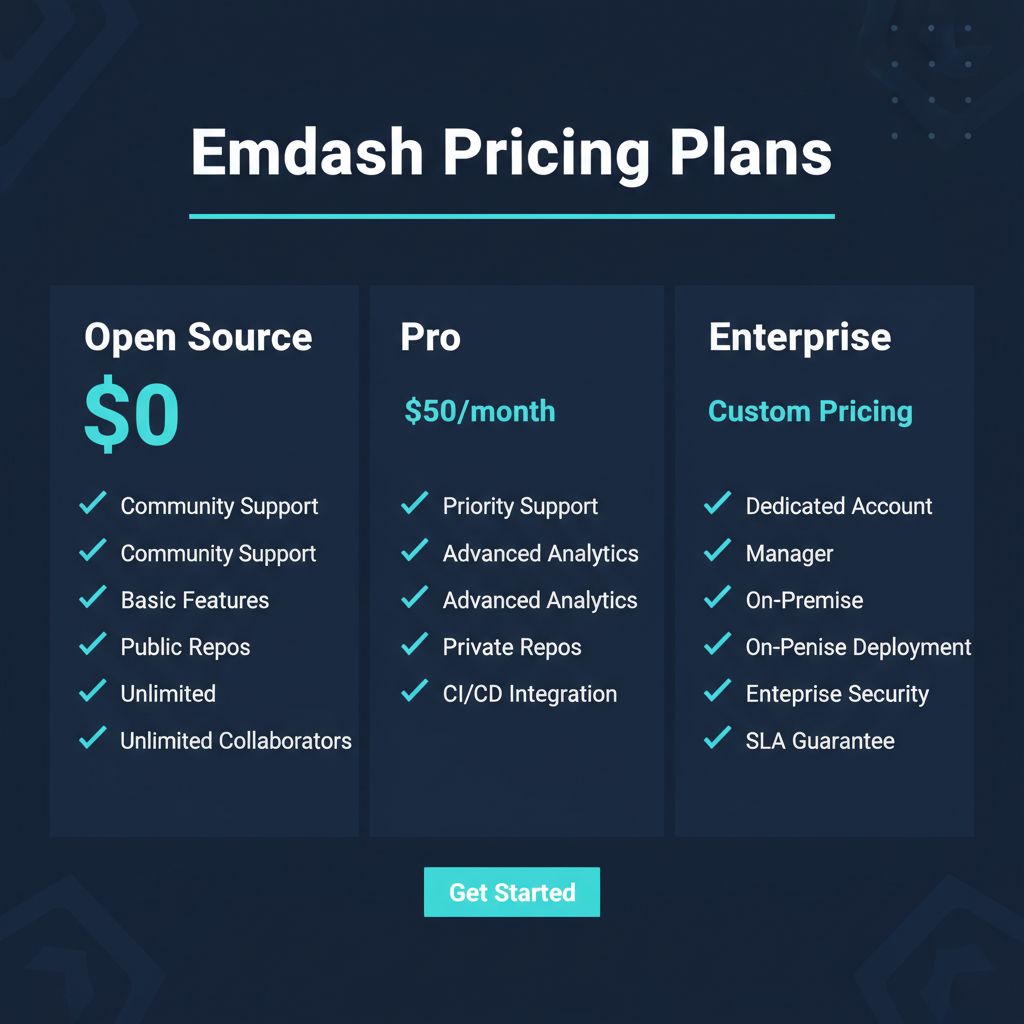
Emdash Pricing Plans Breakdown

Pros and Cons
👍 Pros
- ✓ Completely free and open source
- ✓ Supports 21+ coding agents
- ✓ Git worktree isolation prevents conflicts
- ✓ Kanban + diff review built in
- ✓ Y Combinator backed (W26)
- ✓ 60K+ downloads already
👎 Cons
- ✗ Requires local setup and configuration
- ✗ Learning curve for multi-agent workflows
- ✗ Cloud/team features not yet available
- ✗ Best suited for experienced developers
Best Emdash Alternatives
If Emdash isn't the right fit, here are the top alternatives worth considering:

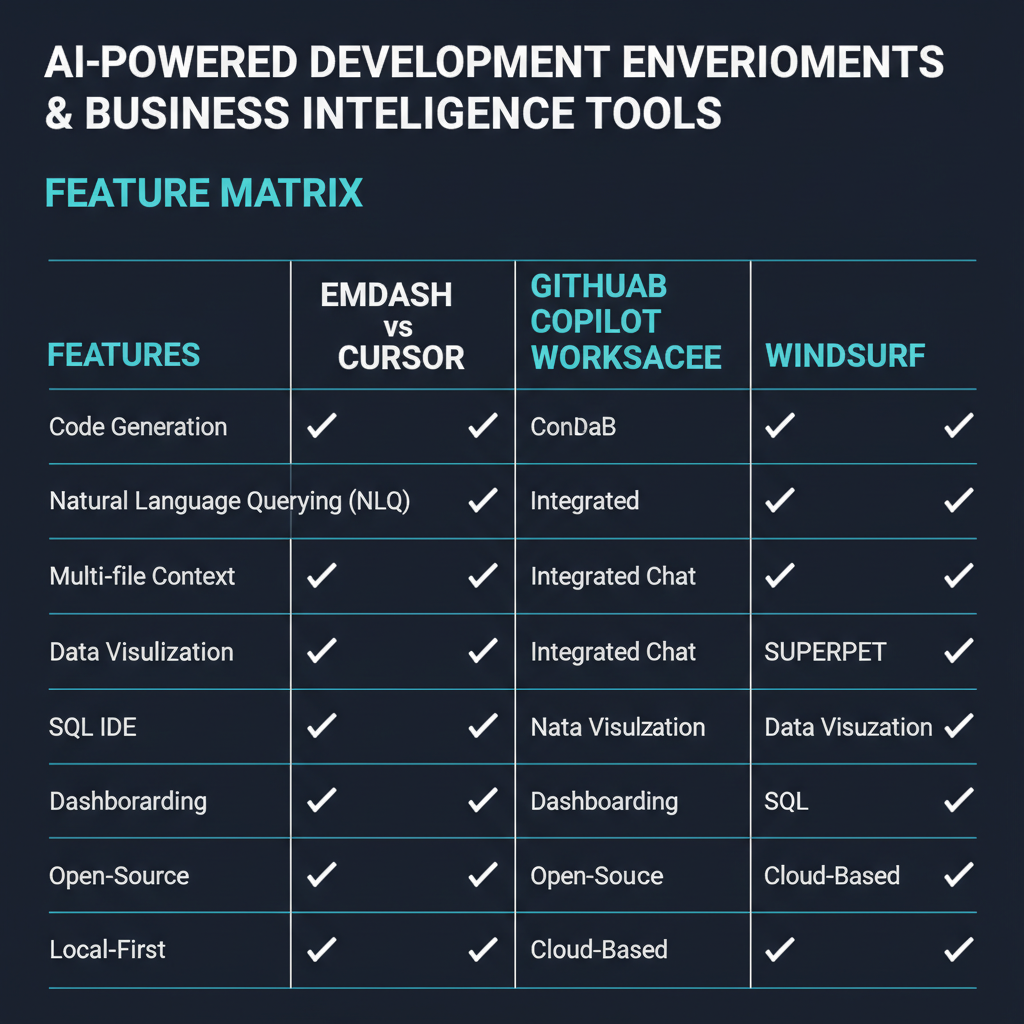
Emdash vs Alternatives Comparison
Final Verdict: Is Emdash Worth It?
★★★★☆
4.6/5
Emdash is a game-changer for developers who want to leverage multiple AI coding agents without the chaos. The Git worktree isolation is brilliant — it solves the fundamental problem of running parallel agents. Being open source and YC-backed gives it credibility and long-term viability. If you're a developer using AI coding tools, Emdash should be in your toolkit.
Frequently Asked Questions
What is Emdash?
Emdash is an open-source desktop app that lets you run multiple AI coding agents in parallel, each in its own Git worktree.
Is Emdash free?
Yes. Emdash is completely free and open source under an open license.
What AI agents does Emdash support?
Emdash supports 21+ CLI agents including Claude Code, Codex, Gemini, Qwen Code, Amp, and OpenCode.
How does Git worktree isolation work?
Each agent works in its own Git worktree, so they can make changes simultaneously without interfering with each other.
Can I use Emdash with my existing IDE?
Yes. Emdash runs alongside your IDE — it manages agents and worktrees while you continue using your preferred editor.
Does Emdash require an API key?
You need API keys for the AI providers you want to use (e.g., Anthropic for Claude Code, OpenAI for Codex).
Can I run Emdash remotely?
Yes. Emdash supports running agents over SSH on remote machines.
Is Emdash backed by Y Combinator?
Yes. Emdash is part of Y Combinator's W26 batch and has already surpassed 60,000 downloads.
Ready to Try Emdash?
Join thousands of users already using Emdash to transform their workflow.
Get Started Free →This review was last updated on March 21, 2026. PopularAiTools.ai independently reviews AI tools and may earn commissions from qualifying purchases.
Get Premium AI Tool Insights
Subscribe to get weekly curated AI tool recommendations, exclusive deals, and early access to new tool reviews.
Related Tools
V
VideoProc Converter AI
ai-coding

Relia
ai-coding
AI-powered Chrome extension that audits code flow, catches hallucinations in AI-generated code, and flags security vulnerabilities before they ship.

Git AutoReview
ai-coding
Updated March 2026 · 12 min read · By PopularAiTools.ai

Parallel Code
ai-coding
Free open-source desktop app that dispatches 10+ AI coding agents simultaneously across isolated git branches. Supports Claude Code, Codex CLI, and Gemini CLI. Keyboard-first Electron app with diff review workflow and QR code mobile monitoring. macOS + Linux. MIT license.
Related Articles
10 Claude Code Skills, Plugins & CLIs to Install on Day One (April 2026)
Starting Claude Code from scratch in 2026? Install these 10 skills, plugins, and CLIs on day one — Codex CLI, Obsidian, Autoresearch, Firecrawl, Playwright, NotebookLM, Skill Creator, RAG-Anything, Google Workspace CLI, and awesome-design-md. Full install commands included.
We Tested 24 AI Models Inside Claude Code: The 2026 Tier List
We swapped 24 different AI models into Claude Code and ran identical tool-call tests on each. Here's the S-tier-to-D-tier ranking, real cost comparison, and the single best Claude Sonnet 4.6 alternative for 2026 — including the GLM 4.6 sleeper pick that matched Sonnet at 15% the cost.
Claude as a Creative Studio: Make Ads, Images, and Video From One Chat (2026)
Claude doesn't generate raster images natively, but in 2026 it's the smartest creative director on Earth — orchestrating Nano Banana 2, Sora 2, Runway, Higgsfield, Remotion, and VEED into a single ad-and-video factory. The full stack, the variant matrix trick, and how to build a YouTube Shorts factory.