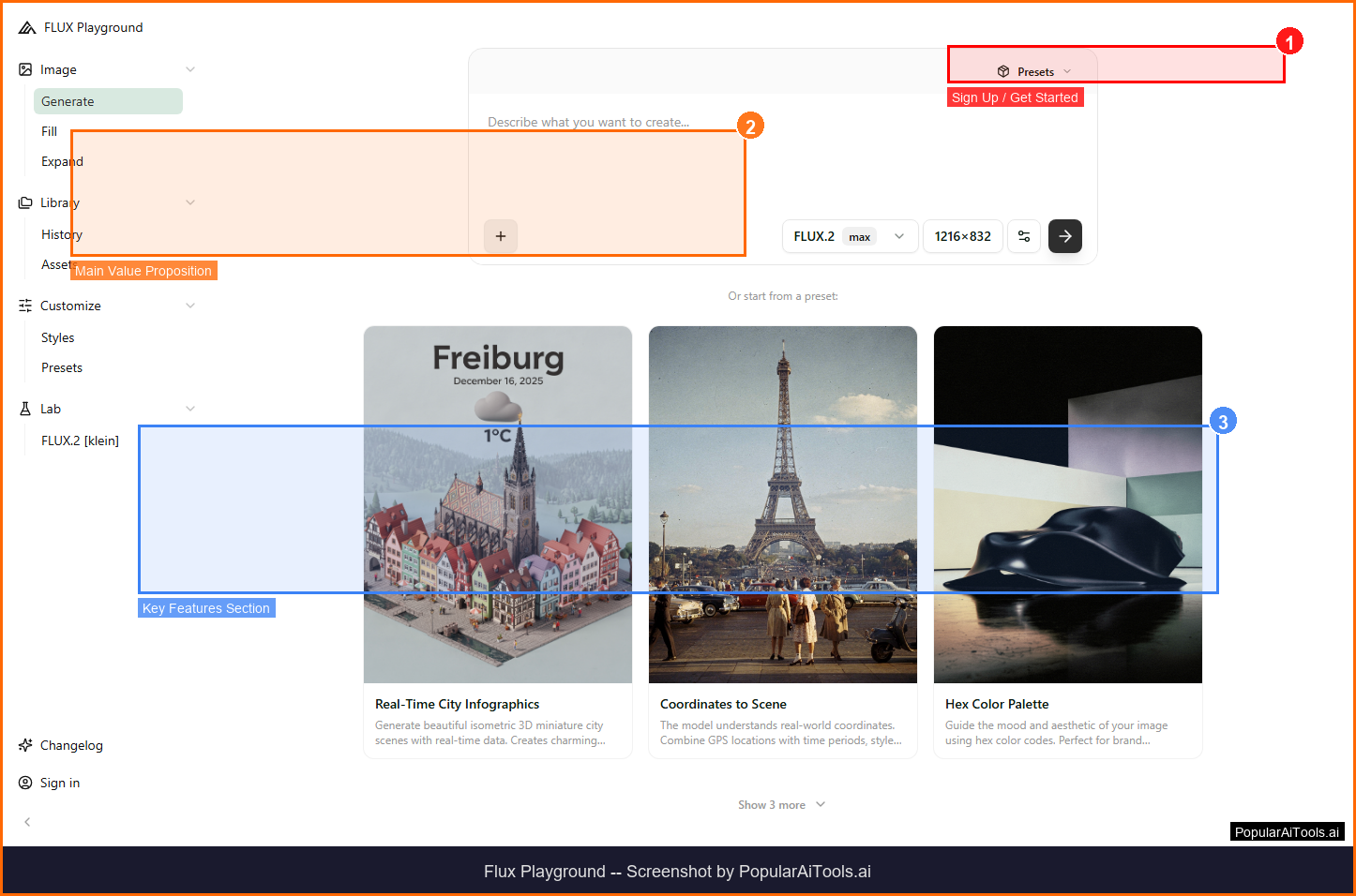

TL;DR -- Flux Playground Review
Rating: 4.4/5
Best For: Creators and developers who want access to FLUX's state-of-the-art image generation models with fine-tuning capabilities
Pricing: Free tier with FLUX.1 schnell. Paid tiers (Basic, Pro, Max) for advanced models and features.
Verdict: Flux Playground gives direct access to some of the most capable image generation models available. The FLUX architecture's superior text rendering and prompt adherence set it apart from Midjourney and DALL-E in many scenarios. The free tier with FLUX.1 schnell is genuinely useful, and LoRA support opens up custom model training for consistent outputs.
Table of Contents
What is Flux Playground?
Flux Playground is an AI image generation platform built on Black Forest Labs' FLUX models. It lets users create and edit professional-quality images using text prompts and reference images, with fine-tuning capabilities, multiple aspect ratios, and support for LoRA custom models.

Flux Playground falls into the AI Image Generation category and is designed for creators and developers who want access to flux's state-of-the-art image generation models with fine-tuning capabilities. In this review, we will explore its features, pricing, pros and cons, and how it compares to alternatives in the market.
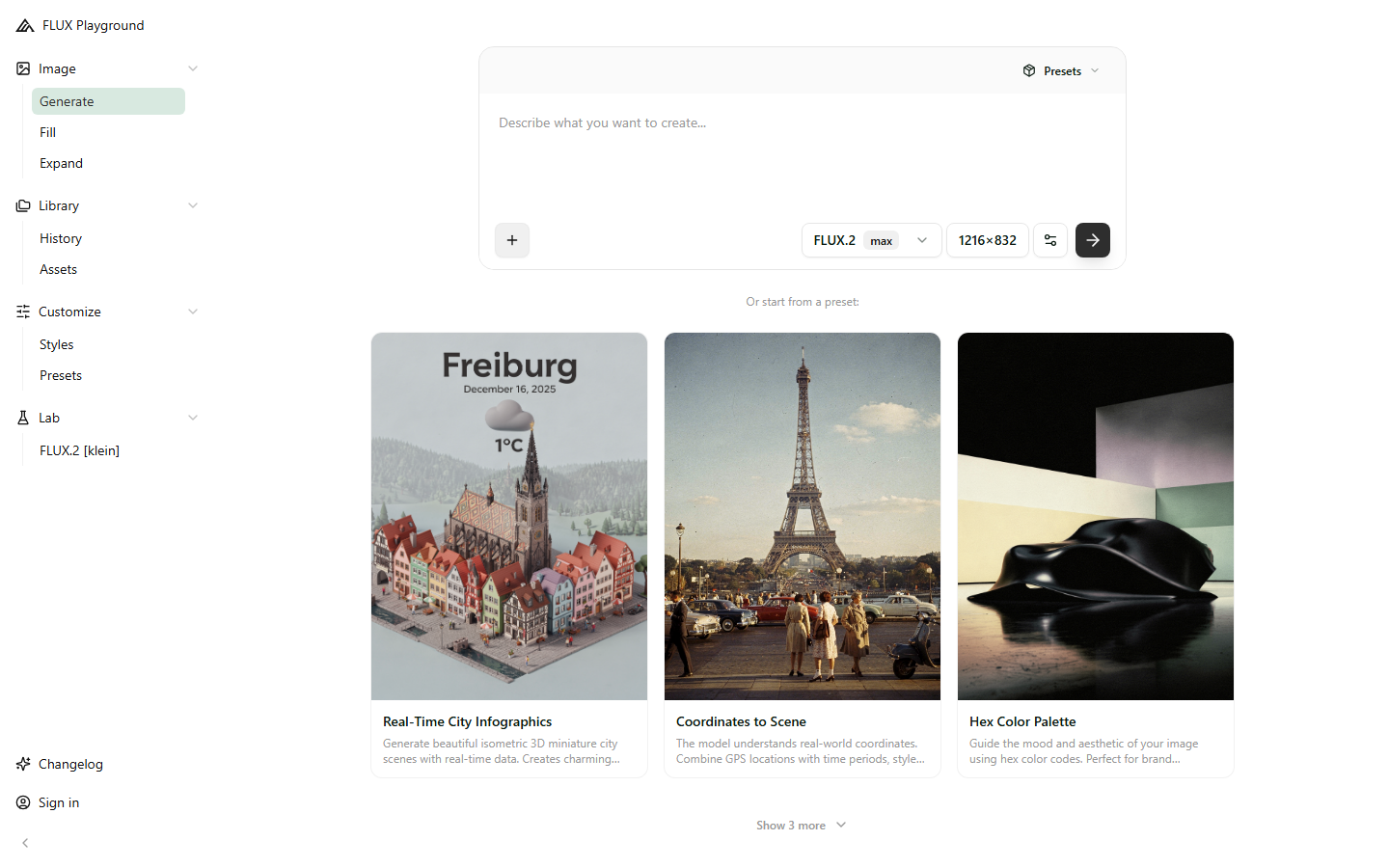
Key Features
Here are the standout features that make Flux Playground worth considering:
FLUX Model Access
Use FLUX.1 schnell (free), dev, and pro models for different quality and speed trade-offs.
Text-to-Image
Generate 1024x1024 images from detailed text prompts with superior prompt adherence.
Kontext Editing
Transform existing images with zero-prompt presets using Kontext Komposer.
LoRA Support
Fine-tune image generation with custom LoRA models for consistent character and style output.
Multi-Aspect Ratio
Trained on various aspect ratios for better handling of different dimensions.
How to Use Flux Playground
Getting started with Flux Playground is straightforward. Here is the typical workflow:
1
Visit the Website
Go to https://fluxplayground.com and create your account. Most tools offer a free tier or trial to get started.
2
Explore the Dashboard
Familiarize yourself with Flux Playground's interface, settings, and available features. The onboarding flow will guide you through initial setup.
3
Configure Your Workflow
Set up Flux Playground for your specific use case. Connect integrations, customize settings, and configure any automations.
4
Start Using & Iterate
Begin using Flux Playground for real tasks. Monitor results, adjust settings, and scale usage as you become comfortable.

Pricing Plans
Free tier with FLUX.1 schnell. Paid tiers (Basic, Pro, Max) for advanced models and features.

| Plan | Price | Includes |
|---|---|---|
| Free | $0 | FLUX.1 schnell, limited generations |
| Basic | ~$10/mo | FLUX.1 dev access, more generations |
| Pro | ~$25/mo | FLUX.1 pro, priority generation |
| Max | ~$50/mo | All models, highest limits, API access |
Pros and Cons
Pros
- ✓ Free tier with professional-grade FLUX.1 schnell
- ✓ Superior text rendering in images
- ✓ LoRA fine-tuning for consistent characters
- ✓ Kontext editing without prompts
Cons
- ✗ Free tier has generation limits
- ✗ Advanced models require paid subscription
- ✗ Less intuitive than drag-and-drop design tools
Flux Playground Alternatives
If Flux Playground does not fit your needs, here are some alternatives worth considering:
| Alternative | Description |
|---|---|
| Midjourney | AI art generation platform |
| DALL-E 3 | OpenAI image generation |
| Leonardo AI | AI image generation suite |
| Ideogram | AI image generation with text |
Final Verdict
Flux Playground gives direct access to some of the most capable image generation models available. The FLUX architecture's superior text rendering and prompt adherence set it apart from Midjourney and DALL-E in many scenarios. The free tier with FLUX.1 schnell is genuinely useful, and LoRA support opens up custom model training for consistent outputs.

Frequently Asked Questions
What is Flux Playground?
Flux Playground is an AI image generation platform using Black Forest Labs' FLUX models for text-to-image creation and editing.
Is Flux Playground free?
Yes, the free tier provides access to FLUX.1 schnell for professional-grade image generation.
What is FLUX.1 schnell?
It is the free, fast model in the FLUX family that provides professional-grade image generation.
Does Flux support text in images?
Yes, FLUX models are known for superior text rendering within generated images.
What is LoRA support?
LoRA lets you fine-tune models with custom images for consistent character and style generation.
What is Kontext Komposer?
A feature that transforms images using presets without requiring text prompts.
What image sizes are supported?
Default is 1024x1024 with support for various aspect ratios.
Can I use Flux via API?
Yes, API access is available through various providers including fal.ai.
Review by PopularAiTools.ai | Last updated: March 21, 2026
Get Premium AI Tool Insights
Subscribe to get weekly curated AI tool recommendations, exclusive deals, and early access to new tool reviews.
Related Tools
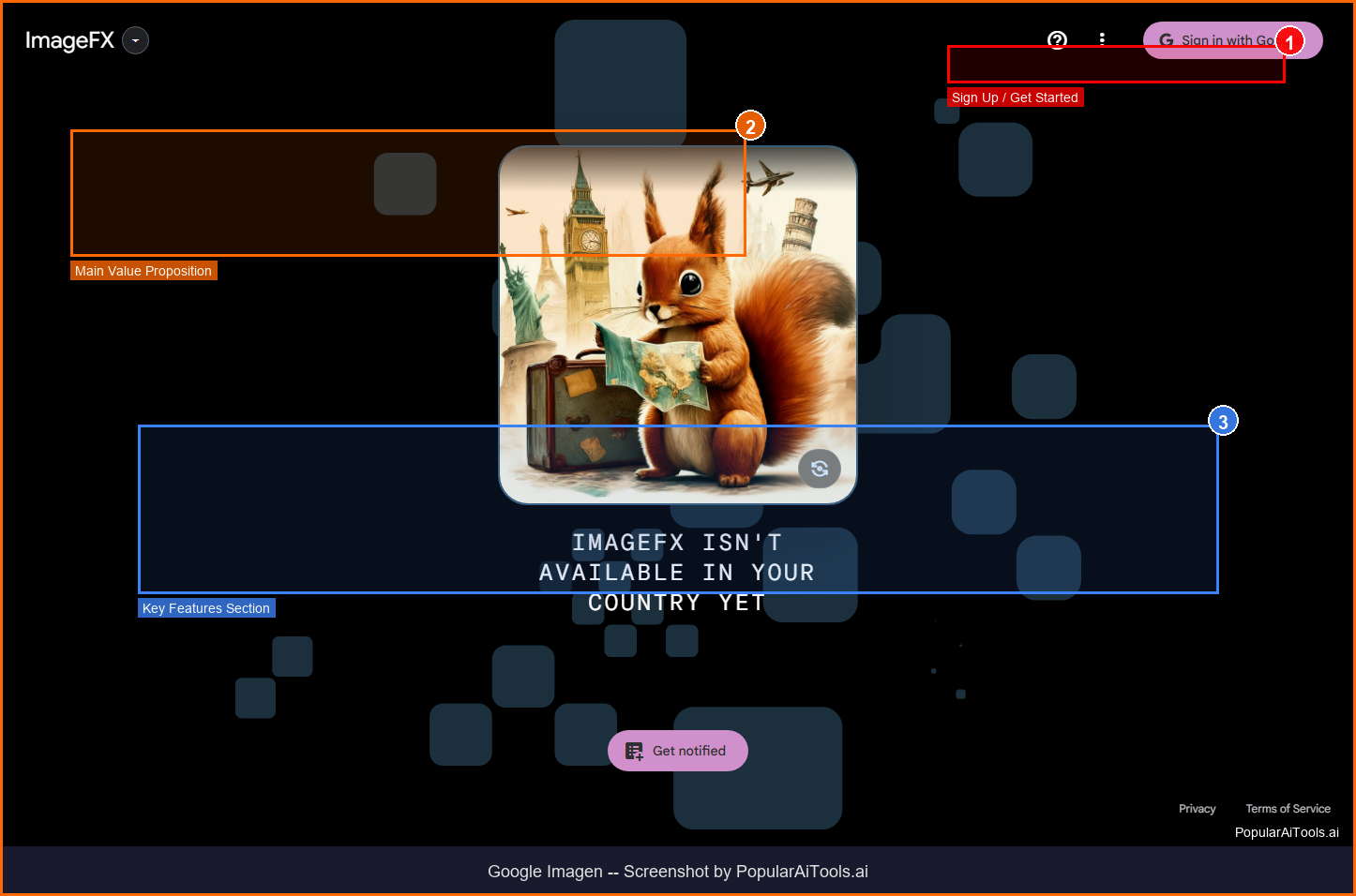
Google Imagen
ai-image
Updated March 2026 · 11 min read · By PopularAiTools.ai
Picsart
ai-image
Updated March 2026 · 11 min read · By PopularAiTools.ai
Adobe Firefly
ai-image
Updated March 2026 · 12 min read · By PopularAiTools.ai

Glam AI
ai-image
AI-powered photo and video generation platform that creates professional photoshoots from single photos, face-swapped lifestyle videos, 15-second realistic video with lip sync (Kling 3.0), and cinema-level video with sound (GROK IMAGINE). Features multiple AI models including Nano Banana 2, SEEDREAM 5.0, and Recraft v4 Pro.
Related Articles
10 Claude Code Skills, Plugins & CLIs to Install on Day One (April 2026)
Starting Claude Code from scratch in 2026? Install these 10 skills, plugins, and CLIs on day one — Codex CLI, Obsidian, Autoresearch, Firecrawl, Playwright, NotebookLM, Skill Creator, RAG-Anything, Google Workspace CLI, and awesome-design-md. Full install commands included.
We Tested 24 AI Models Inside Claude Code: The 2026 Tier List
We swapped 24 different AI models into Claude Code and ran identical tool-call tests on each. Here's the S-tier-to-D-tier ranking, real cost comparison, and the single best Claude Sonnet 4.6 alternative for 2026 — including the GLM 4.6 sleeper pick that matched Sonnet at 15% the cost.
Claude as a Creative Studio: Make Ads, Images, and Video From One Chat (2026)
Claude doesn't generate raster images natively, but in 2026 it's the smartest creative director on Earth — orchestrating Nano Banana 2, Sora 2, Runway, Higgsfield, Remotion, and VEED into a single ad-and-video factory. The full stack, the variant matrix trick, and how to build a YouTube Shorts factory.